













Cocktail Time-Freeze Rescue
MAGI 2 Video Generator: Turn Prompts and References into 30 Second Clips with Sound
Run MAGI 2 online and turn a prompt, a first and last frame, or a pack of image, video and audio references into one continuous 1080p scene. Characters follow your reference video, voices match their lips, and the music is generated with the picture.
4 to 30 seconds • 1080p • Text, frames and reference modes • Native audio
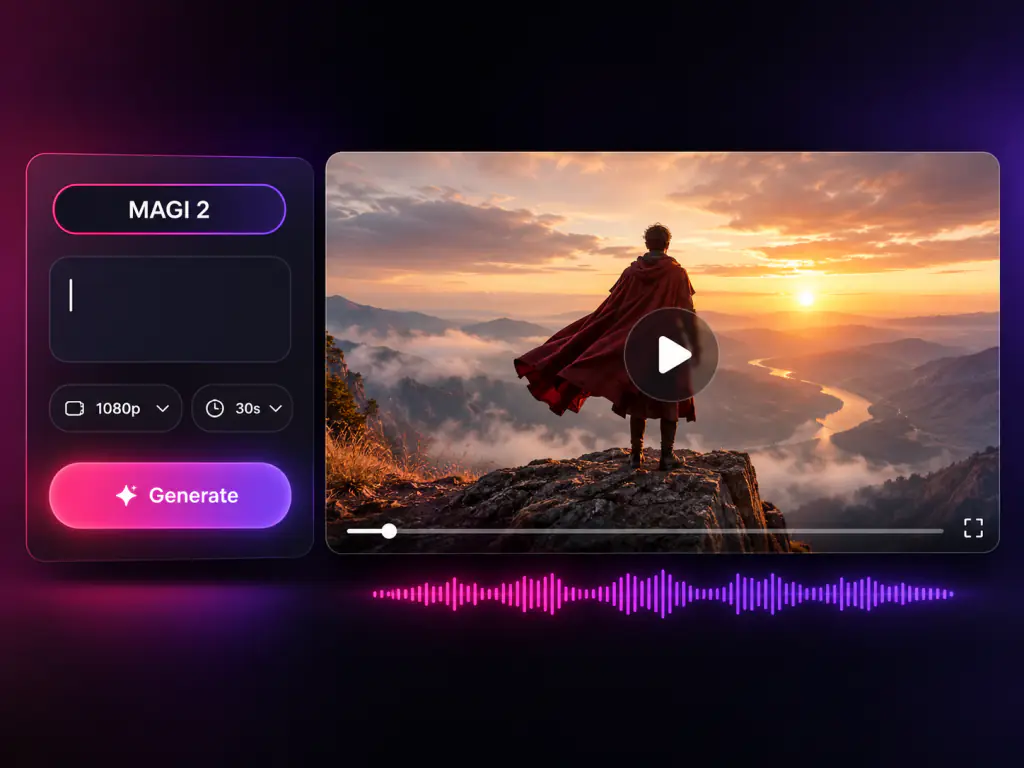
What is MAGI 2?
MAGI 2 is the flagship video model from Sand AI, launched on November 24, 2026 as the successor to MAGI 2 Preview and MAGI 1. People search it as magi 2, magi 2.0, magi-2 or magi 2 ai. Built on a 480B Mixture of Experts with about 28B active parameters and trained on 4T tokens, it handles text, video and audio in one stream, so motion, lip sync and sound evolve together. One generation runs up to 30 seconds at 1080p, follows up to 20 reference files, and can plan its own shot changes. Creators who know Seedance 2.5 will find MAGI 2 especially strong at image to video and reference driven scenes. The generator at the top of this page runs it in your browser.
What the MAGI 2 Video Model Can Do
Three input modes, native audio, 30 second takes and sharp 1080p output
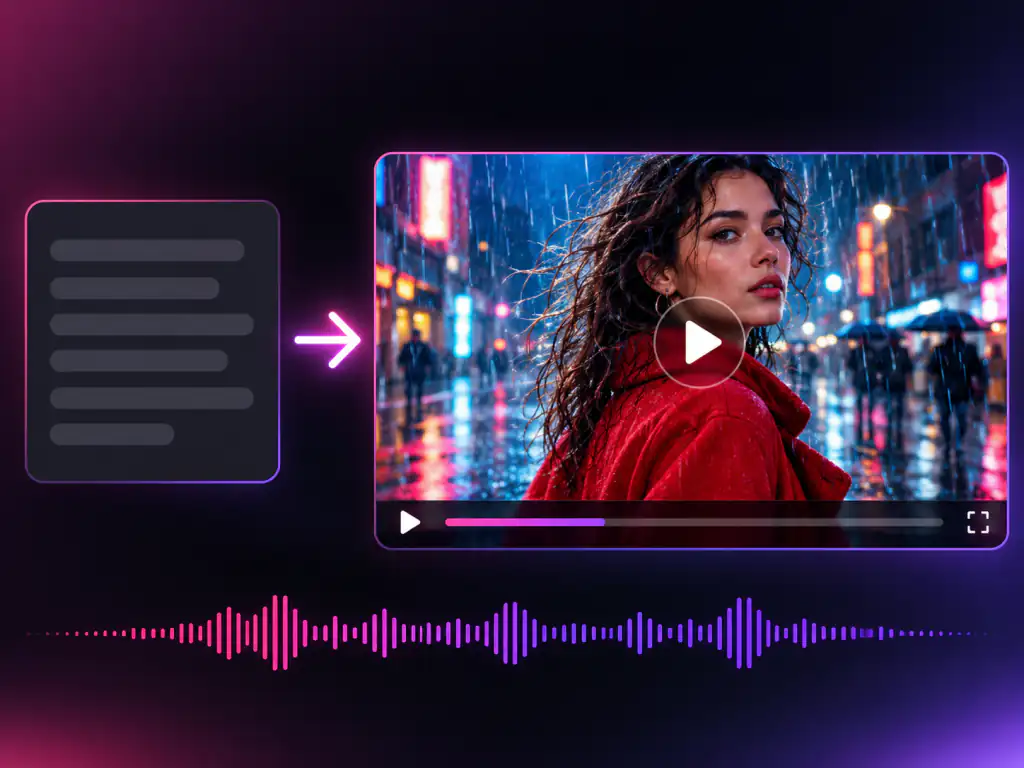
MAGI 2 Text to Video
- Long, detailed prompts with dialogue and sound cues
- Camera moves like tracking, orbit and dolly
- Sound generated in the same pass
- Works best with prompts written in English
Who Uses the MAGI 2 Generator?
Teams that need finished videos with sound, without a shoot or a render farm
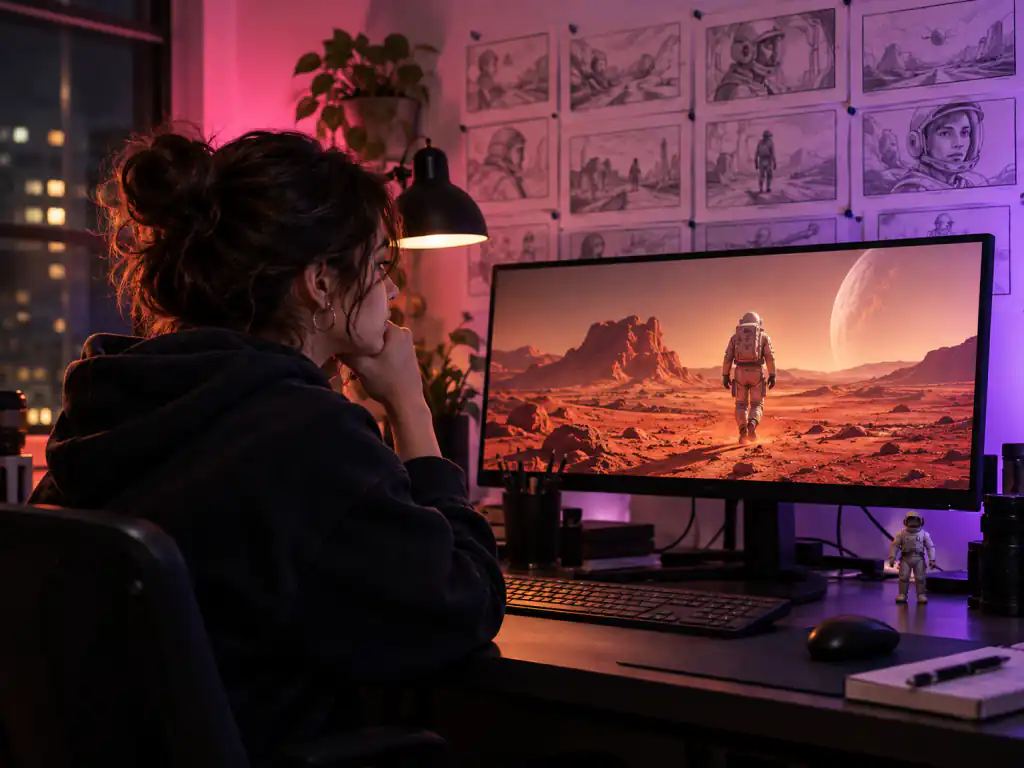
AI Filmmakers
Turn a script into a 30 second scene with dialogue, camera moves and sound, then cut the best takes into a short film or trailer.

Ecommerce Sellers and Brands
Feed product photos in as references and get commercial style clips where the bottle, shoe or gadget keeps its exact look.
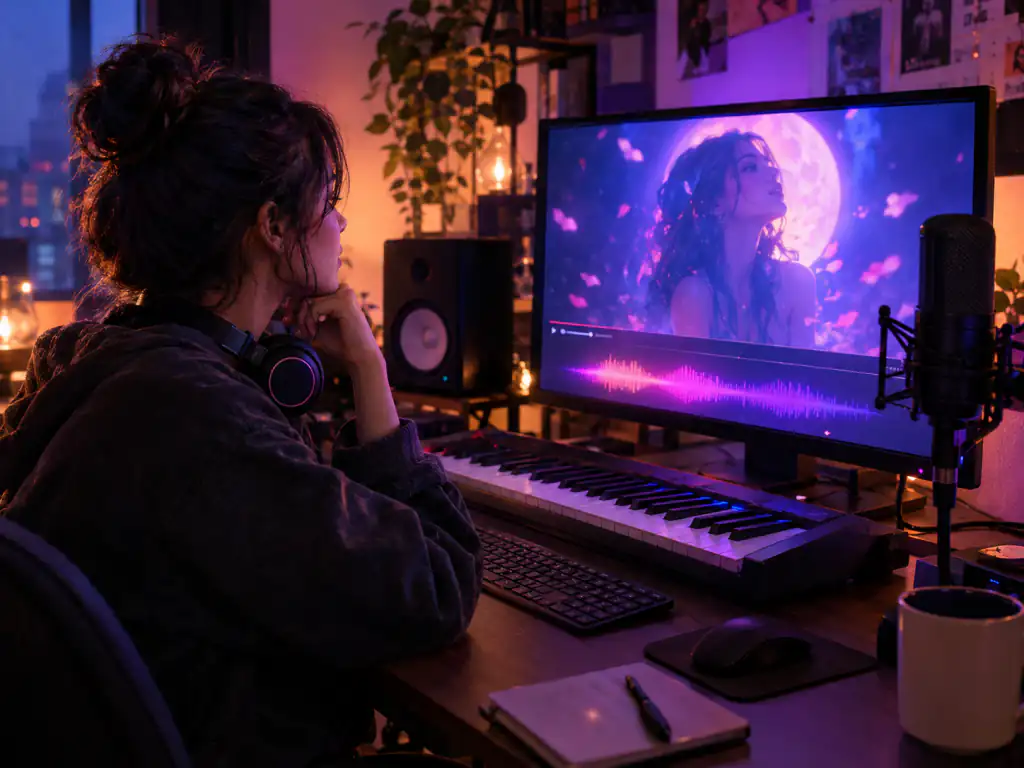
Musicians and Music Video Makers
Upload your track as an audio reference and let MAGI 2 build performance shots and story scenes that move with the song.
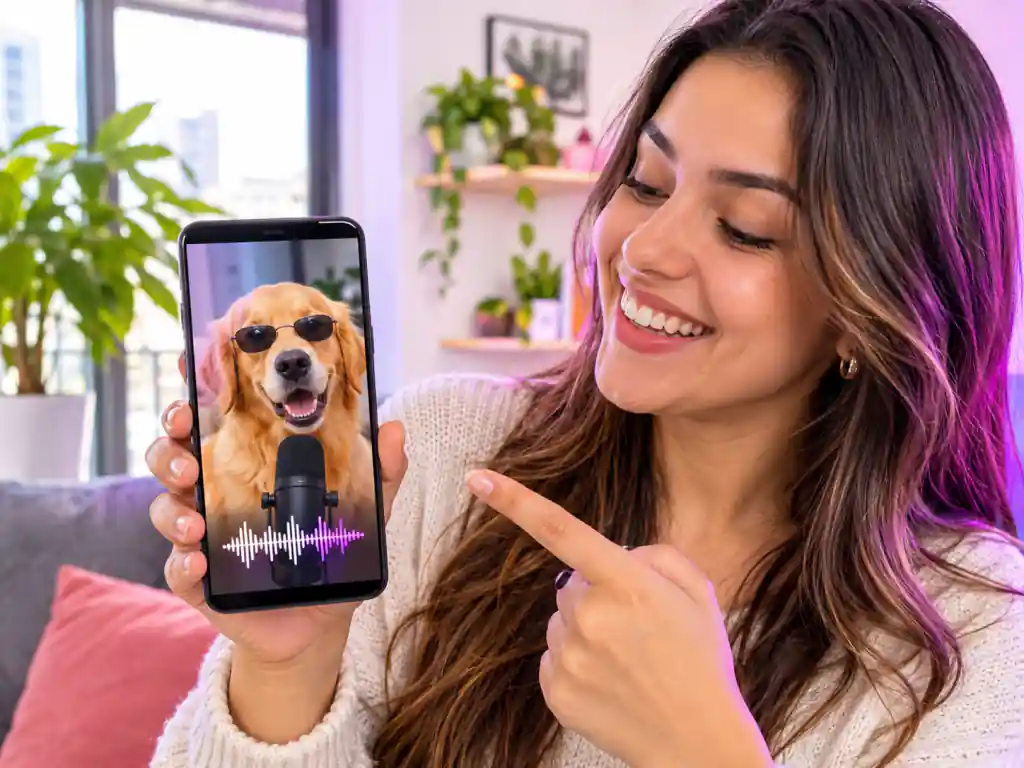
Short Form Creators
Make vertical 9:16 skits, talking animal clips and AI influencer videos for TikTok, Reels and Shorts, with voices included.
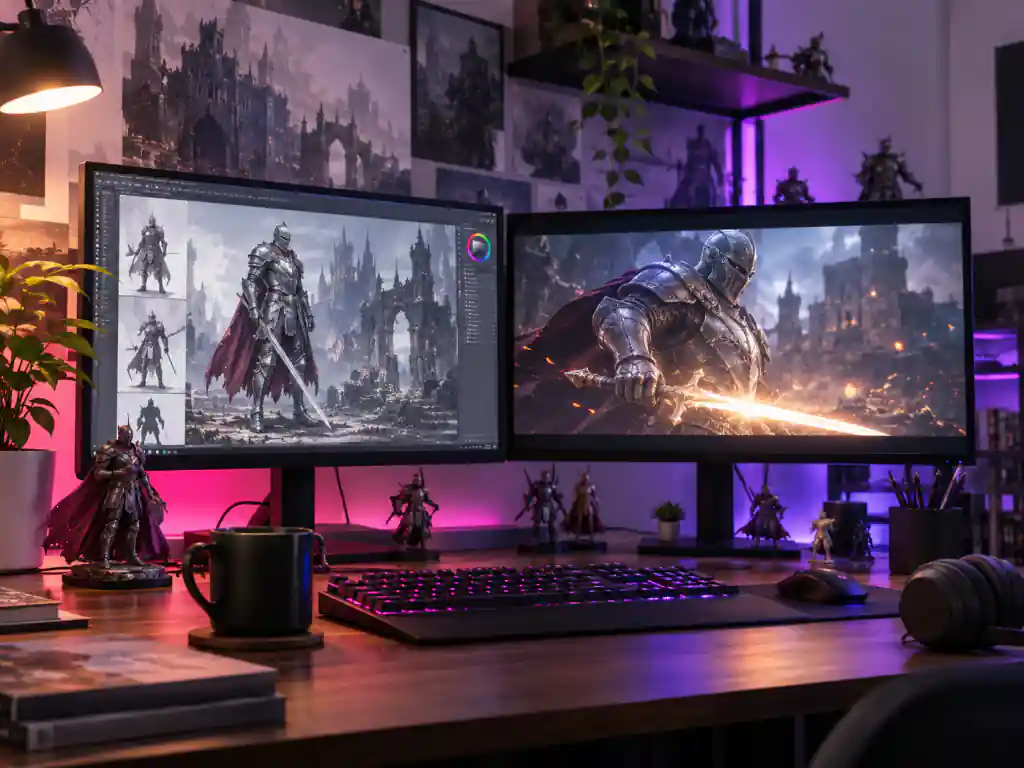
Game Studios
Bring concept art and character sheets to life as trailers and cutscenes without an animation team.
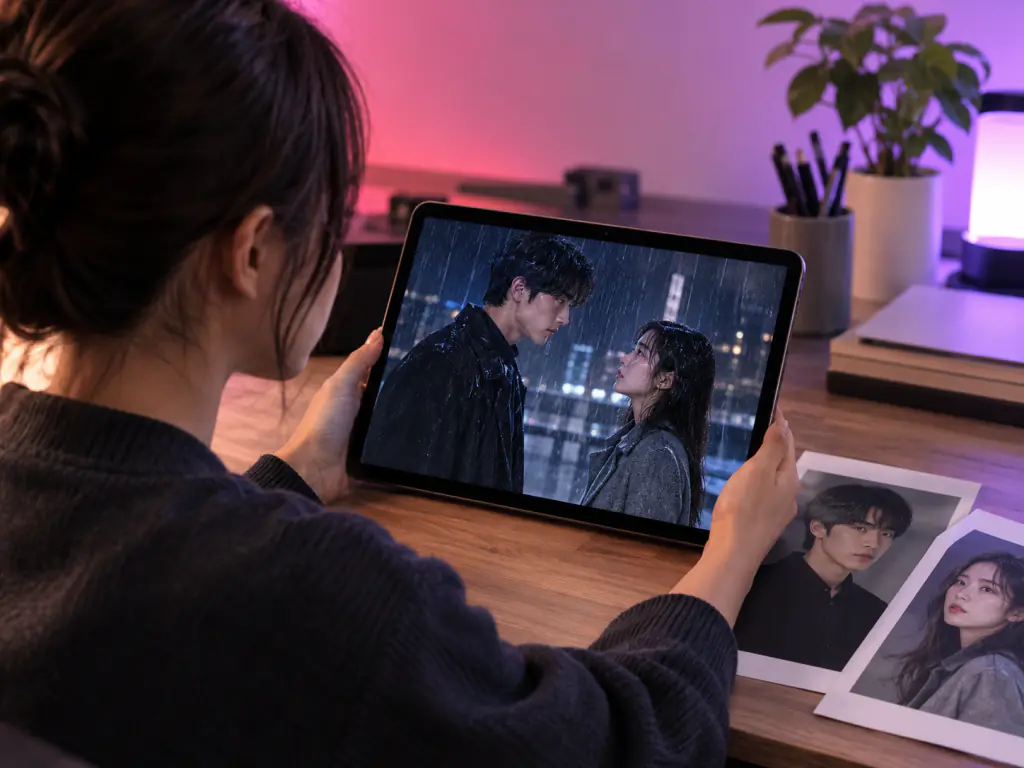
Short Drama Producers
Keep the same two leads consistent across episodes with reference images, and generate dialogue scenes with lip sync in one pass.
Why Use MAGI 2 Here?
What this MAGI 2 video generator gives you beyond a model card or a launch post
A Full Scene, Not a Teaser
Up to 30 seconds per generation means one render holds a complete story beat instead of a stack of 5 second shots.
Sound Comes Built In
Dialogue, effects and music are generated with the video, so the clip is ready to post without a separate audio pass.
More Control Than a Prompt
Steer MAGI 2 with up to 10 images, 5 videos and 5 audio clips, so the result follows your assets instead of guessing.
Faces and Products Stay Put
Reference conditioning and 1080p reference aware upscaling keep identities, logos and product details steady across cuts.
A 480B Model Without the Hardware
Even the smaller MAGI 2 Preview needs eight data center GPUs. Here the full flagship runs in your browser.
Compare It with Seedance 2.5
MAGI 2 and Seedance 2.5 sit in the same model menu, so you can run one prompt on both and keep whichever clip wins.
Simple Process
How to Use MAGI 2
From a blank prompt box to a finished MAGI 2 video in four steps
1
Open the MAGI 2 Generator
Sign in and the MAGI 2 generator loads at the top of this page. It runs in the browser, so there is nothing to install and no GPU to rent.
2
Choose a Mode and Add Your Files
Pick text to video, frames to video or reference to video, then upload a first frame, or the images, clips and audio you want MAGI 2 to follow.
3
Describe the Scene and Sound
Write the action, camera movement, dialogue and sound, then set a length from 4 to 30 seconds and one of six aspect ratios.
4
Generate, Review and Download
Run the generation, watch the clip back with its audio, and download the 1080p MP4 when it looks right.
MAGI 2 Questions, Answered
Names, length, references, audio, open weights and how MAGI 2 compares with Seedance 2.5
MAGI 2, also written MAGI 2.0 or MAGI-2, is the flagship video model from Sand AI, released on November 24, 2026. It is a 480B parameter Mixture of Experts model with about 28B active parameters that generates video and sound together, up to 30 seconds at 1080p and 25 fps.
Yes. MAGI-2 is the official name Sand AI uses, and most platforms and creators call it MAGI 2 or MAGI 2.0. All three names point to the same flagship model that this generator runs.
Sign in, open the generator at the top of this page, pick text to video, frames to video or reference to video, write your prompt, set the length and aspect ratio, and generate. The finished clip plays back with its sound and downloads as an MP4.
You can set any length from 4 to 30 seconds, one second at a time. A 30 second MAGI 2 clip is one continuous generation, so a full scene with a setup, a turn and an ending comes out without stitching short shots together.
Yes. MAGI 2 processes text, video and audio tokens in one sequence, so dialogue with lip sync, foley, ambient sound and music are generated in the same pass as the picture. You can switch sound off when you only need a silent clip.
Reference to video accepts up to 10 images, 5 video clips and 5 audio clips in one request. Images set the character, outfit, product or set, a reference video sets the movement, and audio sets the voice or the track the scene follows.
Yes. In frames to video, upload a first frame and MAGI 2 animates it from your prompt. Add an optional last frame and the model generates the motion in between, which is useful for transitions, product reveals and before and after shots.
Every MAGI 2 video renders at 1080p and 25 fps. You can choose 21:9, 16:9, 4:3, 1:1, 3:4 or 9:16, which covers widescreen films, square posts and vertical shorts.
MAGI 2 Preview, the 114B research version released in August 2026, has open weights on GitHub and Hugging Face under Apache 2.0. Sand AI has announced that weights for the 480B flagship will follow, and running a model that size locally takes data center GPUs. This page runs the flagship in your browser.
Yes, Sand AI and several API platforms offer MAGI 2 endpoints for developers who build their own apps. If you simply want finished videos, the generator on this page needs no API key, no code and no GPU.
It depends on the shot. MAGI 2 is strong at image to video, long 30 second takes and reference driven scenes with up to 20 media files, while Seedance 2.5 has its own strengths in motion and style. Both are in the model menu here, so run the same prompt on each and keep the better clip.
Sand AI scaled the model more than four times, from about 114B to 480B parameters, and tripled pre-training data to 4T tokens. Clips grew from 10 seconds to 30 seconds, output moved to native 1080p, and omni reference with images, video and audio was added.
Make Your First MAGI 2 Video
Write a prompt, add your references, and generate a 30 second MAGI 2 scene with sound.