







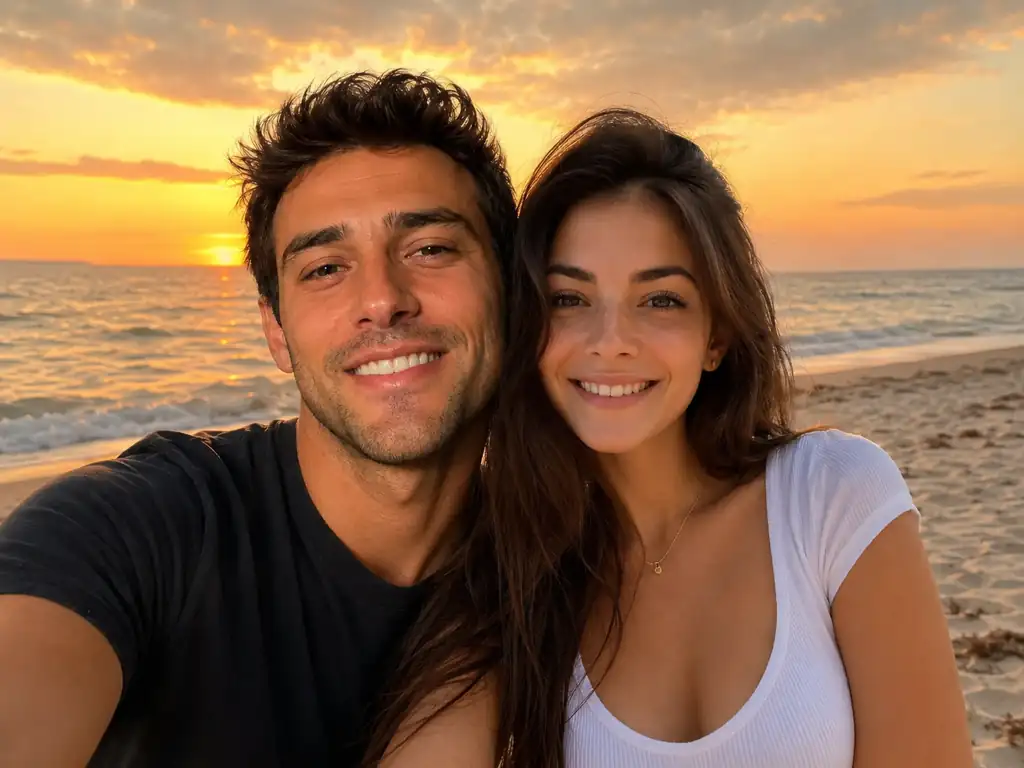
Two people merged into one beach photo

Two people merged into one beach photo
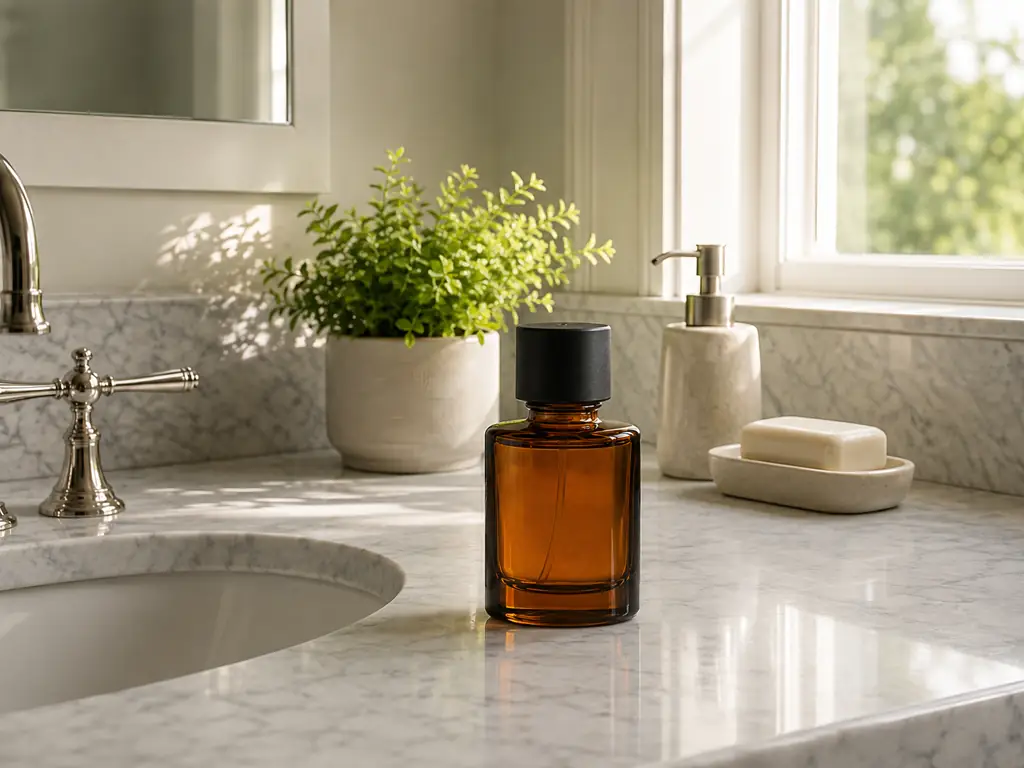
Product placed into a lifestyle scene
Pet moved into a new background
Two characters fused into one design
Upload two pictures and let the AI photo combiner blend them into a single natural image. It matches lighting, color and perspective so people, pets, products and scenes look like they were photographed together. No masks, no layers, no cutouts, no design skills.
Merge two photos into one • Faces stay unchanged • Free online, no signup
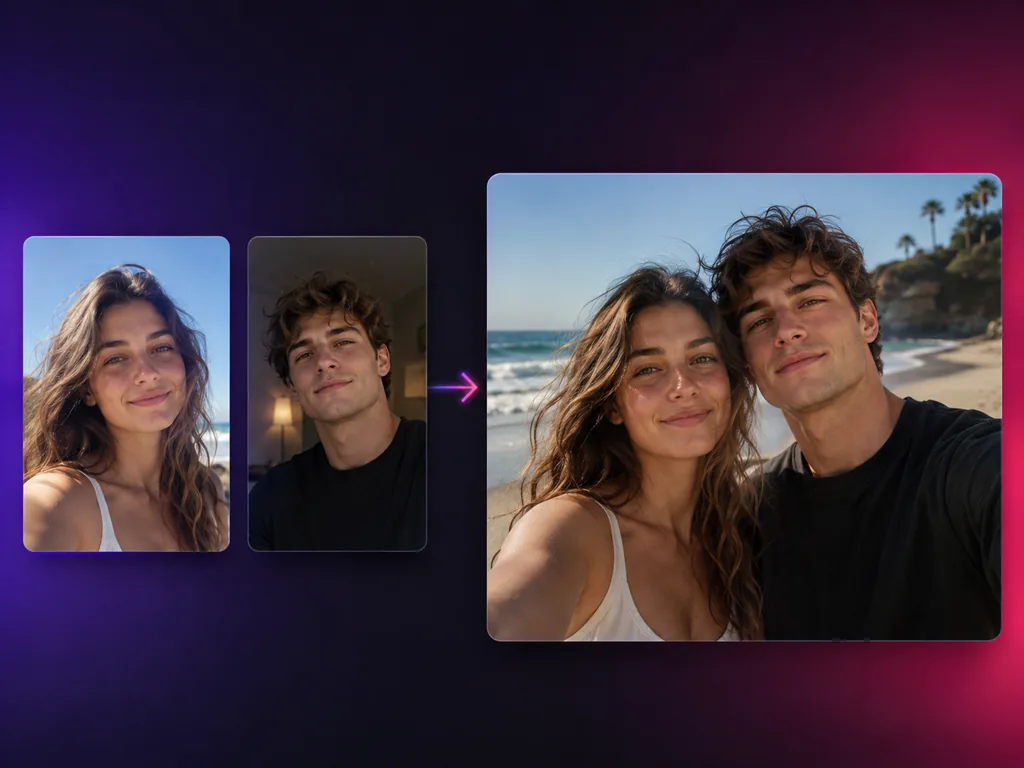
An AI image combiner is a tool that takes two separate pictures and rebuilds them as one photo. Also known as an AI photo combiner, image merger, or image blender, it reads what is inside each image, decides how the subjects should share the frame, then repaints edges, contact shadows and reflections so the join disappears. That is why the image combiner ai approach beats manual editing: you get a merged photo with one light source and one perspective, without touching a selection tool. Use it as a photo combiner for portraits, a picture combiner for creative work, or a picture merger for product shots, all from the same upload box.
Upload two pictures, say what you want in plain language, and download one finished image.
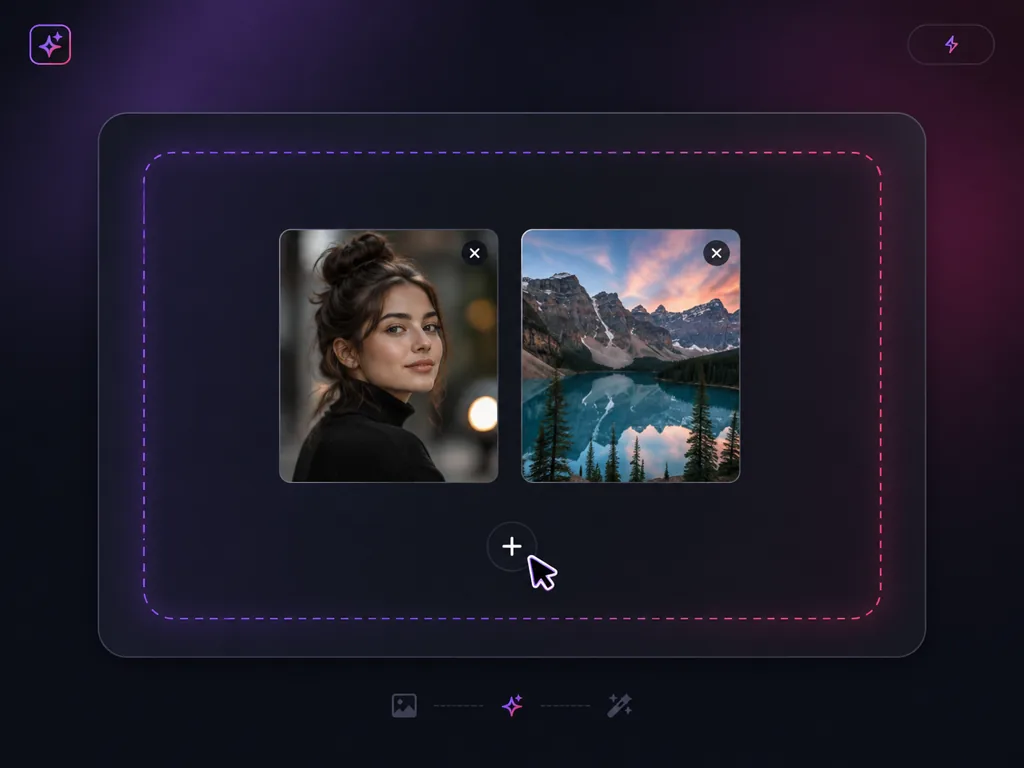
Drop in two JPG, PNG or WEBP files from your computer or phone. The first picture usually holds the subject you want to keep, the second holds the person, product, character or scene you want to merge it with.
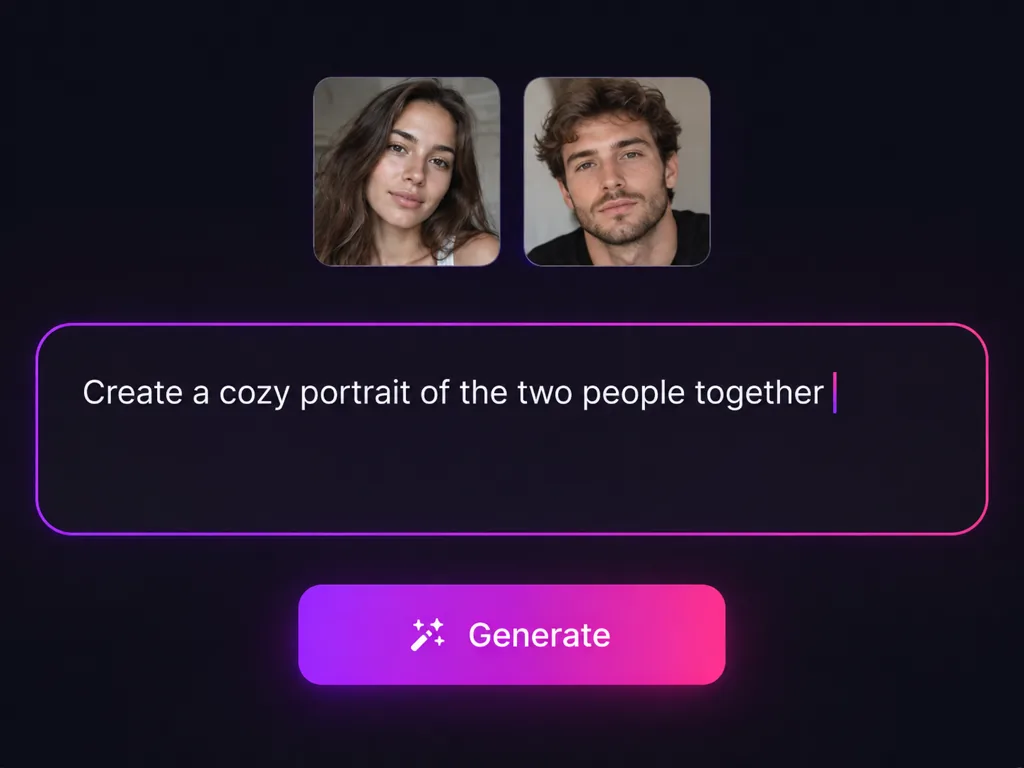
Write one plain sentence, such as put the woman from image 1 beside the man from image 2 on the same beach at sunset. The AI image merger reads the instruction and works out how to join the images, so you never have to draw a mask.
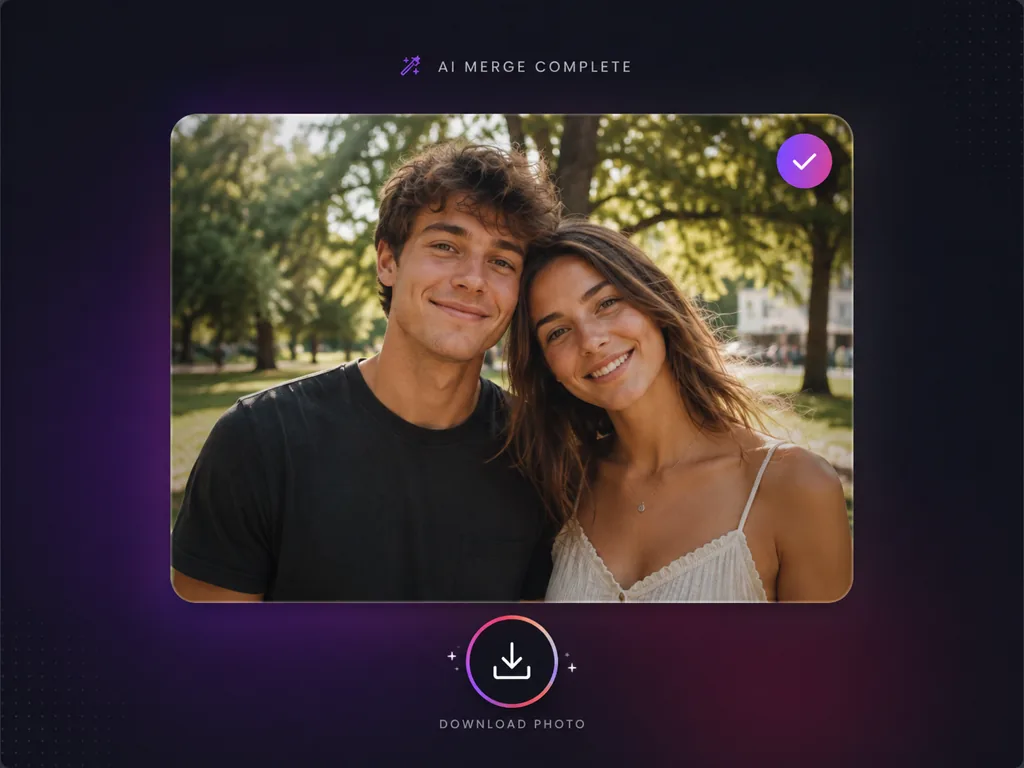
The AI photo combiner rebuilds the scene with matching light, shadow, color and perspective, then returns one finished image. Preview it, adjust your sentence if you want a different framing, and download in high resolution.
Combine images for family portraits, product shots, character art, new backgrounds, blended styles and social content.
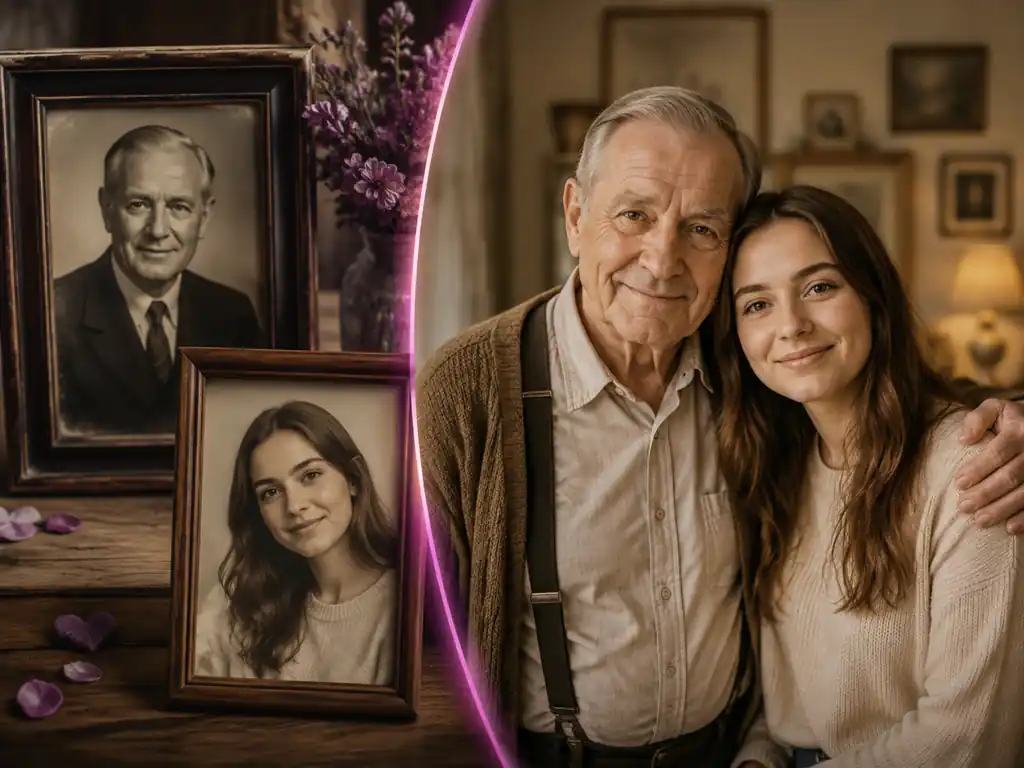
Couples, sellers, artists and marketers use it to merge two photos into one finished image every day.
We have not been in the same country for two years. I merged one of my photos with one of his and the result looks like we actually stood on that beach together. Both faces are exactly right.
Emily Carter
Long Distance Partner
I combine images all day now. One packshot plus one room photo and I have a lifestyle listing image. The shadow under the product lands where it should, which is the part I always got wrong by hand.

Alejandro Torres
Ecommerce Seller
A client asked for a family portrait with a grandfather who passed away. I used the photo combiner with an old print and the new group shot, and the family cried when they saw it.
Ananya Rao
Family Photographer
Combining two characters into one image used to be a full afternoon of masking. Now I upload both references, write one line, and get a usable composite to paint over.
Ethan Park
Concept Artist
I stopped opening Photoshop for simple composites. The picture merger handles perspective and color matching better than I do under deadline, and there is no watermark on the export.
David Miller
Marketing Designer
I merge two photos into one from my phone between shoots. No app to install, no layers to manage, and the thumbnails come out looking like a single planned photo.
Mei Chen
Content Creator
Common questions about how to combine two images with AI, what the merged result looks like, and where the tool runs.
Upload both pictures to the AI image combiner, type one sentence describing the result you want, then generate. The AI decides how to join the images, rebuilds the shared lighting and perspective, and returns a single merged photo. There is nothing to mask, cut out or align by hand.
Pick the picture that holds your main subject, add the second picture you want it merged with, and describe how the two should sit together. The AI photo merger blends them into one frame and matches skin tone, color temperature and shadow direction so the merged photo reads as one shot.
Yes. An AI image merger understands what is inside each picture, so it can lift a person, pet, product or object out of one image and rebuild it inside the other. That is different from stacking two files together, because the AI repaints edges, contact shadows and reflections to fit the new scene. Upload two pictures and judge the first result on your own photos.
Yes. The AI image combiner can stitch two pictures into one continuous image, filling the seam between them so there is no visible cut. Because the model repaints the join, mismatched backgrounds, angles and exposure levels get corrected instead of showing up as a hard line. Upload your two photos and try a merge to see the seam disappear.
Upload a picture of each character and describe the relationship you want, for example the two of them standing back to back in the same lighting. The AI image combiner can keep both characters recognizable in one frame, or fuse their traits into a single new design if you ask for that instead.
You do not need to install one. This AI photo combiner runs in the browser on desktop and mobile, so you can combine images into one picture from a laptop, phone or tablet without downloading an app or waiting on an editor to open.
Yes, you can merge photos here for free and download the result. There is no watermark on the merged image and no design software to buy. Upload two images now and check the quality yourself.
Yes. Open the page in Safari or Chrome on your phone, upload two pictures straight from your camera roll, and download the merged image back to your device. The image combiner ai workflow is the same on mobile as it is on desktop.
Face and identity preservation is the main job of the model. It keeps facial structure, skin tone and expression from your original upload and only adapts lighting and color so the person belongs in the merged scene. Upload a sharp, well lit portrait for the closest likeness.
No. A collage tool places two pictures side by side inside one canvas and leaves the seam visible. This AI image combiner rebuilds a single scene: one light source, one perspective, one set of shadows, so the two subjects look like they were photographed together. Upload two images to see the difference on your own files.
Two pictures per run gives the most reliable result, because the AI has a clear subject and a clear destination. If you need more subjects in the frame, merge two photos first, then feed that result back in as the new base image and add the next one.
No. Images you create with the picture merger download clean, with no badge or logo burned into the corner, so they are ready for print, listings, presentations and social posts.
Upload two pictures and let the AI image combiner return a single natural image in seconds. Free, online, and nothing to install.