





Remove Color from Image and Make It Transparent
Pick any color and erase it across your whole image in seconds. Upload a PNG, JPG, or WebP, choose a color with the eyedropper or a hex code, set the tolerance, and download a clean transparent PNG. Fast, private, and free in your browser.
Eyedropper and hex color picker • Tolerance and feathering controls • Transparent PNG export
What Is an Image Color Remover?
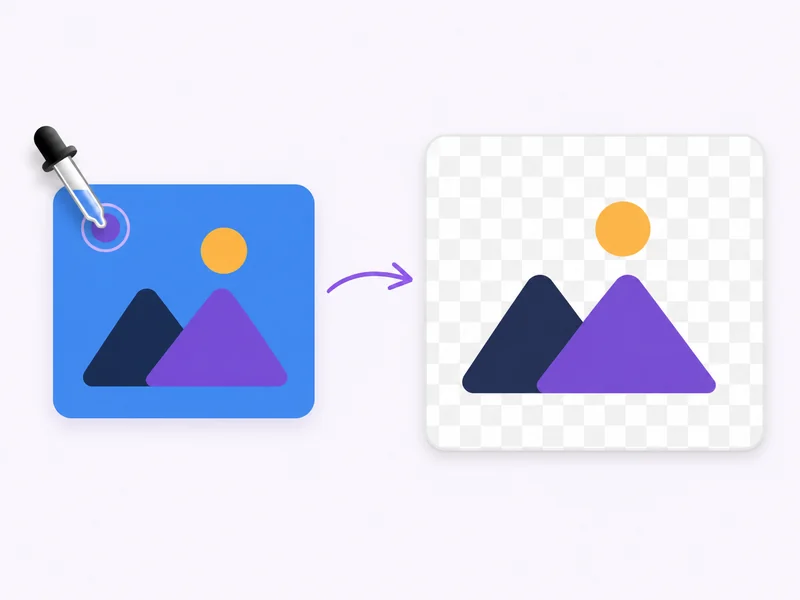
An image color remover is an online tool that finds every pixel of a chosen color in a picture and turns it transparent. Also called a color remover from image, an AI color remover, or simply a color remover, it works differently from a background remover: you pick the exact color to erase, so you can clear one shade, a logo fill, a solid backdrop, or any particular color from a photo. Upload a PNG, JPG, or WebP, use the eyedropper or a hex code to select the color to remove, and export a clean transparent PNG. It runs in your browser, so you can remove color from image online without installing software. UK spellings work too: use it as an image colour remover whenever you need to remove colour from image files or remove colour to transparent.
How to Remove Color from an Image in Three Steps
Select the color to remove from your image, fine-tune the result, and export a transparent PNG.

Upload a PNG, JPG, or WebP
Start with a photo, screenshot, logo, or graphic that has a solid or unwanted color. The image color remover works online in your browser, so there is nothing to install.
Select the color to remove
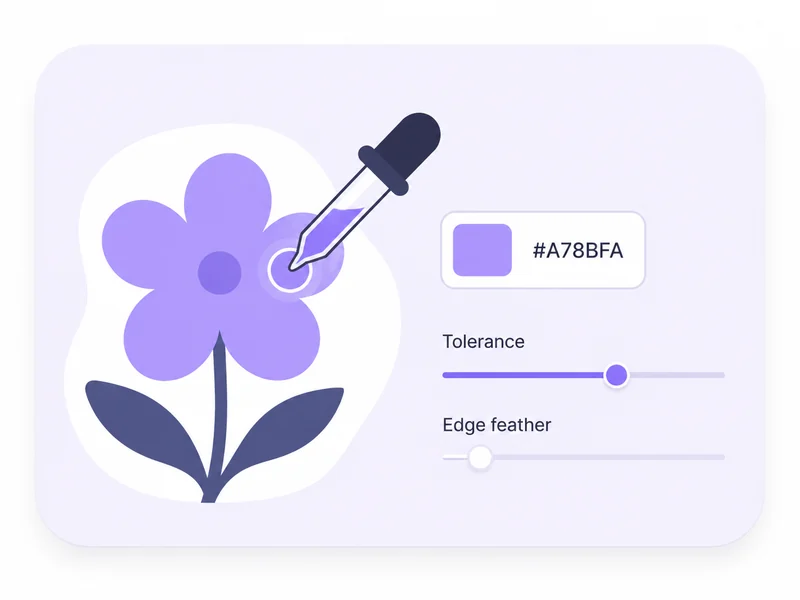
Use the eyedropper to click the color in your image, or type a hex code to target a particular color. Then set the tolerance slider to control how many similar shades are removed, and add feathering for clean edges.

Remove the color and download
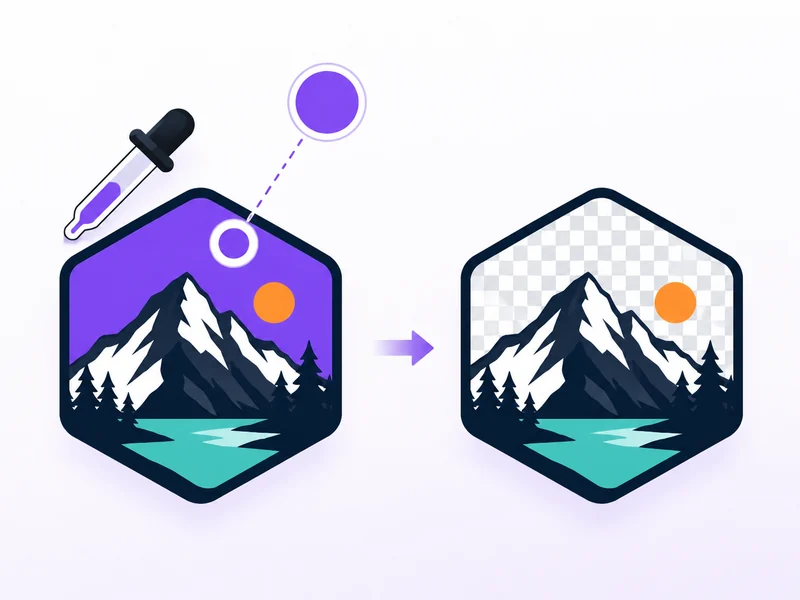
The tool erases every matching pixel across the whole image and turns it transparent. Download a clean transparent PNG, ready for design, product photos, or your next edit.
What Can You Do with an Image Color Remover?
Erase an exact color instead of tracing it by hand, whether it is a logo fill, a solid backdrop, or one particular color in a photo.
- Use the eyedropper color picker to grab a color straight from your image, or enter a hex code
- Remove a specific color from image files without brushing or manual masking
- Target one shade at a time, such as a logo fill, a solid backdrop, or a colored border
- Erase or delete color from image areas wherever that color appears, in one click
Loved by Creators Who Erase Colors Every Day
Designers, sellers, and marketers use Makify AI to remove a chosen color from picture uploads and export clean, reusable transparent PNGs.
I use the eyedropper to remove a specific color from image files all the time, like the solid fill behind a logo. It erases that exact color and exports a transparent PNG in one pass.

Emma Wilson, Brand Designer
Emma Wilson
Brand Designer
Product shots on a flat green backdrop are easy now. I pick the green, remove all of that one color from the image, and the whole background drops to transparency.

Marcus Johnson, Ecommerce Seller
Marcus Johnson
Ecommerce Seller
The tolerance slider is the part I love. I can remove color from image with feathering so the edges stay smooth instead of looking cut out with scissors.

Sofia Martinez, Social Media Lead
Sofia Martinez
Social Media Lead
I paste a hex code when I know the exact color, and it erases that particular color from the photo everywhere. Downloading a transparent PNG straight away saves me a trip to a heavy editor.

Daniel Kim, Print Designer
Daniel Kim
Print Designer
Being able to remove color from a picture online, without installing anything, keeps our campaign assets moving. White and black backdrops come off cleanly.

Priya Sharma, Marketing Manager
Priya Sharma
Marketing Manager
It is a proper color eraser, not a background guesser. I choose which color goes, and everything else stays exactly as it was.

Jason Lin, Content Creator
Jason Lin
Content Creator
Image Color Remover FAQ
Answers about how to remove a color from an image, control tolerance and edges, supported formats, and when to use a different Makify tool.
Remove a Color from Your Image Now
Pick a color, erase it everywhere it appears, and download a clean transparent PNG in seconds.