





MiniMax H3 (Hailuo 3.0) AI Video Generator with 2K and Audio
Turn text prompts and still images into cinematic clips with MiniMax H3 (Hailuo 3.0), MiniMax's flagship video model with native 2K resolution, synchronized audio, and up to 15 seconds per generation.
Text-to-video & image-to-video • Native 2K with audio • Free welcome credits
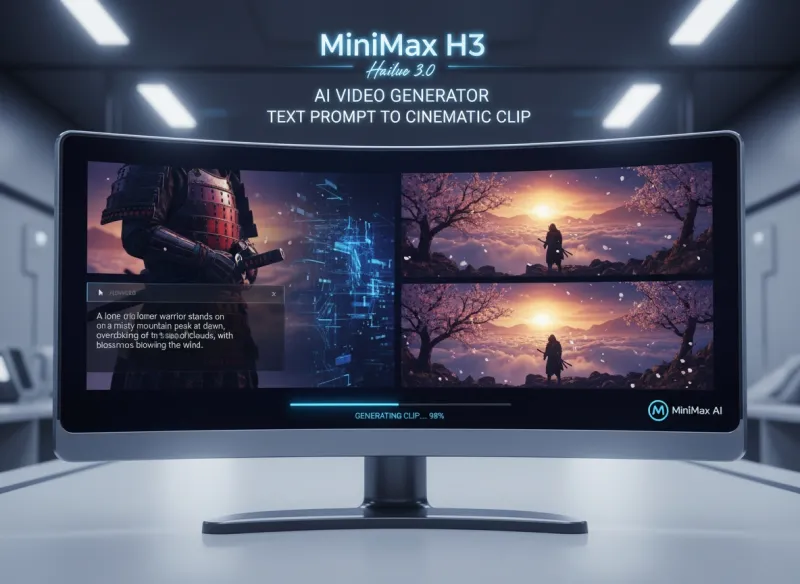
What is MiniMax H3?
MiniMax H3, also known as Hailuo 3.0, is the latest flagship AI video model from MiniMax, the team behind the Hailuo AI platform. It moves beyond single-task video generation toward a unified multimodal (omni) model that understands and creates across text, images, video, and audio. Building on Hailuo's reputation for realistic motion and physics, MiniMax H3 adds native 2K resolution, synchronized audio, multi-shot storytelling, and rich reference control, so you can produce coherent cinematic clips without heavy post-production.
What MiniMax H3 (Hailuo 3.0) Can Create
From text-to-video to instruction-based editing, explore what this model does best
- Timeline-aware prompting for action sequences and camera moves
- Native 2K (2560 x 1440) output at a cinematic 24 fps
- Strong physics, body motion, and micro-expression detail
- Clips from 5 to 15 seconds in a single generation
Who Uses MiniMax H3 (Hailuo 3.0)?
From filmmakers and social creators to marketers, e-commerce, and AI artists
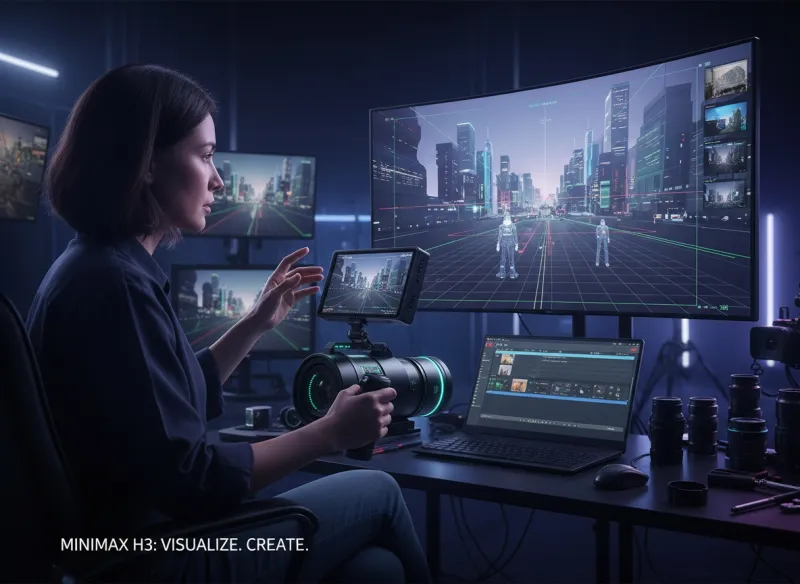
Independent & AI Filmmakers
Use MiniMax H3 for previsualization, short films, and teasers. Multi-shot continuity and consistent characters let filmmakers block out cinematic sequences without a full production crew.
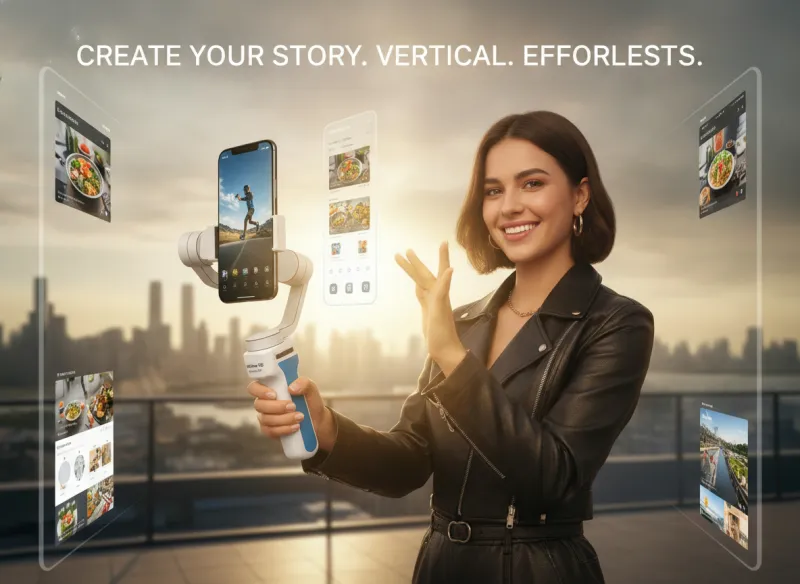
Content & Social Creators
Produce TikTok, Reels, and Shorts with native audio built in. MiniMax H3 (Hailuo 3.0) turns prompts and reference images into vertical, UGC-style clips fast.
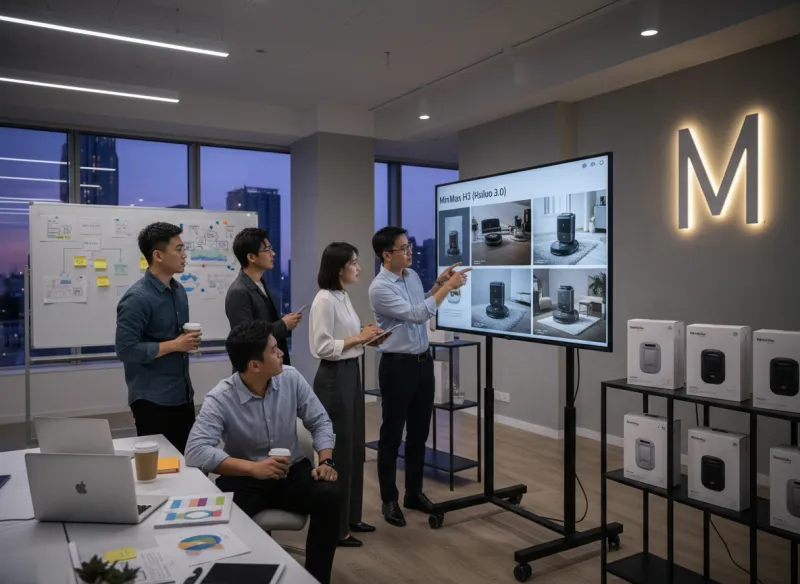
Marketers, Advertisers & Agencies
Create product ads, brand spots, and rapid campaign variations with controlled motion and synchronized sound, with no separate audio post required.
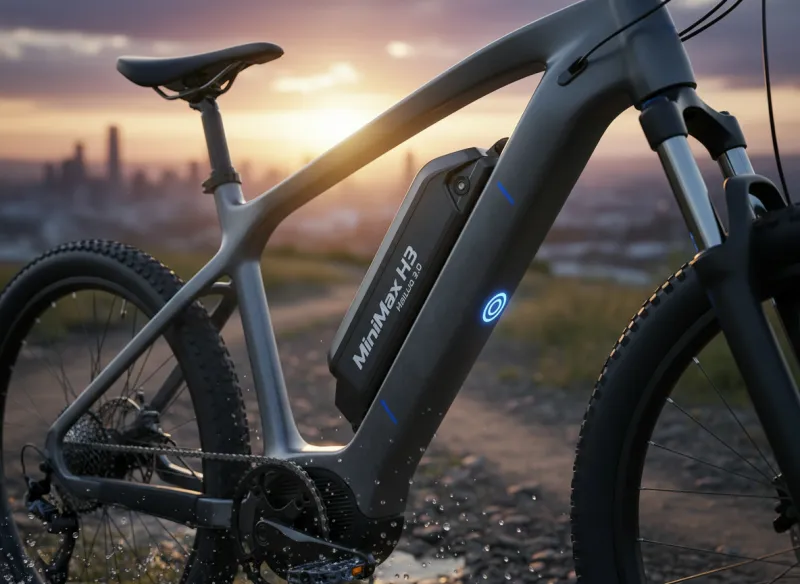
E-commerce Brands
Generate product demos and catalog video with consistent lighting and identity across shots, ideal for listings, ads, and social storefronts.
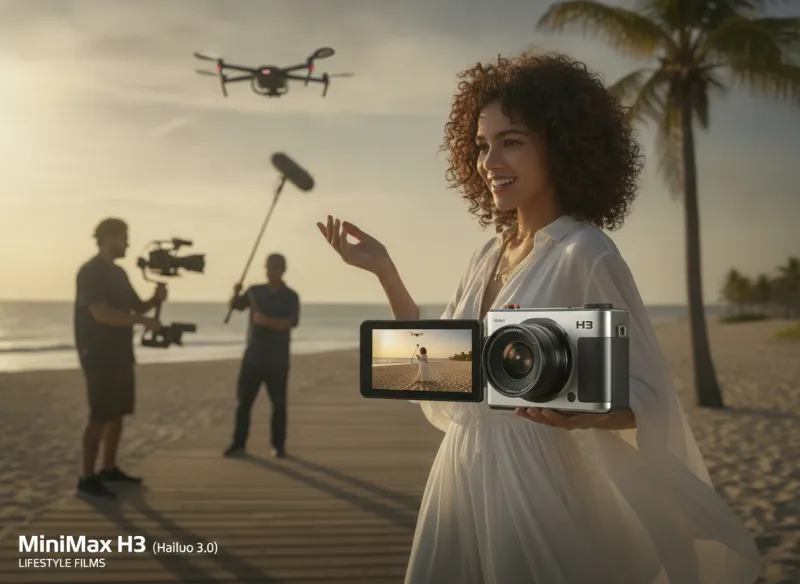
Fashion & Lifestyle Creators
Lock character identity, clothing, and voice across a sequence using omni references, great for fashion films and lifestyle commercial work.
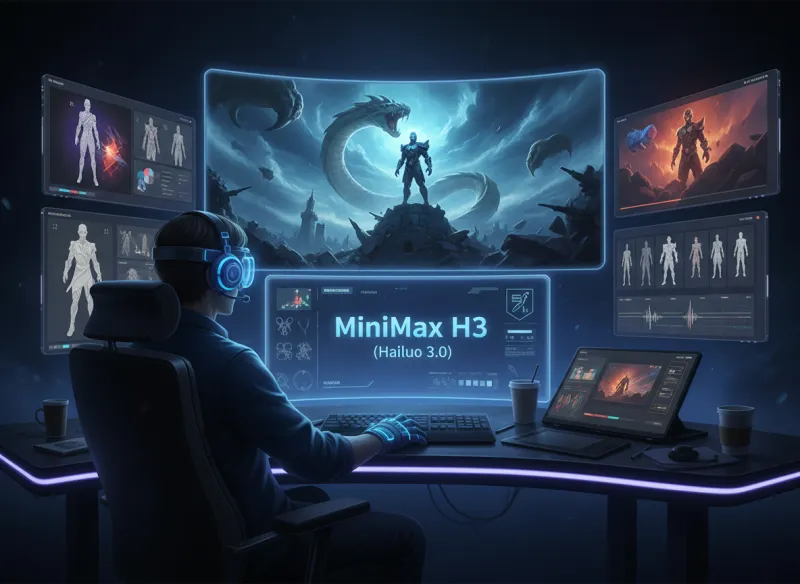
AI Artists
Focus on cinematic, character-driven work. Multi-reference control and multi-shot storytelling give AI artists the consistency their narratives need.
Why Use MiniMax H3 (Hailuo 3.0)?
Key reasons creators choose MiniMax H3 for AI video
Native 2K with Synced Audio
MiniMax H3 outputs native 2K video with synchronized stereo audio in a single generation: finished, audio-native clips without separate sound design.
Rich Omni-Reference Control
Guide output with up to 9 images, 3 video clips, and 3 audio references at once for strong character, style, motion, and voice consistency.
Multi-Shot Storytelling
Generate several coherent shots inside one clip, keeping characters, lighting, and physics consistent across cuts, with no manual stitching.
Instruction-Based Editing
Refine a generation with plain-text instructions: change color, background, pacing, or sound without regenerating from scratch.
Realistic Motion & Physics
MiniMax H3 continues Hailuo's reputation for lifelike physics, body motion, and dynamic camera work on complex action prompts.
Free to Start
Sign in for welcome credits and start generating with MiniMax H3 (Hailuo 3.0) free, with no separate audio tools or upscaling needed.
How to Use MiniMax H3 (Hailuo 3.0)
Generate your first video in 4 steps
Sign In and Select MiniMax H3
Sign in to access the generator and select MiniMax H3 (Hailuo 3.0) as your video model.
Choose Mode and Add References
Pick text-to-video or image-to-video, set duration and aspect ratio, and optionally upload reference images, video, or audio for consistency.
Write a Detailed Prompt
Describe your subject, action over time, camera movement, lighting, and any dialogue or sound. Timeline-aware prompts get the best results from MiniMax H3.
Generate and Download
Generate your clip, refine it with instruction-based editing if needed, then download your native 2K video with audio.
Frequently Asked Questions about MiniMax H3 (Hailuo 3.0)
Common questions about MiniMax H3, Hailuo 3, audio, resolution, and how this model compares
Ready to Create with MiniMax H3 (Hailuo 3.0)?
Generate cinematic AI video with native 2K and synchronized audio.