





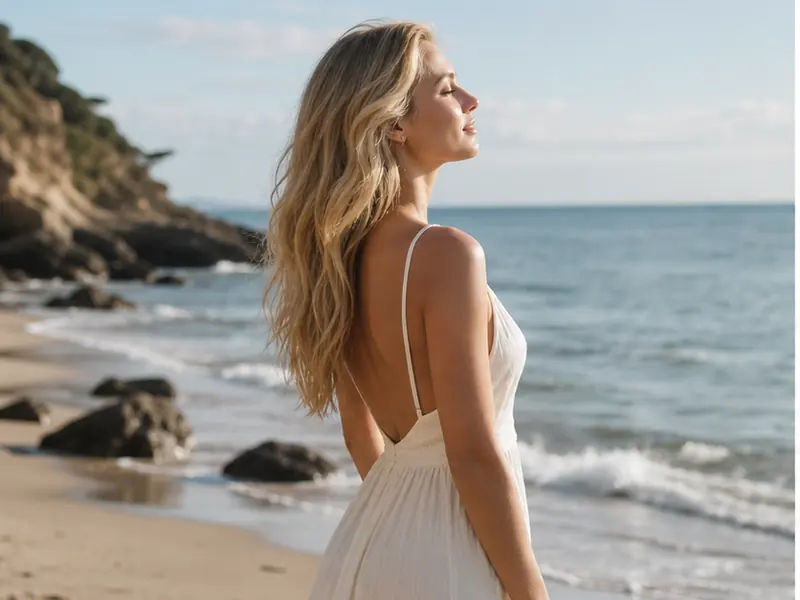
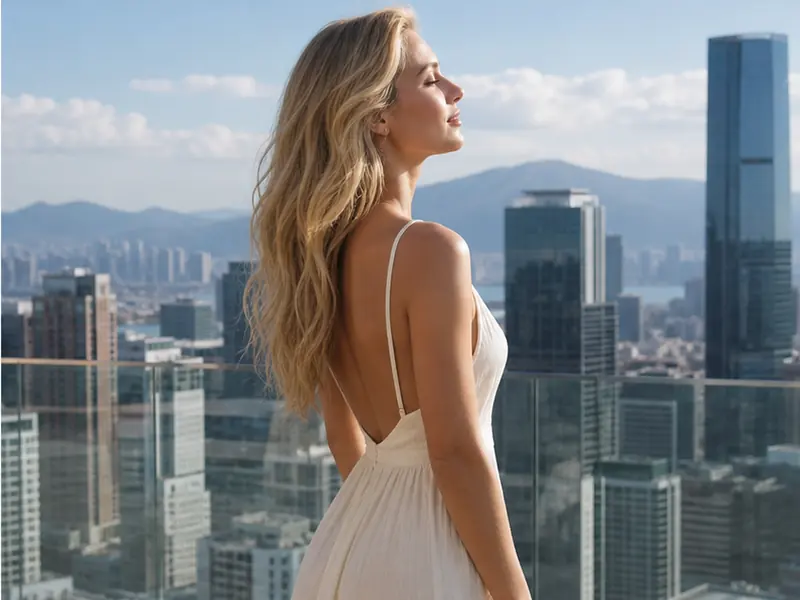
AI Background Changer Free - Change Photo Background & Replace Image Backgrounds Online
Replace image backgrounds in seconds with AI. Change photo background to white, solid colors, custom images, or AI-generated scenes. Perfect for passport photos, product images, and professional portraits.
AI-powered background replacement • One-click color change • Free passport photo background converter
What Is an AI Background Changer?
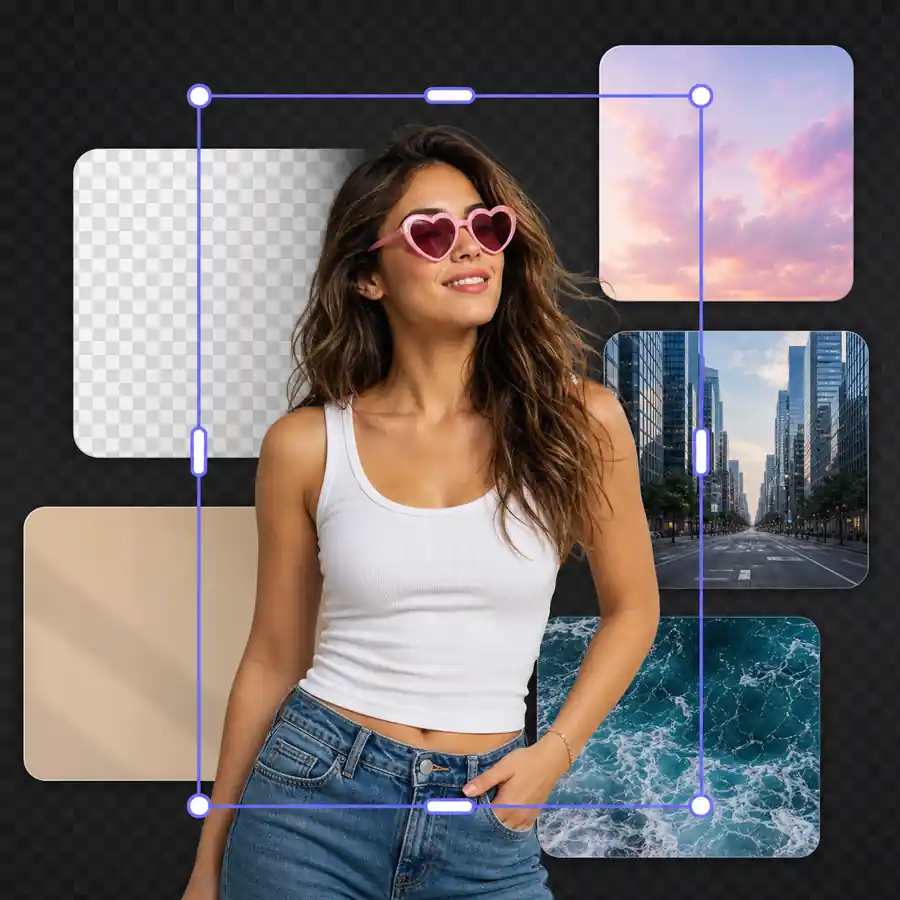
An AI background changer removes the original background from your photo and replaces it with a new one—solid colors (white, blue, red), custom images, or AI-generated scenes. Use it to change photo background for passport photos, product images, professional headshots, or social media posts without manual editing or Photoshop skills.
How to Change Photo Background in 3 Steps
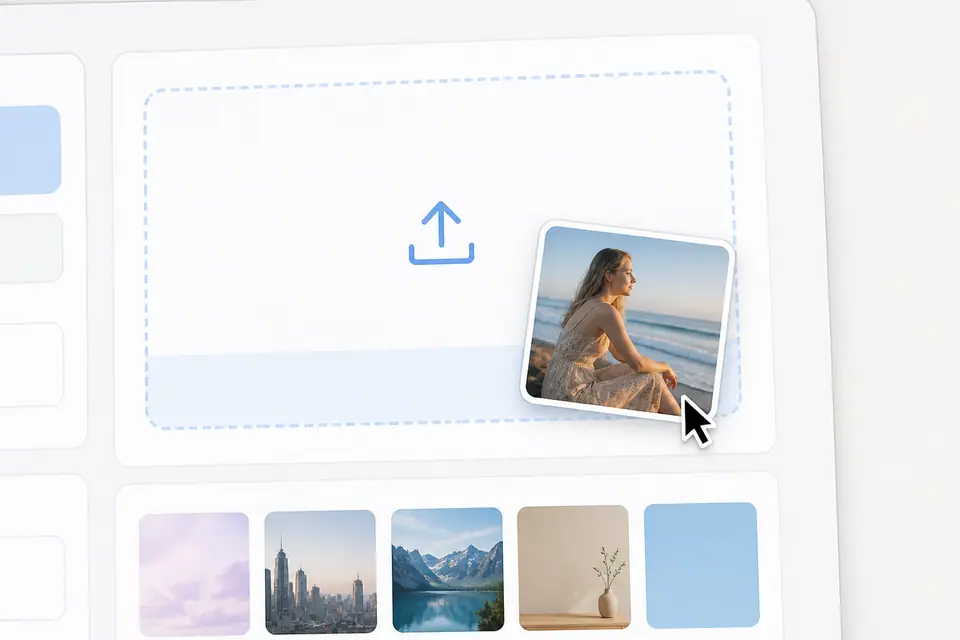
Upload your image, choose a new background style, then generate and download a ready-to-use result.
Upload Your Photo
Upload a JPG, PNG, or WEBP image. The AI background changer works with portraits, product photos, passport photos, and any image where you want to replace the background.
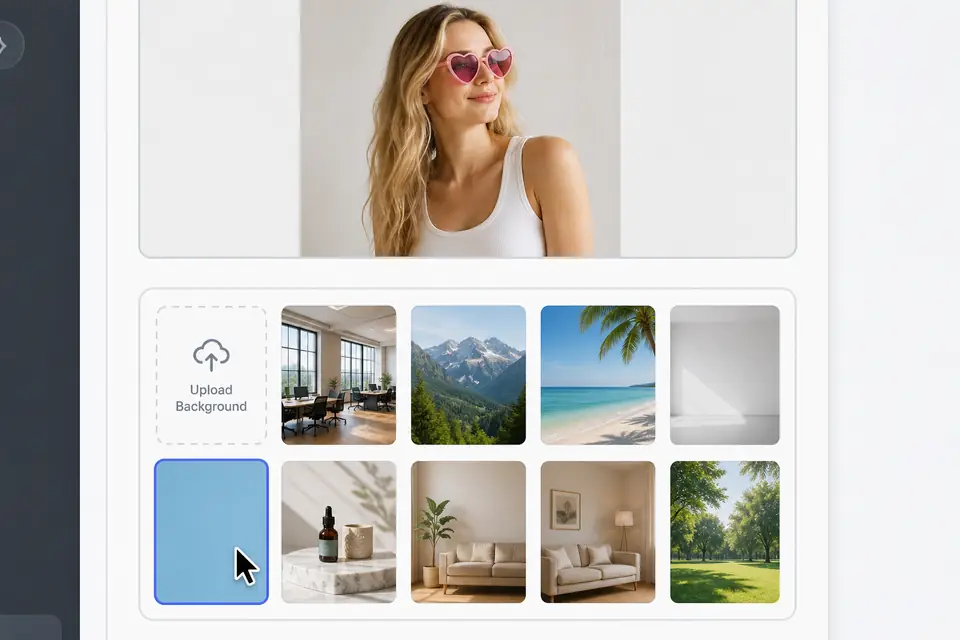
Choose New Background
Select solid colors (white, blue, red, transparent), upload a custom background image, or let AI generate a scene that matches your photo. You can also use the remove-only mode for transparent PNG output.
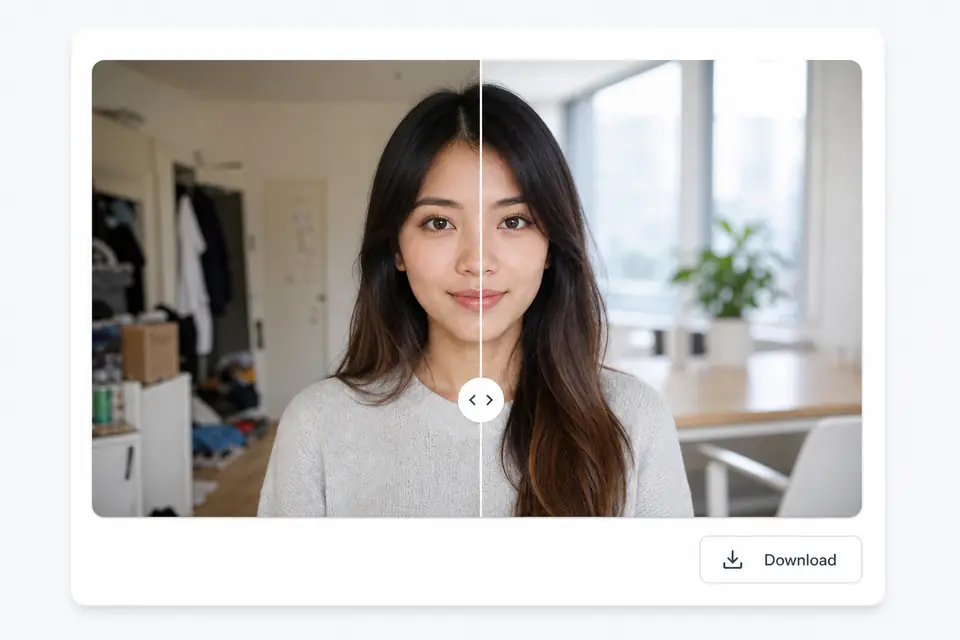
Generate and Download
The AI removes the original background and replaces it with your chosen style. Download the result as a high-quality PNG ready for passports, stores, social posts, or presentations.
What Can You Use an AI Background Changer For?
Replace backgrounds instantly for passport photos, product images, professional portraits, and creative projects.
- Change passport photo background to white, blue, or red in one click
- Meet official ID photo requirements for US, EU, UK, India, and other countries
- Fix mixed lighting, shadows, or messy backgrounds from home photo setups
- Download high-resolution JPG or PNG files ready for online passport applications
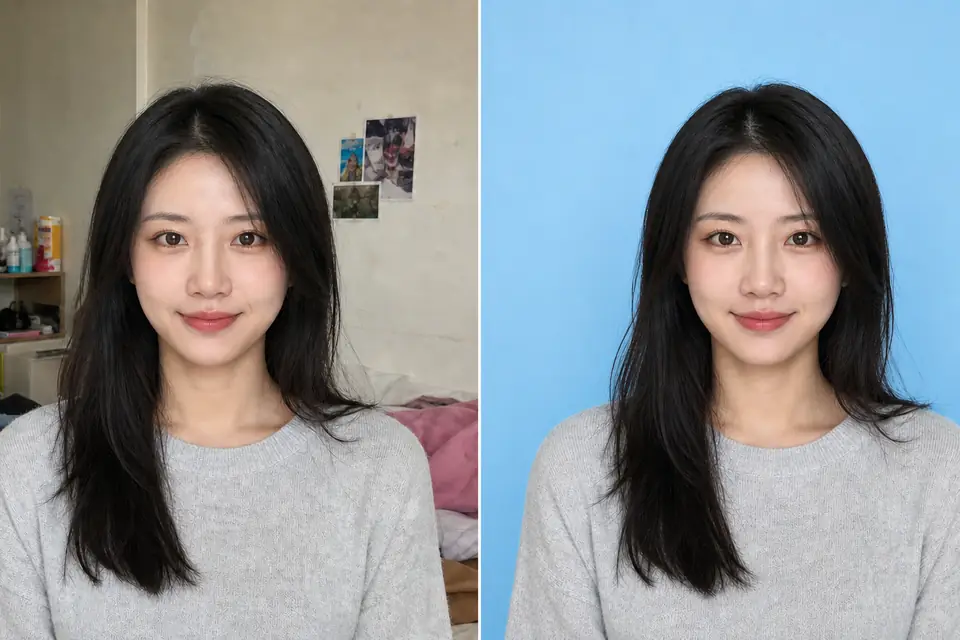
Loved by Users Who Change Photo Backgrounds Frequently
Teams use AI Background Changer to replace image backgrounds for passport photos, product catalogs, professional headshots, and social media content.
The AI background changer saves us hours every day. We can change passport photo backgrounds to white, blue, or red instantly without retakes or manual editing.

Mei Chen, Passport Photo Service Owner
Mei Chen
Passport Photo Service Owner
I use it to change photo background to white for all my Amazon listings. The AI makes product photos look professional without expensive photo studios or Photoshop skills.

Alejandro Torres, Ecommerce Seller
Alejandro Torres
Ecommerce Seller
The AI-generated backgrounds feature is amazing. I help clients replace image backgrounds with professional office scenes for LinkedIn headshots—it looks so much better than plain colors.

Emily Carter, LinkedIn Career Coach
Emily Carter
LinkedIn Career Coach
I change image backgrounds for Instagram posts, YouTube thumbnails, and Twitter banners. The AI background changer is faster than any other tool I've tried.

Ethan Park, Social Media Manager
Ethan Park
Social Media Manager
My clients love the custom background upload feature. I can replace image backgrounds with their brand colors or specific scenes they need for campaigns.

Ananya Rao, Freelance Photographer
Ananya Rao
Freelance Photographer
The transparent PNG option is perfect when I need to change photo backgrounds for ads. I can place the cutouts anywhere without white boxes ruining the design.

David Miller, Marketing Designer
David Miller
Marketing Designer
AI Image Background Changer FAQ
Answers for common questions about how to change photo background, replace image backgrounds, passport photos, and AI-generated scenes.
An AI background changer is a tool that automatically removes the original background from a photo and replaces it with a new one—solid colors (white, blue, red), custom images, or AI-generated scenes. It is used for passport photos, product images, professional headshots, and social media posts.
Upload your image to the AI image background changer, choose a new background (solid color, custom image, or AI-generated scene), then generate and download the result. The AI automatically detects the subject and replaces the background in seconds.
Yes. Upload your passport photo, select white background, and download the result. The AI background changer meets official passport photo requirements for white, blue, or red backgrounds.
Upload your image, select 'White' from the background color options, then generate. The AI removes the original background and replaces it with pure white (#FFFFFF) suitable for passport photos, product images, and ecommerce listings.
Yes. You can upload a custom background image (office, outdoor scene, studio, etc.) and the AI will replace the original background while keeping your subject intact with natural edge blending.
Yes. The AI background changer supports white, blue, red, and other solid colors required by different countries' passport and ID photo standards.
Upload your product photo, choose white background, and download. The AI background changer creates clean white background images for Amazon, eBay, Shopify, and other ecommerce platforms.
Yes. Choose the 'AI-Generated Background' option and select a scene preset (office, studio, outdoor, cafe) or enter a custom prompt. The AI creates a realistic background that matches your photo's lighting and perspective.
Yes. You can change photo backgrounds, replace image backgrounds, and download high-resolution results without payment or signup.
Upload JPG, PNG, or WEBP images. Download the result as a PNG file with your new background (or transparent PNG if you choose 'Remove Only').
This tool is designed for still images. For video background replacement, check our Video Background Changer tool.
Upload your image to the AI background changer, select a solid color (white, blue, red, or custom hex), then generate. The AI replaces the background while keeping your subject's edges clean.
Change Your Photo Background Now
Replace any background with AI in seconds. Free, fast, and perfect for passport photos, products, and social posts.