










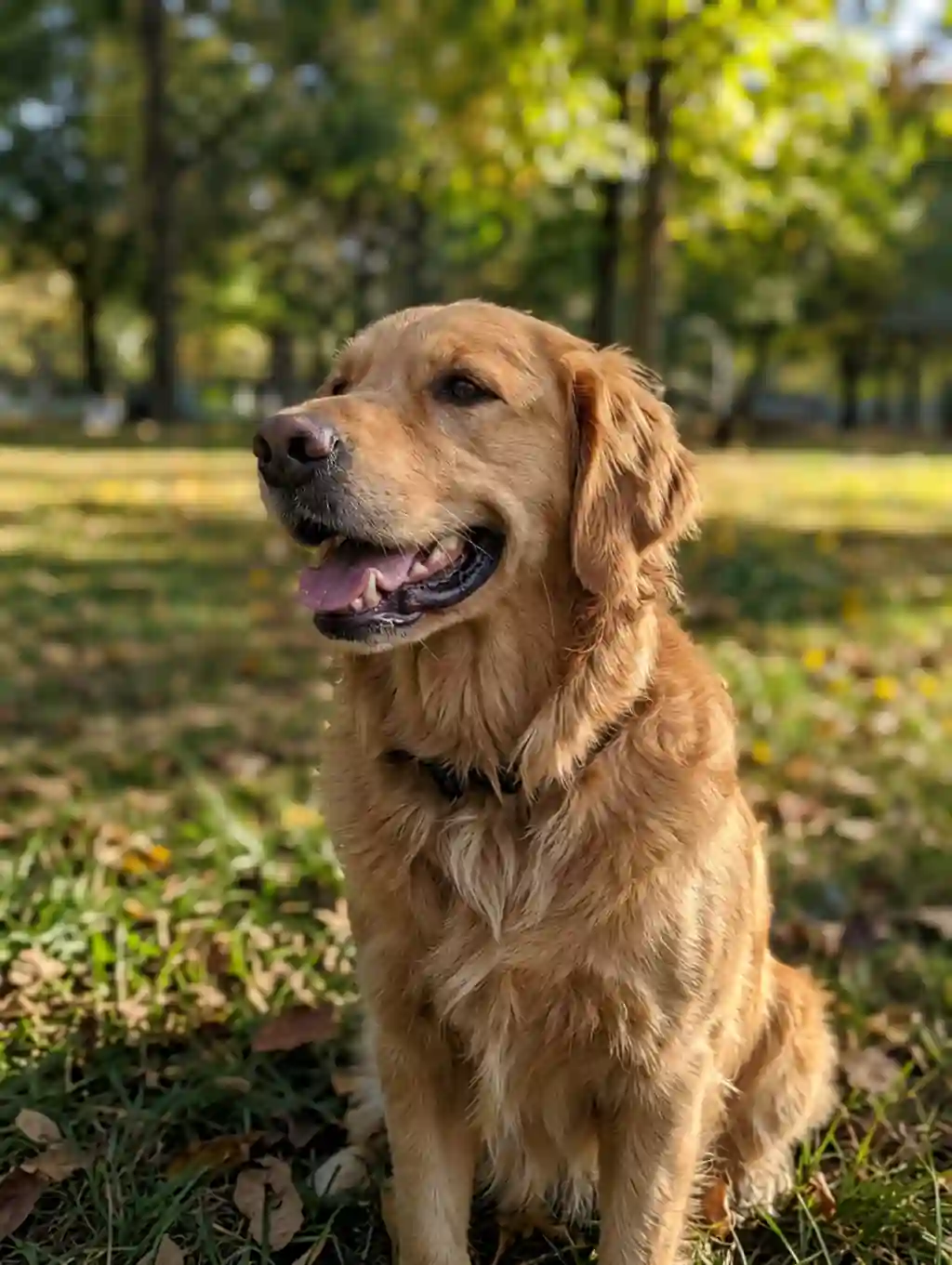
Blocky pet portrait rebuilt

Blocky pet portrait rebuilt
Product shot ready to list
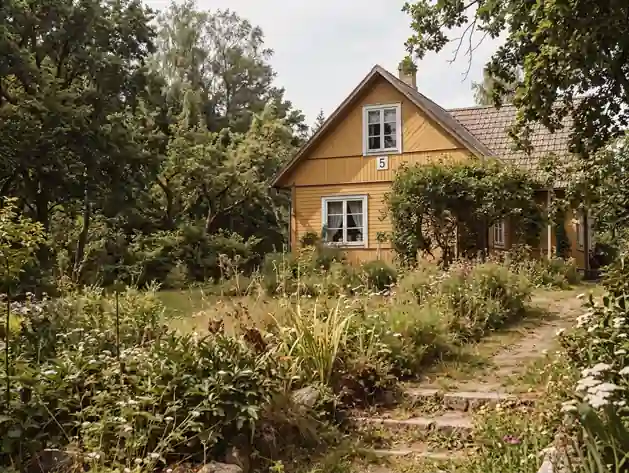
Old scan brought back
Upload a pixelated photo and let AI rebuild the detail the file lost. Unpixelate image free online in your browser, with no Photoshop, no install and no sign-up, then download the sharp copy.
Free pixel remover • Clears JPEG blocks and stair stepped edges • Works in any browser
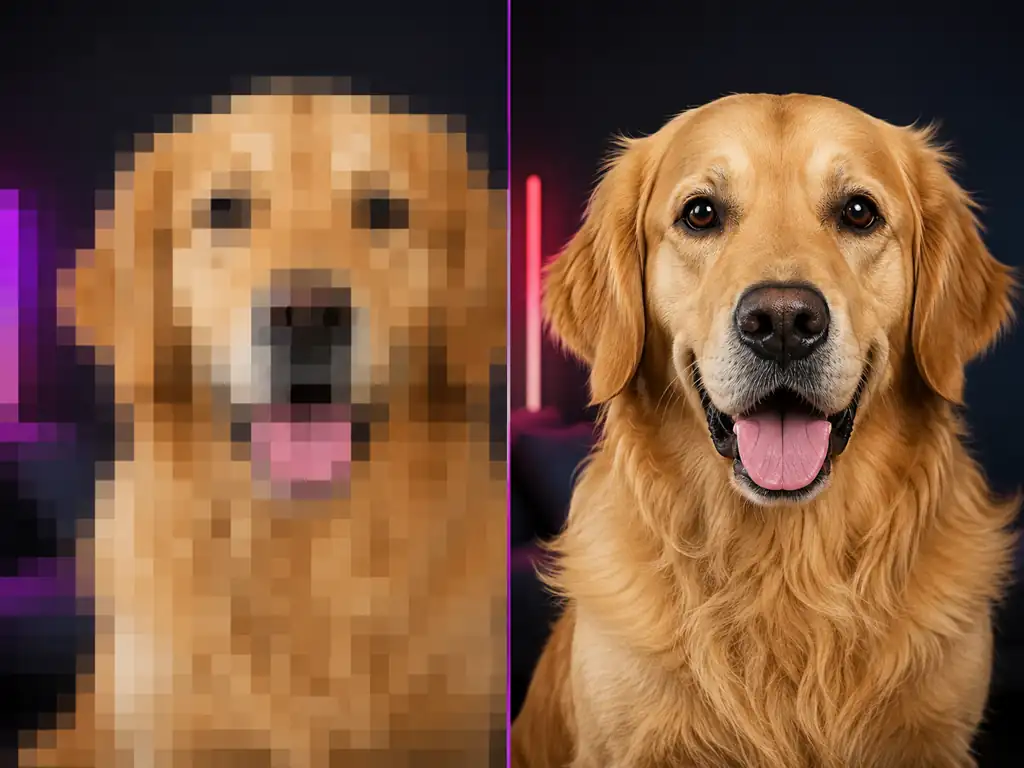
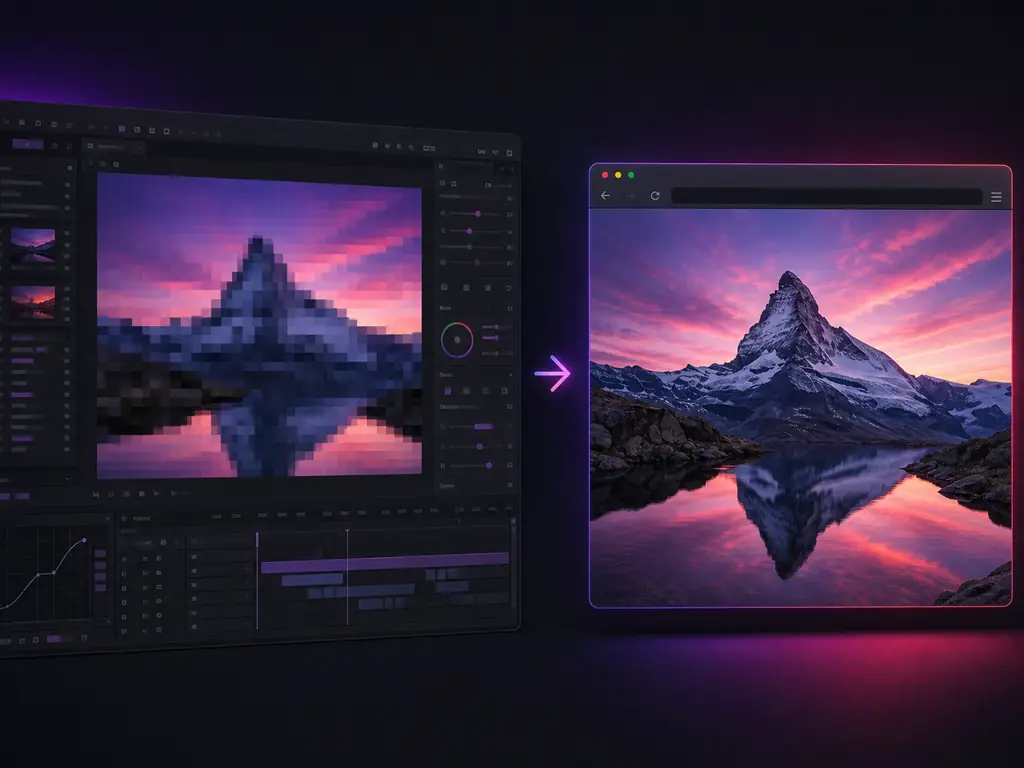
To depixelate a photo means removing the visible squares that appear once a picture has been stretched past its native pixel count or compressed too hard. A sharpening filter only raises contrast between the blocks that are already there. A depixelate image model works the other way round: it reads the block pattern, predicts the edges, textures and letterforms that used to sit inside each square, and paints them back in. People call the same job an unpixelator, an image depixelizer, or simply a way to de pixelate an image. What matters is the mechanism, because it decides how much an unpixelate image pass can actually give back.
Upload, let the AI rebuild the lost detail, then download. No editing skills, no software and no settings to learn.
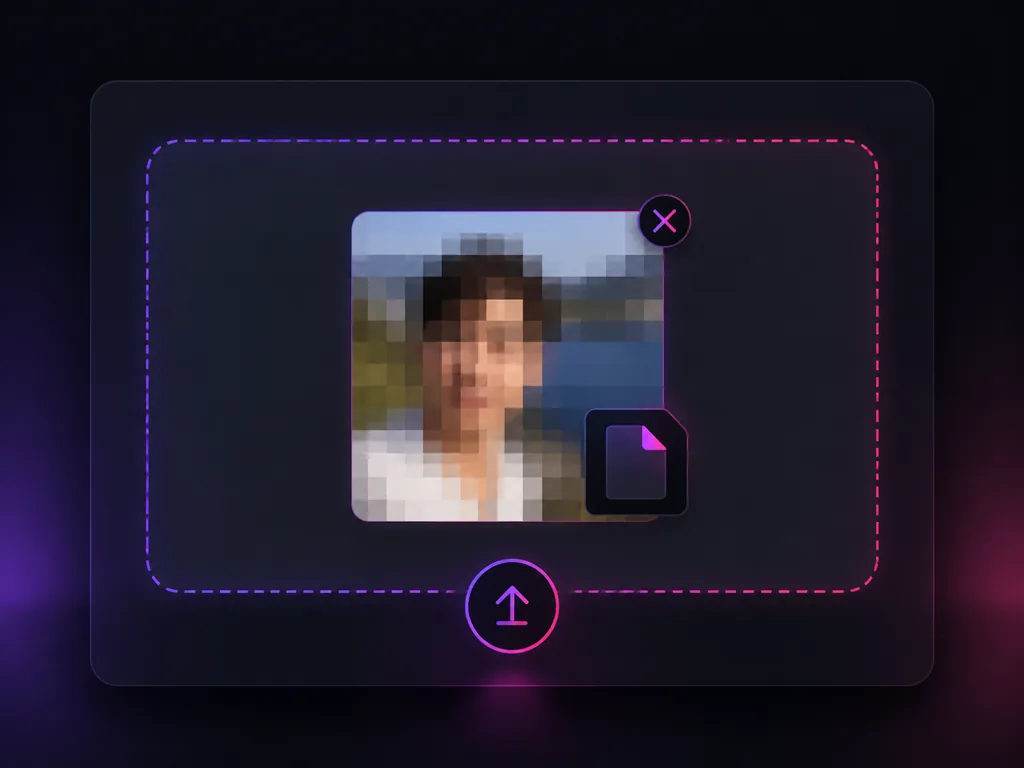
Drop in a JPG, PNG or WEBP file. The pixel remover takes screenshots, scans, phone photos and pictures that have been forwarded through several chat apps. Start from the largest and least forwarded copy you can find, because that is the single biggest factor in the result.
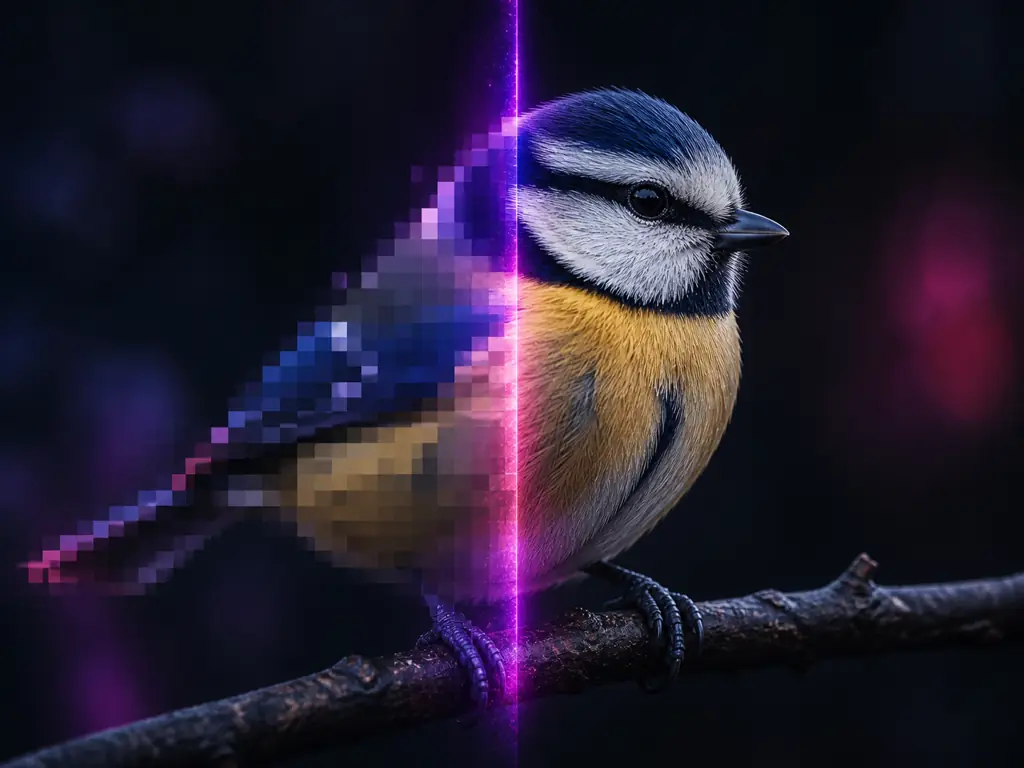
The model reads the block pattern and rebuilds edges, skin texture and letterforms instead of smearing the blocks into each other. That reconstruction step is what separates an AI unpixelate image pass from a sharpen slider, and it needs no input from you.
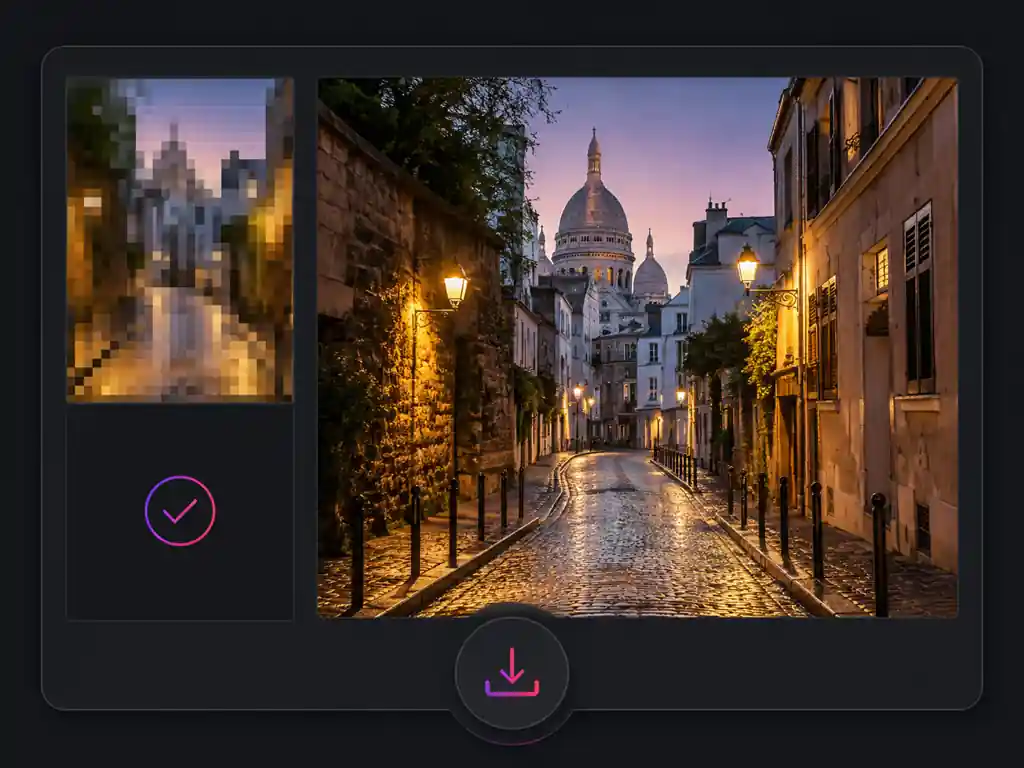
Check the before and after at full size rather than in the thumbnail, then download the depixelate image result and use it for print, marketplace listings or social posts. If a detail still looks invented, go back and upload a less compressed copy.
Six jobs people bring to a free pixel remover, including the two that every competing page leaves out and the one boundary nobody wants to admit.
Sellers, designers, creators and students arriving with the same blocky files and the same question about whether anything can be done.
I spent an evening in Photoshop on a client's file with Smart Sharpen and Reduce Noise before admitting the detail simply was not in there. One unpixelate image pass gave me something worth retouching, and I did the rest by hand as usual.

Marcus Johnson
Photo Retoucher
My supplier sends photos that fall apart the moment a buyer zooms in. I run them through to fix pixelated image detail before listing, and I have stopped getting messages asking what the fabric actually looks like.

Priya Sharma
Online Shop Owner
A photo that has been forwarded through three group chats is basically squares by the time it reaches me. Being able to depixelate image files in the browser before I post has saved a lot of shots I would otherwise have dropped.

Ethan Brooks
Content Creator
Clients hand me a logo they saved off their own website and expect it on a banner. The pixel remover gets the edges clean enough for small format, and the page is honest that a redraw is the real answer for anything bigger. That saved me an argument.

Clara Schneider
Print Designer
I could not have told you the word for what was wrong with my photographs, only that they had gone square and speckly. I uploaded one, it came back looking like a photograph again, and I did not have to understand any of it.

Hiro Tanaka
Retired Teacher
I needed a free pixel remover for a scanned diagram in my thesis and did not want to sign up for anything. It worked on the scan, the labels came back readable, and I moved on with my afternoon.

Amara Okafor
University Student
Straight answers on how to fix pixelated image files, what Photoshop and the other editors can and cannot do, and where the honest limits are.
Drop in the blocky photo, let the AI pixel remover rebuild the detail, and download a sharp copy. Unpixelate image online free, with no install and no sign-up.