









Corporate

Corporate
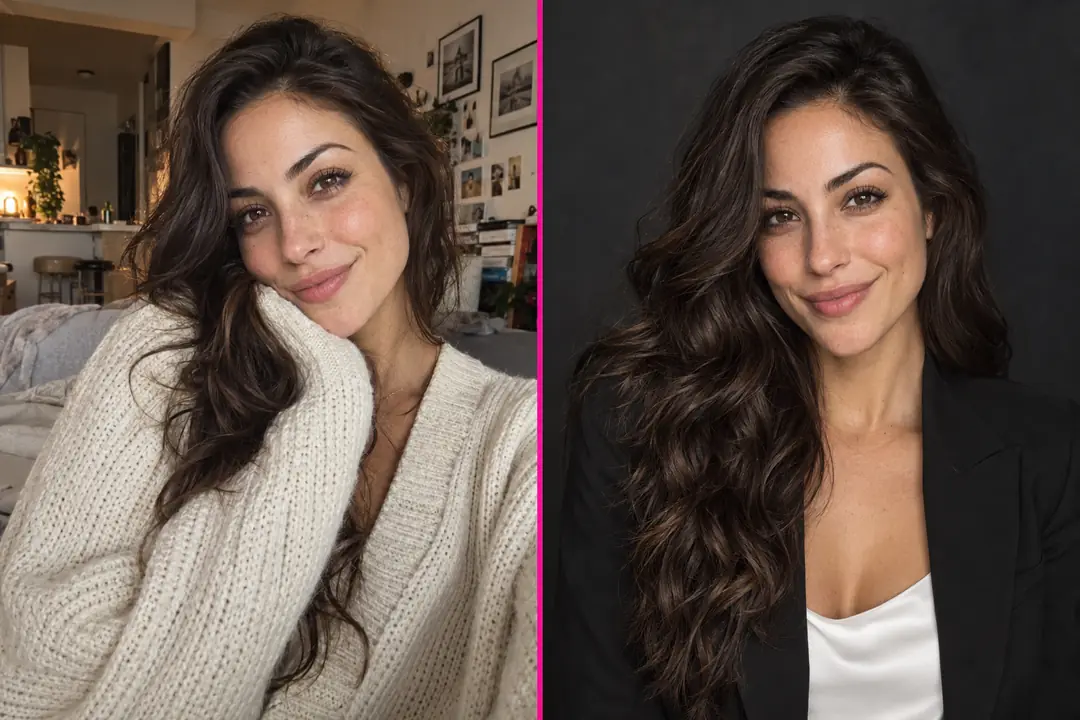
Upload one clear selfie, pick a LinkedIn, corporate or creative style, and get a polished professional headshot from your own photo. The AI is built to keep your face, skin tone, hairstyle, glasses and head covering; change only the background or outfit when you want a new look.
Works from one selfie • Keeps glasses and hijabs • Swap background and outfit • No app to install
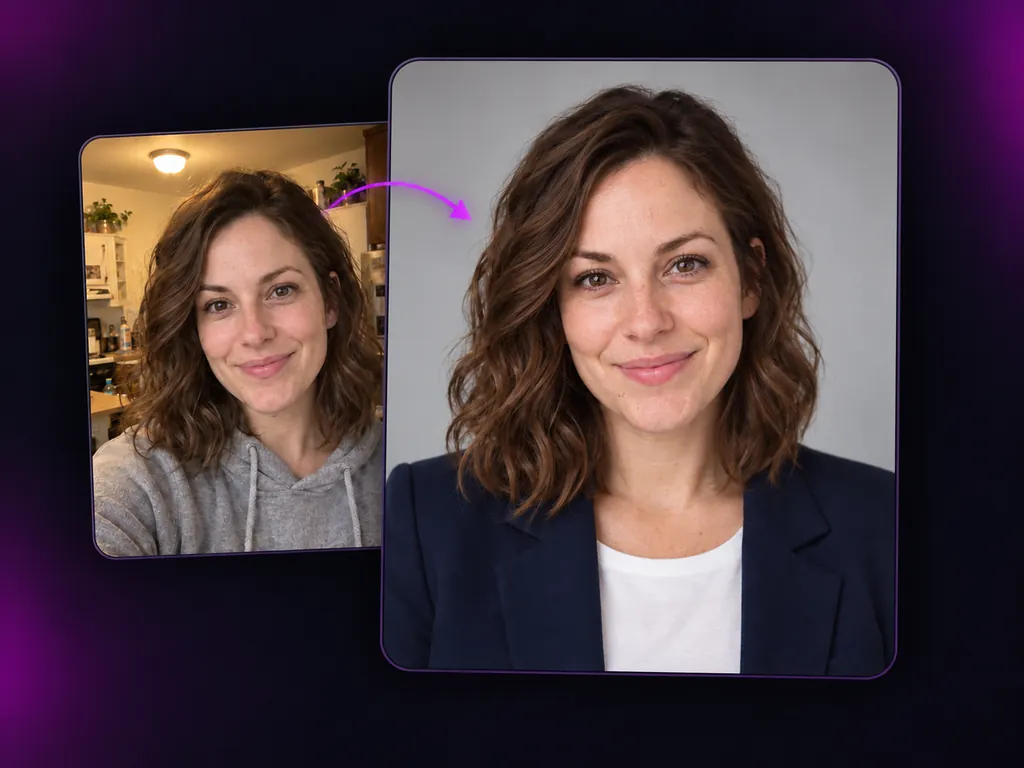
An AI headshot generator turns an everyday photo of you into a polished portrait for work. Most people do not need a studio day; they need one good picture before a profile goes live, a new employer asks for it, or an interview starts tomorrow. That is why so many search for free headshots or an AI to make headshots. The catch with most ai generated headshots is that they stop looking like you: a different jaw, lighter skin, straightened curls, missing glasses. This professional photo maker works the other way round. Your selfie is the identity reference, and the business photo AI changes the light, the background and the clothes while it aims to keep your face, skin tone, age, hair, glasses and head covering. It is a headshot maker and a headshot editor in one, right in your browser.
No studio, no prompt writing. Go from a casual photo to a professional AI headshot with three choices.
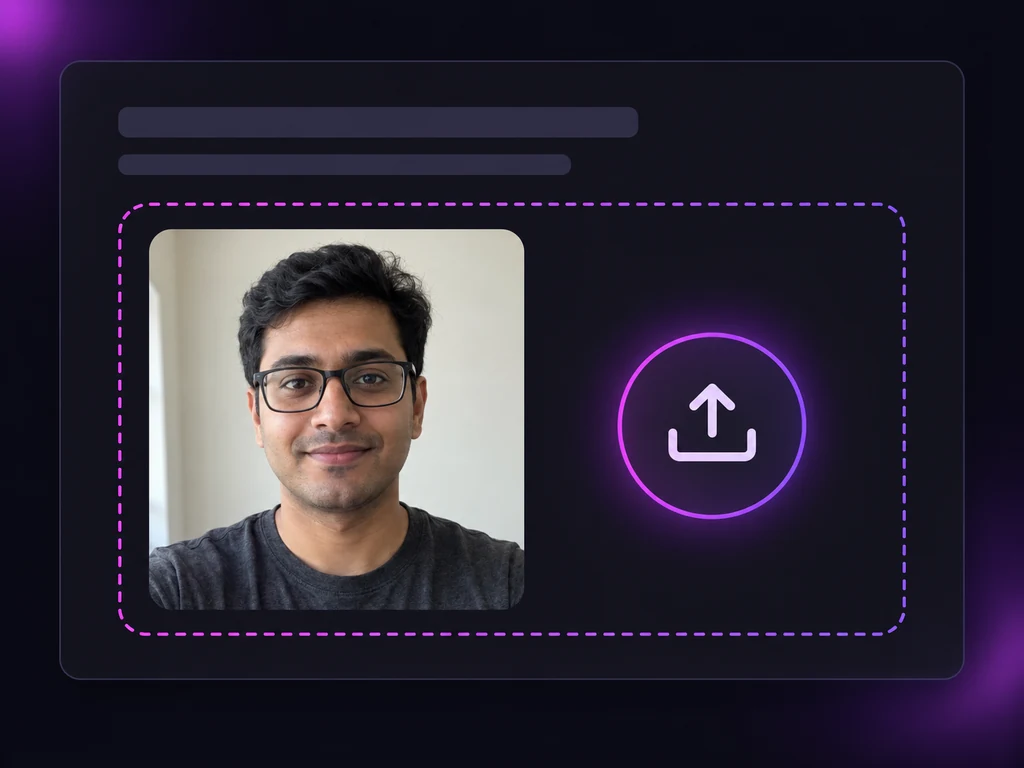
Use a recent, front facing photo taken at eye level in soft, even light; a phone selfie by a window works well. Take off sunglasses and be the only person in the frame. Have more clear photos of yourself? Add them to give the AI a fuller view of your face.
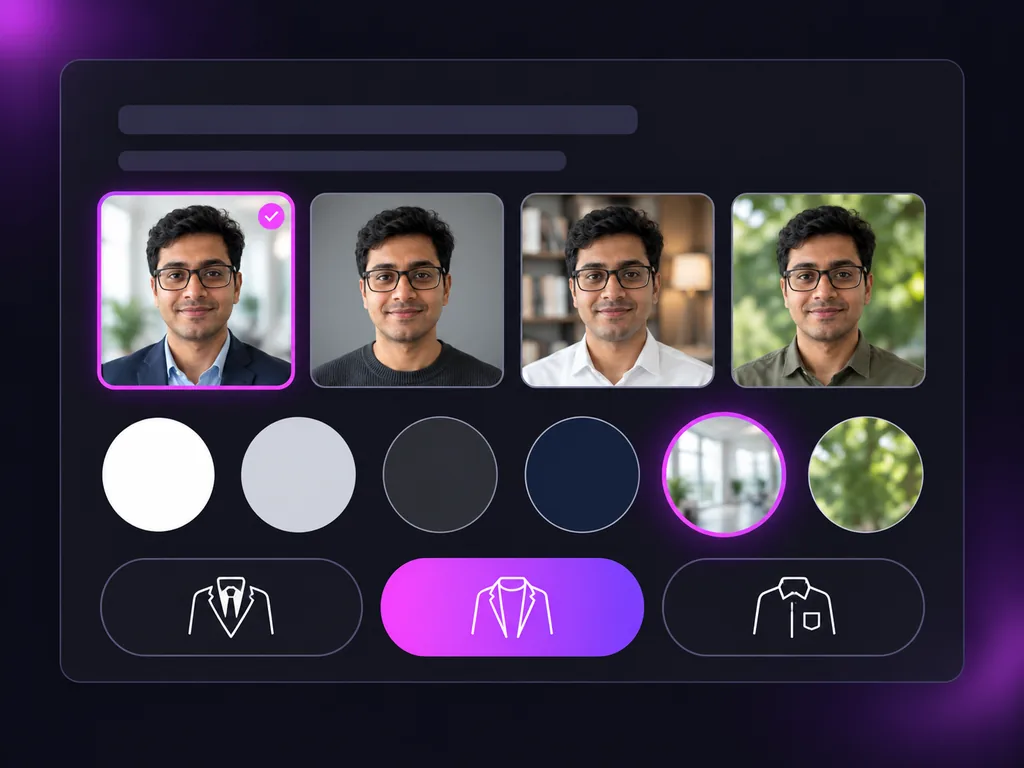
Choose a look such as LinkedIn, corporate, business casual, creative, healthcare, real estate or legal and finance. Set the background, from a plain studio color to a blurred office or outdoor scene, then keep your clothes or switch to a suit, a blazer or smart casual.
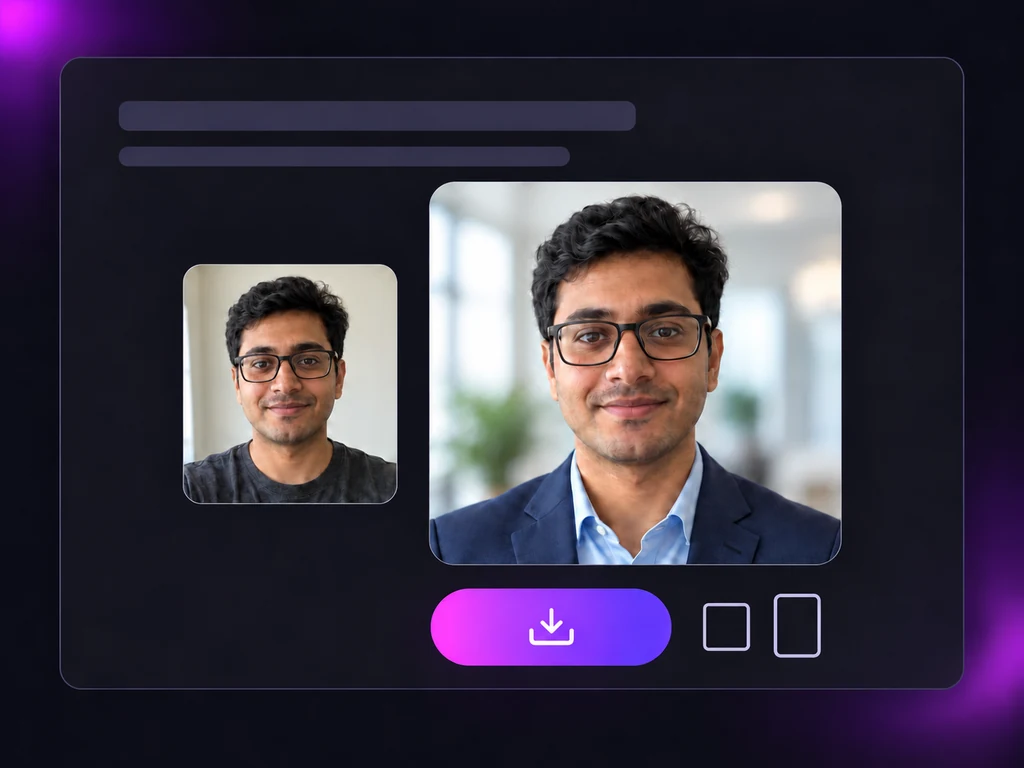
The headshot AI builds the portrait around your real features. Compare it with your selfie; if the background or outfit is off, change just that and run it again. Download a 1:1 square for LinkedIn or a 4:5 portrait for a team page or speaker bio.
LinkedIn is where most headshots end up, but not the only place. Control background, outfit and style, and keep what makes you you.
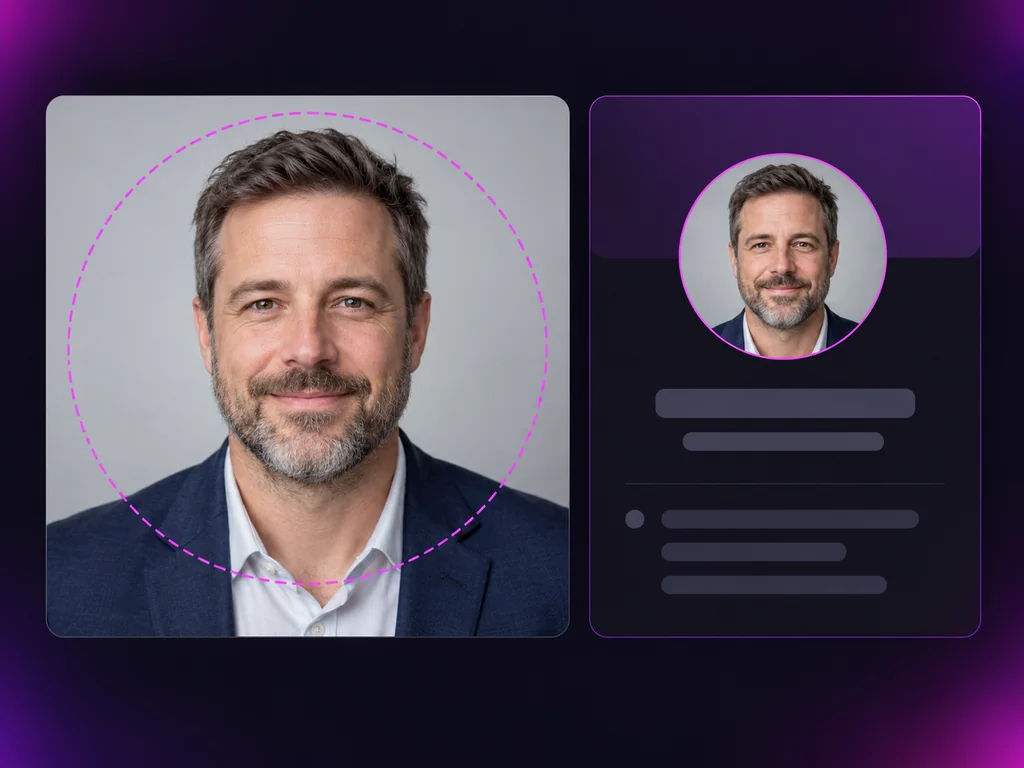
Job hunts, first weeks, residency applications and new listings: headshots that still look like the people in them.
My final round was the next afternoon and the portal wanted a profile photo. I took a selfie by the window, picked corporate with a navy blazer, and it still looked like me on the video call.
Ryan Cho
Job Seeker, Financial Analyst
HR asked for a team page headshot in my first week. Business casual, office blur, the 4:5 download, and it sat next to everyone else without looking out of place.
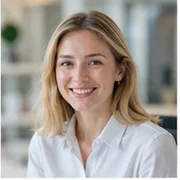
Emily Carter
Account Manager
For my ERAS photo I mostly cared that it looked like me. In the healthcare style and in a dark suit, my skin tone stayed my skin tone. The suit version went into my application.
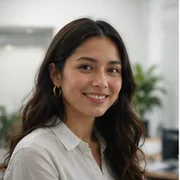
Priya Sharma
Fourth Year Medical Student
I have worn glasses since I was a kid, so a headshot without them is not me. They stayed, same frames. I only swapped the hoodie for smart casual.

David Miller
Software Engineer
I was nervous the AI would remove my hijab or change how it drapes. It did not. I changed the background to a soft office and left everything else alone.
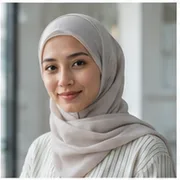
Layla Al-Fayed
HR Business Partner
I needed one photo for my brokerage profile, listing flyers and social posts. The real estate style with an outdoor blur felt warm, and my braids came out the way I wear them.
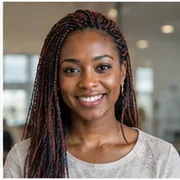
Nia Williams
Real Estate Agent
Straight answers for anyone comparing the best ai for professional headshots: cost, LinkedIn, likeness and which photo to upload.
Upload a selfie, choose your style, background and outfit, and get a professional headshot that keeps your face, glasses and hair. Use this free ai professional headshot generator before your next deadline.