










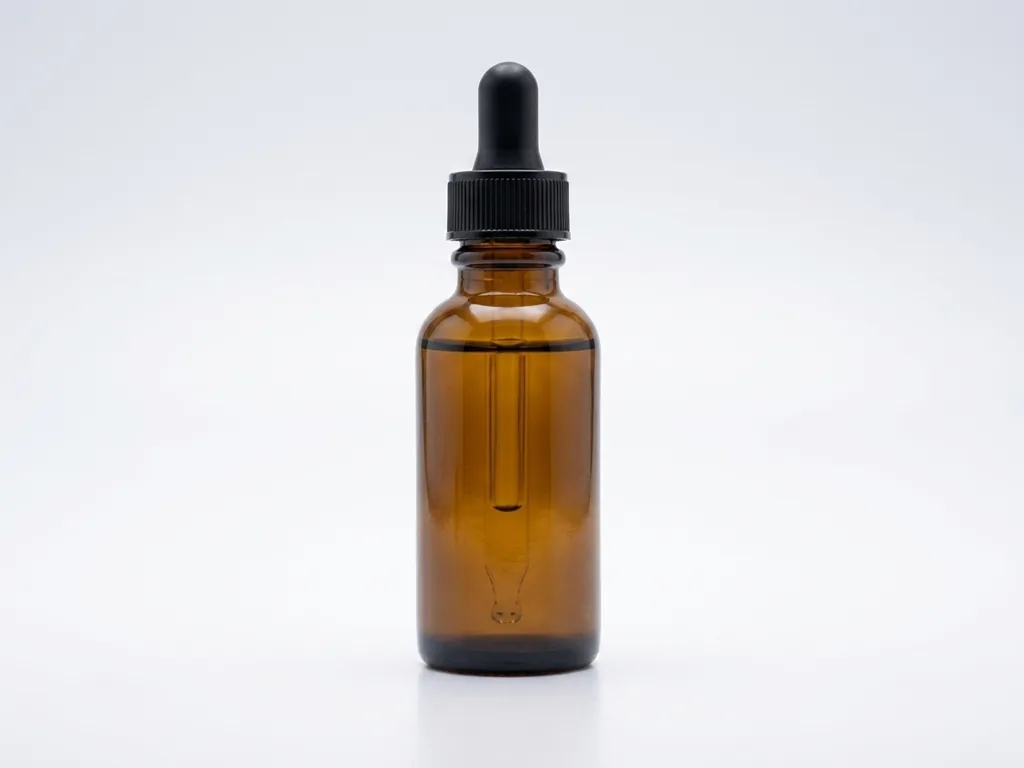
Phone snapshot turned into a studio packshot

Phone snapshot turned into a studio packshot
Product placed into a real kitchen scene
Product shown in a model hand
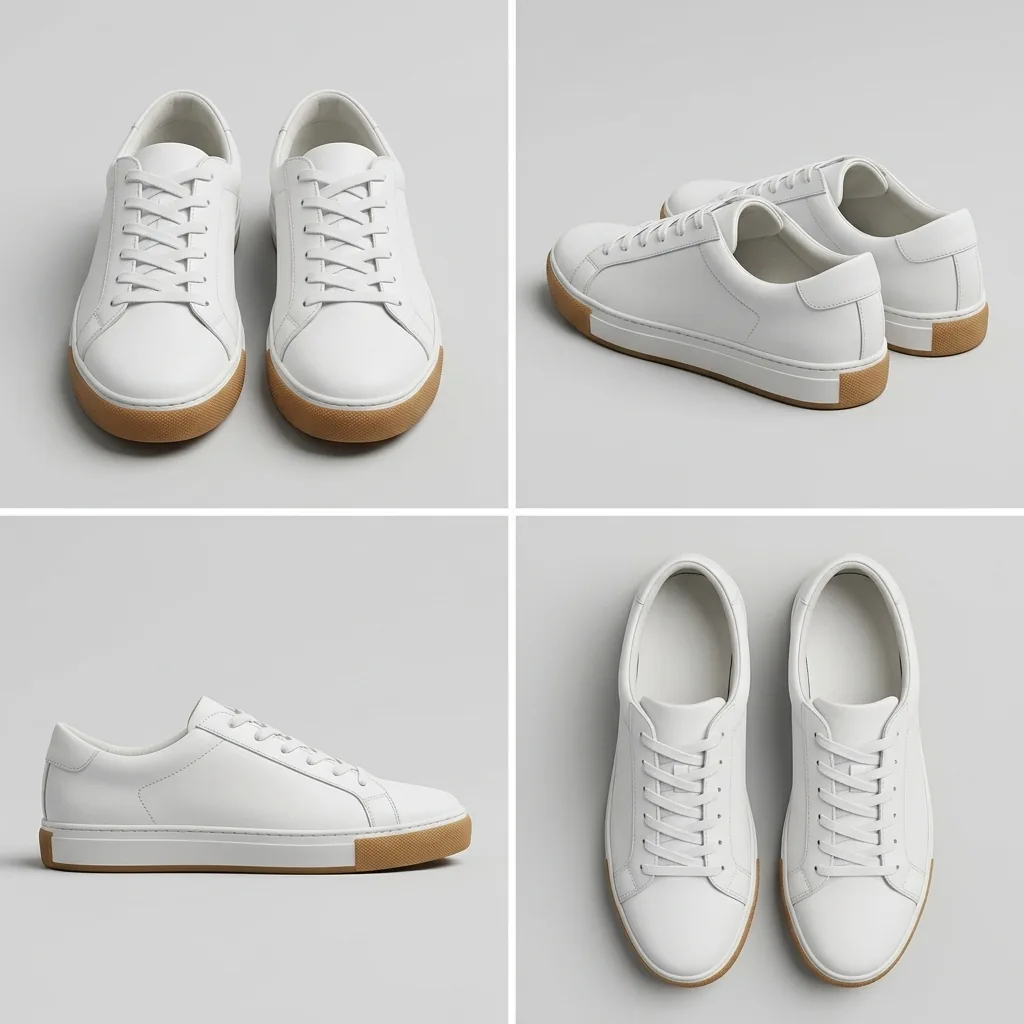
One photo turned into a listing angle set
Beauty still life with controlled highlights
Marketing creative with space for a headline
Upload the product photo you already have and get studio, lifestyle, model, angle, beauty and ad shots. The scene and the light change, your product does not.
Six shot types • Four AI models to switch between • 1K to 4K output
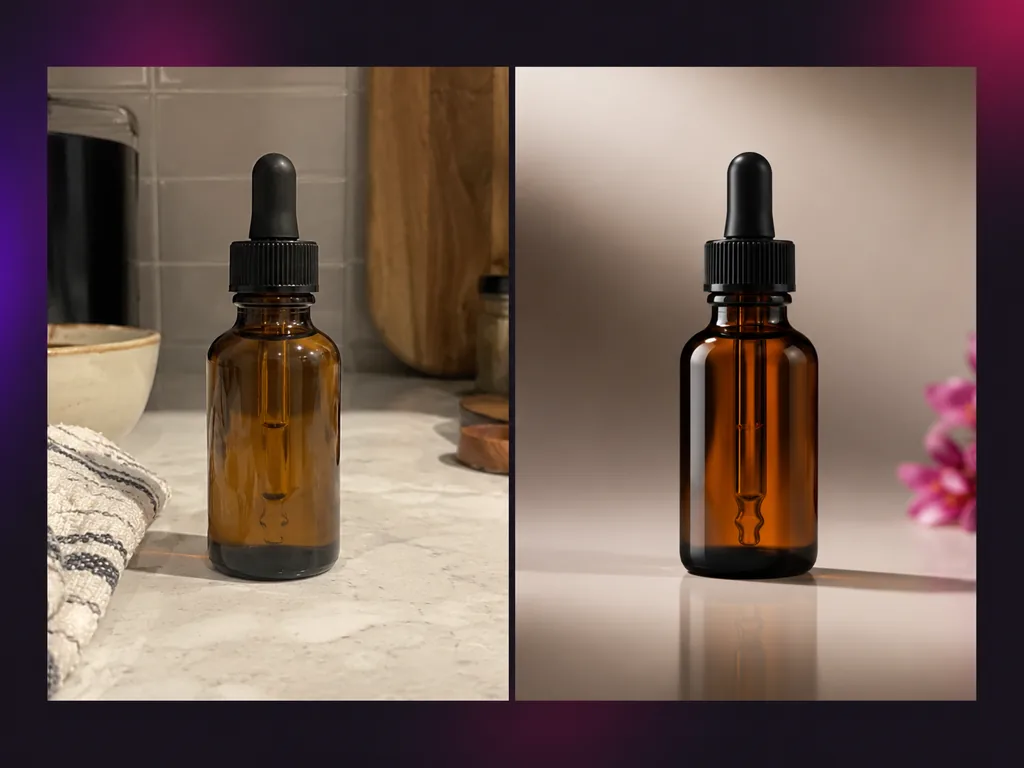
AI product photography is a way to produce product photos from a shot you already own instead of booking a studio. You upload the product image, choose a shot type, and the model rebuilds the background, the surface and the lighting around the same item. The point of a product photography AI tool is not to redraw your product, it is to leave the shape, color, label and material alone while the scene and the camera angle change. That is the line between a commercial ready image and an artistic one, and it is why ecommerce sellers reach for product photo AI.
Upload the product you sell, choose the shot type, set the model and the ratio, then generate and download.
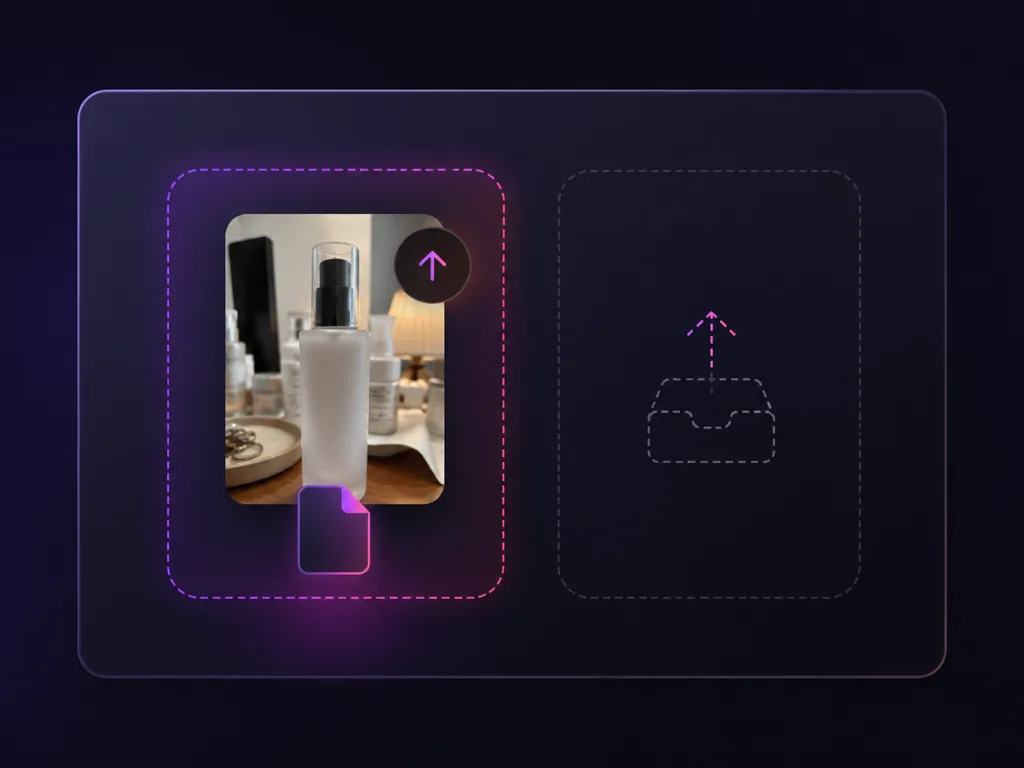
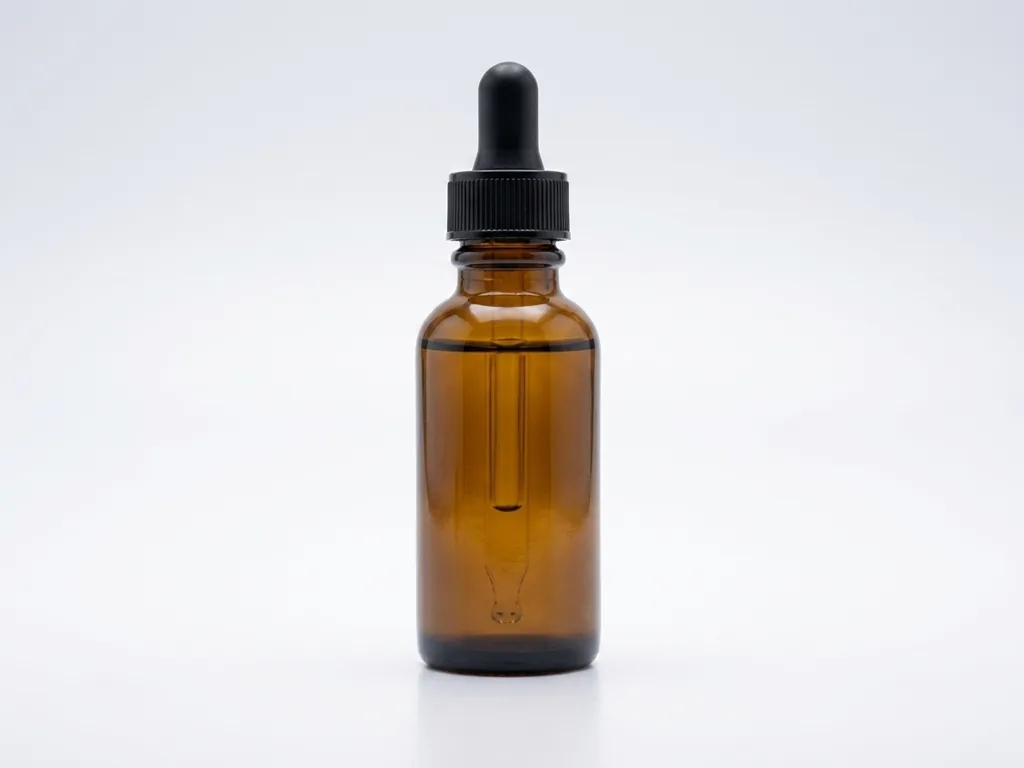
Drop in the product image you already have, even a phone shot taken on a kitchen table. There are four upload slots and only the product one is required. The rest take a scene, model or brand reference.
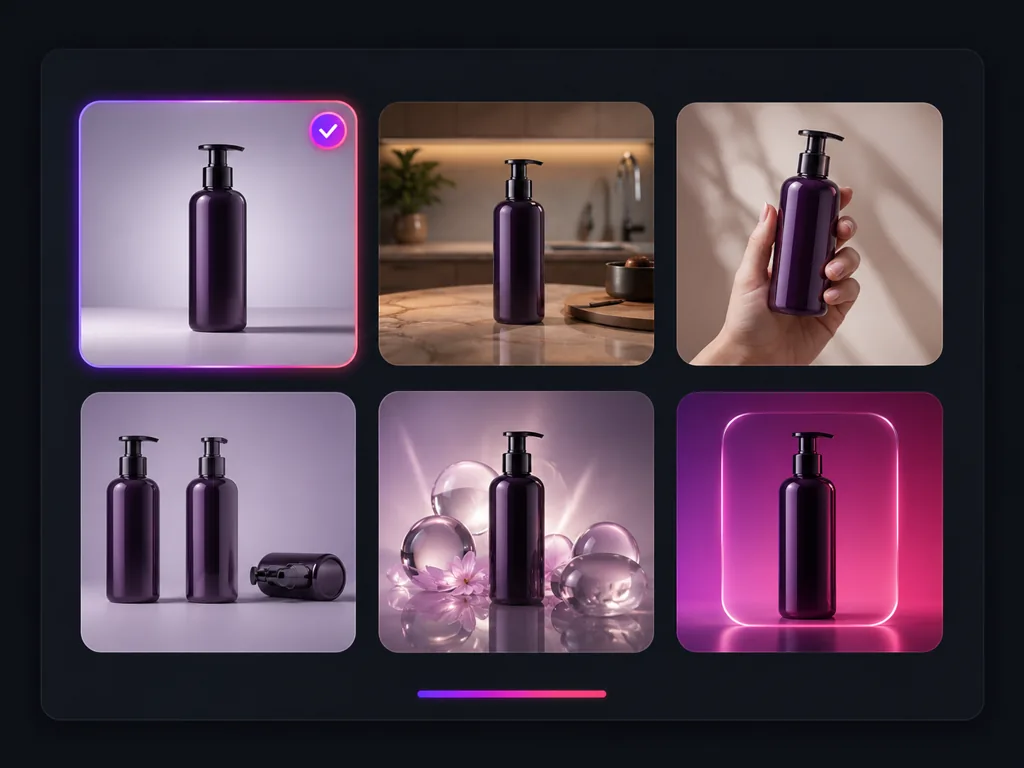
Choose Studio, Lifestyle, Model, Angles, Beauty or Ad. Each card carries a prompt template that describes the scene and the lighting, and every one of them opens with the same instruction: keep the product itself unchanged.
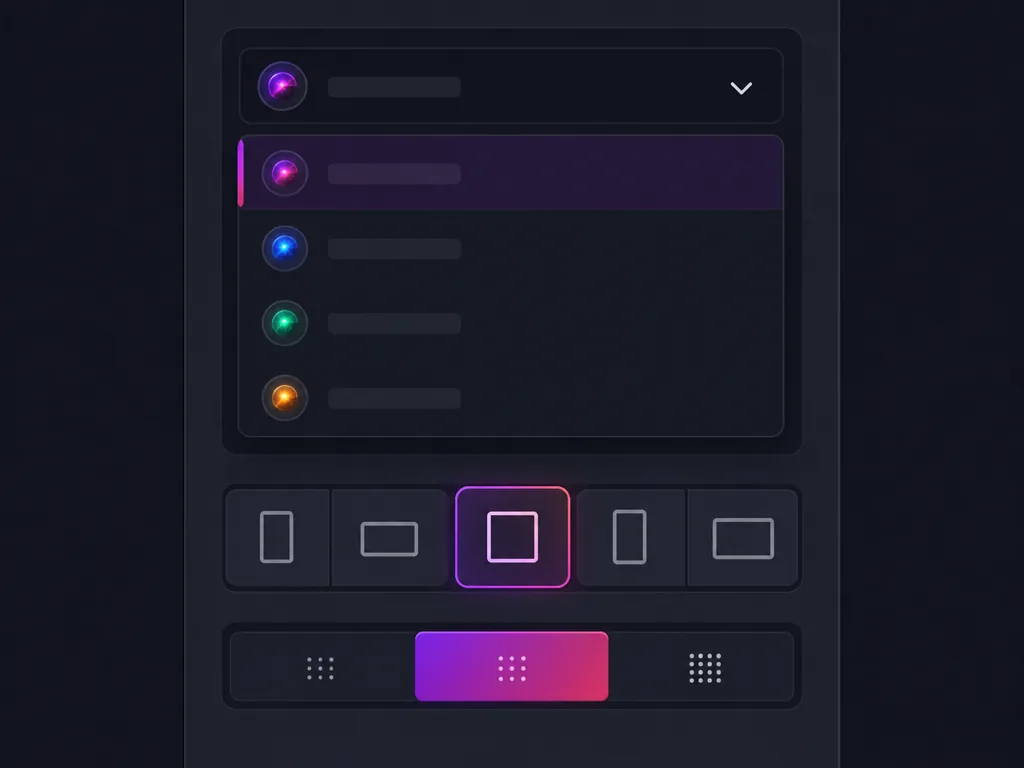
Switch between nano banana 2, nano banana, nano banana pro and gpt image 2, then choose a ratio (1:1 for marketplace main images, 4:5 for social feeds, 16:9 for banners) and 1K, 2K or 4K output.
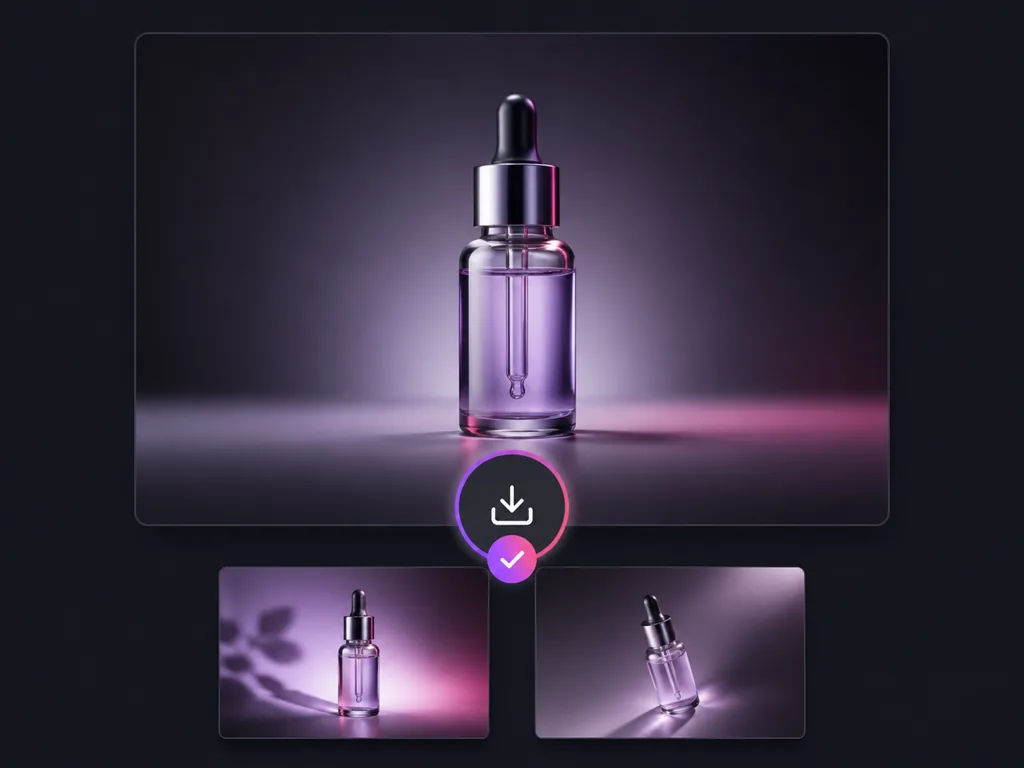
Run the generator, compare the result against your original, and download the image for your listing, ad or social post. If the framing is off, change the shot type or the ratio and run it again.
Every shot type starts from the same upload and the same rule: change the scene and the light, never the product.
Shopify, Amazon and Etsy sellers use it for main images, lifestyle sets and ad creatives.
I shot my bottles on a windowsill with my phone. Studio mode gave me a main image I was not embarrassed to upload, and the label still reads like the real one.

Mateo Garcia
Shopify Store Owner
Beauty mode understood what a serum should look like: stone surface, rim light, cap shape untouched. The cap was the part I was worried about.

Hana Lee
Skincare Brand Founder
Angles is what sold me. Front, three quarter and top down under the same light means my listing finally looks like one photoshoot, not five random pictures.

Isabella Rossi
Etsy Jewelry Maker
I generate the 1:1 main image and the 4:5 social version from the same upload. It replaced the ecommerce photoshoot I used to outsource.

Kabir Singh
Amazon Seller
Model shots let me show how a piece wears without booking talent, and the fabric pattern stays put. Other product photo AI tools lost it.

Emma Wilson
Apparel Brand Owner
Switching models inside the same form is underrated. When one engine misreads a texture I change the engine instead of rewriting the prompt.

Marcus Johnson
Ecommerce Agency Creative
Answers about shot types, product consistency, model choice, Amazon listings and commercial use.
Upload one product photo, pick a shot type, and get a product image that still looks like your product. Need a background swap or a sharper file instead? The other Makify AI image tools handle those.