










Cocktail Time-Freeze Rescue
Kling 4.0 Video Generator: Direct a Full 30 Second Scene with Sound
Run Kling 4.0 online and turn a prompt, a photo, or a pack of references into one continuous scene. Lock the story with Kling 4.0 keyframes, keep faces consistent with Omni Reference, and get stereo sound in the same generation.
Up to 30 seconds • 10 keyframes • 15 references • Stereo audio • 4K HDR
What is Kling 4.0?
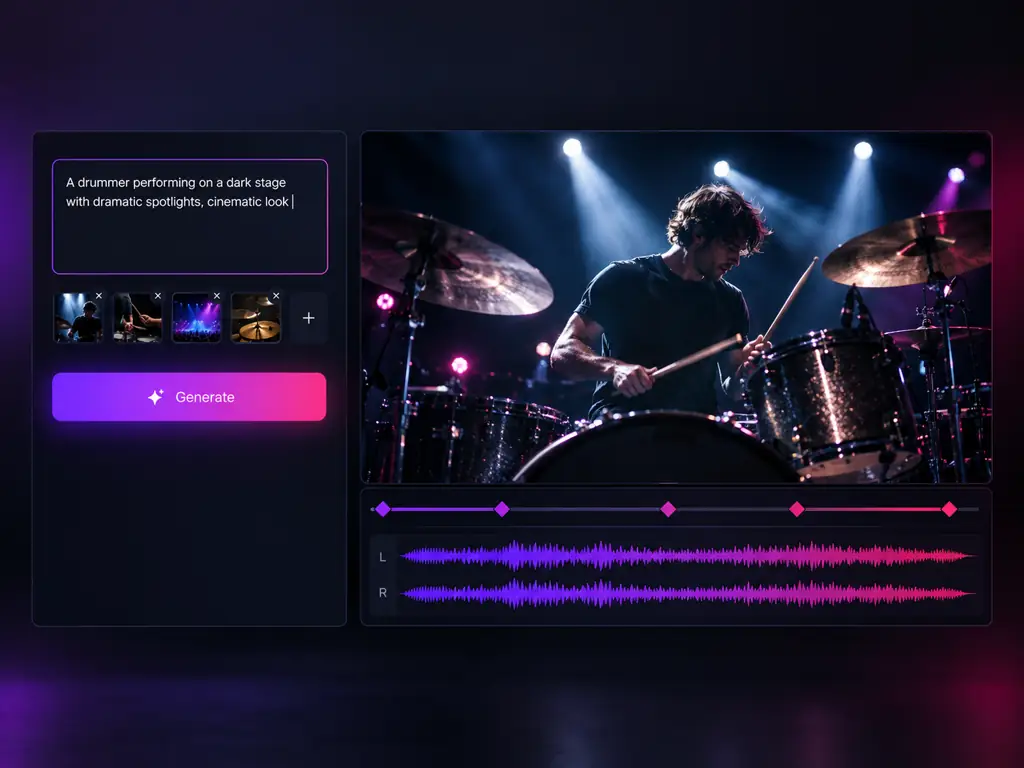
Kling 4.0 is the new flagship video model from Kling AI, the generative video platform built by Kuaishou, and the successor to Kling 3.0, 3.0 Turbo, and 3.0 Omni. People search it as kling 4.0, kling 4, kling ai 4.0, klingai 4.0, or kling v4. Its official pitch is "You call the shots": instead of a pretty five to fifteen second shot, Kling 4.0 is built to hold a complete scene. One generation runs up to 30 seconds, follows up to 10 keyframes you place, draws on up to 15 multimodal references for consistent characters and products, and returns stereo audio with tighter lip sync, in up to 4K with 10-bit HDR. The generator at the top of this page is where you put that to work.
What the Kling 4.0 Video Model Can Do
Longer scenes, director level control, and delivery grade sound and picture from Kling 4.0
Kling 4.0 30 Second Video
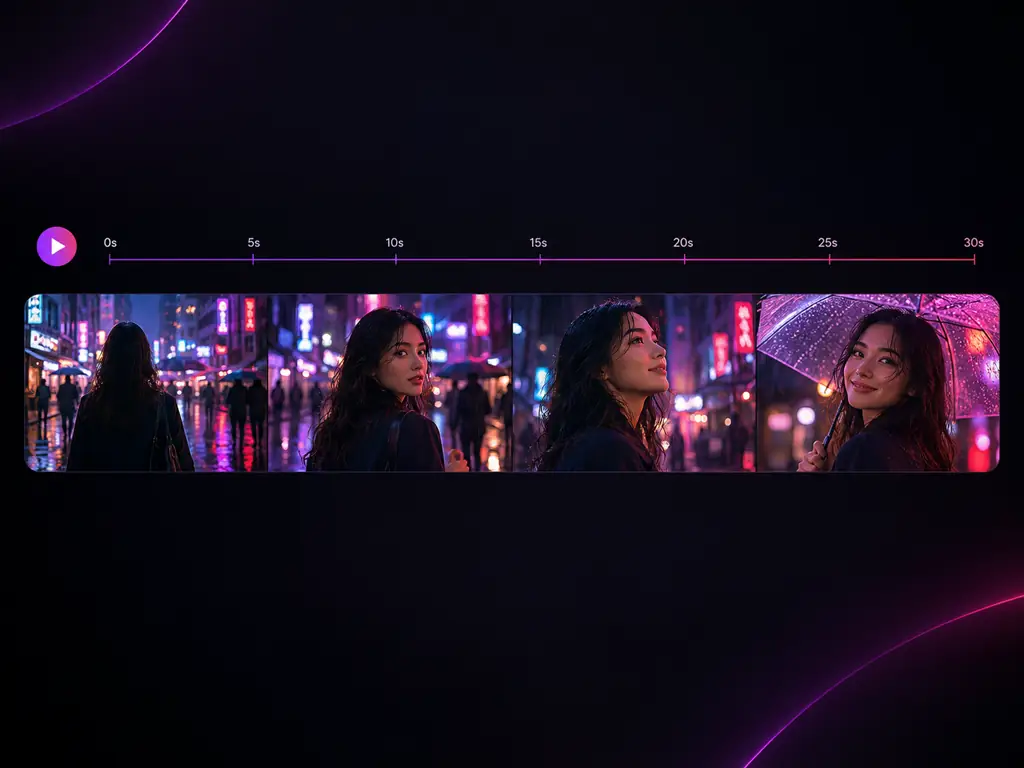
- Native length of up to 30 seconds
- Twice the single pass length of Kling 3.0
- Setup, turn, and payoff in one continuous take
- No identity drift from stitched clips
Who Uses the Kling 4.0 Generator?
Creators and teams who need a complete Kling 4.0 scene, not a five second teaser
Short Form Creators
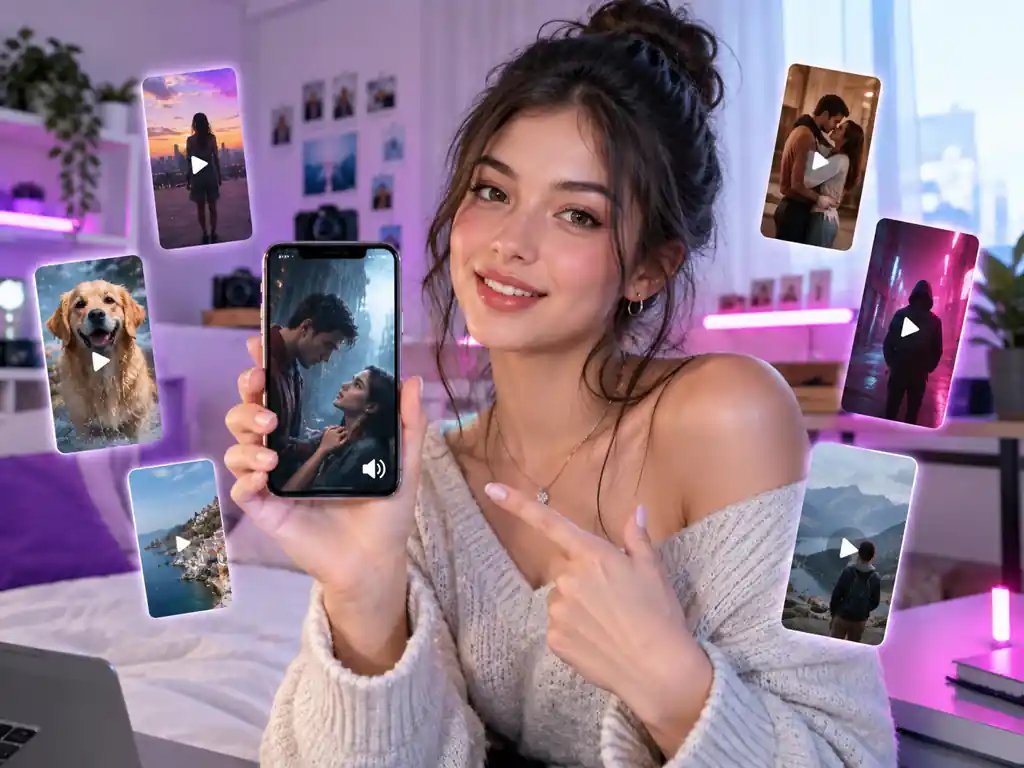
Build TikTok, Reels, and Shorts clips with Kling 4.0 that tell a whole beat in 30 seconds. Keyframes keep the hook, the turn, and the ending exactly where you want them.
Performance Ad Teams
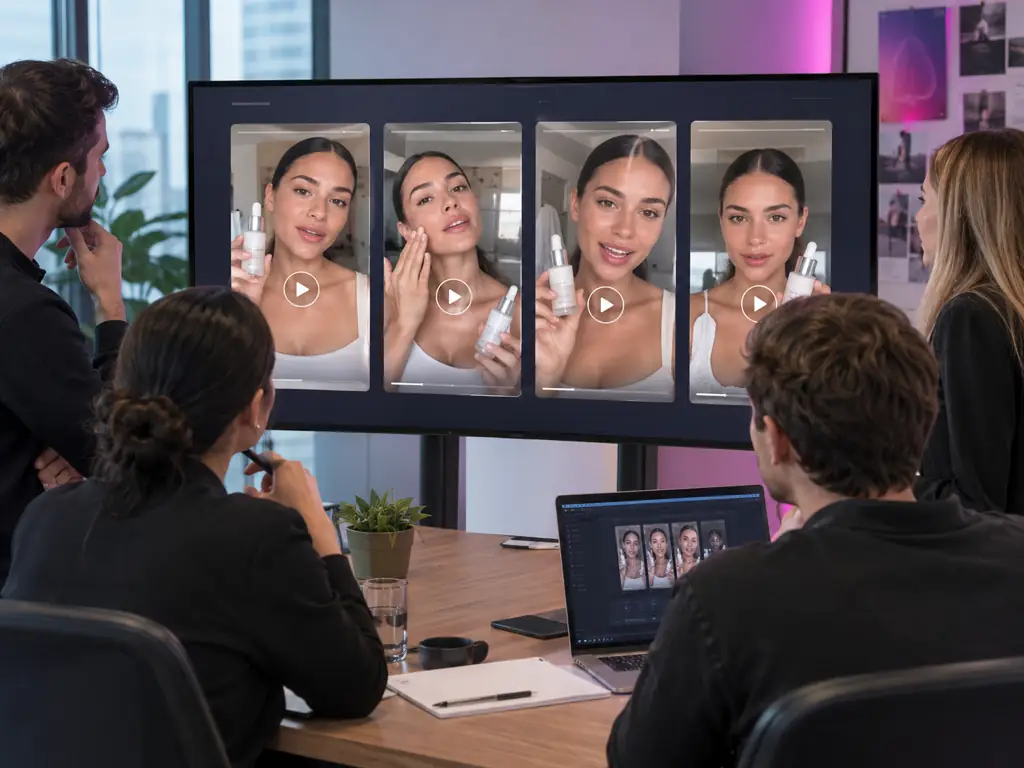
Ship UGC style talking head ads and product spots with stereo voice already in them. Lock the actor and the product with references and test variants fast.
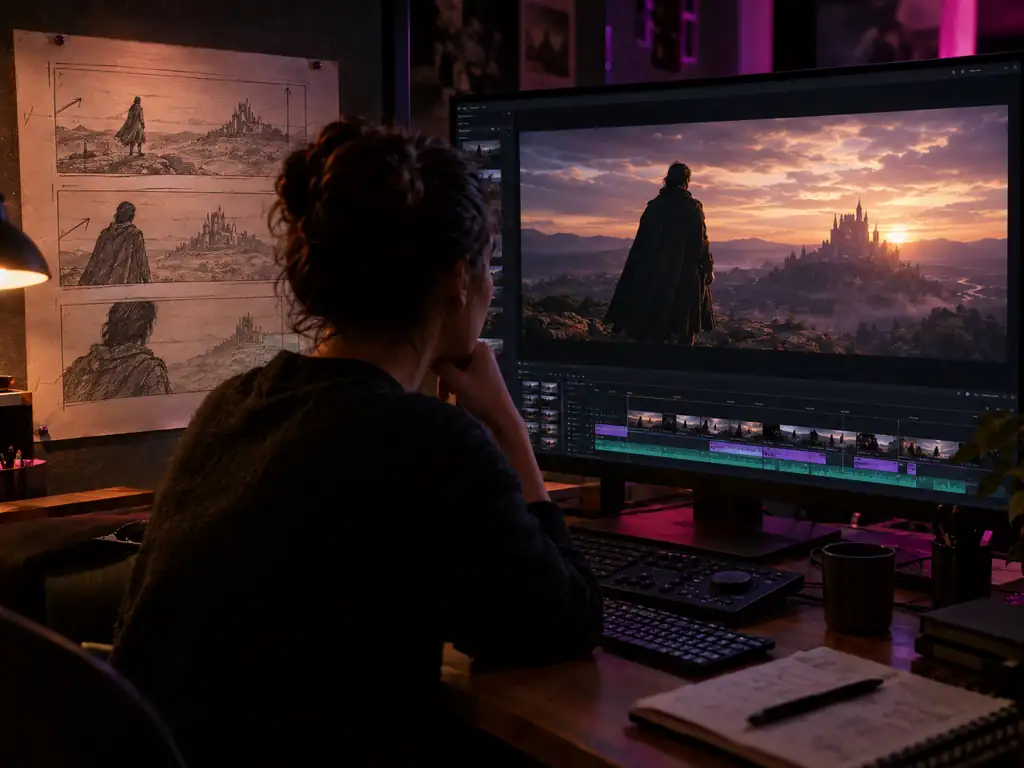
AI Filmmakers and Previs Artists
Turn a storyboard into a moving pitch trailer with Kling 4.0. Ten keyframes stand in for your boards, and 4K HDR output holds up on a big screen.
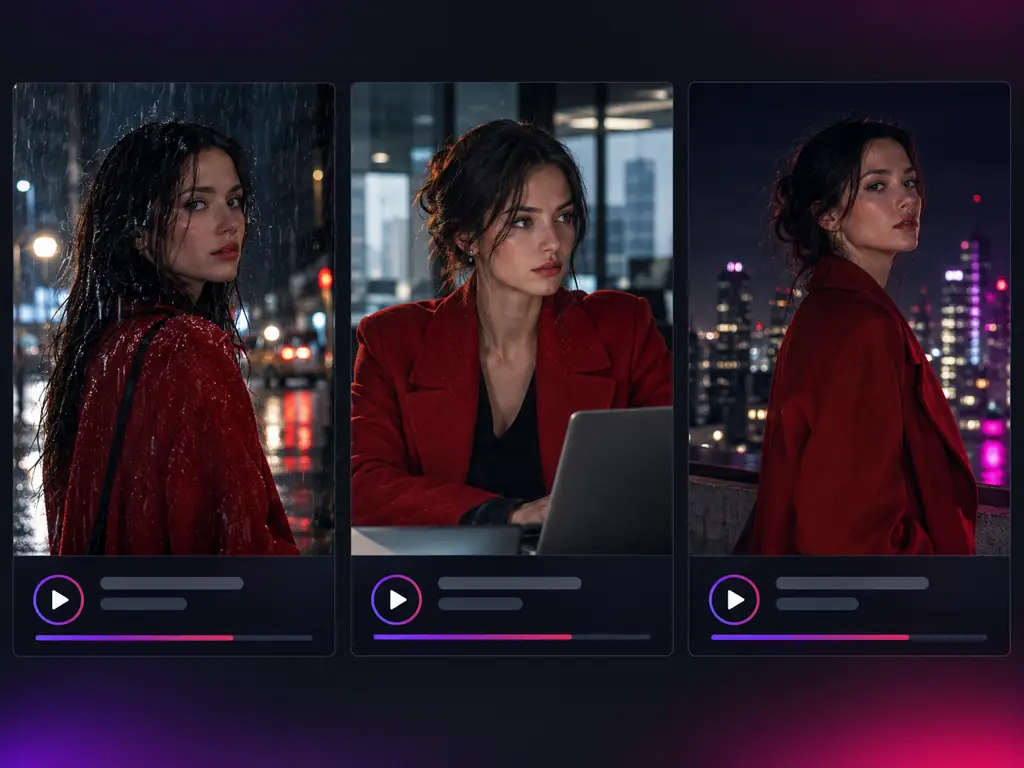
Short Drama Studios
Keep the same character, wardrobe, and voice across episodes with Kling 4.0 Omni Reference, and let lip synced dialogue carry the scene in the language your audience speaks.
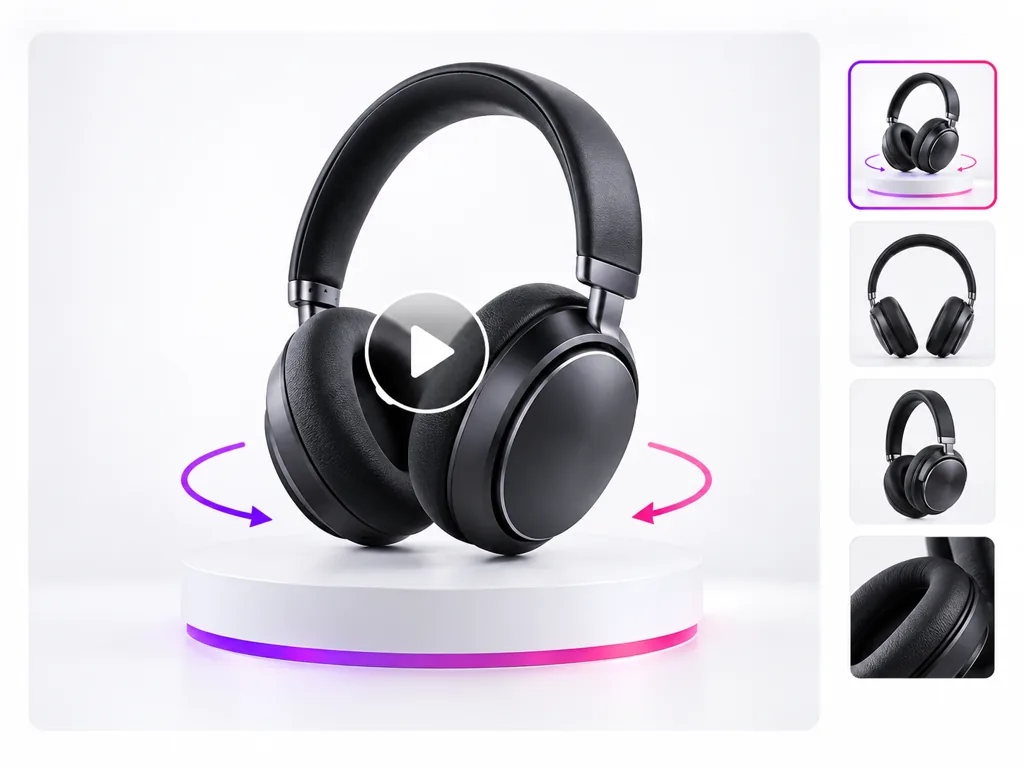
Ecommerce and Product Teams
Turn catalogue photos into orbit, pour, unboxing, and fabric motion shots with Kling 4.0 image to video, without booking a studio.
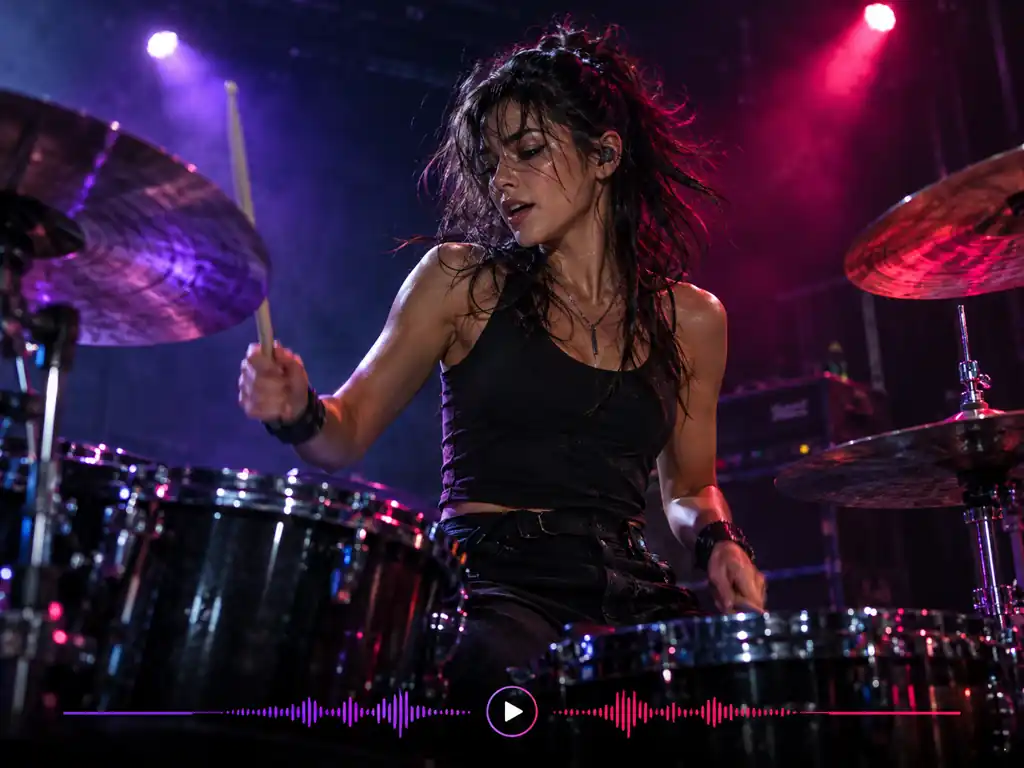
Musicians and Music Video Makers
Stage performance clips with accurate lip sync and stereo sound. Kling's own 4.0 launch film is a drummer returning to the stage.
Why Use Kling 4.0 Here?
What this Kling 4.0 video generator gives you beyond a spec sheet
A Full Scene, Not a Teaser
Up to 30 seconds per generation means a complete story beat in one render instead of a stack of 5 second shots.
You Call the Shots
In Kling 4.0, ten keyframes and fifteen references give you director level control over poses, timing, faces, and products.
Sound Comes With the Picture
Kling 4.0 generates stereo audio, lip sync, and multilingual speech in the same pass, so there is no separate audio step.
Delivery Grade Output
Kling 4.0 output of up to 4K with 10-bit HDR and steadier motion gets you closer to a final cut than any earlier Kling release.
Compare Models in One Place
Kling 3.0, Seedance 2.5, Wan 3.0, and MiniMax H3 sit in the same model menu, so you can run one prompt across them and keep the best take.
Nothing to Install
Kling 4.0 runs in your browser. No app to download, no local GPU to plan around, just sign in and generate.
Simple Process
How to Use Kling 4.0
From a blank prompt box to a finished Kling 4.0 video in four steps
1
Open the Kling 4.0 Generator
Sign in and the Kling 4.0 generator loads at the top of this page. It runs in the browser, so there is nothing to download or configure.
2
Add Your Prompt, Photo, or References
Write the scene, upload a still for image to video, or load the faces, products, and clips you want Kling 4.0 to keep consistent.
3
Direct the Scene
Describe camera, action, dialogue, and sound, then pick the length and aspect ratio. Use Kling 4.0 keyframes to pin the moments that matter.
4
Generate, Review, and Download
Run the generation, watch it back with its audio, extend or refine it if needed, then download the finished clip.
Kling 4.0 Questions, Answered
Length, keyframes, references, audio, access, and how Kling 4.0 compares with other video models
Make Your First Kling 4.0 Video
Write a prompt, add your references, and direct a full Kling 4.0 scene with sound in minutes.