


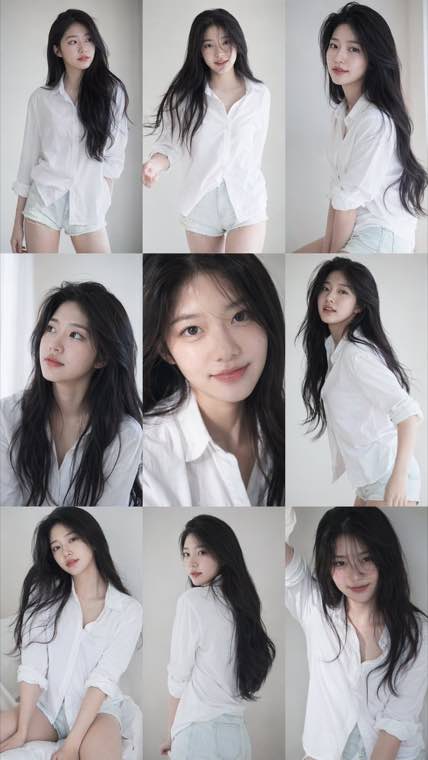
3x3 Idol Portrait Collage
3x3 Idol Portrait Collage
Soft Black Mist Portrait
Editorial Indoor Portrait
360 Concert Panorama
Journey to the West Spider Spirit Poster
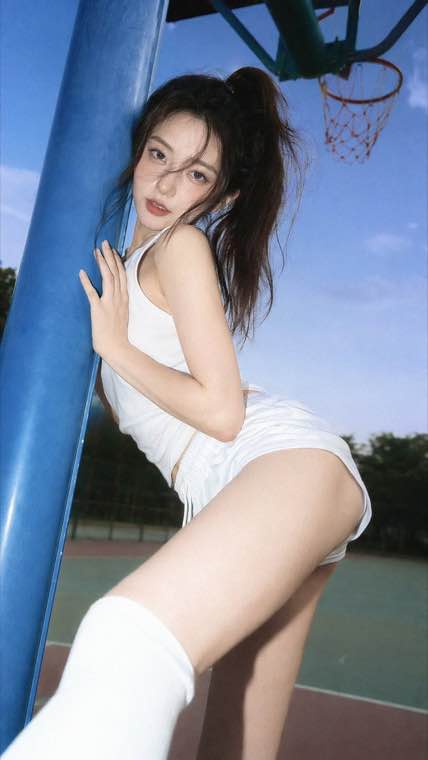
35mm Flash Basketball Editorial
Subway Phone Candid
Douyin Livestream Screenshot
18-Panel Brand Identity Sheet
RPG Inventory Icon Grid
Every image below was generated by Nano Banana 2.1 from the prompt on its card. Press Use It to load that prompt into the generator above, then change the subject, the words or the style and make it yours.
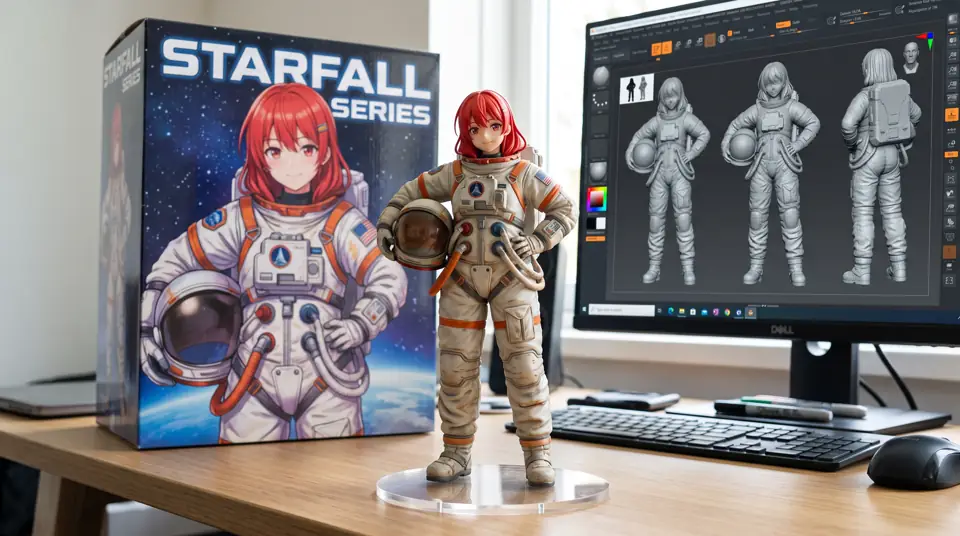
Collectible Figure on a Desk
The figurine trend that made Nano Banana famous, complete with a printed toy box and the 3D sculpt on the monitor behind it.
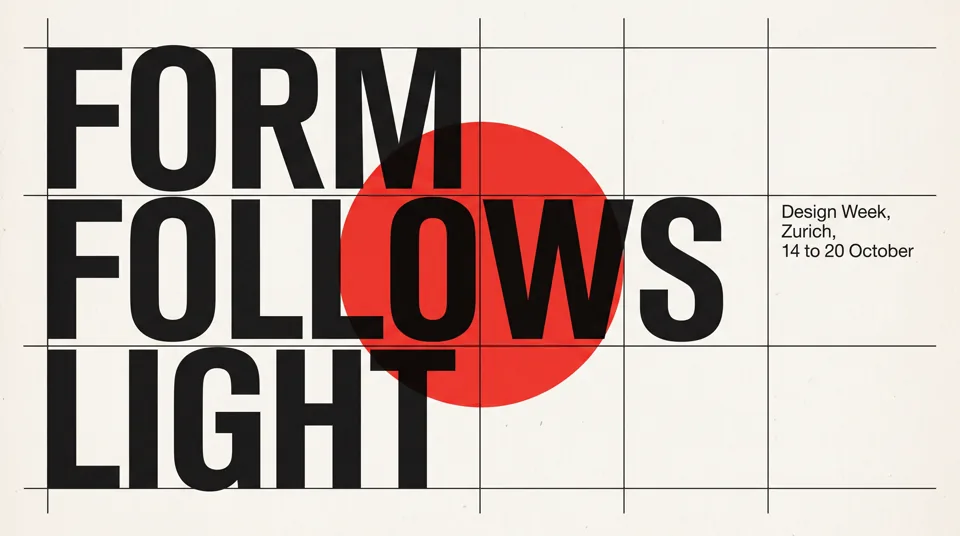
Swiss Style Typography Poster
A strict grid, a giant headline and a small caption block, with every word spelled the way it was typed.
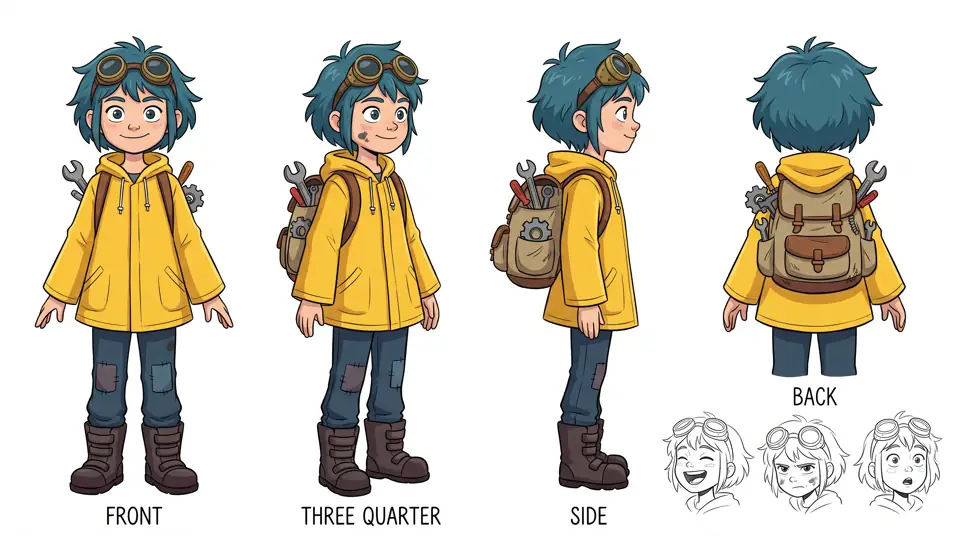
Character Turnaround Sheet
Front, three quarter, side and back views of one character, with the outfit and proportions held in every pose.
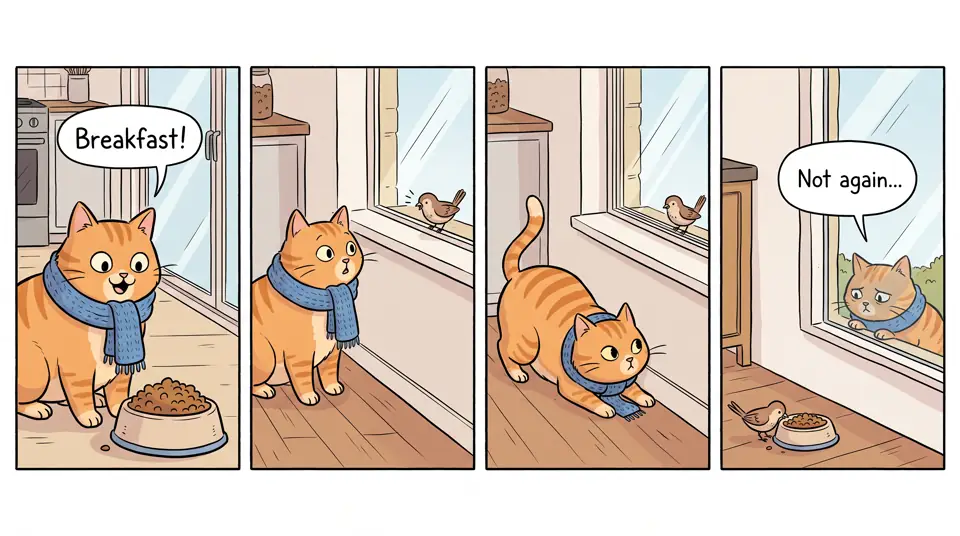
Four Panel Comic Strip
The same orange cat across four panels, with speech bubbles you can actually read.
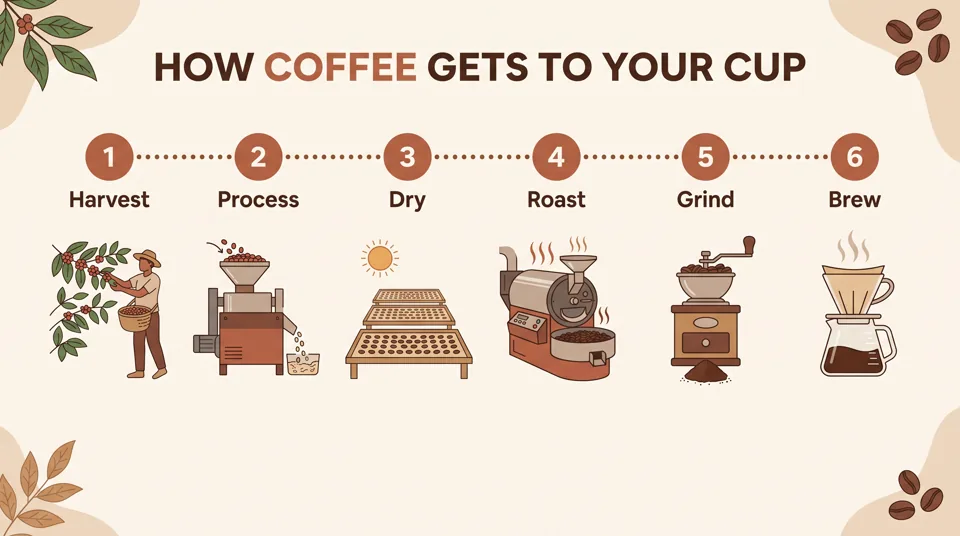
Step by Step Infographic
Six numbered steps, flat icons and short labels laid out as a clean explainer for slides or blog posts.
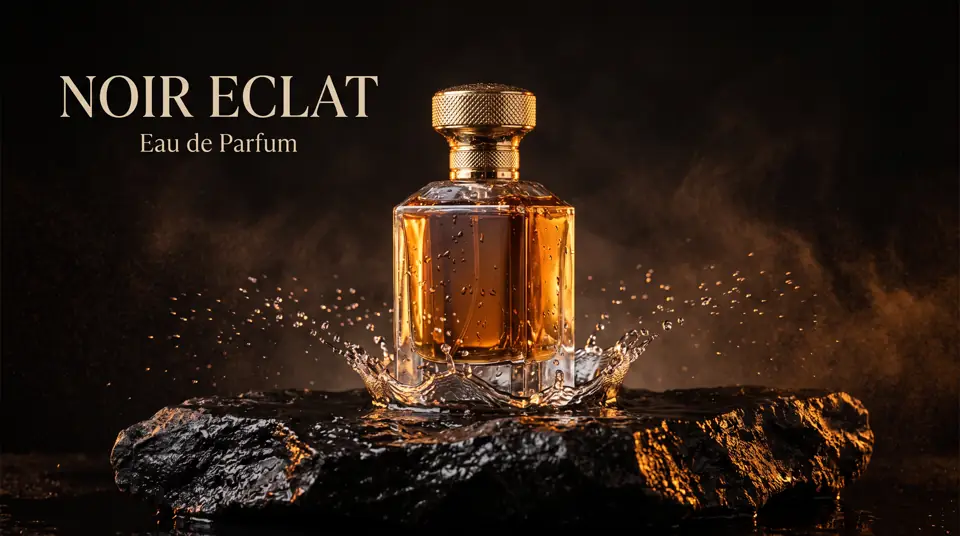
Luxury Perfume Ad
Frozen water droplets, amber rim light and a serif headline for a high end product campaign.
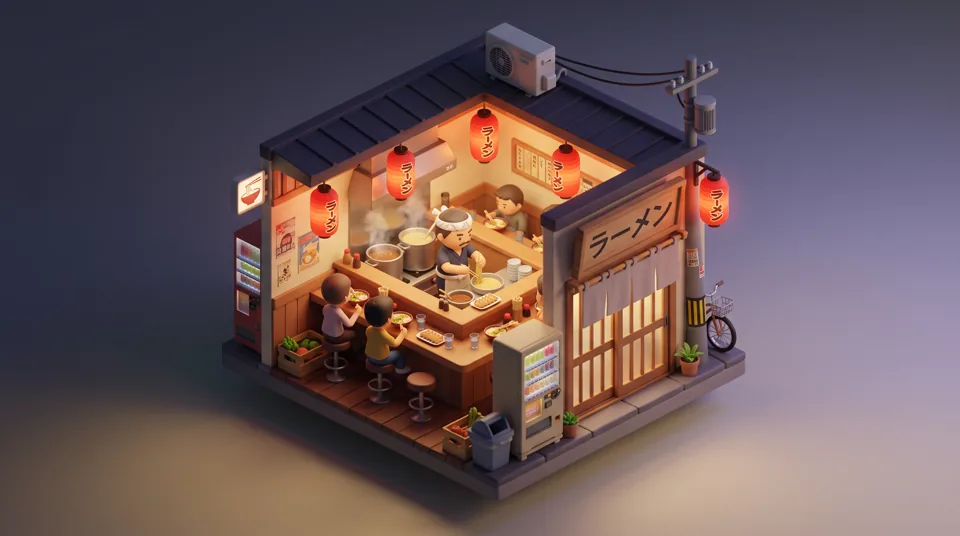
Isometric Ramen Shop Diorama
A cut away miniature scene with a Japanese shop sign, showing lettering in more than one language.
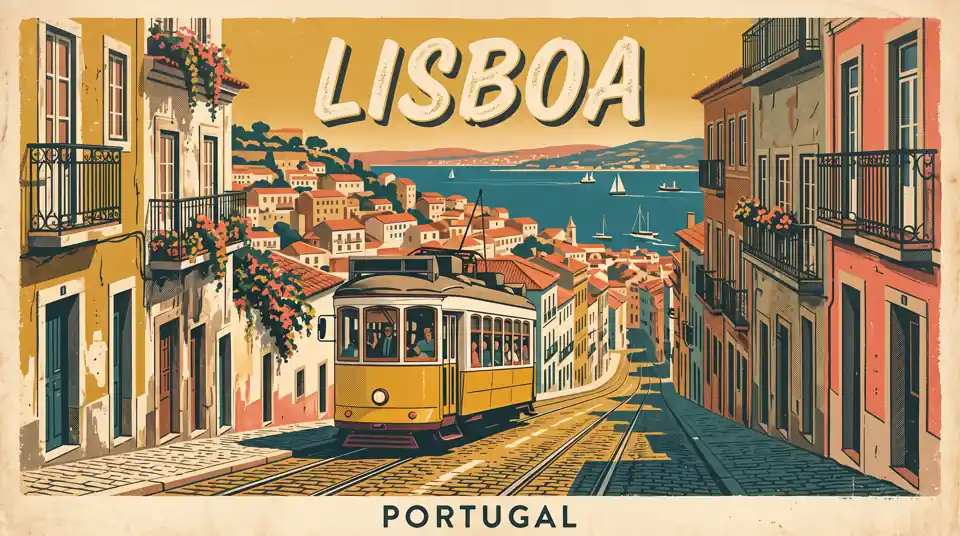
Vintage Travel Poster
A 1950s screen print look with a bold city title and a limited palette of mustard, teal and coral.
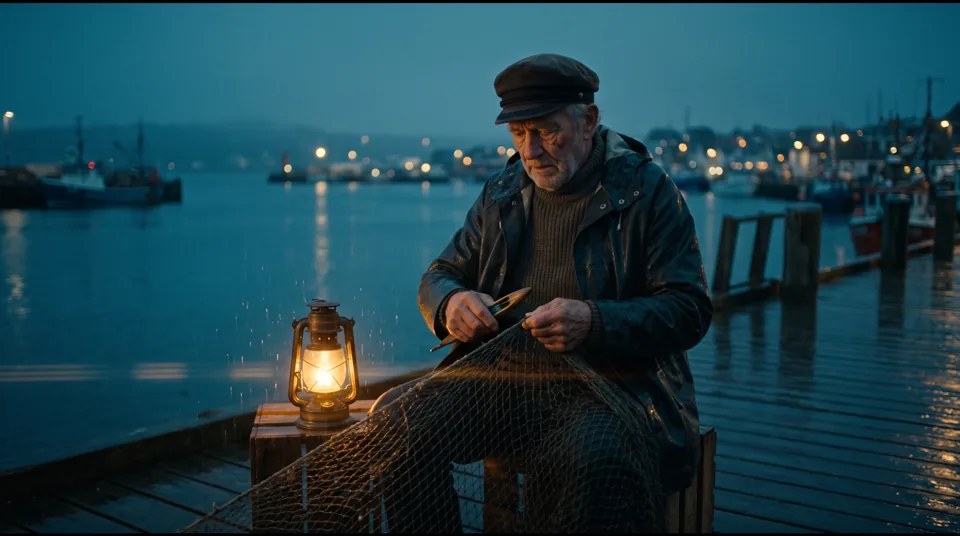
Cinematic Film Still
Blue hour, light rain, lantern glow and film grain in a wide anamorphic frame.
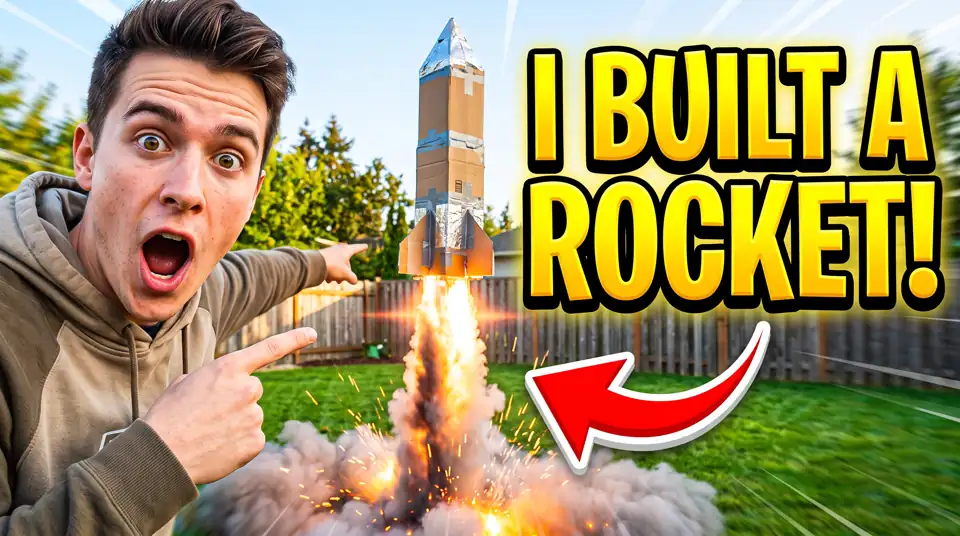
Bold YouTube Thumbnail
A huge outlined headline, an expressive subject and a red arrow, built to read at small size.
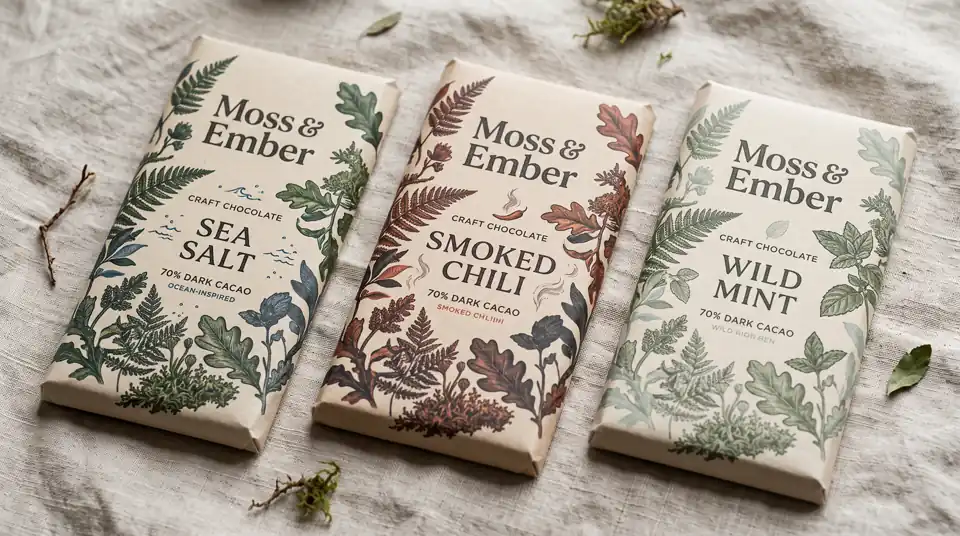
Craft Packaging Line
Three wrappers that share one brand system while each one carries its own flavor name.
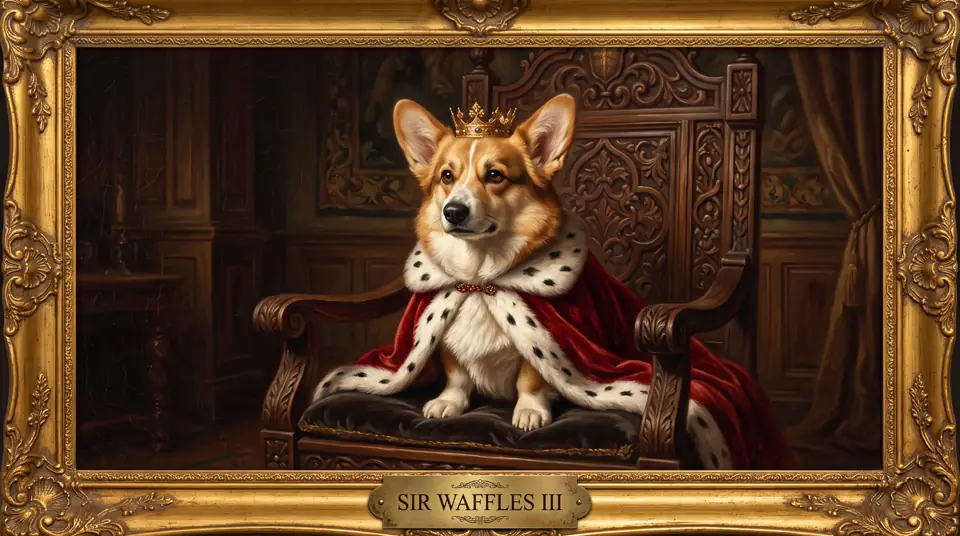
Royal Pet Portrait
A corgi as a Renaissance noble, with a velvet cape, a gold crown and an engraved name plaque.
No install and no API key. Write a prompt, add references if you have them, set the frame, then generate and refine.
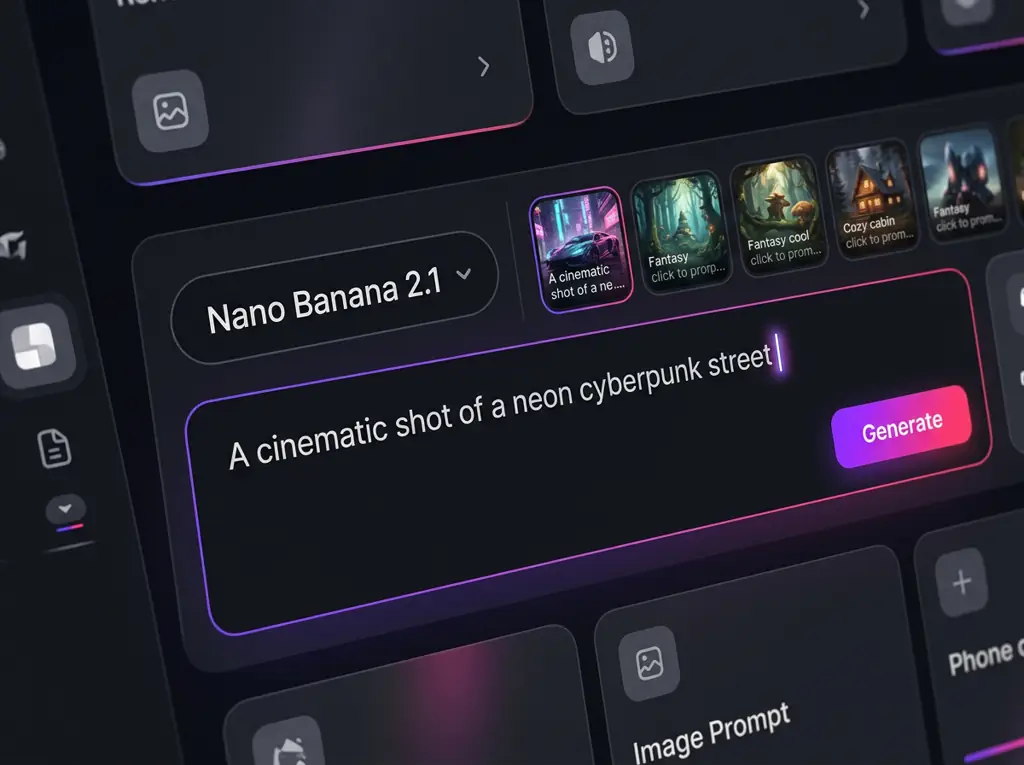
Describe the subject, setting, lighting and style in plain language, and put any words you want printed in the image inside quotes. Short of ideas? Press Use It on any gallery card above and that prompt lands in the box, ready to edit.
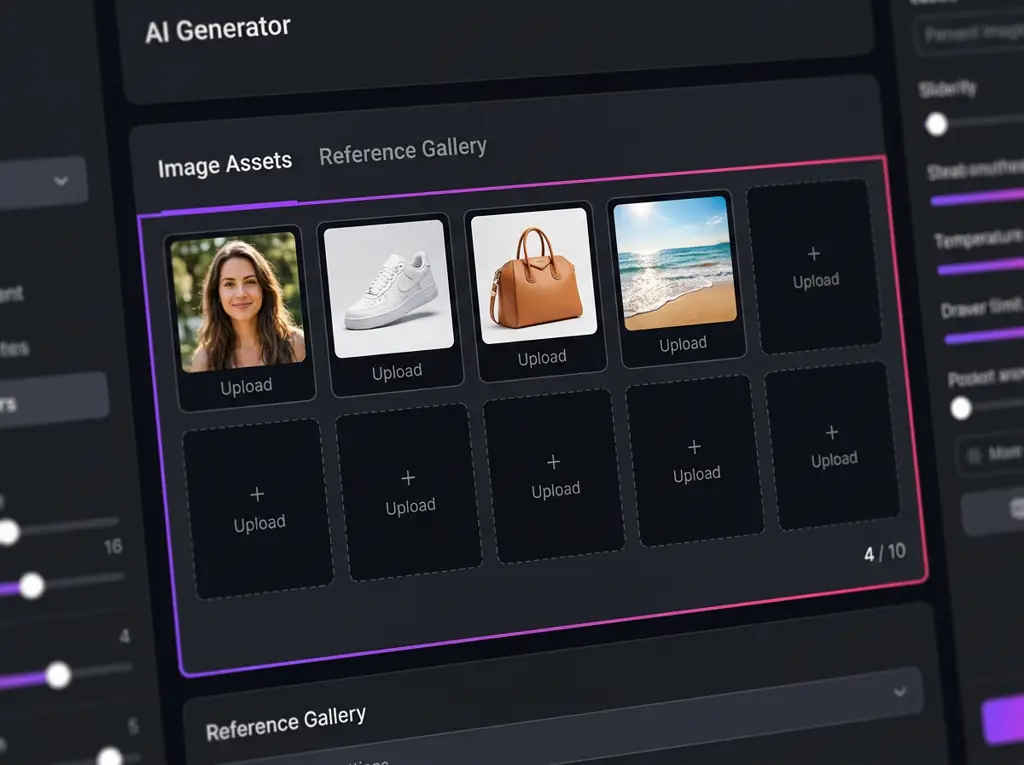
Switch to Image to Image and upload up to 10 pictures: a face to keep, a product to place, a location or a style to follow. Say in the prompt which image is the person, the product or the place.
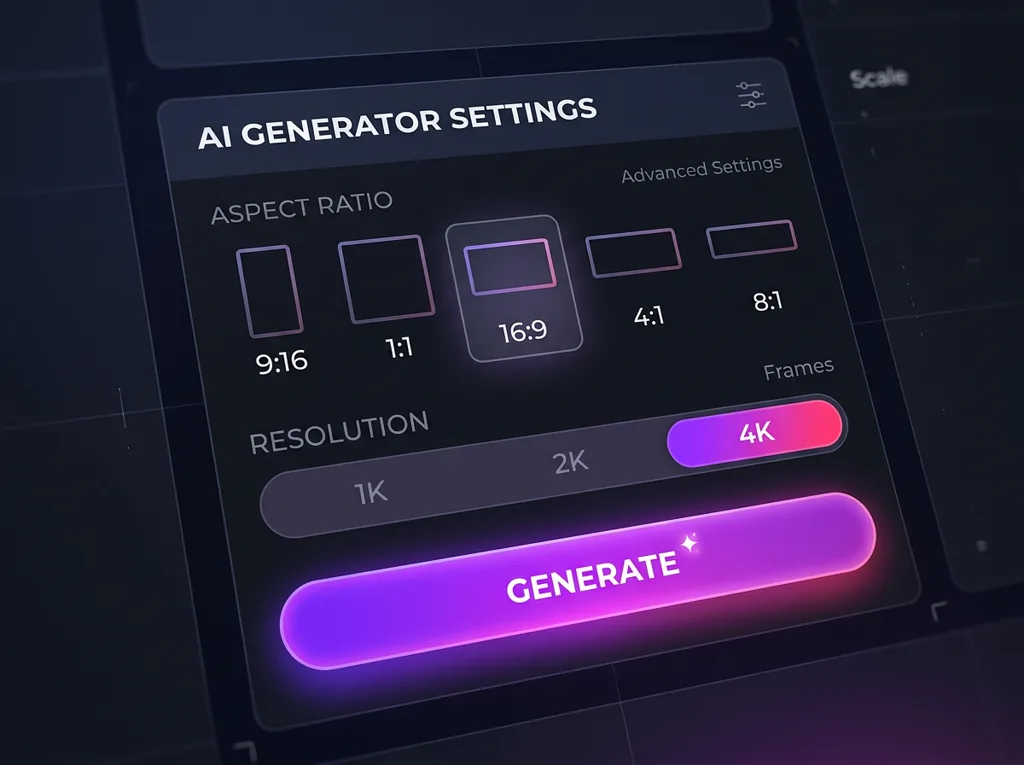
Pick a frame from tall 1:8 to ultra wide 8:1, including 1:1, 4:5, 9:16 and 16:9. Use 1K for quick drafts, then 2K or 4K for the final file or any image with small text.
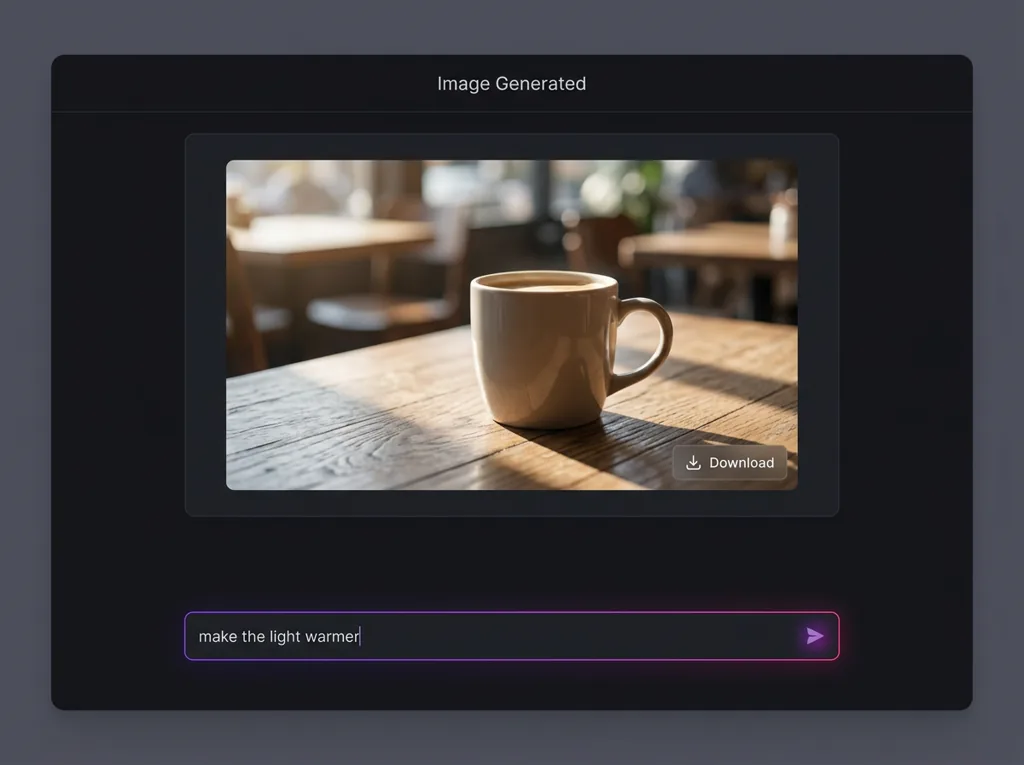
Run the prompt and look at the result. To change one detail, reuse the image as a reference and describe only that change. When the frame is right, download it at full resolution.
Google's newest Nano Banana model in your browser. Generate images from text, edit a photo by describing the change, and keep the same face or product across a whole series, then export up to 4K.
Free to start, text to image, image to image editing, 10 reference images, 4K export
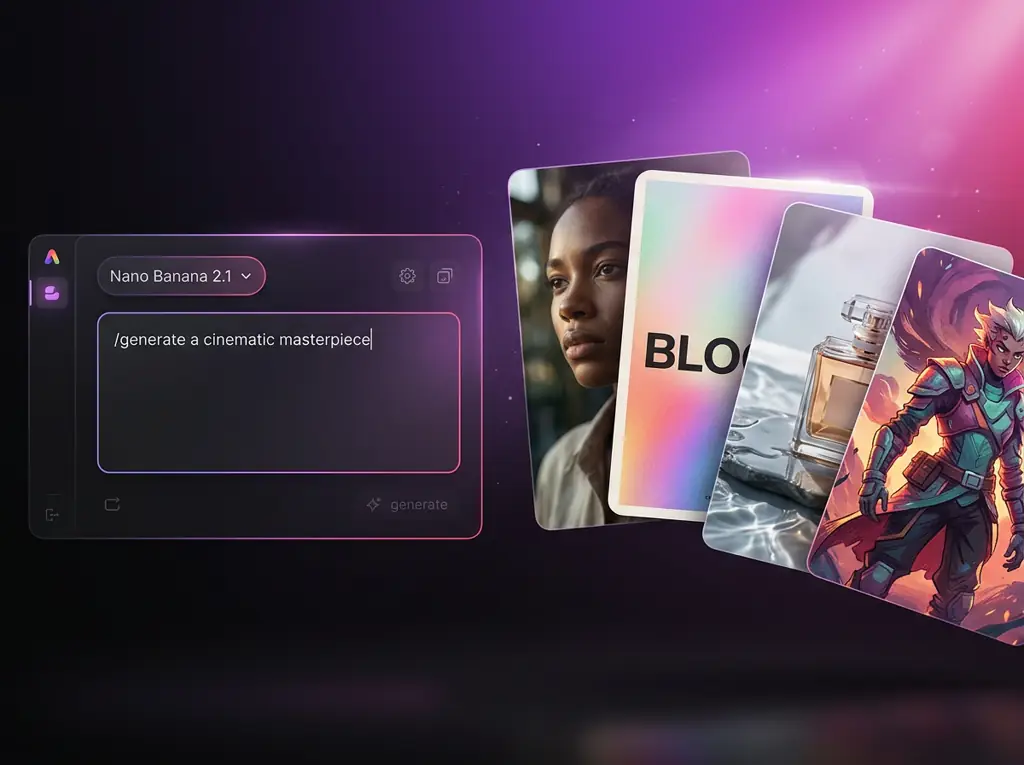
Nano Banana 2.1 is Google's latest image generation and editing model, released on October 6, 2026 as the successor to Nano Banana 2. In the Gemini API it is called gemini-nano-banana-2.1, and you will also see it written as Gemini Nano Banana 2.1 or nanobanana 2.1. It belongs to Google's fast Flash line, lighter than Nano Banana Pro but built to hold quality on the jobs people run every day. This release focuses on three things: cleaner visual design and typography, edits that change one area and leave the rest alone, and subject consistency, so a person or a product still looks like itself after several rounds of changes.
Your existing prompts carry straight over, with sharper text, steadier faces and cleaner edits on the other side.
Fast enough to run a prompt several times and keep the best take, which is how most good images actually get made.
Text to image and image to image run on the same model, so a draft can turn into an edit without switching tools.
What changed in 2.1, and what each upgrade lets you make.
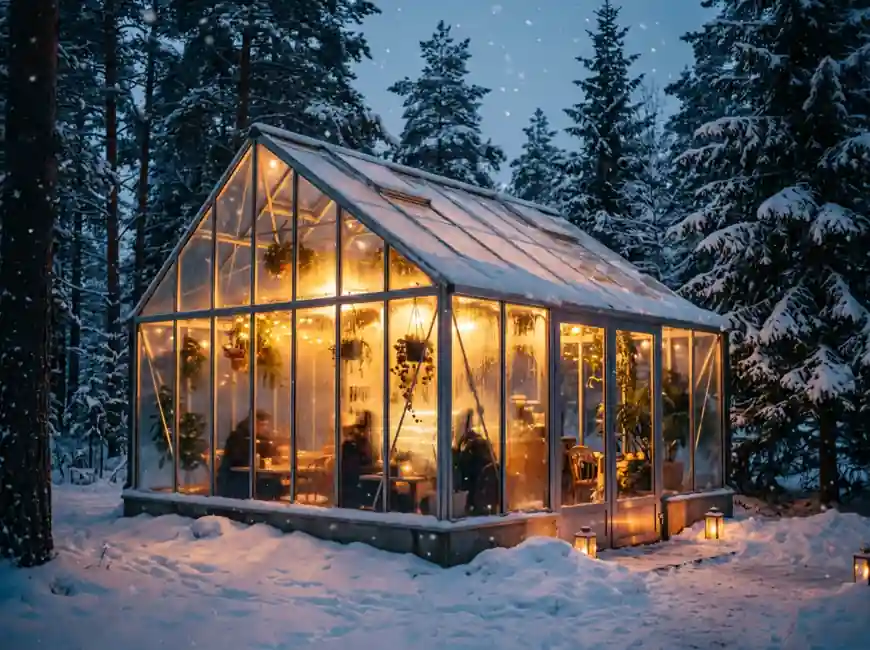
Six reasons it has become the everyday model for image work.
Flash speed means you can try five versions of an idea while a heavier model is still working on one, then keep the take that works.
Titles, labels and captions land readable, so a poster or a thumbnail leaves the generator ready for review instead of a redraw.
Faces and products stay recognizable across edits and scenes, which is the problem that used to make AI image series unusable.
Describe the area to change and the rest of the picture is left alone, so a small fix no longer costs you a good shot.
No Gemini setup, no API key and nothing to install. Sign in, write a prompt and generate your first image in under a minute.
Nano Banana Pro, GPT Image 2.5, Seedream and more sit in the same model menu, so you can run one prompt through several engines and compare.
Anyone who needs many good images, not one lucky one.
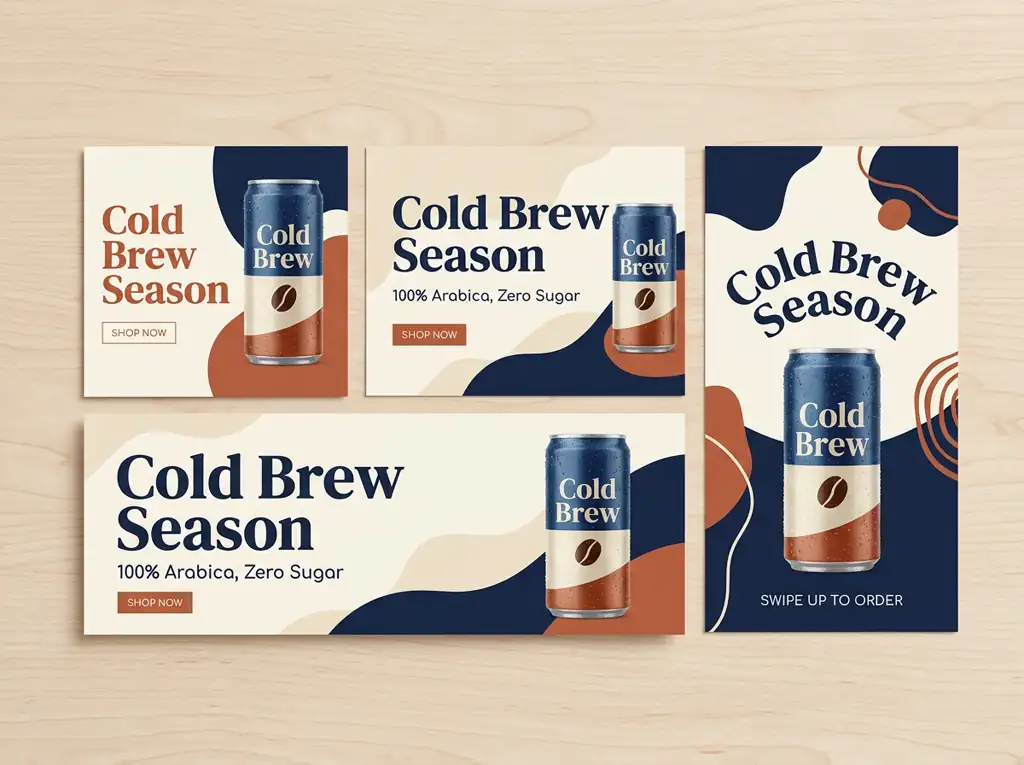
Spin one concept into feed posts, banners and stories that share a product, a palette and a headline, then localize the copy for each market.
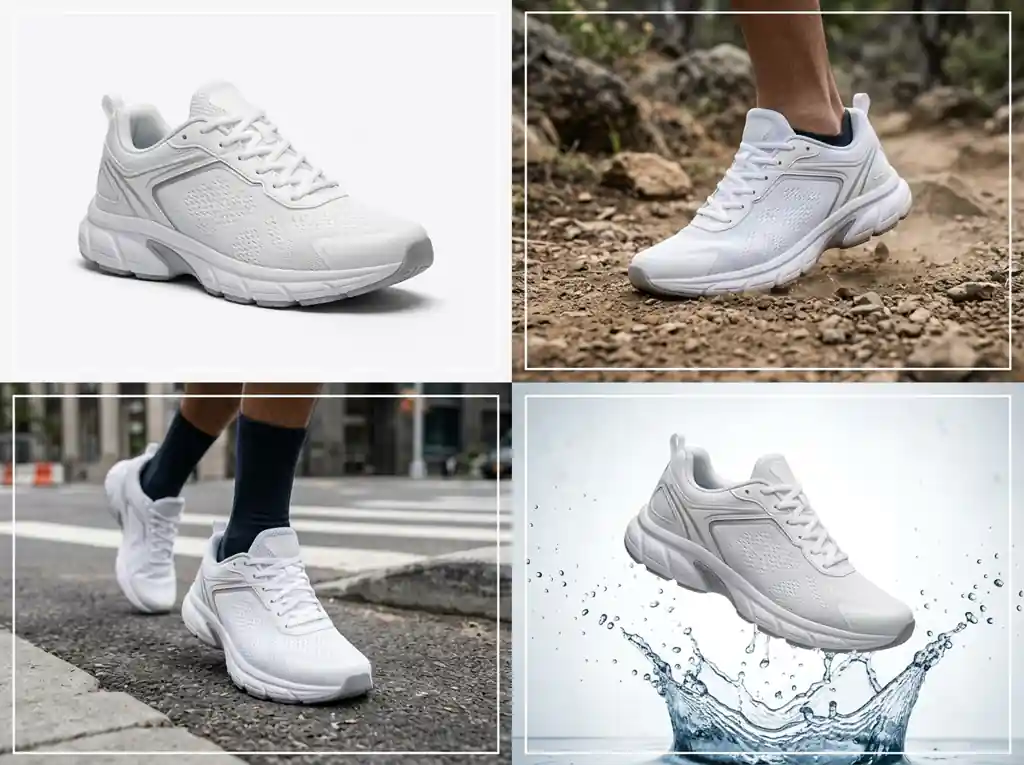
Turn one product photo into studio packshots, lifestyle scenes and seasonal ads while the item itself stays exactly as it is.
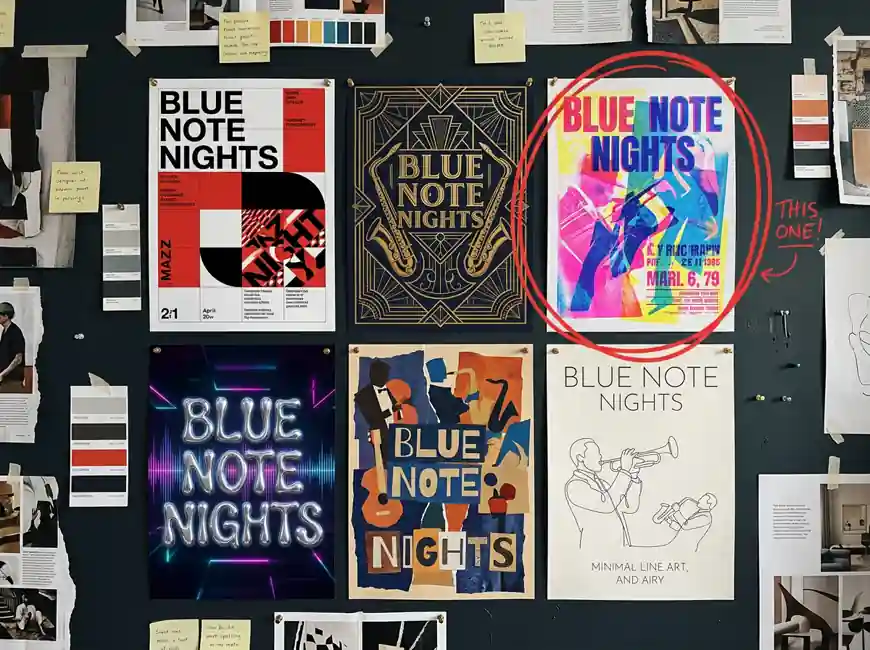
Explore a dozen poster or packaging directions in an afternoon, with real type in place, before you commit to one.
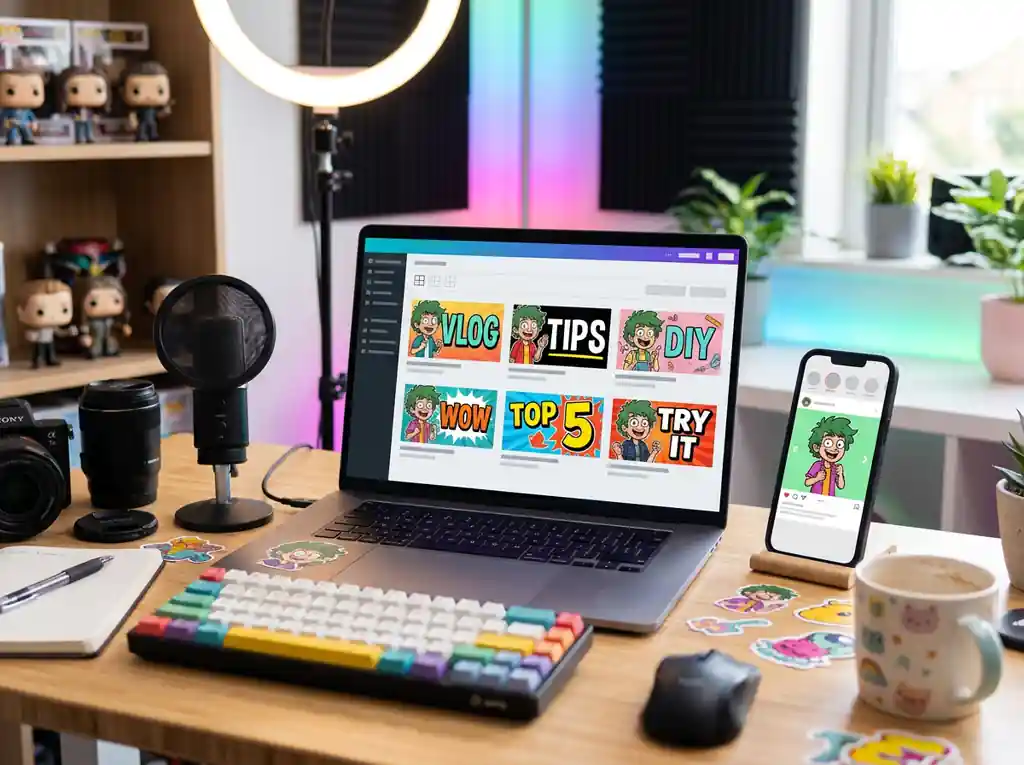
Make thumbnails, carousels and cover art with a recurring host or mascot that looks the same in every post.
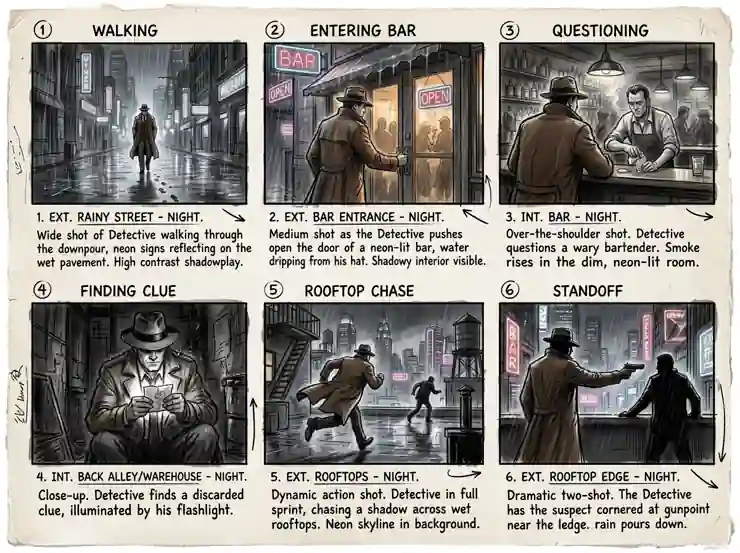
Build character sheets and shot by shot storyboards, then use the frames as start images for your video model.
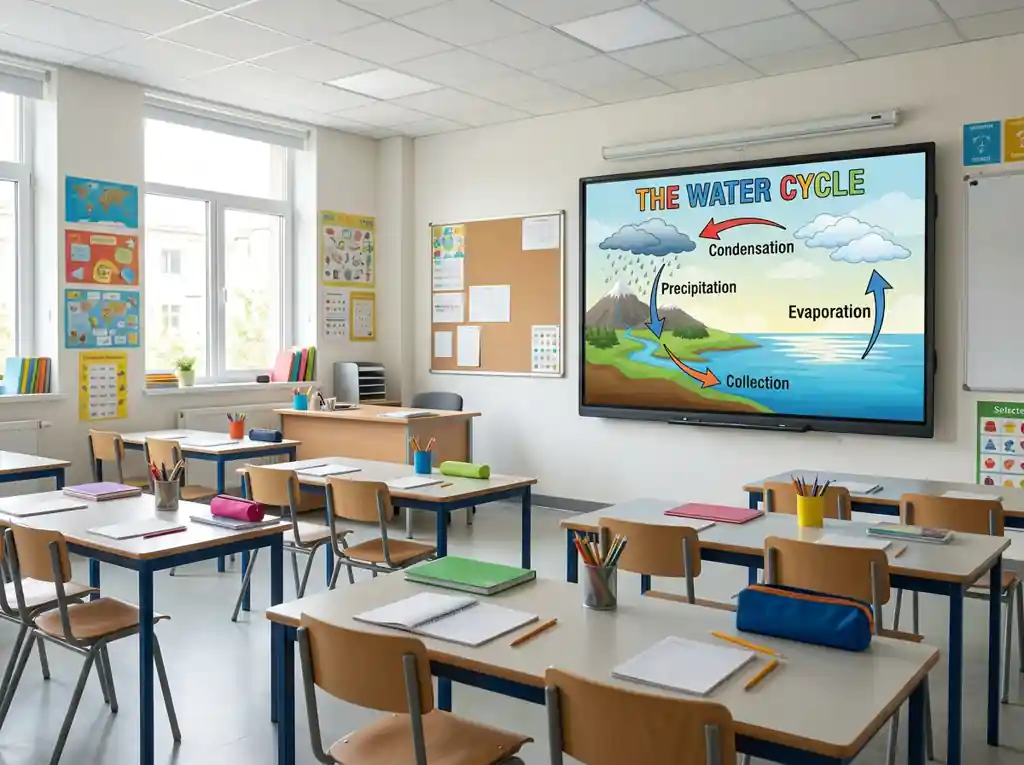
Turn notes into labeled diagrams, timelines and step by step explainers for slides, worksheets and handouts.
Answers to the questions people search most about Nano Banana 2.1.
Nano Banana 2.1 is Google's latest AI image generation and editing model, released on October 6, 2026 as the successor to Nano Banana 2. Its API name is gemini-nano-banana-2.1, and people also write it as Gemini Nano Banana 2.1 or nanobanana 2.1. It turns text into images, edits photos you upload, and keeps characters and products consistent across several reference images, with output at 1K, 2K or 4K.
You can start free on this page: sign in, write a prompt and generate before you pay for anything. Access inside Google's own apps depends on your Gemini plan there, which is separate from the generator above.
Open the generator at the top of this page, write a prompt or press Use It on a gallery card, add reference images in Image to Image mode if you need them, pick an aspect ratio and a resolution, then generate. Download the result or reuse it as a reference for the next edit.
Nano Banana 2.1 is the direct upgrade. Google points to better visual design and typography, more precise edits that stay inside the area you describe, stronger character and product consistency, and a fix for seams on very wide aspect ratios. Google also plans to retire Nano Banana 2 in its API on October 29, 2026 and names 2.1 as the replacement.
Nano Banana Pro is the premium fidelity tier and can still look better on demanding, detail heavy images. Nano Banana 2.1 is the faster everyday model and scored well on consistency and editing in Google's launch tests. A practical split: draft and iterate on 2.1, then switch the model menu to Nano Banana Pro when one hero image needs the last bit of polish.
They are the current image models from Google and OpenAI. Early leaderboard snapshots put GPT Image 2.5 ahead on overall text to image preference, while Nano Banana 2.1 is built around consistency, multi reference blending and fast edits. Both are in the model menu here, so the useful answer for your project is to run the same prompt through each and keep the better frame.
Up to 10 per run in this generator. Google rates the model itself for up to 14 references, with resemblance documented for up to four characters and fidelity for up to ten objects, so a typical setup is one to four people plus the products, outfits or places they should appear with. Upload them in Image to Image mode.
Output comes in 1K, 2K or 4K. Ratios cover 1:1, 2:3, 3:2, 3:4, 4:3, 4:5, 5:4, 9:16, 16:9 and 21:9, plus extreme panoramas at 1:4, 4:1, 1:8 and 8:1. Use 2K or 4K for print and for anything with small text.
Yes, it is one of the main upgrades. Put the exact words in quotes and say where they go. Long paragraphs and very small type at 1K can still blur or misspell, so keep the copy in the image short and render at 2K or 4K when it matters.
Images you download from this page carry no visible watermark. Like every Nano Banana model, 2.1 embeds Google's invisible SynthID marker, which identifies the picture as AI generated without changing how it looks.
Yes. Images you generate here are yours to use in ads, product listings, social posts and client work, and each one stays in your creation history so you can download it again later.
Google lists a few: small text can blur at 1K, long paragraphs still break, identity can drift over many rounds of edits, left and right are sometimes swapped, and some masked edits are only partly followed. Check spelling and facts before you publish, especially on diagrams and ads.
Pick a prompt from the gallery or write your own, add references to keep a face or a product consistent, and export up to 4K.