










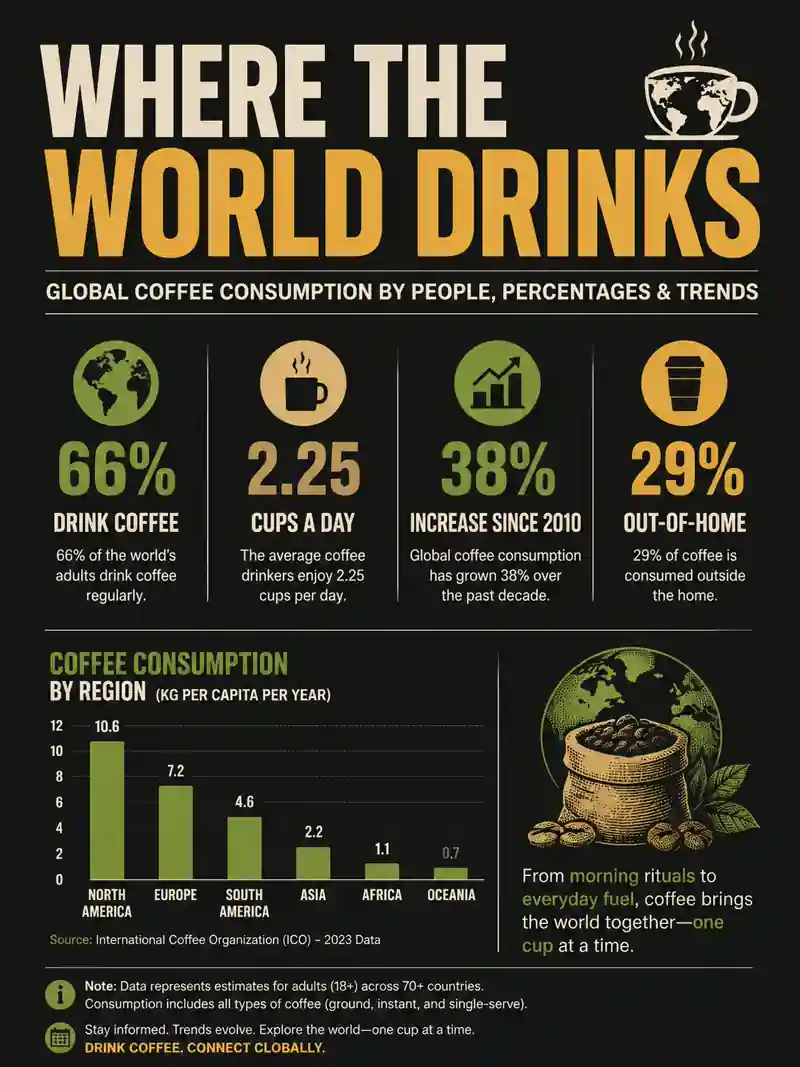
Infographic poster with readable small text

Infographic poster with readable small text
Swap the jacket, keep the person
New scene, same product
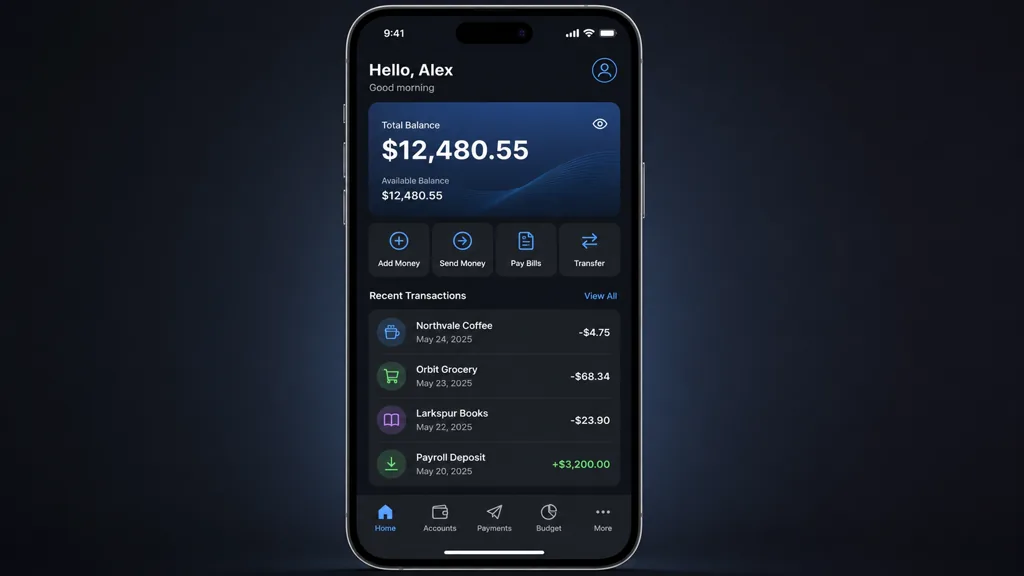
App screen with legible interface copy
Game sprites and icons in one style
Run Grok Imagine Image 2.0, the Quality Mode model from xAI, straight in your browser. Write a prompt or drop in multiple reference images, then fix one region with Magic Wand while every other pixel stays put.
Crisp poster text, Magic Wand local edits, transparent cutouts, Smart Resize across 9 aspect ratios
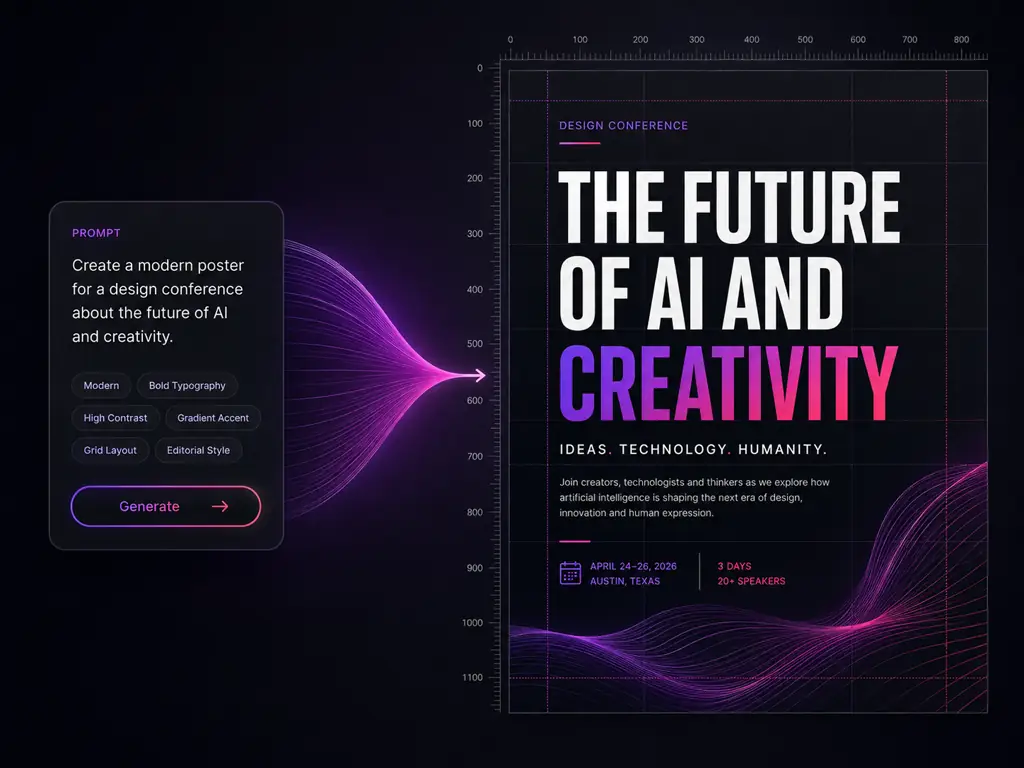
Grok Imagine Image 2.0 is the xAI still image model for generating and editing pictures, shipped in August 2026 as the new Quality Mode in the Grok Imagine family. People also write it as Imagine Image 2.0, Grok Imagine 2.0, grokimagine or grok-imagine-image-2, and developers call it by its API id, grok-imagine-image-2.0. As the current Grok image model for stills it supersedes the earlier grok-imagine-image-quality tier and the Aurora based Imagine 1.0, lifting grok imagine image quality on generation and on editing.
The Quality Mode engine, also written Imagine Image 2.0.
Product, model, prop and style in one generation.
Detail that holds at listing, poster and print size.
Text to image and image edit, as of August 7, 2026.
Six capabilities that move Grok image generation from demo material to work you can hand over, and make the Grok AI image generator worth a place in a real pipeline
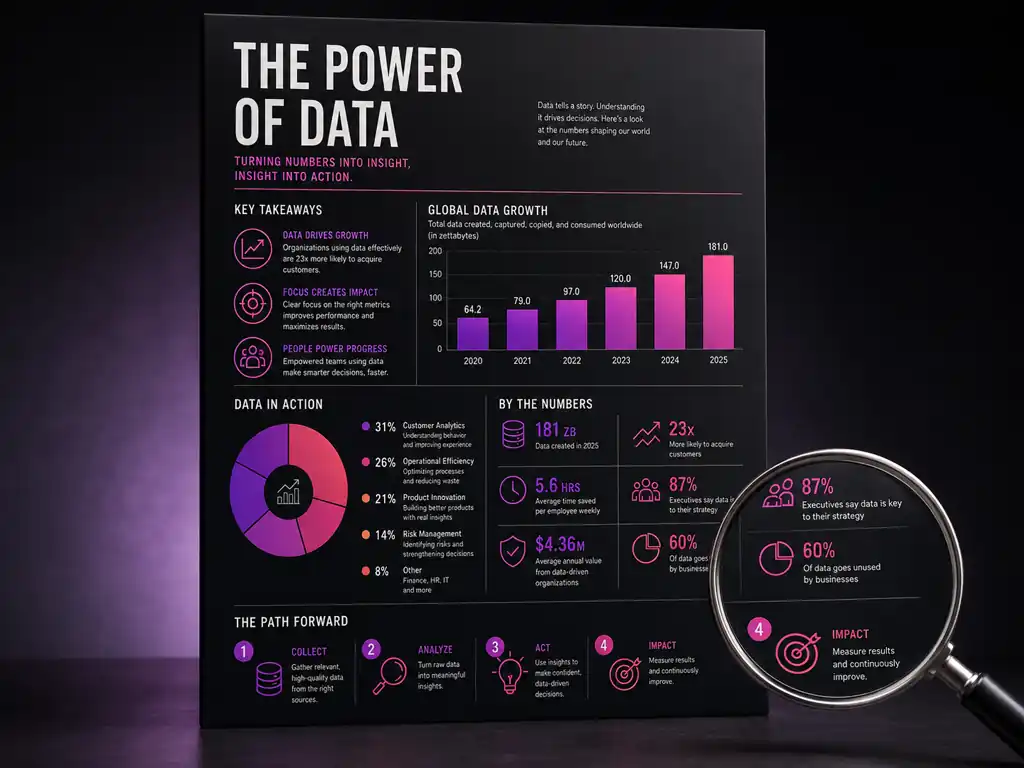
Built for people who have to hand the picture to someone else
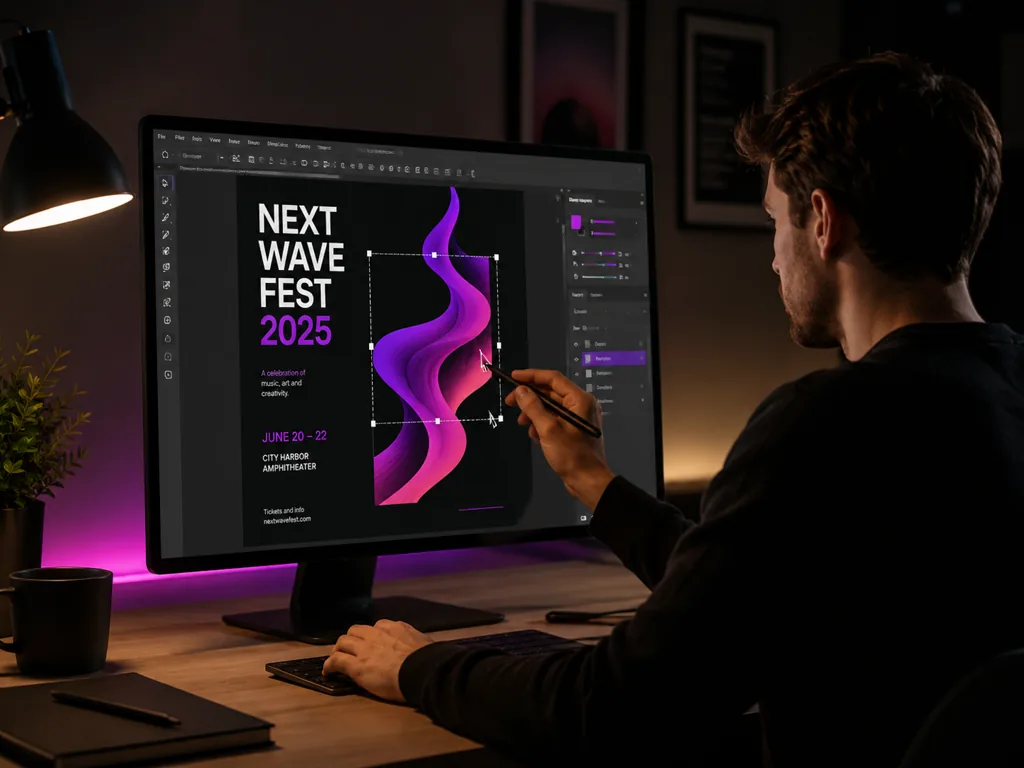
Take a layout from rough to presentable in the prompt box, then revise one element when feedback lands instead of starting over.
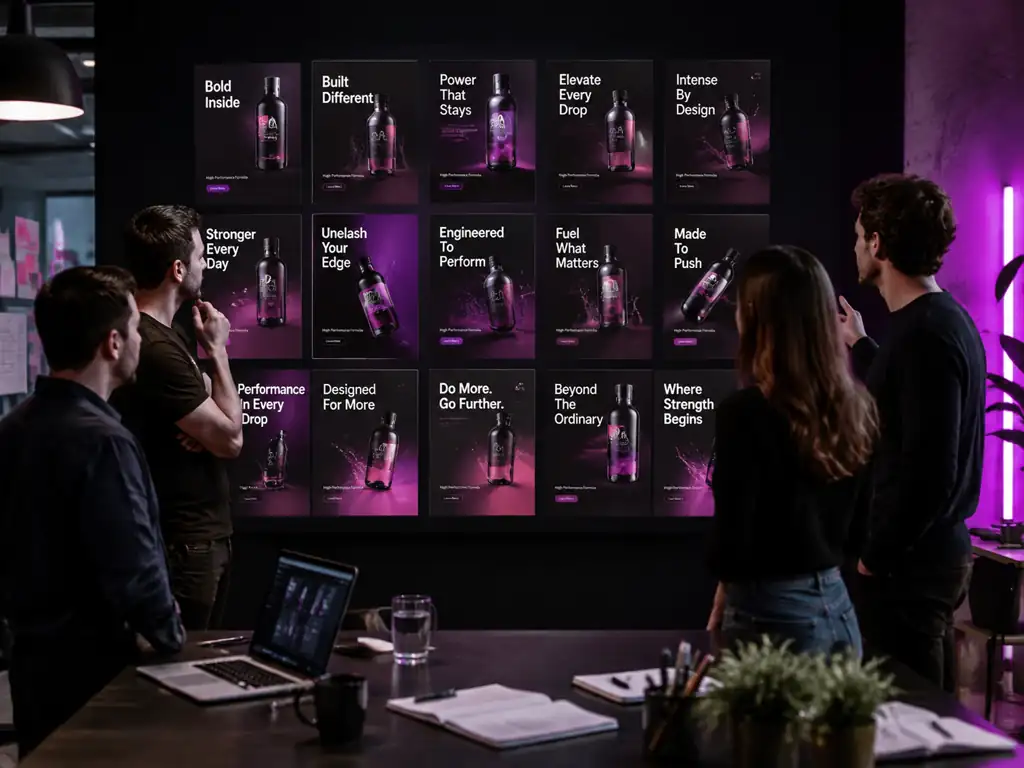
Lock the product and model with references, then produce the variant count a split test needs. Readable headline text ships without a design pass.
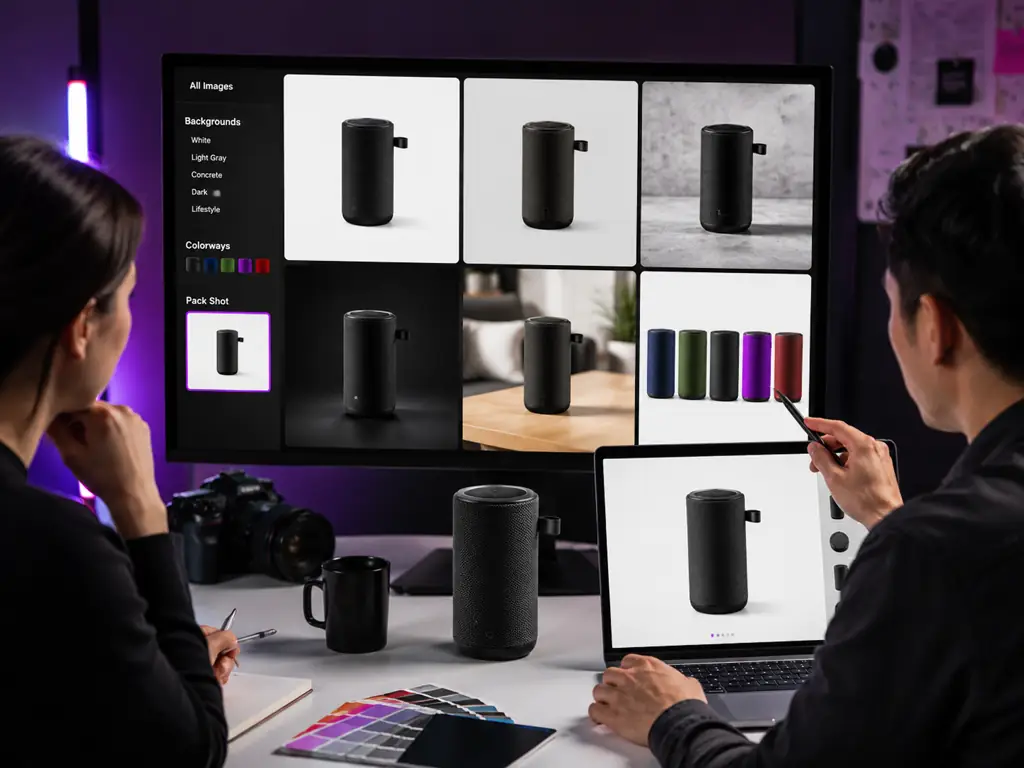
Shoot once, then change background, color and context per listing. Smart Resize covers every marketplace format and cutouts drop into any banner.
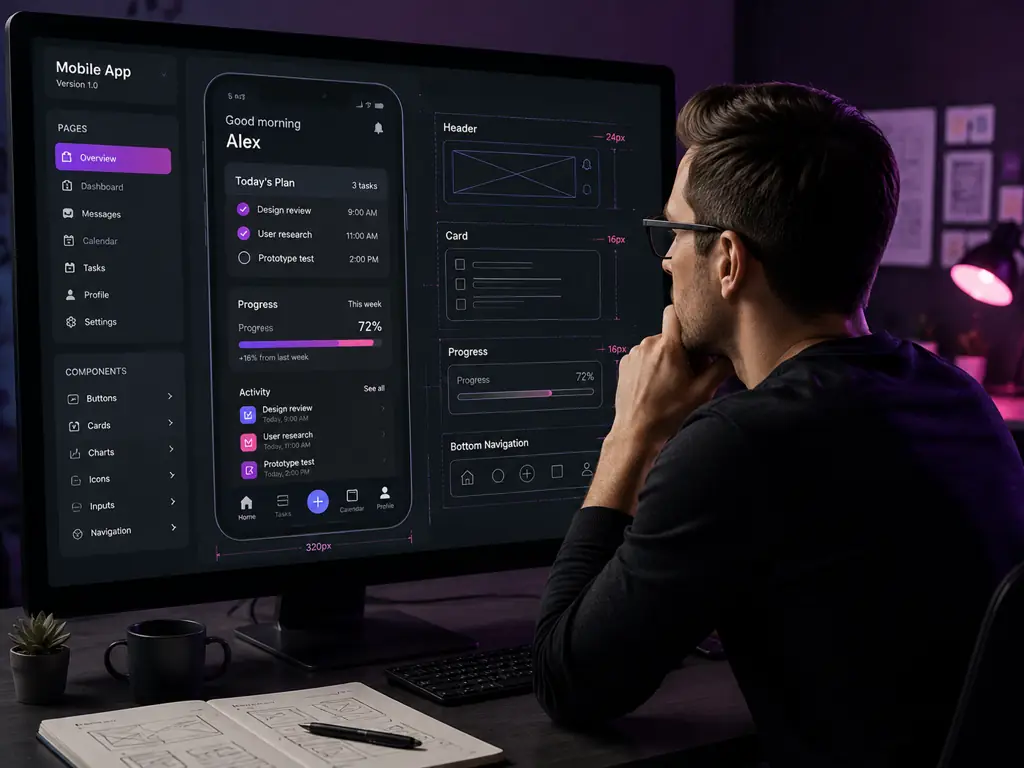
Generate app screens, icons and marketing mockups where the interface copy is legible, so a concept gets reviewed as a real screen.
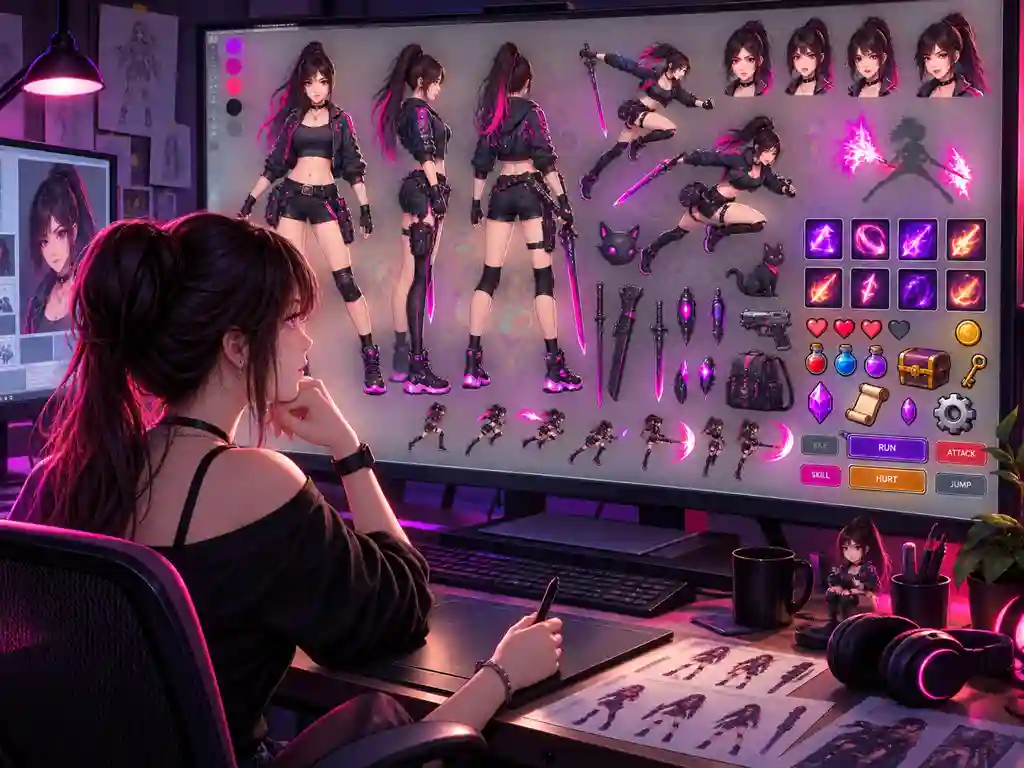
Build character sprites, props and UI kits in one visual language and export them on transparency as the world grows.
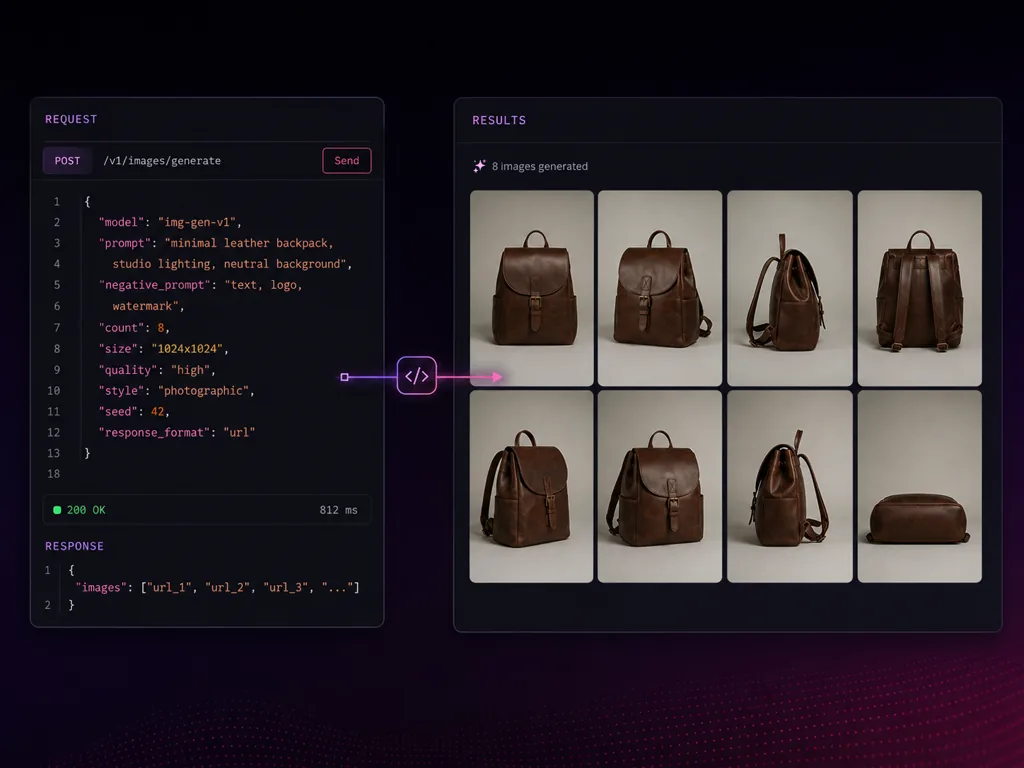
The same engine is exposed as grok-imagine-image-2.0 through the Grok Imagine API, so a workflow proven here moves to bulk generation later.
What changes when a model is built for real work instead of a good looking demo
Change the one thing the client flagged and keep everything already approved.
Readable headlines and dense small copy make Grok image generation usable for real creative.
Multiple references in one run replace masking, stacking and color matching by hand.
Characters, products and locations keep their identity from asset to asset, so a set of Grok images reads as one campaign.
Smart Resize covers nine aspect ratios and native 2K keeps faces sharp when the frame changes.
Second worldwide for text to image and image edit as of August 7, 2026.
No install and no app store detour, and downloads carry no watermark.
The same workspace runs GPT Image 2, Nano Banana Pro, Seedream 5.0, Qwen Image 3, Ideogram 4.0 and Flux 3 Image.
From a blank prompt box to a shippable asset in four steps
Sign in and open the generator on this page. The Quality Mode still image engine is already selected, so there is nothing to install.
Describe subject, layout, typography and lighting in plain language. For image to image work, upload multiple references in one generation.
Point Magic Wand at the region you want changed, select precisely with segmentation, remove the background for a cutout, or refit the frame with Smart Resize.
Download the finished image with no watermark and keep the references so the rest of the series holds the same look.
Free access, editing, limits, watermarks and how Imagine, i2i and Quality Mode fit together
Generate it, point at what is wrong, fix only that, then download the file.