




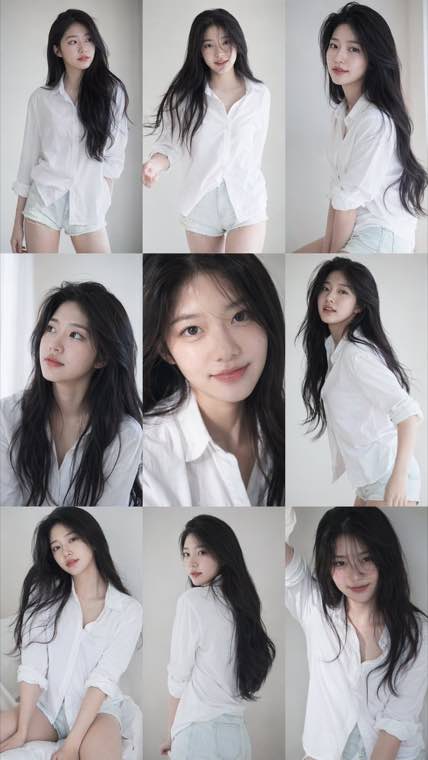
3x3 Idol Portrait Collage
3x3 Idol Portrait Collage
Soft Black Mist Portrait
Editorial Indoor Portrait
360 Concert Panorama
Journey to the West Spider Spirit Poster
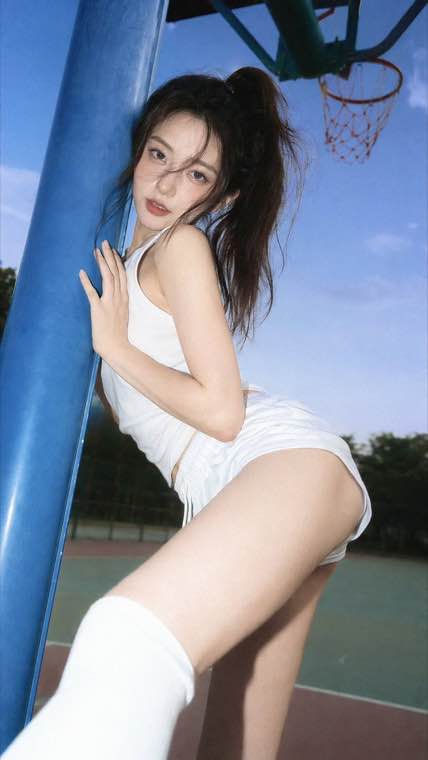
35mm Flash Basketball Editorial
Subway Phone Candid
Douyin Livestream Screenshot
18-Panel Brand Identity Sheet
RPG Inventory Icon Grid
Generate stunning images and edit photos with Z-Image Turbo online. Face consistency, image-to-image editing, and turbo-speed generation — free, no GPU or downloads needed.
100 free credits daily • Turbo-speed generation • Face consistency • Image-to-image editing •
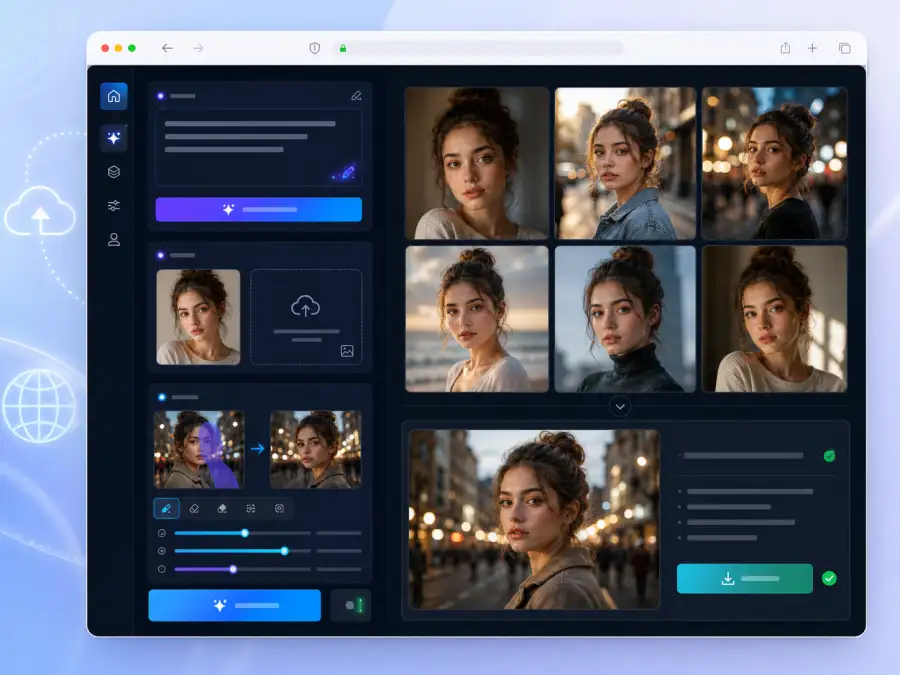
Z-Image is an open-source AI image generation model built for high-quality creation and editing. The Z-Image Turbo variant delivers near-instant generation while preserving face consistency, detailed textures, and compositional accuracy. Whether you need text-to-image generation, image-to-image editing, style transfer, or character-consistent artwork, z image handles it all. Our online tool gives you full access to Z-Image and zimage Turbo — no GPU, no ComfyUI, no local setup required.
From turbo-speed generation to face-consistent portraits and powerful image editing
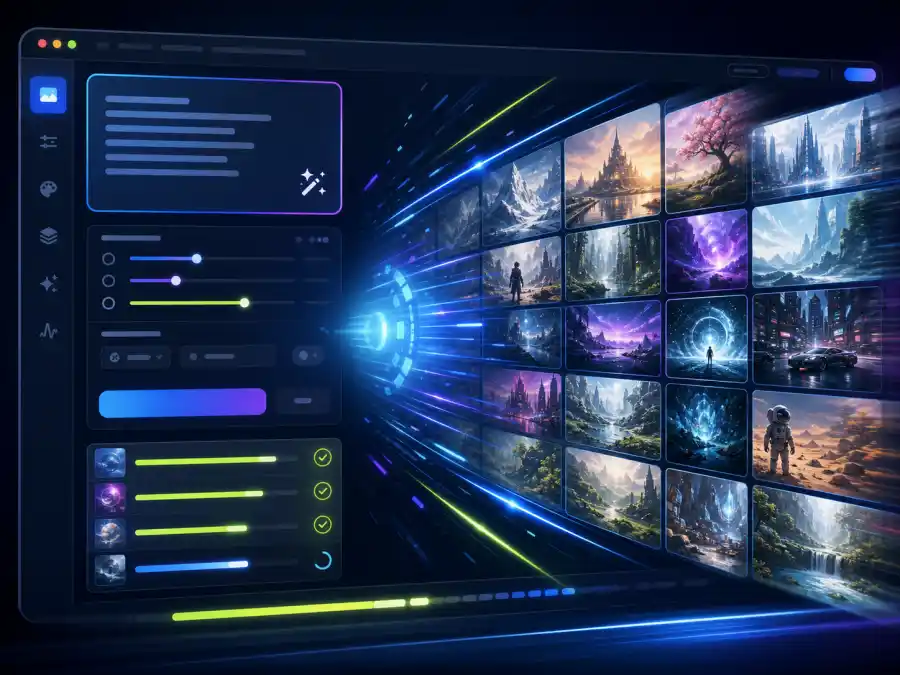
Creators, professionals, and teams who need fast, high-quality AI image generation and editing
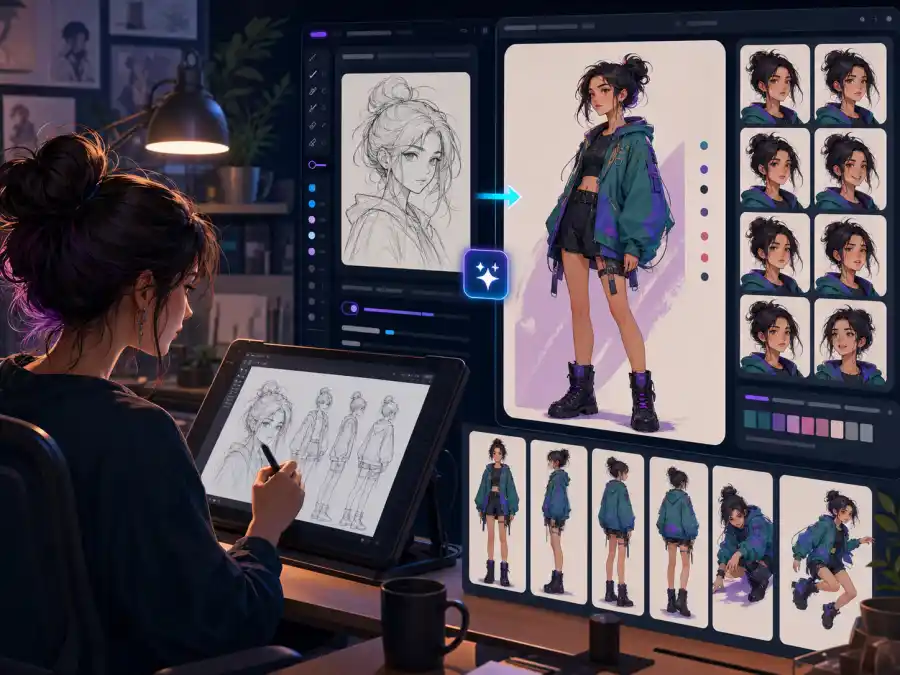
Generate concept art, character designs, and illustrations with Z-Image's face consistency and style versatility. Create character sheets with consistent identities across poses and expressions, or use z-image edit to transform sketches into polished artwork.
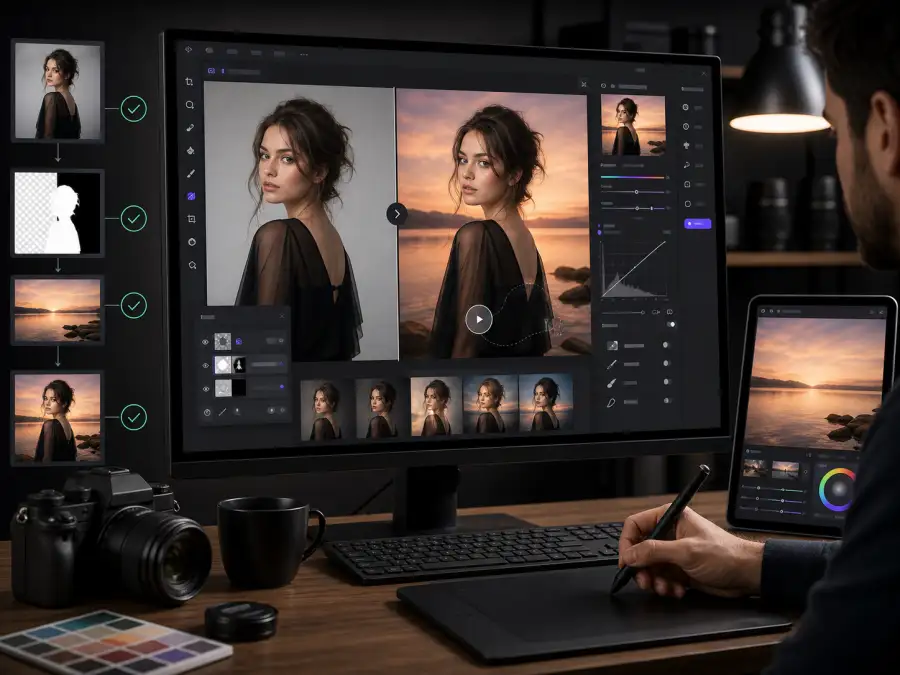
Use Z-Image image-to-image editing for background replacement, style transfer, and creative photo manipulation. Transform ordinary photos into artistic renditions or generate reference images for planned shoots. The z image editor makes professional-level edits accessible.
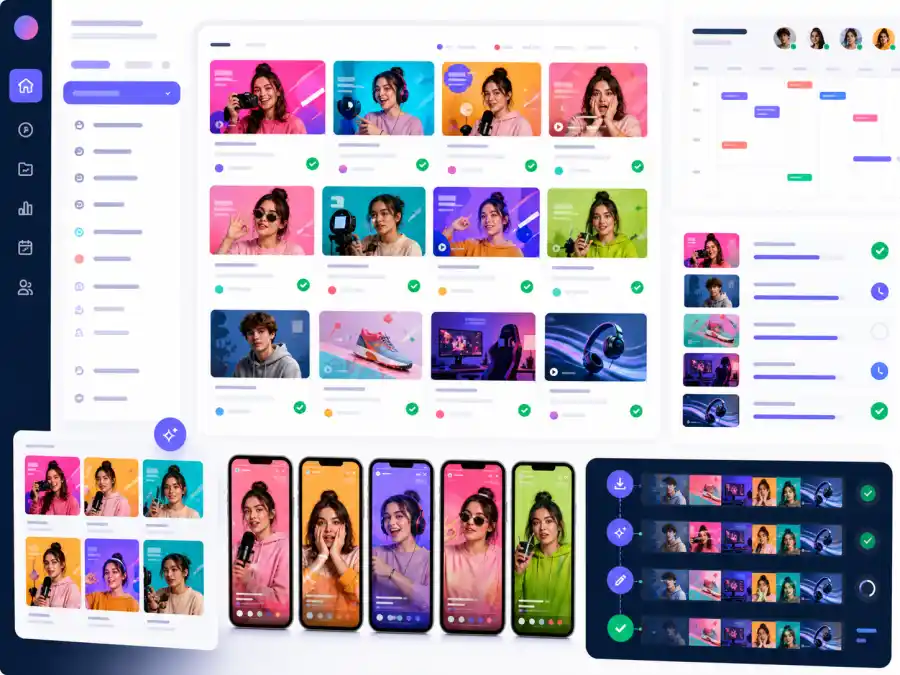
Generate thumbnails, social media graphics, and visual content at scale with Z-Image Turbo's speed. Create consistent character-driven content across platforms while maintaining visual identity — perfect for YouTube, Instagram, and TikTok creators.
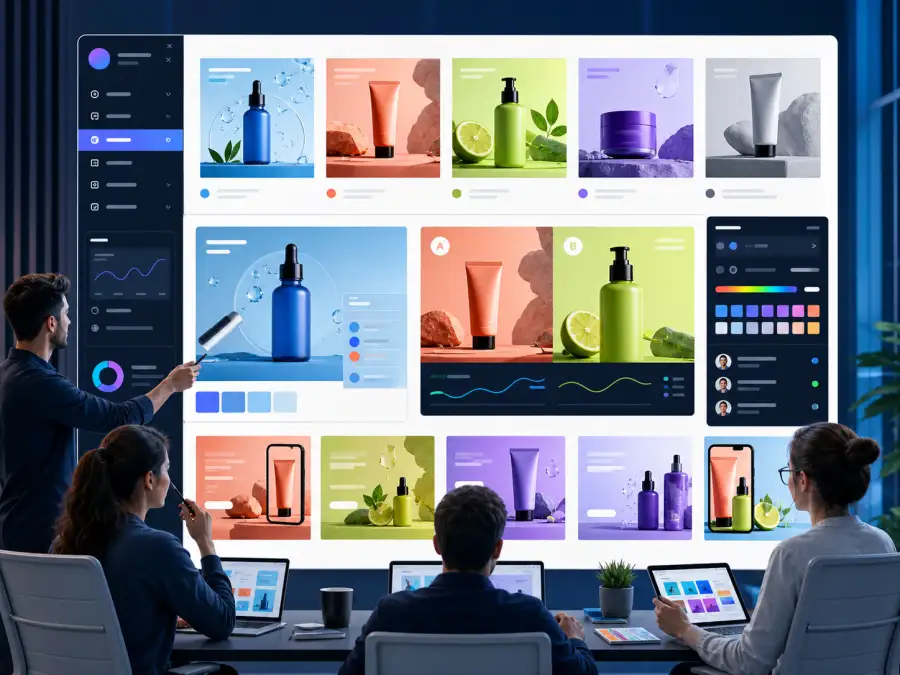
Produce campaign visuals, product mockups, and marketing assets without waiting for design resources. Z-Image Turbo's speed enables A/B testing of visual concepts and rapid creative exploration for campaigns, presentations, and brand materials.
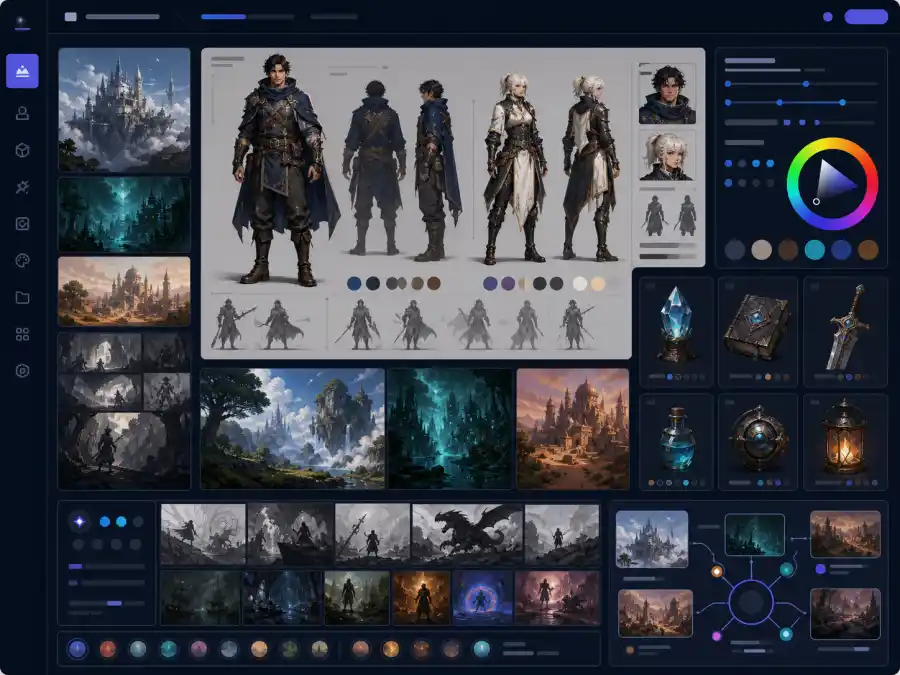
Generate concept art for characters, environments, and props. Z-Image's face consistency ensures character identity across scenes, while style transfer handles different visual treatments for mood boards and art direction references.
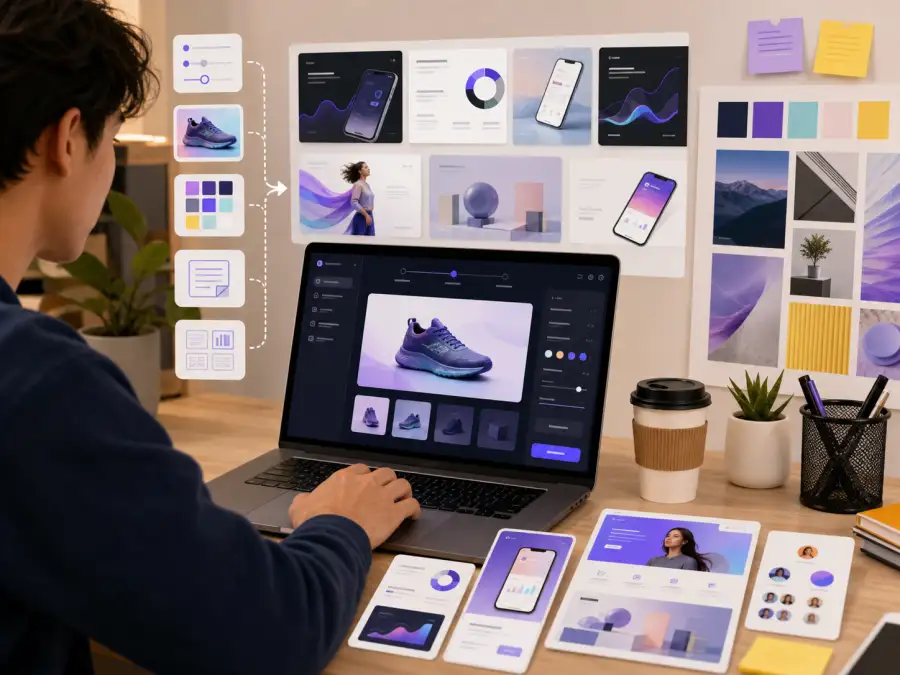
Prototype product visuals, create pitch deck imagery, and build brand assets without hiring a designer. The free z-image online tool lets indie developers, authors, and small business owners produce professional visuals on any budget.
The fastest way to use Z-Image and Z-Image Turbo — no GPU, no setup, no compromise
Z-Image Turbo generates images in seconds. Iterate on prompts, explore variations, and maintain creative momentum without waiting — significantly faster than running zimage locally.
Generate multiple images of the same character with consistent facial features. Z-Image outperforms most open-source models at maintaining identity across generations — ideal for character-driven projects.
Upload photos and transform them with text prompts. Style transfer, background replacement, creative filters, and structural edits — z-image edit gives you a full AI photo editor in your browser.
Skip the ComfyUI configuration, model downloads, and GPU requirements. Use Z-Image and Z-Image Turbo instantly online. Same model, same quality, zero friction.
Start generating with z-image ai free — 100 credits daily, no sign-up required to begin. Enough for most creative projects, prototyping sessions, and experimentation.
Compare Z-Image with Flux, Nano Banana, Seedream, and other models on the same platform. Switch with one click, no re-setup — find the best model for each project.
Generate and edit AI images in 4 simple steps — no setup required
Type a text prompt describing the image you want, or switch to image-to-image mode and upload a reference photo. Be specific about subject, style, lighting, and composition for best results with Z-Image Turbo.
Select Z-Image from the model menu — or swap in Flux, Nano Banana, and other leading models for a side-by-side test — then set your aspect ratio and options. Keep the default Turbo pipeline for the fastest possible generation.
Click Generate. Z-Image Turbo delivers results in seconds. Refine your prompt, adjust parameters, try different styles, or upload a new reference — iterate rapidly until you find the perfect image.
Use the built-in editor for final adjustments. Download your z image creation in high resolution for social media, print, presentations, or any creative project.
Everything you need to know about using Z-Image, Z-Image Turbo, and how they compare to other AI image generators
Generate stunning AI images and edit photos with Z-Image Turbo. 100 free credits daily, no GPU or setup needed. Try it now.