










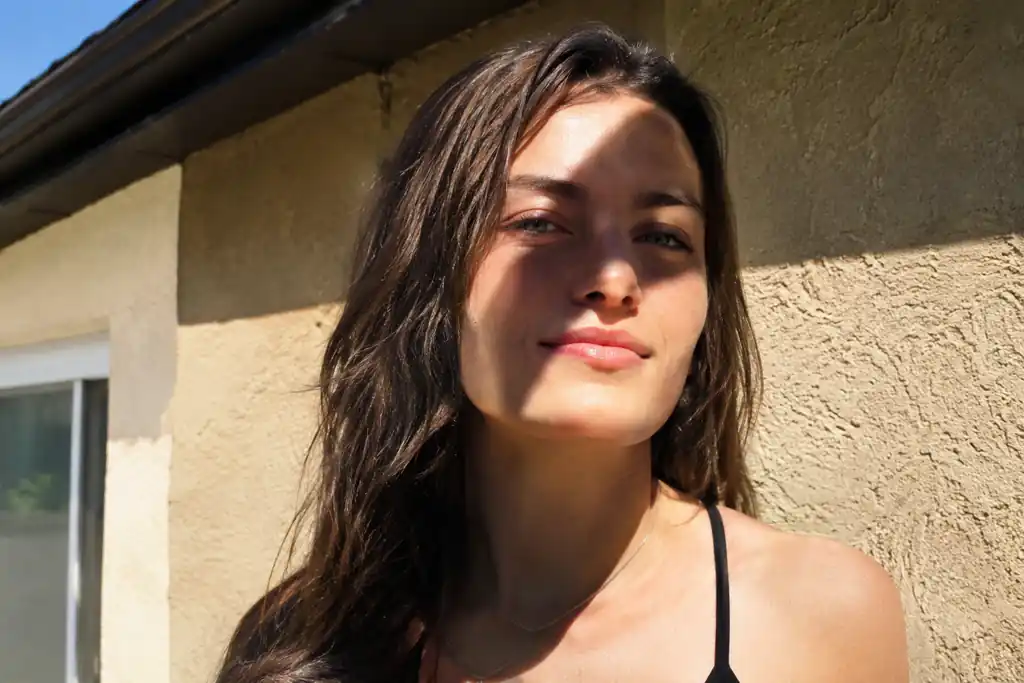

Harsh face shadow removed

Harsh face shadow removed
Product cast shadow cleared
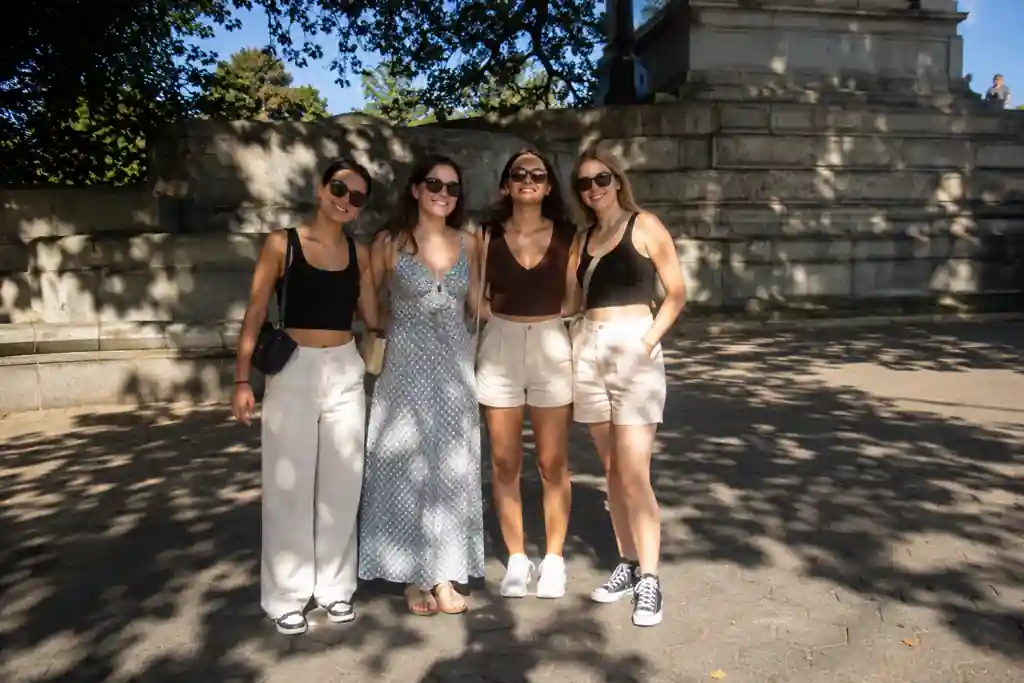
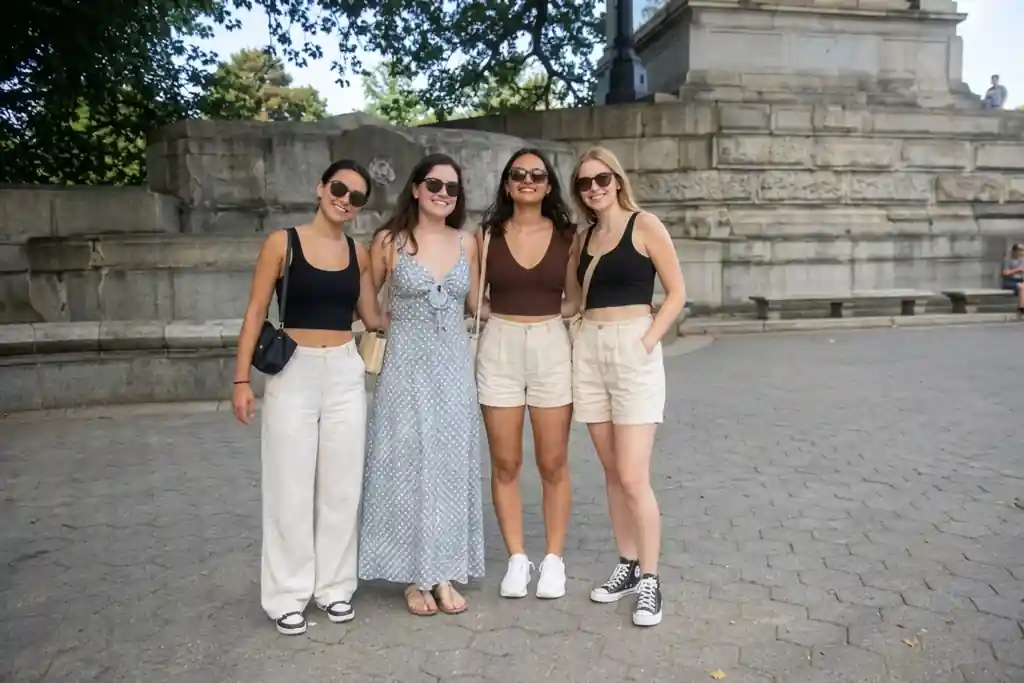
Tree shadows on a group photo
Window shadows in a listing photo
Upload a picture and let AI erase the shadow instead of just brightening the whole image. Works on harsh face shadows, product photos, scanned pages, and passport photos.
AI shadow remover photo editing • Face, product, document, and ID photo shadows • Free and online
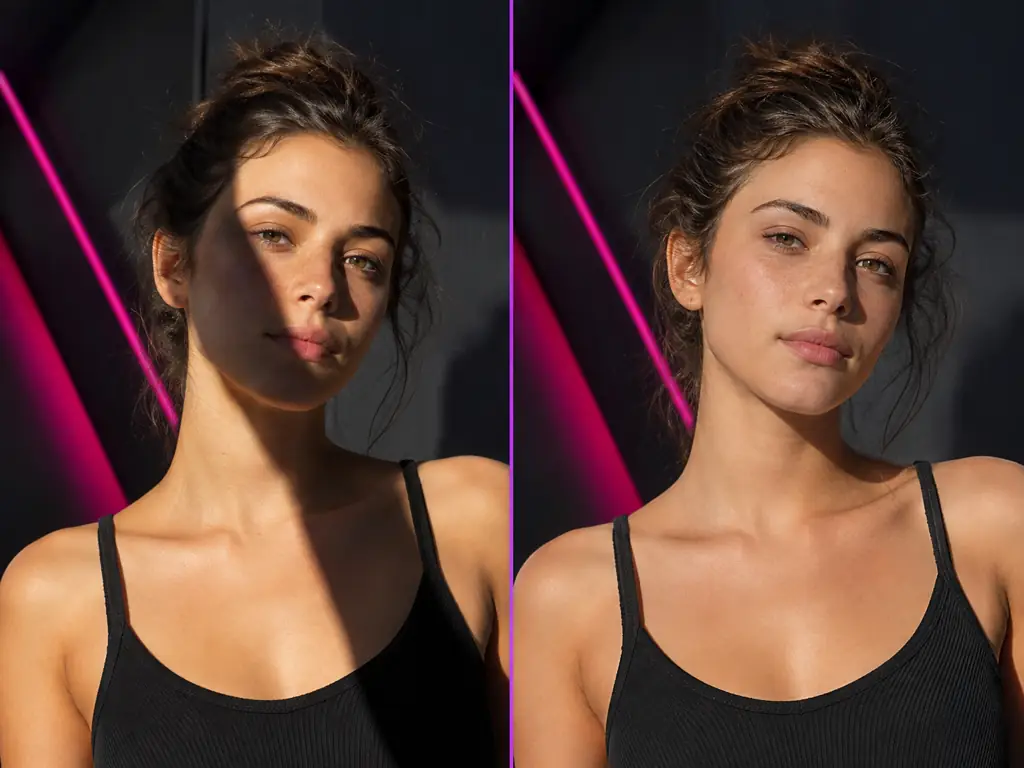
An AI shadow remover is an online tool that detects a shadow in a photo and rebuilds the light, color, and texture underneath it, so the covered area matches the rest of the picture instead of staying a gray patch. A brightness slider lifts the whole frame and washes everything out; this image shadow remover online works only where the shadow falls, whether that is under a chin, across a product on a white backdrop, or over a page you photographed with your phone. Upload a JPG, PNG, or WEBP file to remove the shadow from photo backgrounds, faces, and documents, then download the corrected image.
Upload your image, let the AI clear the shadow, then compare the result and download it. No masks, no layers, no professional software.
Drop in a JPG, PNG, or WEBP file. Portraits with shadows on the face and neck, product shots with a cast shadow on the backdrop, phone photos of documents, and passport photos all start the same way.
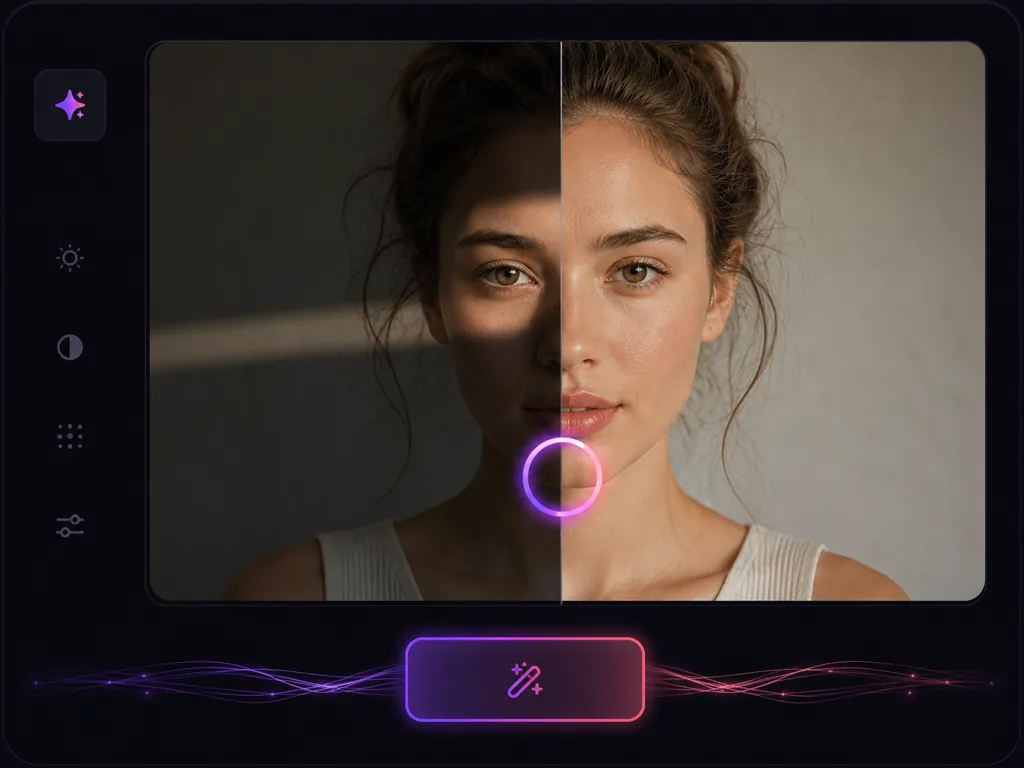
The AI locates the shadow and regenerates the light and detail underneath it instead of brightening the whole frame. Keep the default one click removal, or type a short prompt such as remove the harsh shadow under the chin when you want to point it at one area.
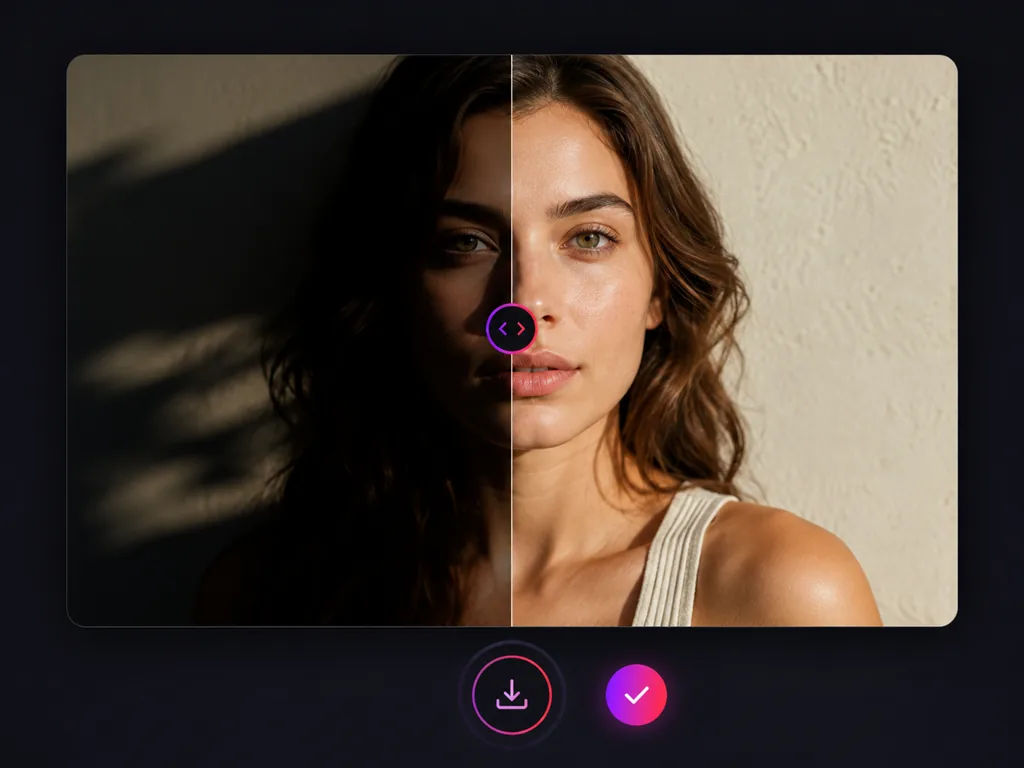
Check the before and after preview, then download the cleaned image and use it for a listing, an application form, a portfolio, or a scanned file.
Six places where people look for a way to remove shadow from image files, and what the AI fixes in each one.
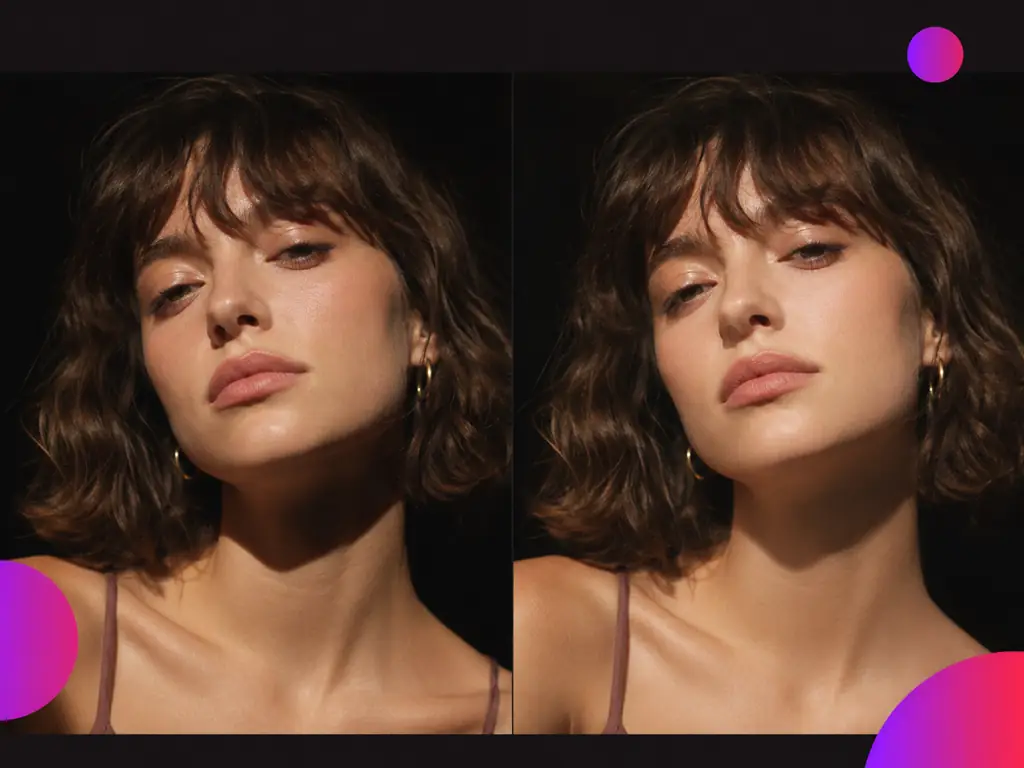
Photographers, sellers, students, and applicants use the AI shadow remover on portraits, product shots, scanned pages, and ID photos.
Midday shoots always leave a hard shadow under the chin. I run the frames through the AI shadow remover before retouching and the necks and jawlines come back even, with the skin texture still there.

Priya Sharma
Portrait Photographer
My desk lamp threw the product's shadow onto the backdrop in every shot. The background shadow remover clears it, so my listing images finally look like they came from the same shoot.

Marcus Johnson
Marketplace Seller
I photograph library books with my phone and the binding always leaves a dark curve down the middle. Removing that gutter shadow makes the pages readable again before I file them.

Aiko Fujii
Graduate Student
My passport photo came back because of a shadow on the wall behind me. I removed the shadow here, resubmitted the same picture, and the next attempt went through.

Omar Hassan
Visa Applicant
Group photos on bright afternoons come back half in shade, and my own shadow is usually in the frame. This is the quickest way to even them out before I post.

Sofia Ramirez
Travel Blogger
Interior shots pick up window frame shadows on the walls. Clearing them makes the rooms look as open in the listing as they do during a viewing.

Thomas Bennett
Real Estate Agent
Answers about removing shadows from faces, product photos, scanned documents, and passport photos.
Upload a photo, clear the shadow, and download the corrected image. Works on faces, products, scanned pages, and ID photos.