





Text to Video AI That Runs One Prompt on Many Engines
Type the shot you want and get a finished clip back. This free text to video generator turns a written prompt into video online, renders up to 4K in any feed ratio, and runs the same sentence through a shelf of AI video engines so you can pick the one that got it right.
One prompt, many engines • Delivery-grade 4K • Sound in the same pass • Nothing stamped on
What is Text to Video AI?
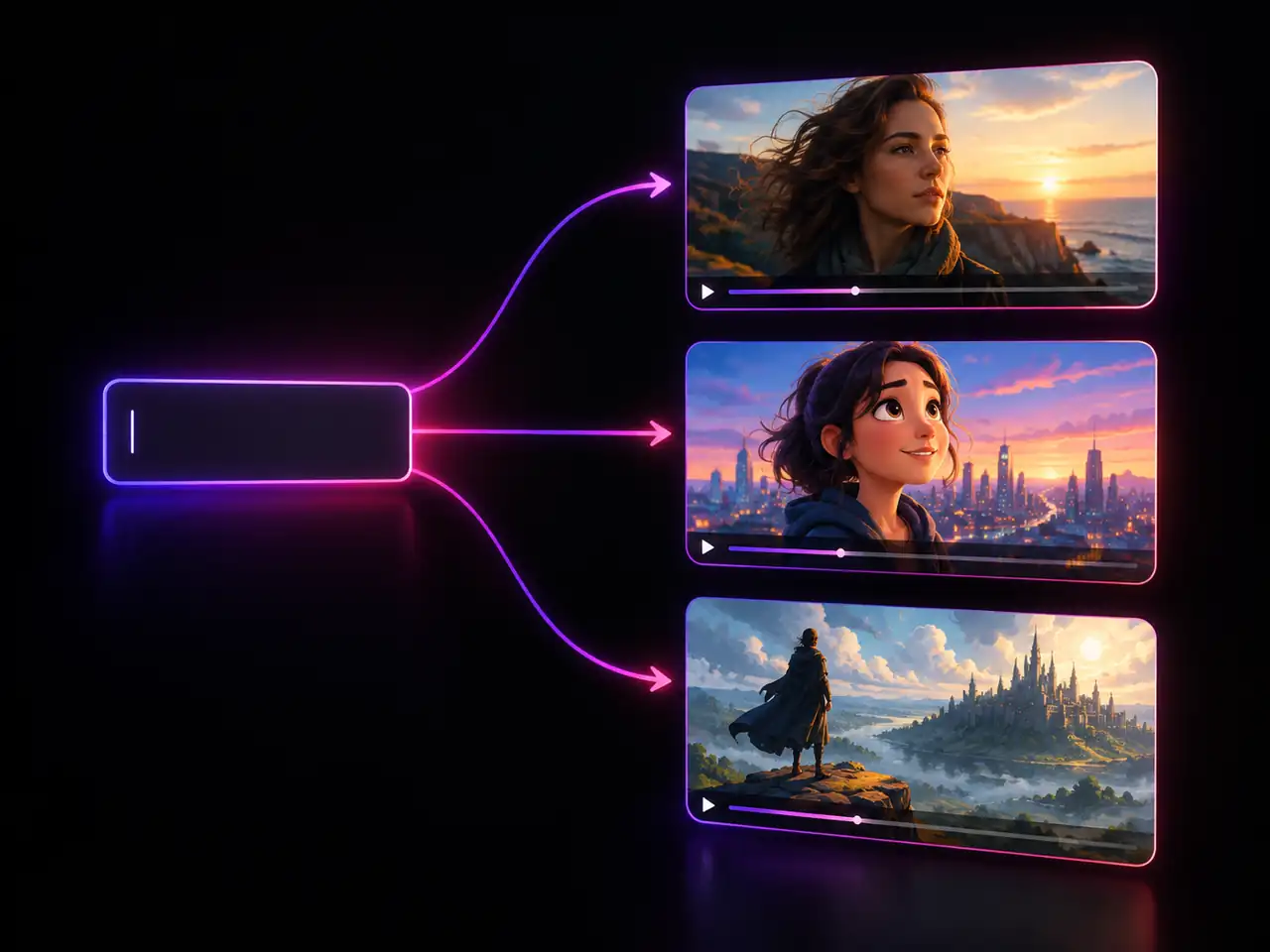
Text to video AI is a generator that reads a written prompt and renders a moving clip from it, with no camera, no stock library, and no editing timeline in the way. You write what should be on screen, the model paints every frame and the motion between them, and a playable video comes back to you. People search for the same job under several names, prompt to video and script to video among them. What separates one tool from another is not whether it can do it. It is how much control you get over the shot, how honest the page is about output specs, and whether you are locked to one model.
What This Text to Video Generator Does
Six things worth knowing before your first render, from swapping engines on one prompt to the specs, ratios, and audio options behind the panel.
- Prompt only input, no footage or stock library
- Clips from 4 to 15 seconds on the default engine
- Rewrite one detail and render the variant in the same session
- Plays back in the browser and downloads as a file
Who Uses Text to Video AI?
Creators, marketers, filmmakers, sellers, educators, and agencies turning written ideas into clips
Social Video Creators
Posting daily is a supply problem before it is a creative one. A vertical 9:16 render turns a caption idea into a postable clip, and 4 to 6 second clips work as hooks and loop backgrounds.
Marketing and Performance Teams
Ad testing needs volume. Write one concept, render it in 9:16, 1:1, and 16:9 for three placements, then swap engines for distinct variants of the same script. Nothing is watermarked, so the winner ships as is.
Indie Filmmakers and Previs Artists
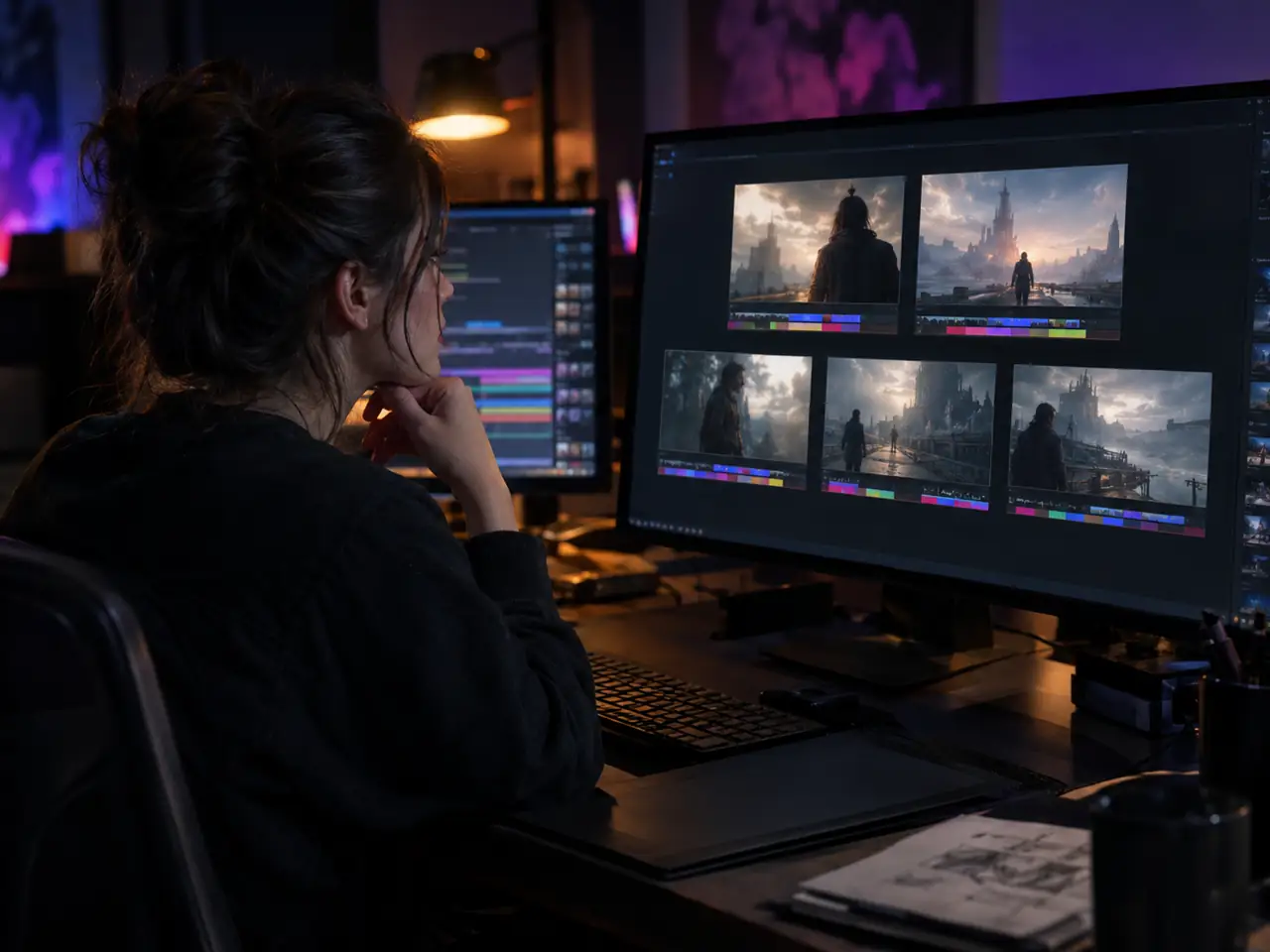
Before anyone books a location, a scene can be tested as a rendered shot rather than a sketch. Describe the blocking, the lens, and the light, try five camera moves at 480p, then take the winner to 4K.
Ecommerce and Product Sellers
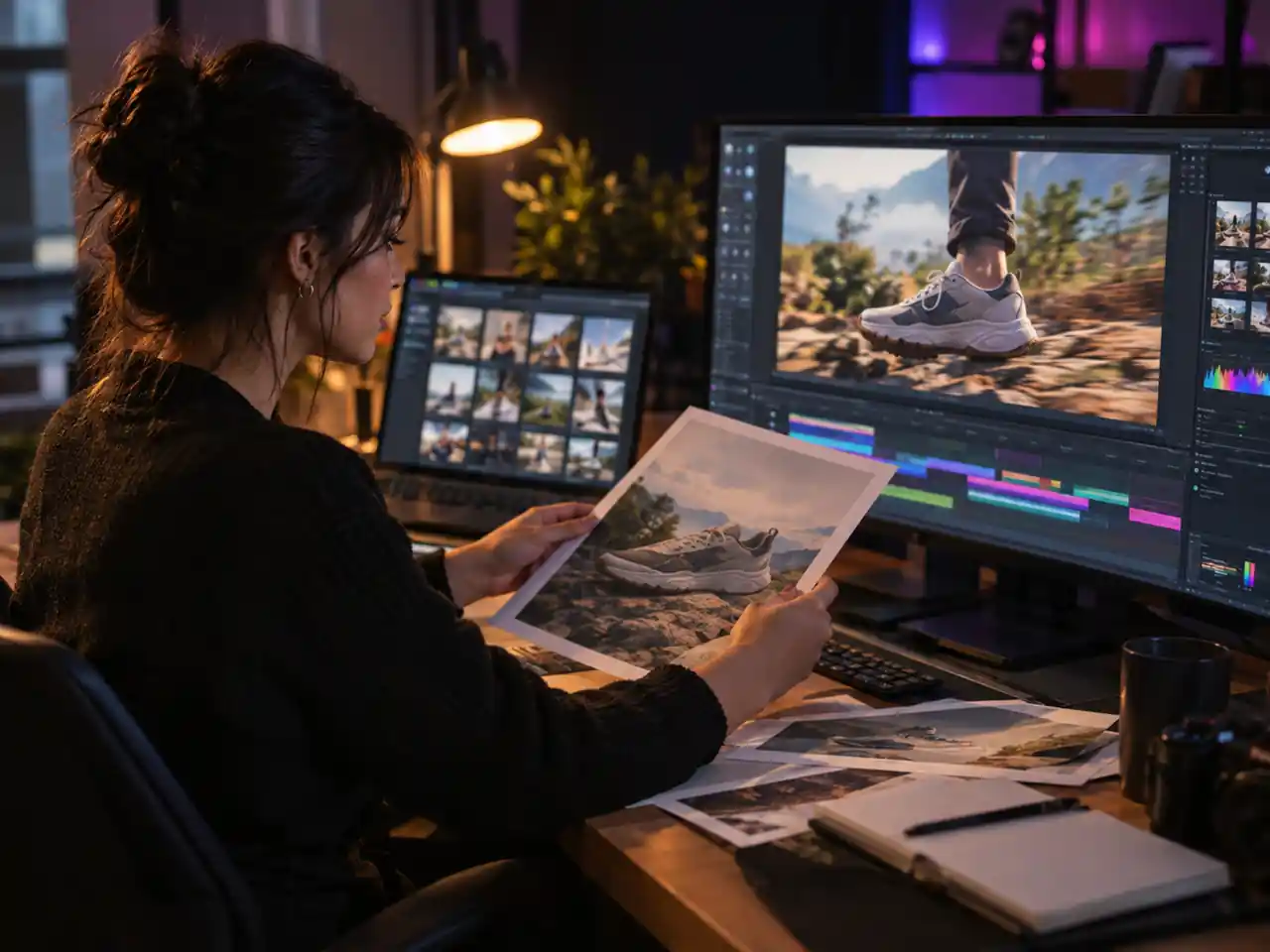
A still catalogue photo becomes a short scene showing the product in a setting it was never shot in. Render a 3:4 version for a product page and a 9:16 for a story placement from one prompt.
Educators and Course Builders
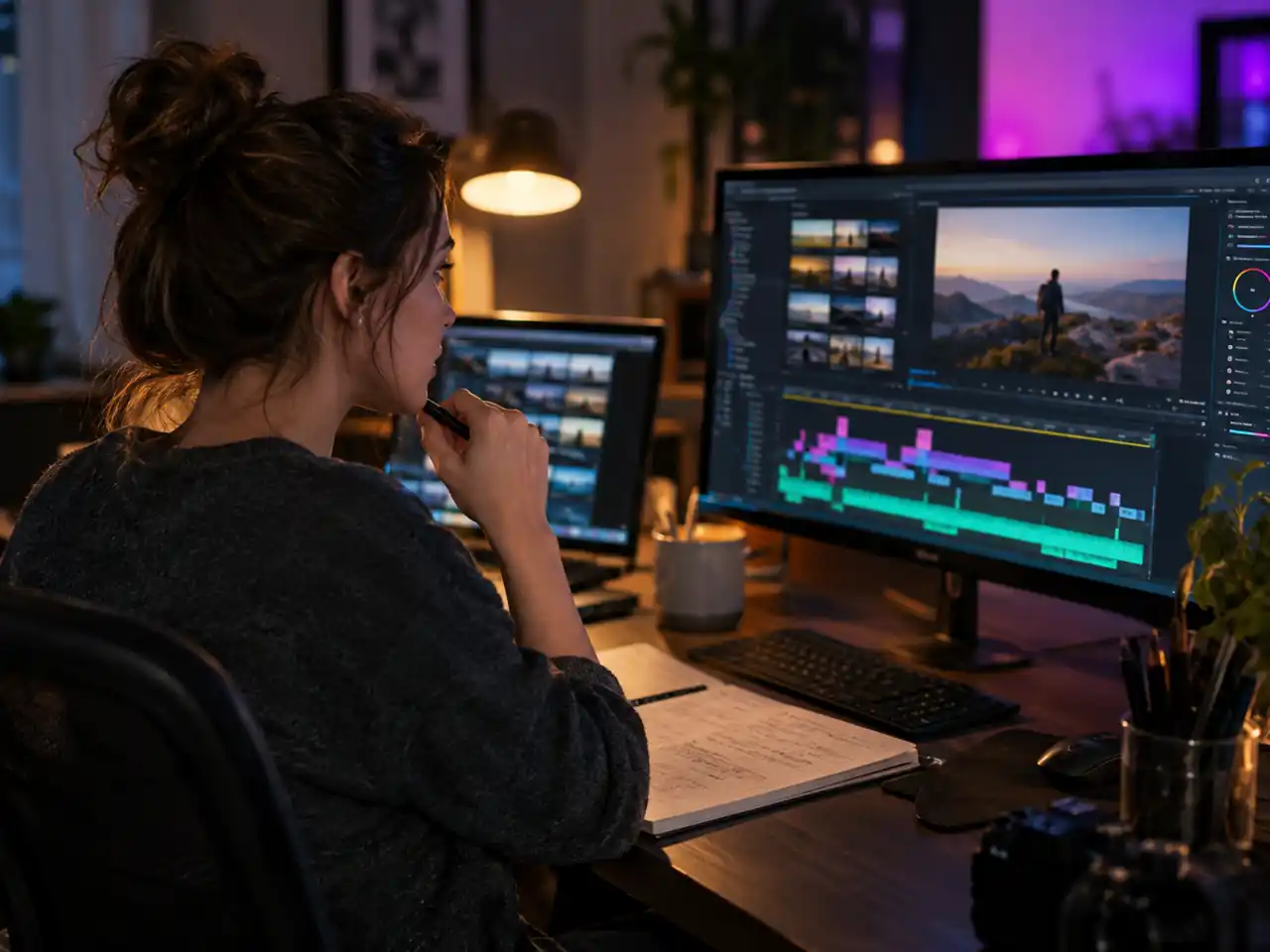
Abstract ideas are easier to hold onto when they move. Turn a line from a lesson plan into a short clip, generate it silent so your narration sits on top, and keep every clip in 16:9.
Agencies and Freelancers
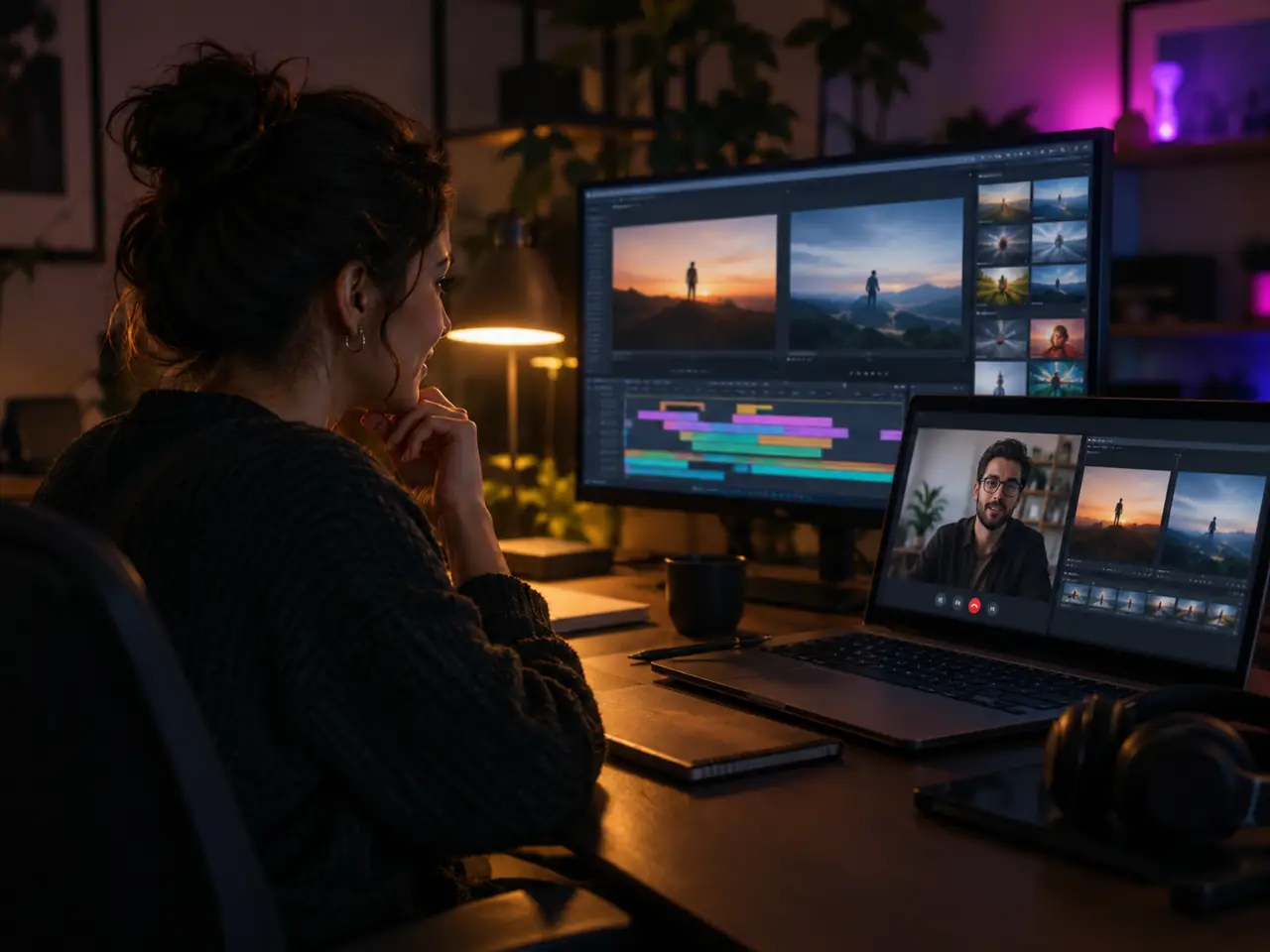
Client work runs on revisions, and a revision here is a sentence edit, not a reshoot. Show two engine renders of one script so the client picks a look instead of describing one.
Why Use This Text to Video Generator?
What this generator gives you that a single model text to video site cannot
One Prompt, Many Video Engines
This is the structural difference against single model sites. The engine is a dropdown beside the prompt box, so one sentence runs on the default engine and then on another without retyping anything. When a model misreads your scene, you change the model instead of the idea.
Specs Published Before You Render
Resolutions of 480p, 720p, 1080p, and 4K, clip lengths from 4 to 15 seconds, six aspect ratios, and an audio switch that starts off. Every number is visible before you commit, so you plan around real limits.
Prompts With Room to Direct
The prompt field accepts up to 20,000 characters on the default engine, enough to carry a character, a location, and a lighting setup in one block. Reusing that block keeps a scene continuous.
Sound Rendered With the Picture
Generated audio comes from the default engine rather than a separate editor, so ambience arrives matched to what is on screen, and it stays off by default so sound is a deliberate choice.
Every Feed Shape in One Place
16:9, 4:3, 1:1, 3:4, 9:16, and 21:9 all render natively, so a campaign living on YouTube, a product page, and a vertical feed is three renders rather than three crops.
Browser Based and Watermark Free
Nothing installs and no graphics card is involved. Open the page, write a prompt, and download a finished clip with no watermark and no branded end card.
How to Turn Text into Video with AI
From a blank prompt box to a clip you can download
Open the Generator and Sign In
Sign in and the workspace opens with the default engine loaded and the mode set to text to video. Nothing installs, and the prompt box is the whole interface you need.
Write the Shot, Not Just the Subject
Name the subject, what it does, how the camera moves, and what the light is doing. "A woman in a red raincoat walks toward camera down a narrow alley at night, slow dolly in, neon on wet pavement, cool blue light" gives the model four things to lock onto.
Set Resolution, Length, and Ratio
Choose 480p, 720p, 1080p, or 4K, set the clip from 4 to 15 seconds, and pick one of the six aspect ratios. Flip the generated audio switch on if you want ambience rendered with the shot; it stays off until you ask.
Compare a Second Engine, Then Download
Before you settle, send the same prompt to another model from the dropdown. It costs one more render and it tells you whether the result you got is the model's ceiling or just this model's take. Keep the version that reads best and download it; nothing is stamped onto the file.
Frequently Asked Questions about Text to Video AI
Answers on cost, engine choice, clip length, resolution, audio, prompts, ratios, commercial use, and watermarks
Ready to Turn Your Text into Video?
Write one prompt, render it up to 4K in the ratio your feed wants, and compare engines first.