






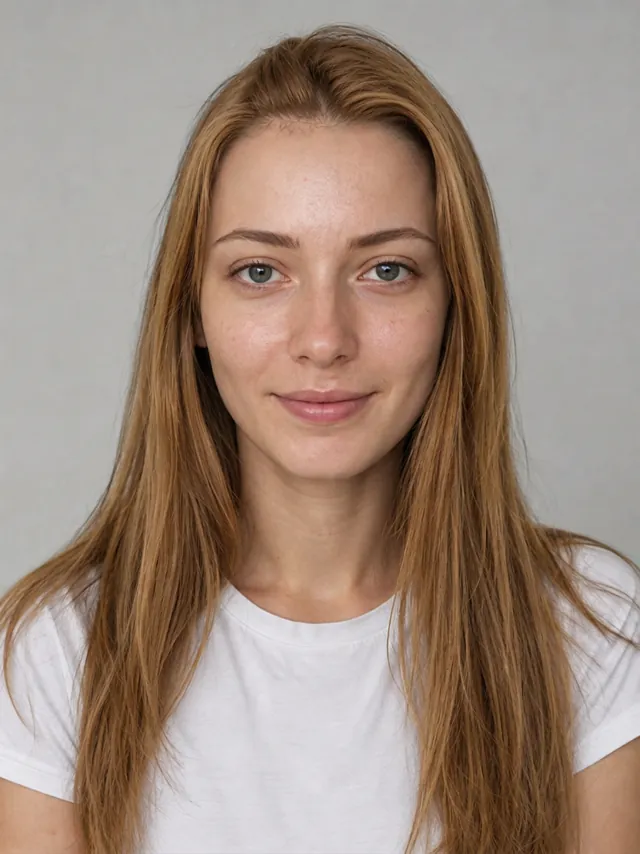
Honey

Honey
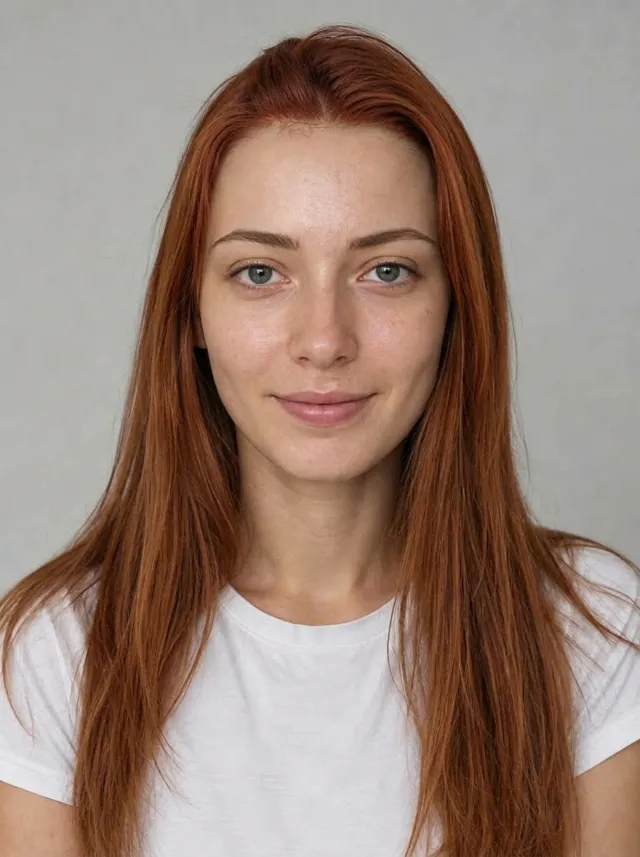
Copper
Mushroom
Platinum
Burgundy
Lavender
Upload a selfie and see yourself with ash blonde, copper, chocolate brown or a soft balayage before you book the salon. This hair color change AI is designed to change only your hair and keep your face, skin tone and eyebrows the same.
Start free in your browser. Pick a shade or describe the color you want.
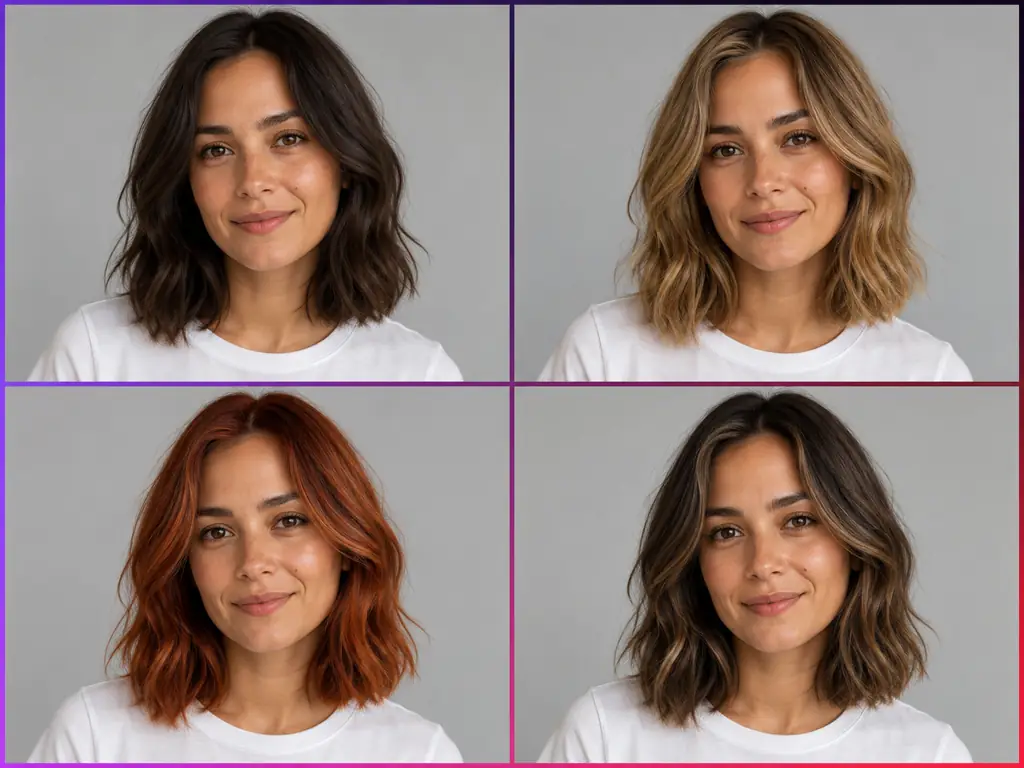
Hair color change AI is a photo editing tool that recolors the hair in your own picture and leaves the rest of the image alone. You upload a portrait, pick a shade or describe the color you want, and the AI hair color changer follows your hairline, parting and lengths so the new color sits on your real hair shape. It is designed to change only your hair and keep your face, skin tone, eyebrows, clothes and background the same. Letting AI change hair color on your own face works like a virtual hair color try on: you can change hair color in photo after photo, test full color, highlights, balayage or ombre, and answer the question behind most searches, which hair color suits me? It runs in the browser, it is free to try, and the result gives you something concrete to show your hairdresser.
Three steps take you from a plain selfie to a set of hair color options you can compare and save.
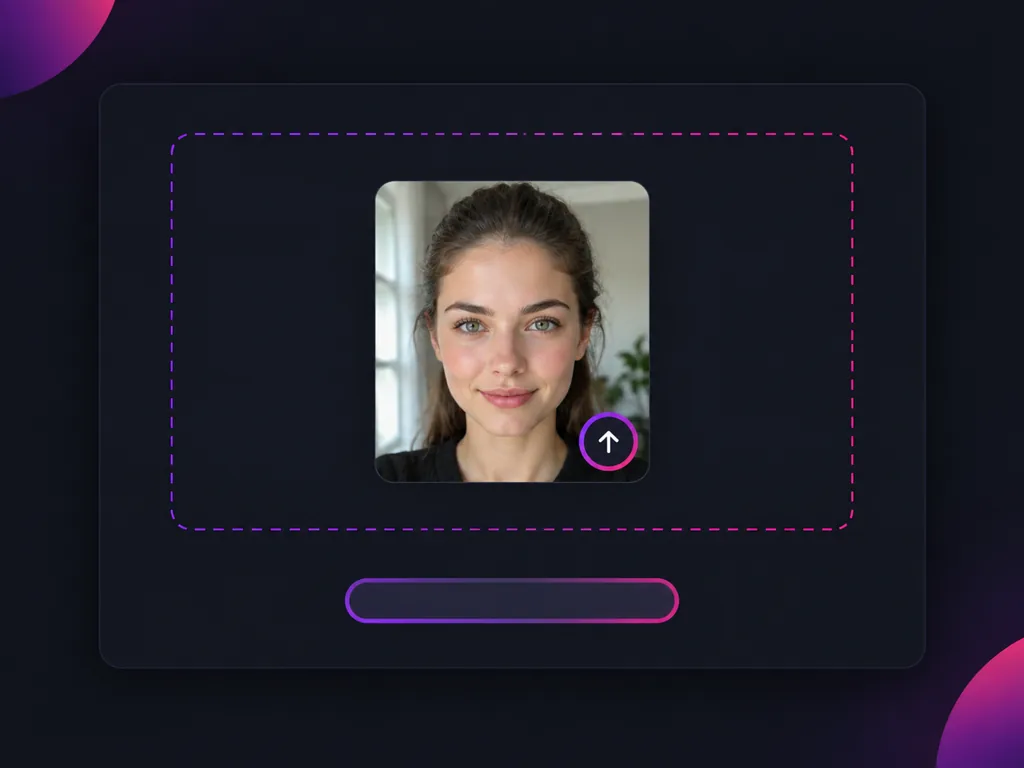
Choose a clear, front facing photo in natural light with your hair pushed back so the hairline shows, and keep long hair in the frame. The hair color change AI supports long, curly and dark hair; if the edges look patchy, retake the photo in even light and try again.
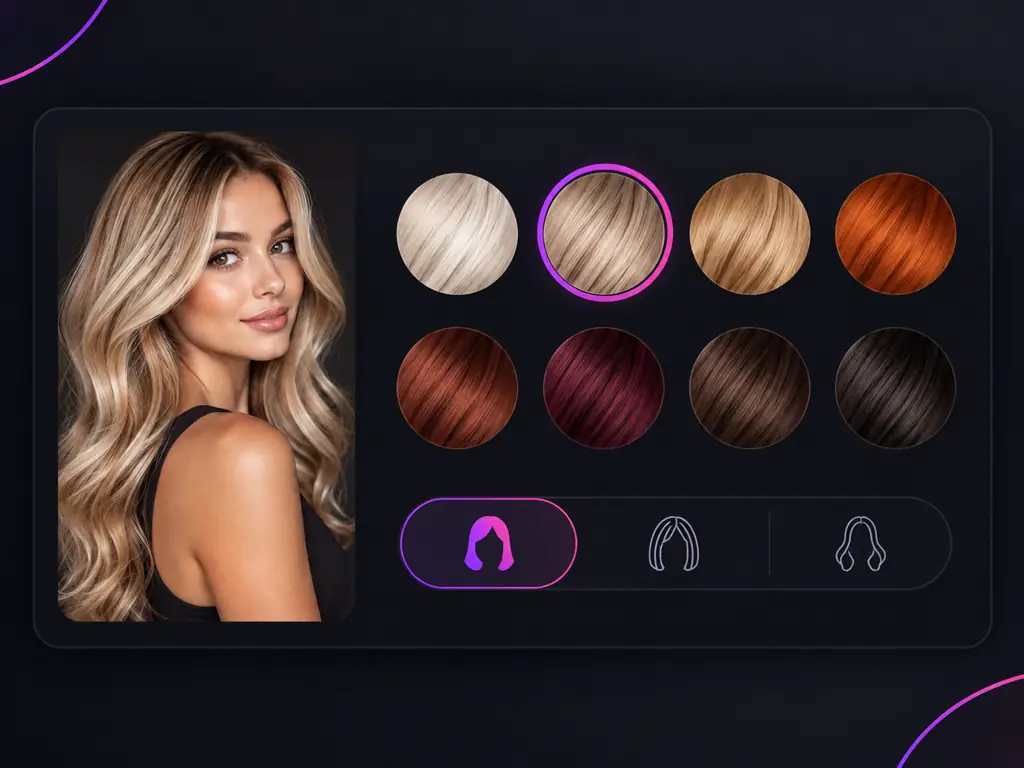
Pick a shade or describe the color you want, for example honey blonde, copper, mushroom brown or a soft cool red. You can also ask for highlights, balayage or ombre instead of a full color.
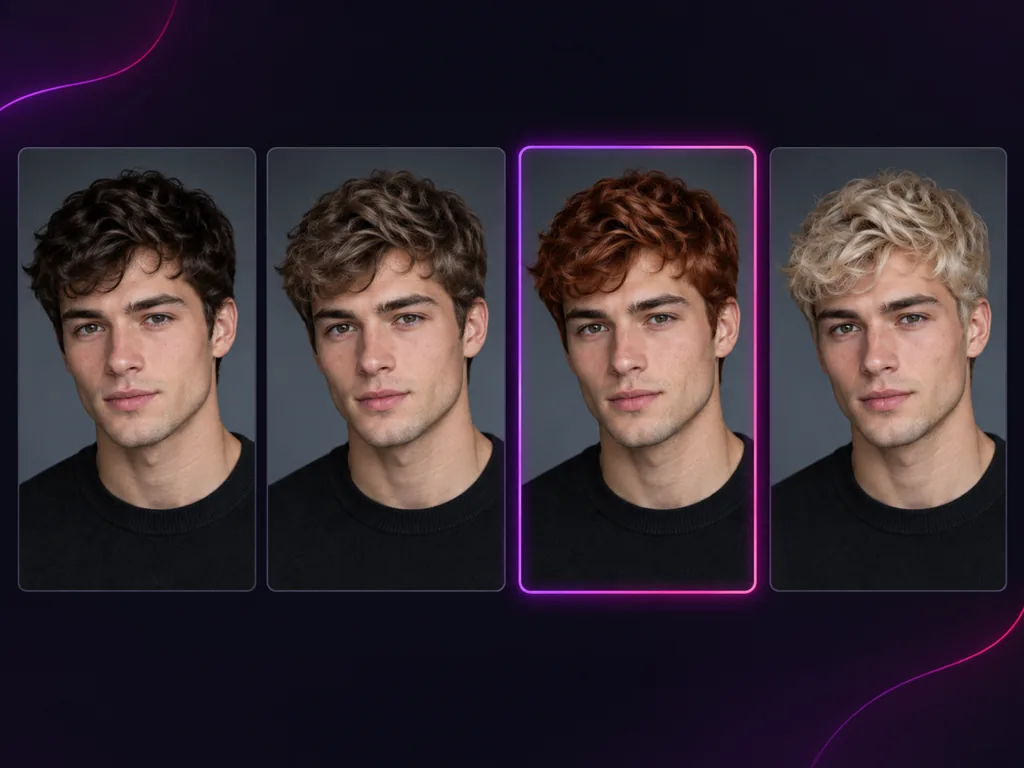
Try a few shades on the same photo, then line them up side by side next to your original. Seeing each AI hair color change on one face shows which color lifts your features and which one washes you out. Save the result you like.
Hair dye is hard to undo, so test the shade on your own photo first.
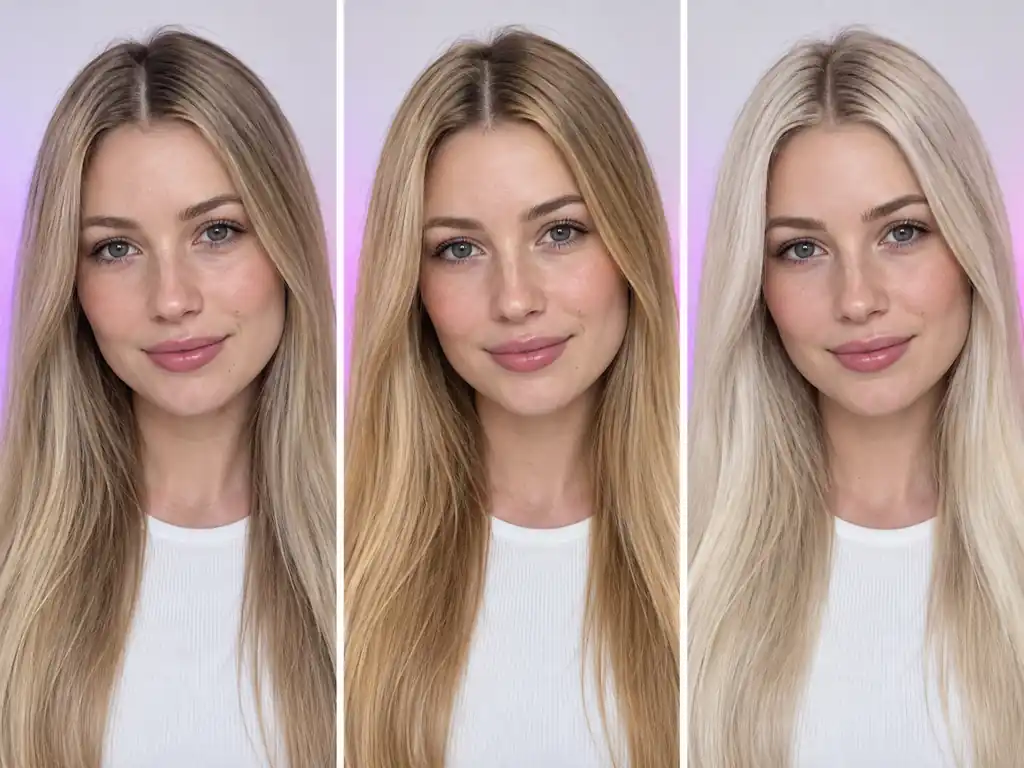
Common situations where trying a hair color on a photo first made the decision easier.
I had been blonde for years and kept saying I wanted copper. Seeing it on my own face, next to a strawberry blonde version, helped me pick the softer one.

Hannah W.
Natural blonde considering copper
I had never dyed my hair, so I tried chocolate brown, caramel balayage and auburn on one selfie. The caramel balayage looked like me, just brighter.

Priya S.
Coloring her hair for the first time
My hair is very dark and I was nervous about bleach. Previewing honey blonde first showed me I liked it, and also that I wanted it as highlights rather than all over.

Nia W.
Dark hair, thinking about going lighter
I could never tell if I was cool or warm. Ash blonde made my face look brighter and golden blonde made me look tired. That settled it.

Claire D.
Unsure between cool and warm tones
I showed my stylist the result and said I wanted dark blonde, not dark brown.

Sofia R.
Bringing a reference to her hairdresser
I wanted to try highlights instead of committing to a full color. I compared face framing highlights and a soft balayage on the same photo and finally knew which one I liked.

Ji-eun L.
Trying highlights before a full change
Answers about trying hair colors on your photo, skin tone, partial color and what to expect at the salon.
Yes, you can start free. If you searched for a free AI hair color changer or a free hair color changer, upload a portrait, pick a shade and see the new hair color on your own photo before you book anything.
It is designed not to. The AI changes your hair color and keeps your face, skin tone, eyebrows, clothes and background the same, so the comparison is about the hair and nothing else. If a result looks off, retake the photo in even, natural light and try again.
Start with your undertone. Cool undertones often suit ash blonde, platinum, cool brown and burgundy. Warm undertones usually look good in copper, honey blonde, golden brown and caramel. Neutral undertones can wear both. A quick check is jewelry: silver tends to flatter cool skin, gold tends to flatter warm skin. The most reliable test is still visual, so try two or three shades on the same photo and compare them.
Yes. Ask for highlights, balayage or ombre and the AI adds lighter pieces or a soft gradient while keeping your base color.
It supports black, long and curly hair. The hair color AI works best when your hair is clearly visible: face the camera, push hair off your face so the hairline shows, and keep long lengths inside the frame. If the color looks patchy at the edges or spills onto the background, retake the photo in even light.
Treat it as a reference, not a guarantee. The real result depends on your starting color, whether your hair needs bleach, the formula your colorist uses and the condition of your hair. Use it to choose a direction.
It depends on the direction. Going lighter usually means bleach, and getting back to a dark or natural shade afterwards can take time, extra appointments and ongoing care. Dark dye can be stubborn to remove if you change your mind, reds tend to fade quickly, and roots need touch ups as they grow. That is why it helps to preview a shade before you dye.
Yes. Save the result and bring it to your appointment with the shade name and whether it is warm or cool. Be specific, for example dark blonde rather than dark brown, so your stylist knows exactly what you liked.
Use a recent, front facing photo in natural daylight with no filters or heavy editing. Push your hair back so the hairline is visible, avoid hats and strong shadows, and include as much of your hair length as you can.
This hair colour changer online runs in your web browser, so there is nothing to install. Upload a photo, choose a shade and view the result on the same page.
Yes. You do not need to select or paint your hair by hand. Upload the photo, pick a shade, and this hair color changer AI handles the selection and blending to edit hair color for you.
General AI assistants with image tools can change hair color if you write a detailed prompt, and results depend on how you describe the edit. Sometimes other parts of the photo change along with the hair. A dedicated change hair color AI tool like this one is built for a single job: recolor the hair and keep your face the same, so you can simply pick a shade.
Open the hair color changer online, upload a selfie and try a few shades before you book. This hair color change AI is free to try and designed to change only your hair.