




Image to Video AI That Turns a Still Photo into Real Motion
Upload one still image, describe the movement you want, and get a short video back. This image to video generator runs your picture through whichever video model you pick, so the same upload can become a slow cinematic push in, a product hero shot, or a vertical social clip without ever leaving the page.
Any still becomes a moving shot • Keeps the frame you approved • Delivery-grade 4K
What Is Image to Video AI?
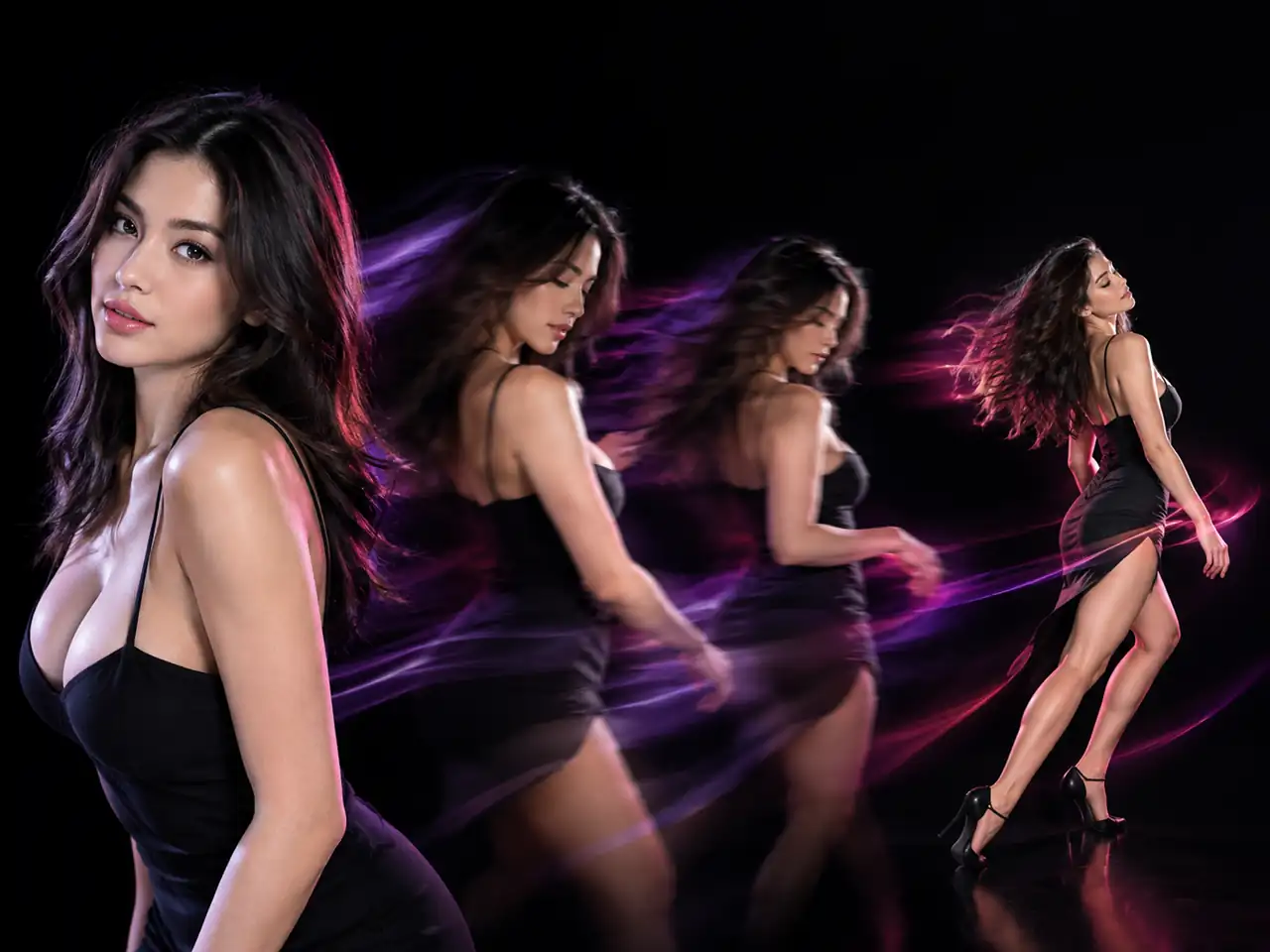
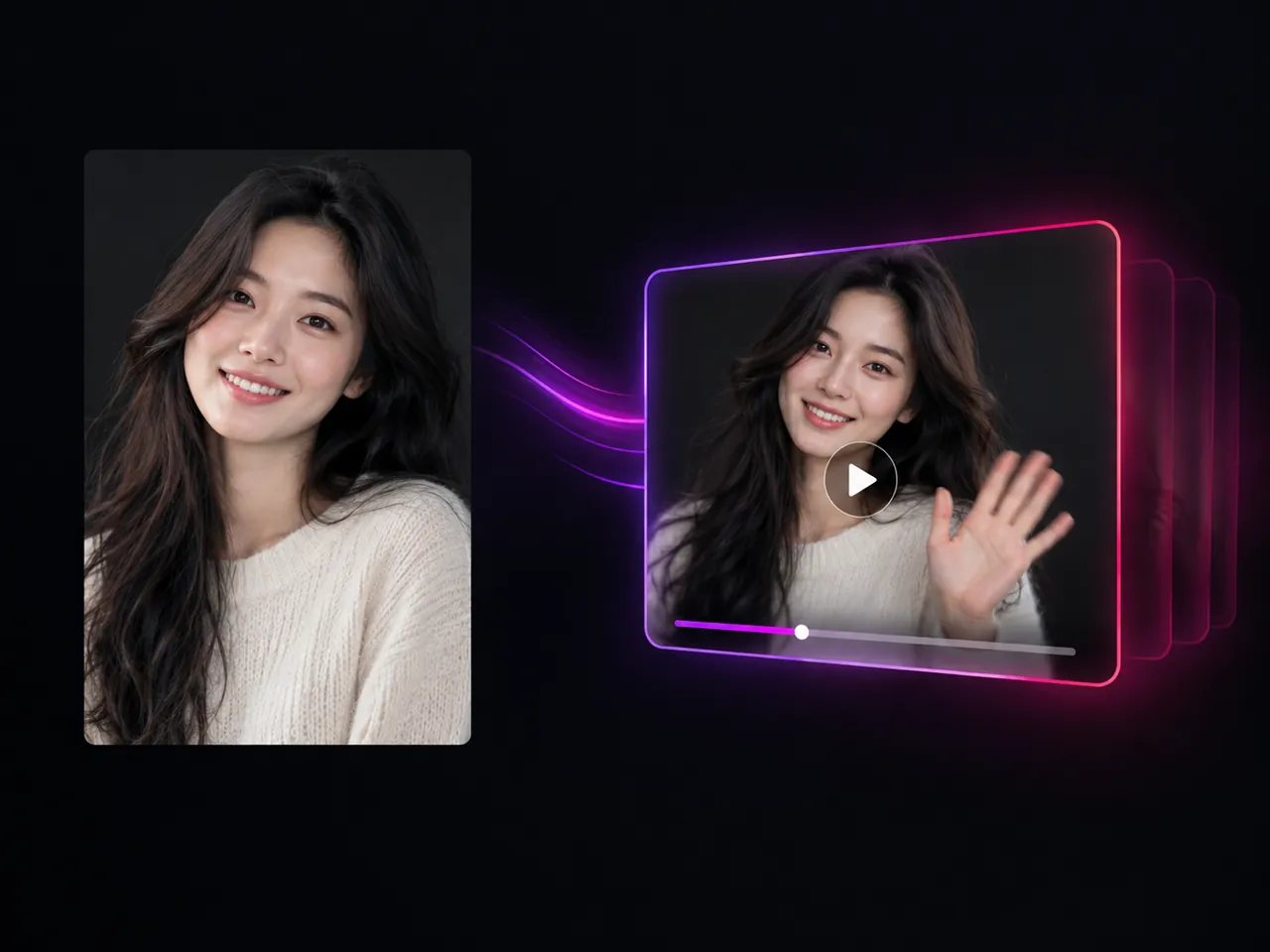
Image to video AI is a tool that takes a single still image, a photo, a picture, a render, or a piece of artwork, and generates a short video from it by inventing the frames that come next. Instead of sliding a camera across a flat picture the way a slideshow does, the model reads what is in the frame, works out how those people and objects would plausibly move, and draws every following frame from scratch. That is the whole difference between a photo slideshow and real generated motion: hair lifts, fabric settles, water runs, and the camera can push in or orbit while the subject stays recognisable throughout. On this page the upload slot takes one JPG, PNG, or WebP file up to 30MB, your prompt describes the motion you are after, and the video model turns the two of them into a clip you can download.
What You Can Do with This Image to Video Generator
Six ways people use a single still image here, from animating a portrait to sending the same upload to a different video model
- One still photo in, one short video out
- Keeps the face, outfit, and background from your upload
- Accepts JPG, PNG, and WebP files up to 30MB
- Suits portraits, products, pets, and landscapes alike
Who Uses Image to Video AI?
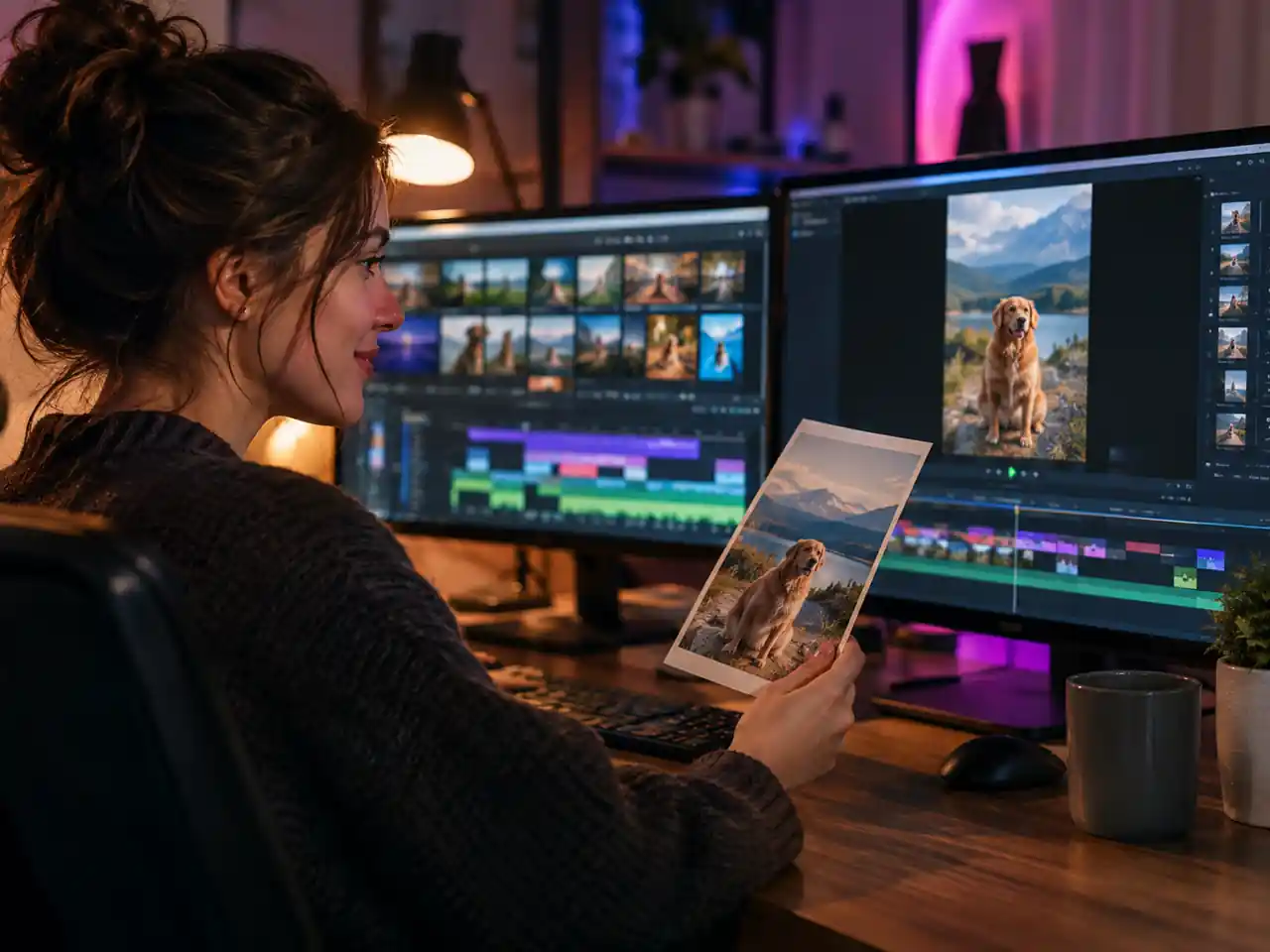
Social creators, sellers, marketers, photographers, families, and AI artists all start from a picture they already own
Social Creators
Reels, Shorts, and TikTok posts often start from one good photo. Generate a 9:16 clip from a still you already have and a flat feed image becomes something that moves in the scroll.
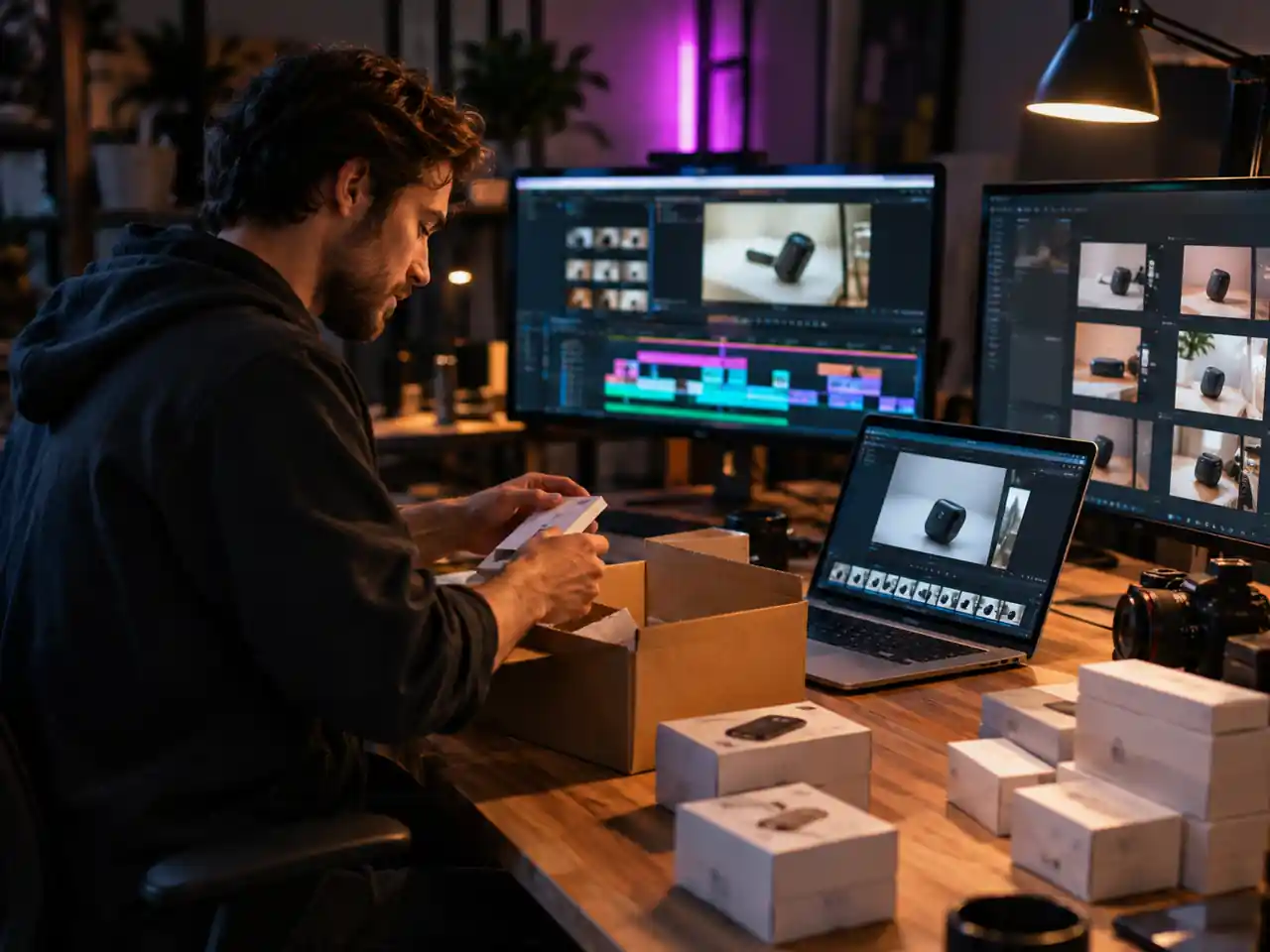
Ecommerce Sellers
Turn a product photo into a short hero clip for a listing or an ad without a studio day, a turntable rig, or a videographer on call.
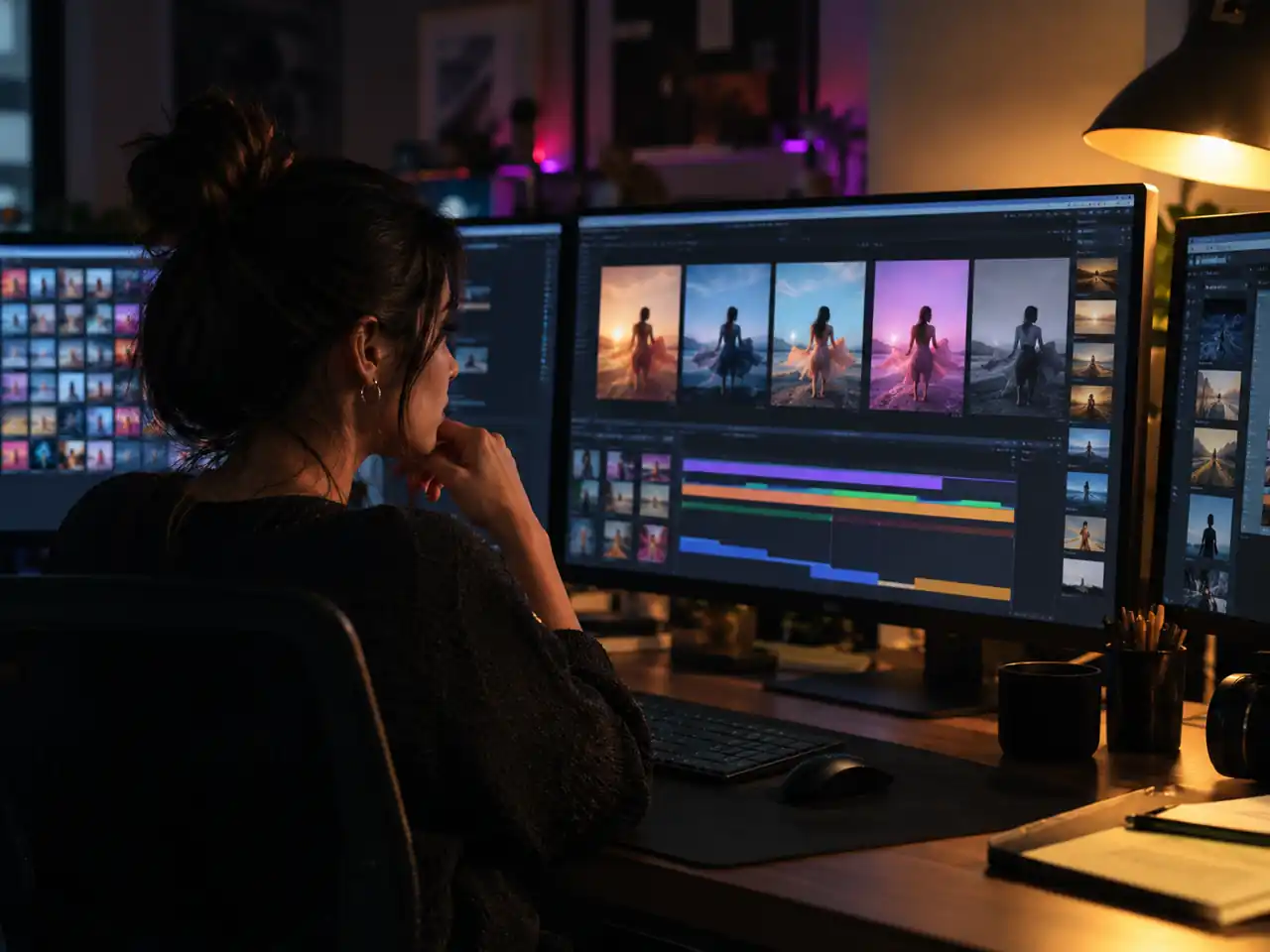
Marketers and Ad Teams
Test five motion treatments of one key visual in an afternoon. Same still image, different prompts, different engines, and no reshoot to get approved first.
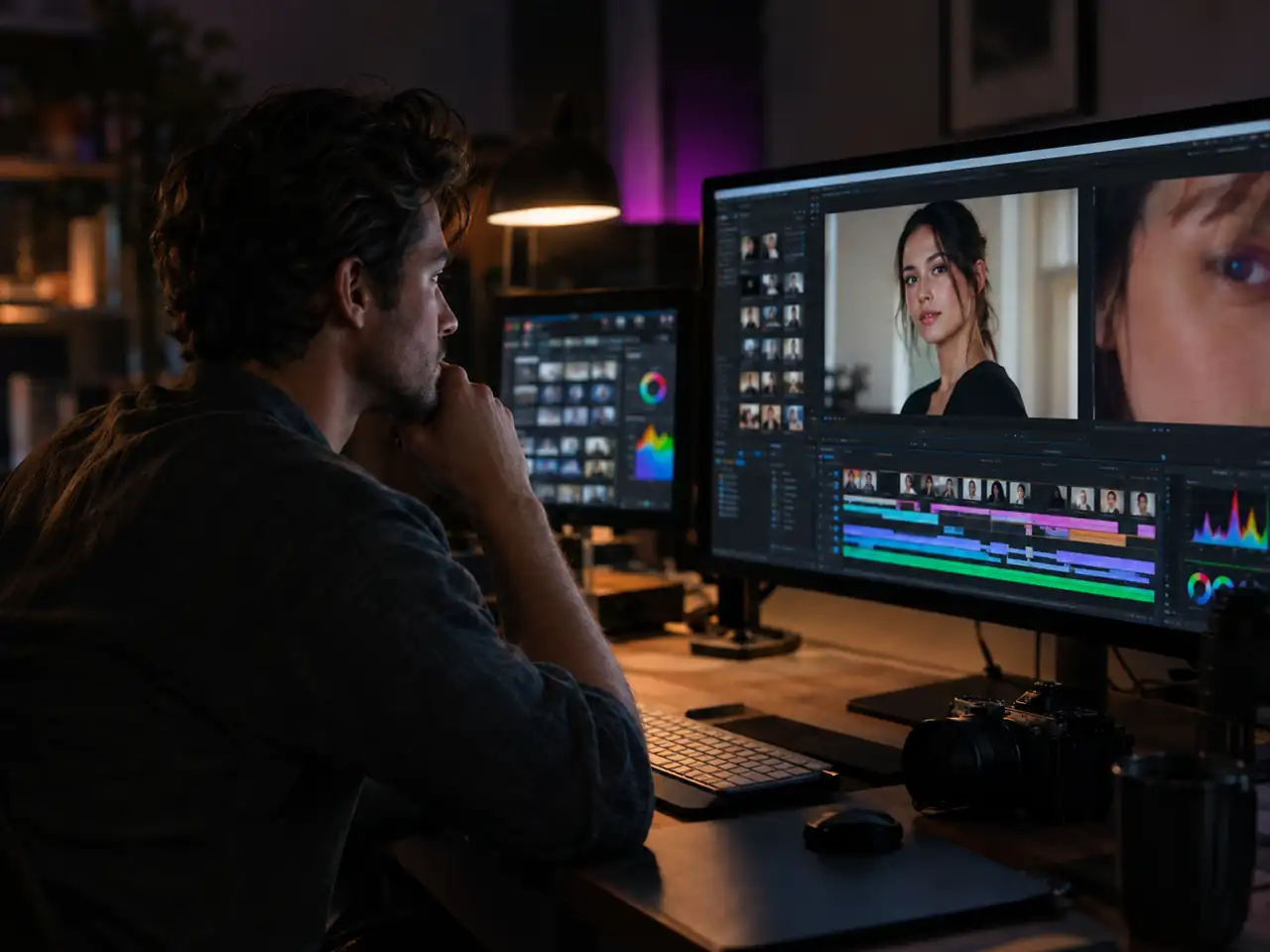
Photographers
Hand clients a moving version of a frame you already delivered. A gentle push in on a portrait or a drifting landscape adds a deliverable without booking another session.
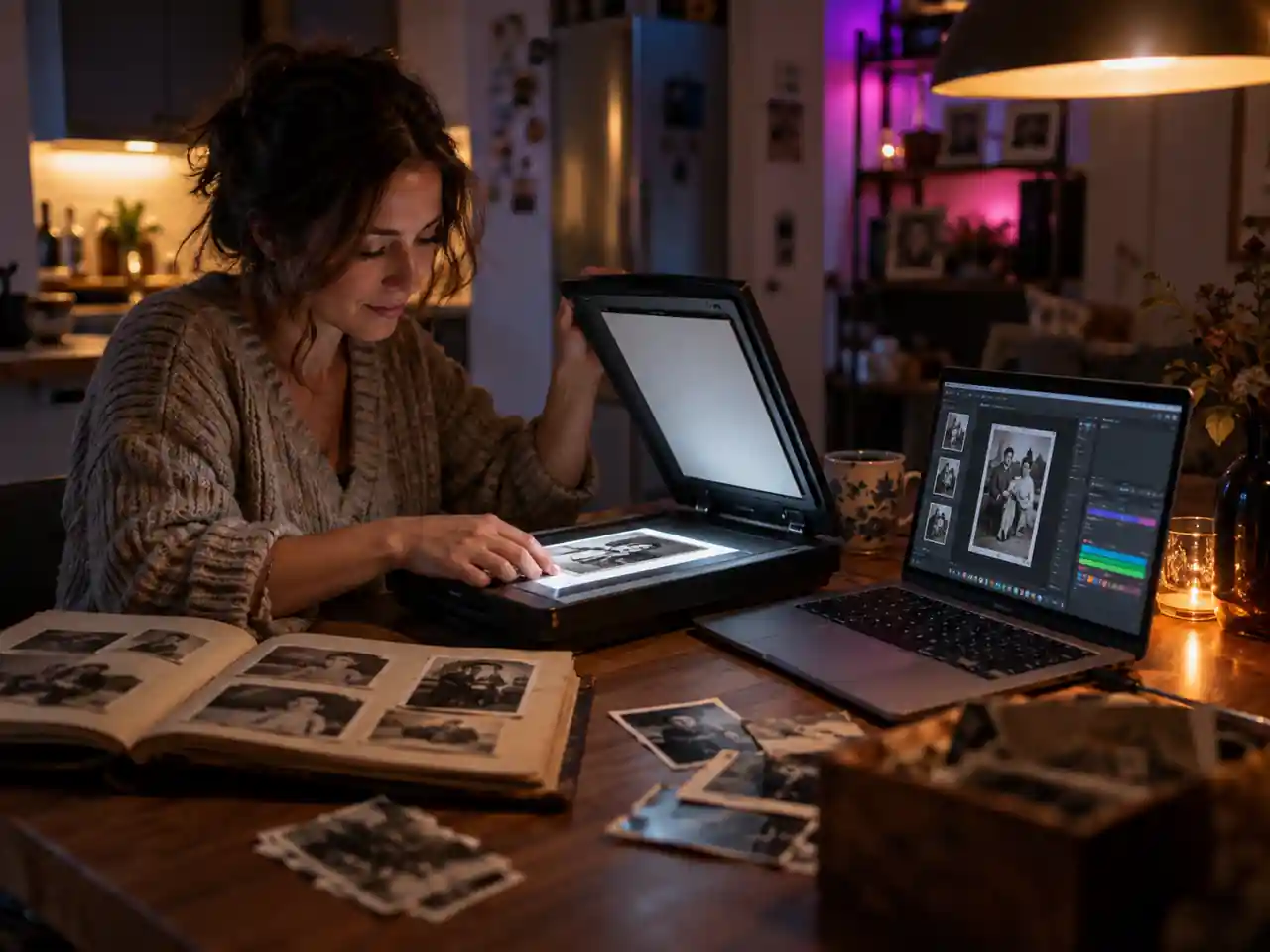
Families and Memory Keepers
Scan a print, upload it, and watch a picture from an album move for a few seconds. A common choice for tributes, anniversaries, and birthday reels.
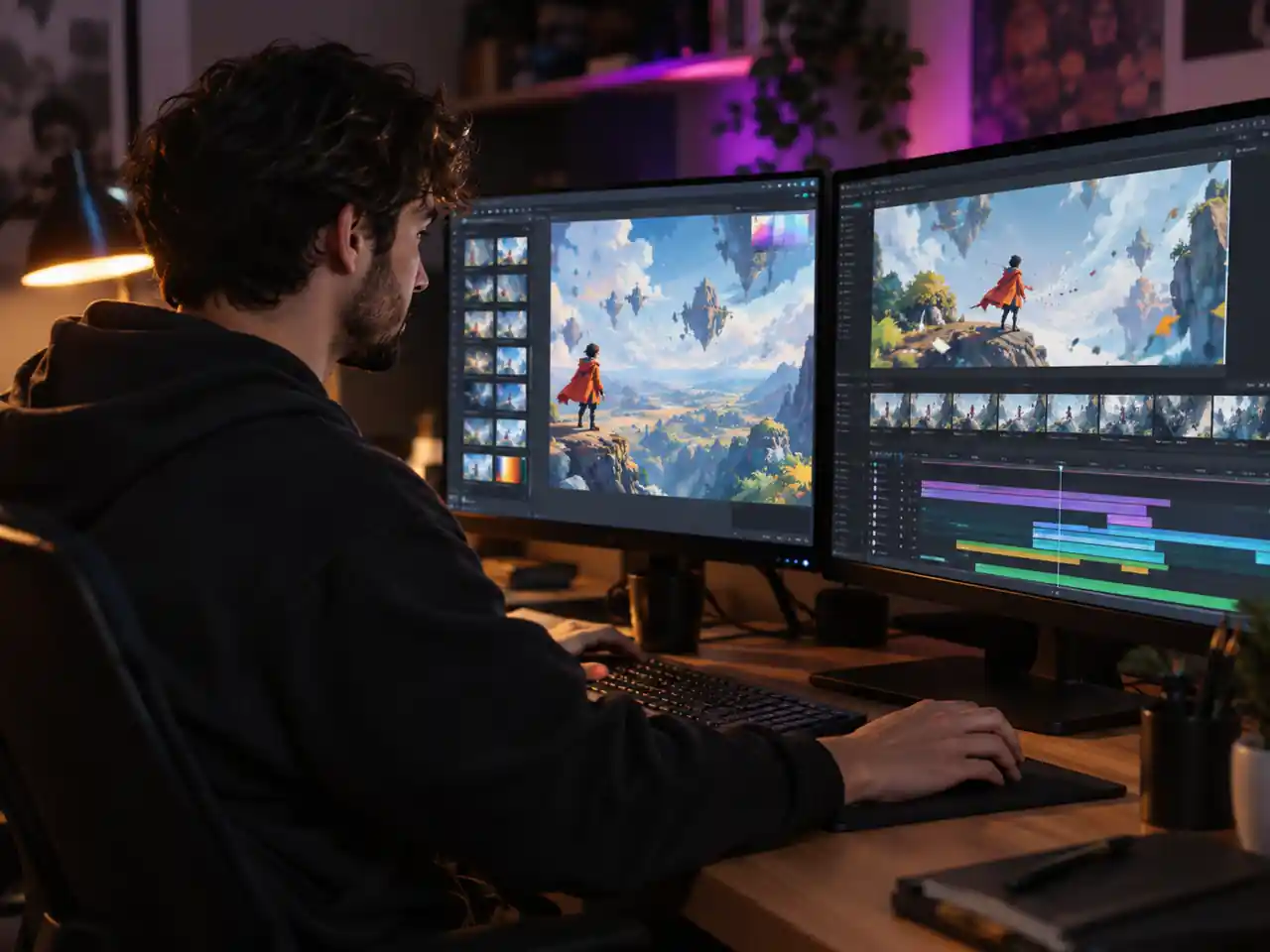
AI Artists and Designers
Take a render or an illustration you generated elsewhere and extend it into motion, keeping the exact style you already locked in rather than rebuilding it.
Why Use This Image to Video AI?
What you get here that a slideshow maker or a single model tool cannot give you
Real Generated Motion, Not a Slideshow Pan
A slideshow slides a camera over a flat picture. Here every frame after your upload is generated, so the subject itself moves instead of the frame sliding across it.
More Than a Dozen Engines in One Place
The model dropdown stays open on this page. Send the same still to a quick engine for a draft and a heavier one for the final cut, without signing up anywhere else.
Free to Start, Clean Downloads
Try image to video AI free before committing anything, and finished clips download without a watermark stamped across the frame.
One Slot, One File, No Setup
Image to video mode takes a single picture. There is no timeline to build, no keyframes to place, and no first and last frame pair to prepare before you can generate.
Drafts at 480p, Delivery at 4K
Run fast, cheap tests at low resolution, then regenerate the version you like at 1080p or 4K from the same photo and the same prompt.
Your Photos Stay Yours
Uploads are used to run the generation you asked for. The clips that come back are yours to use, commercial work included, and you can clear your files when you are done.
How to Turn an Image into Video with AI
Four steps from a still photo to a downloadable clip
Upload Your Image
Sign in and drop one still image into the upload slot. Image to video mode takes a single JPG, PNG, or WebP file up to 30MB, so there is nothing to pair or sequence first.
Describe the Motion
Write what should move and how the camera behaves. A sentence works, a detailed paragraph works better, and the prompt field accepts up to 20,000 characters if you want to direct every beat.
Pick a Model and Settings
Keep the default engine or choose another video model, then set the aspect ratio, the resolution, and a clip length between 4 and 15 seconds.
Generate and Download
Run the generation, watch the clip back, adjust the prompt or switch engines if you want a different take, then download the finished video.
Frequently Asked Questions about Image to Video AI
Common questions about free access, supported formats, clip length, resolution, sound, models, and commercial use
Image to video AI turns a single still picture into a short video by generating the frames that follow it. The model reads your photo, works out how the subject and the camera could plausibly move, and renders new frames instead of panning across the original. The result is motion that was never filmed, built from one image and a prompt.
You can try it free. Sign in, upload a photo, and run image to video generations from your account without paying anything up front. Free runs are enough to test a few prompts, compare two video models on the same still, and work out which engine suits your shot before you commit to anything.
It depends on the shot. Fast engines suit quick drafts and simple drifting motion, heavier ones handle crowds, hands, and complex camera moves better, and some hold a stylised look more faithfully than others. Rather than guess from a review, this page lets you send the same still to several video models and compare the clips yourself.
Image to video mode accepts JPG, PNG, and WebP files, with a single image up to 30MB. One picture is all this mode needs. A sharp, well lit upload with a clear subject gives the model more to work with, so it is worth cropping out clutter before uploading if the frame is busy.
On the default engine, clips run from 4 to 15 seconds. Other models in the dropdown carry their own limits, some of them shorter, so check the length options again after switching engines. For anything longer, generate several clips from related stills and join them in your editor.
Yes. The default engine can generate audio alongside the picture, so ambience arrives in the same pass as the motion and stays in step with it. The switch is off unless you turn it on, which keeps silent output available for anyone scoring a clip themselves. Not every model in the dropdown generates audio.
The default engine offers 480p, 720p, 1080p, and 4K, and opens at 720p. Low resolution is useful for testing prompts quickly, and you can then regenerate the take you like at 1080p or 4K from the same photo. Other models cap out at different resolutions, so the list changes when you switch.
The page opens on Seedance 2.0 and the model is not locked. The dropdown also carries Seedance 2.5, Seedance 2.0 Fast and Mini, Wan 3.0 and Wan 2.7, MiniMax H3 and H3 Max, Gemini Omni Flash 1.1, FLUX 3 Video, LTX 2.3, and others. The list filters down to engines that support this mode.
The photo alone will produce motion, but it will be generic movement the model picks for you. The prompt is where you take control: name the subject action, the camera move, and the pace you want. Even one clear sentence changes the result noticeably, and the field accepts up to 20,000 characters.
Yes, clips you generate here are yours to use in commercial work, including ads, product listings, and client deliverables. Upload images you own or have the rights to animate, and take the usual care with recognisable people and trademarked products, because those rules apply to generated footage just as they do to filmed footage.
No. Videos download without a watermark stamped across the frame, so a clip can go straight into an edit or onto a feed as it is. Files arrive in a standard video format, which means there is no conversion step between the generator and your editor or scheduler.
Image to video starts from one picture and invents everything that happens after it. Frames to video takes two pictures, a first frame and a last frame, and generates the motion that connects them, which is the better choice when you already know where the shot has to end. Both tasks live on this site.
Ready to Turn Your Photo into Video?
Upload one still image, describe the motion you want, and pick the video model that fits the shot.