





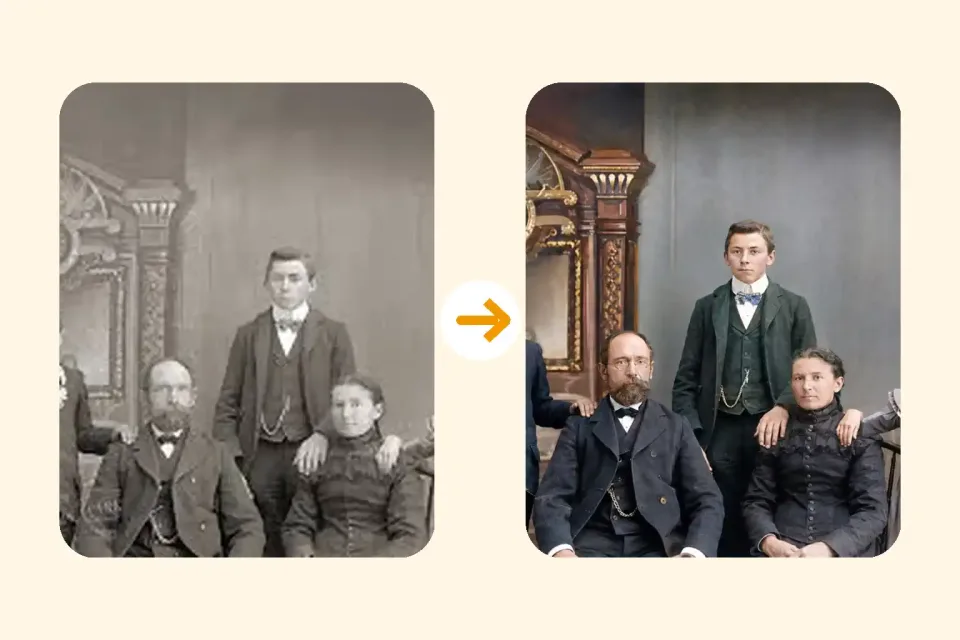
A scratched black-and-white family portrait is repaired and colorized while every face, pose, and detail of the original stays intact.
Restore Old Photos Online Free — AI Photo & Image Restoration Tool
Upload old, faded, scratched, or damaged photos and restore them with AI. Fix scratches, enhance blurry faces, repair torn pictures, and revive vintage images — free online, no download needed.
Free online • Scratch repair • Face enhancement • Color restoration • No download needed •
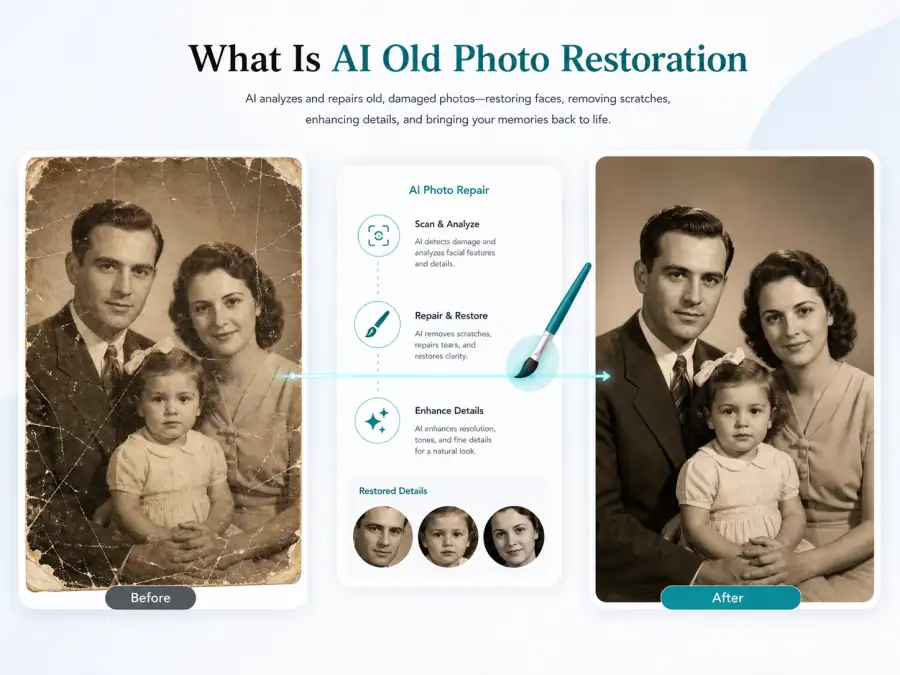
What Is AI Old Photo Restoration?
AI old photo restoration uses advanced image restoration technology to repair visible damage while preserving the people, composition, and character of your original photo. Upload a scratched, faded, or damaged picture and the AI analyzes every pixel — removing scratches, dust spots, and creases, enhancing blurry faces, restoring yellowed colors, and reconstructing missing details. Unlike manual Photoshop retouching that takes hours, AI photo restoration delivers professional-grade results in seconds. Works with scanned family photos, vintage portraits, damaged prints, and historical images.
Photo Restoration Capabilities — From Scratch Repair to Full Image Restoration
AI-powered tools to fix every type of old photo damage — scratches, fading, blur, tears, and more
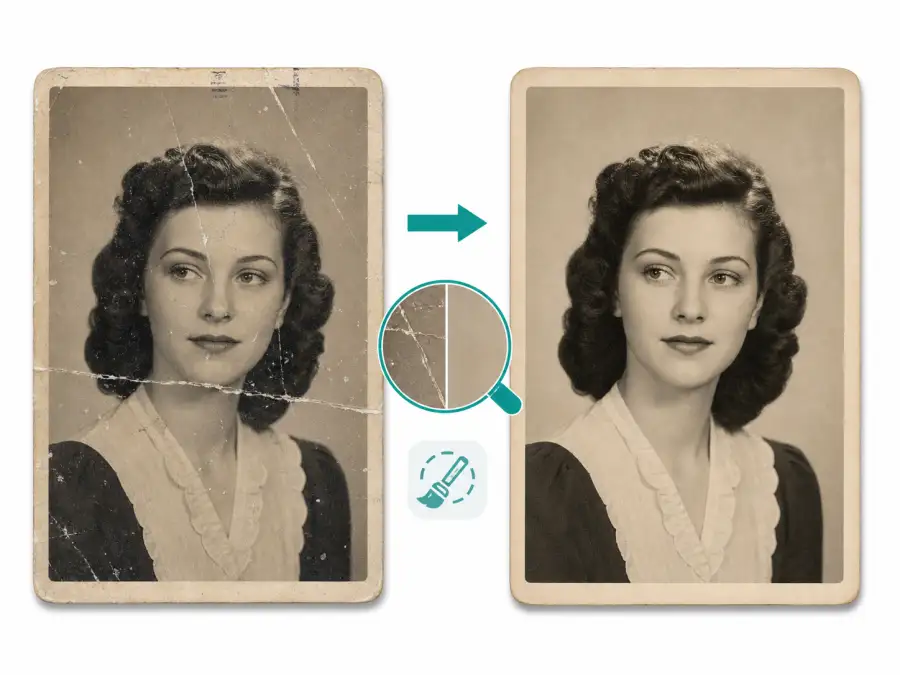
- Detect and remove surface scratches across the entire image
- Fill fold creases and crease lines with matching texture
- Clean dust spots, dirt marks, and scanner artifacts
- Preserve original detail while removing only the damage
Who Uses AI Photo Restoration?
Anyone with an old, damaged, or faded photo that deserves a second life
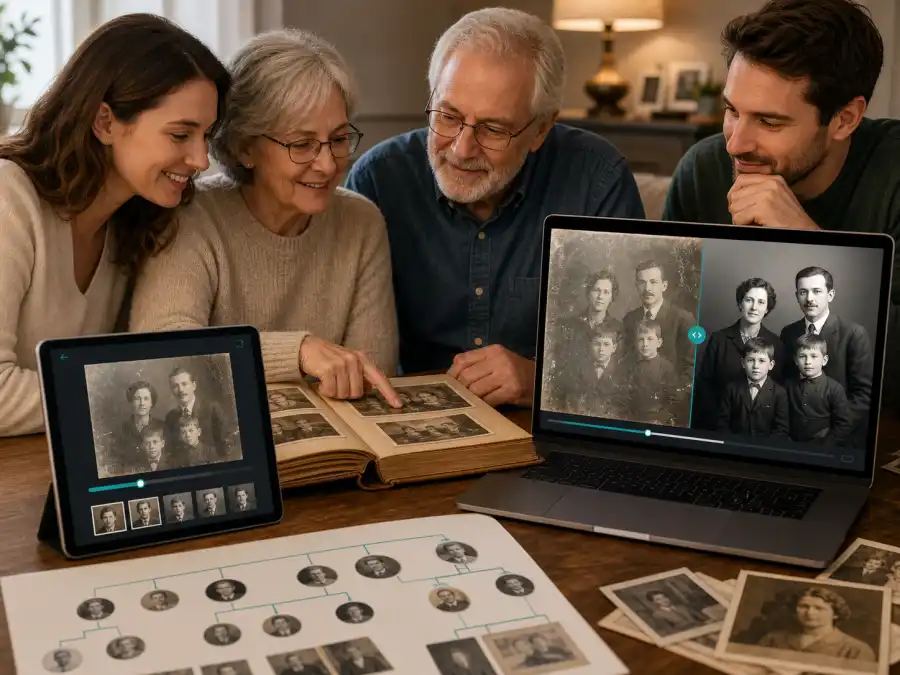
Families & Genealogy Researchers
Restore old family photos, wedding portraits, and inherited photo collections for genealogy trees, family reunions, and digital albums. AI photo restoration lets you preserve family memories that would otherwise be lost to scratches, fading, and physical decay — no Photoshop skills required.
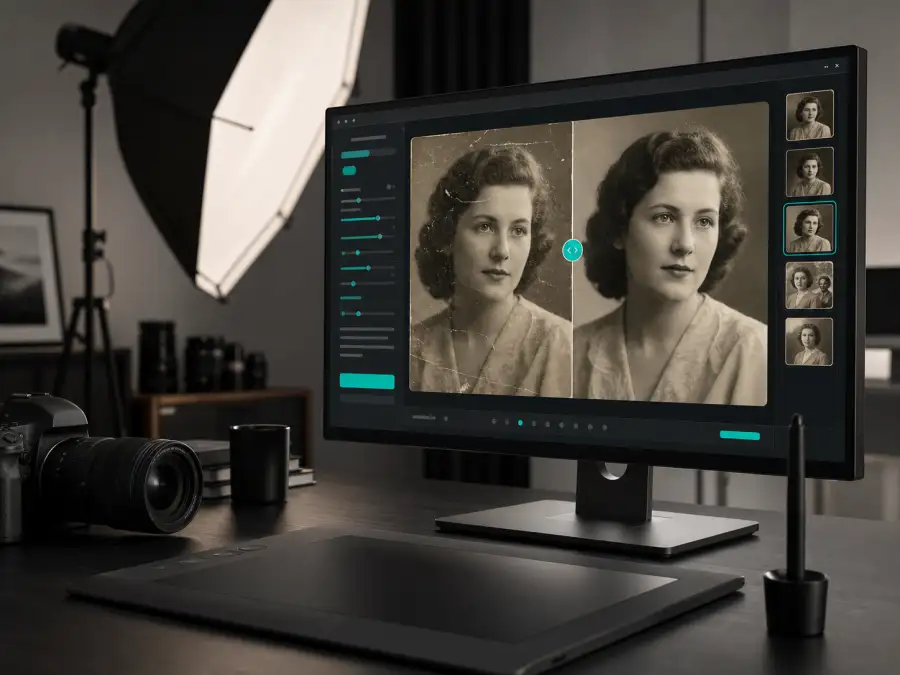
Professional Photographers & Studios
Offer old photo restoration as a service to clients. AI handles the heavy lifting — scratch removal, face enhancement, color correction — freeing you to focus on fine-tuning and client communication. Process restoration requests faster and at lower cost than manual retouching.
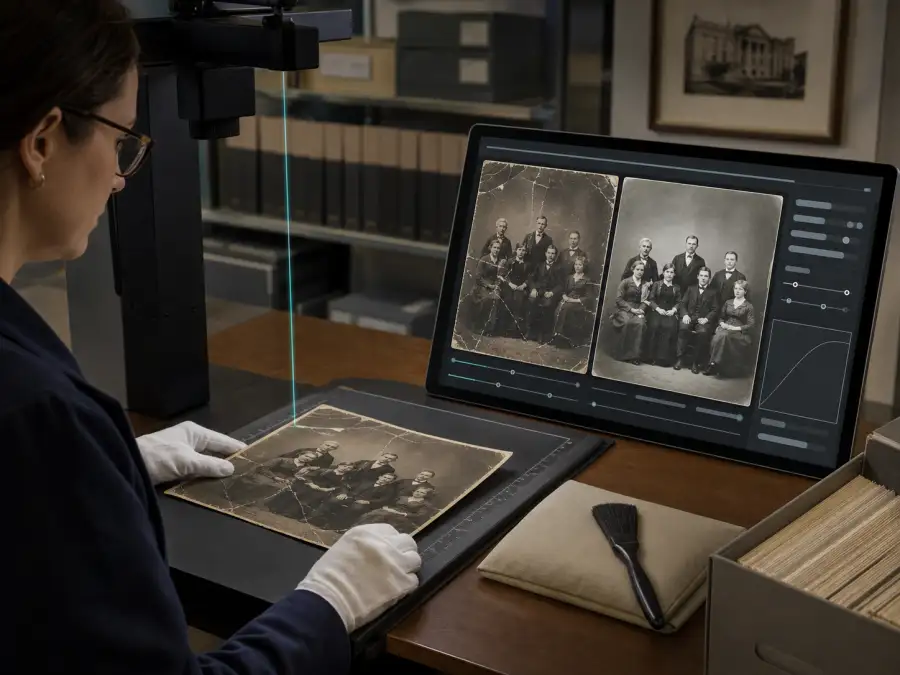
Museums & Archive Curators
Digitize and restore historical photo collections, newspaper archives, and institutional records. AI image restoration creates cleaner digital copies while preserving the historical character and authenticity of original materials. Ideal for public exhibitions and online collections.
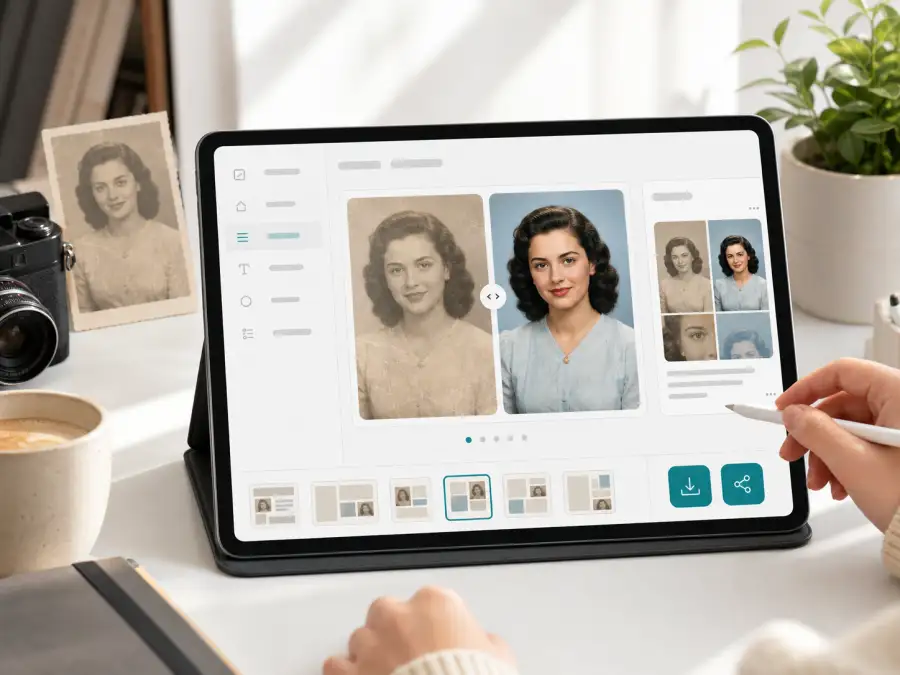
Social Media & Content Creators
Share vintage throwback photos that look sharp and vibrant. Restore old photos for #ThrowbackThursday posts, before-and-after content, family tribute videos, and heritage storytelling. AI restoration turns faded originals into share-worthy digital images.
Why Choose Our Free Online Photo Restoration Tool?
The fastest way to restore old photos — AI-powered, free, and accessible from any device
AI-Powered Precision
Advanced AI analyzes your photo pixel by pixel to detect and repair scratches, fading, blur, and damage. The AI photo restoration engine delivers results that rival professional retouching — automatically, in seconds.
100% Online — No Software to Install
Restore old photos directly in your browser. No downloads, no Photoshop, no plugins. Works on desktop, tablet, and mobile — upload a photo from any device and get a restored result immediately.
Free to Start — No Sign-Up Required
Begin restoring old photos immediately with free daily credits. No account creation, no credit card, no trial expiration. Our free photo restoration covers most personal restoration projects.
Handles Every Type of Photo Damage
Scratches, creases, tears, water stains, fading, yellowing, blur, dust spots, mold — one tool handles all common types of old photo damage. No need for separate tools for each problem.
How to Restore Old Photos Online Free
Restore damaged, faded, and old photos in 3 simple steps — free, online, no software needed
Upload Your Old Photo
Upload a scanned old photo, damaged print, or faded vintage image in JPG, PNG, or WEBP format. Use the highest-resolution scan available — flatbed scanner results produce the best restoration quality. Phone captures of old prints also work.
Use the Restoration Prompt
Keep the default AI restoration prompt for balanced scratch repair, face enhancement, color recovery, and faithful preservation. Edit it only when you want black-and-white output, colorization, or a specific repair style.
Restore with AI
Click Generate and let the AI analyze your photo. It automatically removes scratches, enhances blurry faces, restores faded colors, and repairs damage. Customize the prompt for specific requests — colorization, keeping monochrome, or focusing on particular areas.
Download the Restored Photo
Review the restored result and compare it with the original. Download the repaired photo in high resolution for family albums, printing, sharing on social media, or adding to your digital archive.
Old Photo Restoration FAQ
Common questions about restoring old, damaged, and faded photos with AI — answered
Yes. Our old photo restoration online free tool provides daily free credits for restoring damaged, faded, and old photos. No sign-up is required to start. Upload your photo, let the AI repair scratches and enhance details, then download the restored result. The free tier covers most personal photo restoration needs. For high-volume restoration projects, affordable plans with additional credits are available.
AI photo restoration analyzes your uploaded image to detect damage patterns — scratches, creases, dust spots, fading, blur, and missing areas. The AI model then generates repaired pixels that match the surrounding content in texture, color, and lighting. Unlike manual Photoshop retouching, AI image restoration processes the entire photo simultaneously, producing natural-looking repairs in seconds rather than hours.
AI can repair most common damage including scratches, creases, stains, dust spots, fading, and moderate tears. For severely torn photos with large missing areas, the AI infers missing content based on surrounding context — results are generally good for backgrounds and clothing but may require multiple attempts for missing facial features. Upload your damaged photo and try it free to see how well it handles your specific case.
The best old photo restoration tool combines AI accuracy, ease of use, and no-cost access. Our tool checks all three: upload an old photo and the AI handles scratch removal, face enhancement, color restoration, and damage repair automatically — free, online, no software to install. Unlike desktop apps that require downloads and learning curves, you get professional-grade photo restoration directly in your browser.
Photo restoration repairs visible damage — scratches, tears, stains, fading, and missing areas — to return a damaged photo to its original state. Photo enhancement improves quality beyond the original — sharpening, upscaling, color boosting, and noise reduction. Our AI photo restoration tool does both: it repairs damage first, then enhances clarity and color for a clean, improved result.
Yes. Upload a black and white or monochrome vintage photo and describe the colorization you want in the prompt — for example, 'add natural, historically accurate color.' The AI generates realistic color based on the image context. You can also restore a black and white photo while keeping it monochrome — just specify 'restore while keeping black and white' in your prompt.
Our old photo restoration tool is fully browser-based and works on any mobile device — iPhone, Android, iPad, or tablet. No app download required. Open the tool in your mobile browser, upload a photo from your camera roll or take a picture of an old print, and the AI restores it. The experience is optimized for mobile screens with the same restoration quality as desktop.
For the best restoration quality: use a high-resolution scan (flatbed scanner at 600 DPI is ideal), upload in PNG or TIFF to avoid JPEG compression artifacts, and let the AI use its default restoration settings. Our free online photo restoration preserves the original composition, facial features, and period character while repairing damage. The output maintains the resolution of your uploaded scan.
AI image restoration handles a wide range of photo damage: surface scratches, fold creases, dust and dirt spots, water stains, faded or yellowed colors, blur and soft focus, low contrast, minor tears, mold spots, and general age-related degradation. It works on scanned prints, digital copies of old photos, damaged portraits, vintage family photos, and historical images. Upload your damaged picture to see the AI repair result.
Yes. Modern AI photo repair is trained to generate repairs that match the original photo's texture, lighting, grain, and period style. Restored areas blend naturally with undamaged portions — the goal is invisible repair, not obvious retouching. Our tool preserves the authentic character of vintage and old photos while removing damage. The result looks like the original photo before it was damaged.
No. Our free AI photo restoration actually enhances image quality. The AI processes your photo at full resolution, repairing damage while sharpening details and improving clarity. The output maintains or exceeds the quality of your uploaded original. You download the restored image in its full resolution — no watermarks, no compression, no quality loss.
For most common damage types, AI image restoration produces comparable or better results in seconds versus hours of manual editing. AI excels at pattern recognition — detecting subtle scratches, reconstructing facial details, and correcting color shifts consistently. Manual restoration still has an edge for highly creative or interpretive repairs. Our tool combines AI speed with high accuracy, making it the best starting point for any restoration project.
Restore Your Old Photos — Free Online, No Download
Upload a damaged, faded, or scratched photo and let AI restore it in seconds. Free daily credits, no sign-up required. Try it now.