





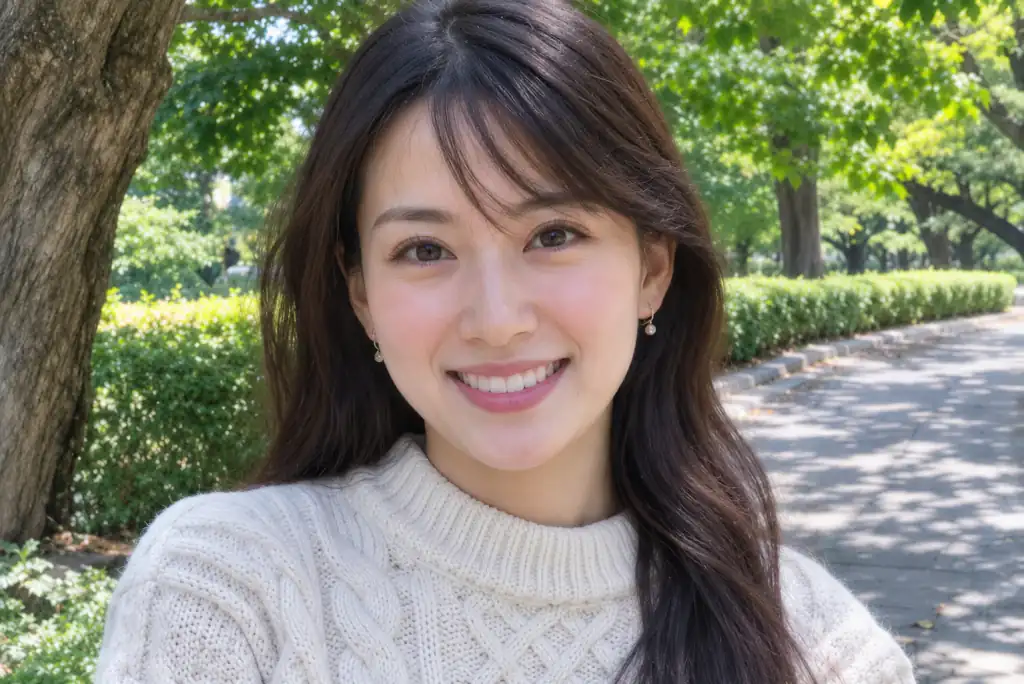
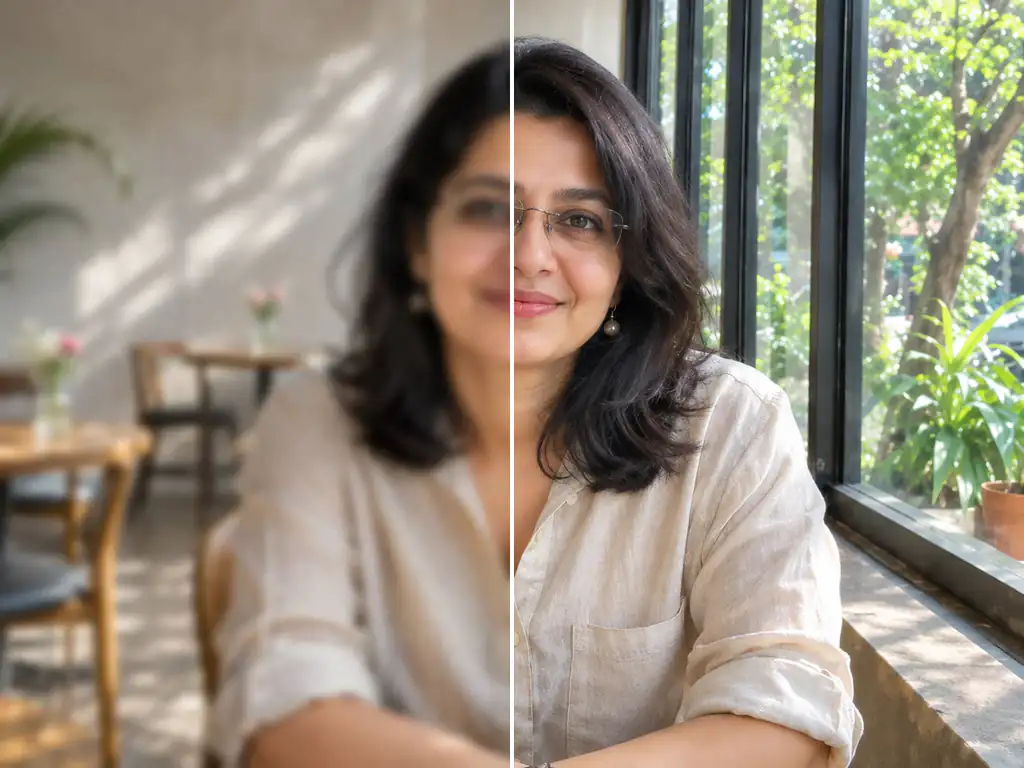
Out-of-focus portrait made sharp
Out-of-focus portrait made sharp
Shaky family photo fixed
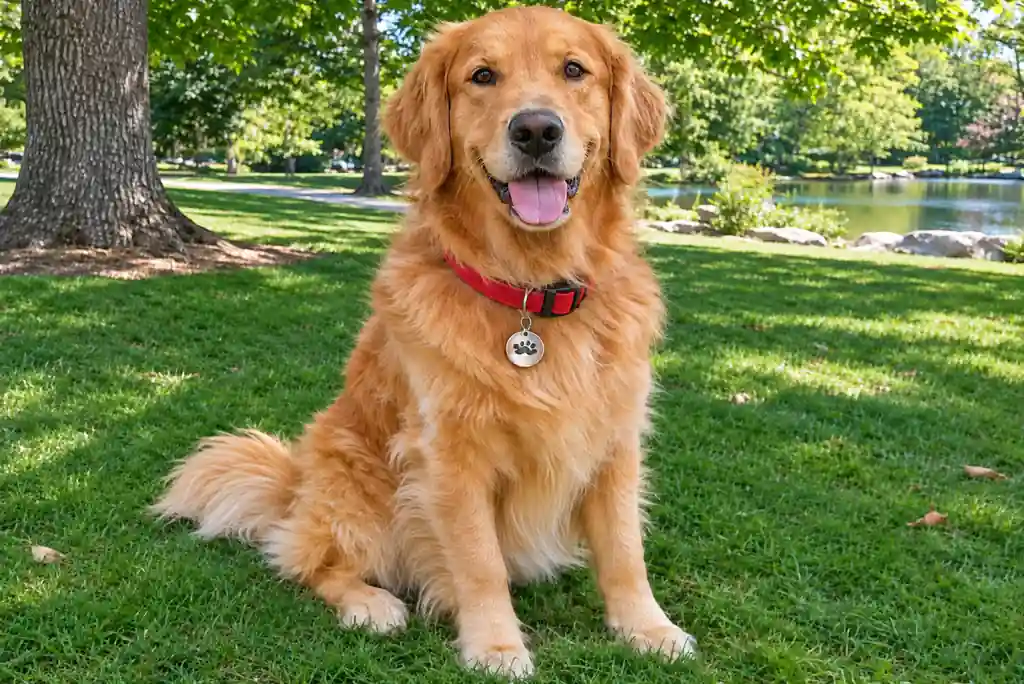
Moving dog photo unblurred
Soft product photo ready to list
Upload the one blurry shot you can't take again and let AI take it from blur to clear image detail: eyes, lashes, hair strands, fabric and edges come back sharp. Unblur photo files with no prompt to write, keep the same face and framing, then print, frame or gift it.
Keeps faces unchanged • Original aspect ratio • No watermark
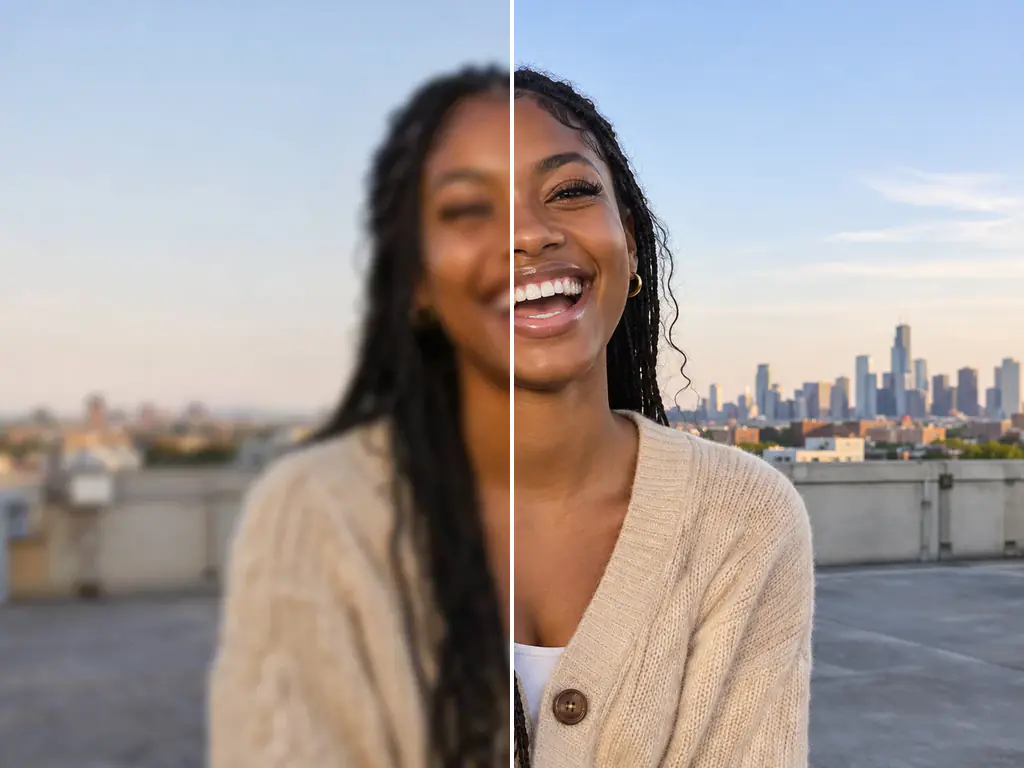
A soft photo has lost its fine structure: eyelashes, the weave in a sweater, the edge of a letter. This image unblur tool reads what is still there and rebuilds the missing detail, so you can deblur image files from a phone or chat thread in one pass. The instructions behind it are locked: the same features, face shape, age, expression, skin tone, makeup, hairstyle, glasses and jewelry; the same composition, colors, lighting, background and angle. No beauty filter, no cropping, no rewritten text. Think of it as a blur remover, not a retouching app. It is also not the same job as the AI Image Upscaler, which adds pixels to a clean but small picture, or Unpixelate Image, which clears blocky squares from compressed files. For soft focus, shake or motion, unblur image detail here.
Upload, pick a model, download. One photo in, one clearer photo out, in the same aspect ratio as the original.
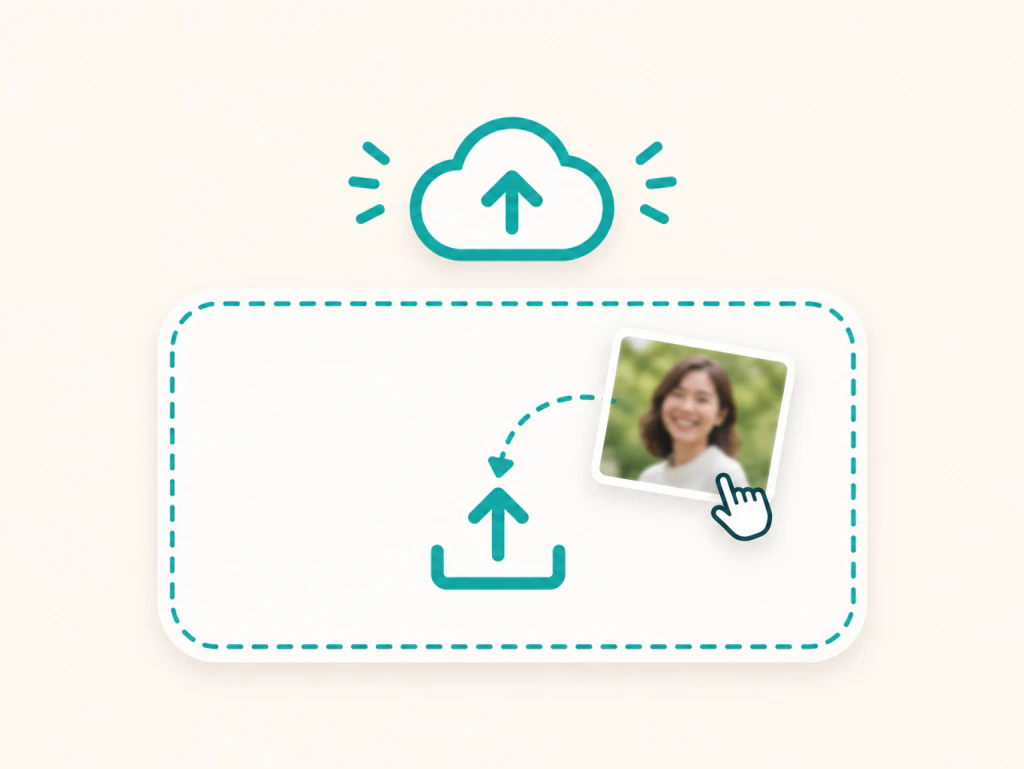
Pick one JPG, PNG or WEBP picture, up to 30MB on most models and 10MB on a few. Use the largest copy you have. To unblur image detail, there is no prompt to write.
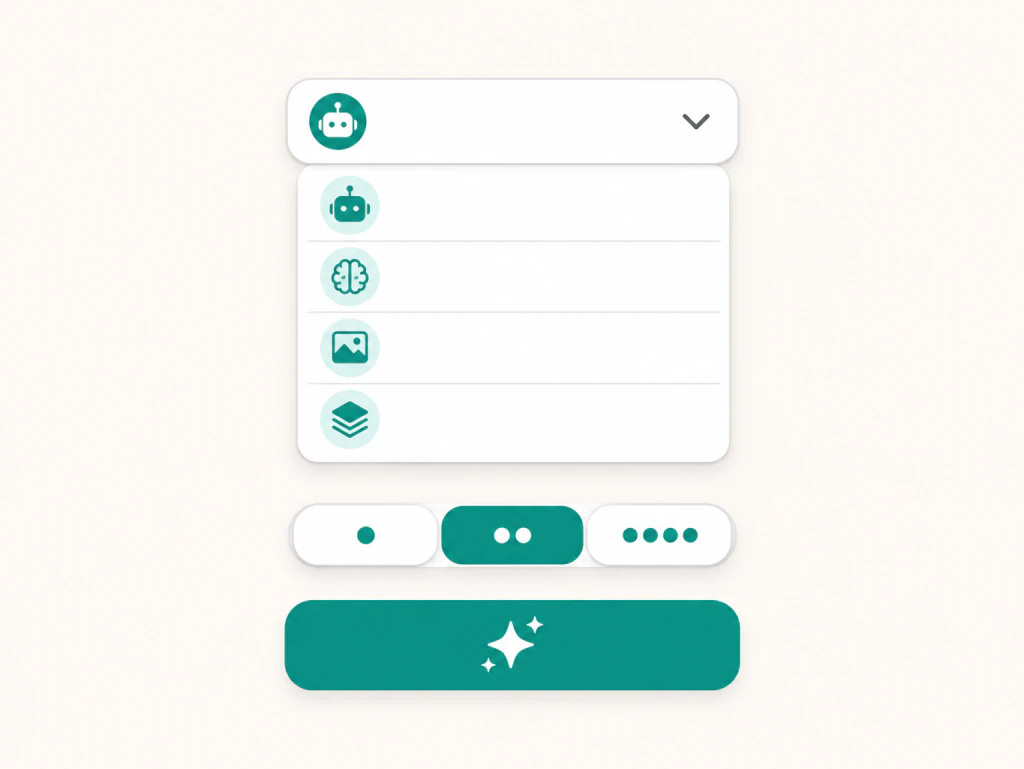
GPT Image 2 is selected by default and handles most photos well. Switch to another of the ten models if you want a second take, and choose 2K or 4K on the models that offer it when the photo is headed for print.
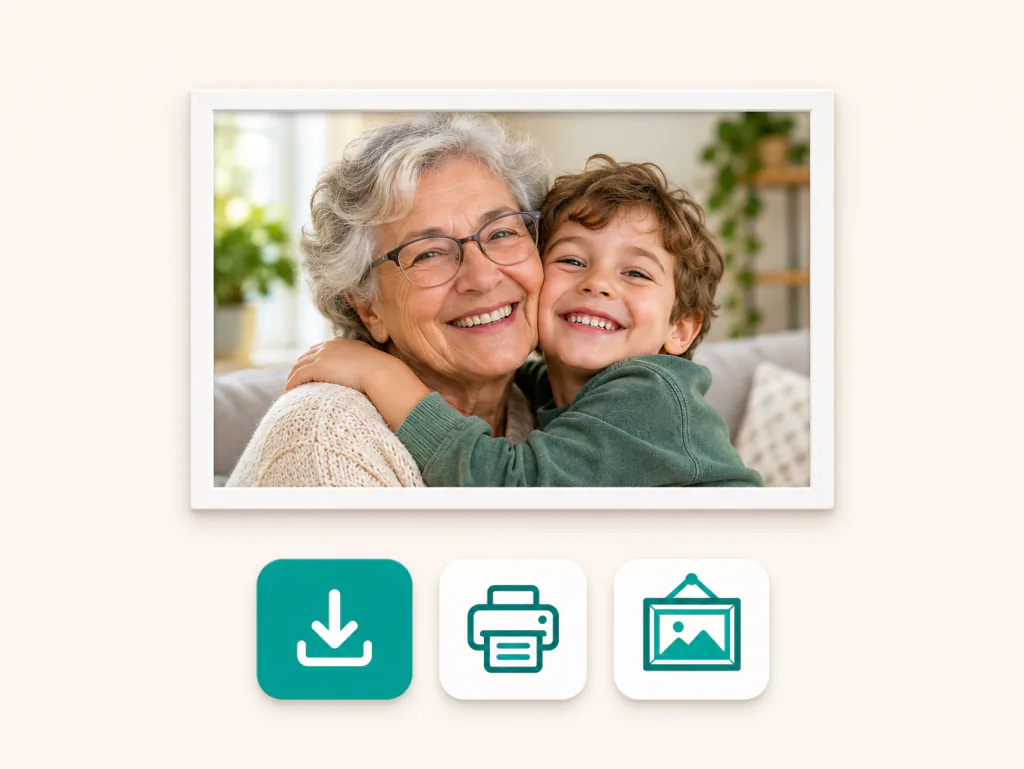
Generate the unblur image result, compare it with your original, and download the sharp copy with no watermark. The result panel can also enlarge it or turn it into a video.
Eight common problems, one tool. See what changes and what stays.
People come back for what stays the same.
The only photo of my three kids with their grandmother was blurry because my son moved. After the AI unblur image pass, every face was still theirs, just sharp. I printed it for her birthday.

Aisha Johnson
Mother of Three
My dog never sits still, so half my pictures are a smear. I ran one through the unblur image tool, typed nothing, and got his fur and eyes back without the pose changing.

Giovanni Russo
Dog Owner
My night photos from a street market were soft from the slow shutter. The unblur image result kept the lantern colors and the framing I chose.

Hana Tanaka
Travel Blogger
I sell used sneakers and my phone kept missing focus. After one unblur image pass, the labels and stitching came back clear and the shoe color stayed true.

Kofi Boateng
Secondhand Seller
A cousin sent me the best photo of the bride and me, but it had been forwarded so many times it was mush. It came back sharp, same dress, same earrings, same smile.

Sophie Schneider
Wedding Guest
I scan old prints for our family archive. Switching to another one gave me a cleaner face on my grandfather, and nothing came with a watermark.

Tenzin Dorje
Family Historian
What the AI keeps, what it rebuilds, which model to pick and how to get a print ready file.
Upload your photo, keep the default model or pick another, and download the result. That is how to unblur image online free. You need to sign in to generate, and new accounts get free credits to try it, so you can remove blur from photo online free before deciding anything.
No, this unblur image tool is built not to. The instructions lock the same features, face shape, age, expression, skin tone, makeup, hairstyle, glasses and jewelry, and no beauty filter is added. If a result still feels off, run the same photo on another model, and zoom in to compare it with your original.
Often, but how far it can go depends on how much detail the original still holds. Going from blur image to clear image works best on light and medium blur, like missed focus or a small shake. For heavy blur, run the unblur image step on two or three models, since each rebuilds detail differently.
Upscaling adds pixels to make a picture bigger, but it does not rebuild detail that was out of focus, so a blurry photo just becomes a bigger blurry photo. Unblurring rebuilds that soft detail. If you need both, unblur first, then send the result to the AI Image Upscaler.
Zoom in on an edge. If you see a grid of squares and jagged steps, the photo is pixelated, and Unpixelate Image is the better tool. If everything looks soft and smeared with no squares, it is blurry, and this page is the right place to clear blurry image detail.
Yes, unblur AI can make letters that the camera captured clearer, such as a sign, a menu or a page you photographed. The prompt tells the AI not to change words or numbers. For very small or unreadable text, check the result against your original before relying on it.
Yes. You can unblur image copies you already have, whether it came from a chat, a post or a scan. The closer that copy is to the first file, the more detail the AI has, so use the largest version you can find.
Yes. To unblur image files for print, choose a model that offers 2K or 4K, such as Nano Banana 2, Nano Banana Pro or GPT Image 2 Stable, and pick the higher setting for larger prints. The output keeps the original aspect ratio, so it fits the same frame as the photo you uploaded.
Start with GPT Image 2, the default, which works well on most photos. If you need 2K or 4K output, try Nano Banana 2, Nano Banana 2.1 or Nano Banana Pro. GPT Image 2 Stable, GPT Image 2.6, Nano Banana 2 Lite, Seedream 5.5, Qwen Image 3 and Grok Imagine Image 2 are there for another take.
No. Every unblur image result downloads without a watermark, so you can print, post or list it as it is. If a generation fails, the credits are refunded automatically.
No. You can buy a one time credit pack instead of a subscription and unblur image files whenever you need to. Subscriptions suit people who unblur photos often.
Not in the sense of getting the original back. When someone blurs a face or text on purpose, that detail is no longer in the file. The AI can only fill in detail that looks plausible, which is a new guess rather than what was there before.
Pick the photo that matters, un blur an image in one upload, and download a sharp copy with the same faces, framing and colors you started with.