





T-shirt
T-shirt
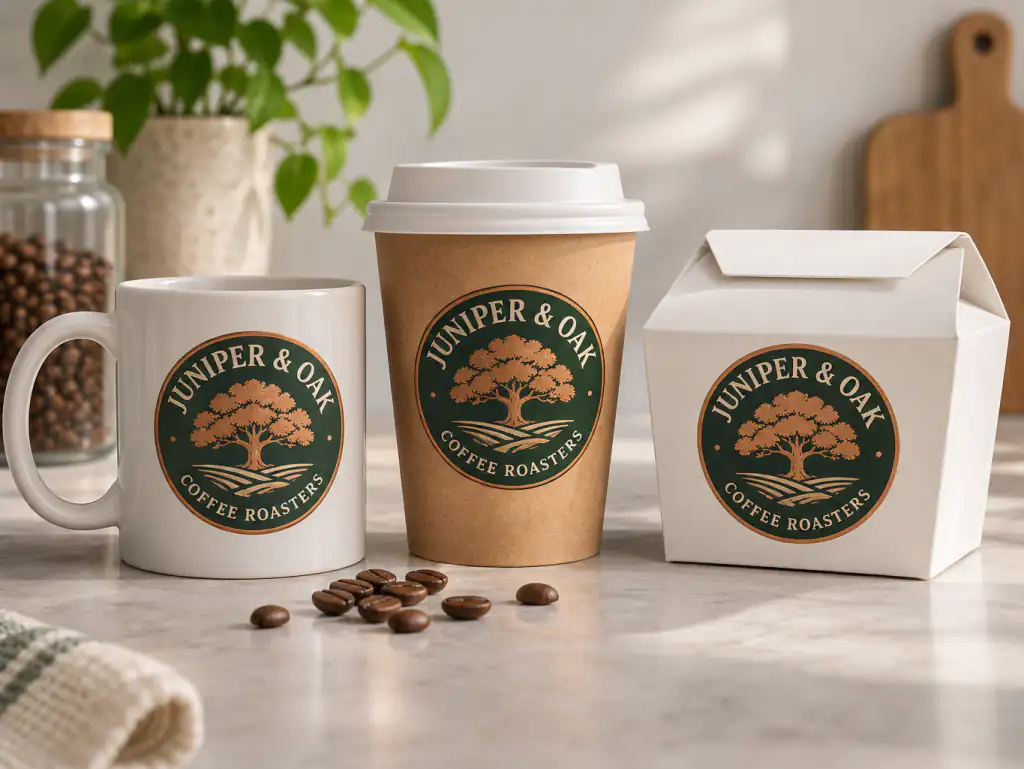
Mug
Book
Phone
Stationery Set
Billboard
A free mockup generator that turns your own design or logo into realistic product photos on shirts, mugs, books, boxes, screens and billboards. Upload once, pick a product and a scene, and your artwork stays the way you made it.
42 products • Six scenes • Your own blank product • Nothing to install
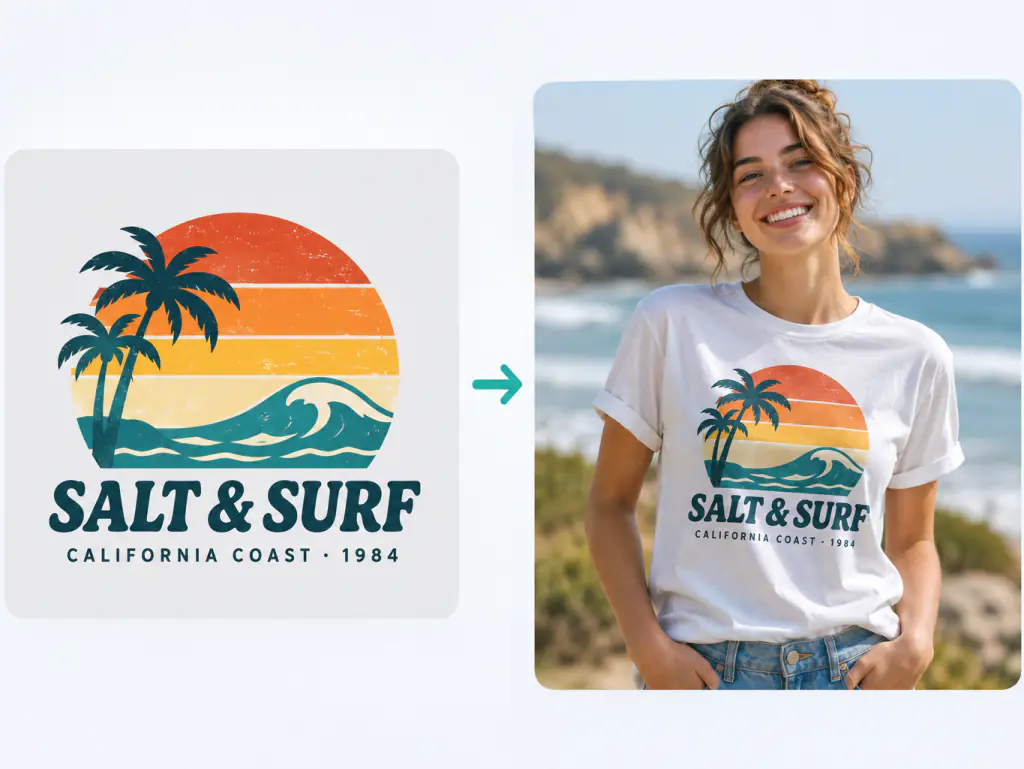
An AI mockup generator is a mockup maker that takes your flat file, a logo, a pattern, a book cover or a screenshot, and shows it on a real object in a real setting. Some people call it a mock up generator; the job is the same. What matters is your artwork: this AI mockup generator places it as uploaded instead of redrawing it, so the fonts, colors and proportions you designed are what the buyer sees, while the scene, folds and light are generated around it. It is mockup design free of extra software or a sample order.
Three steps from a flat file to a product photo: upload your design, choose the product and scene, then generate and download.
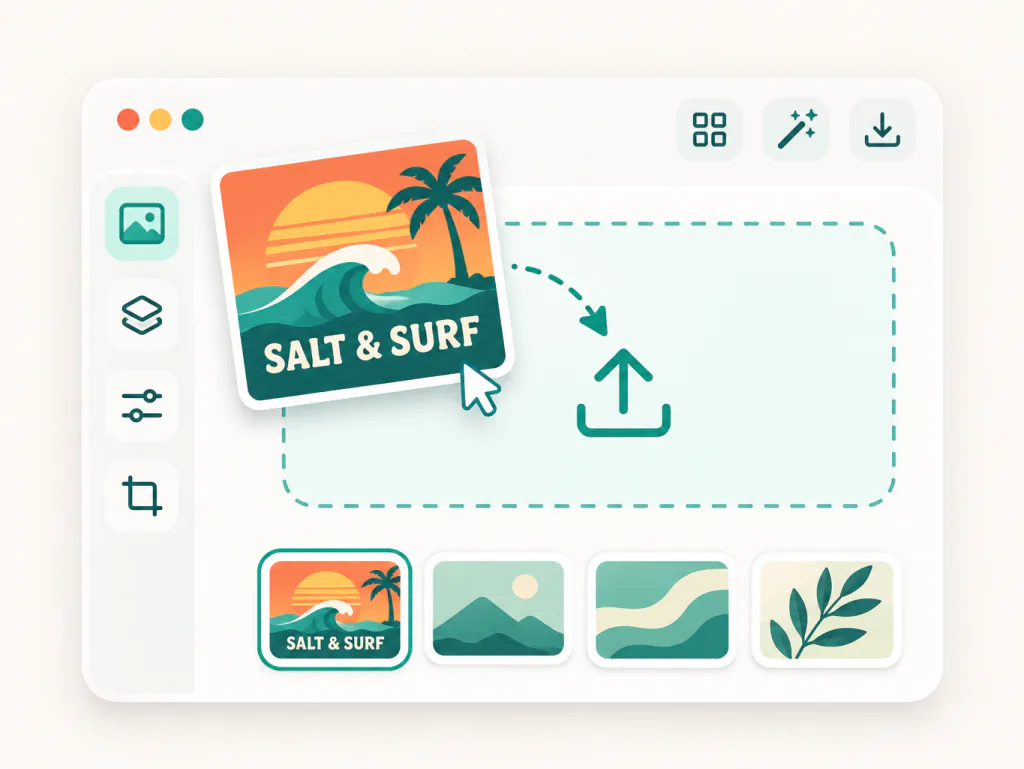
Drop in one file: a logo, a pattern, an illustration, a book cover or a screenshot, in JPG, PNG or WebP. A transparent PNG gives the cleanest edges, with no white box on the product.
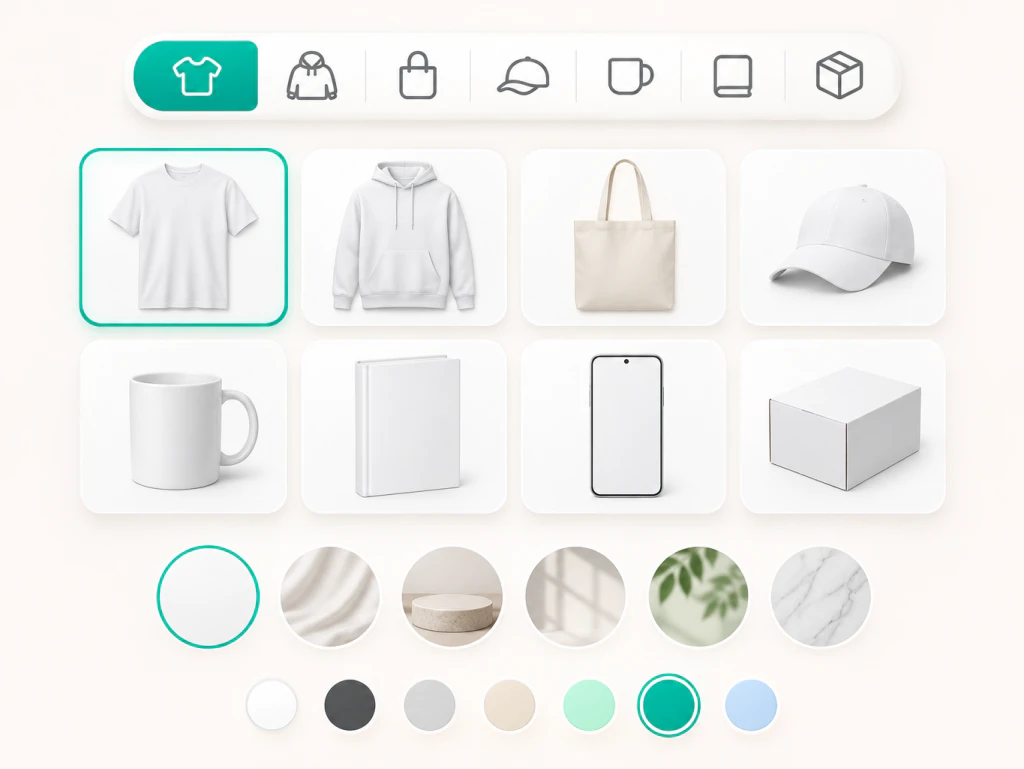
Choose the item: a t shirt, a 20 oz mug, a paperback, a box, a phone, a billboard. Pick a scene: Auto, Studio, Lifestyle, Worn or Held, Flat Lay or Outdoor. Set a product color for apparel and packaging, and add a note like front and back to preview a free mock up online.
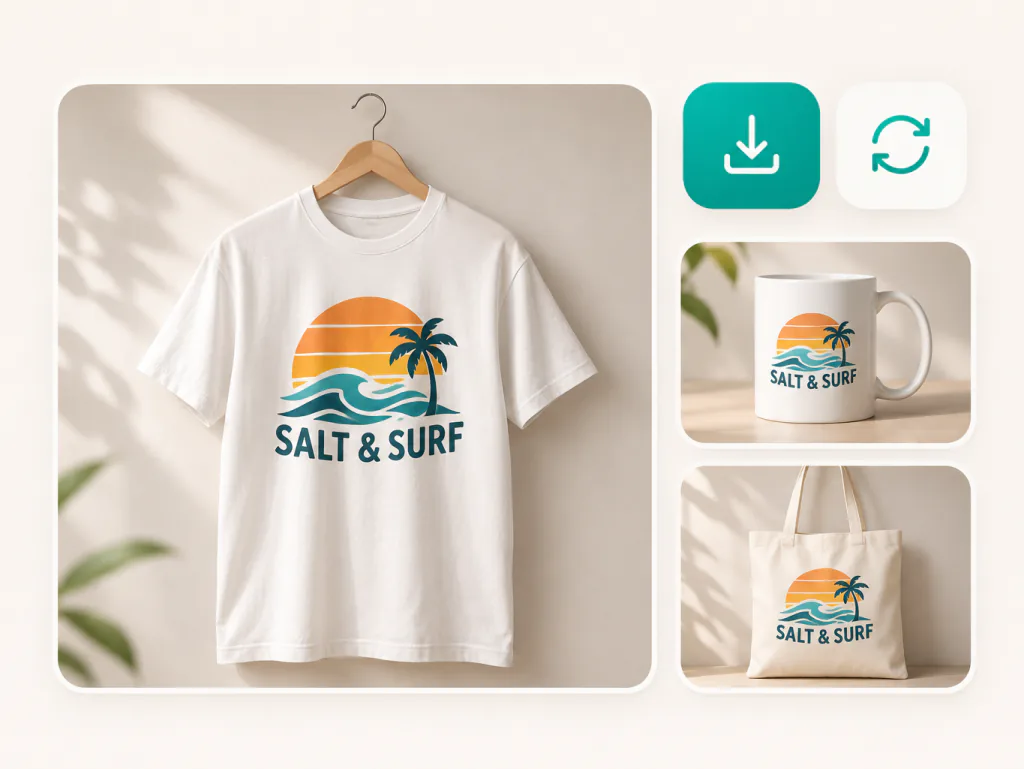
Run the generator and download the realistic mockup for your listing, ad or client deck. Your upload stays loaded, so this mockup creator can put the same artwork on another product with one more click.
Five product groups, 42 items, your own blank product or a scene you describe. Every option starts from the same upload and the same rule: place the design, do not redraw it.
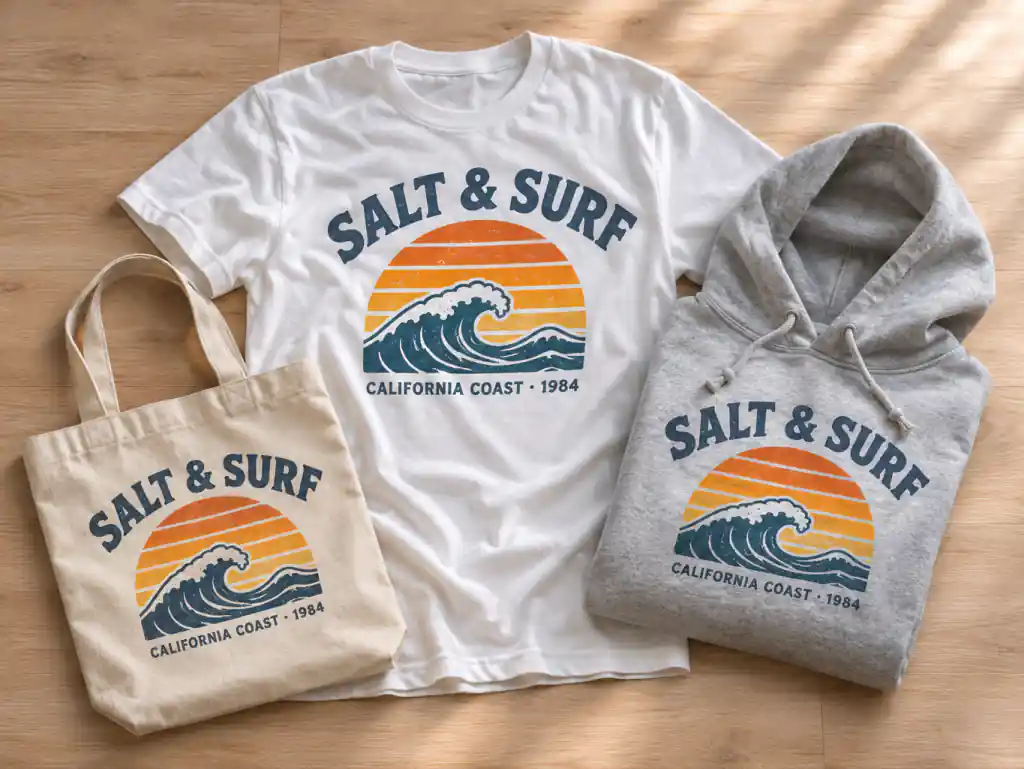
Print on demand sellers, brand designers, authors and app makers use this AI mockup generator to get mockups free of sample orders and long editing sessions.
I upload the PNG, switch between Worn or Held and Flat Lay, and my listings get a full set of shirt photos where the lettering is still my lettering.

Andre Williams
Etsy T Shirt Seller
Other tools kept redrawing my quotes. Here the font stays put, wraps around the curve, and a 15 oz note gets me the cup I sell.

Zuri Ndlovu
Print on Demand Mug Shop
I put the logo on a wall sign, business cards and a coffee cup before the first call. Clients sign off faster when they can picture their storefront.

Luca Bianchi
Brand Identity Designer
I needed a book mockup for my launch post. I uploaded the cover, picked a lifestyle scene, and the title type matched the file I sent to the printer.

Nadia Haddad
Self Published Author
I drop in screenshots and get an iPhone and laptop lineup for my store listing. The UI shows up as I captured it, on devices with no logos.

Ravi Patel
Indie App Developer
Before our first hoodie run I uploaded the supplier's blank photo with My Product. Seeing the placement on our actual hoodie color saved a round of samples.

Emma Laurent
Founder, Small Apparel Label
Answers on using this free mockup generator: keeping your design intact, products, screenshots, realism, downloads and usage.
Yes, you can try this AI mockup generator free; each generation uses credits under the site's credit rules. It runs in your browser with nothing to install, a mockup generator free online you can open from any laptop.
Upload your design, ideally a transparent PNG. Pick a product and a scene, and a product color if you want one. Generate, check the result against your file, and download it.
A mockup is a realistic image of your flat design on a real object: a shirt, a mug, a book, a phone screen. You need one to list a product before it exists, run ads, show a client a concept, or check placement before ordering samples or printing.
The tool tells the model to keep every letter, font, color and proportion of your upload as it is and not to redraw it. Now and then a result can drift on fine lettering; if that happens, generate again or switch models, for example to Nano Banana Pro or GPT Image 2. A sharp, high resolution PNG with a transparent background gives the most faithful result.
There are 42 items in five groups: apparel such as t shirts, hoodies and caps; print such as books, posters and business cards; packaging such as mugs, boxes and jars; devices such as phones and laptops; and signs and social such as billboards, stories and vehicle wraps.
Yes. Choose My Product and upload a second photo of the blank item. The design is placed on that product while its shape, color, background and lighting stay the same.
Yes. Pick Devices and choose a phone, laptop, tablet, browser window, monitor, smartwatch or a three device lineup. Your screenshot fills the screen with the interface kept as captured, on generic devices with no brand logos.
Match the scene to the product: Worn or Held for apparel, Lifestyle for mugs, Flat Lay for cards. Upload a transparent PNG so no white box appears. The print follows folds and curves, and a note on light or surface, such as morning light on an oak table, gives a more realistic mockup.
Yes. Your design stays loaded, so the AI mockup generator can switch from a t shirt to a mug to a poster, or from Studio to Outdoor, without a second upload. Some models return more than one image per run, which speeds up a full listing set.
You can download the images you generate and use them on product pages, social posts and client proposals. For the exact rights that apply to generated images, check the Terms of Service at makifyai.com/terms-of-service before you publish.
No watermark is added, including on images made with free credits. You can choose the output resolution and aspect ratio before you generate, so the file fits a listing, a print proof or a social post.
Template sites give you a fixed set of scenes, and a PSD mockup needs Photoshop skills and time per image. Here you upload once and place the design on 42 kinds of products, describe your own scene, or use a photo of your own blank product.
Upload a logo or artwork and get a free mockup on a shirt, a mug or a phone. A mockup maker free to start: try a mock up free before you list.