





Cocktail Time-Freeze Rescue
Wan 3.0 Video Generator: From Prompt or Photo to Video with Sound
Run Alibaba's Wan 3.0 video model free online. Turn a prompt, a photo, a keyframe pair, or up to 20 reference assets into a clip of 5 to 30 seconds at up to 1080p, with sound.
5 to 30 seconds • 480p, 720p, 1080p • Text, image, frames, and reference modes
What is Wan 3.0?
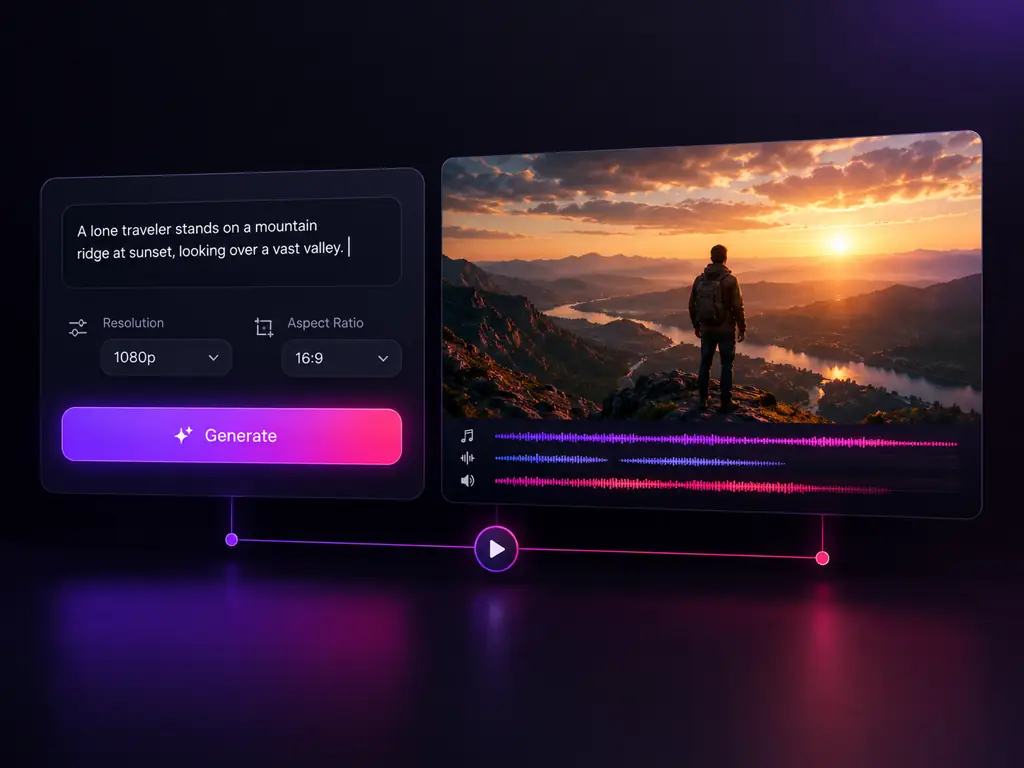
Wan 3.0 is the current generation of Alibaba's Wan video model family, the line also known as Tongyi Wanxiang and published at wan.video, after Wan 2.2, Wan 2.5, and Wan 2.7. People type it as wan 3.0, wan3.0, wan 3, wan30, or wan 3.o. Its edge is input breadth: language, a still, a keyframe pair, and reference images, clips, and audio all feed one render, and the video comes back with sound. The generator at the top of this page runs all four of those modes, so this is a working wan ai video generator, not a spec sheet.
What the Wan 3.0 Video Model Can Do
Four input modes, native audio, and full control over length, resolution, and framing
Wan 3.0 Text to Video
- Prompts of up to 5000 characters
- Any length from 5 to 30 seconds
- Render at 480p, 720p, or 1080p
- Audio arrives with the picture
Who Uses the Wan 3.0 Generator?
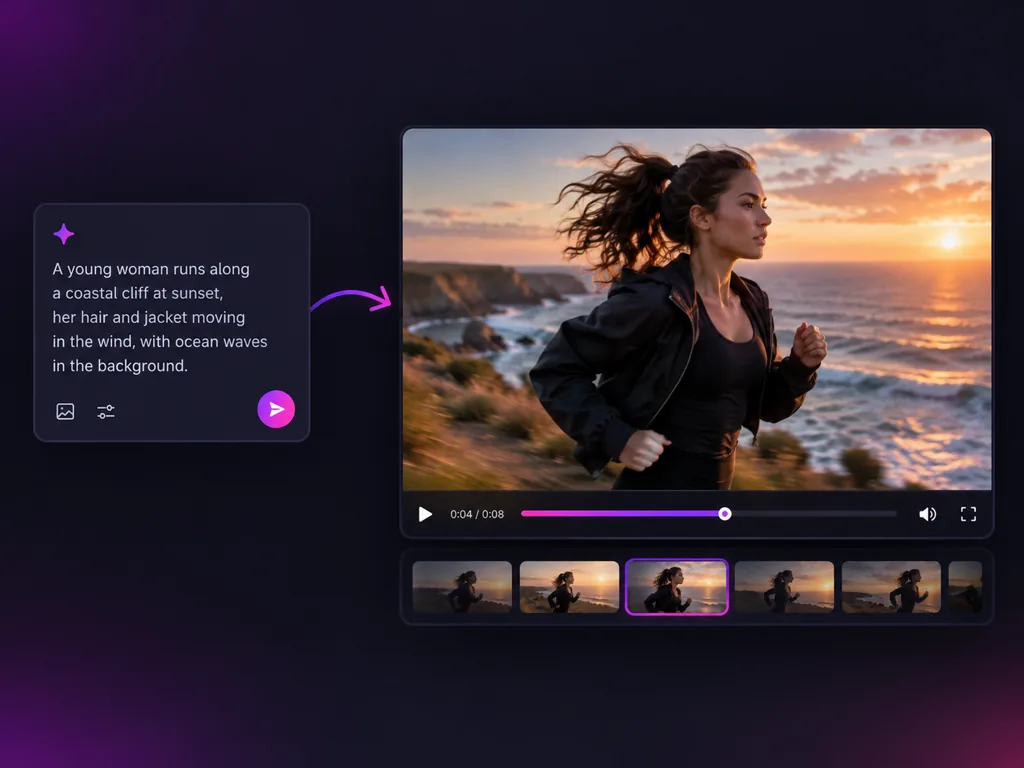
Teams that need finished, sound bearing video without a shoot or a render farm
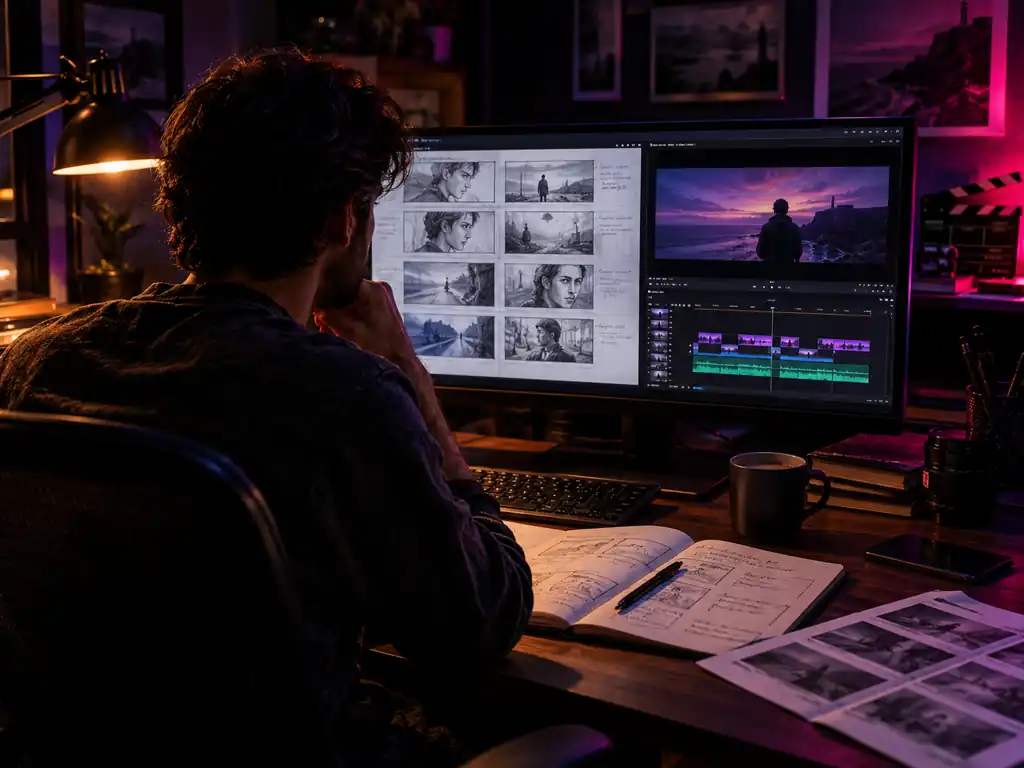
Filmmakers and Storyboard Artists
Block out a wan 3 storyboard shot by shot, then push the best frames into motion. First and last frame control previsualises a transition before anyone books a crew.
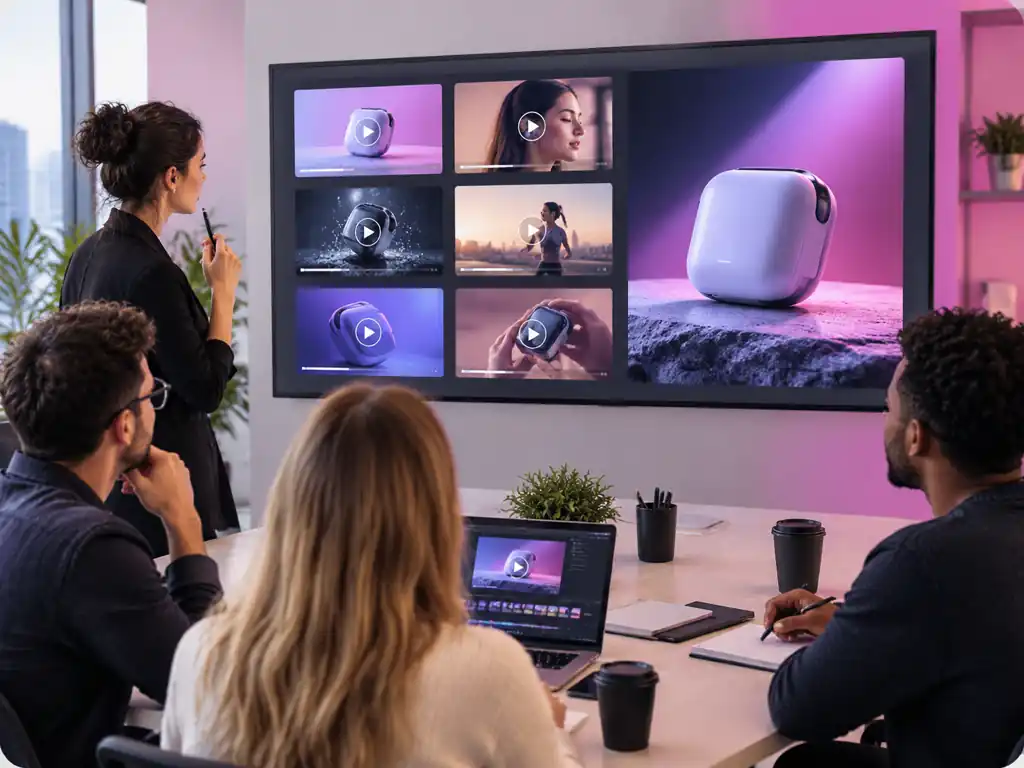
Marketing and Ad Teams
Ship a 15 or 30 second spot with voice and ambience already in it. One prompt, one render, and the cut is ready for review.
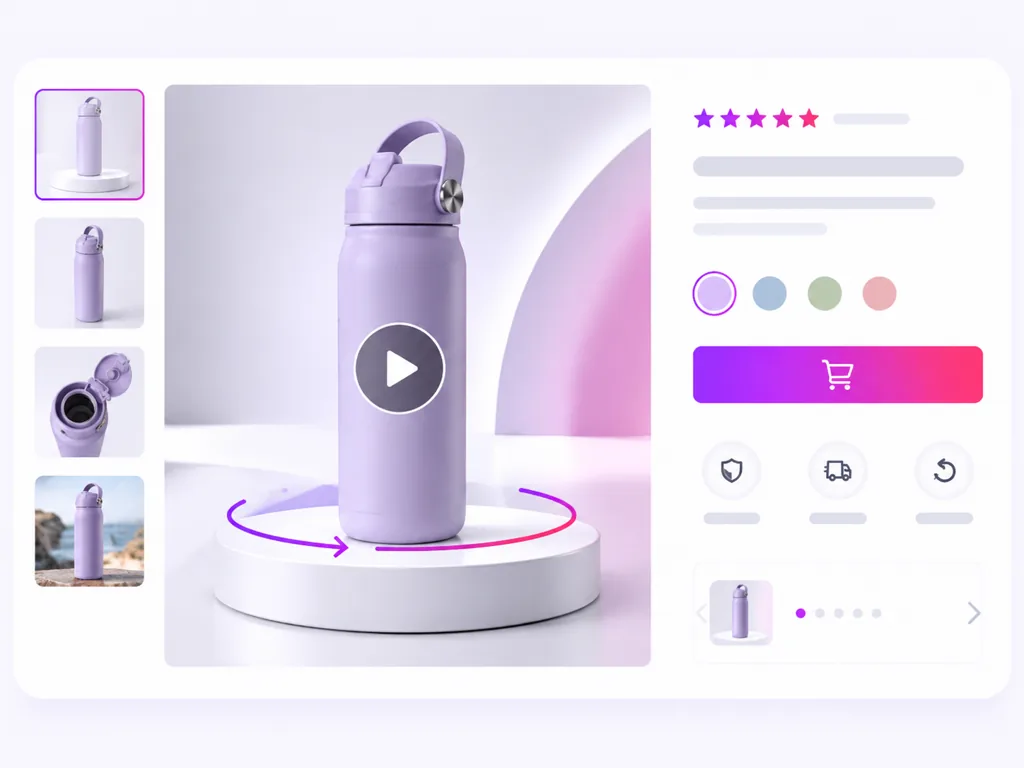
Ecommerce and Product Teams
Turn catalogue stills into motion with wan 3.0 image to video, or set a first and last frame for a clean product turnaround.

Social and Short Form Creators
Render vertical 9:16 clips for feeds and 16:9 cuts for long form from one prompt. Native audio makes a post publishable straight away.
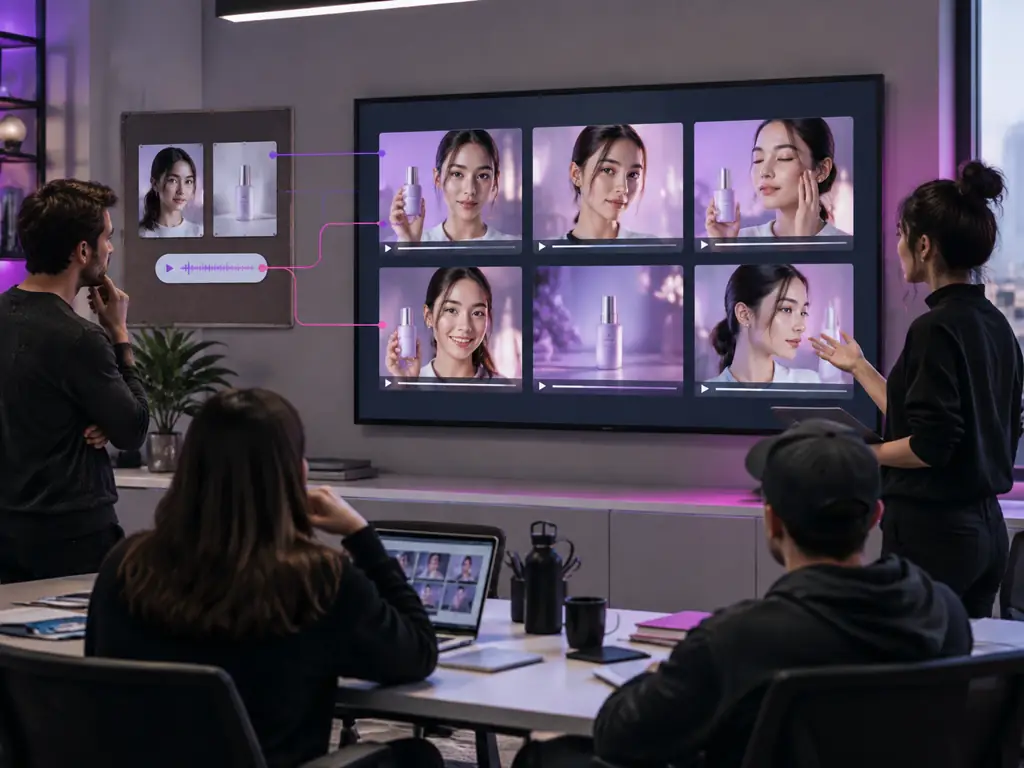
Agencies and Studios
Attach a client's faces, products, and brand sounds as references, name them in the prompt, and keep a campaign consistent across every clip.
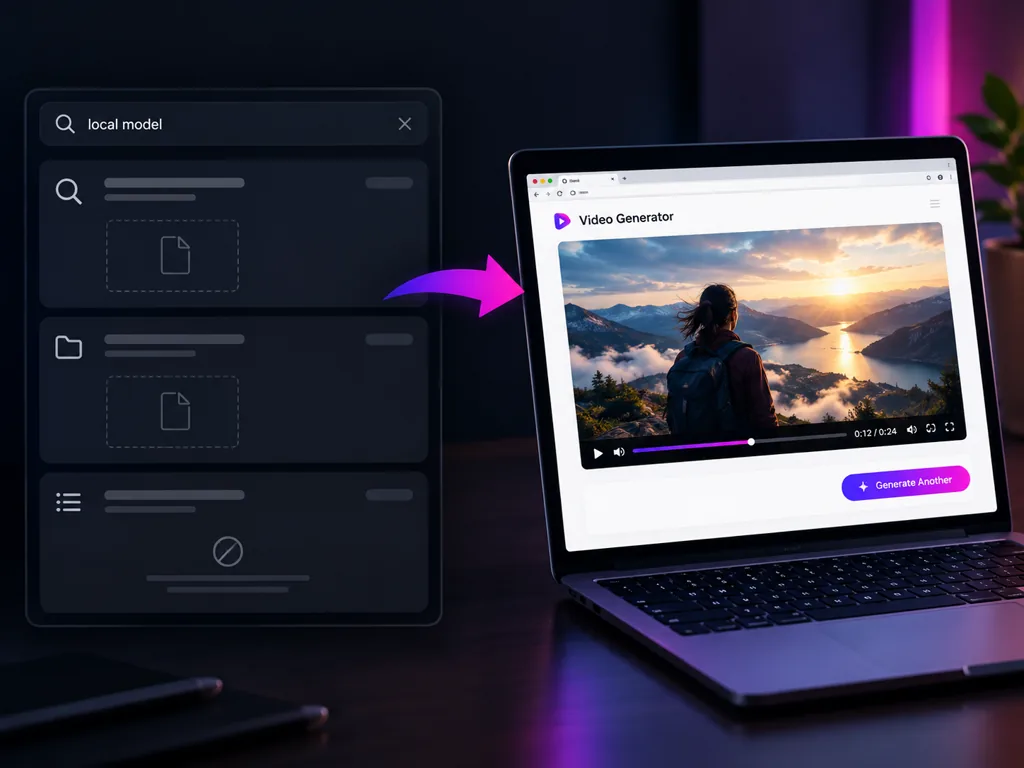
Anyone Hunting for a Local Build
Searches for wan 3.0 comfyui, Hugging Face and local installs come up empty, because 3.0 never shipped weights. The hosted route is the only one, and it runs in the browser.
Why Use Wan 3.0 Here?
What this wan video generator gives you that a spec page or a release thread does not
Clips from 5 to 30 Seconds
Length is selectable second by second, so a 7 second insert and a 30 second spot both come out of a single render.
Audio Comes With the Picture
Generate Audio is on by default, so ambience, effects, and speech land with the visuals rather than waiting in a timeline.
Four Input Modes, One Model
Text, a single still, a first and last frame pair, or a full reference set. Whatever material you have, one wan 3.0 mode takes it.
1080p and Six Frame Formats
Output at 480p, 720p, or 1080p in adaptive, 16:9, 4:3, 1:1, 3:4, or 9:16, covering widescreen, square, and vertical.
Swap Models Without Leaving the Page
Wan 2.7, Seedance 2.0, Seedance 2.0 fast, Seedance 2.0 mini, MiniMax H3, and LTX 2.3 share the same model menu, one dropdown away.
Nothing to Install, Because There Is Nothing to Install
Wan 3.0 has no downloadable build: no weights, no ComfyUI graph, no local memory ceiling to plan around. Sign in and the wan 3.0 ai video generator runs in the browser.
Simple Process
How to Use Wan 3.0
From a blank prompt box to a downloaded clip in four steps
1
Open the Wan 3.0 Generator
Sign in and the Wan 3.0 generator loads at the top of this page. Wan 3.0 runs as a hosted endpoint, so this is the whole setup: nothing to download, nothing to configure.
2
Pick One of the Four Modes
Choose text to video for a prompt only shot, image to video to animate a still, frames to video for a keyframe pair, or reference to video.
3
Write the Prompt and Set the Output
Describe scene, camera, and sound in up to 5000 characters, then set a length of 5 to 30 seconds, a resolution, and an aspect ratio.
4
Generate, Review, and Download
Run the render, watch it back with its audio, reuse the seed to iterate, then download the finished clip.
Wan 3.0 Questions, Answered
Length, modes, references, prompt behaviour, access, and how Wan 3.0 sits next to the other models in the menu
Wan 3.0 is the current generation of Alibaba's Wan video family, also called Tongyi Wanxiang and published at wan.video, after Wan 2.2, Wan 2.5, and Wan 2.7. It reads text, stills, keyframes, and reference material, and renders video with sound. Run it in the generator above.
Open the generator above, pick text to video, image to video, frames to video, or reference to video, then write your prompt or upload your material. Set a length of 5 to 30 seconds, choose a resolution and aspect ratio, and generate.
Right here. Wan 3.0 is in API beta, and this page already calls it, so there is no invite to request and no release date to wait on. All four modes are open in the browser. Start with a 5 second 720p test.
Yes, 30 seconds is the ceiling. Length runs from 5 to 30 seconds and is selectable second by second, so you can ask for 7, 12, or 23 seconds instead of fixed presets. The default is 5 seconds.
Yes. Wan image to video, searched as wan i2v, is one of the four modes. Upload a jpg, png, or webp of up to 20MB and it becomes the first frame, then your prompt sets the motion.
Switch to reference to video and load up to 10 reference images, 5 clips of up to 15 seconds, and 5 audio files, 20 assets in total. Point at any of them from the prompt with an @ mention.
Prompt expansion is built into every Wan 3.0 request here and runs before generation, filling in the camera, lighting, and pacing that a short prompt leaves open. There is no off switch in this generator, so when you want tight control, write the shot out in full, the prompt box takes 5000 characters, and hold the seed while you edit.
A bar parked at 99% usually means the job is queued behind heavy demand or the final encode is still running, not that your prompt failed. Long 1080p renders with audio take longest. A 5 second 720p test confirms things are moving.
Give the render an anchor rather than more adjectives. Upload a first frame to fix the opening, add a last frame to pin the ending, or attach the exact face or product in reference to video with an @ mention.
No. Wan 3.0 shipped as an API-only beta in August 2026: no Hugging Face weights, no GitHub repo, no ComfyUI node. The local workflows people remember were built on earlier Wan releases, not on 3.0. A hosted endpoint is the only way to run it, and the generator above is one.
Wan 3.0 follows Wan 2.2, wan 2.2 animate, Wan 2.5, and Wan 2.7 in the same Alibaba lineage. It takes the widest input set, clips to 30 seconds, and audio with the picture. Wan 2.7 sits in the same model menu, so try both on one prompt.
Each model reads motion, faces, and sound differently, and benchmark threads rarely predict your own results. Wan 3.0 leads on input breadth: four modes, 20 reference assets, and lengths to 30 seconds. Seedance 2.0, MiniMax H3, and LTX 2.3 are one dropdown away, so compare directly.
Make Your First Wan 3.0 Video
Pick a mode, write a prompt, and download a clip with sound in minutes.