





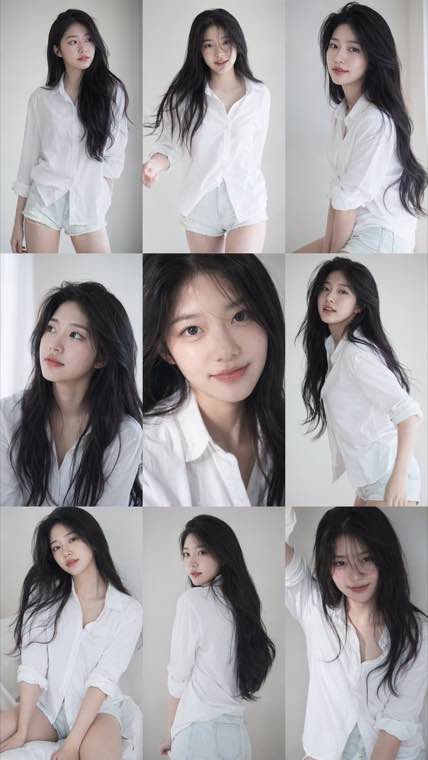
3x3 Idol Portrait Collage
3x3 Idol Portrait Collage
Soft Black Mist Portrait
Editorial Indoor Portrait
360 Concert Panorama
Journey to the West Spider Spirit Poster
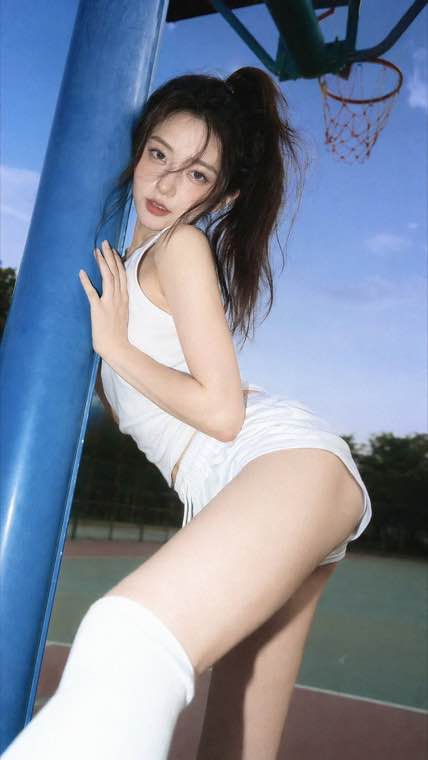
35mm Flash Basketball Editorial
Subway Phone Candid
Douyin Livestream Screenshot
18-Panel Brand Identity Sheet
RPG Inventory Icon Grid
Twelve ready prompts built around what this model does best: looping GIFs, SVG logos, transparent stickers, product ads and readable type. Press Use It to load a prompt into the generator. For the GIF and SVG cards, switch the output format first.
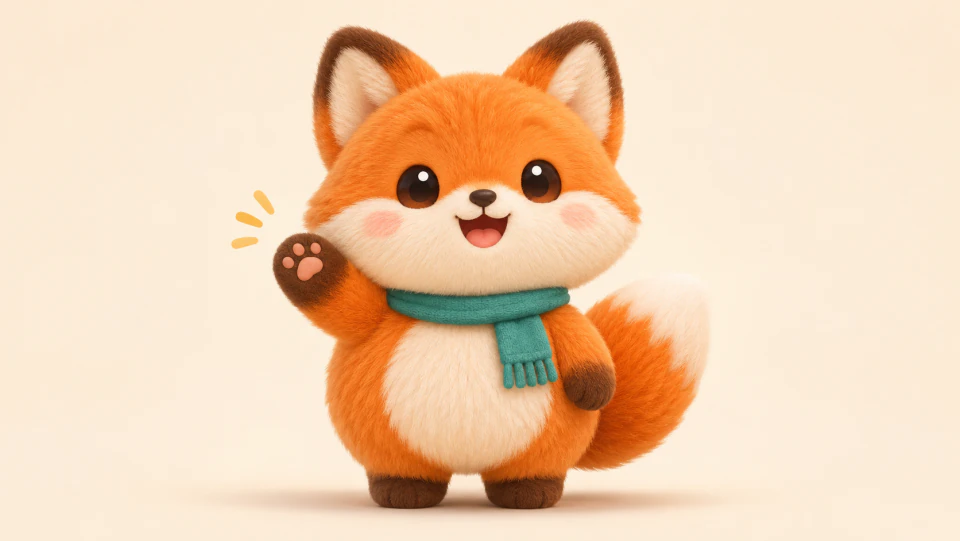
Mascot Wave GIF
A fox mascot waves, blinks and loops back to the start. Switch the output to GIF before you run it.
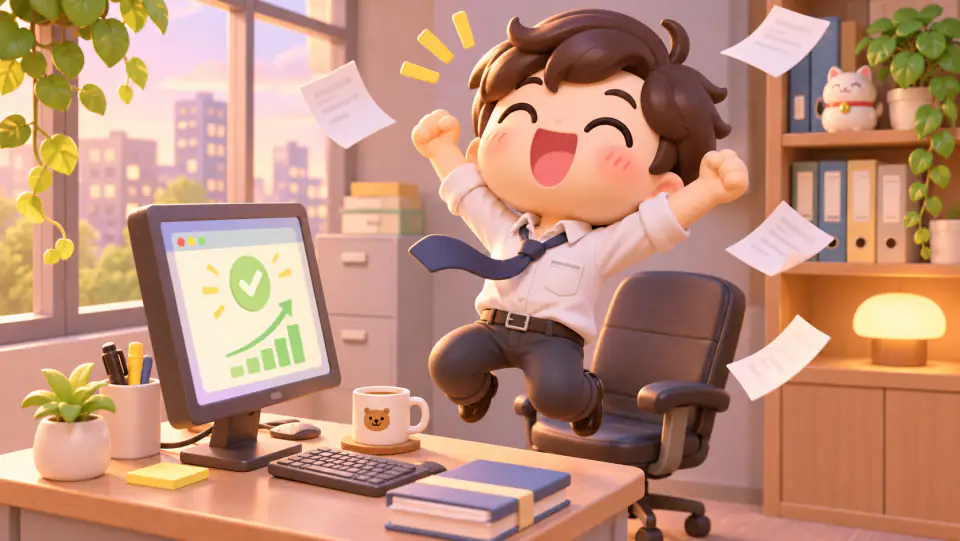
Chibi Reaction GIF
A celebrating office worker made for a reaction loop. Set the output to GIF and pick 8 or 12 frames.
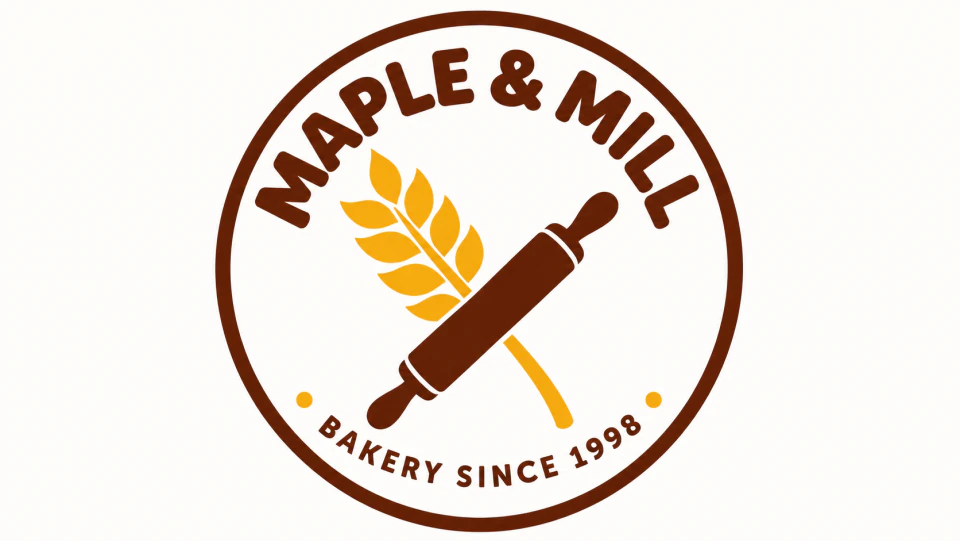
Bakery SVG Logo
A two color badge logo with arched lettering. Set the output to SVG to get editable vector paths.

Flat App Icon Set
Six coordinated icons on rounded tiles, ready to export as SVG for a website or app.
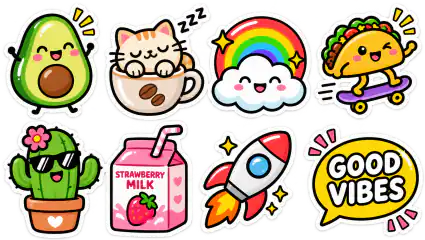
Die Cut Sticker Sheet
Eight glossy stickers on a transparent background, ready to print or drop into a chat.
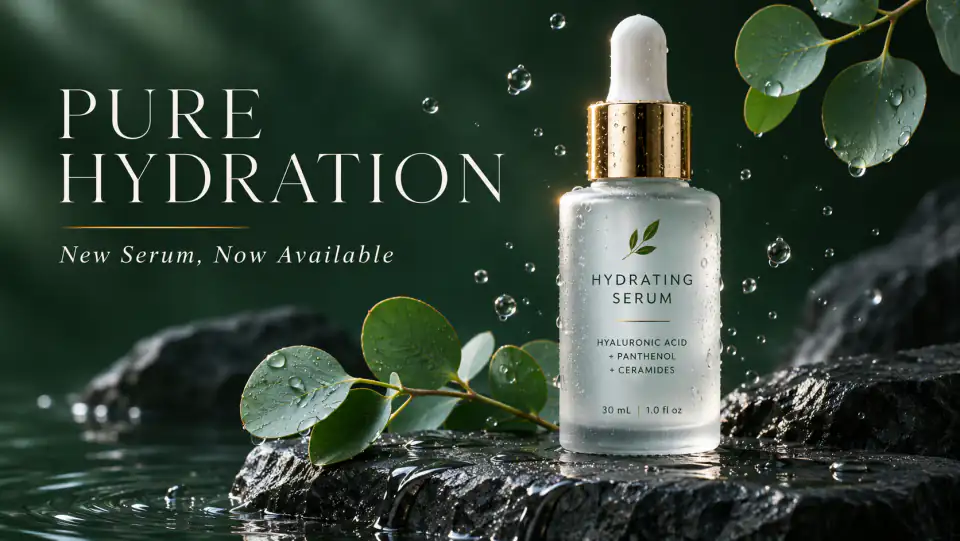
Skincare Launch Ad
A premium product shot with a serif headline, laid out like a finished campaign visual.
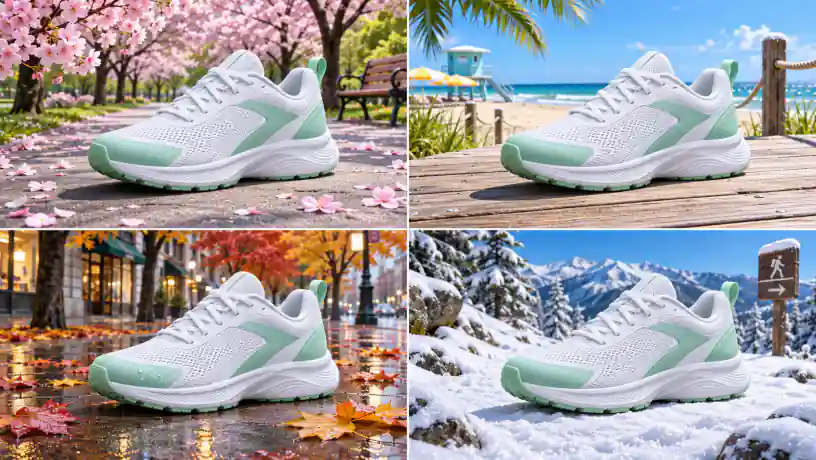
One Sneaker, Four Seasons
The same shoe in four seasonal scenes, keeping its design and colors in every panel.
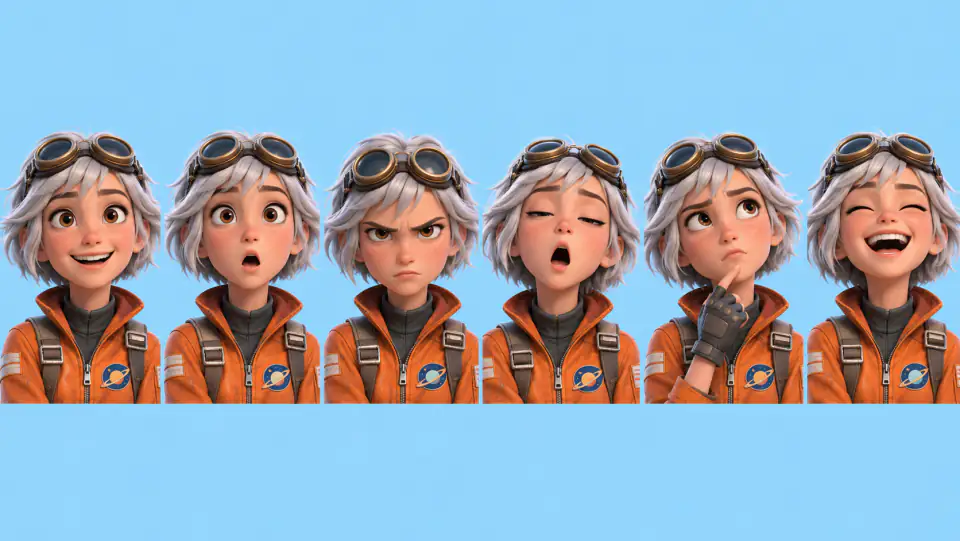
Character Expression Sheet
One character, six expressions, the same face, hair and outfit across the whole sheet.
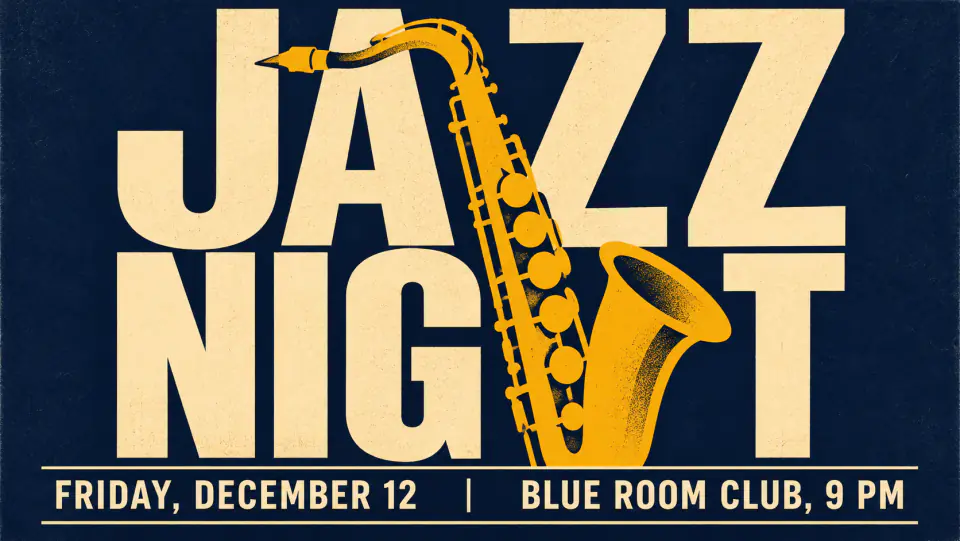
Jazz Night Poster
Huge stacked display type with a date and venue line, all spelled exactly as written.
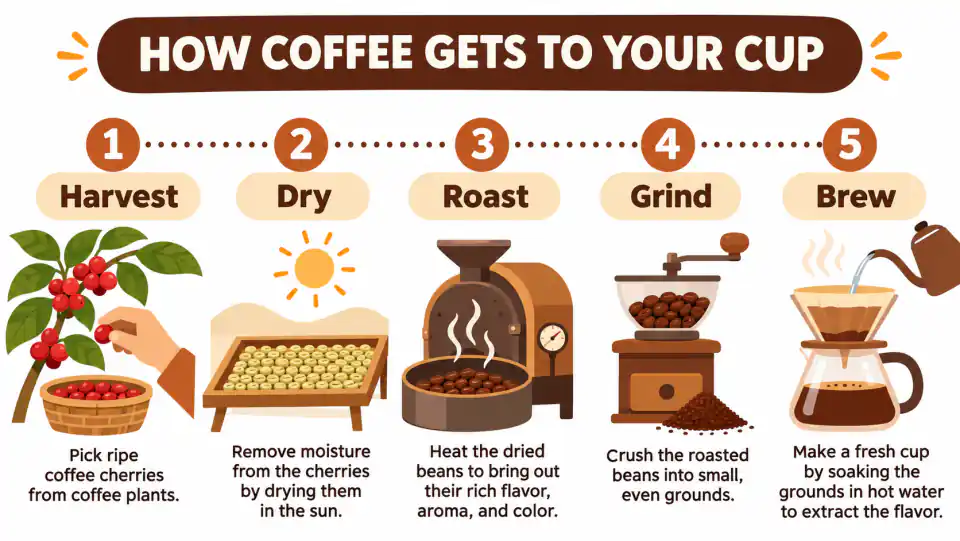
Five Step Infographic
A numbered process diagram with a title, five labels and small illustrations.
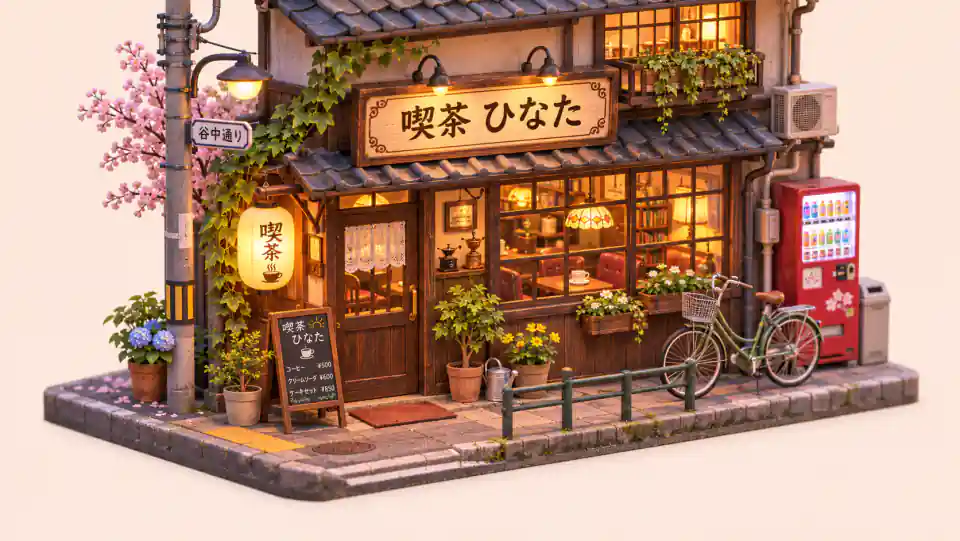
Isometric Tokyo Cafe
A miniature diorama with a Japanese shop sign, showing text that is not in English.
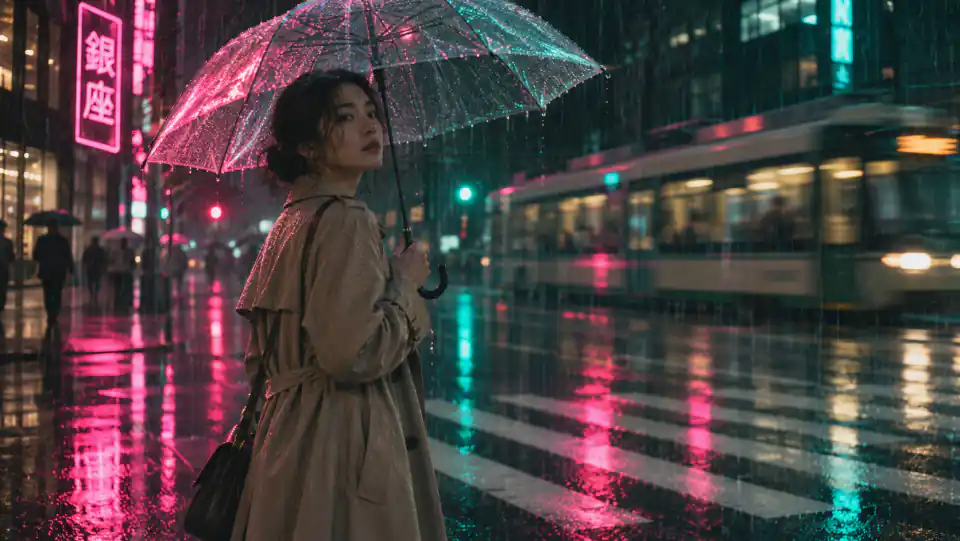
Rainy Neon Film Still
Cinematic light, wet reflections and shallow focus in one photoreal frame.
No install and no API key. Write a prompt, add references if you have them, choose the model and output, then generate.
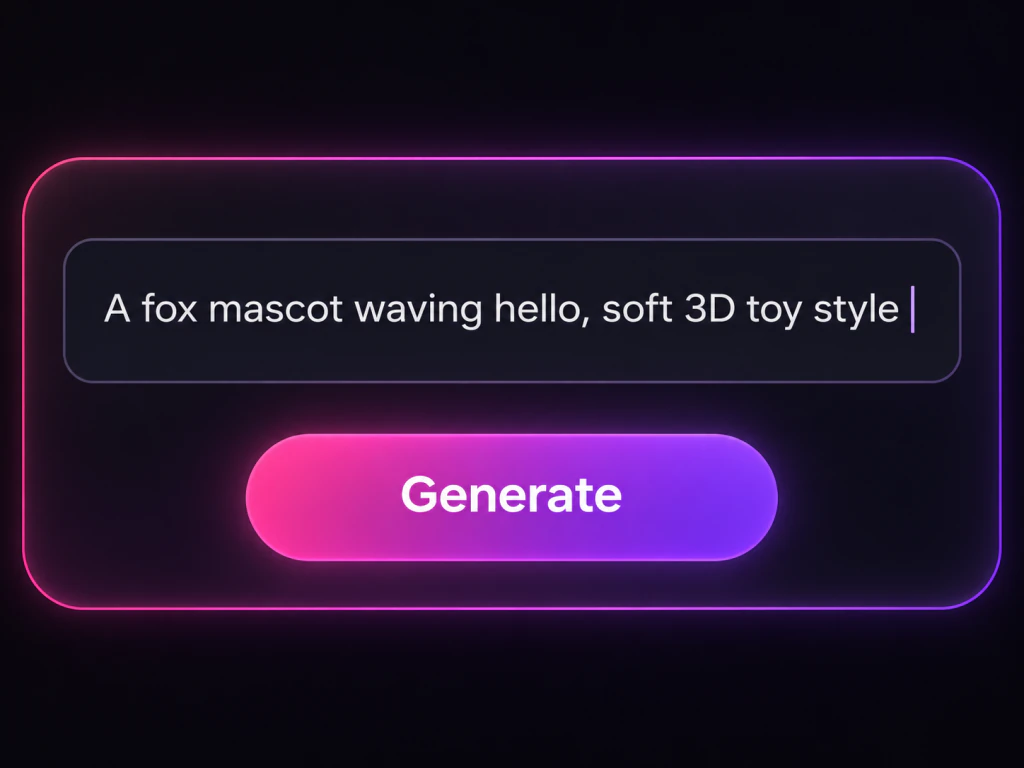
Describe the subject, setting, style and light, and put any words you want printed in the image inside quotes. Short of ideas? Press Use It on any gallery card above and its prompt lands in the box, ready to edit.
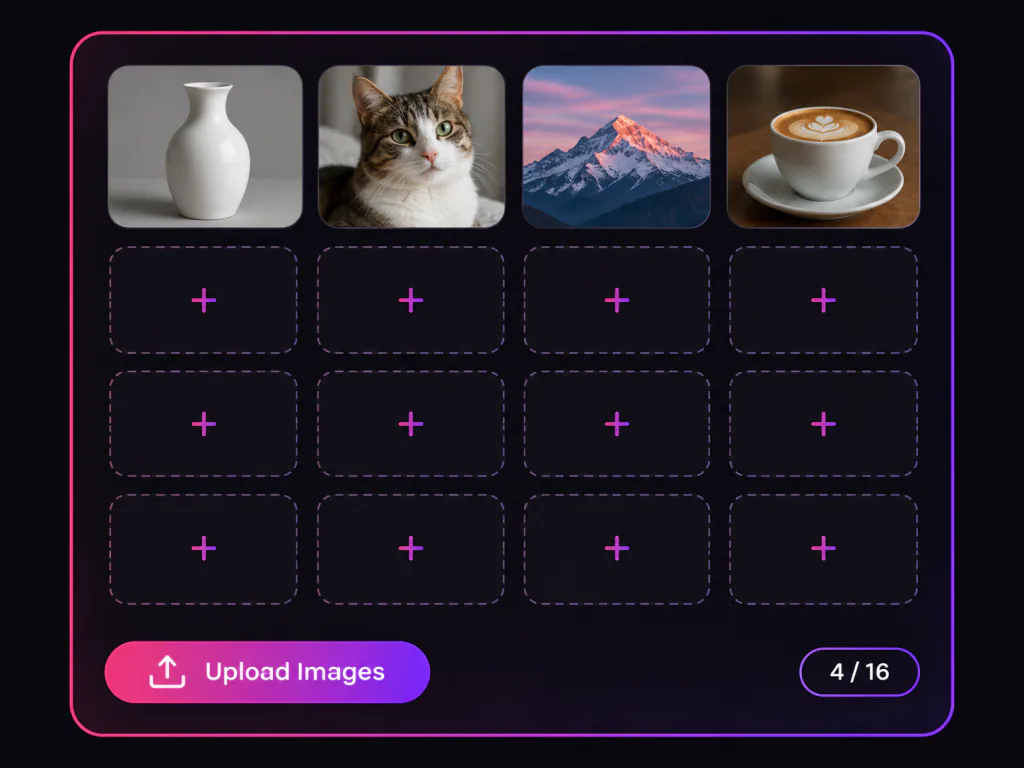
Switch to Image to Image and upload up to 16 pictures: a product to keep, a face or mascot to reuse, a style to follow. Say in the prompt which image plays which role.
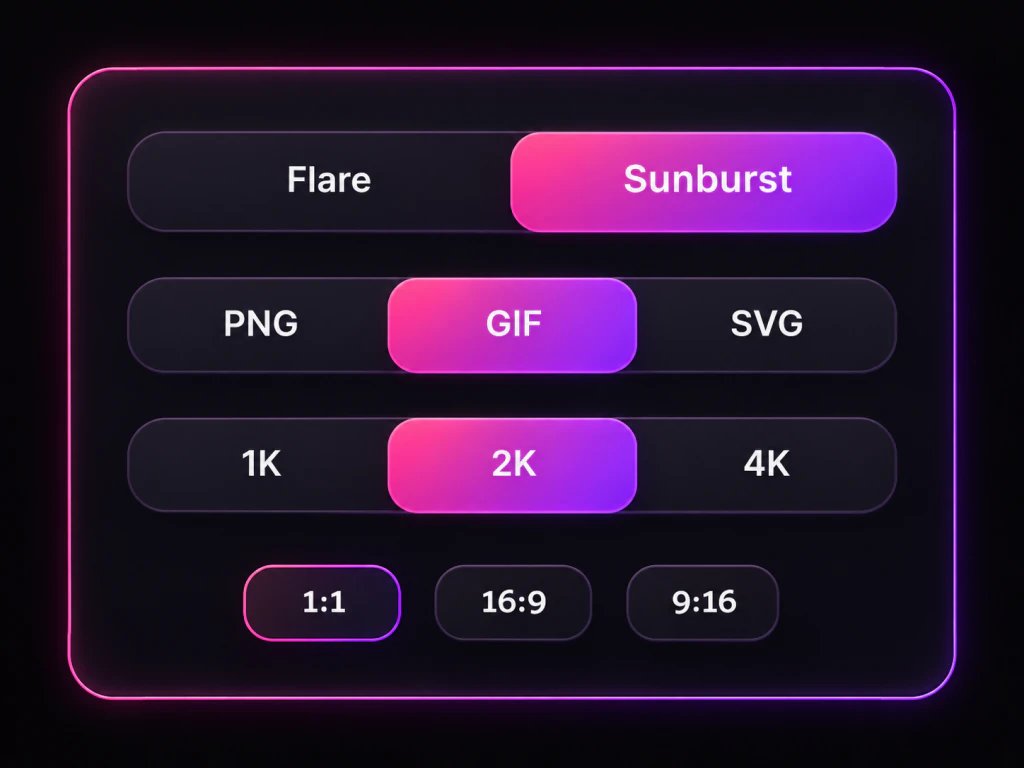
Flare is the fast model for drafts and quick variations, Sunburst is the detailed one for final assets and edits. Then pick PNG, an animated GIF or an SVG file, an aspect ratio and 1K, 2K or 4K.
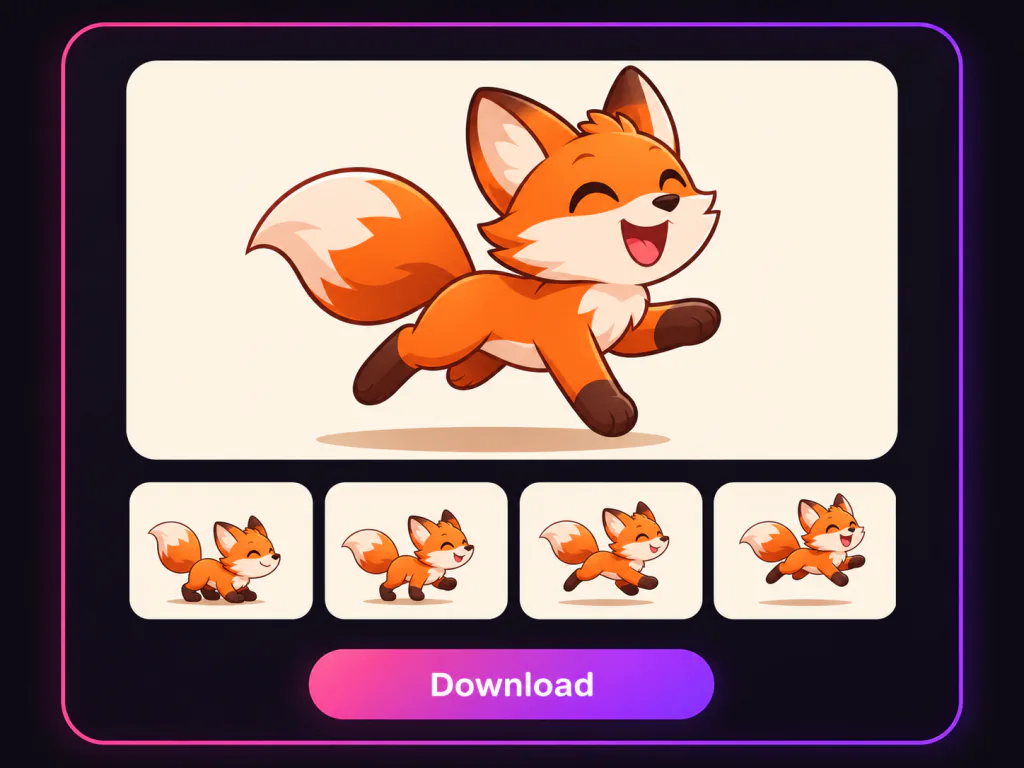
Run the prompt and check the result. To change one detail, reuse the image as a reference and describe only that change. When it looks right, download the PNG, GIF or SVG.
OpenAI's newest image model in your browser. Switch between Flare and Sunburst, turn a prompt into a picture, a looping GIF or an SVG logo, and edit photos with up to 16 references, then export up to 4K.
Free to start, Flare and Sunburst, animated GIF output, SVG export, 16 reference images
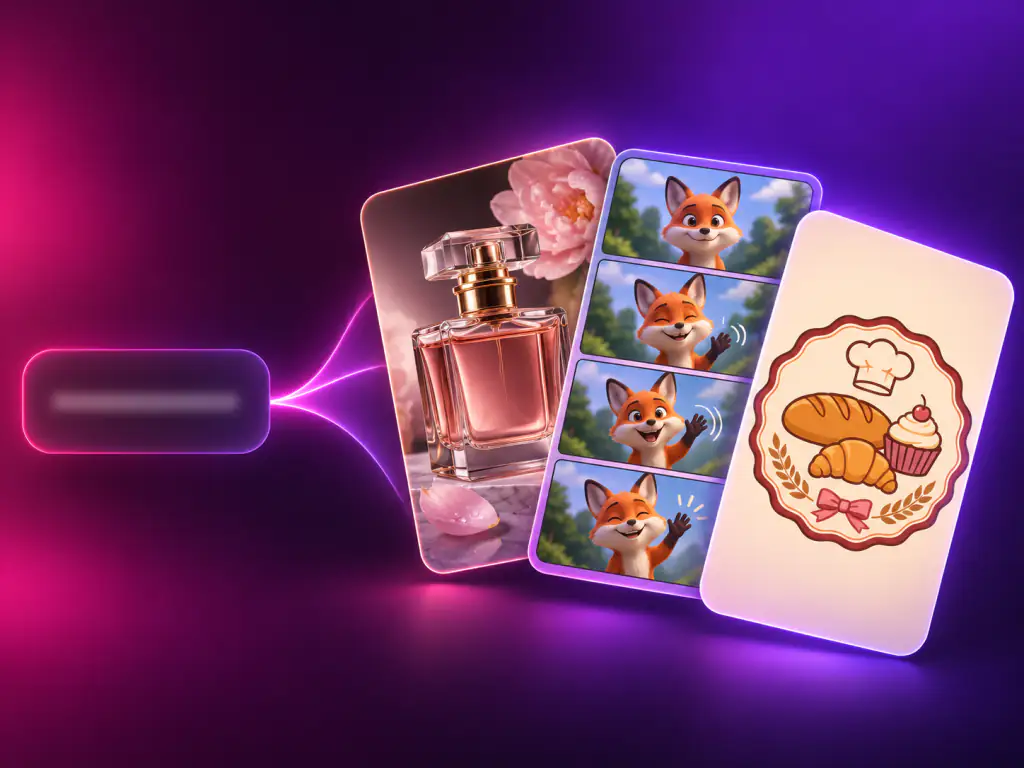
GPT Image 2.6 is OpenAI's latest image generation and editing model, released on November 4, 2026 as the successor to GPT Image 2.5. Inside ChatGPT and Codex it is called Images 2.6; in the API it comes as two models, gpt-image-2.6-flare and gpt-image-2.6-sunburst, and you will also see it written as gpt-image-2.6 or GPT Image 2.6. Flare is tuned for speed, Sunburst for detail and consistency across edits. This release focuses on three things: faster generation, which OpenAI puts at about 50% over the previous version, steadier characters and products when you edit, and two new outputs, animated GIFs and SVG vector files.
Your 2.5 prompts carry straight over, with faster runs and steadier edits on the other side.
Flare for quick drafts and Sunburst for final detail, switchable in the same generator.
One prompt box covers PNG images, looping GIFs and editable SVG files.
Everything the generator above can do with GPT Image 2.6, from quick drafts to finished GIFs and vector files.
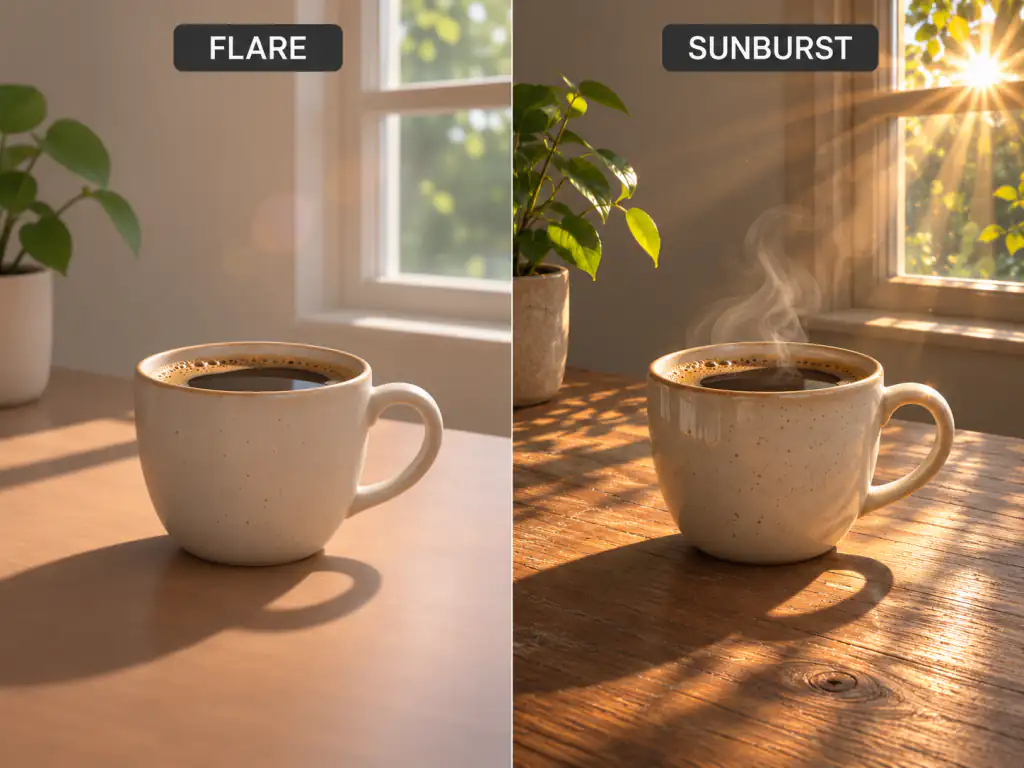
Speed, motion and vector output in one model, with the detail control to finish real work.
OpenAI says 2.6 is about 50% faster than the previous version, so you can run a prompt again and again until the take is right.
Get an animated GIF straight from a prompt, without frame editors or a video timeline.
SVG output gives you logos and icons that scale cleanly and open in any design app.
Sunburst keeps faces, products and brand details steady across rounds of edits, so a series still looks like one set.
Headlines, labels and signs come out spelled the way you wrote them, ready for posters, ads and infographics.
Both OpenAI models run in your browser with no code, no setup and no ChatGPT plan.
Anyone who needs finished visuals quickly, from a single sticker to a full campaign.
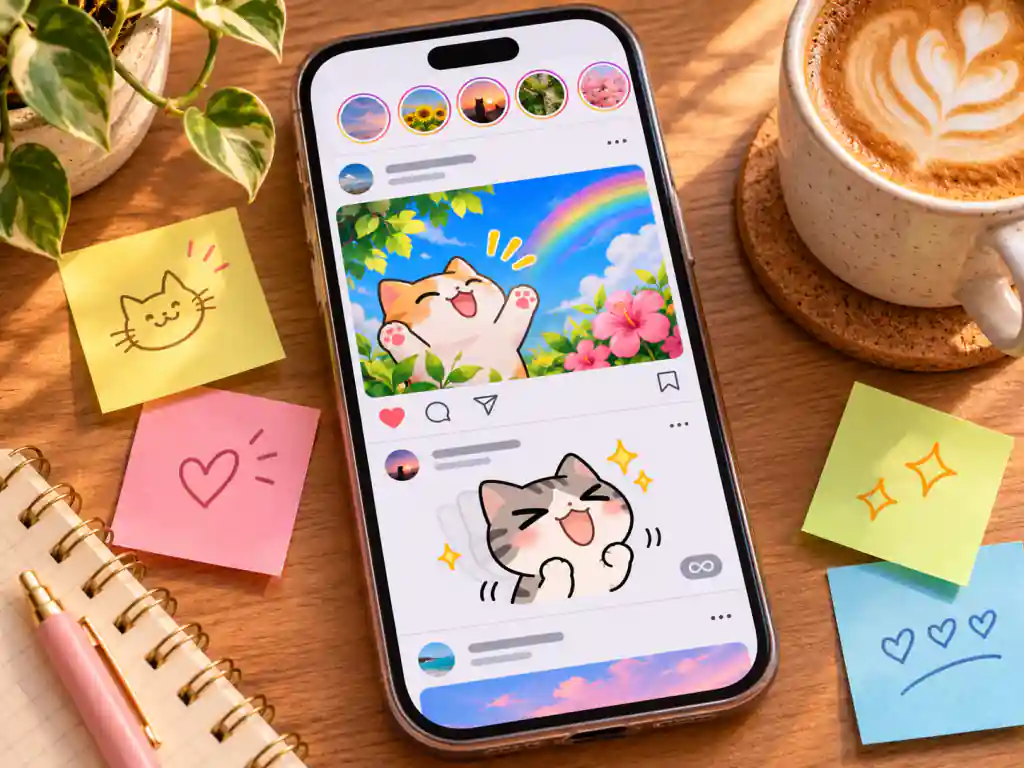
Make reaction GIFs, stickers and post graphics in your brand style, fast enough to keep up with a daily feed.
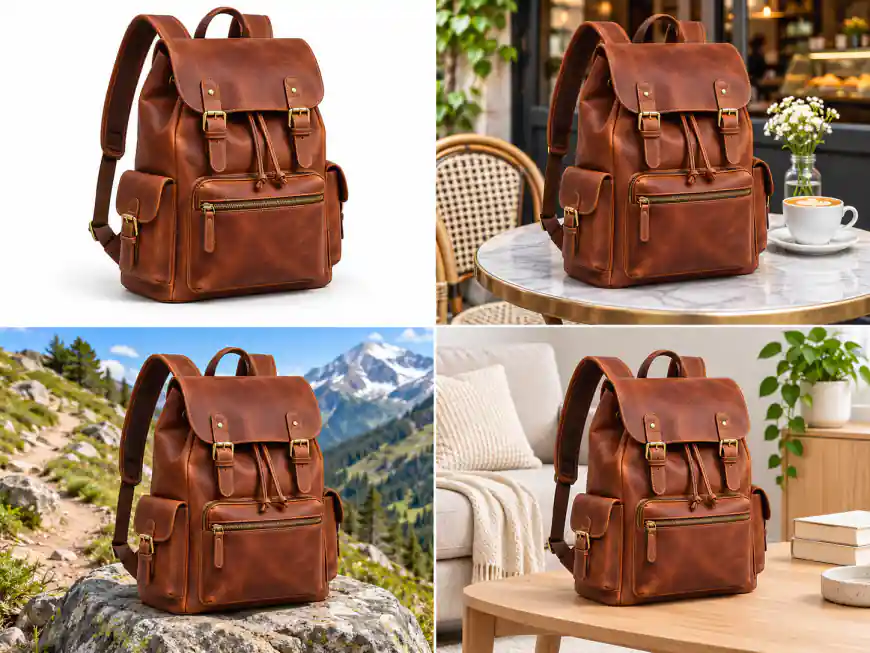
Put one product into studio, lifestyle and seasonal scenes without a new photoshoot, and keep its details intact.
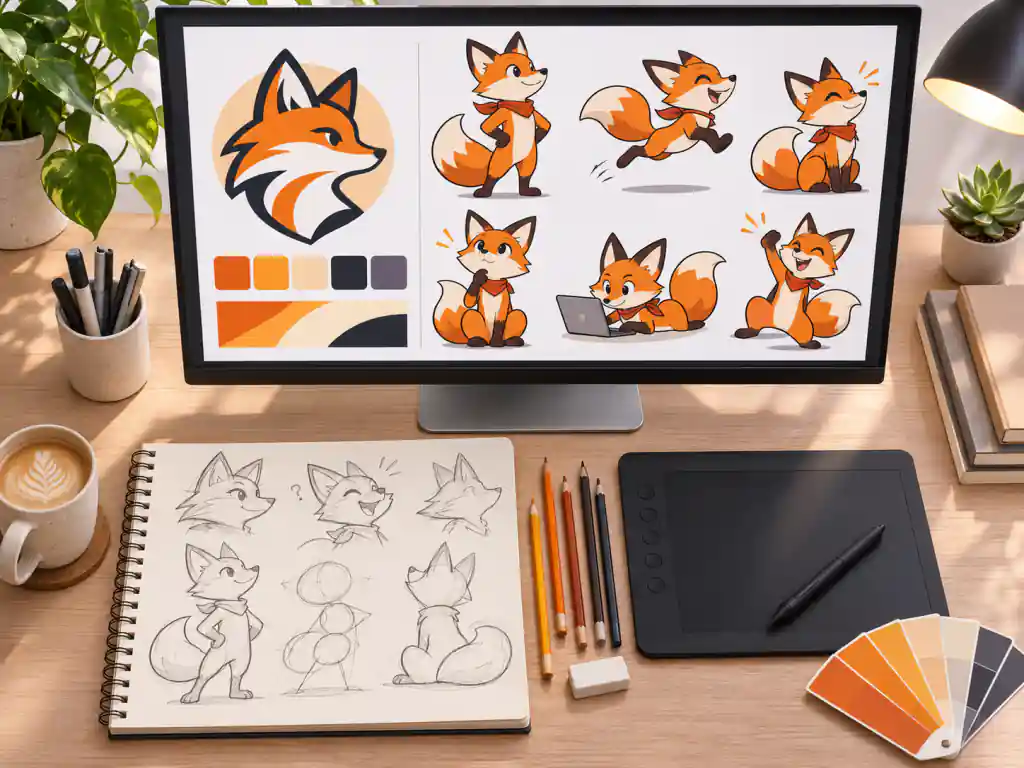
Explore mascots, logo concepts and campaign visuals, then export the winners as SVG or 4K PNG.
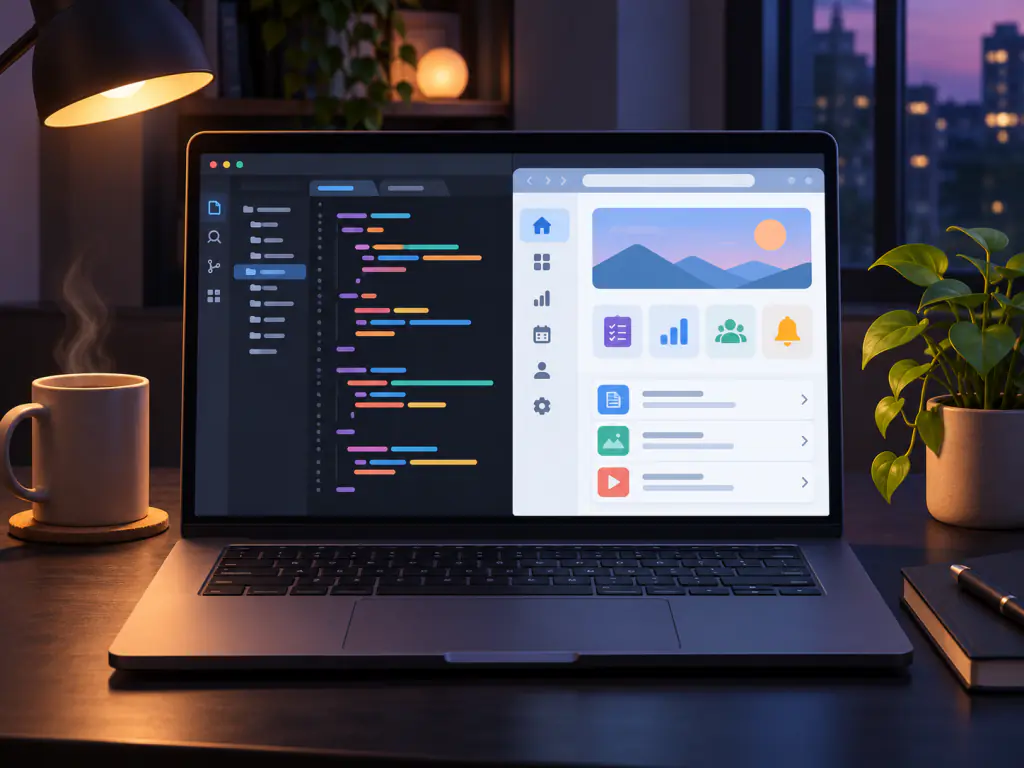
Generate icon sets, empty state art and app illustrations as SVG files you can drop into code.
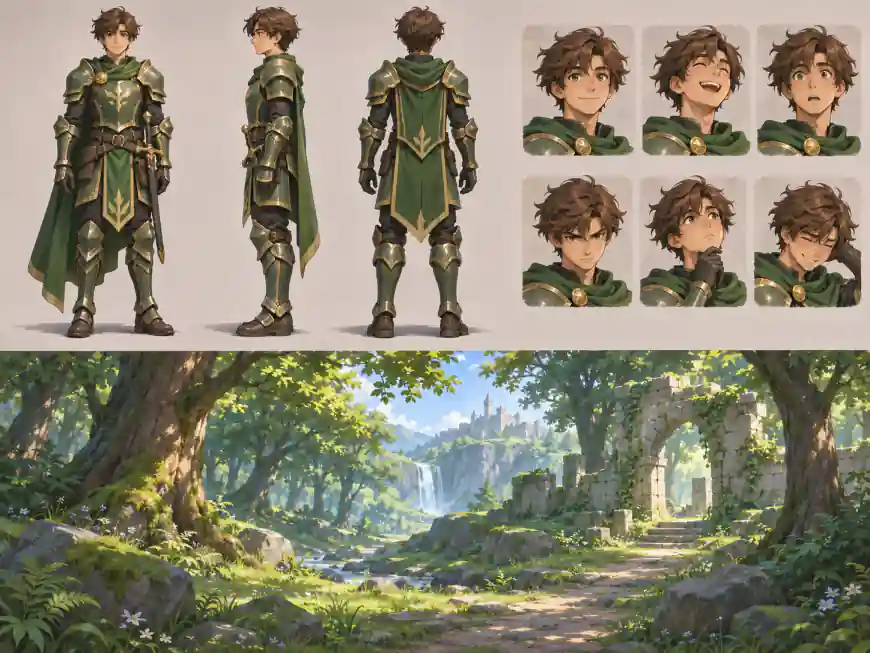
Build character sheets, expressions and short animated loops that keep one design across frames.
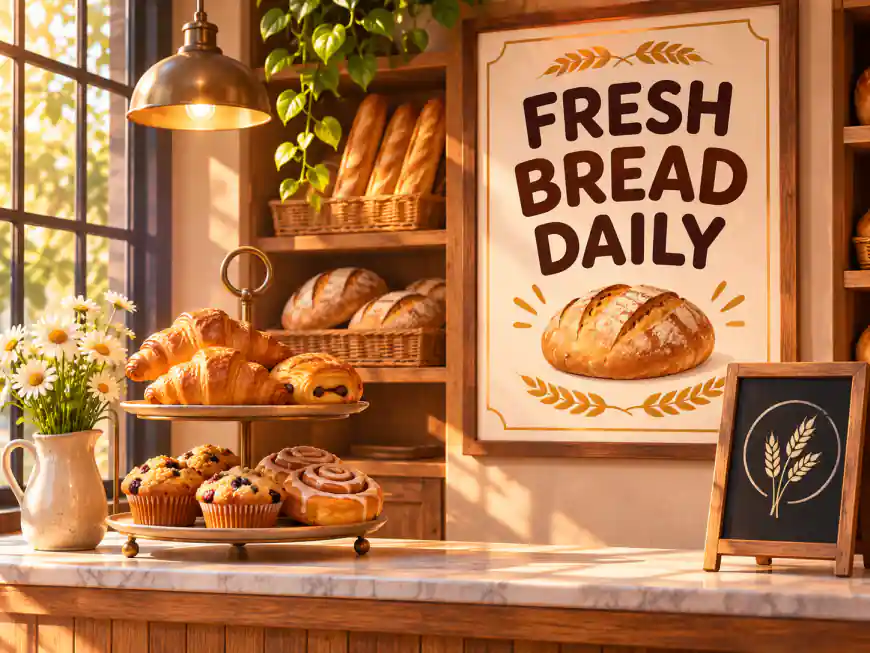
Make menus, flyers, window posters and social posts that look professionally designed, without hiring an agency.
Answers about Flare and Sunburst, GIF and SVG output, references and sizes.
GPT Image 2.6 is OpenAI's image generation and editing model released on November 4, 2026, the successor to GPT Image 2.5. It comes in two versions, Flare for speed and Sunburst for detail, and adds animated GIF and SVG output. On this page you can run both versions in your browser.
Yes. Images 2.6 is the name OpenAI uses inside ChatGPT and Codex, and GPT Image 2.6 Flare and Sunburst are the same models offered through the API. This page runs those API models, so you get them without a ChatGPT subscription.
Start with Flare when you want quick drafts, layout tests and many variations; OpenAI says it can finish a low quality image in about six seconds. Switch to Sunburst for final assets, detailed scenes and edits where a face, product or brand detail has to stay the same.
OpenAI says 2.6 generates images about 50% faster than the previous version and holds characters, products and brand details more steadily across edits. It also adds animated GIF output and SVG vector output, which 2.5 does not have. Your 2.5 prompts work on 2.6 without changes.
Yes. Set the output to GIF, choose 4, 8 or 12 frames and a fast, medium or slow speed, then describe the subject, the motion and how the loop should end. GIFs come in 1:1, 16:9, 9:16, 4:3 or 3:4. Short, simple motions such as a wave or a blink loop most cleanly.
Yes, from Text to Image. Set the output to SVG and you get a static vector file with editable shapes and colors, a good fit for logos, icons and flat illustrations. When you edit an uploaded image, pick PNG or GIF instead, and keep detailed photos as PNG.
Up to 16 in Image to Image, JPG, PNG or WEBP, 10MB each. Use them for a product to keep, a person or mascot to reuse, a scene to place things in, or a style to follow, and say in the prompt what each image is for.
Yes. Set the background to Transparent for PNG output and you get stickers, logos and product cutouts that drop straight onto any design. Leave it on Auto when you want the model to decide.
Eleven aspect ratios from tall 9:21 to ultra wide 21:9, including 1:1, 4:5, 9:16 and 16:9, at 1K, 2K or 4K. Use 1K for quick drafts and 2K or 4K for final files, posters and anything with small text.
Yes. Upload the image, describe the one change you want and list what must stay the same, for example "change the jacket to red, keep the face, pose and background". Sunburst is the better choice for this kind of careful edit.
No. You need no API key, no code and no install. Sign in, write a prompt or pick a gallery card, and generate. Developers who want to build their own app can call gpt-image-2.6-flare or gpt-image-2.6-sunburst through the OpenAI API.
Yes. Images you generate here are yours to use in ads, product listings, social posts and client work, and each one stays in your creation history so you can download it again later.
Pick a prompt from the gallery or write your own, choose Flare or Sunburst, and export a PNG, GIF or SVG.