





3x3 Idol Portrait Collage

3x3 Idol Portrait Collage
Soft Black Mist Portrait
Editorial Indoor Portrait
360 Concert Panorama
Journey to the West Spider Spirit Poster

35mm Flash Basketball Editorial
Subway Phone Candid
Douyin Livestream Screenshot
18-Panel Brand Identity Sheet
RPG Inventory Icon Grid
Twelve ready prompts built around what Seedream 5.5 does best: true to life photos, step by step edits, dense text layouts and clean sticker art. Press Use It to load a prompt into the generator, then change any detail you like.
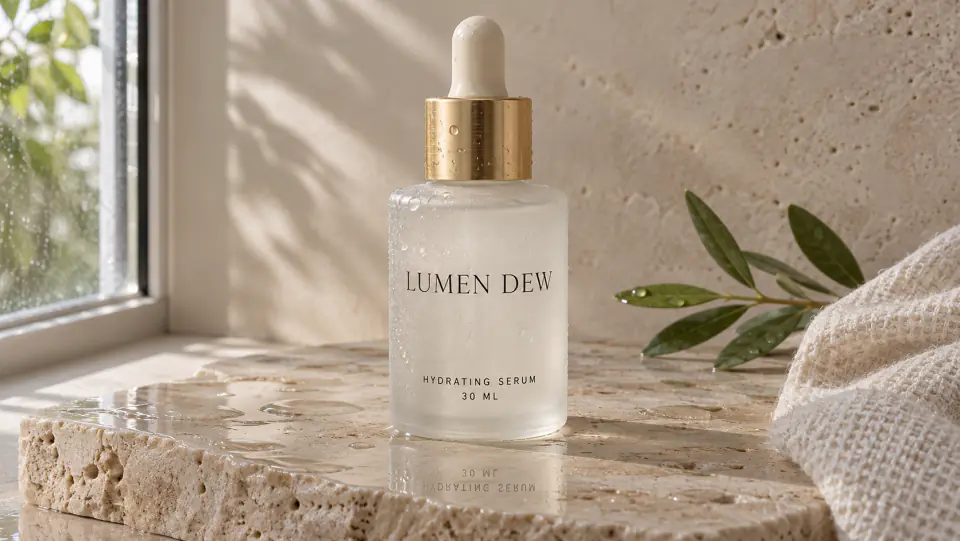
Skincare Studio Shot
Seedream 5.5 lights a frosted serum bottle and its printed label like a real product photo.
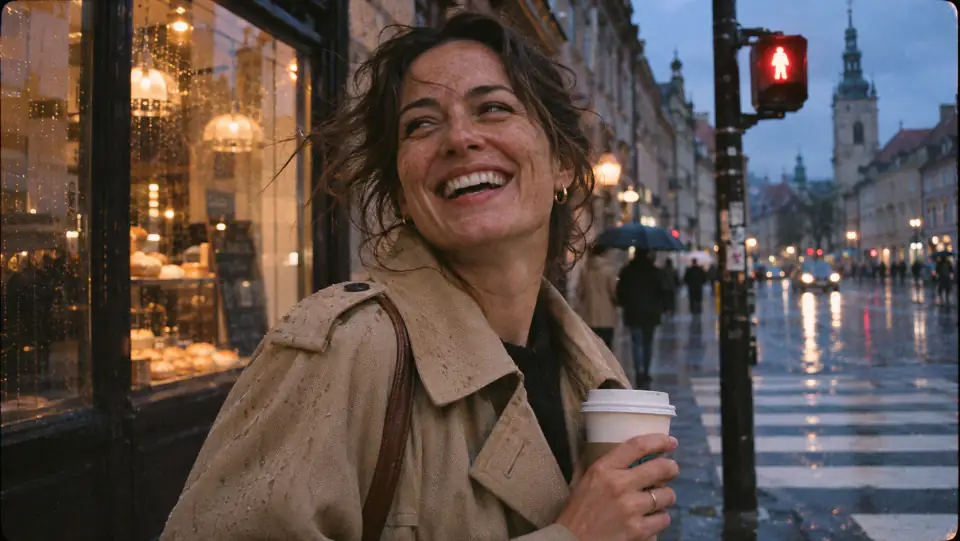
Candid Street Portrait
A 35mm style street photo from Seedream 5.5, with real skin texture and soft evening light.

Vintage Newspaper Page
Seedream 5.5 fills a front page with a masthead, headlines and columns of small, readable text.

Butterfly Infographic
A labeled science poster where Seedream 5.5 spells all six callouts and captions right.

Chibi Animal Stickers
Six die cut animal stickers from Seedream 5.5, with thick white borders ready to print.

Snowy Owl Cutout
A single owl with open wings on a flat backdrop, so every feather separates cleanly.

Felt Letter Title
A handmade title in stitched felt letters, a good test of Seedream 5.5 text and texture.

Living Room Makeover
A bright Scandinavian room to restyle with Seedream 5.5, one piece at a time.

Editorial Sunglasses Look
A fashion portrait made for Seedream 5.5 follow up edits: swap the frames, keep the face.

Sparkling Drink Banner
An ultra wide Seedream 5.5 banner with a fictional can, a frozen splash and a bold headline.

Weekend Breakfast Table
An overhead Seedream 5.5 food photo in window light, with real crumbs and rising steam.

Fantasy Character Sheet
One ranger from the front, side and back, and Seedream 5.5 keeps the outfit identical.
No install, no API key and no Jimeng account. Write a prompt, add references if you have them, pick a size, then let Seedream 5.5 do the rest.
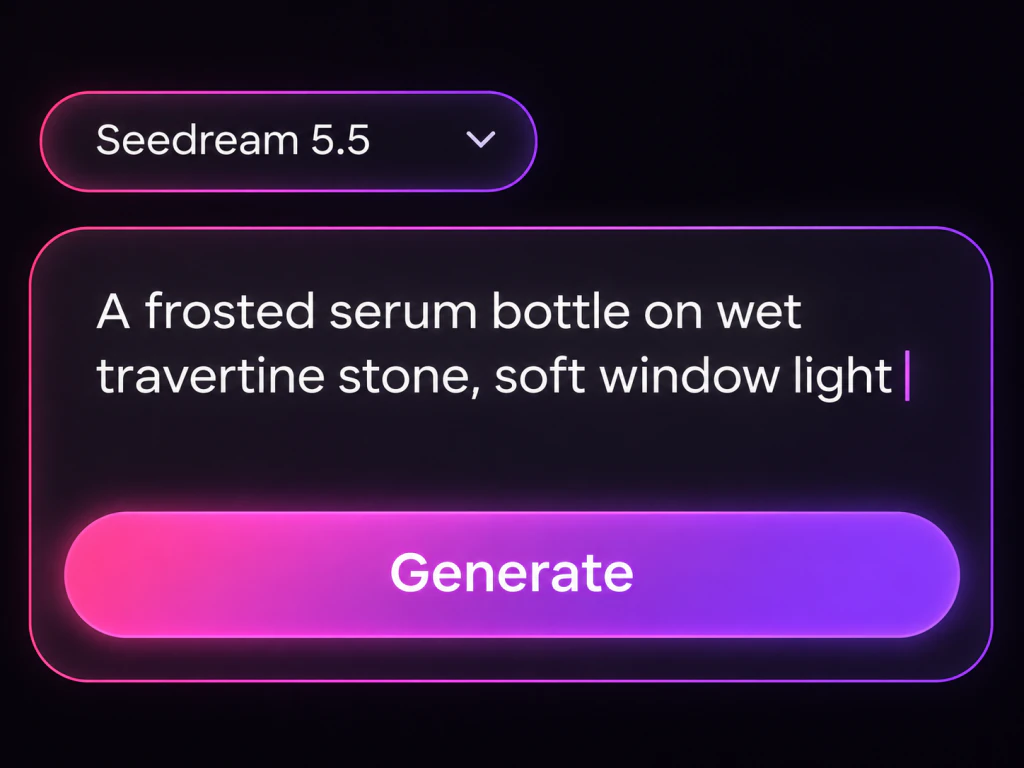
Tell Seedream 5.5 what to make: the subject, the setting, the style and the light. Put any words that should appear in the picture inside quotes. Or press Use It on a gallery card above to drop its prompt into the box and adjust it.

Switch to Image to Image and upload up to 10 pictures: a product to keep, a face to reuse, a room to restyle or a look to follow. In the prompt, say what Seedream 5.5 should change and what must stay exactly as it is.

Pick a frame from square 1:1 to ultra wide 21:9, including 16:9, 9:16, 4:3 and 3:2. Then choose 1K for quick Seedream 5.5 drafts, 1.5K for everyday posts or 2K for images you plan to print. Set Background to Transparent when you need a cutout PNG.
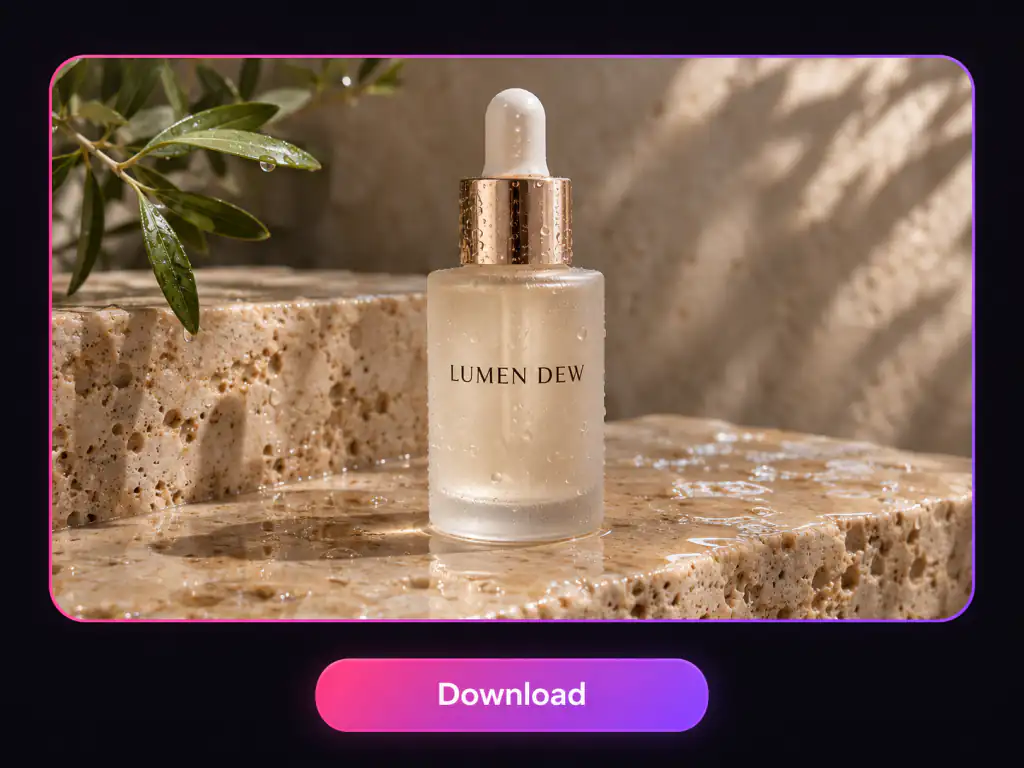
Run Seedream 5.5 and check the result. To change one detail, upload that image again as the reference and describe only the change, round after round. When the Seedream 5.5 result looks right, download the file.
Run ByteDance's newest image model, Seedream 5.5, right in your browser. Turn a prompt into a realistic photo, edit a picture round after round with up to 10 reference images, and get posters with clean, readable text in 1K, 1.5K or 2K.
Free to start, text to image, image to image editing, 10 reference images, 2K output
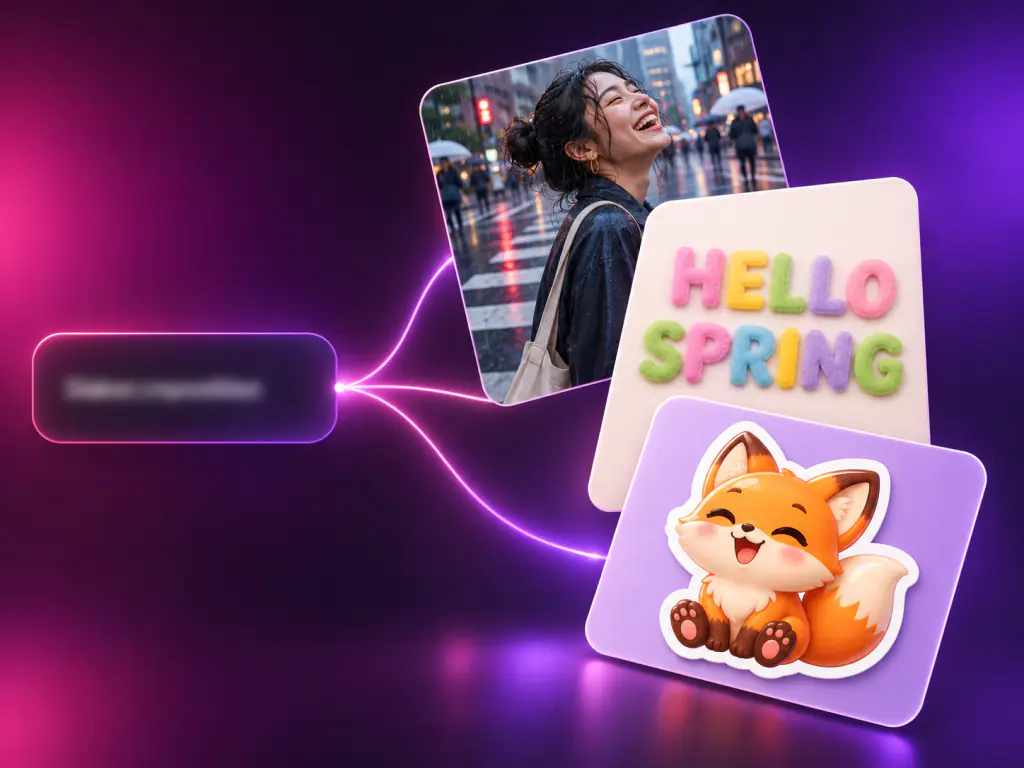
Seedream 5.5 is ByteDance's next generation image creation model, released by the ByteDance Seed team on November 9, 2026 as the successor to Seedream 5.0 Pro. You will also see it written as Seedream5.5, Seedream v5.5 or ByteDance Seedream 5.5, and in China it is rolling out in ByteDance's Jimeng and Doubao apps and on Volcano Engine Ark. Seedream 5.5 is built for real production work rather than one off pictures, and it brings three upgrades: multi-turn editing that keeps untouched areas the same down to the pixel, native RGBA output with full or partial transparency, and more realistic photos with clearer small text. ByteDance says a Pro version of the Seedream 5.5 series will follow.
In ByteDance's tests, Seedream 5.5 beat 5.0 Pro on quality and usability in all six production categories.
ByteDance edited one portrait 100 times in a row with Seedream 5.5, and small items like rings still changed cleanly.
Seedream 5.5 can draw subjects with an alpha channel, so hair, feathers and glass keep their edges.
What you can do with Seedream 5.5 in the generator above, from a first draft to the tenth round of edits.
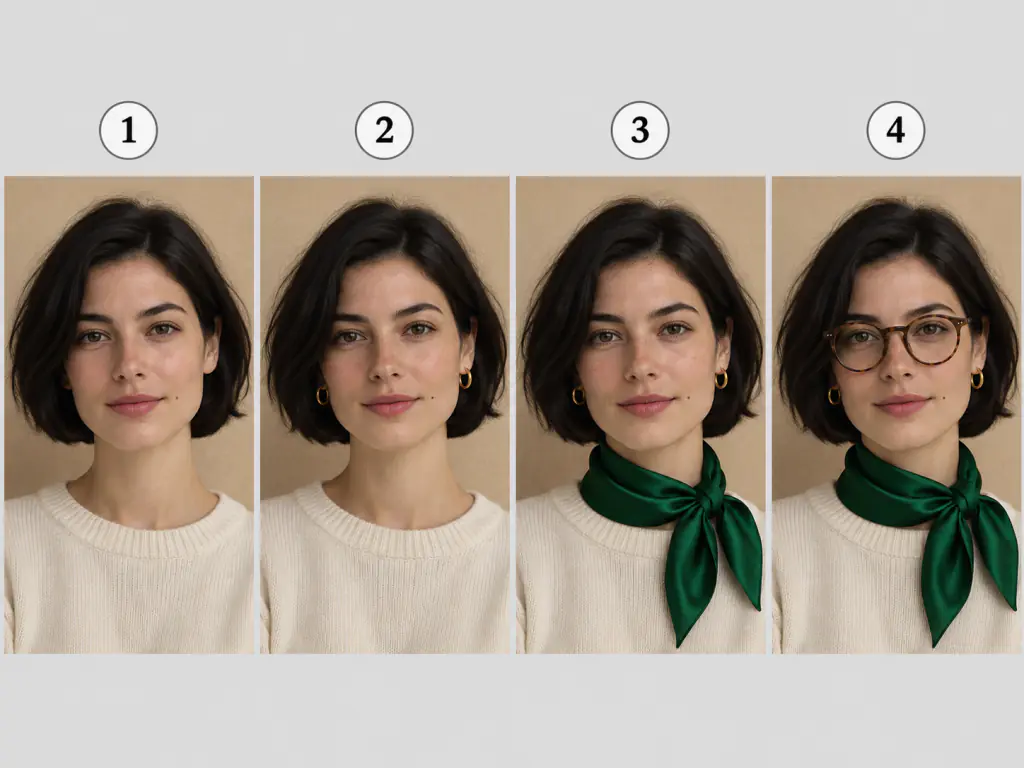
Seedream 5.5 is made for work that goes through revisions, and this page makes it easy to reach.
Each Seedream 5.5 edit changes what you asked for and leaves the rest alone, so approved work stays approved.
Natural light, real skin and true materials mean Seedream 5.5 images need less retouching before they go live.
Seedream 5.5 spells labels, captions and headlines the way you typed them, even in tight layouts.
Seedream 5.5 launched on ByteDance's Chinese platforms: Jimeng, Doubao and Volcano Engine Ark. Here it runs in any browser, anywhere.
Combine a product, a face, a style and a background in a single Seedream 5.5 request.
Sign in and start generating with Seedream 5.5. No developer console, no setup and no install.
Seedream 5.5 suits anyone whose images go through feedback rounds, from one product shot to a full campaign.
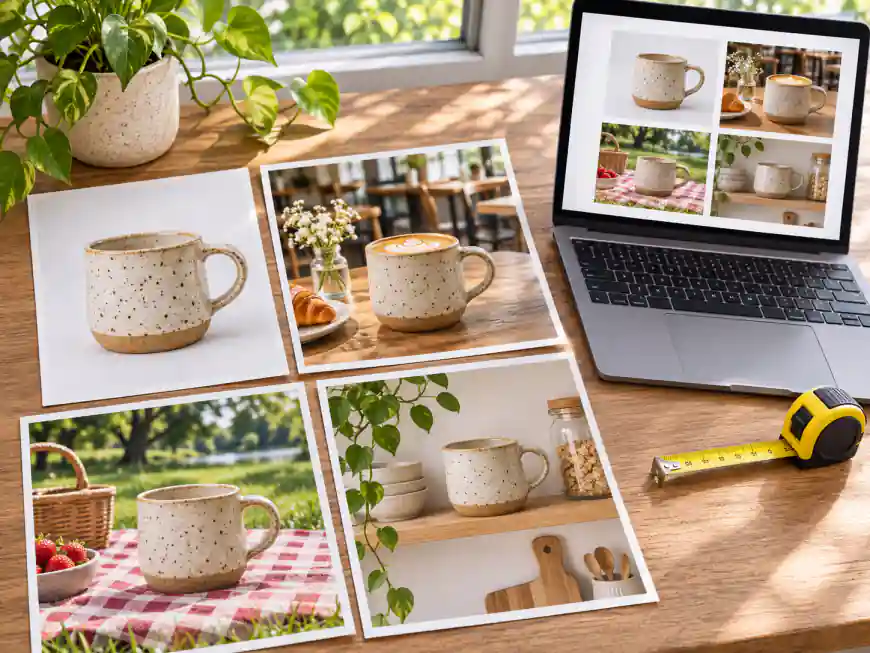
Turn one approved product photo into hero shots, lifestyle scenes and color variants with Seedream 5.5, without the label or logo shifting.
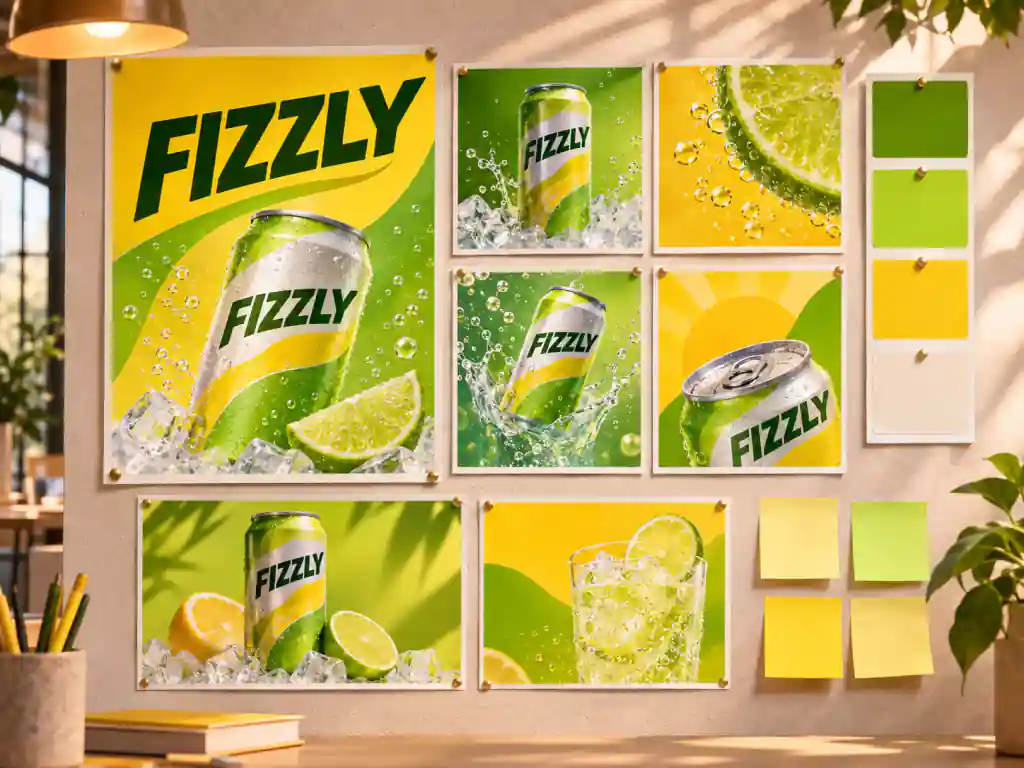
Handle late feedback in minutes with Seedream 5.5: change one headline, one color or one prop and keep the rest of the approved design.
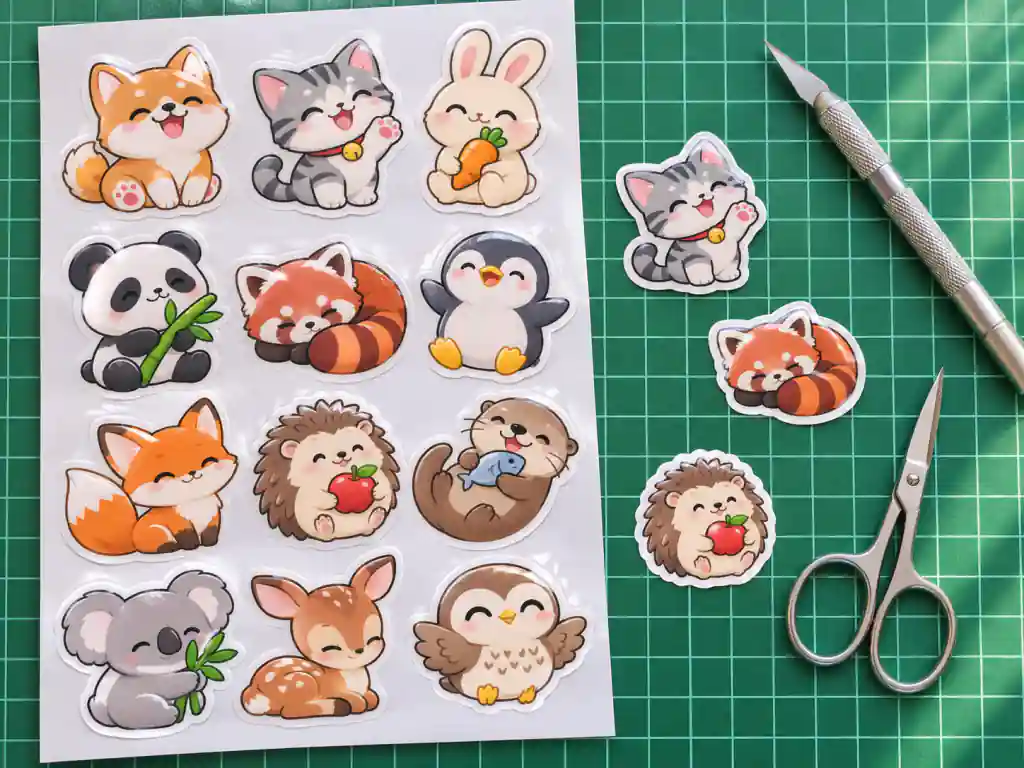
Draw chibi characters, mascots and badge art with Seedream 5.5, with clean edges ready for sticker sheets, prints and packaging.
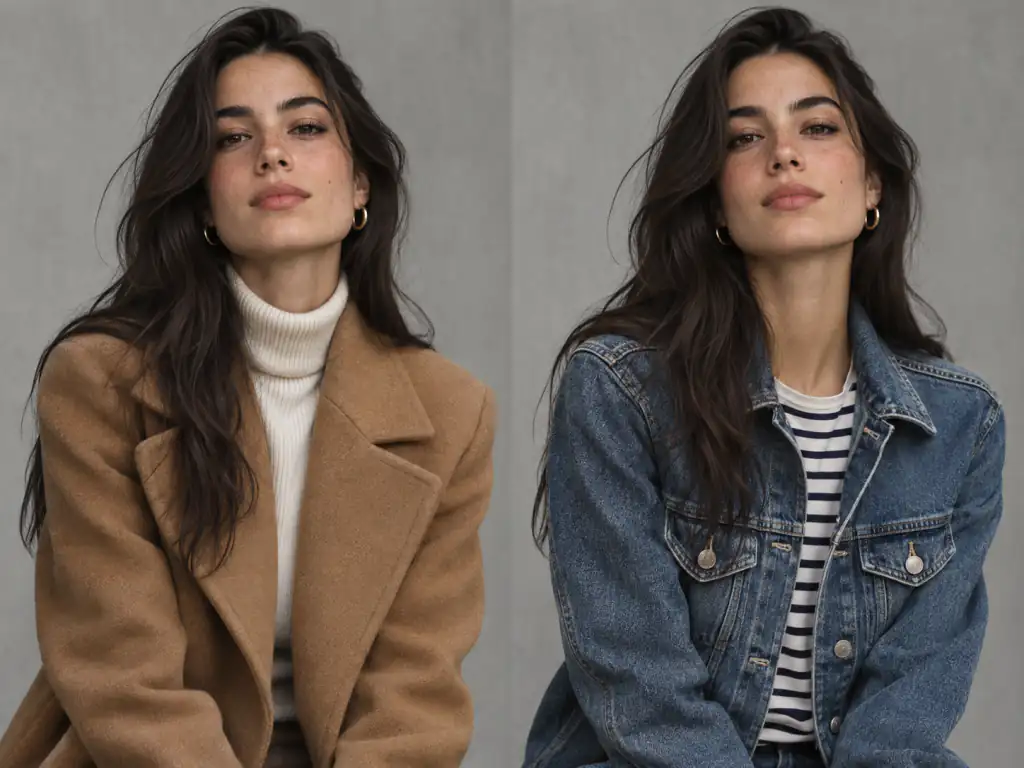
Try new outfits, glasses, hairstyles and lighting on the same person while Seedream 5.5 keeps the face true.
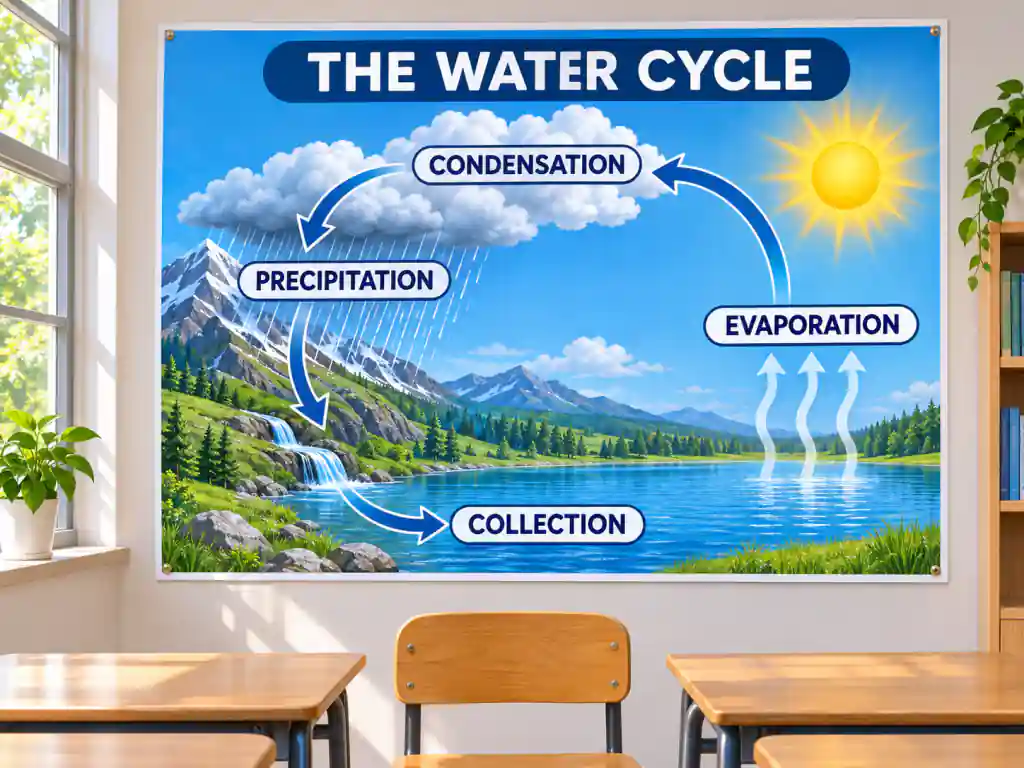
Turn notes into labeled diagrams, posters and slide visuals with Seedream 5.5, with small text that stays readable.

Restyle rooms, sets and environments with Seedream 5.5 round by round without losing perspective or light.
Answers about Seedream 5.5 editing, transparency, text, comparisons and access.
Seedream 5.5 is ByteDance's image generation and editing model, released by the ByteDance Seed team on November 9, 2026 as the successor to Seedream 5.0 Pro. It focuses on stable multi-turn editing, native transparent RGBA output and more realistic photos with clearer text. On this page you can run Seedream 5.5 in your browser.
ByteDance announced Seedream 5.5 on November 9, 2026 and started rolling it out in Jimeng, Doubao and Volcano Engine Ark the same day. The previous flagship, Seedream 5.0 Pro, arrived on July 8, 2026.
You can start free on this page: sign in, write a prompt and generate with Seedream 5.5 before you pay for anything. Access inside Jimeng or Doubao depends on your plan there, which is separate from the generator above.
Upload an image to Seedream 5.5, describe one change and say what should stay the same. When the result is right, use it as the reference for the next change. ByteDance showed Seedream 5.5 holding up across 100 rounds on one portrait; for the cleanest chain, change one or two things per round.
Yes. According to ByteDance, native RGBA output with full and partial transparency is one of the headline Seedream 5.5 upgrades, made for stickers, logos, hair, feathers and glass. On MakifyAI.com, open Background in the generator and pick Transparent to download a PNG with a transparent background, pick Opaque for a solid backdrop, or leave it on Auto and let Seedream 5.5 decide.
In ByteDance's tests covering Chinese and English, including dense small text, Seedream 5.5 had a severe text error rate of 0.4% and a minor error rate of 1.7%, both well below the previous version. Put the exact words in quotes and keep each text block short for the cleanest result.
Seedream 5.0 Pro was built around complex design tasks and layer editing. Seedream 5.5 keeps that base and adds steadier edits over many rounds, native transparency, more natural photos and fewer text errors. ByteDance's expert raters scored Seedream 5.5 higher in all six production categories they tested, and usability in film and office work more than doubled.
In ByteDance's own comparisons, experts preferred Seedream 5.5 over GPT Image 2.5 Sunburst and Nano Banana 2.1 on text structure and text to image realism. Choose Seedream 5.5 for lifelike photos, dense text and long editing chains, and GPT Image 2.6 when you need an animated GIF or an SVG file. All three run on MakifyAI.com, so the quickest check is one prompt in each.
Yes, for developers: ByteDance offers Seedream 5.5 through Volcano Engine Ark. If you only need images, you can skip the API entirely and run Seedream 5.5 on this page with no key, no code and no install.
ByteDance says a Pro version of the Seedream 5.5 series will follow, but it has not shared a date. For now Seedream 5.5 is the newest model in the family, and the previous flagship, Seedream 5.0 Pro, has its own page on this site.
No. Seedream 5.5 launched in ByteDance's Chinese apps, Jimeng and Doubao, which mostly expect a Chinese account. Here you only need a MakifyAI.com sign in, and Seedream 5.5 runs in any modern browser on desktop or phone.
Yes. Seedream 5.5 images you generate here are yours to use in ads, product listings, social posts and client work, and each one stays in your creation history so you can download it again later.
Pick a prompt from the gallery or write your own, add up to 10 references and let Seedream 5.5 handle the edits.