





Cocktail Time-Freeze Rescue
FLUX 3 Video Generator: Create AI Videos with Native Audio
Generate short videos with synchronized sound from text prompts and images using FLUX 3 Video by Black Forest Labs. Create clips up to 20 seconds with native audio, image-to-video, and multi-shot consistency, free online.
Up to 20 seconds • Native synchronized audio • Text to video and image to video
What is FLUX 3 Video?
FLUX 3 Video is the video generation model in Black Forest Labs' FLUX 3 family: the lab's first public video model and the first FLUX release built on a unified multimodal architecture trained jointly on images, video, and audio. That shared world model lets flux3 video produce short clips with native synchronized audio in a single pass, instead of generating silent footage and scoring it later. With text-to-video, image-to-video, keyframe, and multi-shot modes, FLUX 3 Video handles dialogue, sound effects, motion, and character consistency together, making flux video creation faster and more coherent from prompt to final clip.
What FLUX 3 Video Can Create
From text-to-video with sound to multi-shot stories, explore what this model does best
Text to Video with Native Audio
- Generate clips up to 20 seconds from a single prompt
- Native dialogue, sound effects, and ambient audio included
- Strong facial expressions and physically plausible motion
- Broad style range from candid and photoreal to cinematic
Who Uses FLUX 3 Video?
From filmmakers and marketers to social creators and developers
Video Creators & Filmmakers
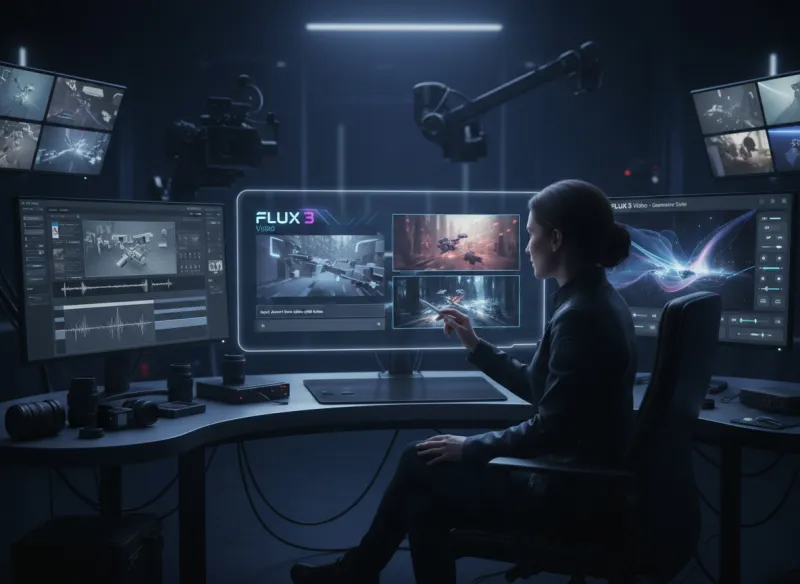
Generate B-roll, scene-setting shots, and previz with matching audio in one pass. FLUX 3 Video helps filmmakers explore ideas and build sequences long before a full production.
Marketers & Ad Teams
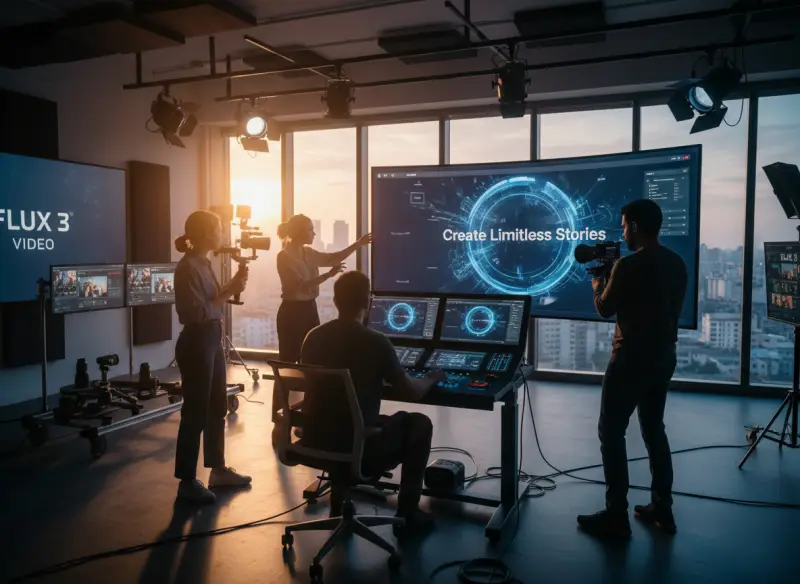
Produce short ad clips and product demos with dialogue, sound effects, and ambient audio in a single pass. Ship campaign-ready video without booking a studio or scoring sound later.

Agencies & Studios
Deliver storyboards, previz, and multi-shot narratives with consistent characters across scenes. FLUX 3 Video speeds up client concepts and pitch reels from prompt to finished clip.
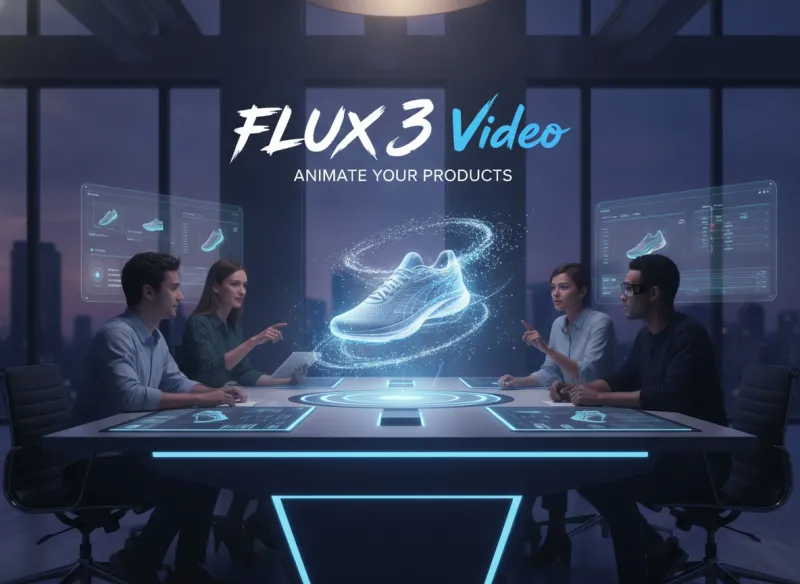
E-commerce & Brand Teams
Animate still product photos into motion while preserving brand colors and materials. Use FLUX 3 image to video to turn catalog images into scroll-stopping product clips with sound.
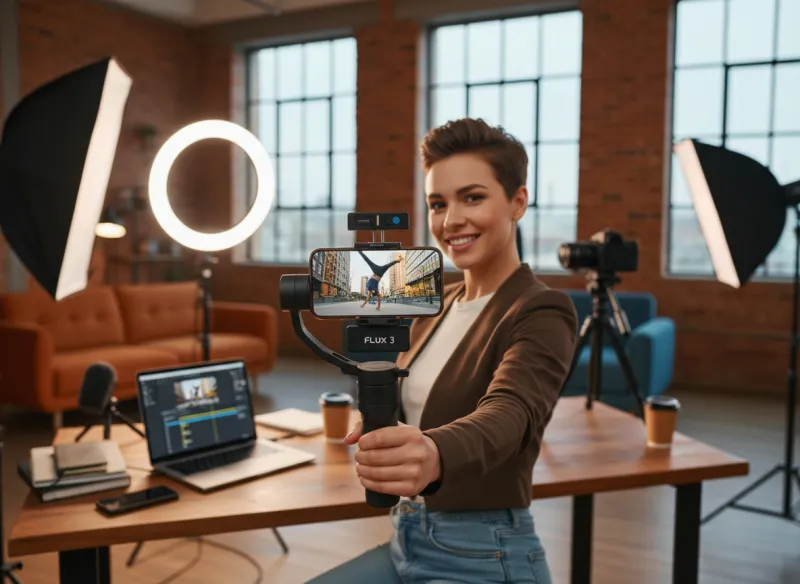
Social & Short-Form Creators
Create vertical clips for social feeds with native audio and multilingual dialogue. FLUX 3 Video makes it easy to post consistent, on-brand short-form content across every platform.
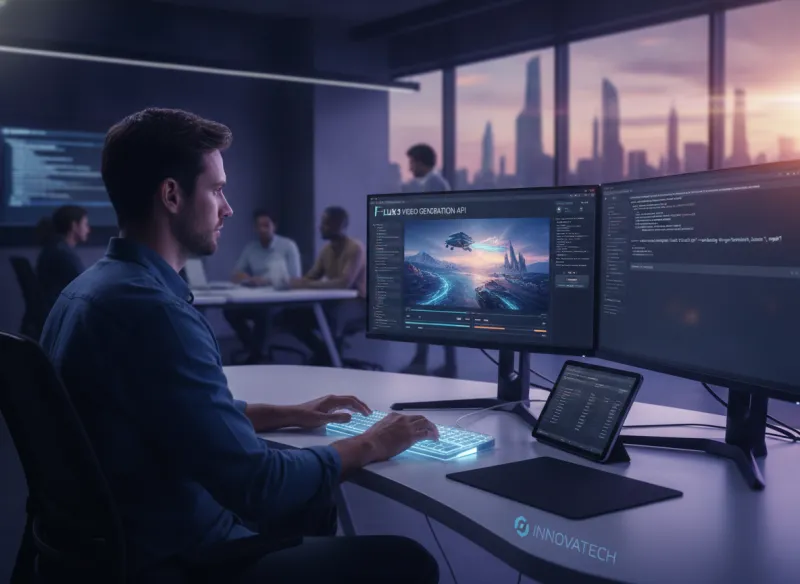
Developers & Platforms
Integrate flux 3 video generation through the API to power creative tools and automated pipelines. Add text-to-video and image-to-video with native audio directly inside your product.
Why Use FLUX 3 Video?
Key reasons creators choose FLUX 3 Video for AI video generation
Sound Built In, Not Bolted On
FLUX 3 Video generates dialogue, sound effects, and ambient audio jointly with the visuals, so clips are ready to share without a separate post-production sound design step.
Clips Up to 20 Seconds
Generate short videos up to 20 seconds in a single pass, then chain multiple clips together for longer sequences when your story needs more room.
Text and Image to Video
Start from a written prompt or animate a still image and keyframes. Flexible inputs let you match FLUX 3 Video to whatever you already have on hand.
Consistent Multi-Shot Characters
Reference images and videos keep the same character and style across shots, so multi-scene stories and campaigns stay visually coherent from start to finish.
Broad Styles and Aspect Ratios
Move from candid and photoreal to animation and cinematic looks, in vertical, square, or widescreen frames, all with strong animated typography for on-screen text.
Free and Online, No Setup
Run FLUX 3 Video free in the browser with welcome credits, with no installs or complex configuration. Sign in and start generating clips with audio in seconds.
Simple Process
How to Use FLUX 3 Video
Create your first video with audio in 4 steps
1
Sign In and Open FLUX 3 Video
Sign in to load the FLUX 3 Video generator at the top of this page. New accounts receive welcome credits so you can start generating clips right away.
2
Choose Text to Video or Image to Video
Pick text-to-video to start from a prompt, or image-to-video to animate a photo or keyframe. Set your aspect ratio and length to match your platform.
3
Write Your Prompt or Upload an Image
Describe the scene, action, dialogue, and mood, or upload a starting image. Add references for characters and style when you want consistent multi-shot results.
4
Generate and Download with Audio
Generate the clip, preview it with its synchronized native audio, refine your prompt if needed, and download the finished video ready to share.
Frequently Asked Questions about FLUX 3 Video
Common questions about FLUX 3 Video: audio, length, image to video, comparisons, and access
Ready to Create with FLUX 3 Video?
Generate short videos with native audio from text and images.