







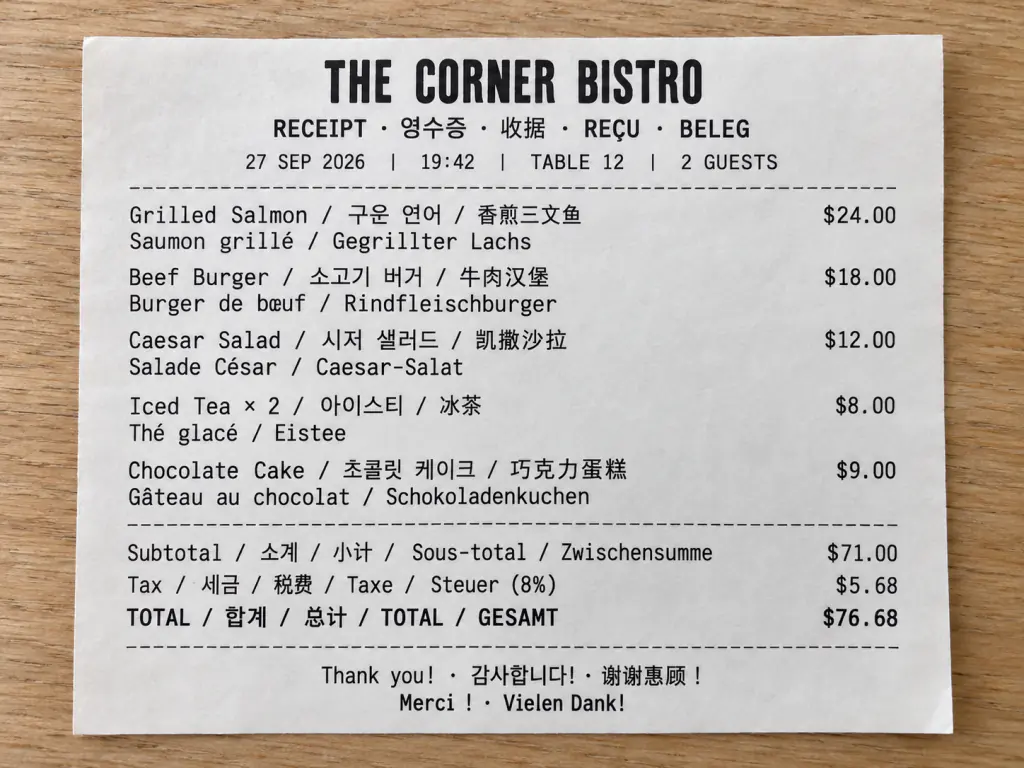
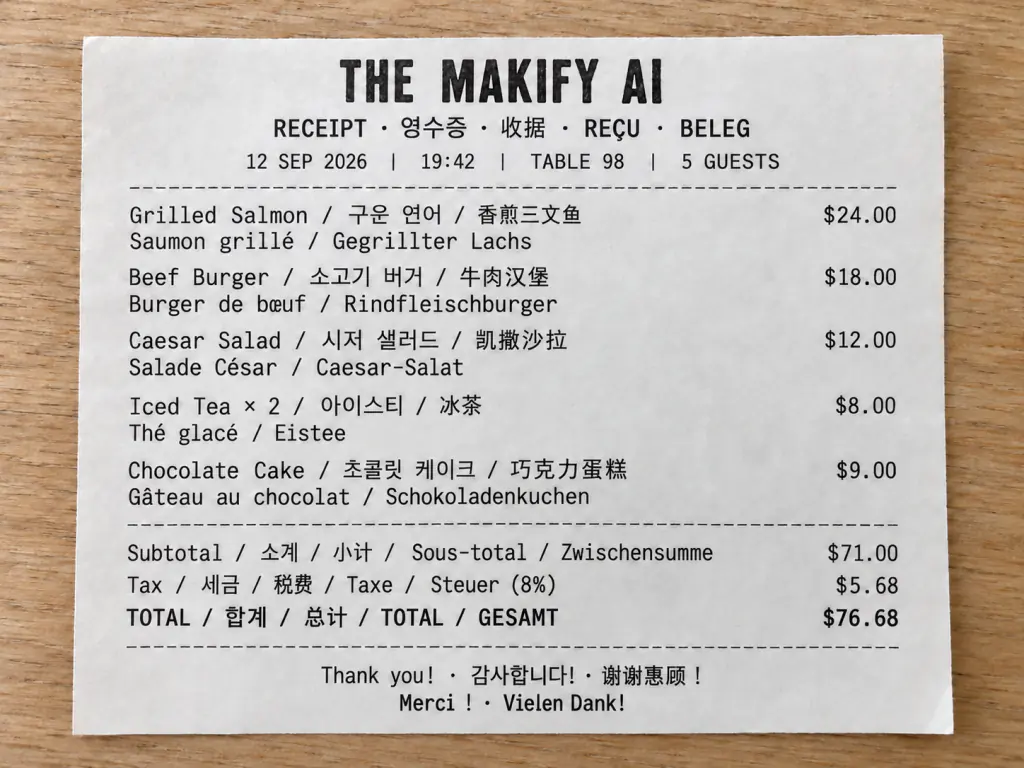
Edit text on a receipt
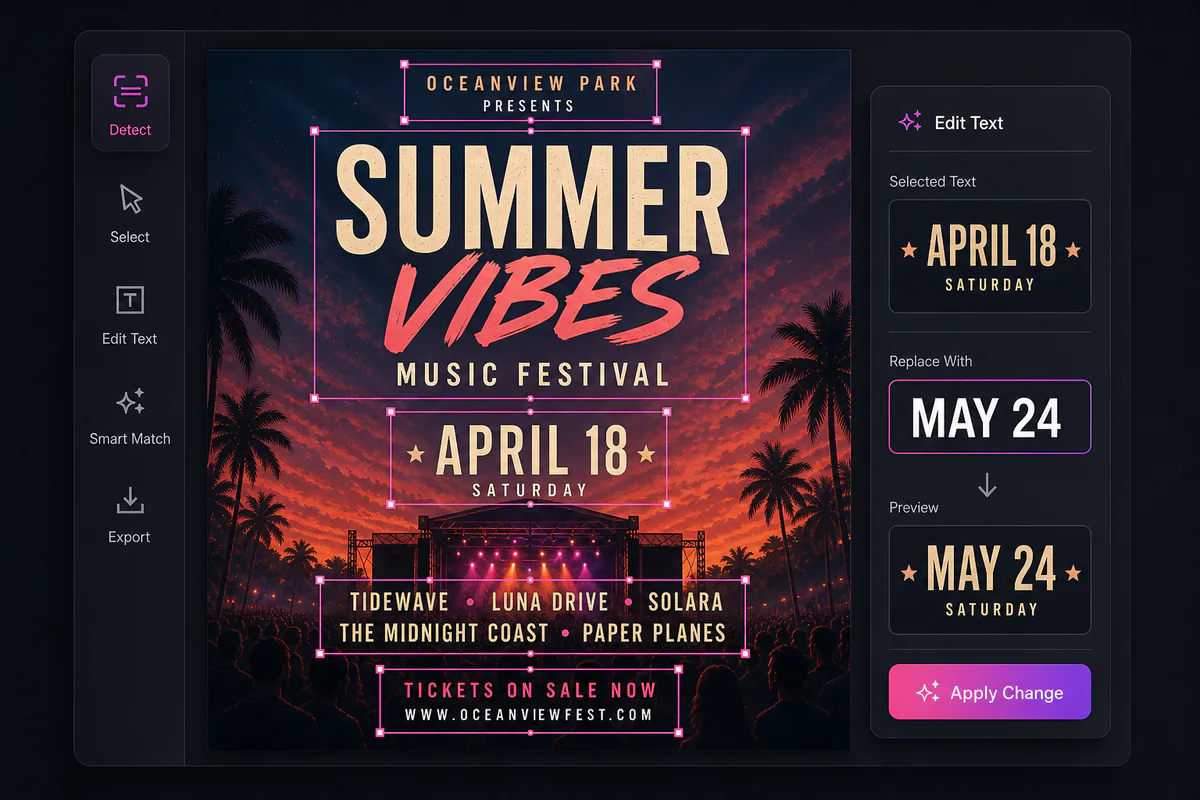
PhoText AI is a free online editor that lets you click the words in a picture or screenshot, type new ones and keep the original font. Looking for a PhoText AI alternative? Change your photo text with Makify AI free now!
Edit text on a receipt
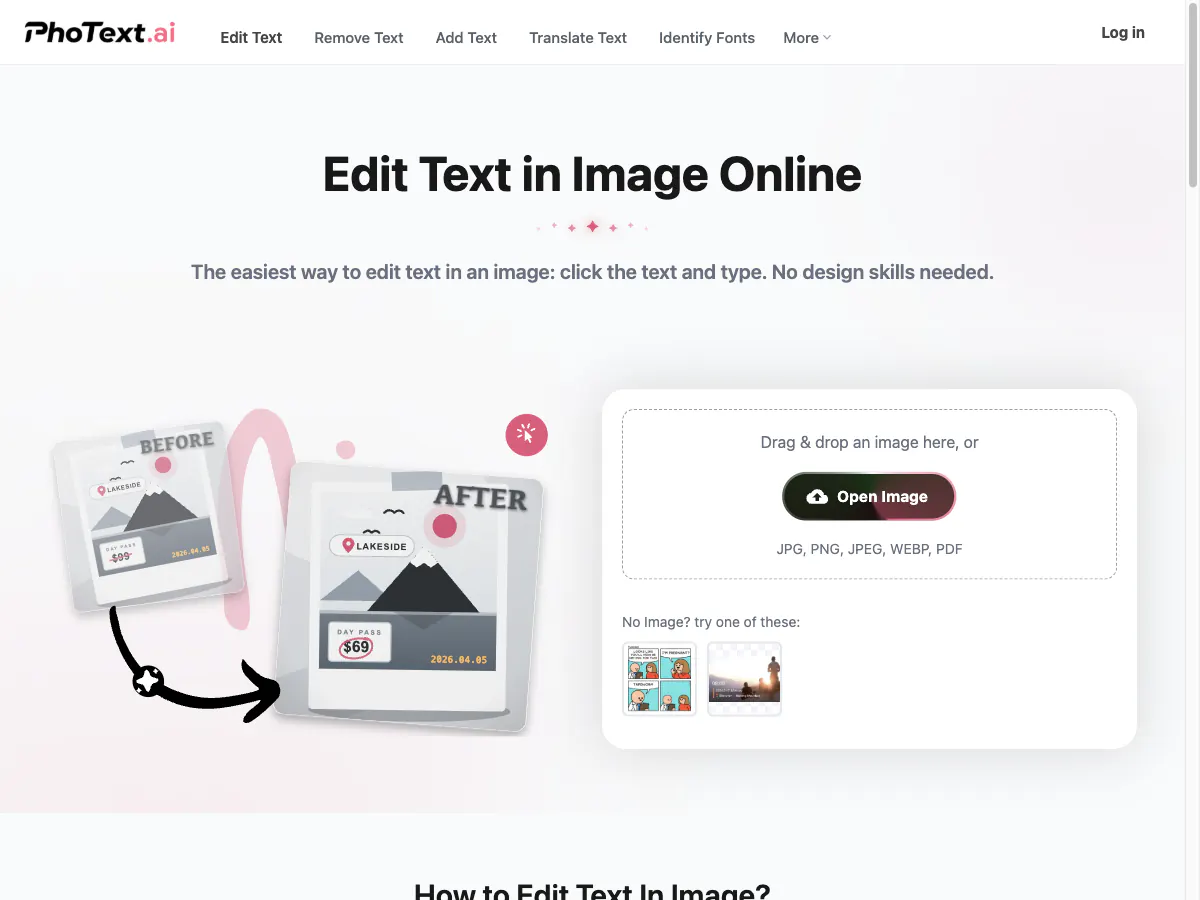
PhoText AI is a free online editor for changing text in photos and screenshots. You upload a JPG, PNG, WebP, BMP or PDF file, click any word it detects and type the replacement, and it matches the font, color and size while rebuilding the background. Basic editing is free without an account. An AI chat mode can rewrite text from a single instruction and also remove watermarks, swap backgrounds or restore old photos, with a free trial quota. PhoText also offers text removal, adding text with 1,000+ fonts, image translation, a font finder, image to text and a PDF text editor.
From fixing one word in a screenshot to repairing old photos, here is what people do with a PhoText AI style editor, and where to do each job on Makify AI.
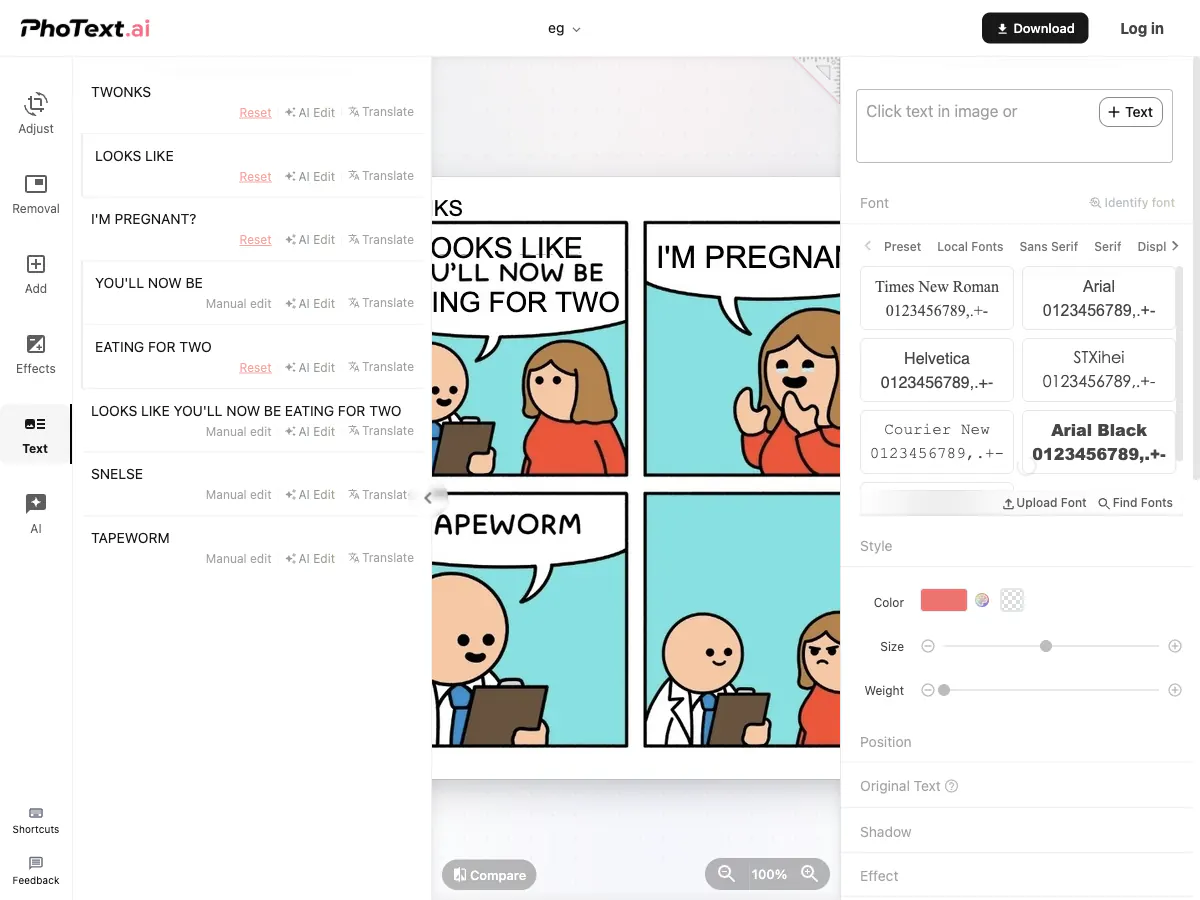
Click a detected line in a screenshot, type the new words and keep the original font and size.
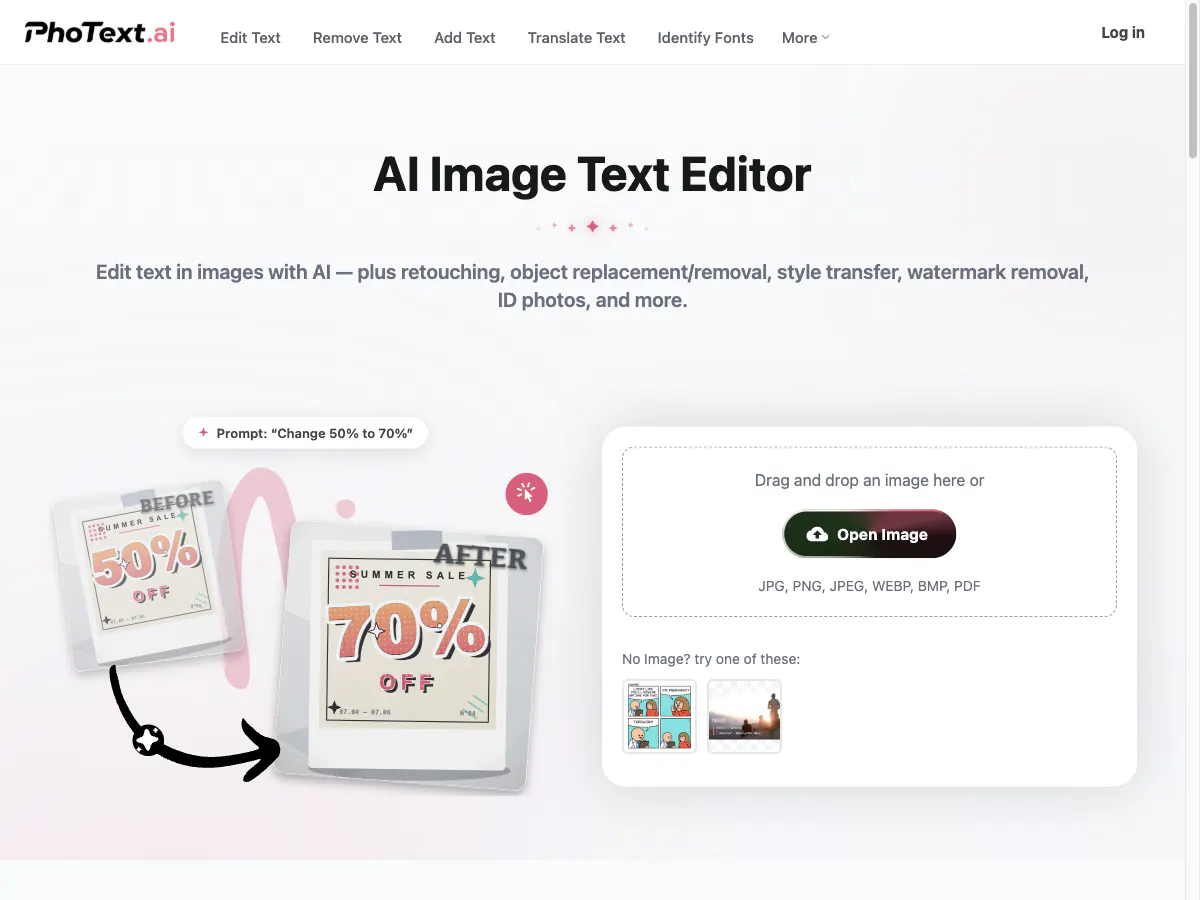
Describe the change, such as "replace $99 with $79", and the AI finds the text, erases it and redraws it in the same style.
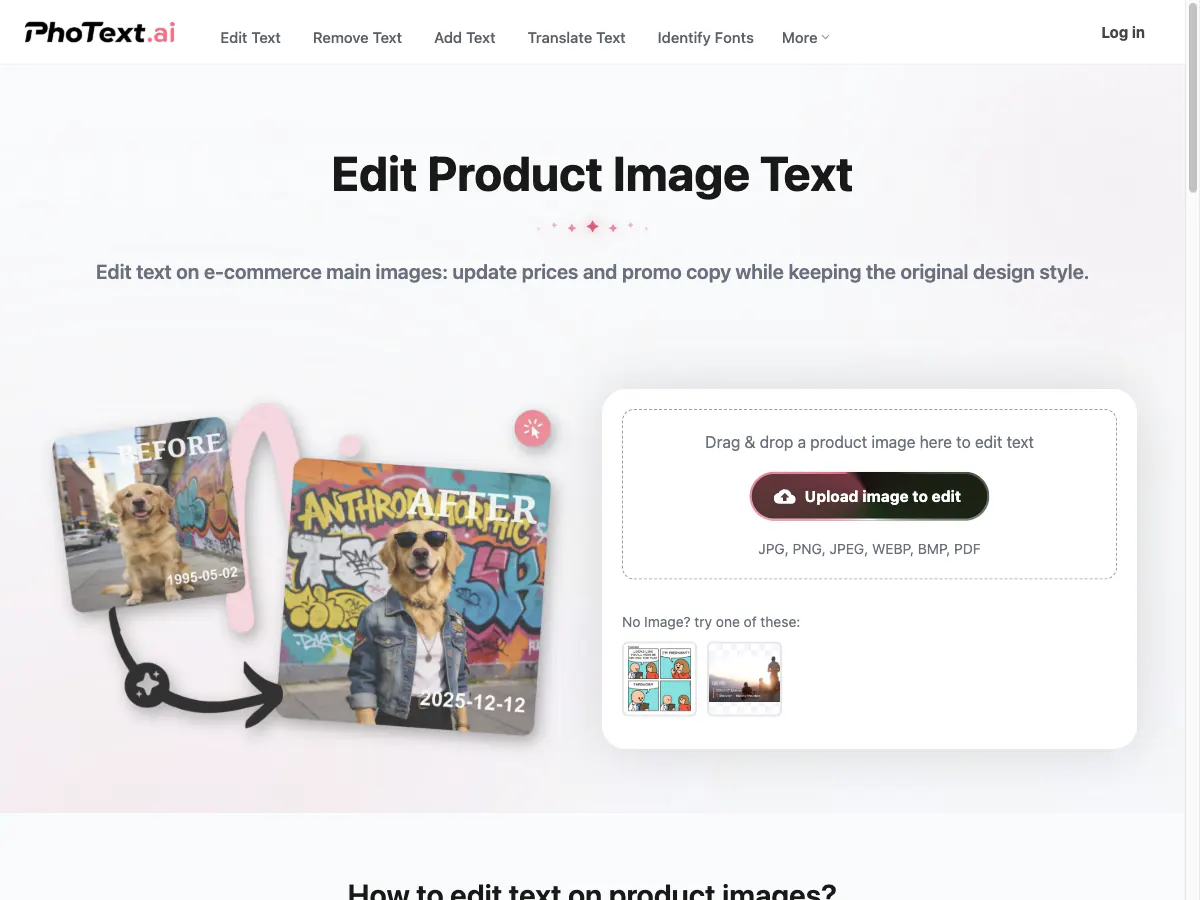
Change prices, badges and promo lines on listing images without redesigning them.
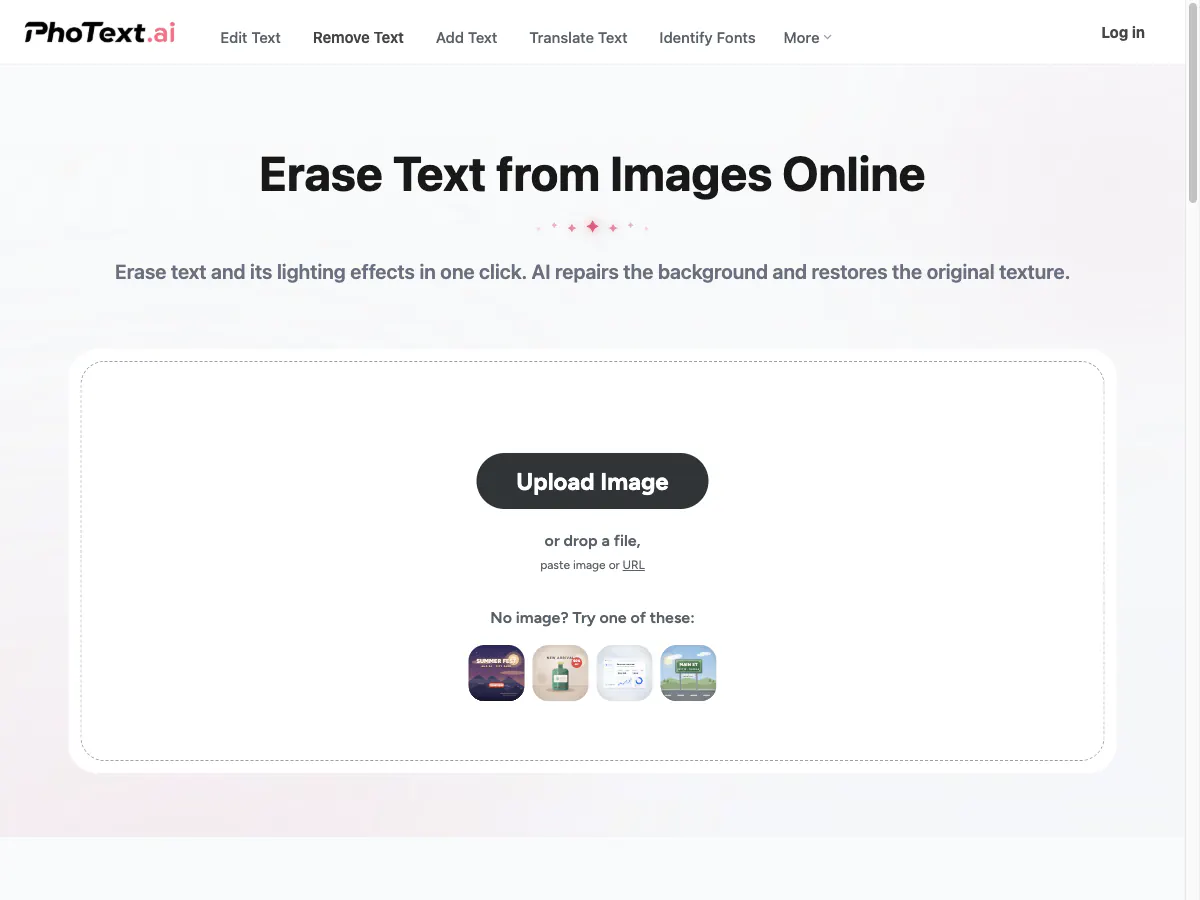
Erase captions, stamps and watermarks and fill in the background behind them.
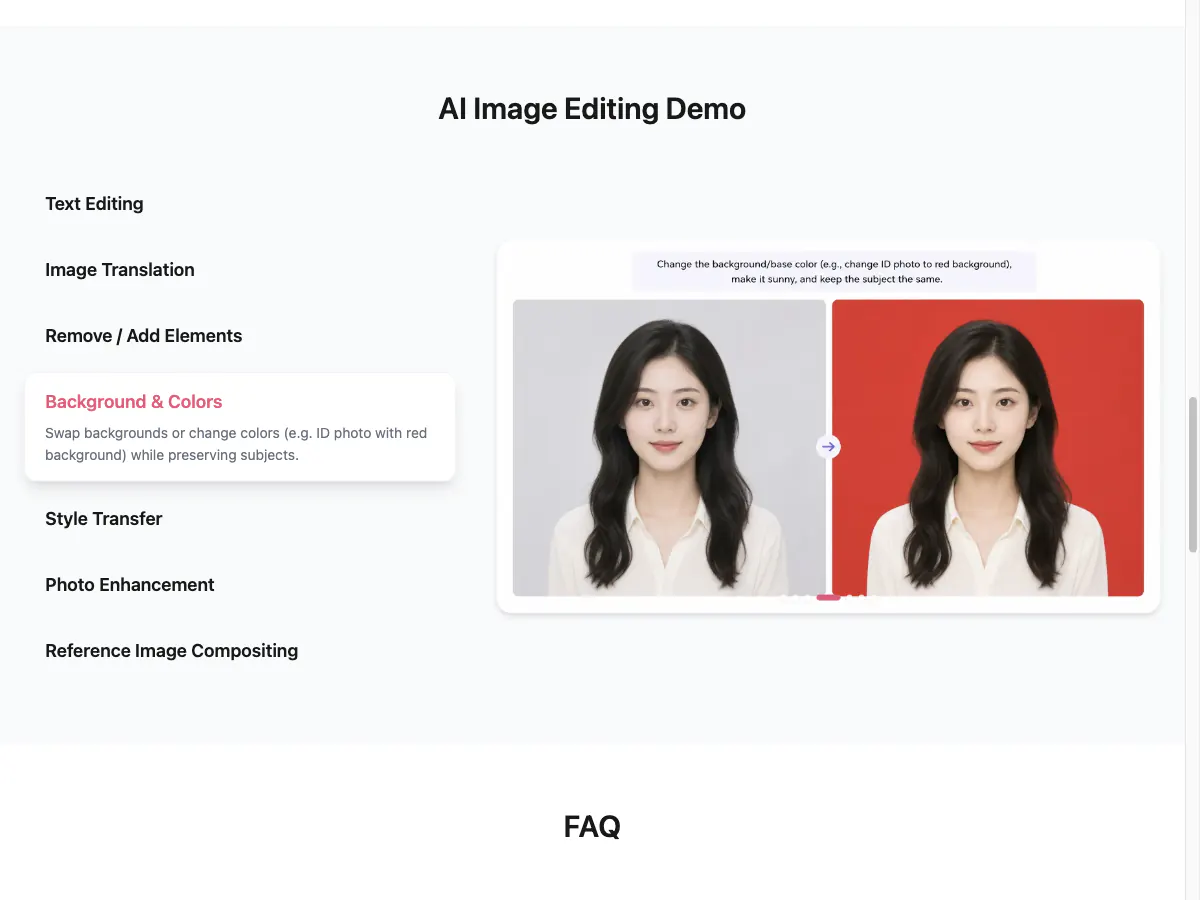
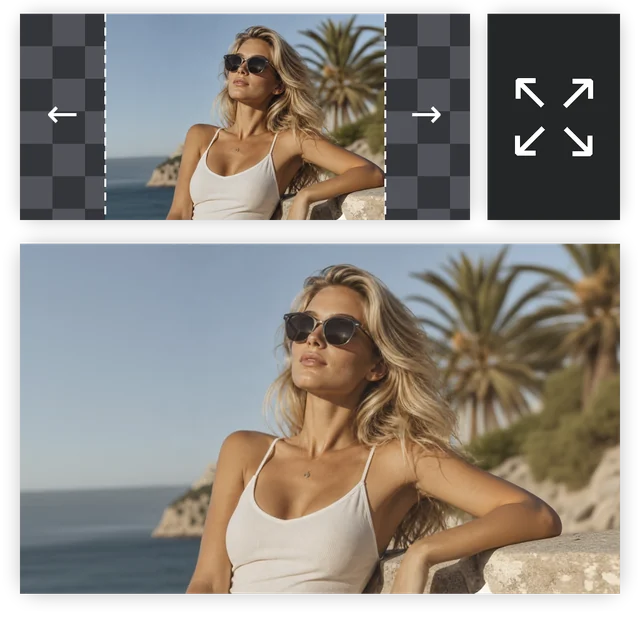
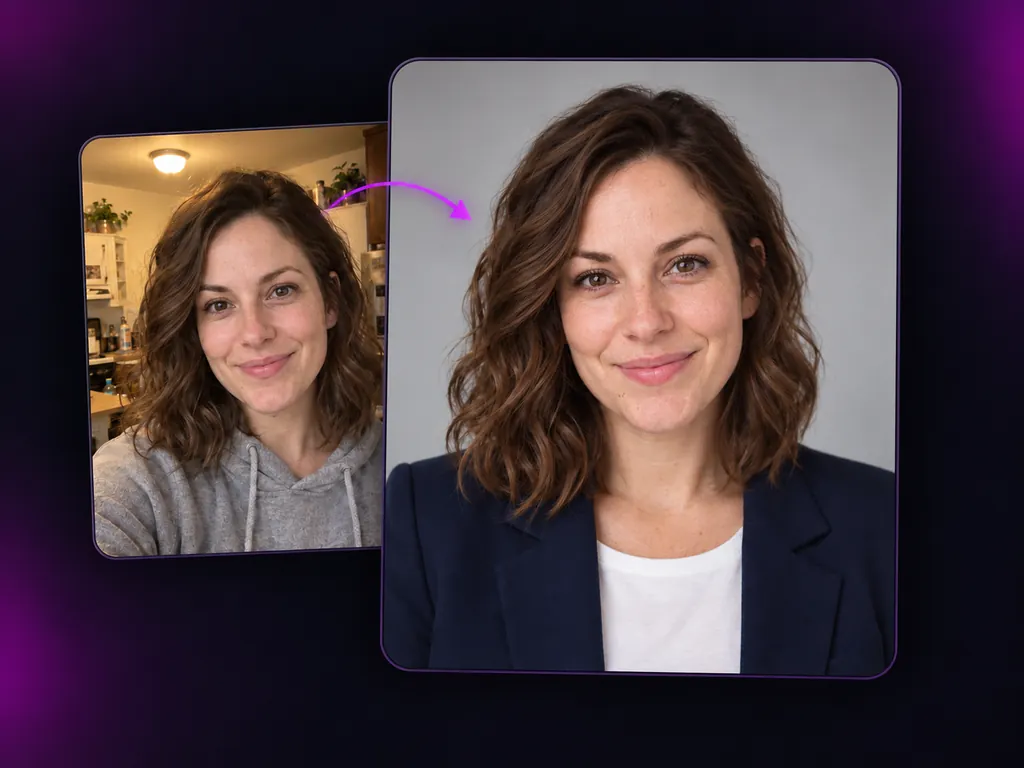
Ask the AI to change the background or take out people and objects you do not want.
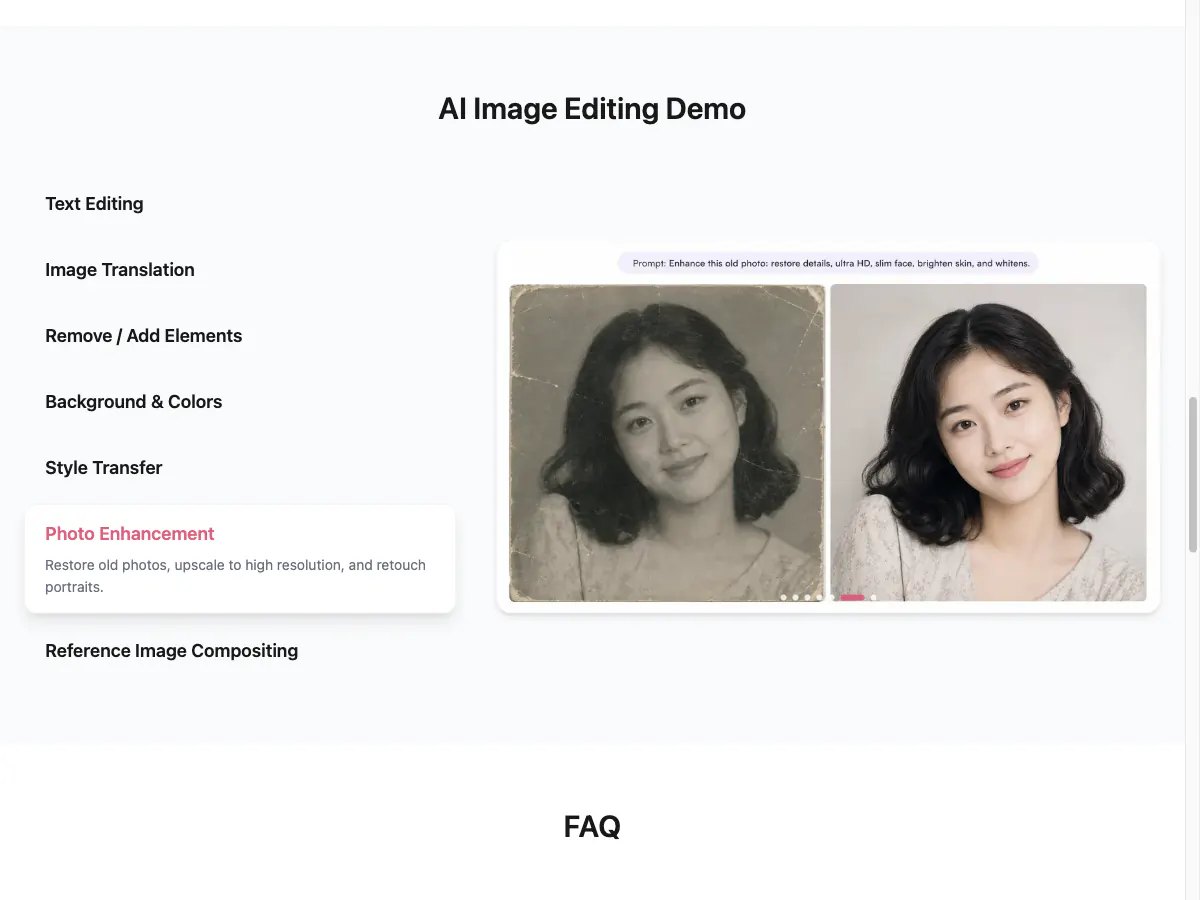
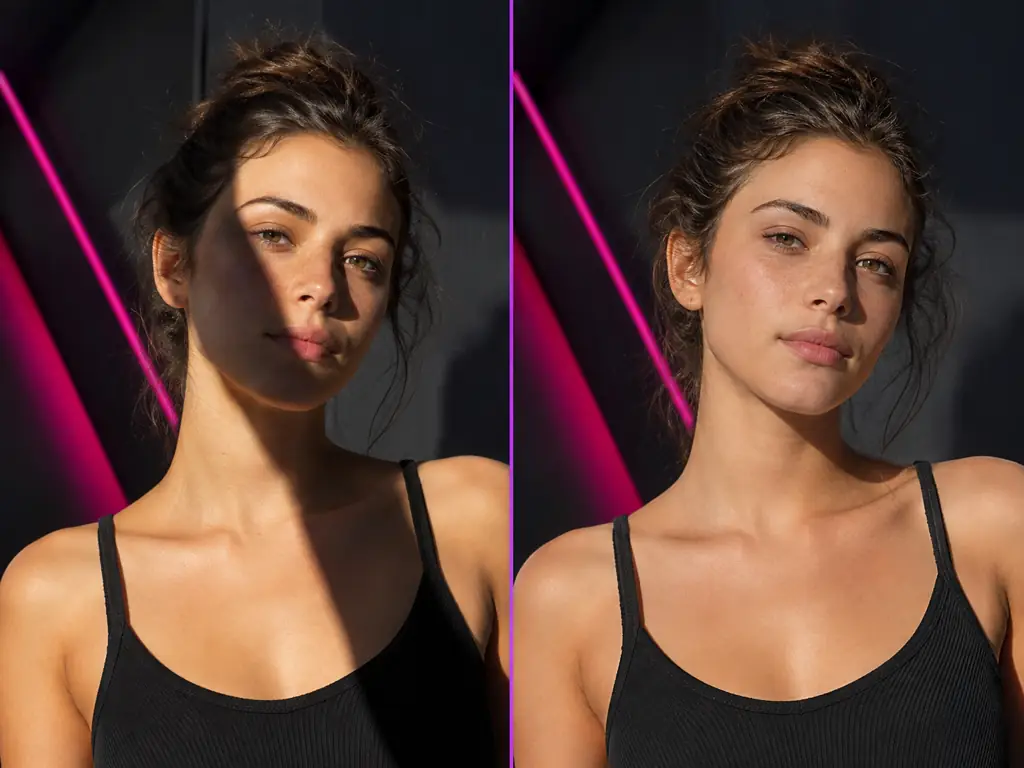
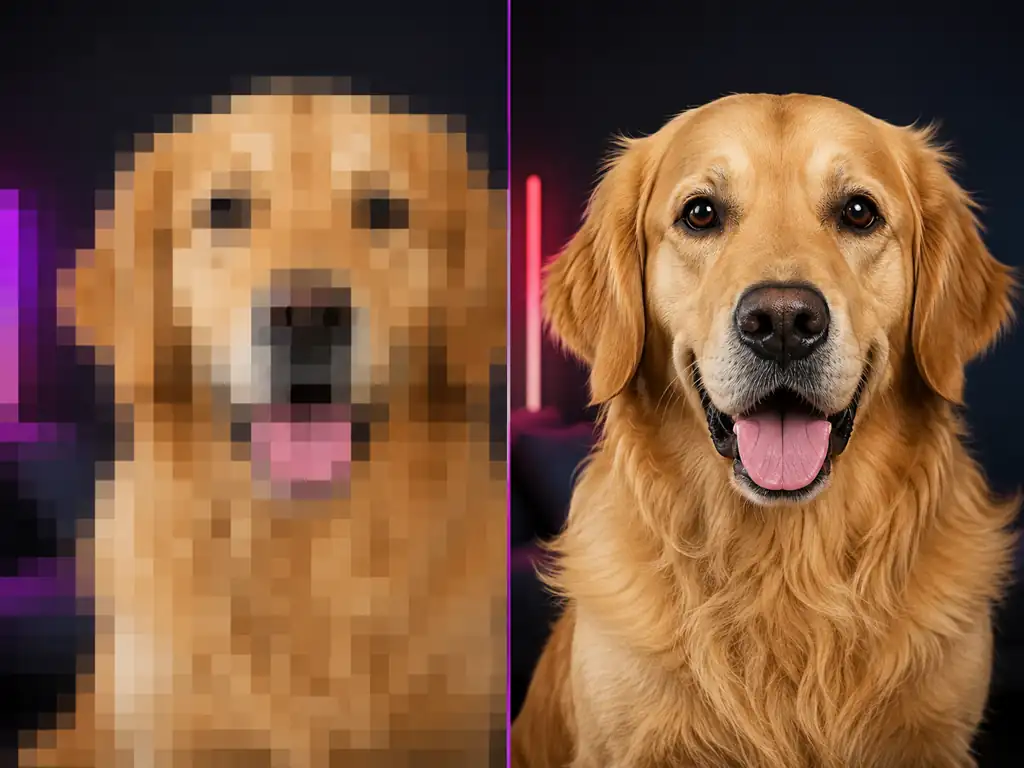
Repair faded or damaged photos and enlarge small images.
Three steps from an upload to a fixed image. The same flow works in the editor at the top of this page.
Drop in the photo, screenshot or poster that has the wrong text. JPG, PNG and WebP all work.
Pick the detected text you want to change and type the replacement, or leave it blank to remove it.
Choose a model and resolution, create the edit, compare it with the original and download the result.
Both change the text in a finished image. Here is how many edits you get for free, which AI models do the work and how big you can export.
RecommendedMakify AI | PhoText AI | |
|---|---|---|
| AI model choice | Pick GPT Image 2, Nano Banana 2, Nano Banana Pro or Qwen Image 3 for each edit | One built-in AI, model not disclosed |
| Free AI text edits | Sign up free and claim check-in credits every day: at least one AI text edit a day at 1K, about 10 a week | Manual click-to-edit is free, but AI edits only get a trial quota whose size is not published |
| Max resolution | Up to 4K on every account | Original size for manual edits; AI output size not published |
| Ads | No ads | Google AdSense ads on the site |
| Beyond text | 50+ AI photo tools incl. background changer, product photos, old photo restoration and an 8K upscaler | Retouching, background swaps and photo repair in the AI chat |
| Best for | AI text edits that match the original style, in up to 4K with no ads | Free manual fixes on flat screenshots |
PhoText AI is enough for a free manual fix on a flat screenshot. If you want AI to redraw the words in the original style, pick the model for each edit, claim free credits every day and export at up to 4K with no ads, Makify AI is the better fit.
Makify AI keeps the same select-and-type workflow and lets AI redraw the words, with more control over how the edit looks.
Switch between GPT Image 2, Nano Banana 2, Nano Banana Pro and Qwen Image 3, and keep the version whose lettering looks right.
Export edited images at up to 4K on every account, with no watermark on any download and no ads in the workspace.
Select more than one text area, type each replacement, or leave a box blank to remove that text, all in a single edit.
Remove text, change backgrounds, create product photos, restore old photos and upscale to 8K in the same place.
Common questions about PhoText AI and how it compares with Makify AI.
PhoText AI is a free online editor for changing text in images and screenshots. You upload a JPG, PNG, WebP, BMP or PDF file, click the words it detects and type new ones, and it matches the font and rebuilds the background. It also has an AI chat mode, plus tools to remove, add and translate text, identify fonts, copy text from an image and edit PDFs.
Partly. PhoText AI's manual click-and-type editing is free, and basic edits need no sign-up. Its AI chat editing comes with a free trial quota, and as of November 2026 the site has no public pricing page. On Makify AI you sign up free and claim check-in credits every day, enough for at least one AI text edit a day at 1K.
Yes. PhoText AI has a Remove Text tool where you mark the area to erase, and its AI chat mode can follow an instruction such as "remove the watermark". On Makify AI, the Image Text Remover clears captions, stamps and labels, and every image you download from Makify AI comes without a watermark.
PhoText AI says it does not collect photos, device information or location for targeted ads or data resale. It also says uploaded and edited images are deleted from its servers automatically, after 30 days for signed-in users and sooner for guests.
No. You can make basic manual edits in PhoText AI without signing up, and signing in keeps your images on its servers for longer. On Makify AI you create a free account first, get free credits to start, and can claim more every day with the daily check-in.
PhoText AI's website says it works on the web and on mobile, but it does not link an app or APK download. The Google Play listing called Image Text Editor - PhoText comes from a different developer name and is not linked from PhoText's website. Makify AI also runs in any mobile browser with nothing to install.
Yes. PhoText AI accepts PDF uploads and has a separate PDF Text Editor. Makify AI changes text in JPG, PNG and WebP images up to 30 MB, so export the PDF page as an image first, then edit the text with the AI model you prefer.
PhoText AI recognizes the font in your image, and you can click Identify Font to pick a close match from its library. Its AI mode also matches color, shadow and perspective. Makify AI redraws the new words in the style of the original text with the model you choose, so you do not need to find the font yourself.
PhoText AI's website says the fonts it provides and the content you make are free for commercial use. Read its terms before you use edited images in ads, products or client work.
Yes. photext.shop was PhoText's earlier domain, and the tool has since moved to photext.ai. The Simplified Chinese version of the same tool is called Tugaigai (图改改).
Pick PhoText AI for free manual fixes on flat screenshots, when you want to set the font yourself, or when you need font names, raw text or PDF editing. Pick Makify AI when you want AI to redraw the words in the original style, a choice of four models, exports up to 4K with no watermark and no ads, and 50+ other photo tools.
Makify AI is a strong free PhoText AI alternative. Sign up free, claim check-in credits every day, then upload an image, select the text and type the new words. Pick GPT Image 2, Nano Banana 2, Nano Banana Pro or Qwen Image 3, export at up to 4K, and download without a watermark.
Upload an image, select the text, type the new words and download a clean, watermark-free result in seconds. Free to start.