








All Tools
Free AI Image & Video Tools Online
Explore 50+ free AI image and video tools and flagship models: background remover, image upscaler, photo restoration, text to image and text to video.
AI Image Tools20
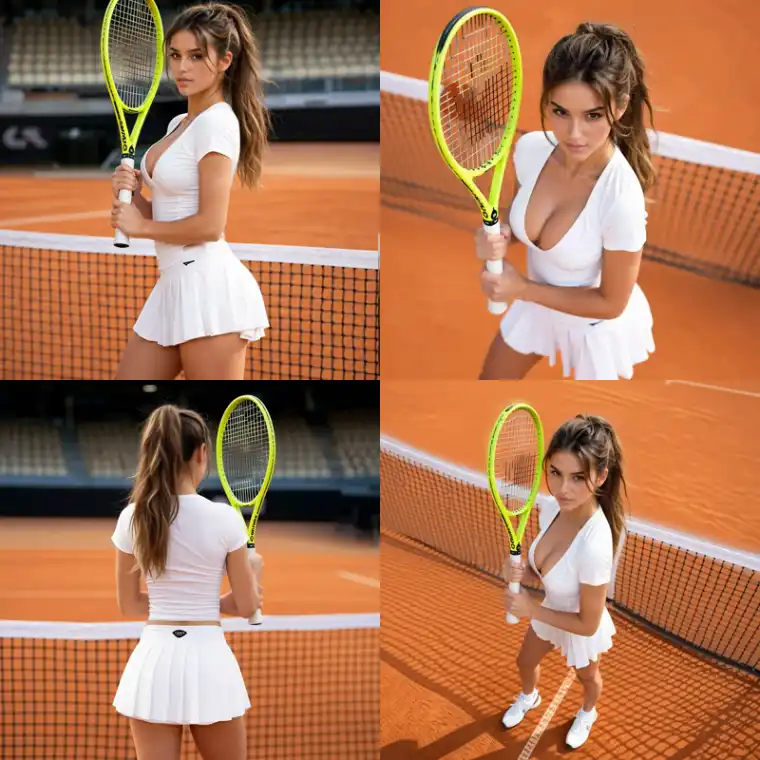
AI Image Angle Changer
Upload one image and generate front, side, back, top-down, low-angle, wide, or close-up camera-angle views.
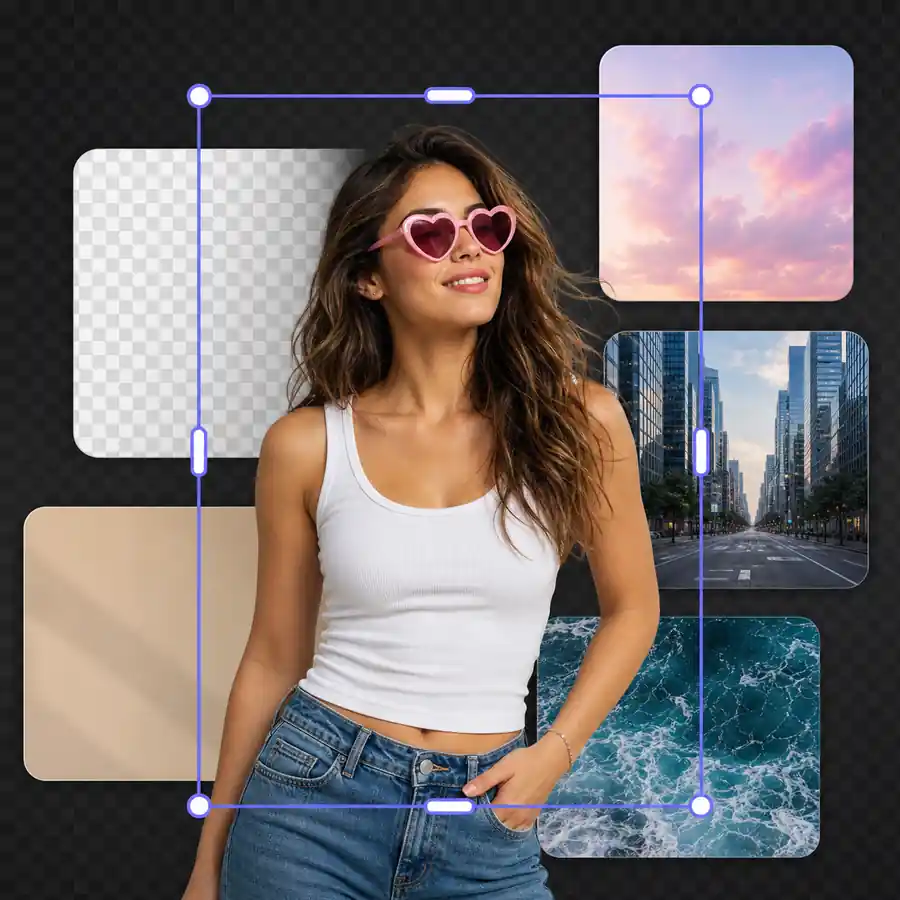
AI Image Background Changer
Upload a subject image, choose or upload a reference background, and generate a realistic new background with AI.
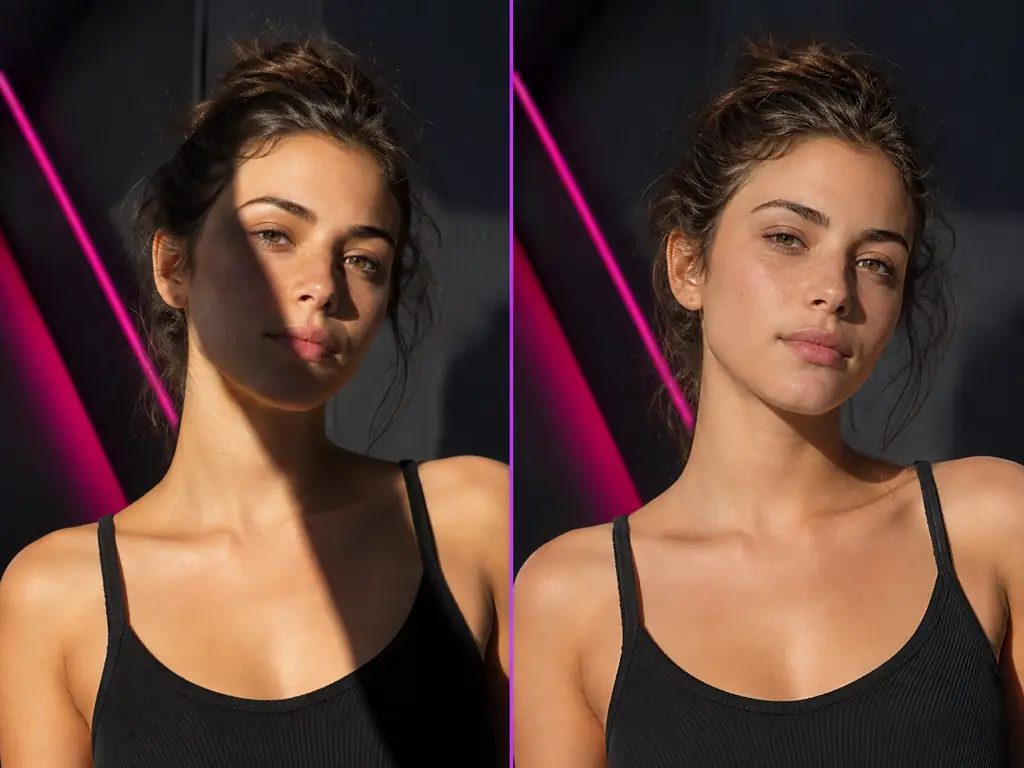
Remove Shadow from Photo
Remove shadow from photo online with AI. Upload an image and erase harsh face, product, document, and passport photo shadows. Free AI shadow remover.
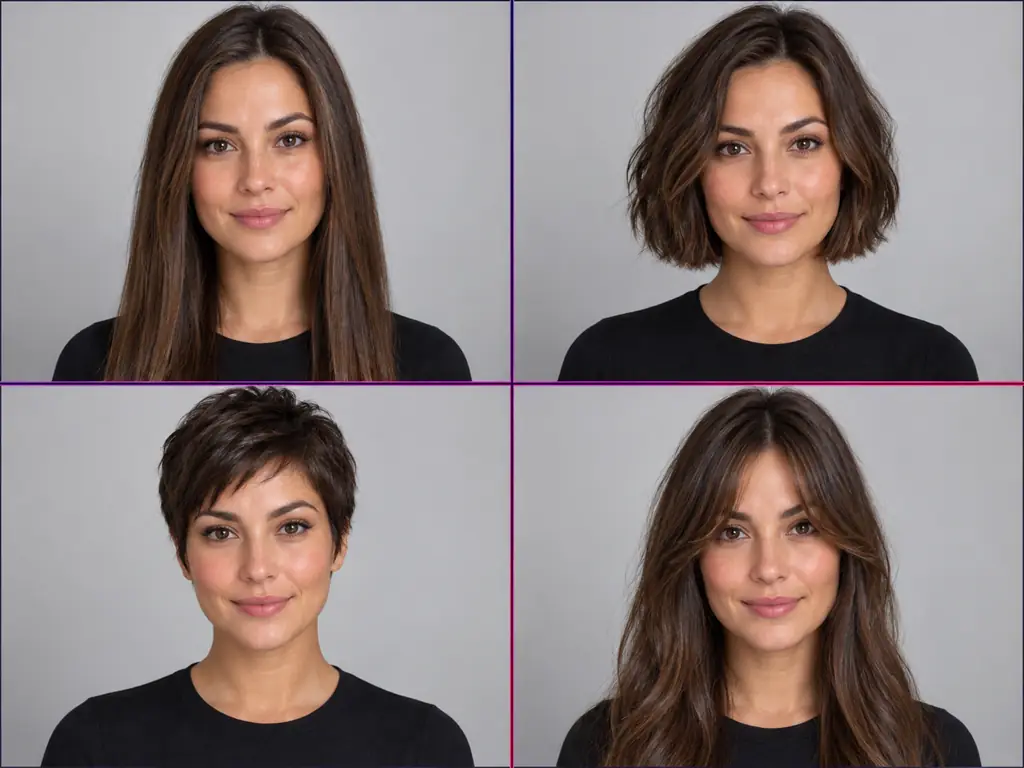
AI Hairstyle Changer
Try an AI hairstyle online free on your own selfie. Preview buzz cuts, bangs, bobs and more; only your hair changes, your face stays the same.
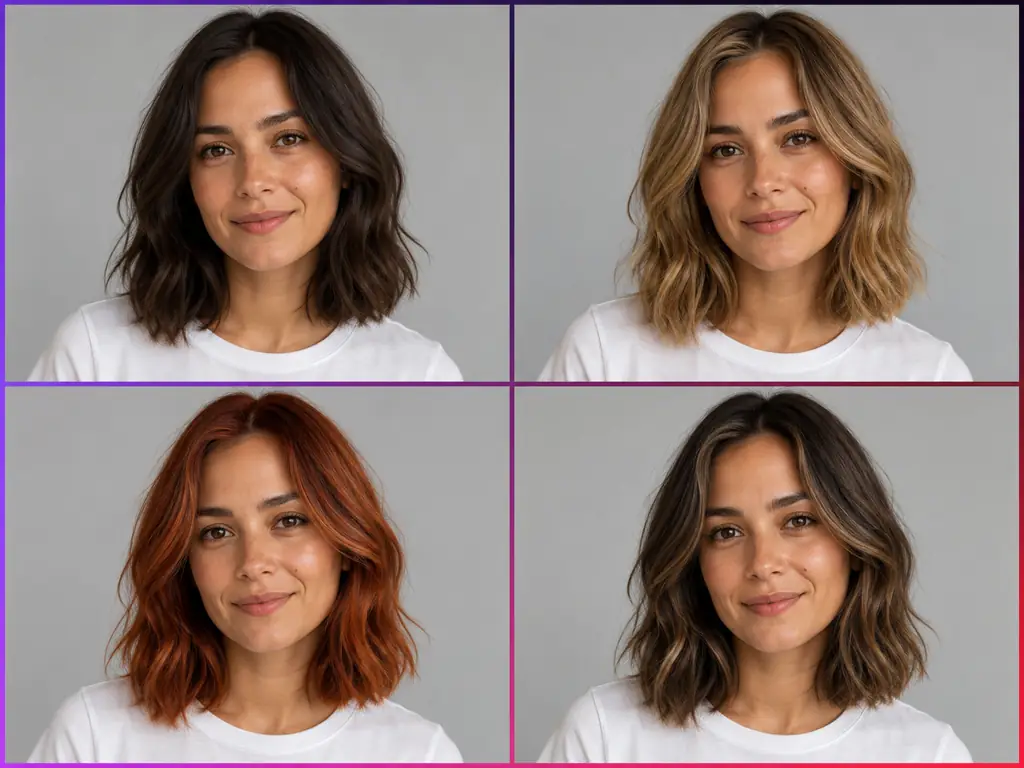
AI Hair Color Changer
Hair color change AI for your own photo. Try blonde, copper, brown, highlights or balayage before you dye; only your hair color changes.
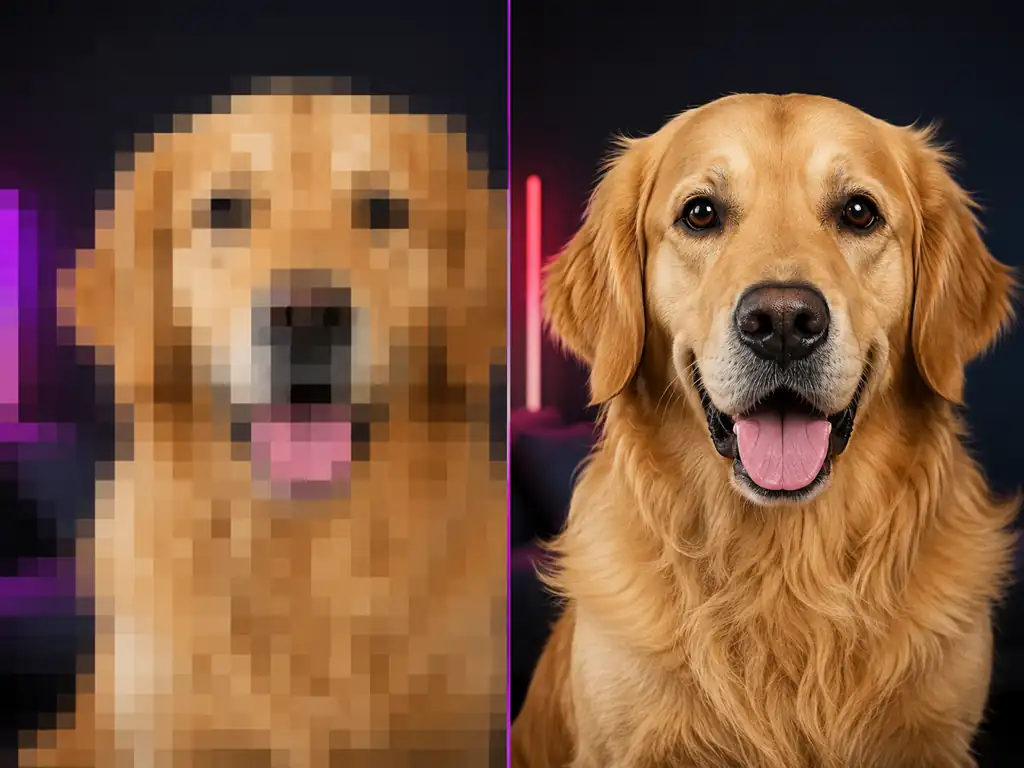
Unpixelate Image
Unpixelate image files online with AI. Upload a blocky photo, remove pixelation, and download a sharp copy. Free depixelate image tool and pixel remover.
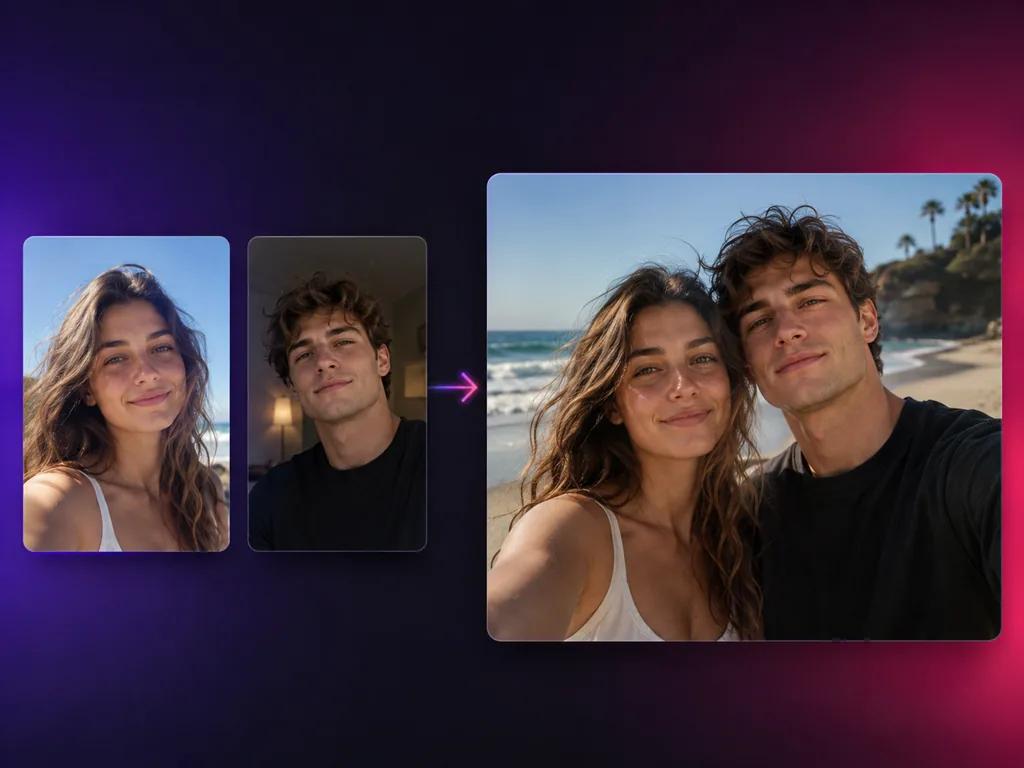
AI Image Combiner
Upload two photos and let AI merge them into one natural image with matched lighting, perspective and color.
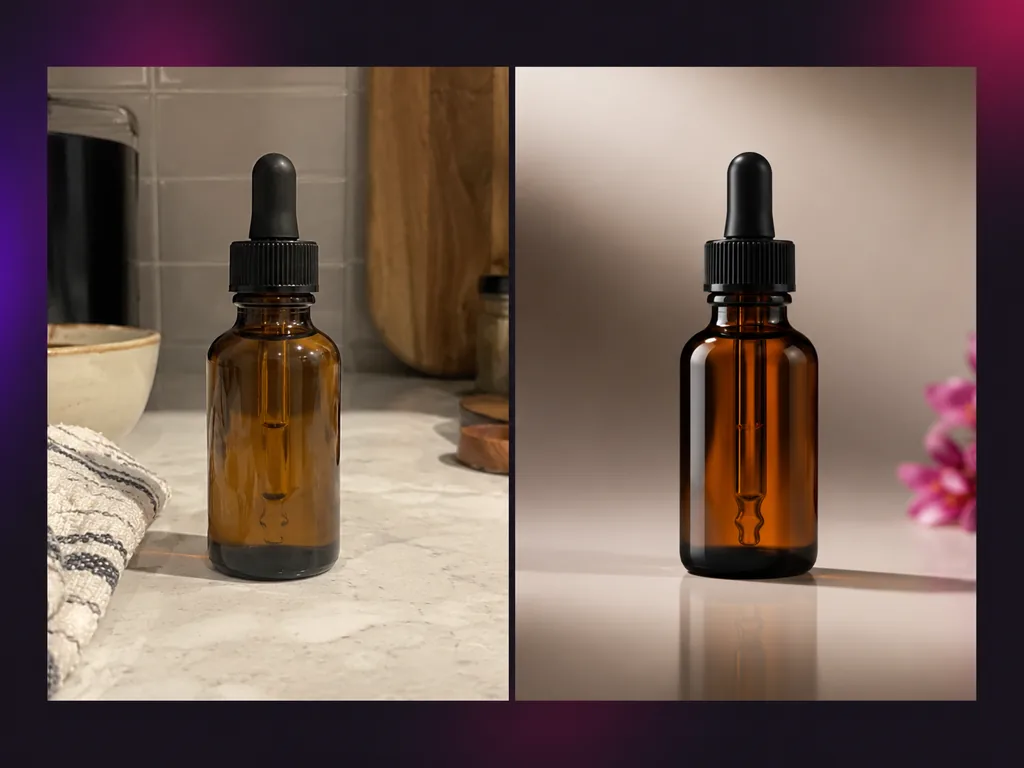
AI Product Photography
Turn one product photo into studio, lifestyle, model and ad shots with AI.
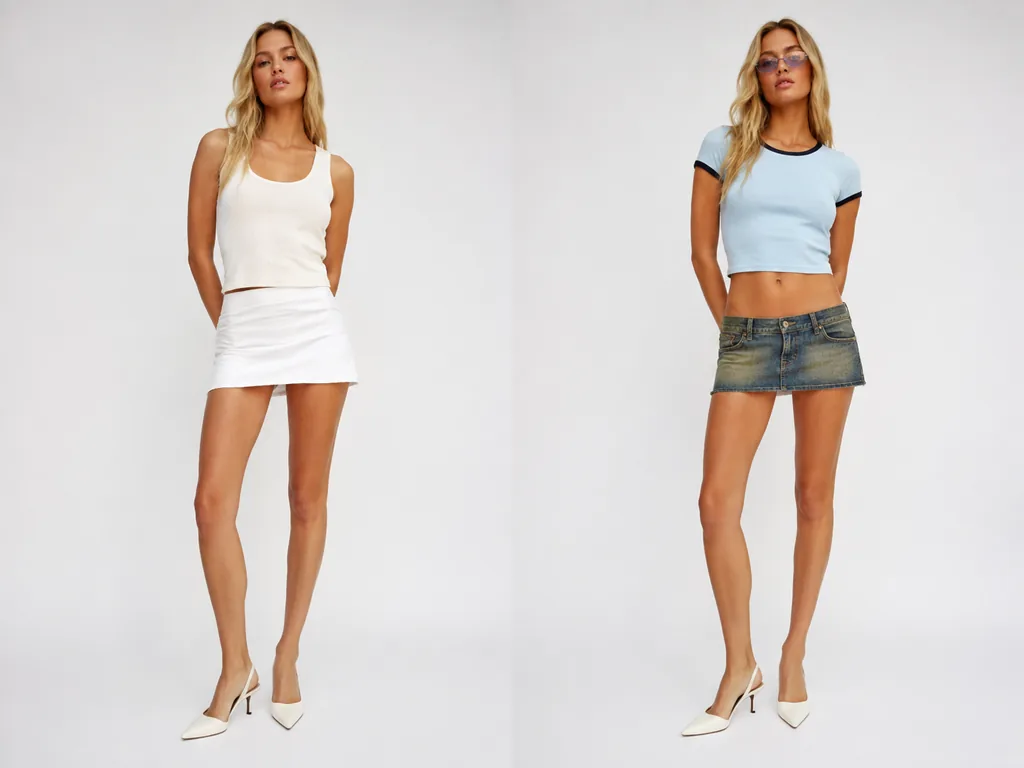
AI Outfit Generator
Upload one photo and try Y2K, streetwear, formal and more outfit styles with AI.
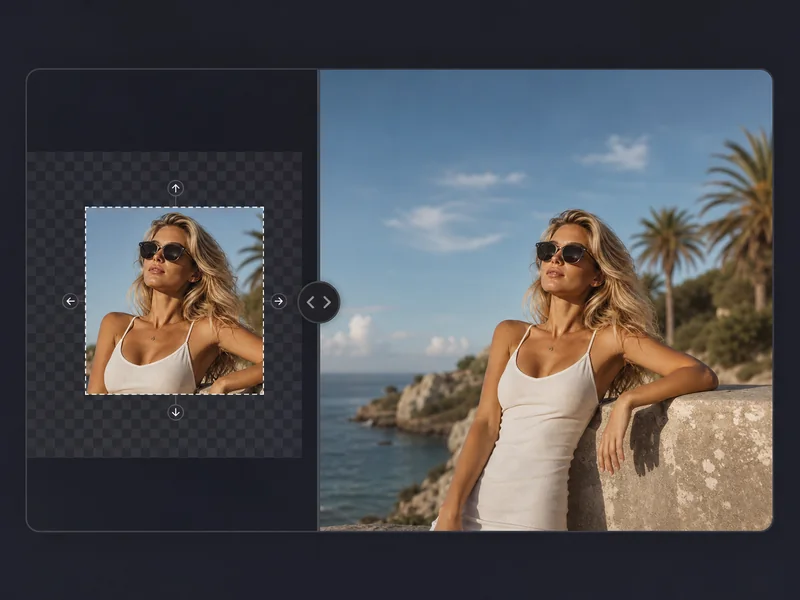
AI Image Expander
Extend images, uncrop photos, and generate natural missing backgrounds with AI.
AI Image Upscaler
Upload an image and upscale it to 1K, 2K, 4K, or 8K with Topaz image enhancement.
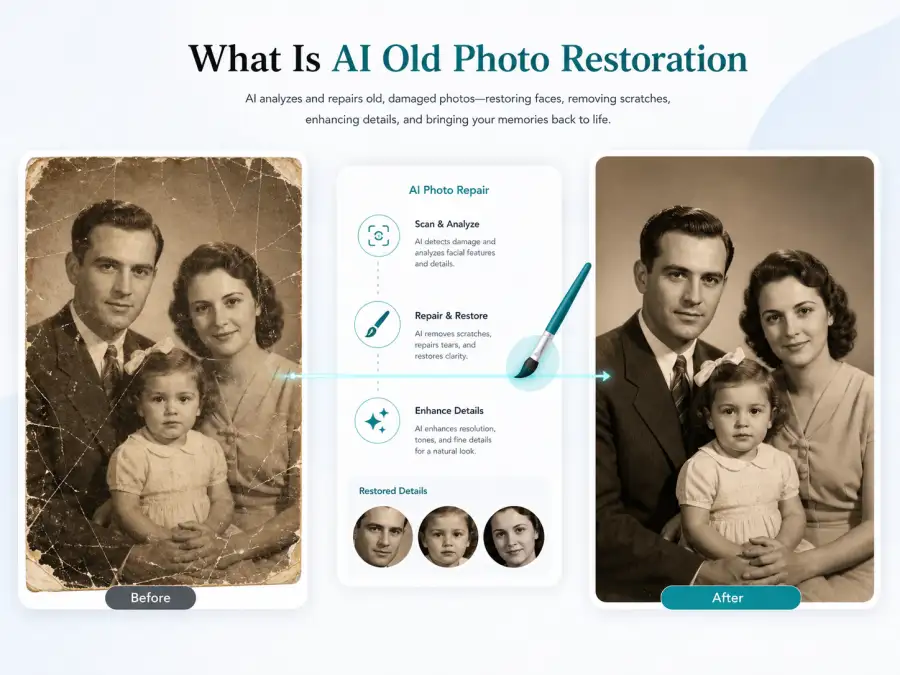
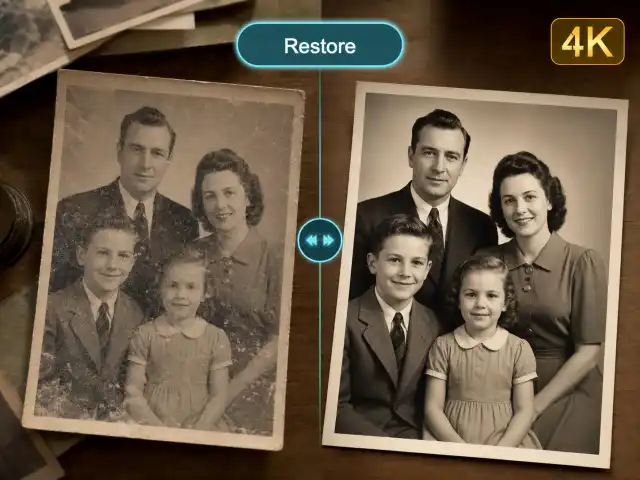
AI Old Photo Restoration
Upload an old, faded, scratched, or blurry photo and restore it with GPT Image 2.
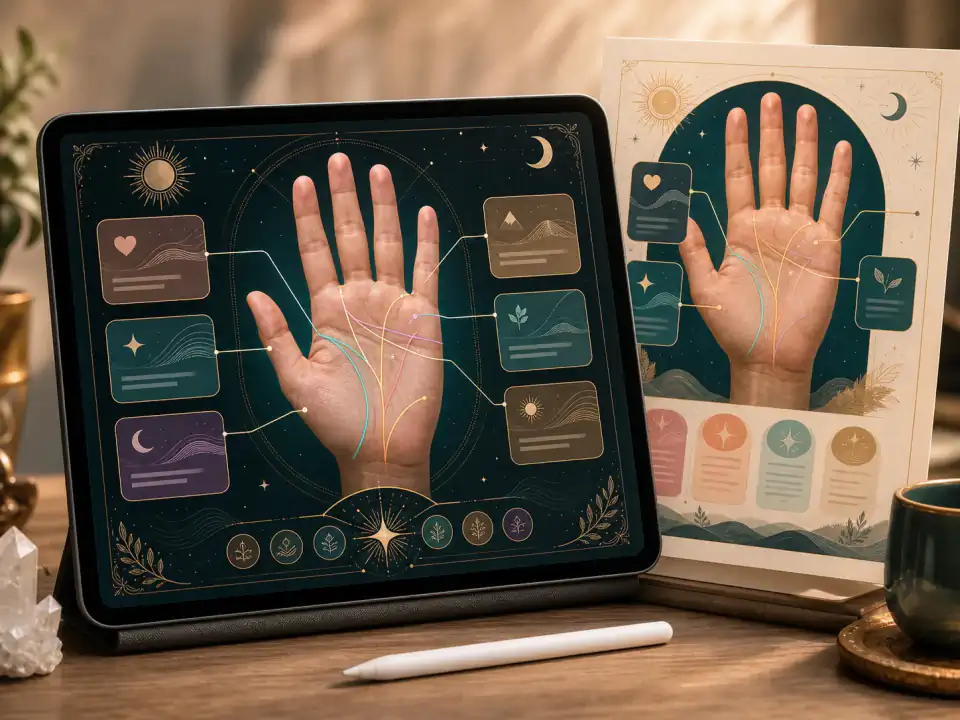
AI Palm Reader
Upload a palm photo and generate an annotated palm reading poster with GPT Image 2.
Image Background Remover
Upload a JPG, PNG, or WEBP image and remove its background with AI in one click.
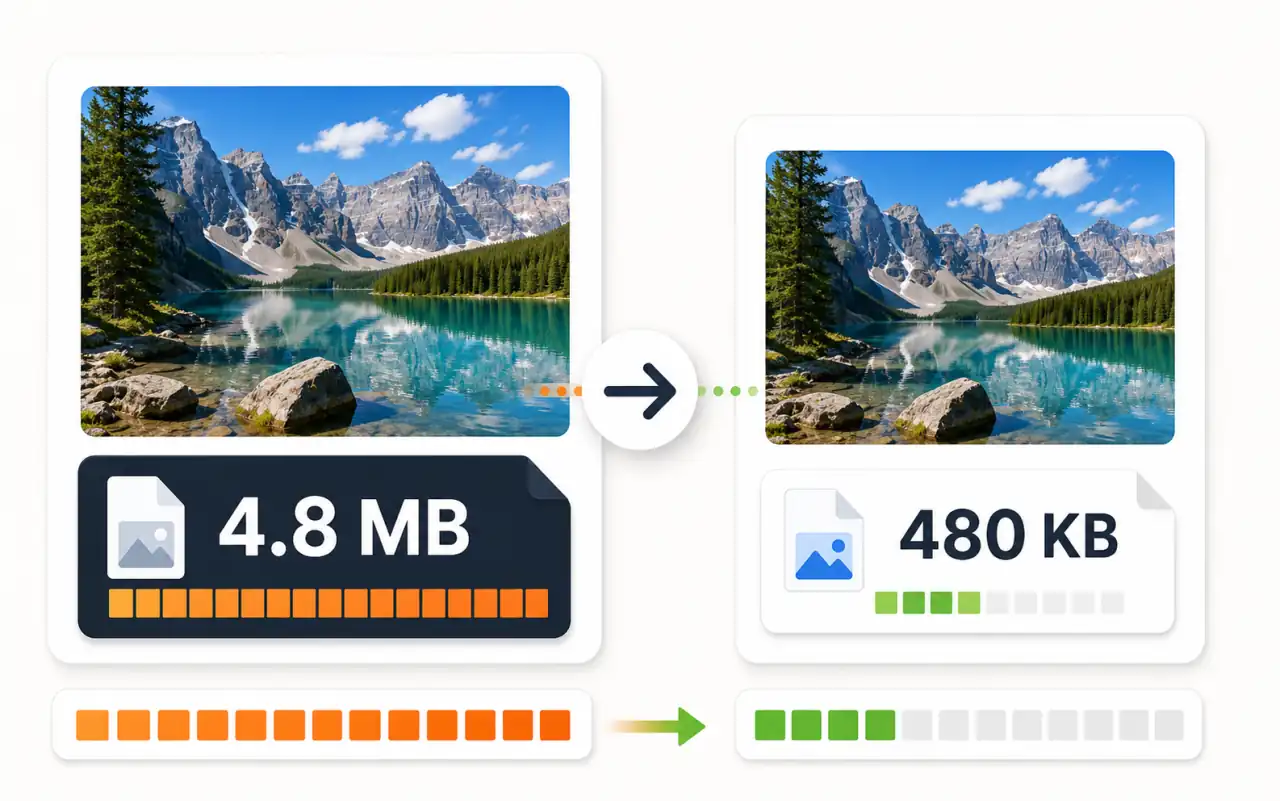
Image Compressor
Compress JPG, PNG, WebP images online. Reduce file size without losing quality. Free, no signup, 100% browser-based.
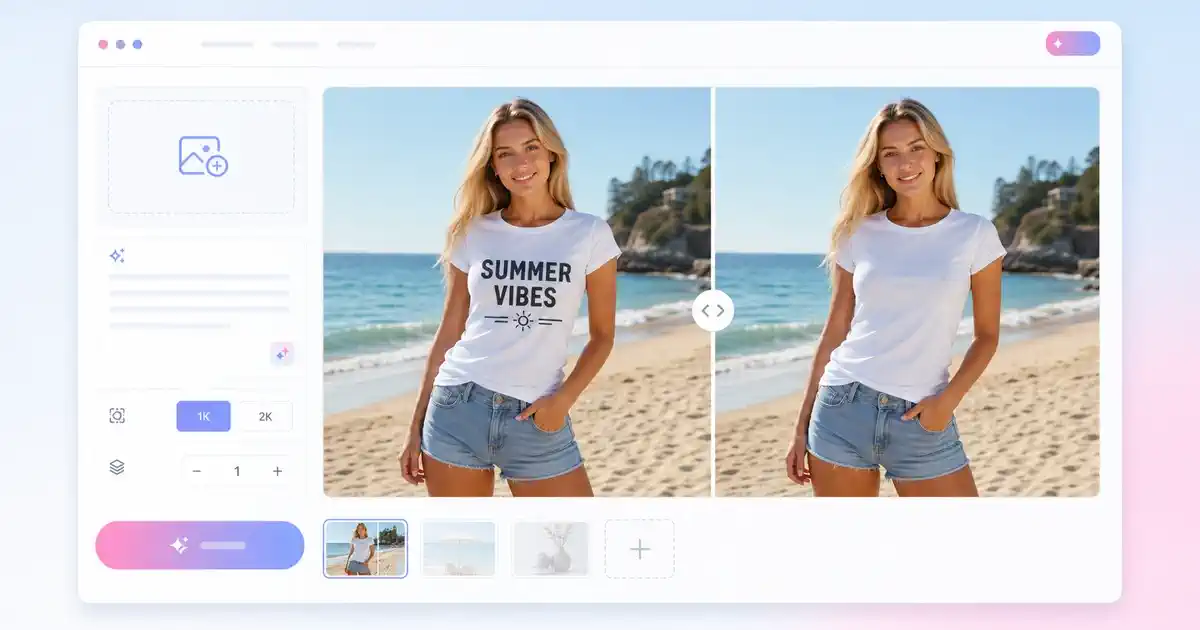
AI Image Text Remover
Upload one image, edit the prompt, choose 1K or 2K, and remove visible text with AI.
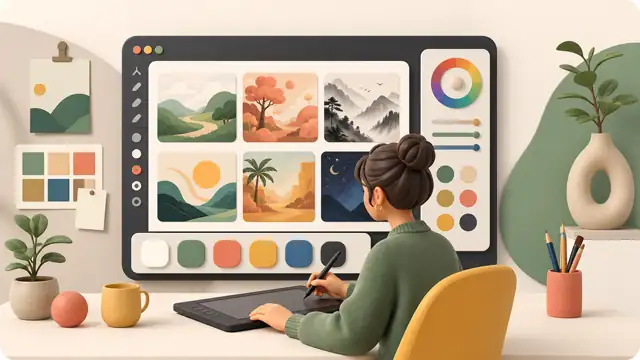
Image to Image
Upload a reference and transform style, lighting, or composition with GPT Image models.
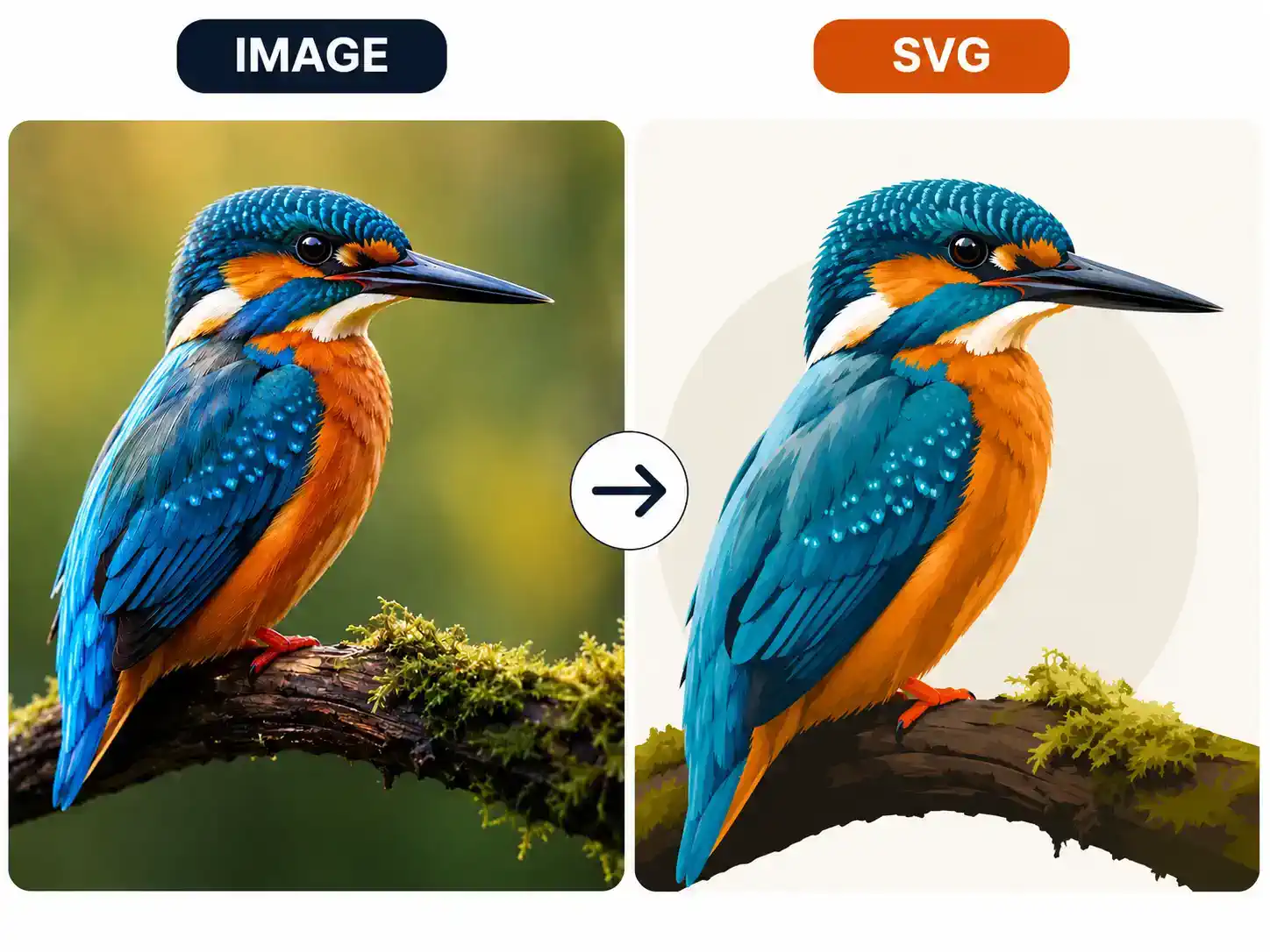
Image to SVG
Convert generated or uploaded JPG, PNG, and WEBP images into editable SVG files with AI.
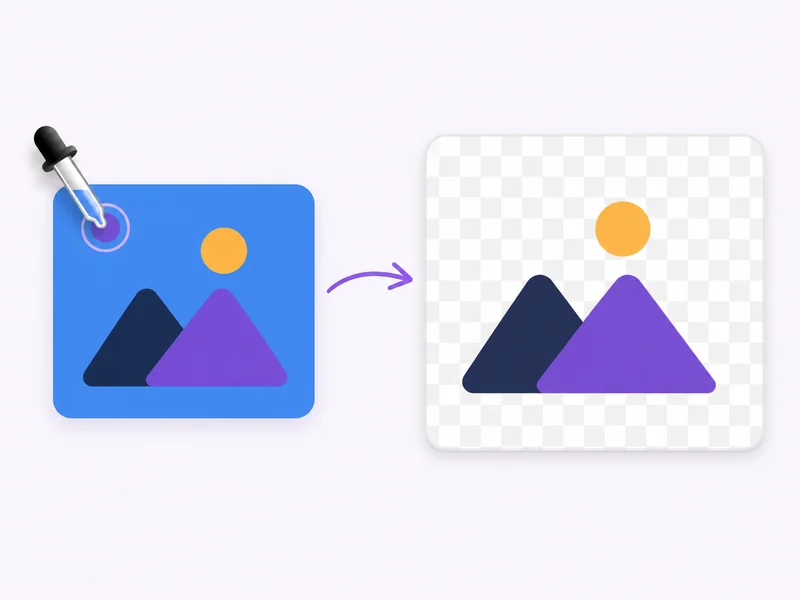
Remove Color from Image
Upload an image and automatically remove its background color as a transparent PNG.

Text to Image
Describe any scene and render production-ready images with the available GPT image models.
AI Video Tools6
Frames to Video
Control motion by providing start and end frames for more predictable video transitions.
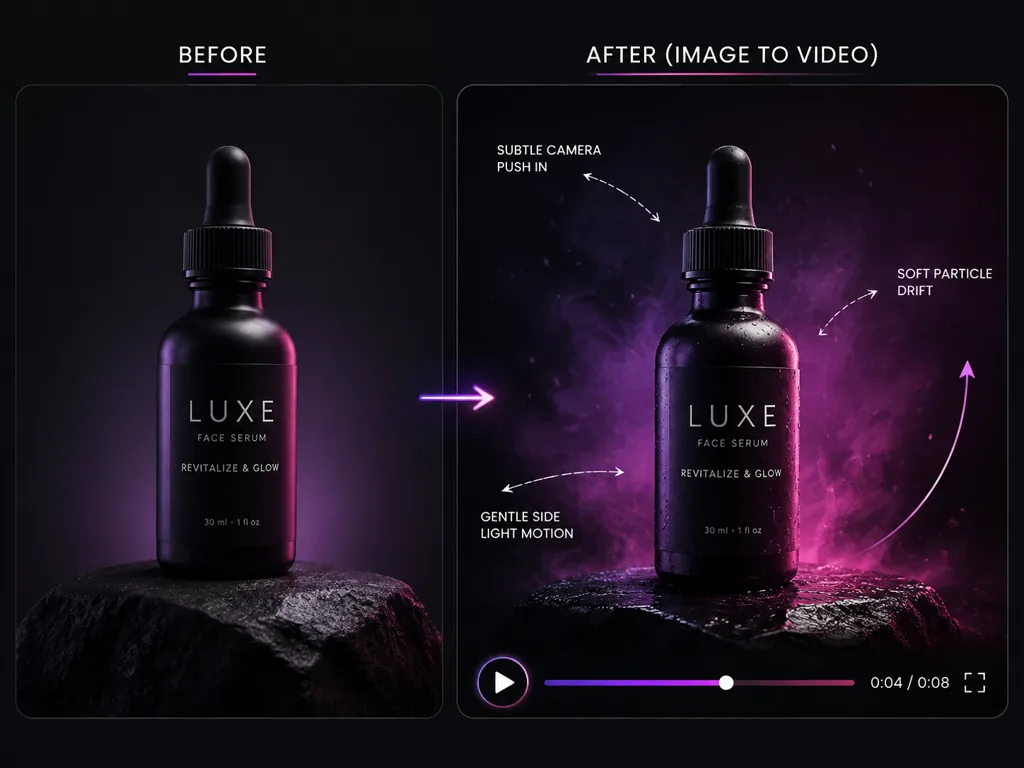
Image to Video
Animate still frames into living shots while preserving framing, subject identity, and scene intent.
Motion Control
Transfer movement from a reference video to a character image with controllable orientation and output quality.
Reference to Video
Guide generation with stronger visual anchors when you need controlled motion from multiple creative references.
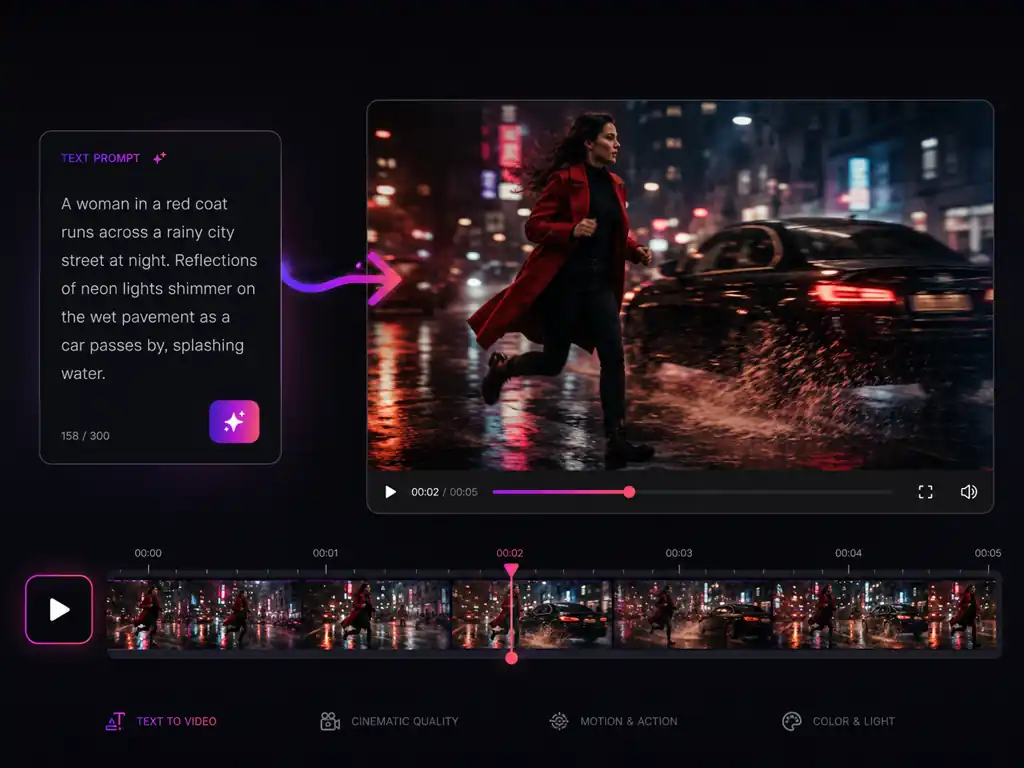
Text to Video
Generate motion directly from prompts and rapidly explore cinematic timing, mood, and camera energy.
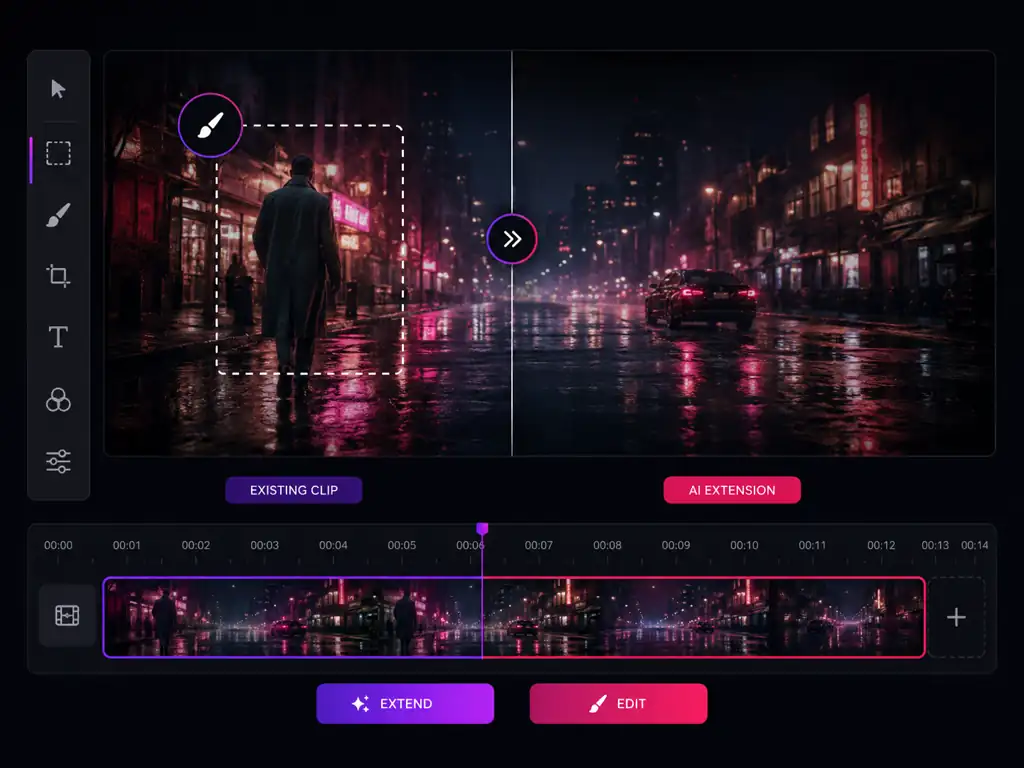
Video Edit
Upload a video and use an editing prompt to transform the clip while preserving its core motion.
Free Utilities2
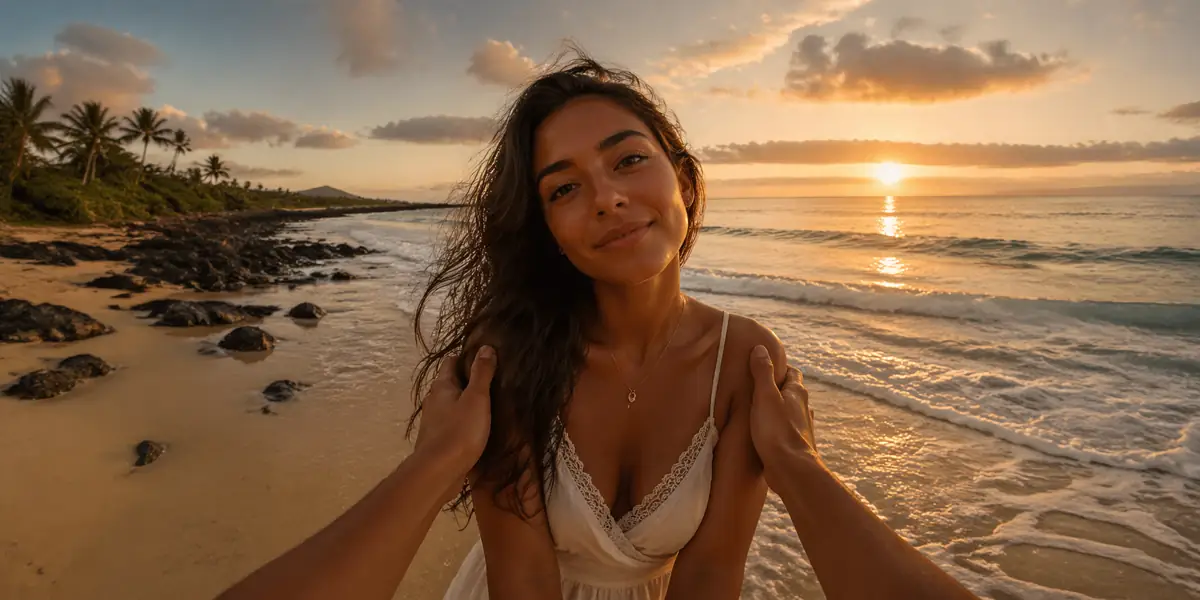
Image Models19
FLUX 3 Image
NEWGenerate and edit images with FLUX 3 Image, featuring multilingual text rendering and reference editing.

GPT Image 1.5
Use GPT Image 1.5 for quality-controlled generation and editing with flexible prompt workflows.
GPT Image 2
HOTOpen the flagship GPT Image 2 workflow for high-fidelity text-to-image generation and image editing.
GPT Image 2.5
Run GPT Image 2.5 online: turn a brief into a picture, restyle a photo you upload and export up to 4K.
GPT Image 3
Generate and edit images with GPT Image 3: prompt to picture, image to image editing and export up to 4K.

Grok Imagine Image 2.0
NEWGenerate and edit images with Grok Imagine Image 2.0 by default, with other image models still available to switch.

Ideogram 4.0
Generate images with Ideogram 4.0, starting from text-to-image while keeping other image models available in the workspace.

Nano Banana
Use the Nano Banana image workflow for Google image generation, editing, and model switching in the workspace.
Nano Banana 2
HOTOpen the Nano Banana 2 image workflow with Google image generation, full ratio control, and multi-reference support.
Nano Banana 2 Lite
Start with Nano Banana 2 Lite for faster Google image generation and editing with flexible aspect ratios.
Nano Banana Pro
Start with Nano Banana Pro for advanced Google image generation with stronger reasoning, references, and high-resolution output.

Qwen Image 3.0
Explore Qwen Image 3.0 capabilities while generating with Qwen Image 2 during the initial launch.

Seedream 5.0
Open the Seedream 5.0 image workflow with Seedream 5.0 Lite selected by default for fast text-to-image and image-to-image generation.
Seedream 5.0 Pro
Use Seedream 5.0 Pro by default for higher-fidelity text-to-image and image-to-image generation.

Z-Image
Generate images quickly with Z-Image, a fast text-to-image model that costs 3 credits per image.
Seedream 4.5
Open the image generator and pick Seedream 4.5 from the model dropdown.
Seedream 4.0
Open the image generator and pick Seedream 4.0 from the model dropdown.
Qwen Image 2
Open the image generator and pick Qwen Image 2 from the model dropdown.
GPT Image 2 Stable
Open the image generator and pick GPT Image 2 Stable from the model dropdown.
Video Models12
Gemini Omni Flash 1.1
NEWCreate and edit 5–10 second videos with synchronized audio, multimodal references, and output up to 4K.
FLUX 3 Video
NEWCreate short videos with native audio using FLUX 3 Video, from text prompts and images.

MiniMax H3
NEWCreate native 2K videos with MiniMax H3 using text, first and last frames, or multimodal reference assets.
MiniMax H3 Max
NEWCreate 480P or 768P videos with enhanced prompt adherence and aesthetics from text, images, or first and last frames.
Seedance 2
HOTGenerate high-quality video with Seedance 2 using text, images, reference assets, or existing clips.
Seedance 2.0 Fast
Use Seedance 2.0 Fast by default for faster text, image, reference, and video-based generation.
Seedance 2.0 Mini
Use Seedance 2.0 Mini by default for efficient text, image, reference, and video-based generation.
Seedance 2.5 AI Video Generator
NEWCreate up to 4K AI video with Seedance 2.5 using text, images, native synchronized audio, and clips up to 30 seconds.
Wan 3.0 AI Video Generator
NEWCreate 1080p Full HD AI video with Wan 3.0 using text, images, native synchronized audio, and clips up to 30 seconds.
Seedance 1.5 Pro
Open the video generator and pick Seedance 1.5 Pro from the model dropdown.
Seedance 1.0 Pro Fast
Open the video generator and pick Seedance 1.0 Pro Fast from the model dropdown.
Wan 2.7
Open the video generator and pick Wan 2.7 from the model dropdown.
Try any tool free
Every tool works right in your browser — no download, no credit card. Pick one above and see the result in seconds.