


Free NoteGPT AI Image Editor Online: Edit and Create Pictures
NoteGPT is an AI workspace best known for YouTube summaries and transcripts, and its AI image generator and editor turn a prompt or a photo into a new picture in seconds. Looking for a NoteGPT alternative for images? Create yours free with Makify AI now!
⚡ Free to start · 🧠 10+ image models · 🖼️ Up to 4K export
What Is NoteGPT AI?
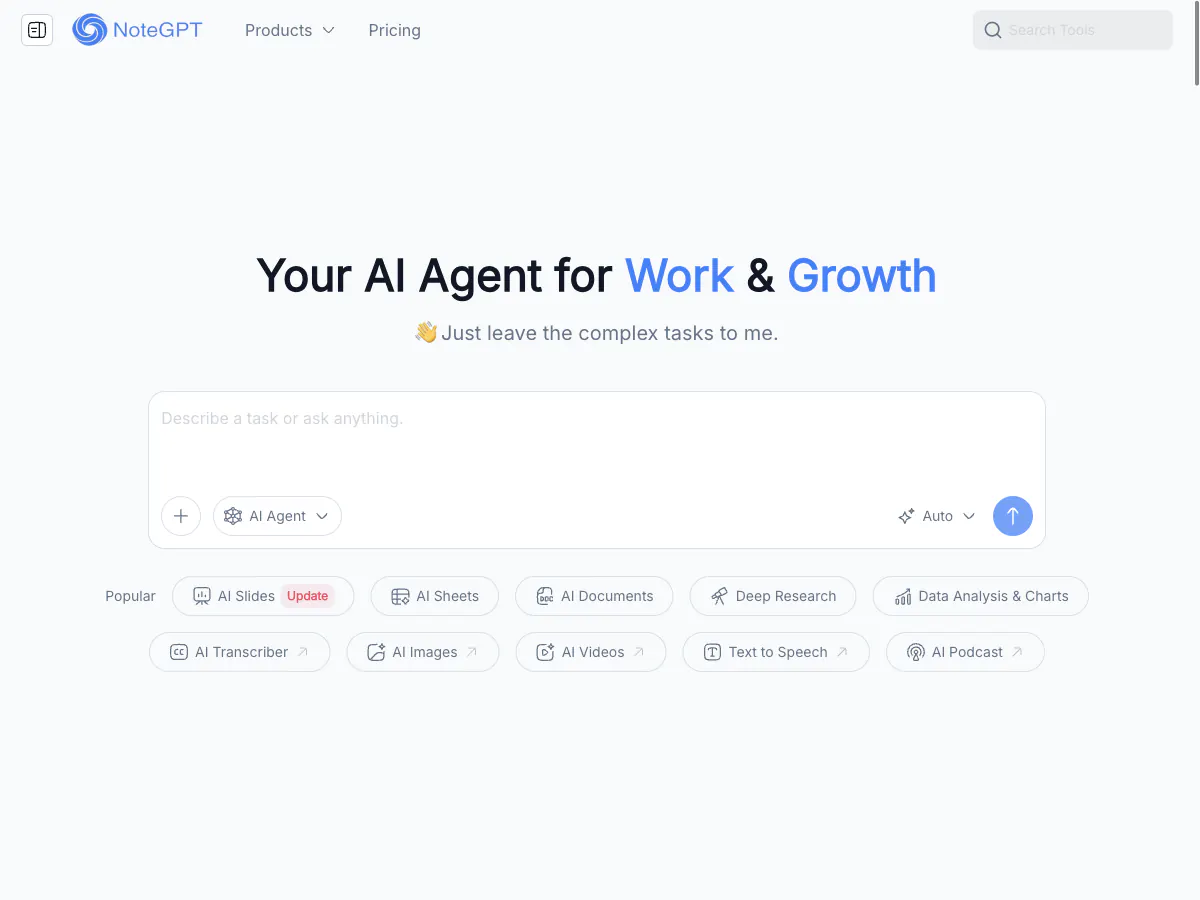
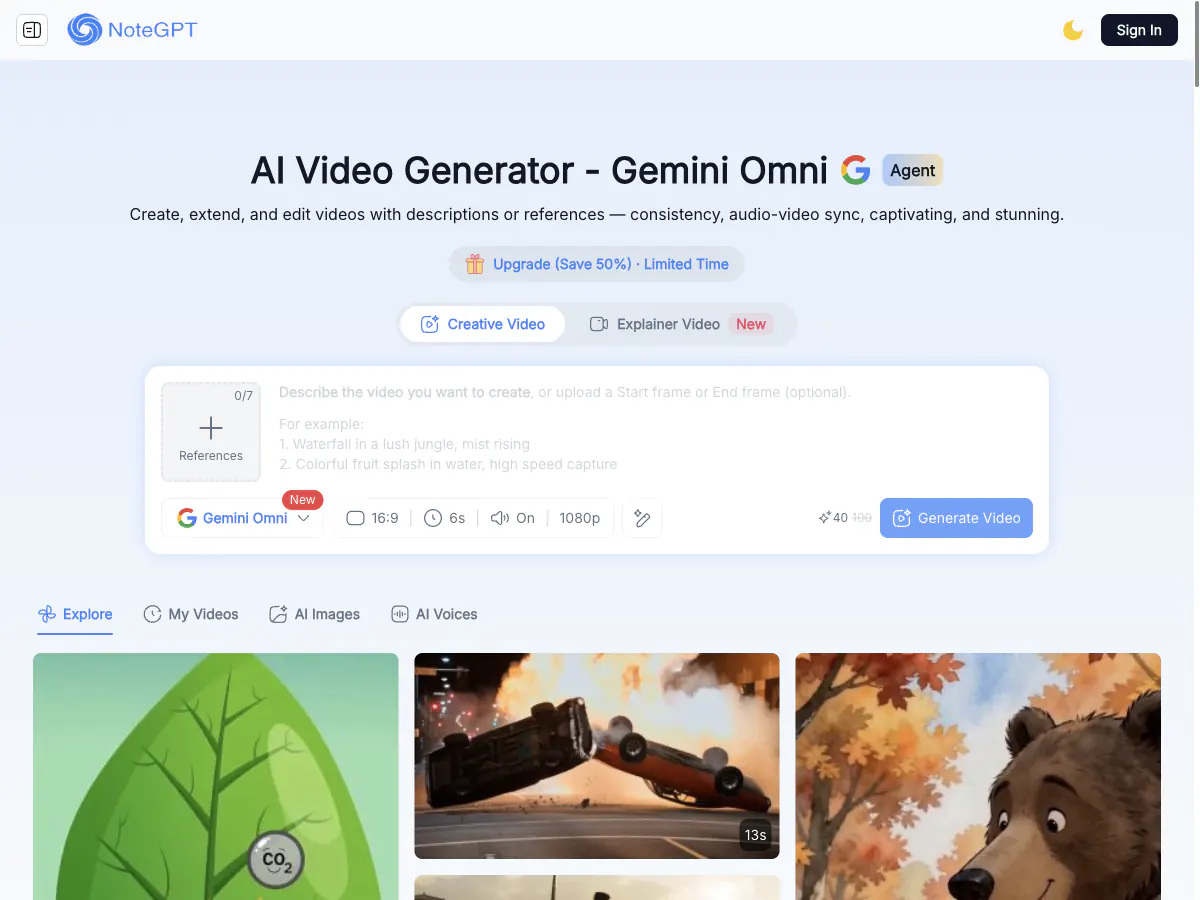
NoteGPT is an online AI workspace that started with YouTube transcripts and video summaries and now covers notes, slides, research, text to speech, AI detection and humanizing, video and images. Its AI Image Generator turns a prompt and up to 8 reference images into a picture with GPT Image 2.5, and its AI Image Editor changes an uploaded photo from a text instruction with Nano Banana or GPT Image 2. The image editor gives 2 free images a day, and paid plans add premium credits for more images, videos and transcription minutes.
What You Can Make with NoteGPT's AI Image Tools
From a single prompt to edited photos, infographics and short videos, here is what people make with NoteGPT's image tools, and where to do each job on Makify AI.
Generate Images from a Text Prompt
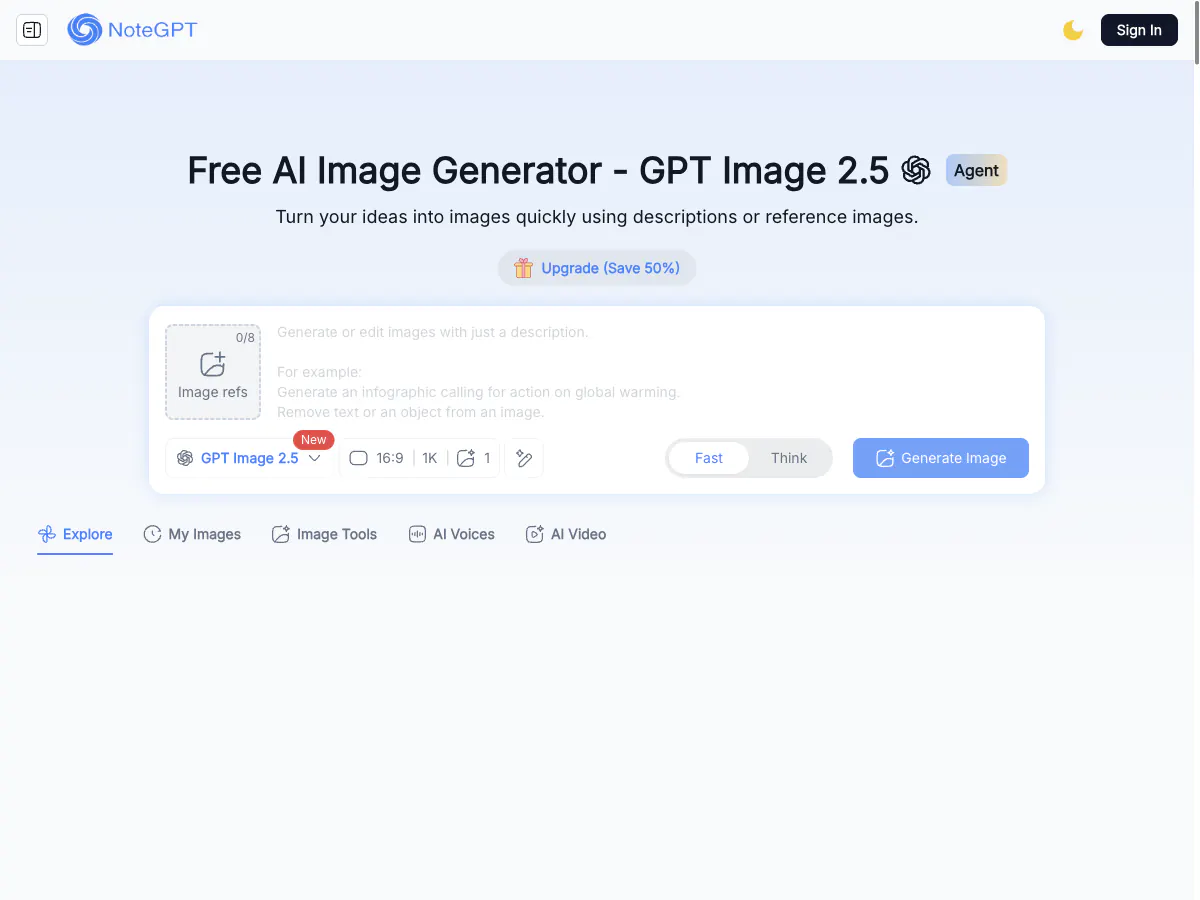
Type an idea, add reference images if you have them, and get a finished picture.
- Portraits, products, posters and concept art
- Add up to 8 reference images for style or subject
- Choose the aspect ratio for each post
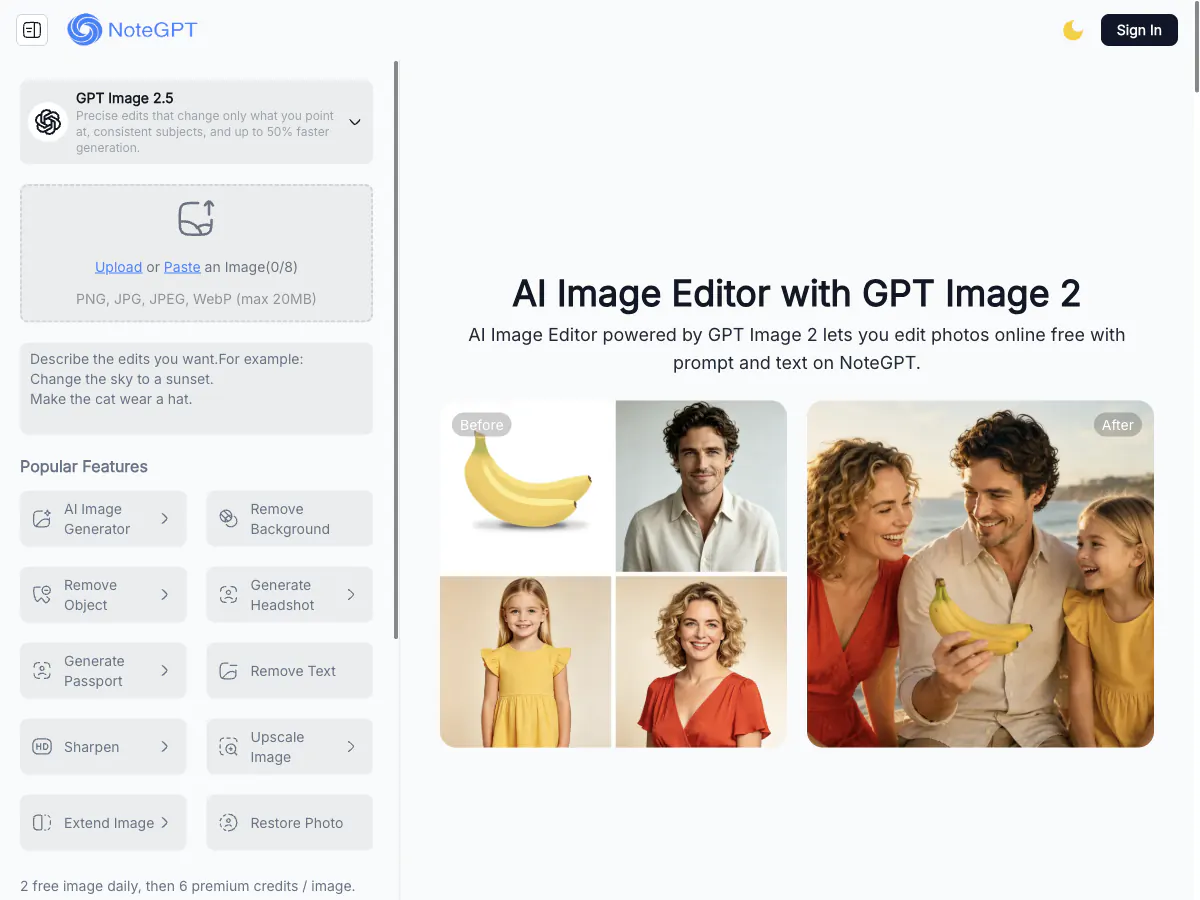
Edit Photos with a Prompt
Upload a photo and describe the change instead of editing it by hand.
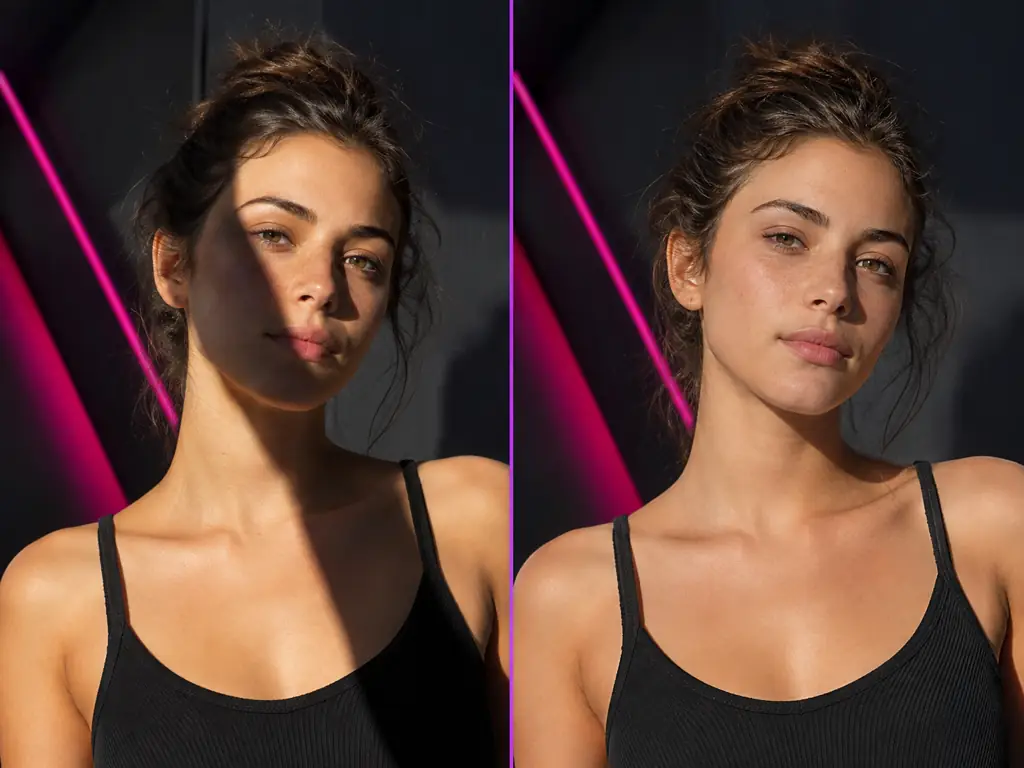
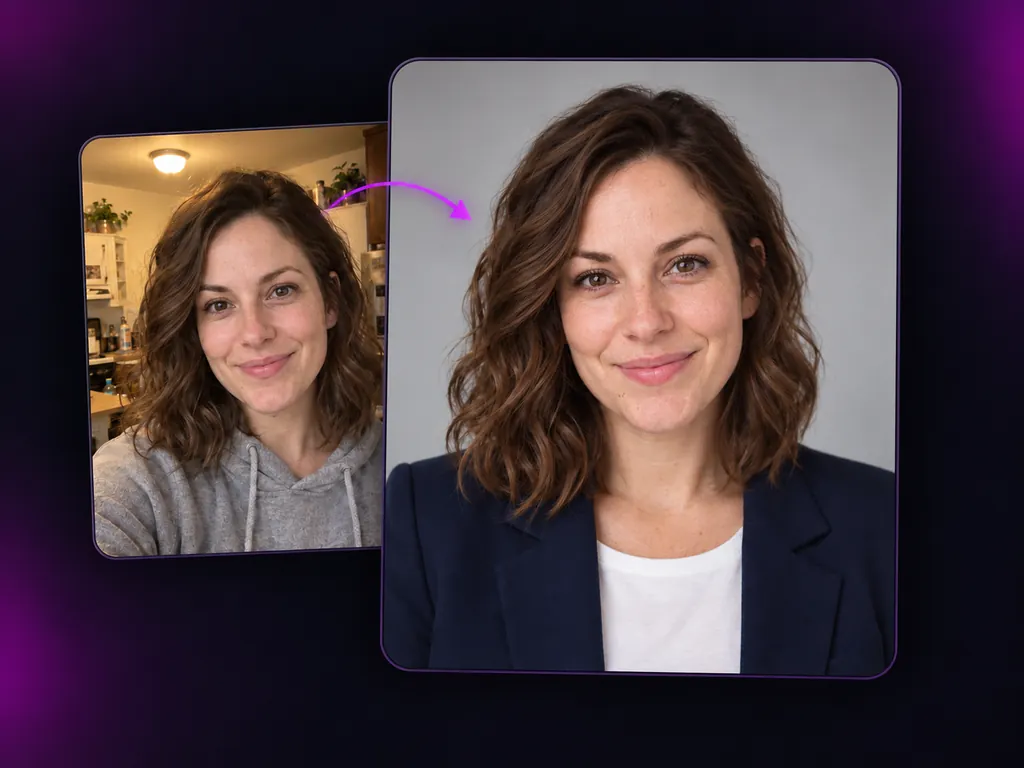
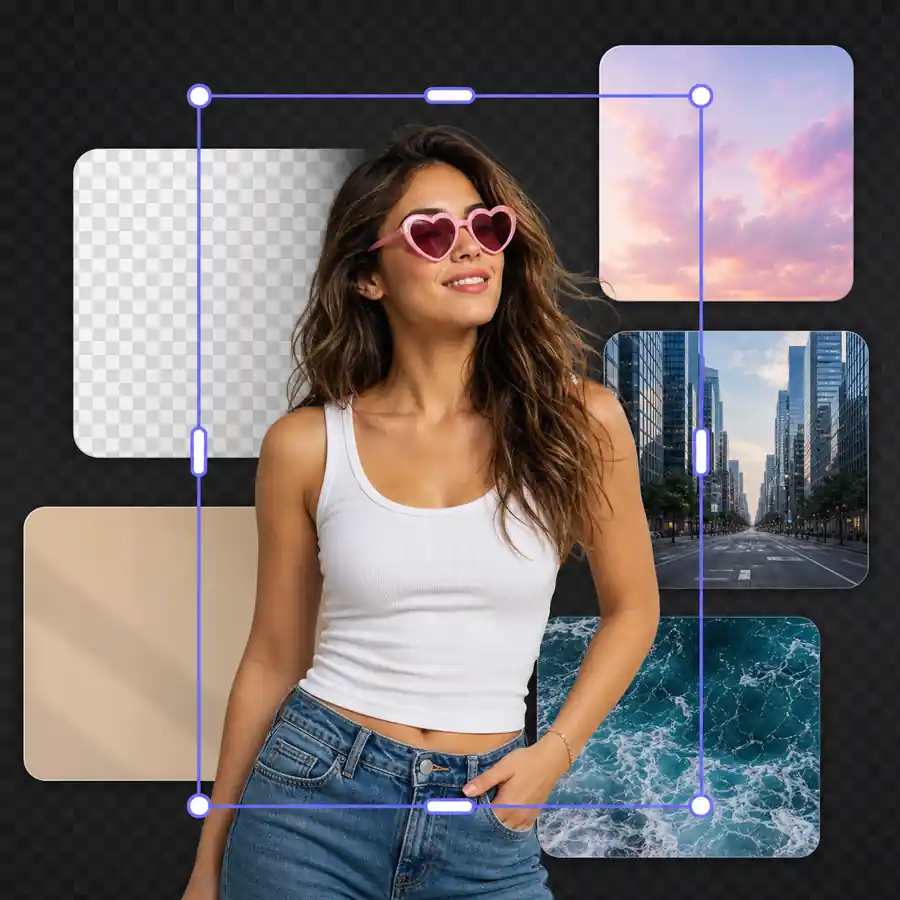
- Swap backgrounds and adjust colors
- Add, remove or replace details
- Keep the same face or product across edits
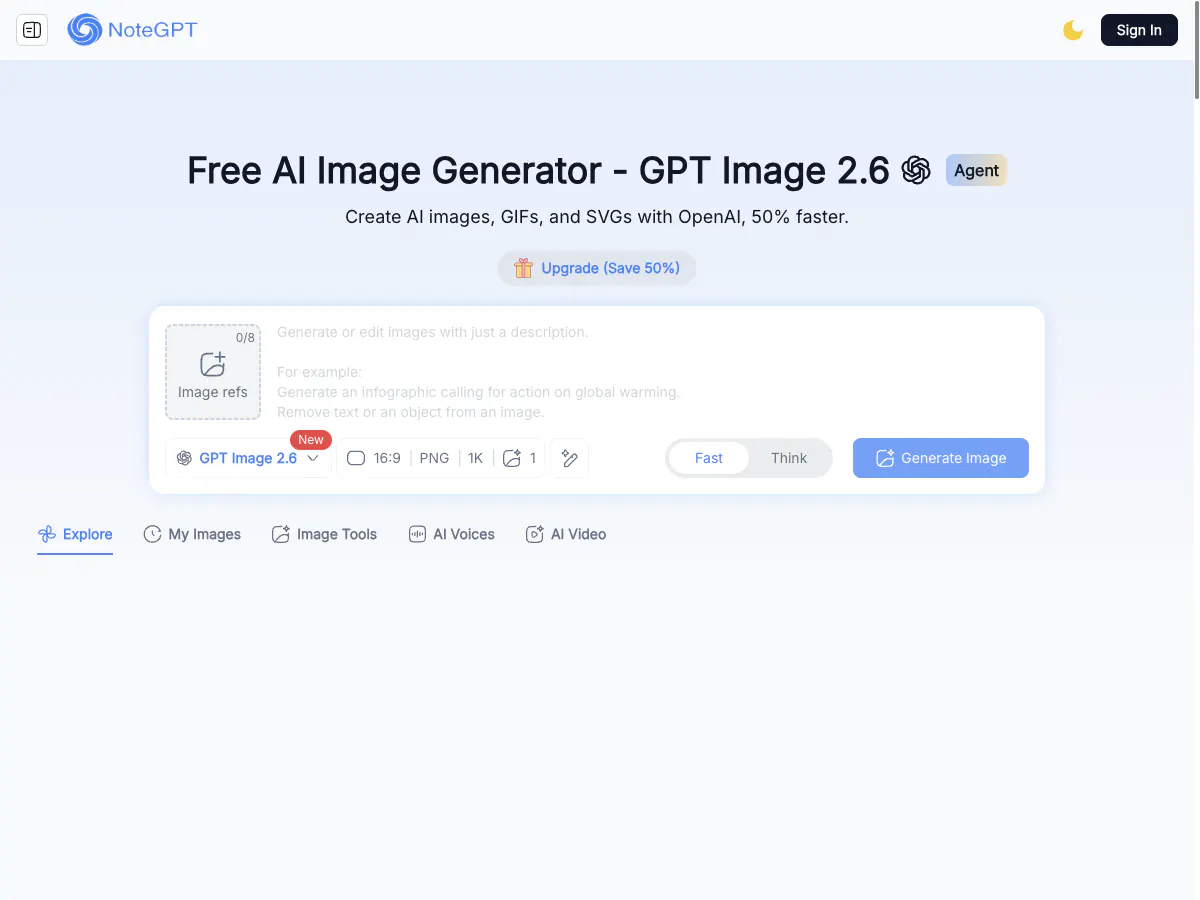
Create Images with GPT Image 2.x
Use OpenAI's latest image models for clean text, layouts and photoreal scenes.
- Readable text inside images
- Accurate layouts for ads and banners
- Photoreal scenes from short prompts
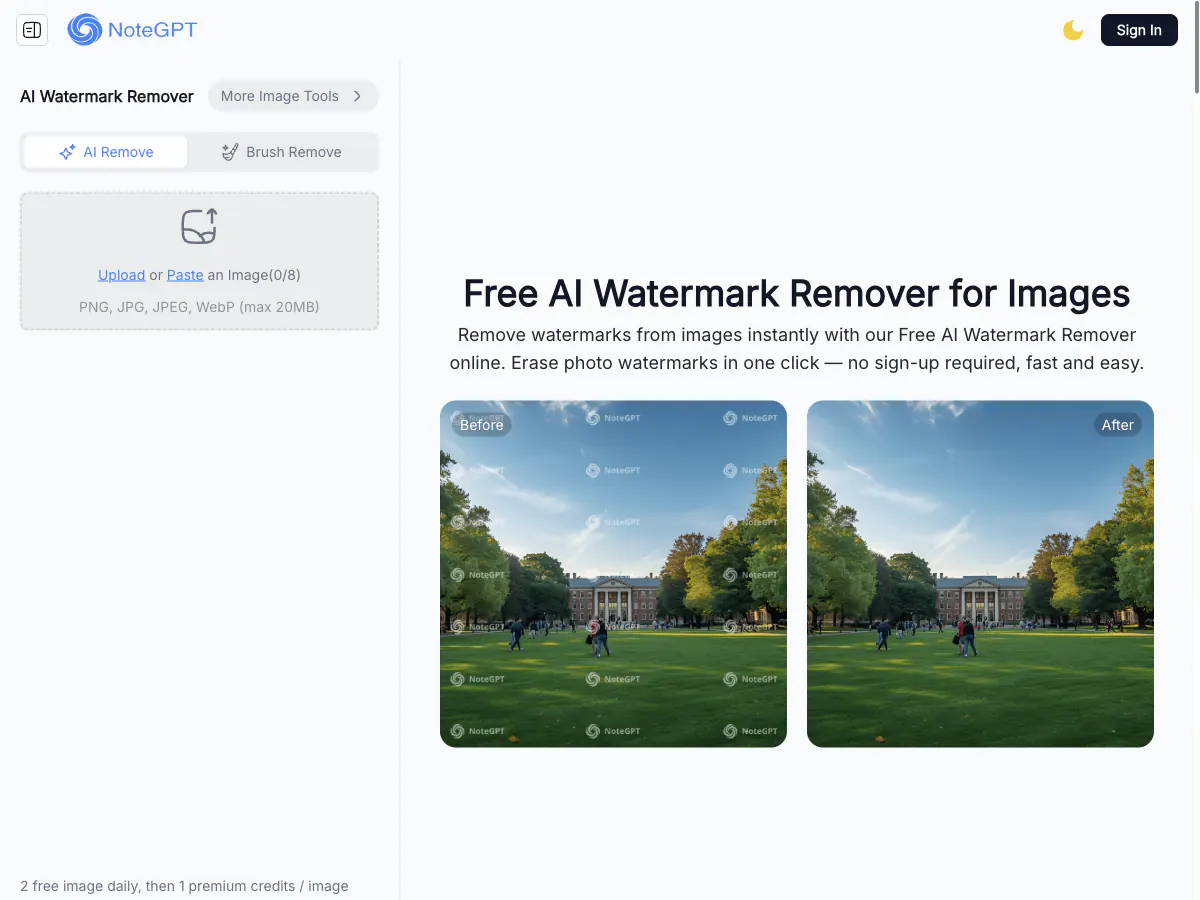
Remove Watermarks and Unwanted Text
Clear stamps, captions and logos and fill in the background behind them.
- Remove watermarks and date stamps
- Erase captions and labels
- Keep the rest of the image intact
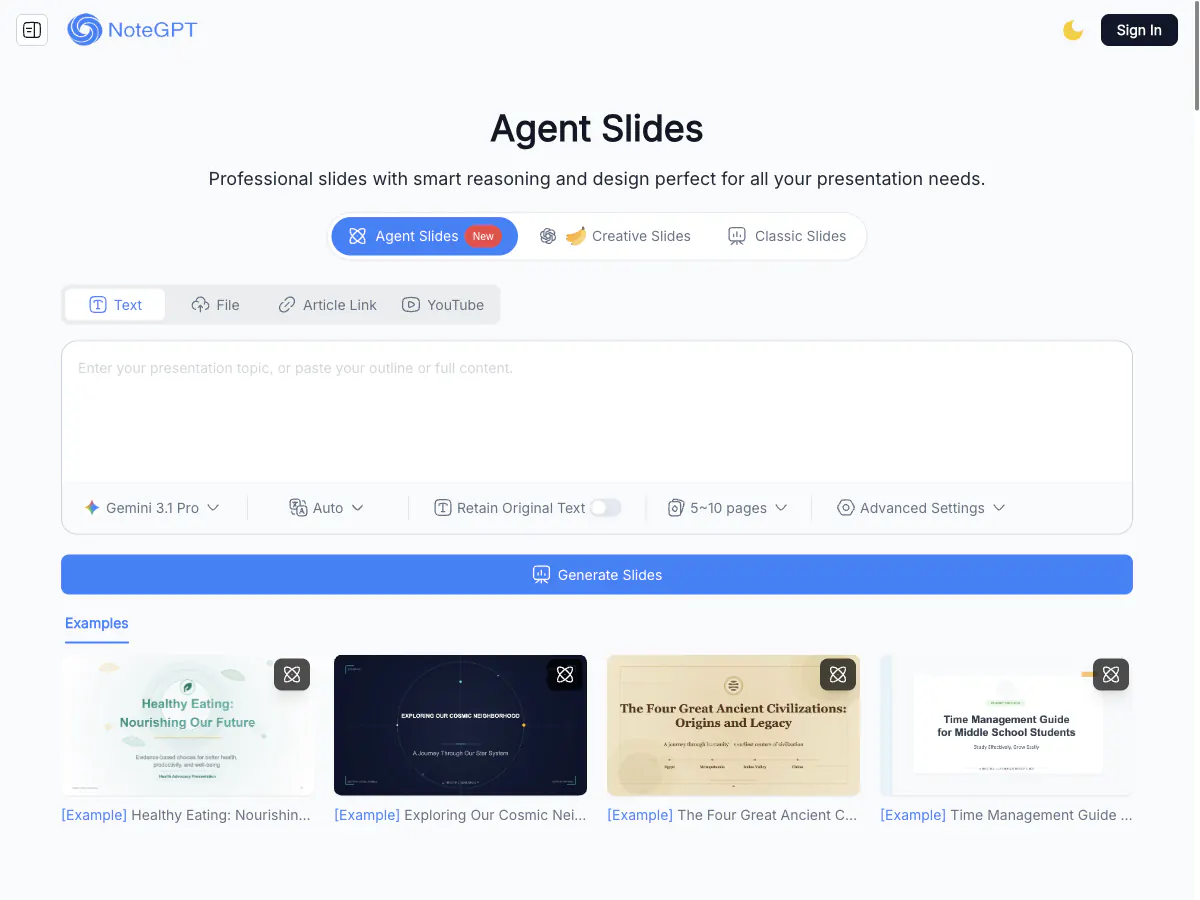
Turn Notes into Infographics and Slides
Turn a document or a few notes into a visual that explains the idea at a glance.
- Infographics from text and notes
- Slide visuals for lessons and reports
- Clean charts and labeled diagrams
Animate Images into Video
Bring a still picture to life with motion for short social clips.
- Animate portraits, products and scenes
- Add camera moves and subject motion
- Make vertical clips for Reels, Shorts and TikTok
How to Create an Image with NoteGPT AI
Three steps from an idea to a finished image. The same flow works with the free tool at the top of this page.
Write a Prompt or Upload a Photo
Describe the picture you want in plain words, or upload a JPG, PNG or WebP photo you want to change.
Pick a Model and Size
Choose a model such as GPT Image 2 or Nano Banana 2, then set the aspect ratio and resolution for where the image will go.
Generate and Download
Generate, compare the results, refine the prompt if you need to, and download the image at up to 4K.
NoteGPT AI vs Makify AI for Image Generation
Both create and edit images from a prompt. Here is how they compare when images are the main job.
RecommendedMakify AI | NoteGPT AI | |
|---|---|---|
| Image models | MAI Image 2.7, Seedream 5.5, FLUX 3 Klein, GPT Image 2.6 / 2.5, Nano Banana 2.1 / Pro, Ideogram 4.0, Qwen Image 3, Grok Imagine Image 2 | GPT Image 2.6 / 2.5 / 2, Nano Banana 2.1 / 2 / Pro, Seedream 5.0 Pro |
| Max resolution | Up to 4K on every account, 8K with the AI upscaler | Up to 4K with Nano Banana Pro; the GPT Image tools start at 1K |
| Image task tools | 50+ tools incl. edit text in image, angle changer, image combiner, product photos, hairstyle and outfit changers | Image generator and editor, background remover, upscaler and watermark remover |
| Photo to video | Kling 4.0, Seedance 2.5, Wan 3.0, MiniMax H3 | Seedance 2.5 and other video models |
| Best for | Image work with the newest models and dedicated photo tools | YouTube summaries and notes, with images on the side |
NoteGPT is a strong all-in-one study and note tool with images on the side. If images are your main job, Makify AI gives you more image models, 4K exports with 8K upscaling, Kling 4.0 video and 50+ photo tools in one place.
Why Choose Makify AI as a NoteGPT Alternative for Images
Makify AI keeps the same prompt-and-upload workflow and is built around images, with more models, bigger exports and tools for specific photo jobs.
More Image Models in One Prompt Box
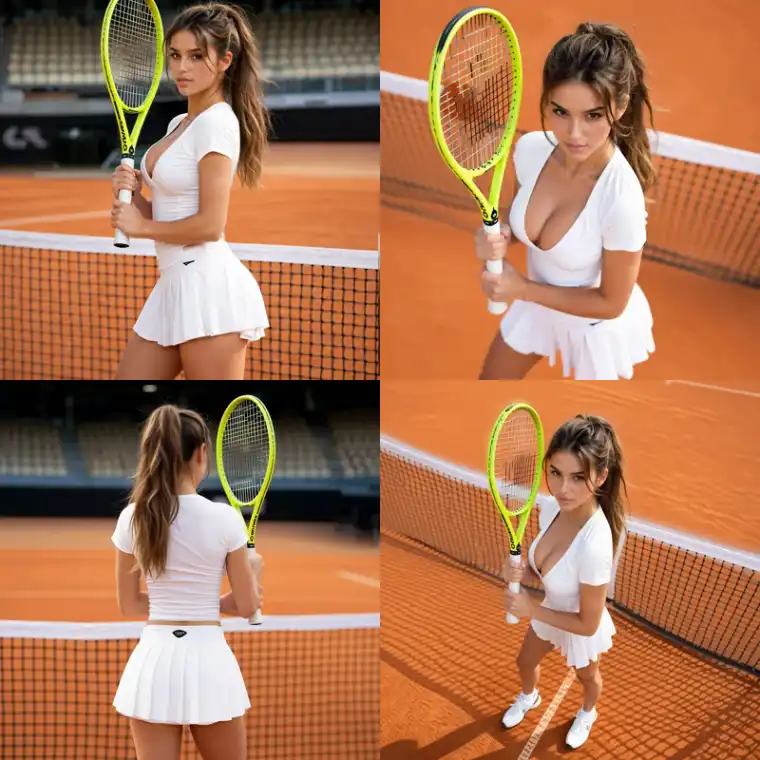
Switch between MAI Image 2.7, Seedream 5.5, FLUX 3 Klein, GPT Image 2.6, Nano Banana 2.1 and Ideogram 4.0, and keep the result you like best.
4K Exports and 8K Upscaling, No Watermark
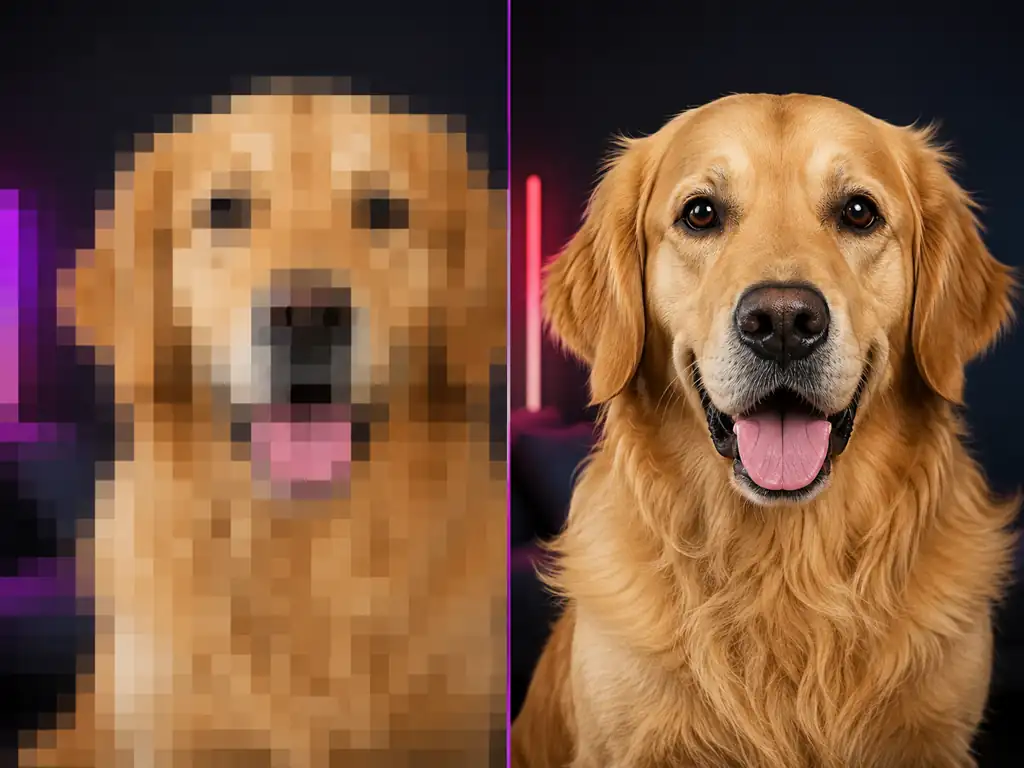
Export images at up to 4K on every account, upscale to 8K with the AI upscaler, and download every image without a watermark.
50+ Tools Built for Photo Jobs
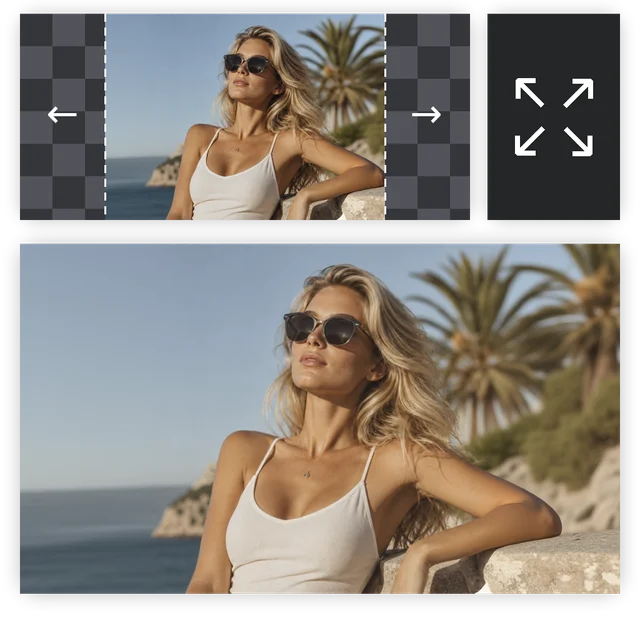
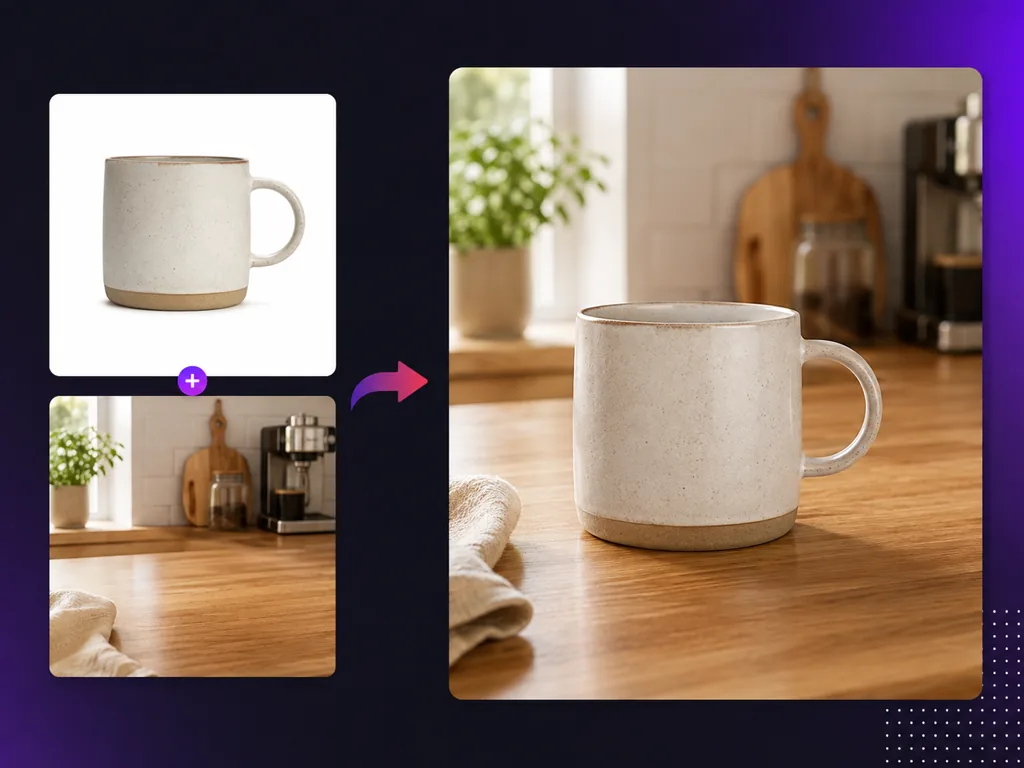
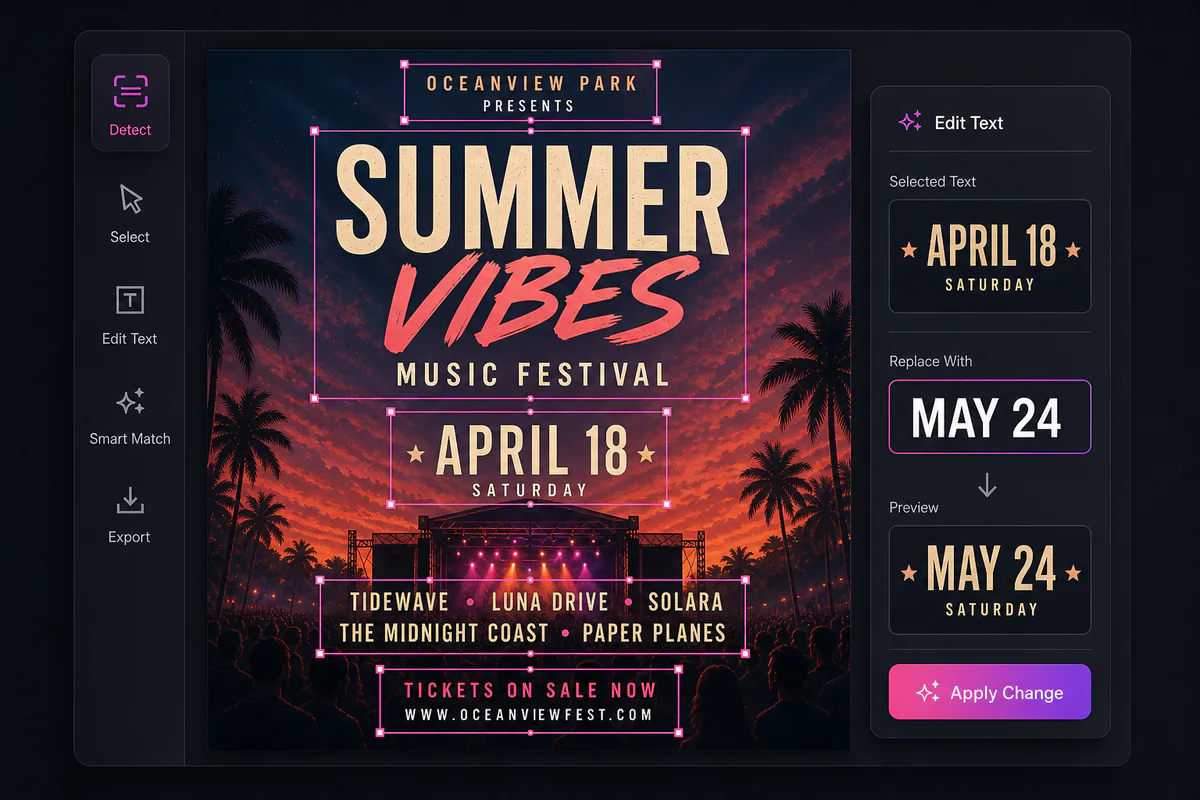
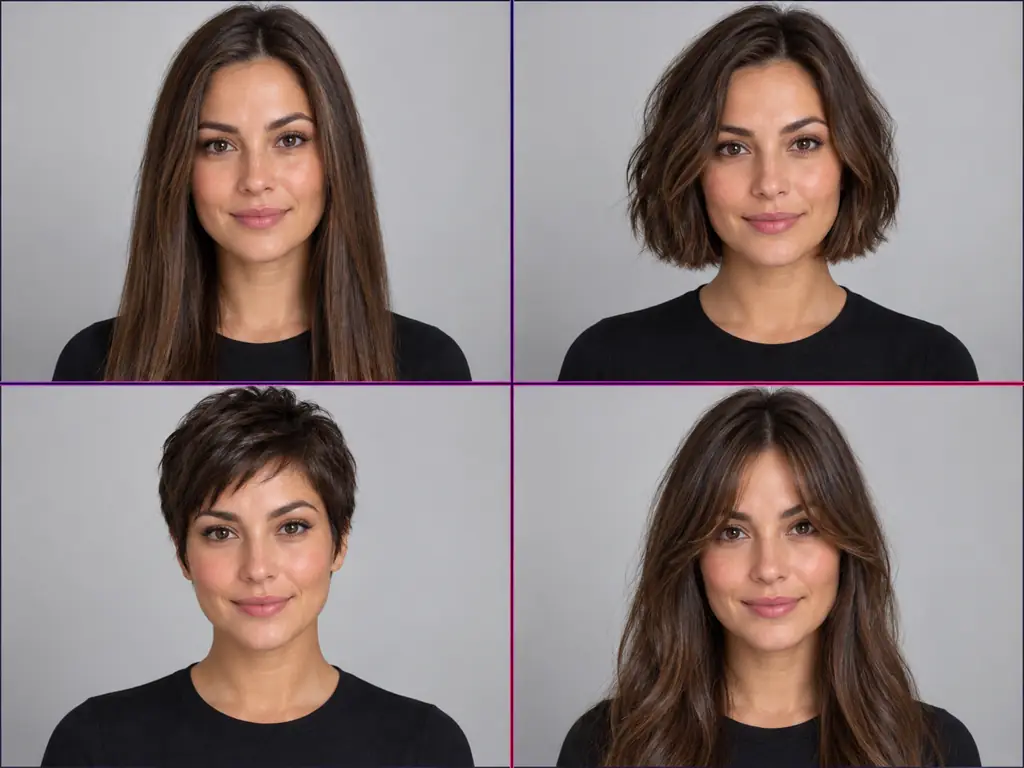
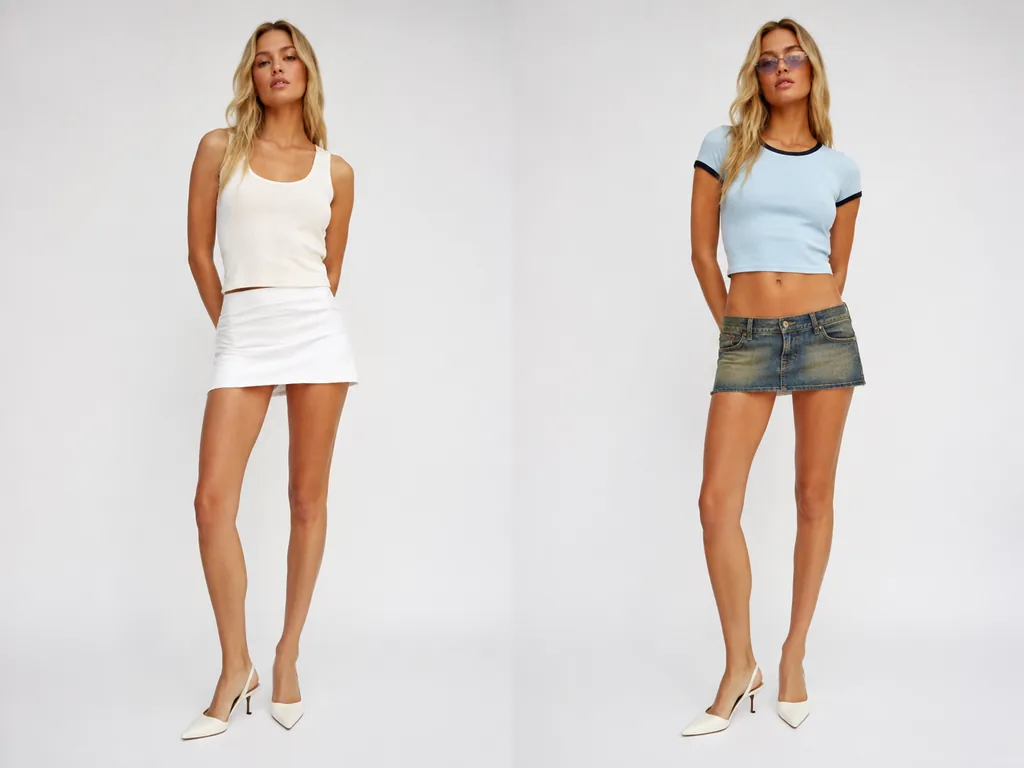
Edit text in an image, change the camera angle, combine photos, create product shots and try new hairstyles or outfits.
Turn Images into Video with Kling 4.0
Animate a finished image with Kling 4.0, Seedance 2.5 or Wan 3.0 without switching sites.
NoteGPT AI FAQ
Common questions about NoteGPT's image tools and how they compare with Makify AI.
NoteGPT is an online AI workspace best known for YouTube transcripts and video summaries. It also offers AI notes, slides, text to speech, an AI detector and humanizer, AI video, and an AI image generator and editor that turn a prompt or a photo into a new picture.
NoteGPT is free to start. Its AI Image Editor gives 2 free images a day and then uses premium credits, and paid plans start at $9 a month billed yearly for Pro, which includes about 50 high-quality images a month. On Makify AI you sign up free and claim check-in credits every day that stay valid for 14 days and work on every model.
NoteGPT says it protects data with industry-standard measures, including ISO 27001, SOC 2, GDPR and CCPA compliance, and that it does not use hidden trackers or device fingerprinting. As with any online tool, avoid uploading images you do not want stored.
NoteGPT says its AI image generator works without sign-up, while longer use and premium models need an account and credits. On Makify AI you create a free account first, get free credits to start, and claim more every day with the daily check-in.
NoteGPT offers a Chrome extension for summarizing YouTube videos and web pages, and its tools also run in mobile browsers. Makify AI runs in any desktop or mobile browser with nothing to install.
NoteGPT's image tools use GPT Image 2, 2.5 and 2.6, Google's Nano Banana 2, Nano Banana 2.1 and Nano Banana Pro, and ByteDance's Seedream 5.0 Pro. Makify AI offers those families plus MAI Image 2.7, Seedream 5.5, FLUX 3 Klein, Ideogram 4.0, Qwen Image 3 and Grok Imagine Image 2.
Yes. The NoteGPT AI Image Editor lets you upload up to 8 images and describe the change, such as swapping a background or adjusting colors. Makify AI edits photos the same way and adds dedicated tools for changing text in an image, camera angles, outfits and product shots.
NoteGPT lists commercial use as a benefit of its paid plans. Check its terms before you use generated images in ads, products or client work.
Yes. NoteGPT has an AI video generator with models such as Seedance 2.5, plus an explainer video tool. Makify AI turns images into video with Kling 4.0, Seedance 2.5, Wan 3.0 and MiniMax H3.
Yes. NoteGPT can turn notes and documents into images, infographics and AI slides. On Makify AI, models such as Ideogram 4.0 and GPT Image 2.6 handle text-heavy graphics like posters, banners and infographics.
Pick NoteGPT if you mainly summarize YouTube videos and take notes, and only need an image now and then. Pick Makify AI when images are your main job and you want more models, 4K exports with 8K upscaling, Kling 4.0 video and 50+ dedicated photo tools.
Makify AI is a strong free NoteGPT alternative for images. Sign up free, claim daily check-in credits, then type a prompt or upload a photo and pick a model such as GPT Image 2.6, Seedream 5.5 or Nano Banana 2.1. Every image downloads without a watermark.
Create Your AI Image with Makify AI
Type a prompt or upload a photo, pick a model and get a clean, watermark-free image in seconds. Free to start.