




Free VisualGPT AI Image Editor: Edit and Create Images with a Prompt
VisualGPT is a free-to-start online AI image editor that edits photos and creates new images from a text prompt, with 20+ AI models in one place. Need a VisualGPT alternative? Makify AI edits in 4K and upscales to 8K, free to start!
⚡ Free to start · 🖼️ 4K on every account · 🔍 8K upscaling
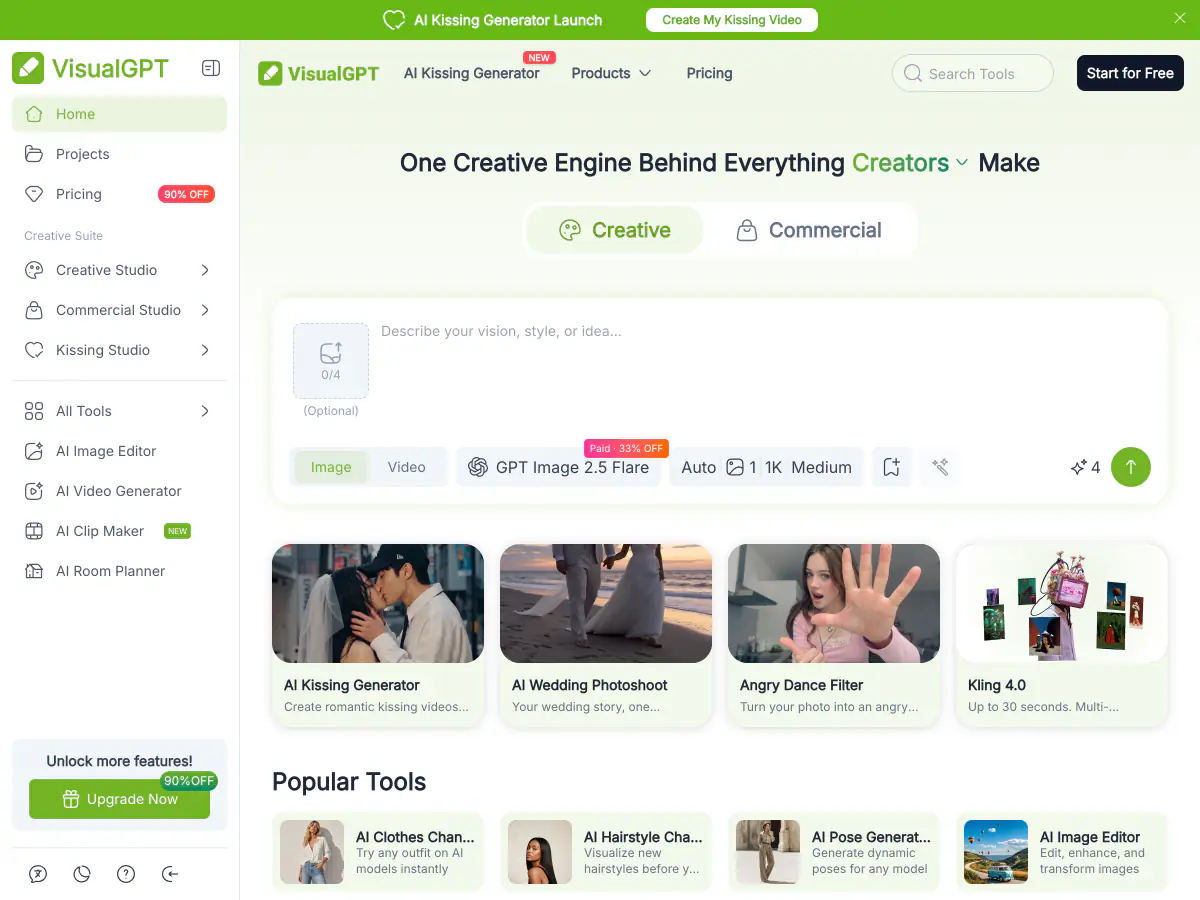
What Is VisualGPT?
VisualGPT is an online AI creative suite for editing and generating images and videos in the browser. You upload a photo or type a prompt, pick one of 20+ AI models such as GPT Image 2.5, Nano Banana Pro or Seedream 5 Pro, and download the result. Visitors can try a first image without an account; after that, signed-in users claim 10 free credits a day, and paid plans unlock high-resolution downloads up to 4K and commercial use. Beyond its AI image editor and generator, VisualGPT offers product photography, virtual try-on, hairstyle and clothes changers, headshots, AI room design and AI video tools.
What You Can Do with the VisualGPT AI Image Editor
From prompt edits to new hairstyles, outfit swaps and sharper photos, here is what people use a VisualGPT style image editor for, and where to do each job on Makify AI.
Edit Any Photo with a Text Prompt
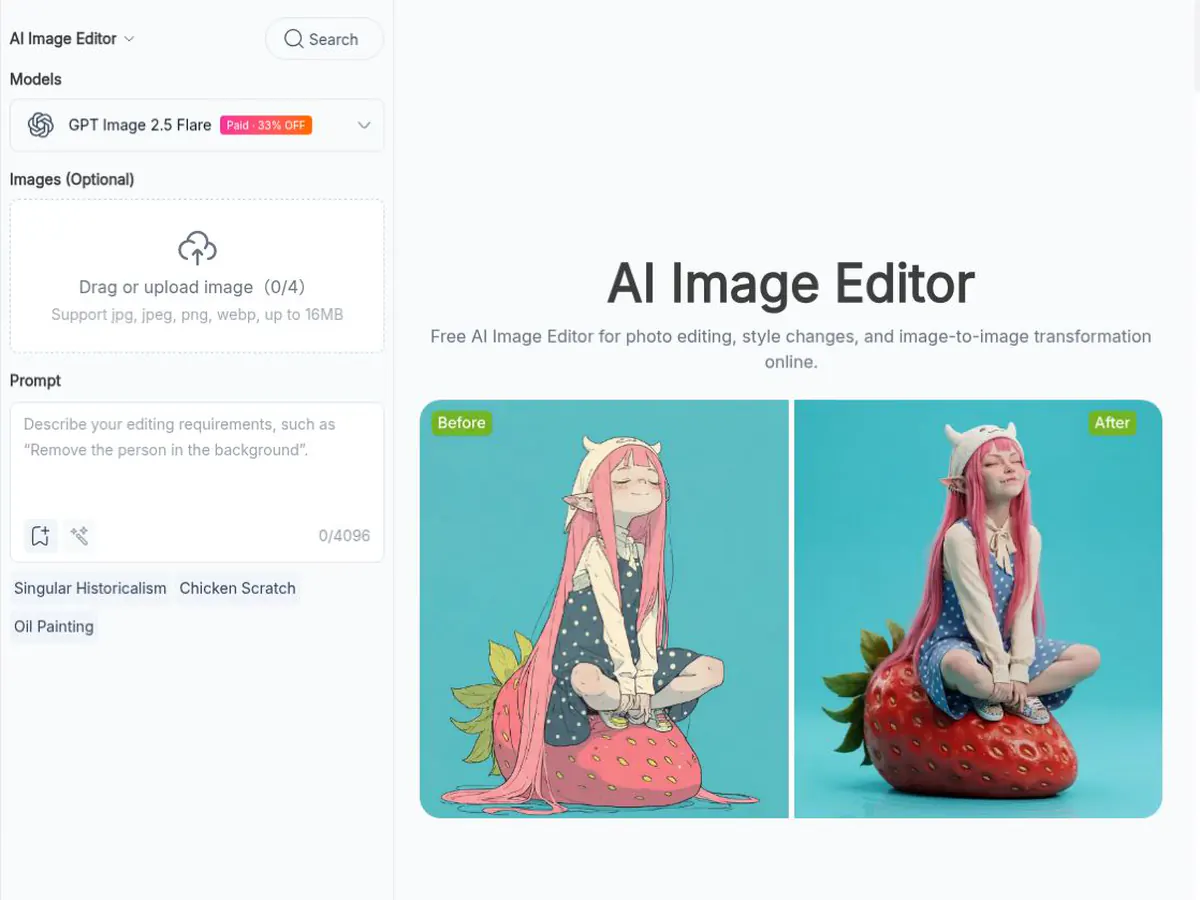
Upload a picture and describe the change instead of masking it by hand.
- Replace the background, lighting or season
- Remove people, objects or clutter from the scene
- Restyle a photo as an illustration, 3D render or painting
Try New Hairstyles and Hair Colors
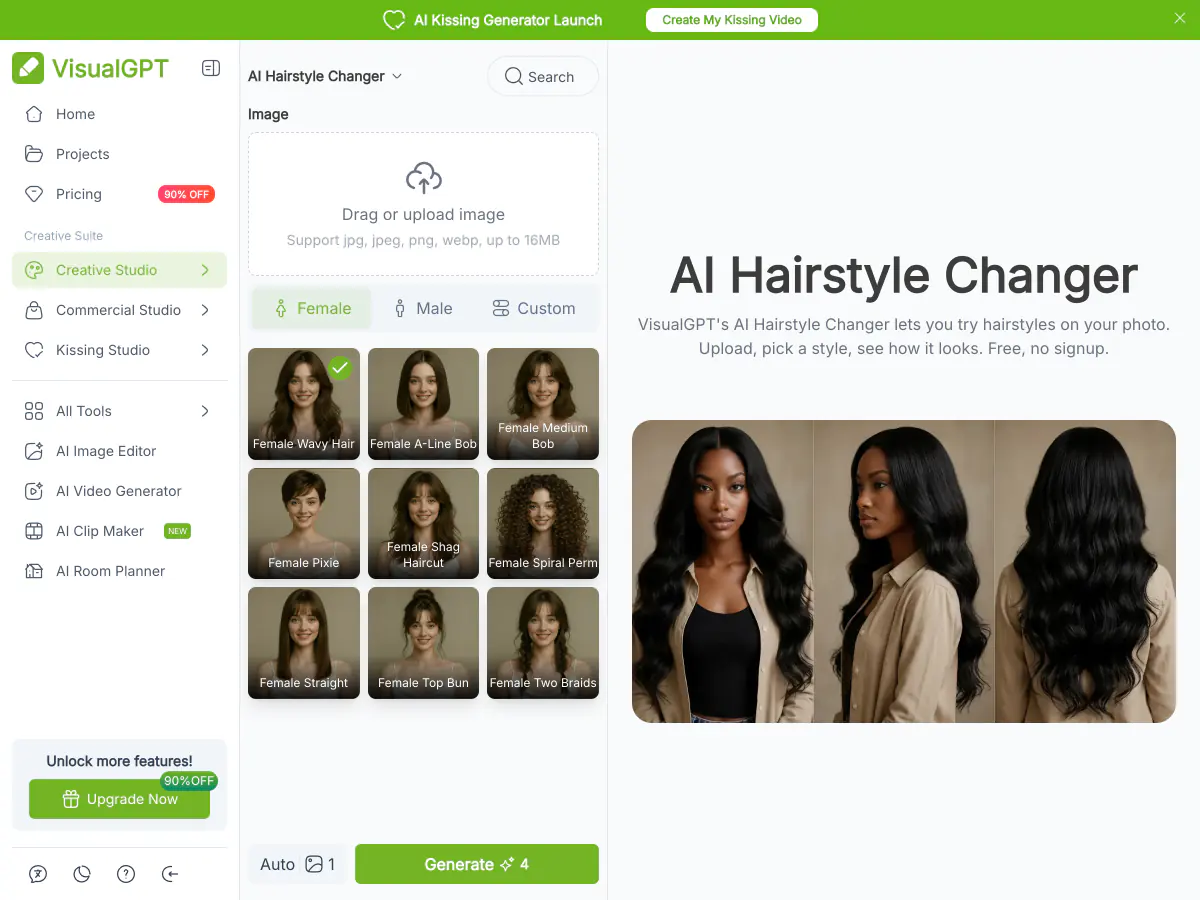
Preview a haircut or a new color on your own photo before you book the salon.
- Test bobs, bangs, buzz cuts, curls and long layers
- Change hair color while keeping your face the same
- Compare several looks side by side
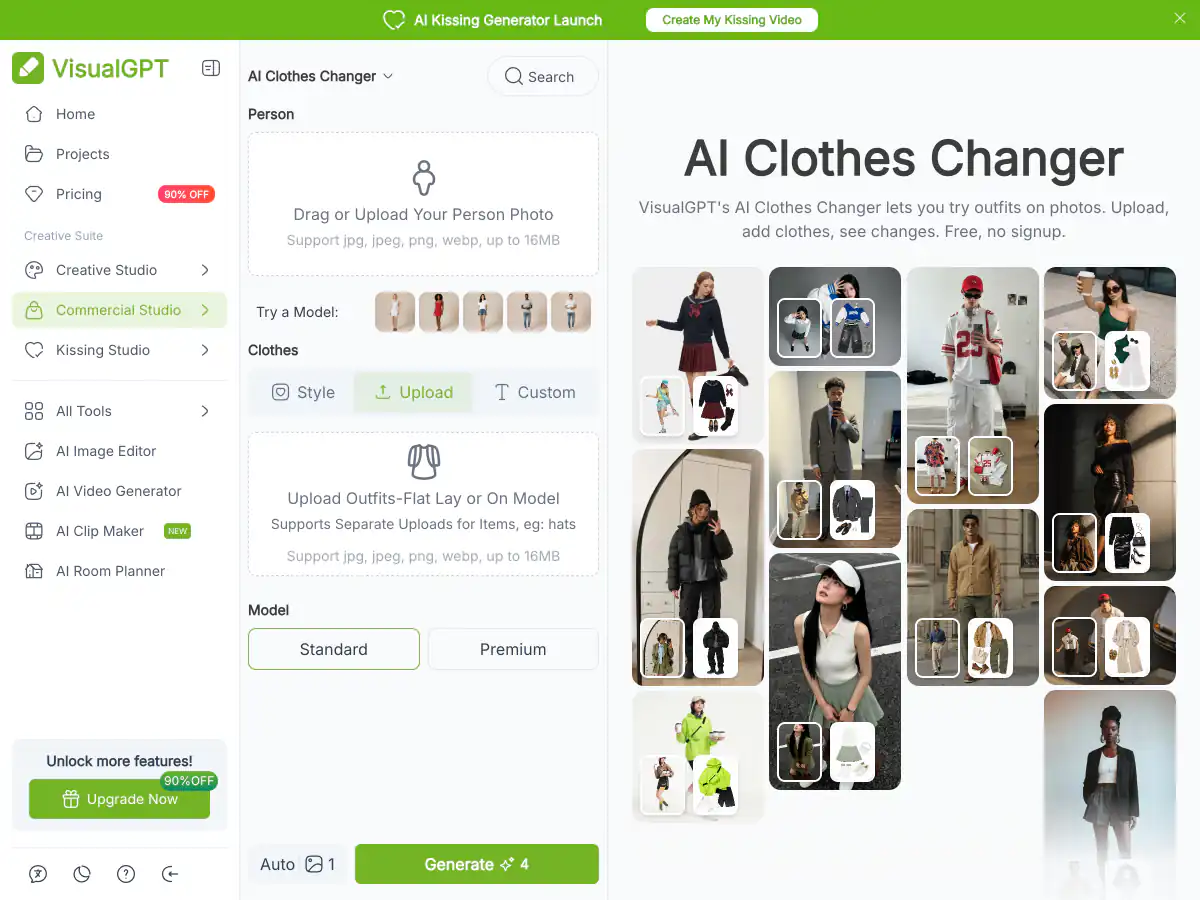
Swap Clothes and Outfits
Dress a person or a model in a new outfit for lookbooks, shops and social posts.
- Try casual, formal, seasonal or themed outfits
- Keep the pose, face and body shape unchanged
- Show one product on different looks
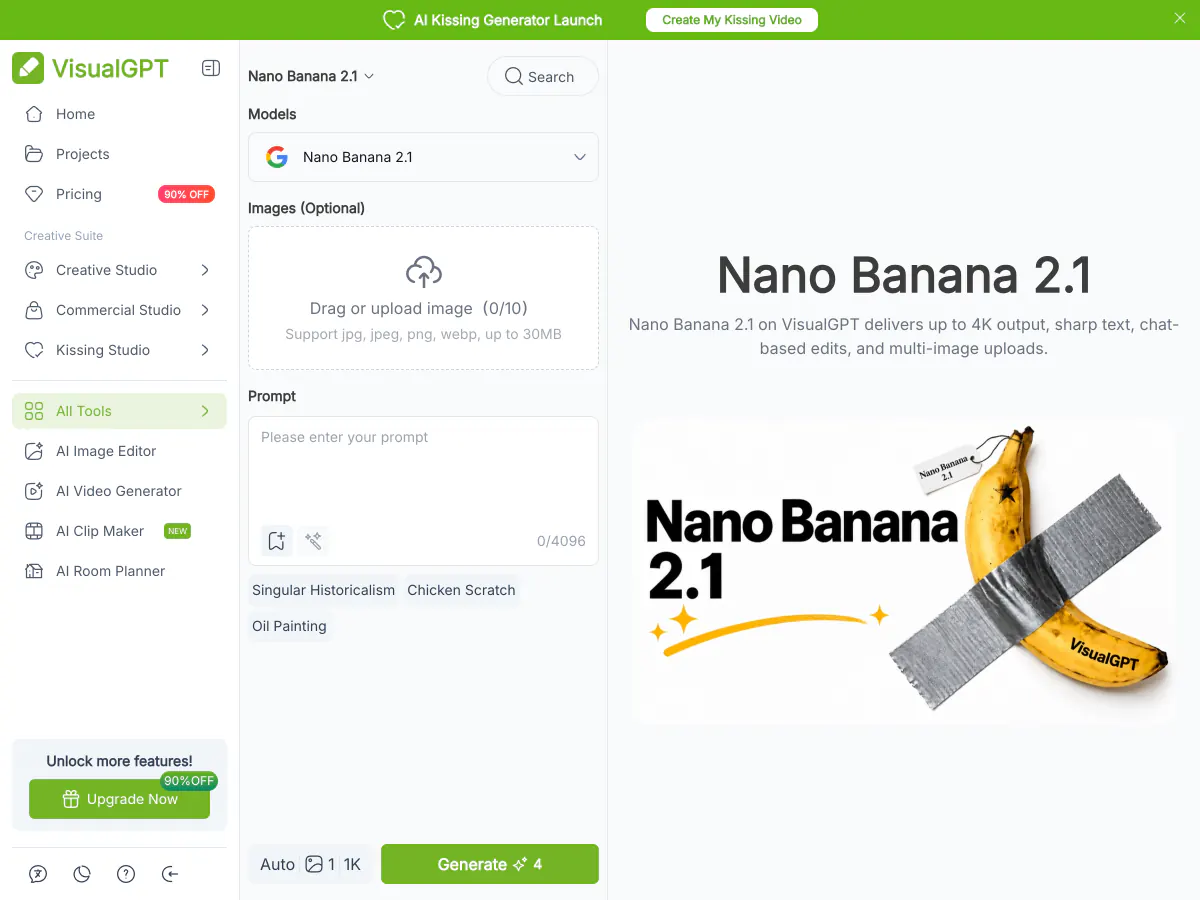
Edit with Nano Banana and Other Top Models
Pick the model that suits each edit instead of being locked into one.
- Use Nano Banana 2.1 for consistent faces and products
- Use GPT Image 2.5 for clean text and layouts
- Rerun the same prompt on another model and keep the best result
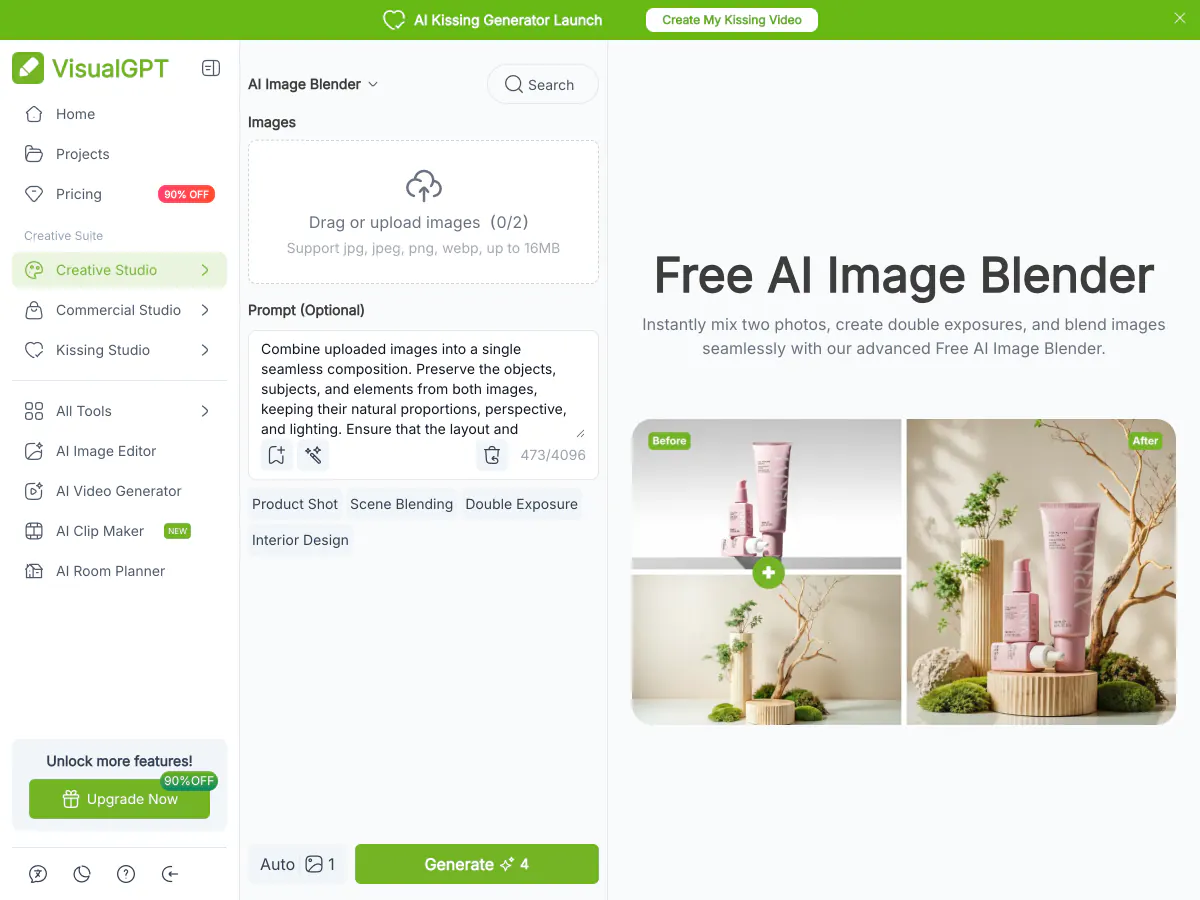
Blend Several Photos into One
Combine people, products and backgrounds from different photos into a single scene.
- Put two people in one photo
- Place a product into a lifestyle scene
- Match light and perspective across images
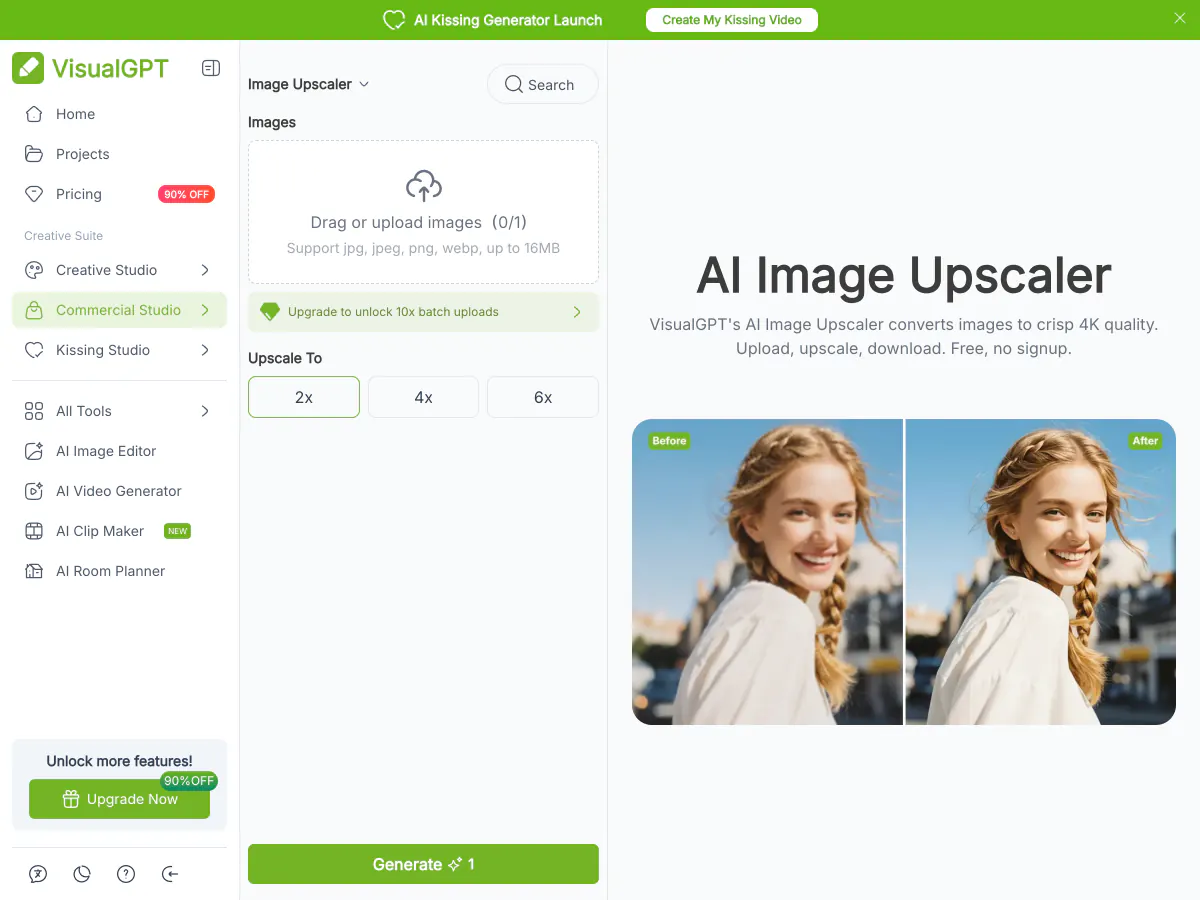
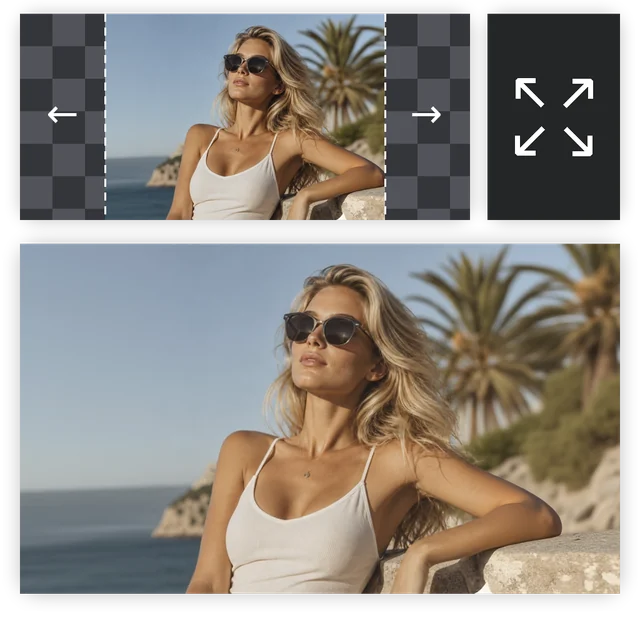
Upscale and Sharpen Images
Enlarge small or soft images so they hold up in print, ads and store listings.
- Upscale to 2K, 4K or 8K
- Recover detail in faces, fabric and product edges
- Prepare low-resolution photos for large banners
How to Use the VisualGPT AI Image Editor
Three steps from a photo or prompt to a finished image. The same flow works with the free tool at the top of this page.
Upload a Photo or Start from a Prompt
Upload the photo you want to edit, or leave the upload empty and describe a new image from scratch. A clear, well-lit photo gives the AI more detail to keep.
Describe the Edit and Choose a Model
Type the change in plain words, such as a new background, a different outfit or a cleaner product shot, then choose a model and an aspect ratio.
Generate, Compare and Download
Generate, compare the results, adjust the prompt if something is off, and download the image you like at up to 4K.
VisualGPT vs Makify AI: Side-by-Side Comparison
Both edit and create images with AI in the browser. Here is how they differ once you need a finished, ready-to-use image.
VisualGPT | RecommendedMakify AI | |
|---|---|---|
| Max resolution | Standard downloads on the free plan, up to 4K on paid plans; upscaler tops out at 4K | Up to 4K on every account, 8K with the AI upscaler |
| Image models | GPT Image 2.5, Nano Banana 2.1 / Pro, Seedream 5 Pro, Flux 2 Pro, Midjourney, Ideogram v4 | GPT Image 2.5, Nano Banana 2.1 / Pro, Seedream 5.0 Pro, Ideogram 4.0, plus Qwen Image 3 and FLUX 3 Klein |
| Task tools | Product photos, virtual try-on, room design, watermark remover and many one-click tools | Edit text in image, camera angle changer, image to SVG, shadow remover, product photos |
| How you start | One guest image, then log in for 10 daily credits that expire in 24 hours | Sign up free, then claim daily check-in credits |
| Photo to video | Kling 4.0, Seedance 2.5, Veo 3.1, MiniMax H3, Wan 3.0 | Kling 4.0, Seedance 2.5, Wan 3.0, MiniMax H3 Max, FLUX 3 Video |
| Best for | One-click e-commerce, try-on and room visuals | Prompt edits in 4K with the newest models |
VisualGPT suits one-click e-commerce, try-on and room visuals. If you want prompt edits at up to 4K on every account, 8K upscaling and models like Qwen Image 3 and FLUX 3 Klein, Makify AI is the better fit.
Why Use MakifyAI.com as a VisualGPT AI Image Editor Alternative
Makify AI keeps the same upload-and-describe workflow and adds what you need to finish the image: 4K on any account, 8K upscaling, newer models and tools for specific edits.
4K on Every Account, 8K Upscaling
Export edits at up to 4K on any account, not only on paid plans, and enlarge images to 8K with the AI upscaler.
Newer Models in One Prompt Box
Use Qwen Image 3 and FLUX 3 Klein next to Nano Banana 2.1, GPT Image 2.5 and Seedream 5.0 Pro, and keep the result you like best.
Tools for Specific Edits
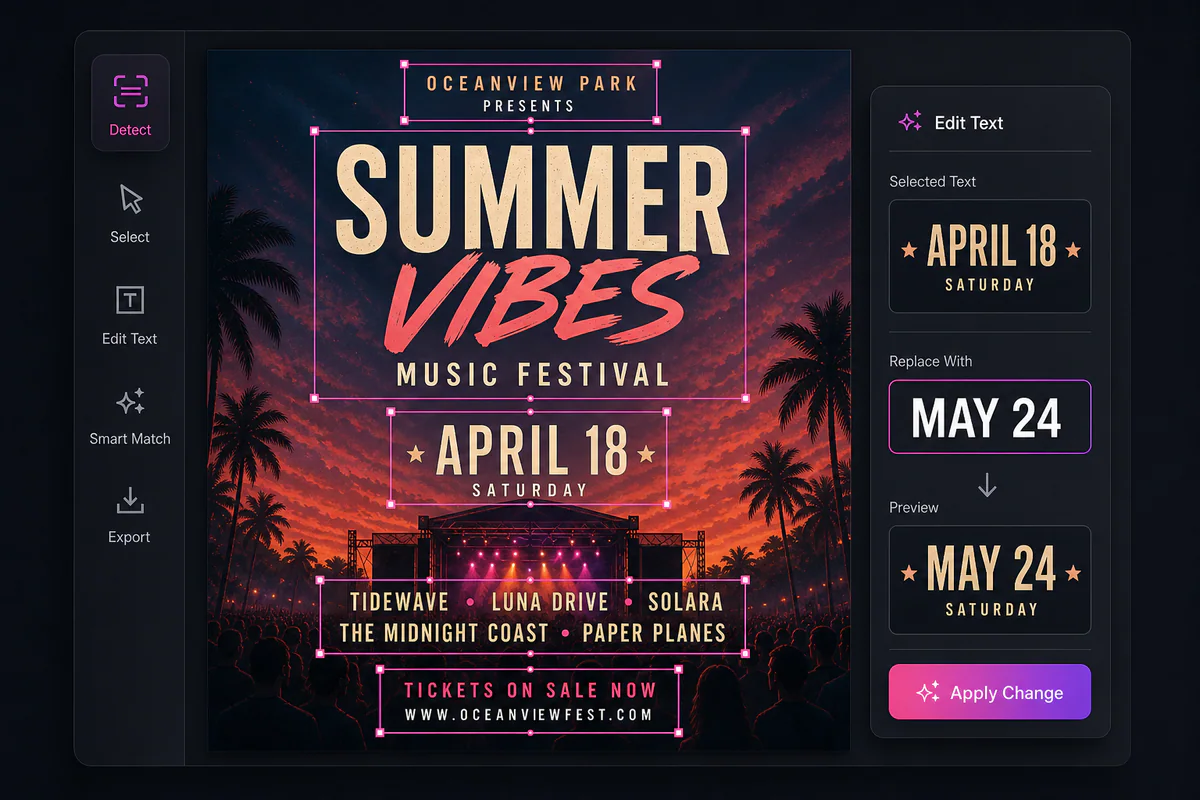
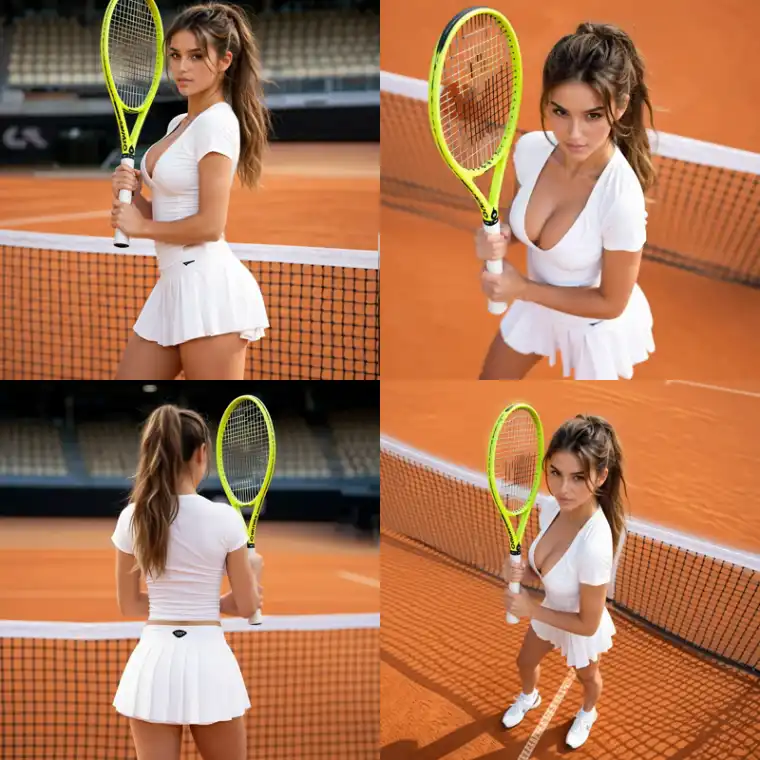
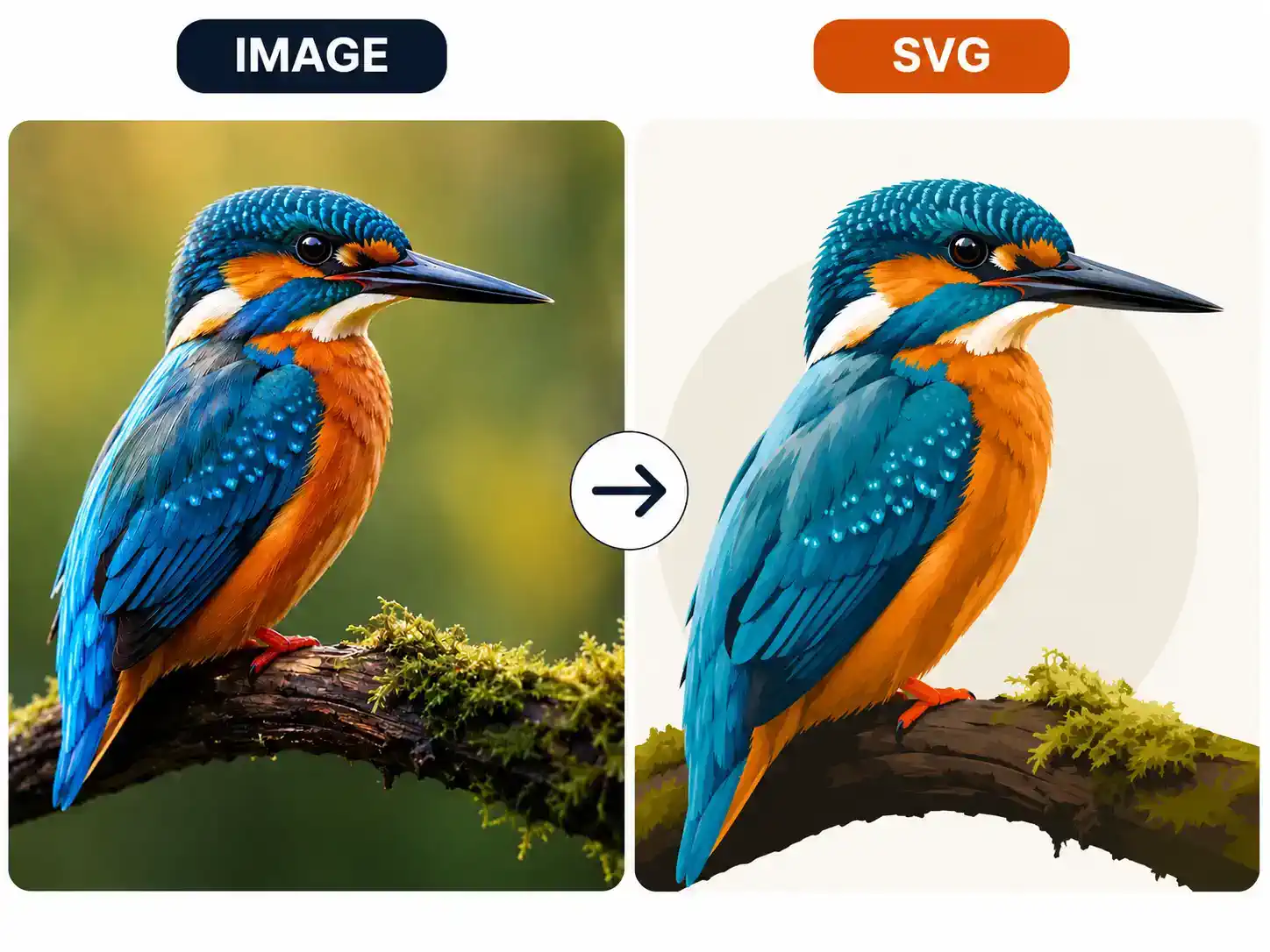
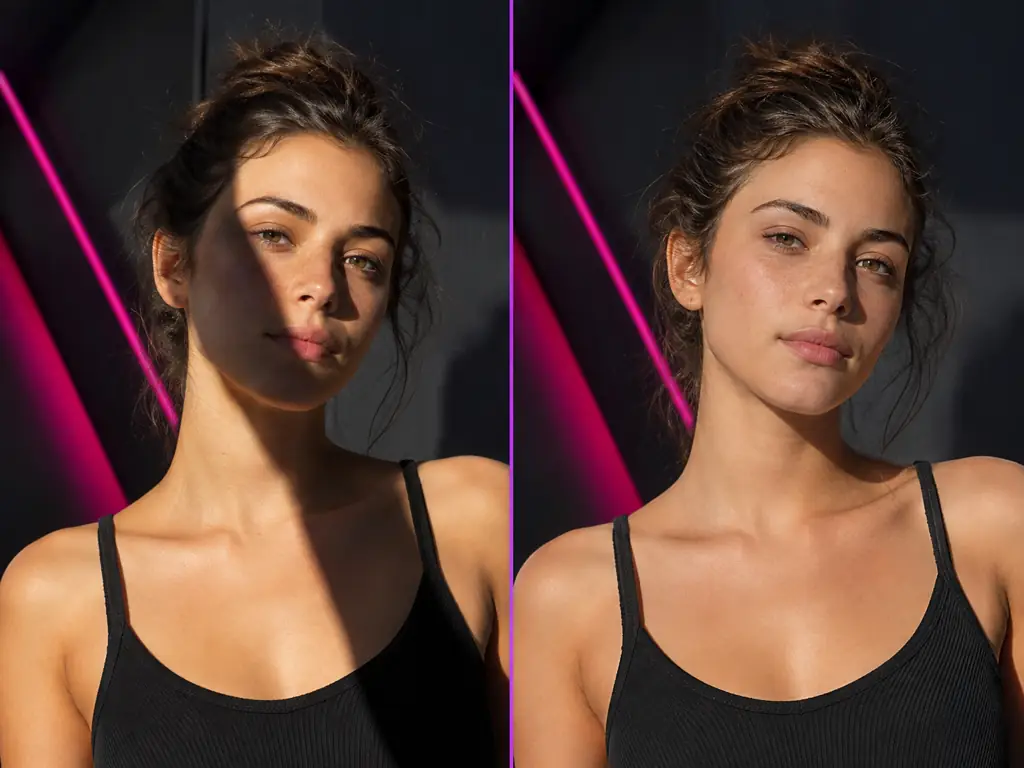
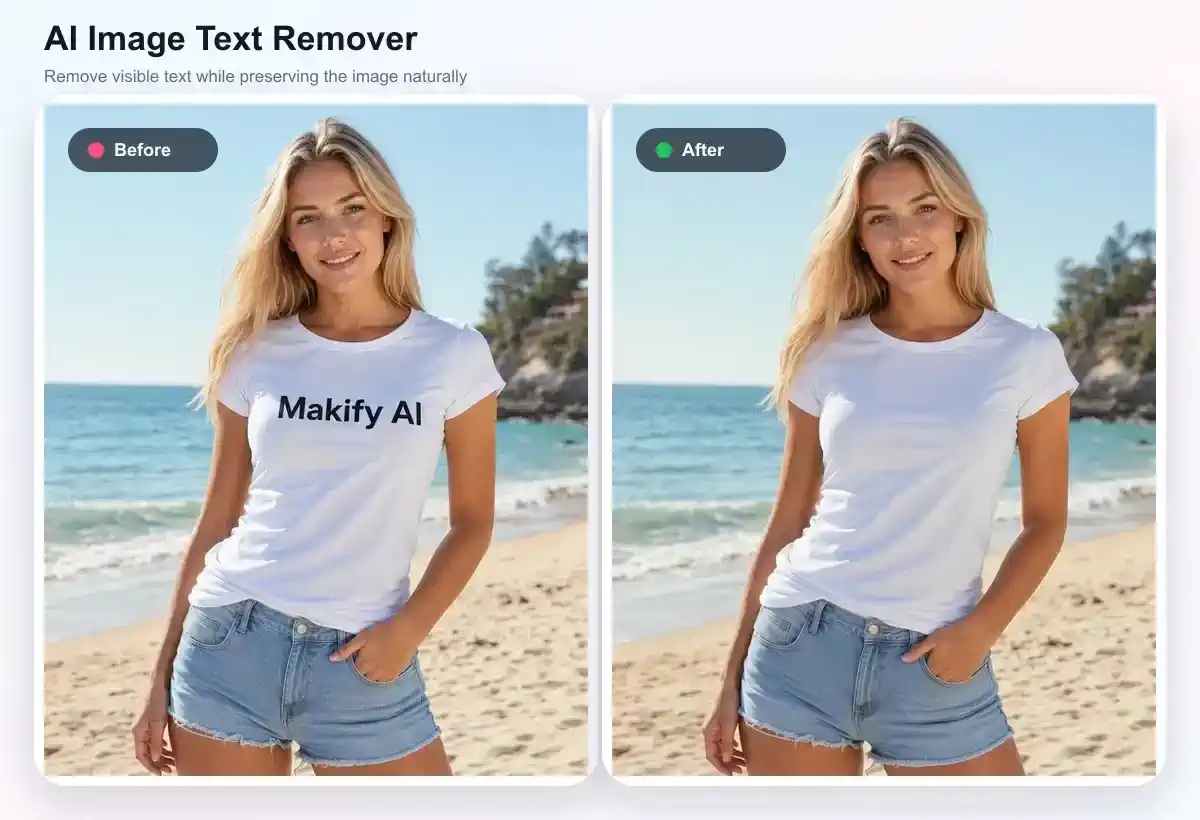
Edit the text inside an image, change the camera angle, turn a picture into SVG and remove shadows with tools made for each job.
Turn Your Edits into Video
Animate an edited photo with Kling 4.0, Seedance 2.5 or MiniMax H3 Max without switching sites.
VisualGPT FAQ
Common questions about VisualGPT and how it compares with Makify AI.
VisualGPT is an online AI creative suite for editing and generating images and videos. You upload a photo or type a prompt, pick one of 20+ AI models such as GPT Image 2.5, Nano Banana Pro or Seedream 5 Pro, and download the result. It also offers product photography, virtual try-on, headshots, hairstyle and clothes changers, AI room design and AI video tools.
VisualGPT is free to start. Visitors can try a first image without an account, and signed-in users can claim 10 free credits a day that expire after 24 hours. On the free plan, downloads are standard quality and history is kept for 15 days, while 4K downloads, batch editing and commercial use need a paid plan or credit pack.
VisualGPT says it uses uploaded images only to provide its editing and generation services, and that it does not use your uploads, results or prompts to train AI models. Images you save stay in your account until you delete them, and data is sent over encrypted connections.
You can try a first generation on VisualGPT without signing up, but further requests ask you to log in, and the 10 daily free credits are only given to signed-in users. On Makify AI you sign up free, get starter credits and claim more every day with the daily check-in.
No. VisualGPT's help center says it does not have a dedicated app, and its website is built to work in mobile browsers. Apps with VisualGPT in their name in app stores come from other developers. Makify AI also runs in any mobile browser with nothing to install.
VisualGPT offers image models including GPT Image 2.5, GPT Image 2, Nano Banana 2.1, Nano Banana Pro, Seedream 5 Pro, Qwen Image, Flux 2 Pro, Midjourney and Ideogram v4, and video models including Kling 4.0, Seedance 2.5, Veo 3.1, MiniMax H3 and Wan 3.0. Each model costs a different number of credits.
No. VisualGPT's pricing table lists no watermark on both its free and paid plans, though free downloads are standard quality and 4K downloads need a paid plan. Makify AI also adds no watermark to any image, and every account can export at up to 4K.
VisualGPT allows commercial use for images made with a paid subscription or lifetime credits, for example in store listings, ads and client work. Images generated on the free plan are for personal, non-commercial use, so read its terms before using free images for a business.
VisualGPT charges credits per image or per second of video, and the cost depends on the tool, model and resolution: a background removal costs 1 credit, while a Nano Banana Pro image costs 15 to 25. Subscription credits reset every month and do not roll over, while one-time credit packs do not expire.
Yes. VisualGPT has an AI video generator with models such as Kling 4.0, Seedance 2.5, Veo 3.1 and MiniMax H3, plus a video enhancer, lip sync and a clip maker. Makify AI also turns photos into video with Kling 4.0, Seedance 2.5, Wan 3.0 and MiniMax H3 Max.
Pick VisualGPT if you want one-click e-commerce, try-on and room design tools. Pick Makify AI when you want prompt edits at up to 4K on any account, 8K upscaling, models such as Qwen Image 3 and FLUX 3 Klein, and tools VisualGPT does not have, like edit text in image, camera angle changer and image to SVG.
Makify AI is a strong free VisualGPT alternative for image editing. Sign up free, claim daily check-in credits, then upload a photo, describe the change and pick a model such as Nano Banana 2.1 or GPT Image 2.5. You can export at up to 4K, upscale to 8K and download every image without a watermark.
Create Your AI Image with Makify AI
Upload a photo or type a prompt, pick a model and download a clean image at up to 4K. Free to start.