










Free EzMaker AI Photo Editor Online: Edit Photos with a Prompt
EzMaker AI is a free online photo editor that lets you upload a picture, type the change you want and get the edited image in seconds. Looking for an EzMaker AI alternative? Edit your photo free with Makify AI now!
⚡ Free to start · 🖥️ Nothing to install · 🖼️ Up to 4K export
What Is EzMaker AI?
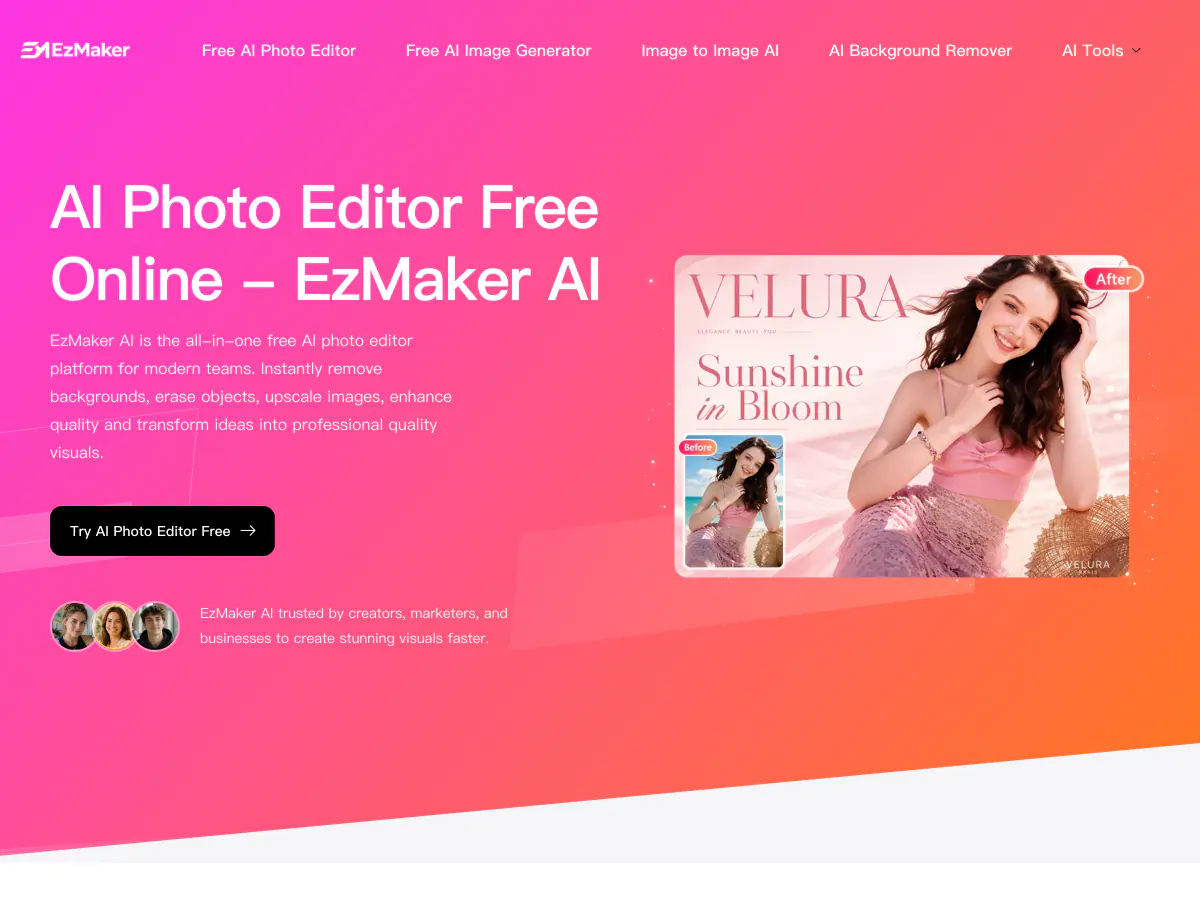
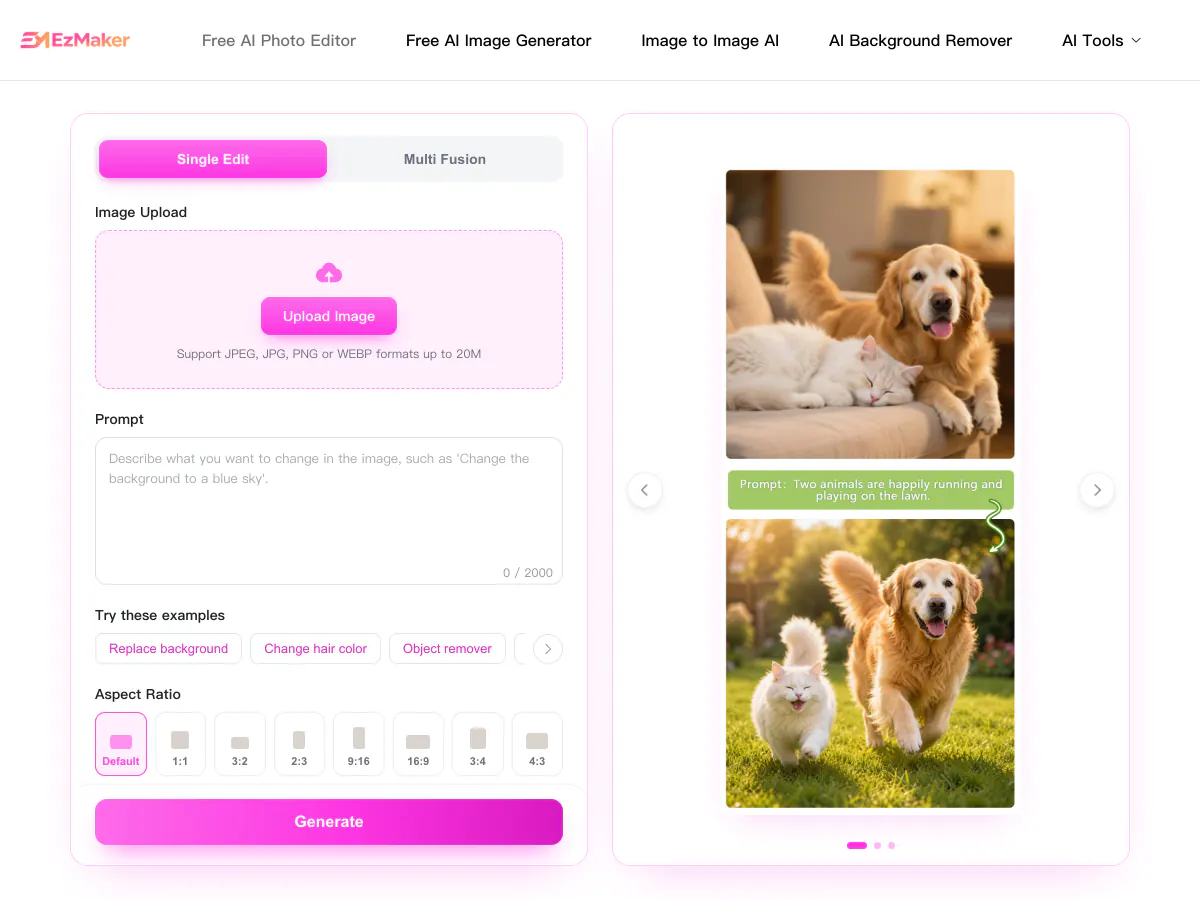
EzMaker AI is a free online AI photo editor that runs in the browser. You upload a JPG, PNG or WebP image up to 20 MB, describe the change in plain words and pick one of eight aspect ratios, with no account needed to start. A Multi Fusion mode blends several photos into one scene. Besides prompt editing, EzMaker AI offers an AI image generator with nine styles, a background remover, magic eraser, watermark remover, photo enhancer, an upscaler of up to 4x, unblur, old photo restoration, and hairstyle and clothes changers.
What You Can Create with the EzMaker AI Photo Editor
From prompt edits to clean cutouts, restored photos and new hairstyles, here is what people do with an EzMaker AI style photo editor, and where to do each job on Makify AI.
Edit Photos with a Text Prompt
Upload a photo and type the change instead of masking it by hand.
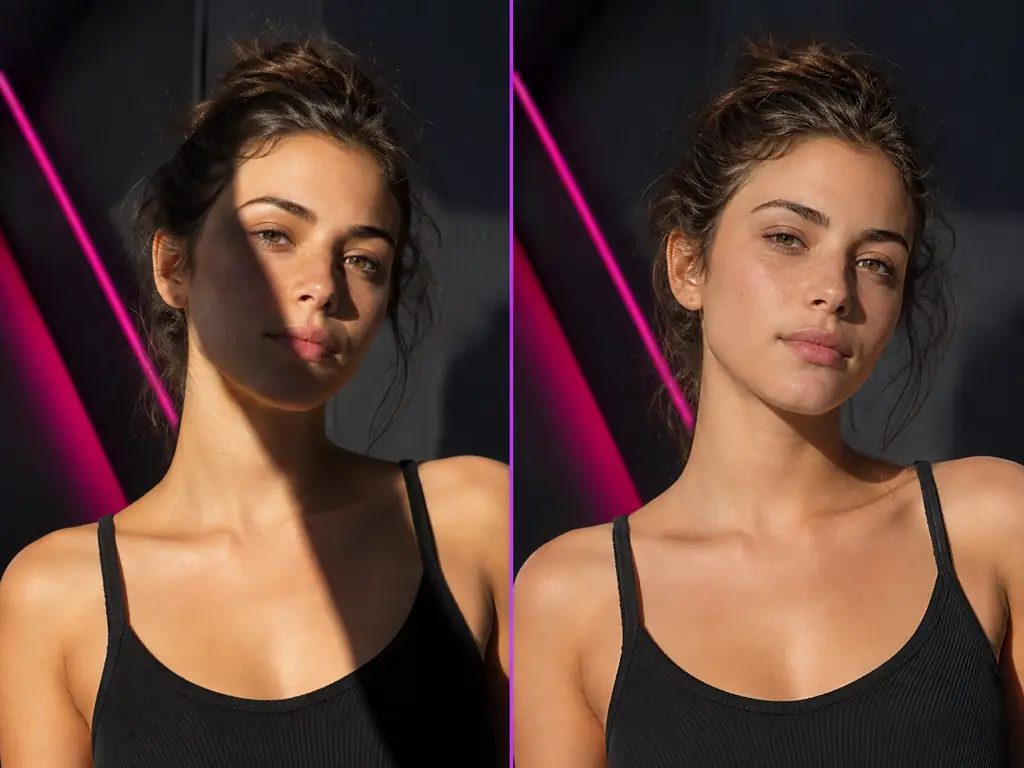
- Change colors, lighting or style
- Add or remove details in plain words
- Blend several photos into one scene
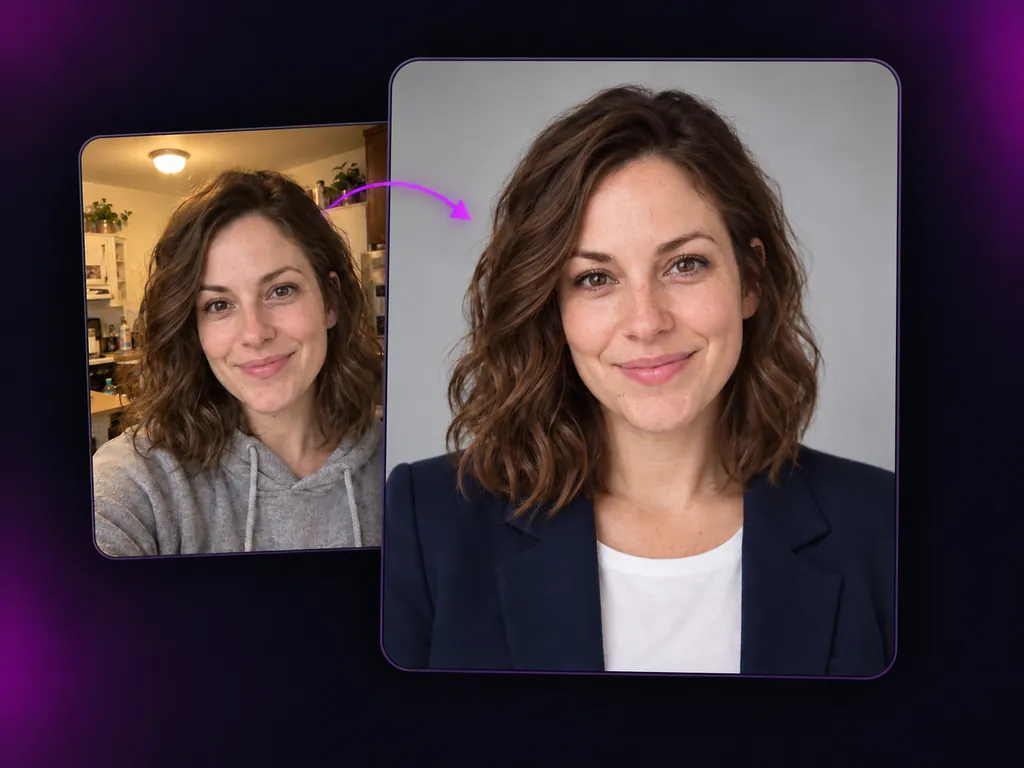
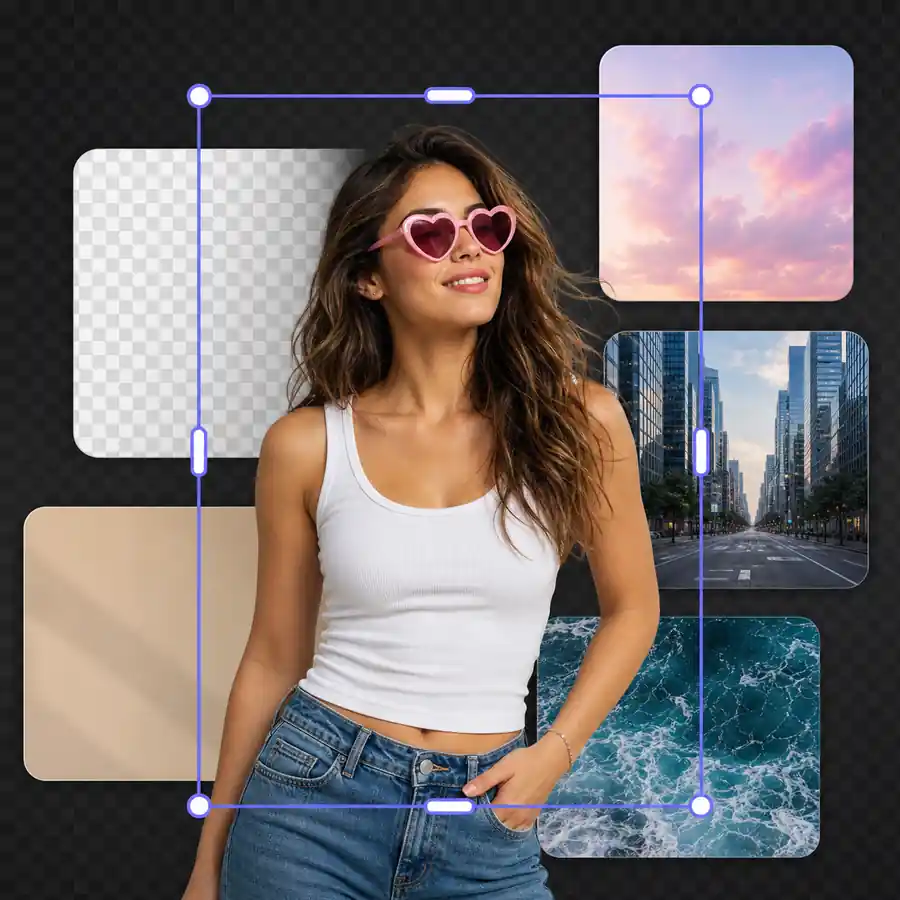
Remove and Replace Backgrounds
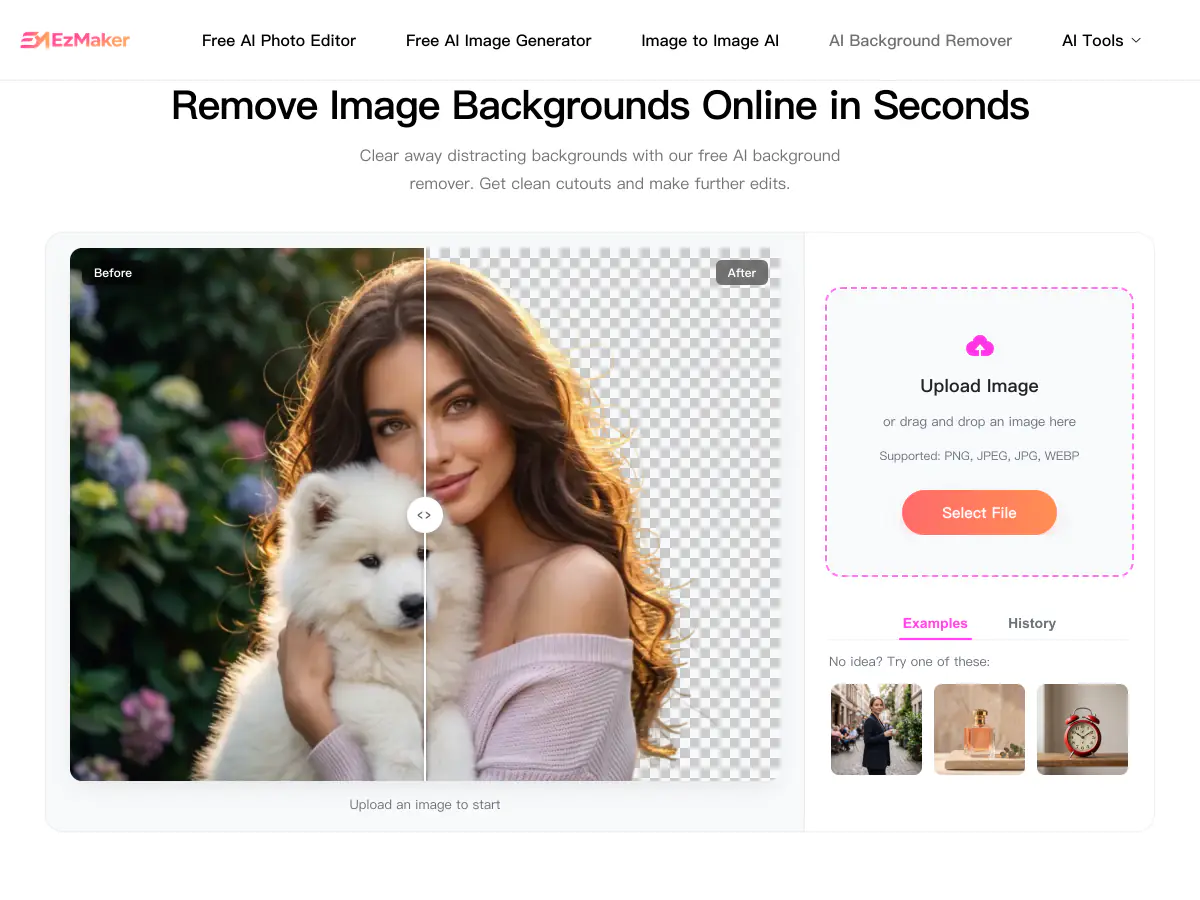
Cut out the subject in one click, then keep it transparent or drop it into a new scene.
- Clean cutouts around hair and edges
- Transparent PNG or solid white background
- New backgrounds for products and portraits
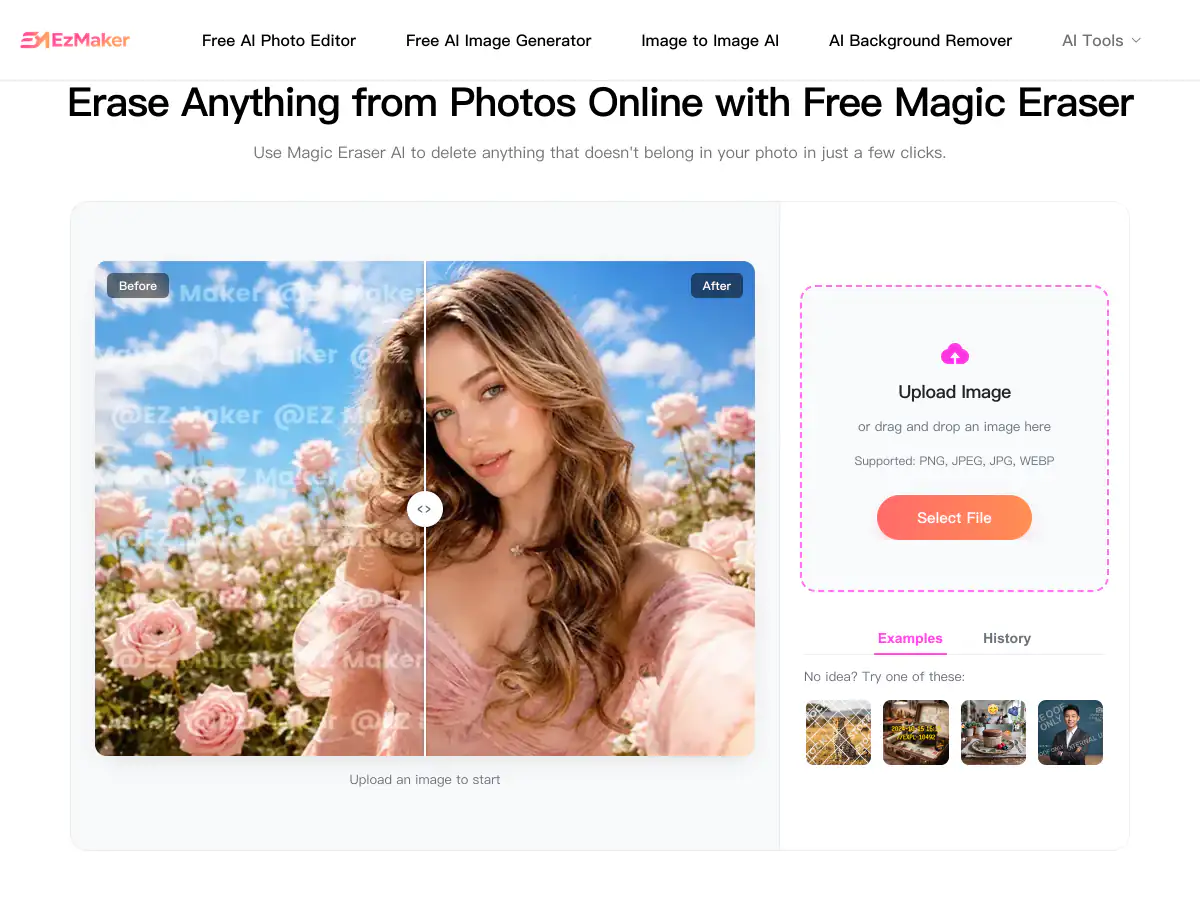
Erase Unwanted Objects and Text
Paint over what you do not want and let the AI fill the space.
- Remove photobombers and clutter
- Clear captions, labels and stamps
- Keep the background looking natural
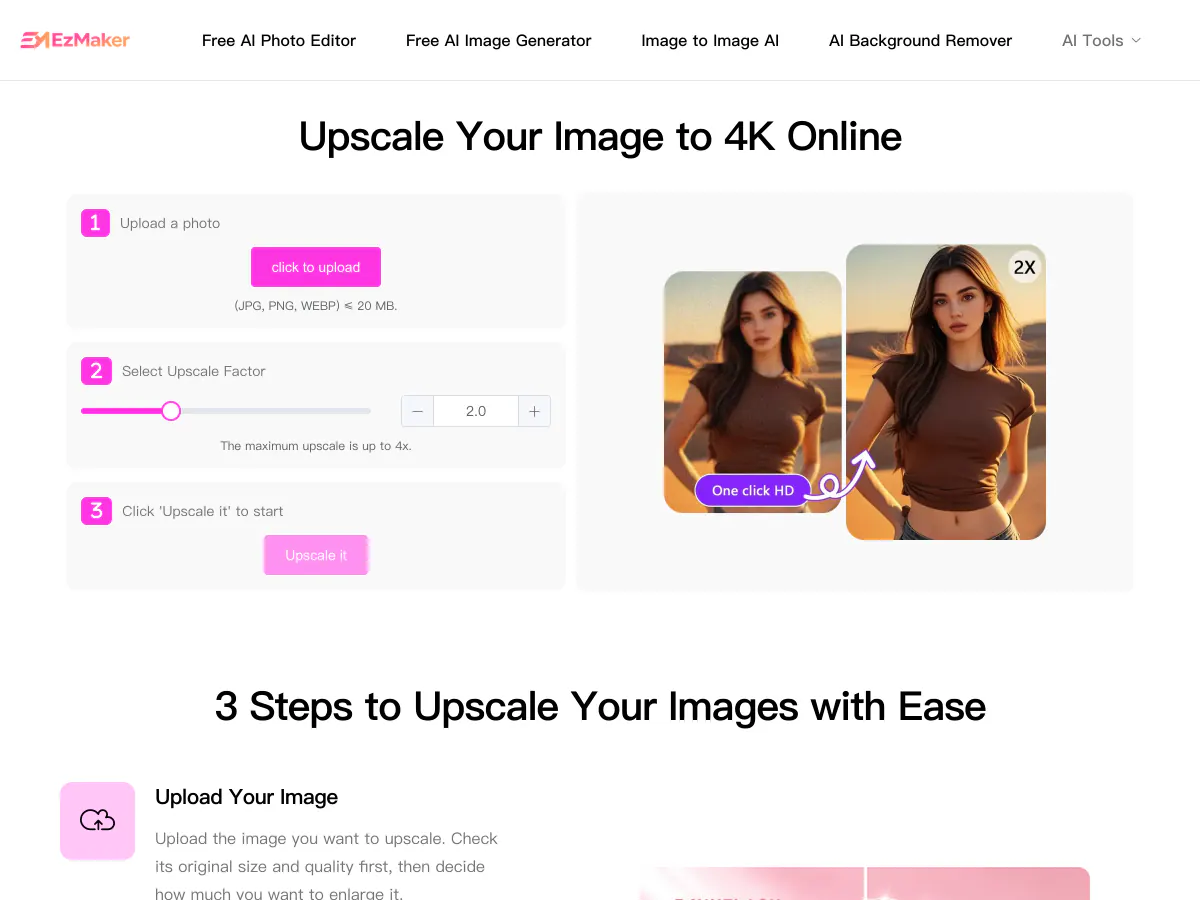
Enhance, Unblur and Upscale
Sharpen soft photos and enlarge small images for print or store listings.
- Fix blur and pixelation
- Upscale small images to 4K and 8K
- Prepare product shots and thumbnails
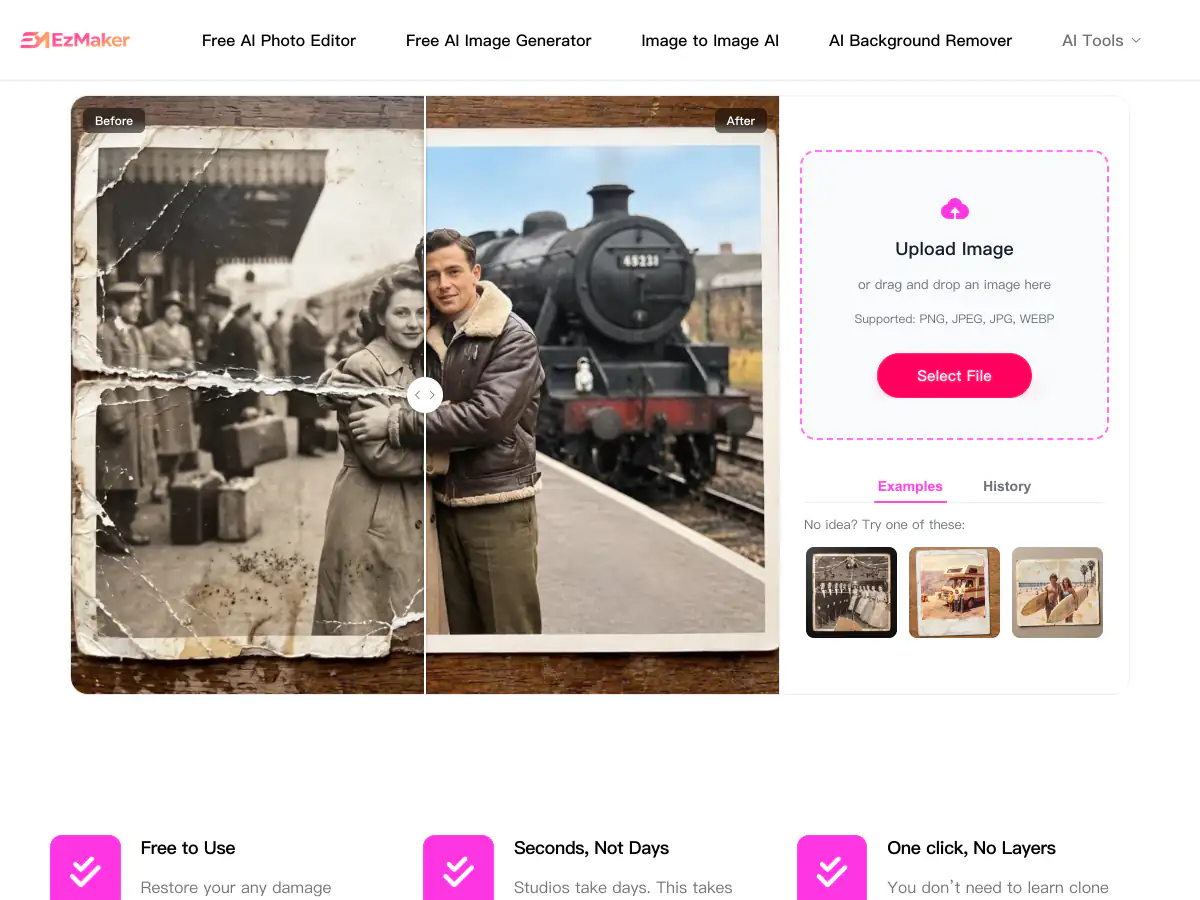
Restore Old Photos
Repair scratches, fading and tears, and bring back the color of family photos.
- Fix creases and torn edges
- Correct faded and yellowed tones
- Colorize black-and-white photos
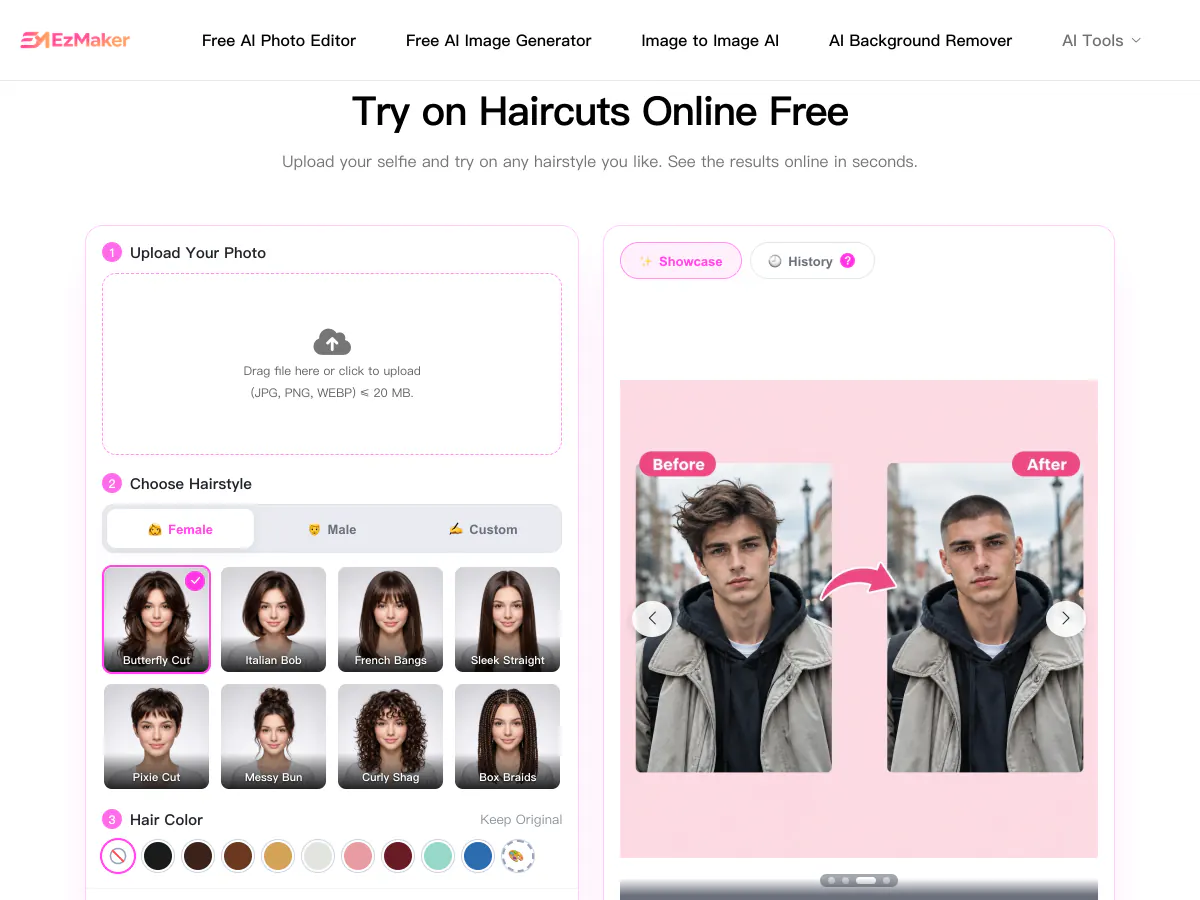
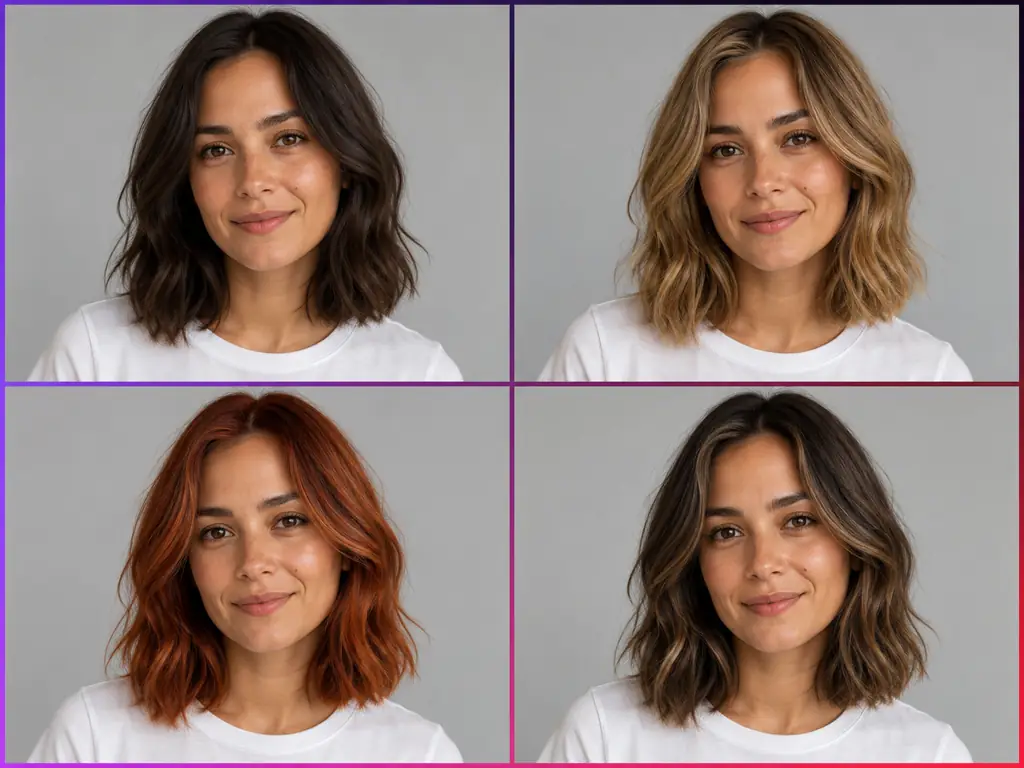
Try New Hairstyles and Outfits
Preview a new haircut or outfit on your own photo before you commit.
- Try haircuts and hair colors
- Swap outfits and styles
- Keep your face and pose the same
How to Use the EzMaker AI Photo Editor
Three steps from upload to a finished edit. The same flow works with the free tool at the top of this page.
Upload Your Photo
Upload a JPG, PNG or WebP photo. A clear, well-lit picture gives the AI more detail to work with.
Describe the Change and Pick a Model
Type what to change in plain words, such as replacing the background or removing an object, then choose a model and an aspect ratio.
Generate and Download
Generate, compare the results, refine the prompt if needed, and download the edited image at up to 4K.
EzMaker AI vs Pokecut vs Makify AI: Side-by-Side Comparison
All three edit photos with AI in the browser. Here is how they differ once you need a finished, ready-to-use result.
EzMaker AI | Pokecut | RecommendedMakify AI | |
|---|---|---|---|
| Model choice | One built-in model, no model picker | Advanced models only on paid plans | Pick from 10+ image models on every account |
| Image models | Not disclosed | Nano Banana 2 Lite / Pro, GPT Image 2, Seedream, Flux | Latest image models: FLUX 3 Klein, Seedream 5.5, Nano Banana 2.1 / Pro, GPT Image 2.5, Qwen Image 3, Ideogram 4.0, Grok Imagine Image 2 |
| Photo to video | No video tools | No video tools | Latest video models: Kling 4.0, Seedance 2.5, Wan 3.0, MiniMax H3 |
| Max resolution | Up to 4K for edits; upscaler up to 4x | HD downloads on paid plans only | Up to 4K for edits on every account, 8K with the AI upscaler |
| How you start | No sign-up, but usage is capped by a daily quota | No sign-up, but credits are limited and most tools cost credits | Sign up free, then claim daily check-in credits |
| Photo tools | 13 tools incl. background remover, magic eraser, upscaler, photo restoration | 200+ tools incl. batch editing for up to 50 photos | 50+ AI tools incl. edit text in image, angle changer, image combiner, product photos |
| Best for | Quick edits without an account | Batch edits and templates for online stores | Edits and videos with the newest AI models |
EzMaker AI works for a quick edit without an account, and Pokecut suits batch work for online stores. If you want the newest model for each edit, 4K exports with 8K upscaling, and photo-to-video with Kling 4.0 in the same place, Makify AI is the better fit.
Why Use MakifyAI.com as an EzMaker AI Photo Editor Alternative
Makify AI keeps the same upload-and-describe workflow and adds what you need to finish the job: the latest models, 4K edits with 8K upscaling, task tools and video.
Choose the Model for Every Edit
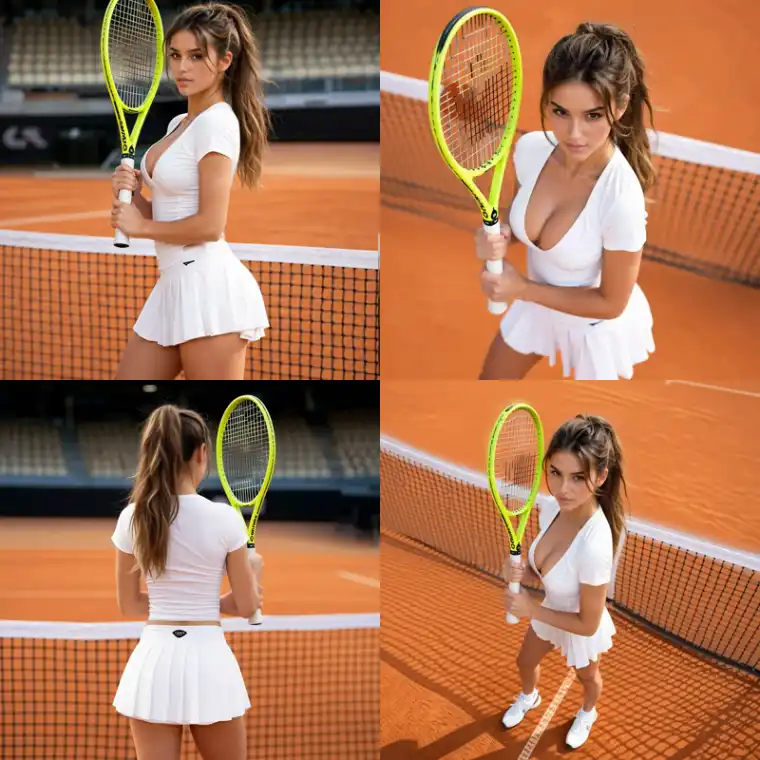
Switch between FLUX 3 Klein, Seedream 5.5, Nano Banana 2.1, GPT Image 2.5 and Ideogram 4.0 from one prompt box, and keep the result you like best.
4K Edits and 8K Upscaling, No Watermark
Export edits at up to 4K on every account, upscale to 8K with the AI upscaler, and download every image without a watermark.
Task Tools Beyond Prompt Editing
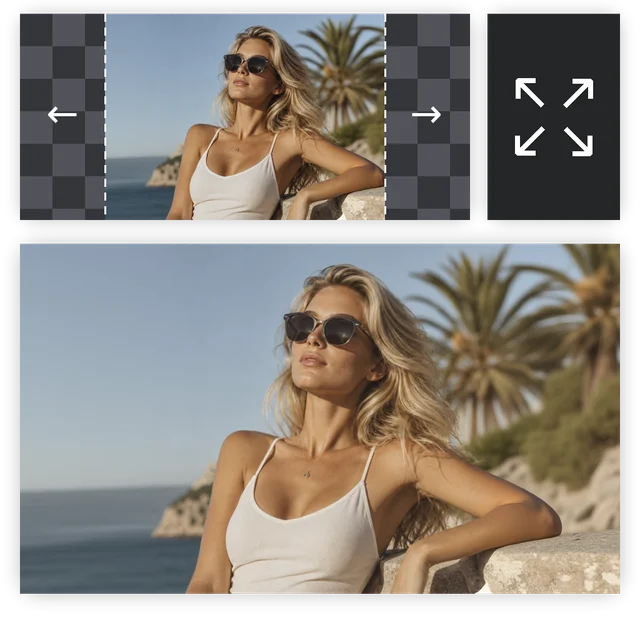
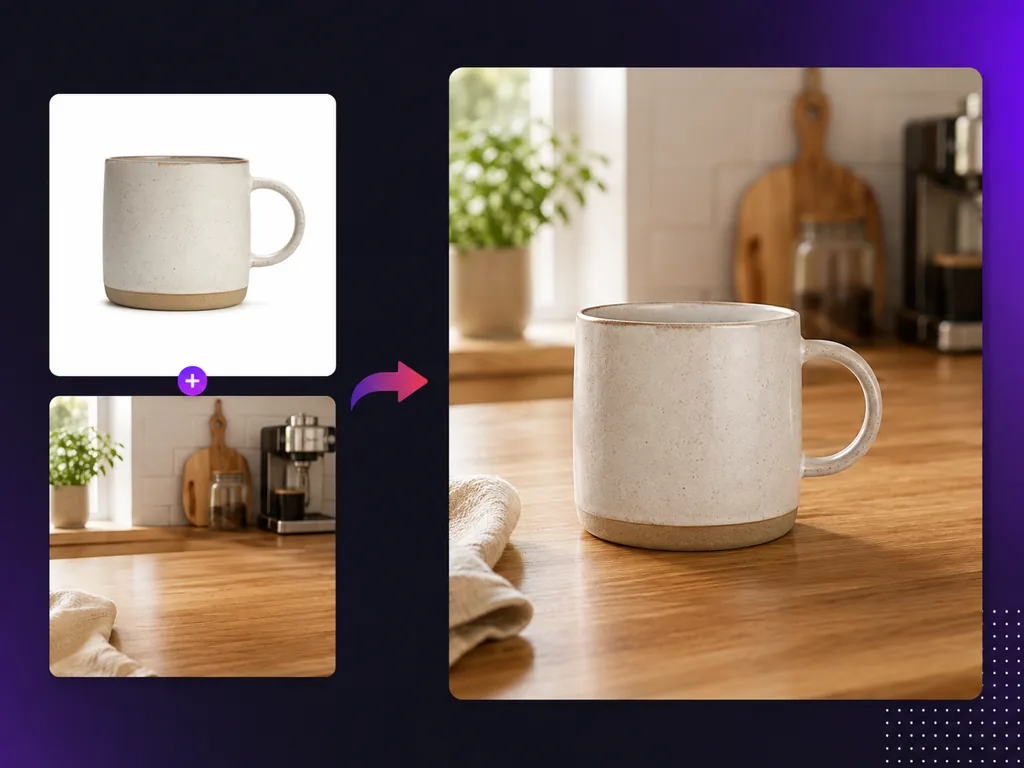
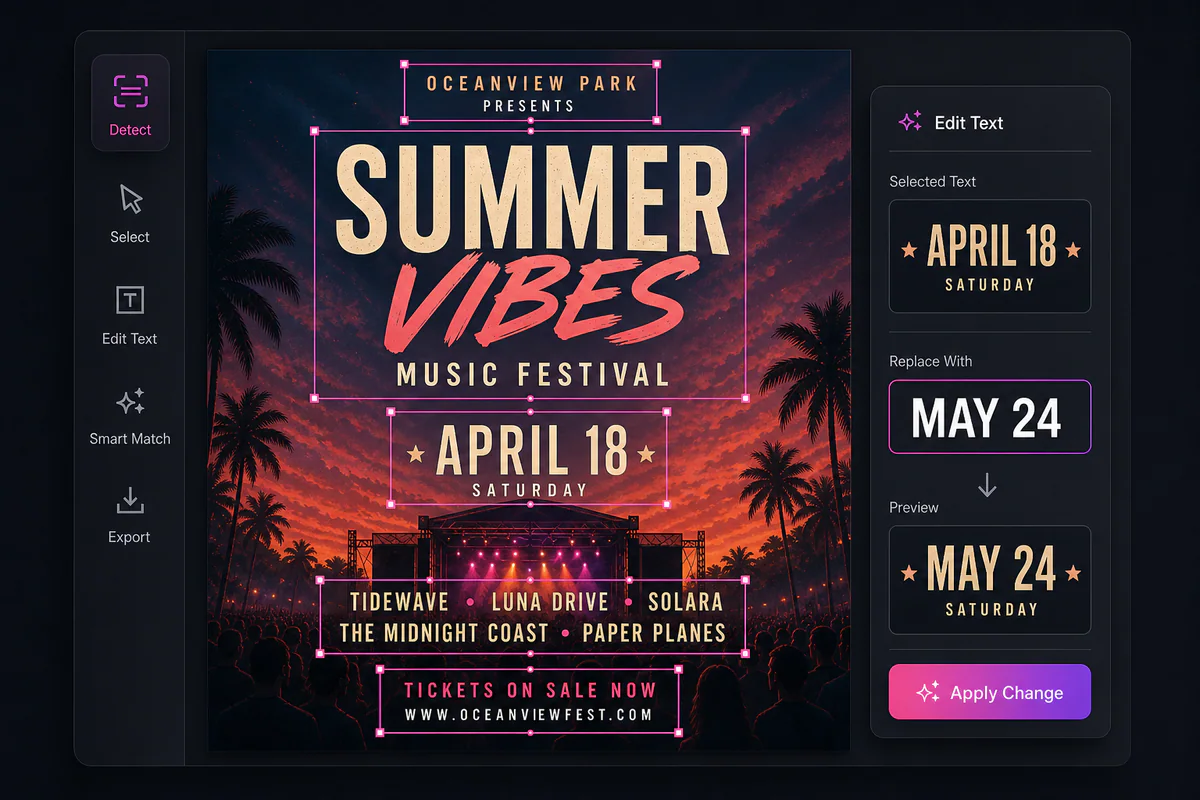
Edit text in an image, change the camera angle, combine photos and create product shots with tools built for each job.
Turn Your Photos into Video
Animate an edited photo with the latest video models, including Kling 4.0 and Seedance 2.5, without switching sites.

EzMaker AI FAQ
Common questions about EzMaker AI and how it compares with Makify AI.
Create Your AI Image with Makify AI
Upload a photo or type a prompt, pick a model and get a clean, watermark-free image in seconds. Free to start.