




Free EzCreate AI Image Editor Online: Edit Images with a Prompt
EzCreate AI is an online photo editor and image generator that lets you edit pictures with a prompt, pick an AI model and turn images into short videos. Need an EzCreate AI alternative with more tools? Start free on Makify AI today!
⚡ Free to start · 🖥️ Nothing to install · 🖼️ Up to 4K export
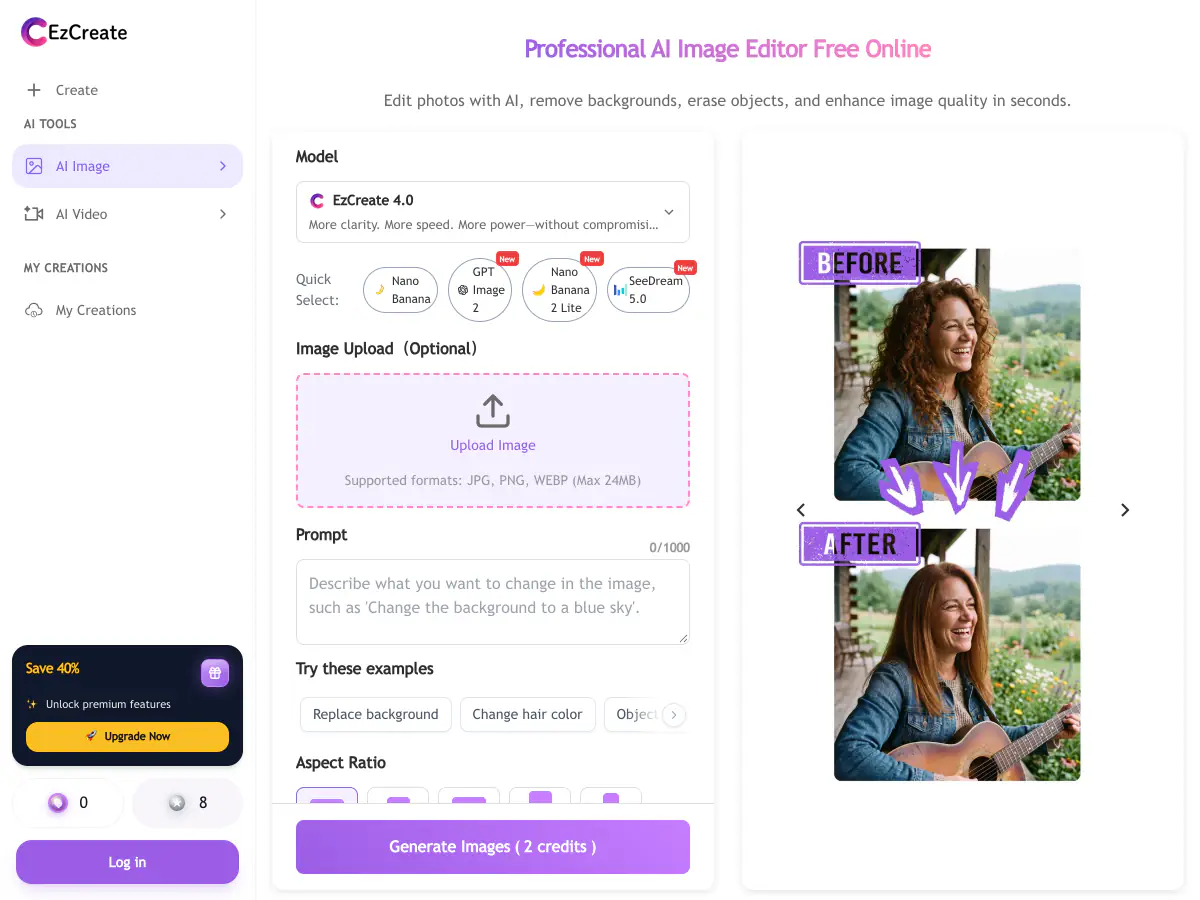
What Is EzCreate AI?
EzCreate AI is an online AI photo editor and image generator. You upload a JPG, PNG or WebP image up to 24 MB, describe the edit and pick a model, such as Nano Banana, GPT Image 2, SeeDream or its own EzCreate 3.0 and 4.0. It runs on credits: you can try it without an account, signed-in users get free credits every day, and extra credit packs never expire. Besides prompt editing, EzCreate offers text to image, image to image, an image upscaler, a photo enhancer, old photo restoration, unblur and an AI video generator with models such as Seedance and Kling.
What You Can Create with the EzCreate AI Photo Editor
From prompt edits and text to image to restored photos and short videos, here is what people do with an EzCreate AI style photo editor, and where to do each job on Makify AI.
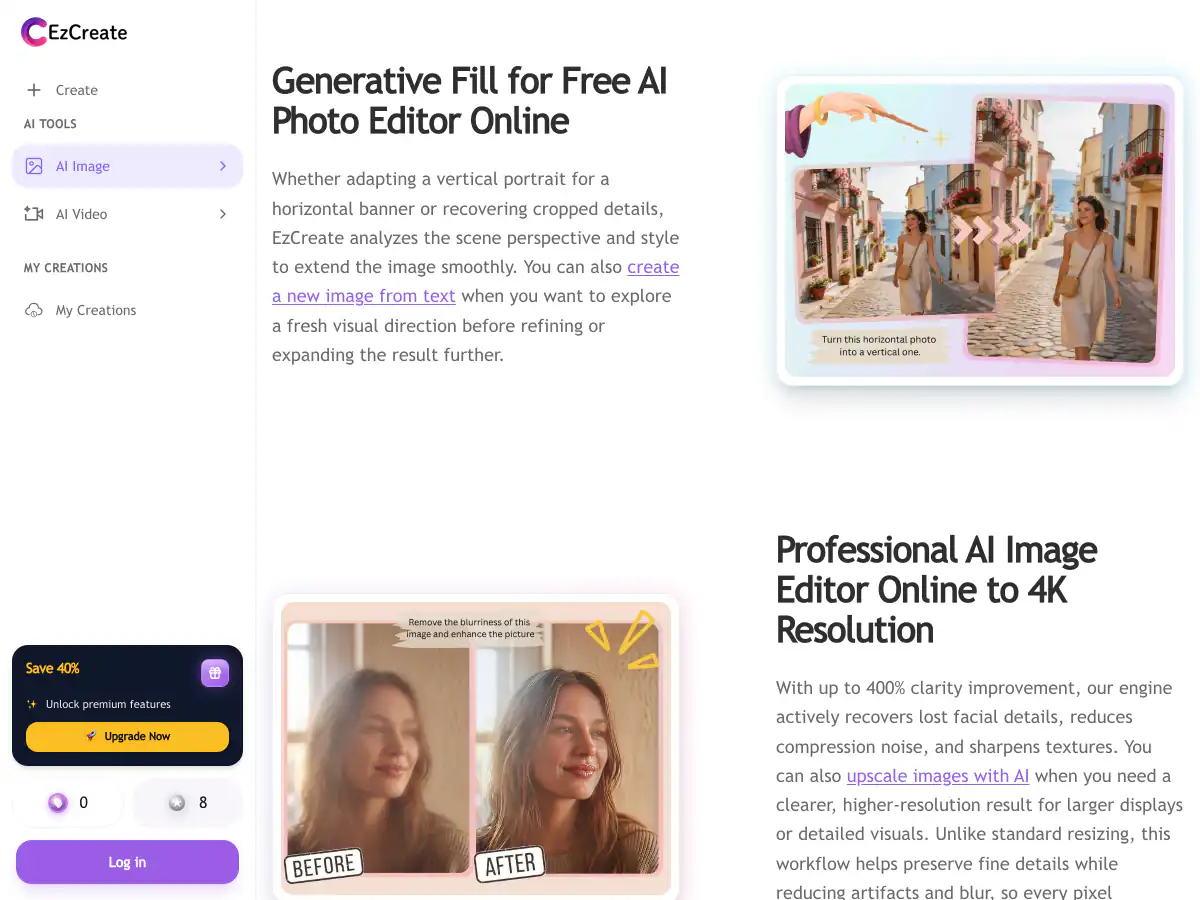
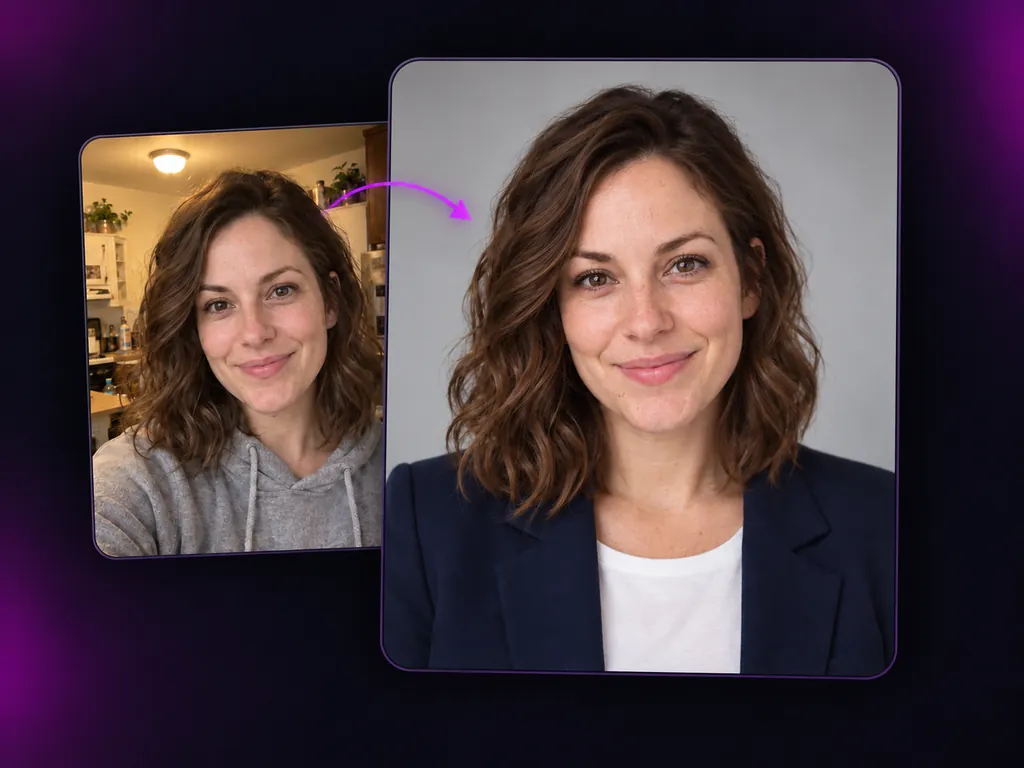
Edit Photos with a Prompt
Upload a photo, describe the change and let the AI handle the rest.
- Change colors, lighting or style
- Add, remove or replace details in plain words
- Pick a model that suits the edit
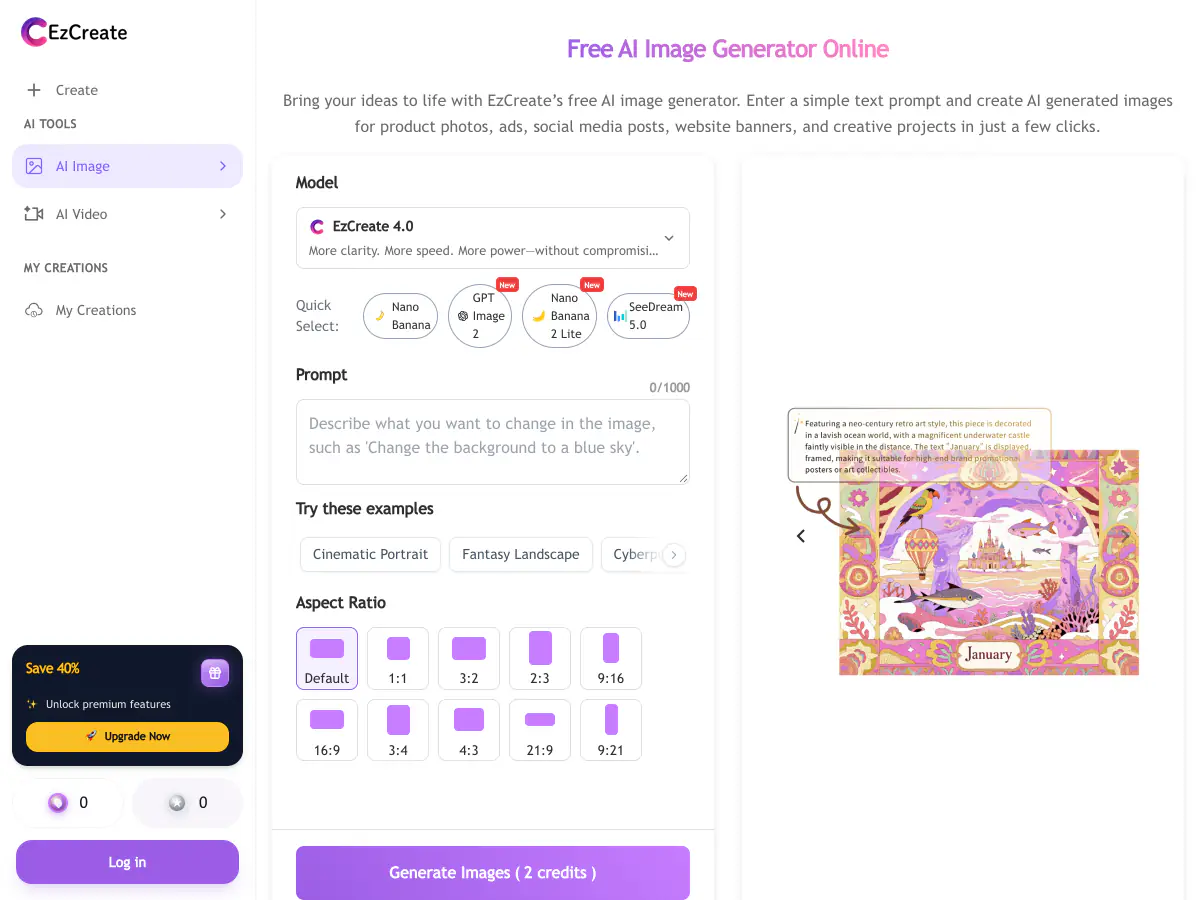
Generate Images from Text
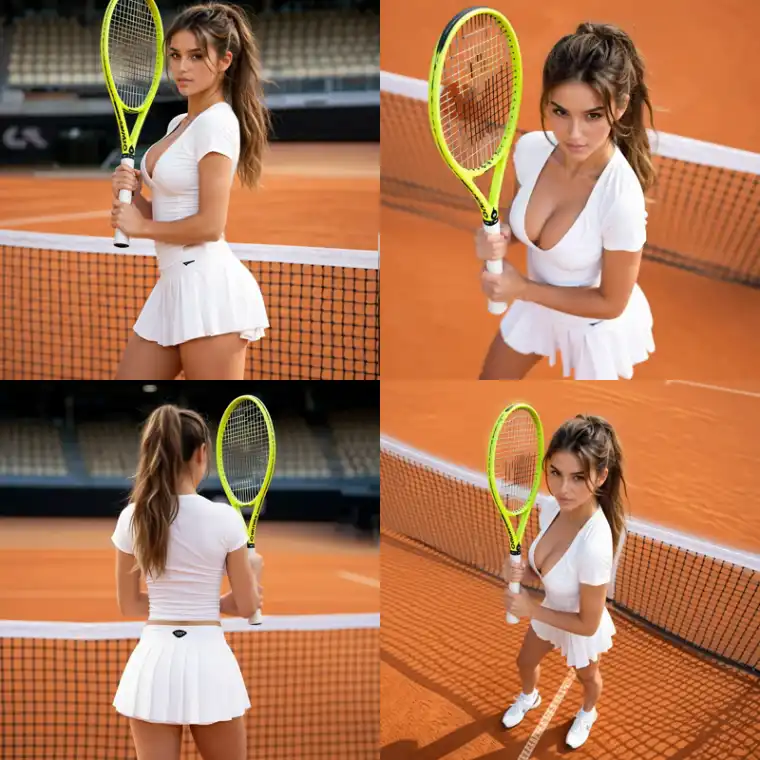
Describe a scene and get a finished picture in the style you want.
- Portraits, products, posters and concept art
- Choose the aspect ratio for each post
- Try several prompts and keep the best result
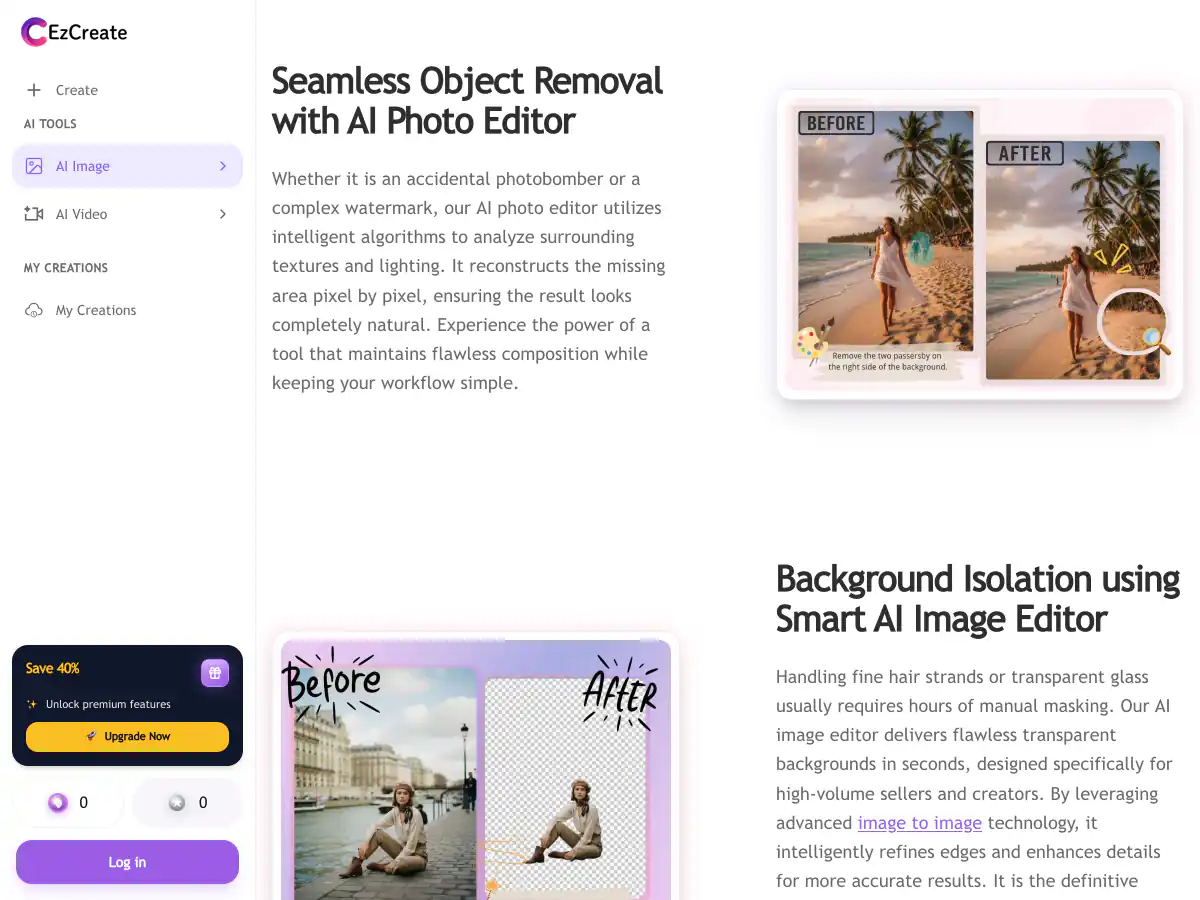
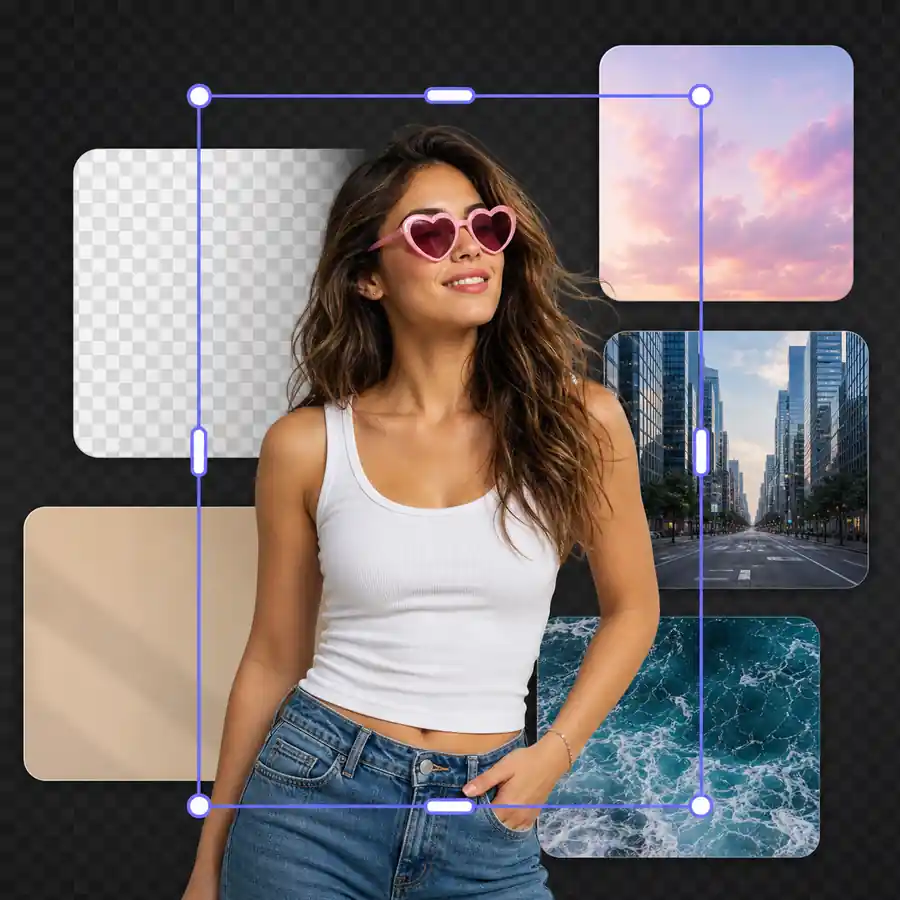
Remove Objects and Backgrounds
Clear out what you do not want, or cut out the subject for a clean background.
- Remove photobombers, clutter and text
- Clean cutouts around hair and edges
- Transparent PNG or a plain background
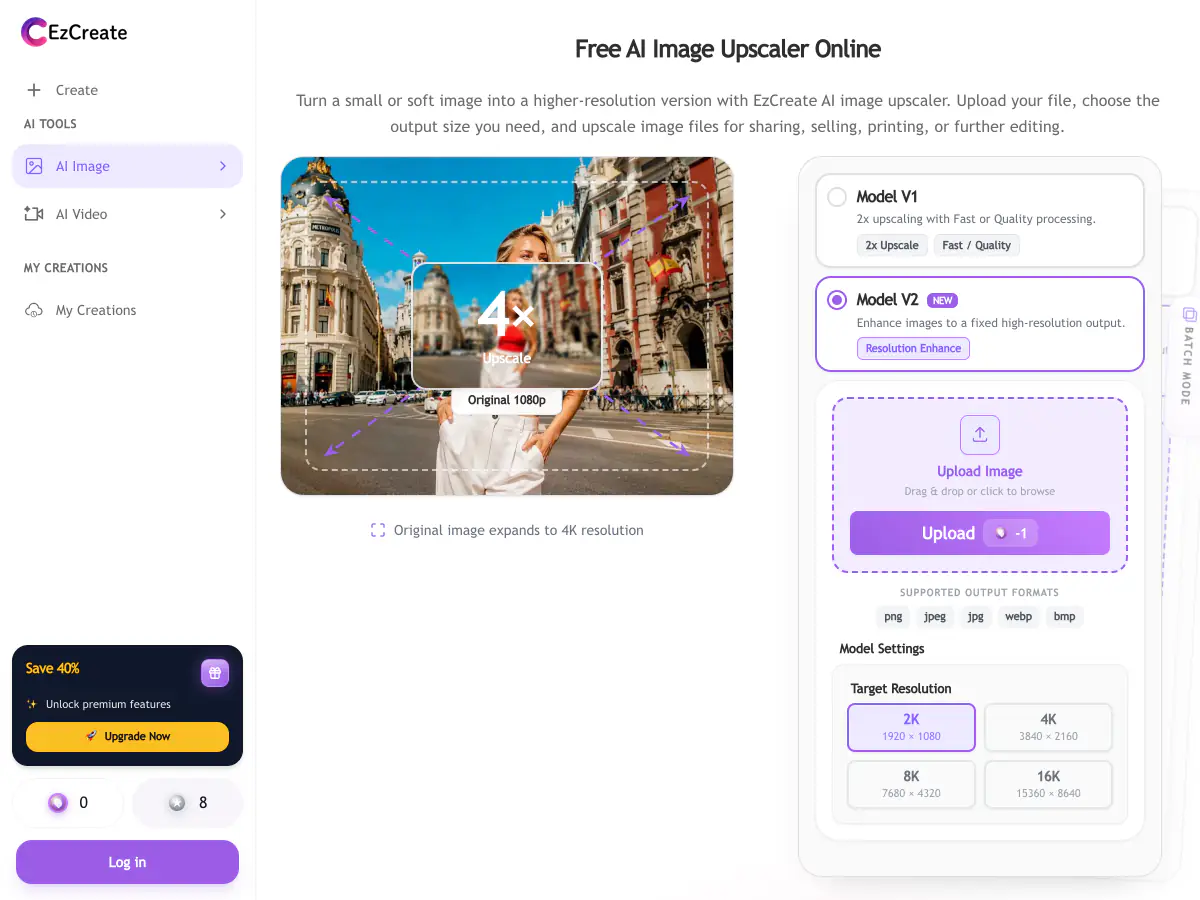
Upscale, Enhance and Unblur
Sharpen soft photos and enlarge small images for print or store listings.
- Fix blur and pixelation
- Upscale small images to 4K and 8K
- Prepare product shots and thumbnails
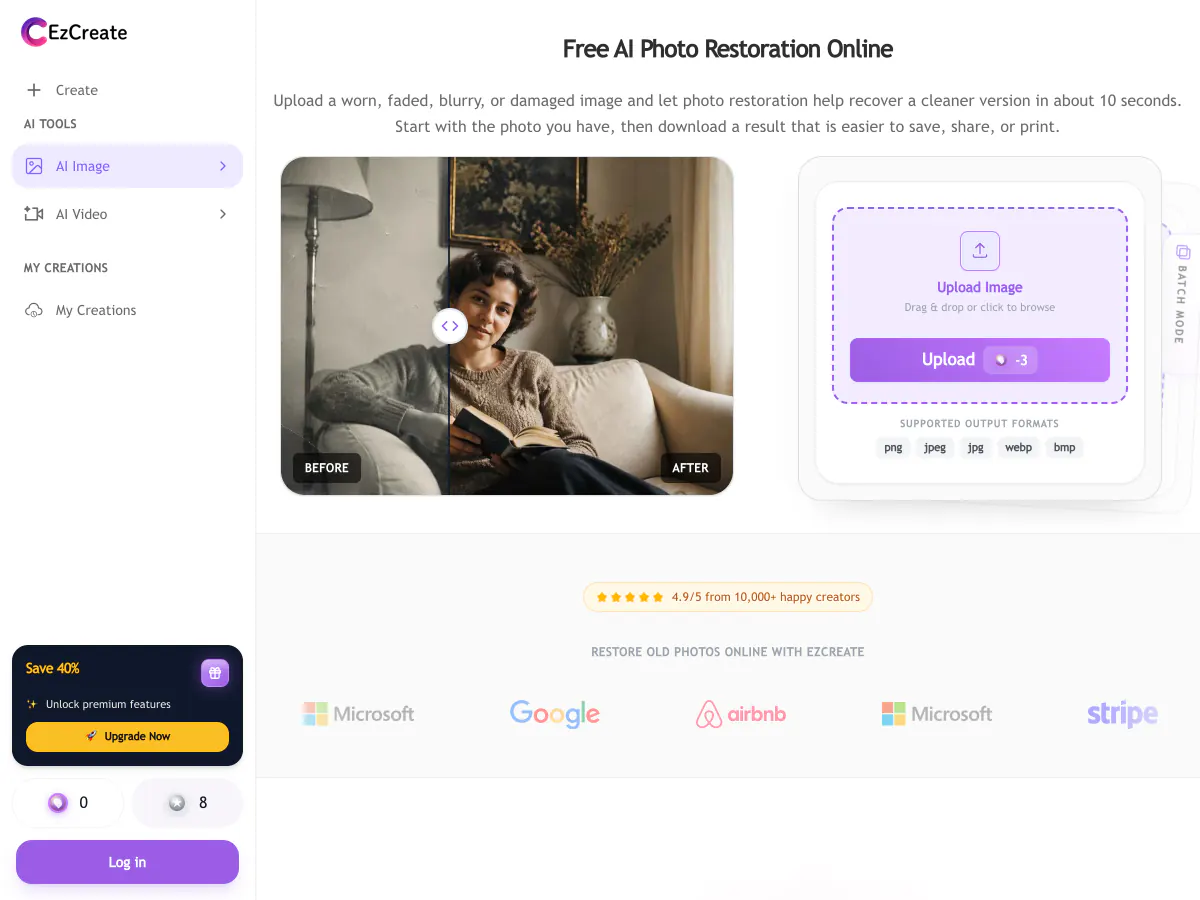
Restore Old Photos
Repair scratches, fading and tears, and bring back the color of family photos.
- Fix creases and torn edges
- Correct faded and yellowed tones
- Colorize black-and-white photos
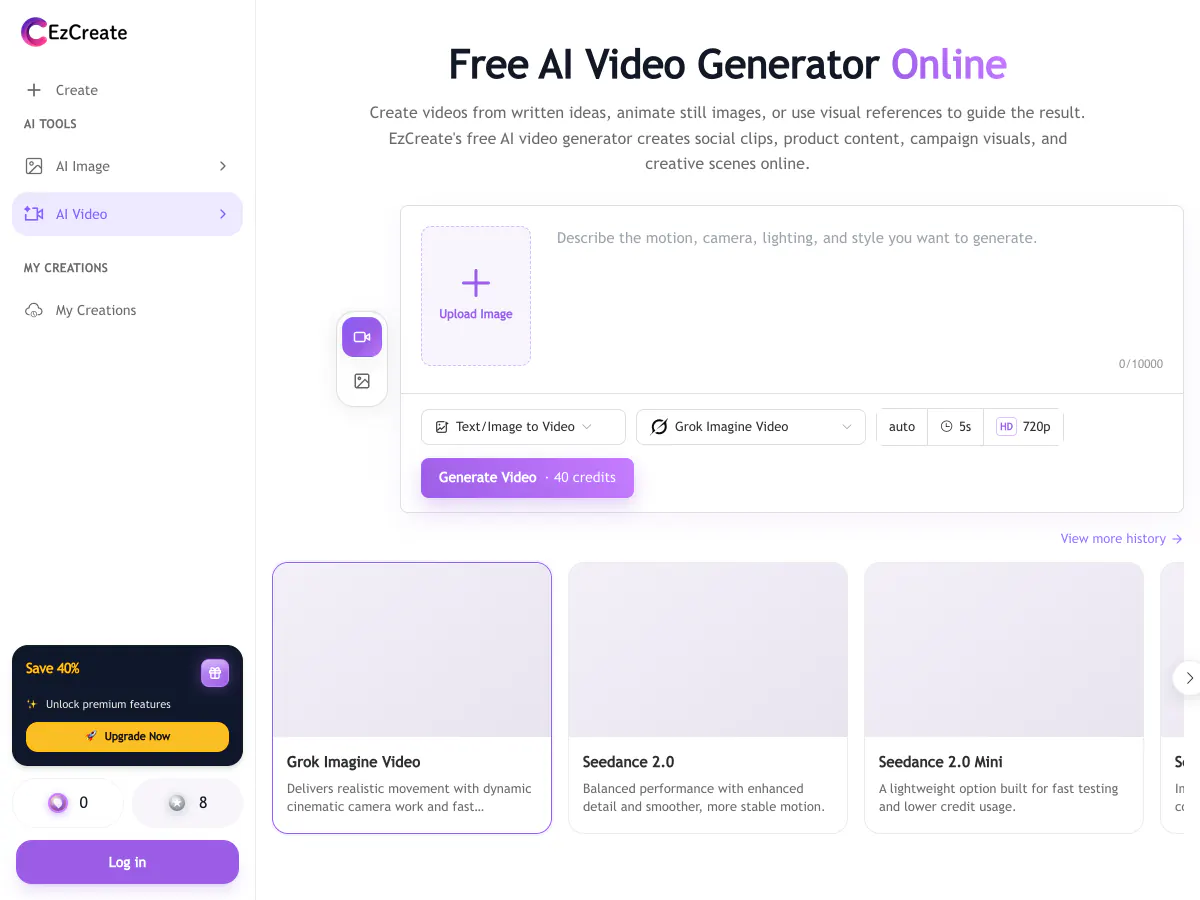
Turn Photos into Video
Bring a still image to life with camera moves and motion for short social clips.
- Animate a portrait, product or landscape
- Add camera pans, zooms and subject motion
- Make vertical clips for Reels, Shorts and TikTok
How to Use the EzCreate AI Photo Editor
Three steps from upload to a finished image. The same flow works with the free tool at the top of this page.
Upload a Photo or Write a Prompt
Upload a JPG, PNG or WebP photo to edit, or start from a text prompt if you want a new image.
Choose a Model and Describe the Result
Pick a model, then describe the change or the scene in plain words and set the aspect ratio.
Generate, Compare and Download
Generate, compare the results, refine the prompt if needed, and download the image at up to 4K.
EzCreate AI vs Makify AI: Side-by-Side Comparison
Both edit photos with AI in the browser. Here is how many images your free credits really get you, and which models and tools you can use.
EzCreate AI | RecommendedMakify AI | |
|---|---|---|
| Latest image models | Nano Banana / 2 / 2 Lite / Pro, GPT Image 2, SeeDream 4.0 / 4.5 / 5.0, EzCreate 3.0 / 4.0 | FLUX 3 Klein, Seedream 5.5, Nano Banana 2.1 / Pro, GPT Image 2.5, Qwen Image 3, Ideogram 4.0, Grok Imagine Image 2 |
| Latest video models | Seedance 2.5 / 2.0, Kling 2.6 and V3 Omni, Grok Imagine Video, MiniMax H3 | Kling 4.0, Seedance 2.5, Wan 3.0, MiniMax H3 |
| Free Nano Banana 2 images (1K) | None: Nano Banana 2 and Nano Banana Pro need a VIP upgrade | About 5 a week from daily check-in credits, and Nano Banana Pro works too |
| Free credits | 8 credits without an account, 15 a day after sign-in | Daily check-in credits stay valid for 14 days and work on every image and video model, so you can save them for a 5-second video |
| Task tools | About 8 tools: editor, image generator, upscaler, enhancer, restoration, unblur, video | 50+ AI tools incl. edit text in image, angle changer, image combiner, product photos, hairstyle and outfit changers |
| Best for | Model choice and video on one credit balance | The newest image and video models plus tools for specific jobs |
EzCreate AI is a solid all-in-one editor. If you want Nano Banana 2 and Nano Banana Pro without a VIP upgrade, free credits you can save up for a video, the newest models such as FLUX 3 Klein, Seedream 5.5 and Kling 4.0, and dedicated tools for text, angles, products and outfits, Makify AI is the better fit.
Why Use MakifyAI.com as an EzCreate AI Alternative
Makify AI keeps the same upload-and-describe workflow and adds the newest models, video with Kling 4.0 and dedicated tools for the jobs a general editor does not cover.
The Newest Image Models First
Use FLUX 3 Klein, Seedream 5.5, Nano Banana 2.1, GPT Image 2.5 and Ideogram 4.0 from one prompt box and keep the result you like best.
Kling 4.0 and the Latest Video Models
Turn a photo into video with Kling 4.0, Seedance 2.5 or Wan 3.0 without switching sites.
50+ Tools for Specific Photo Jobs
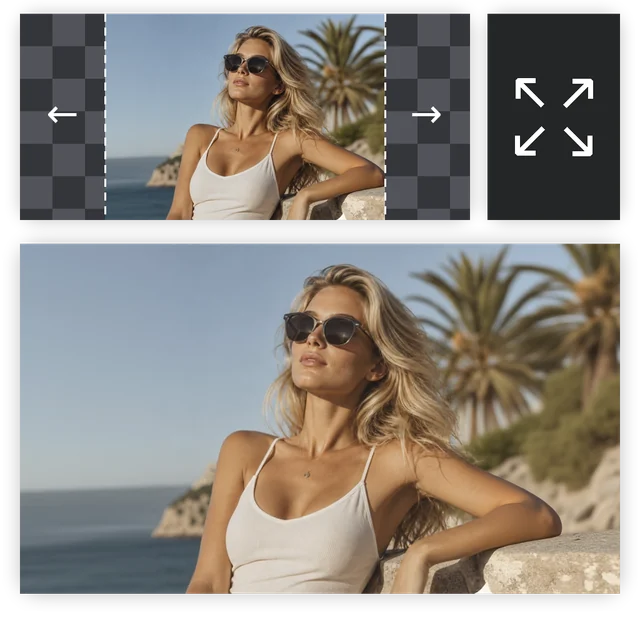
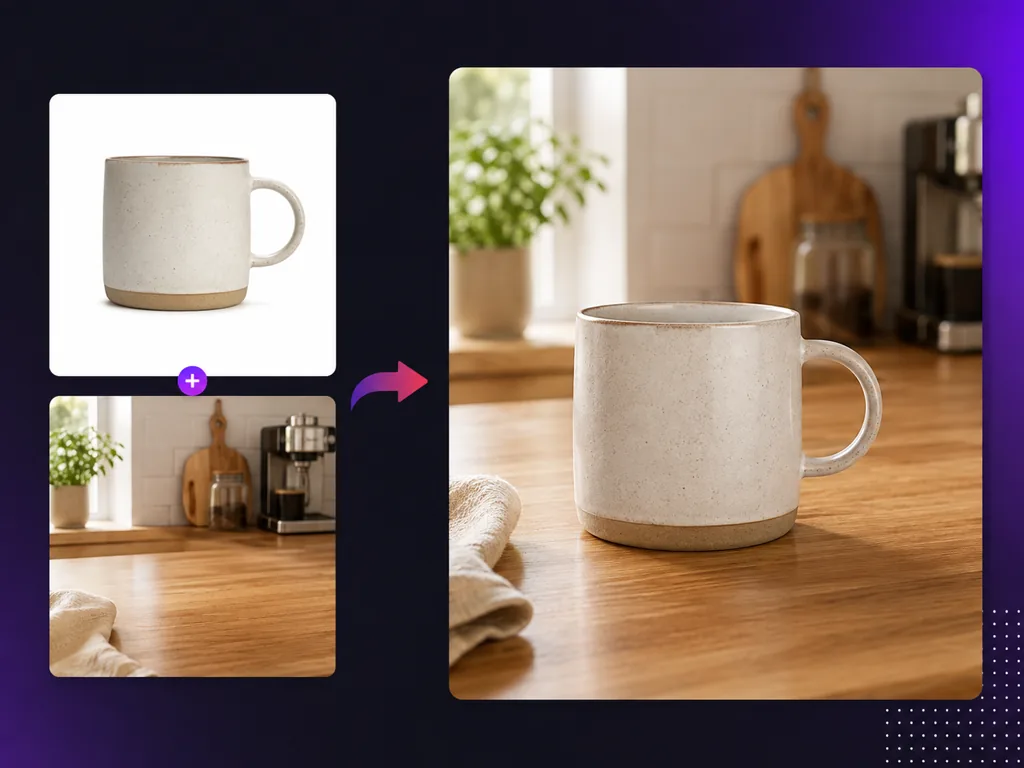
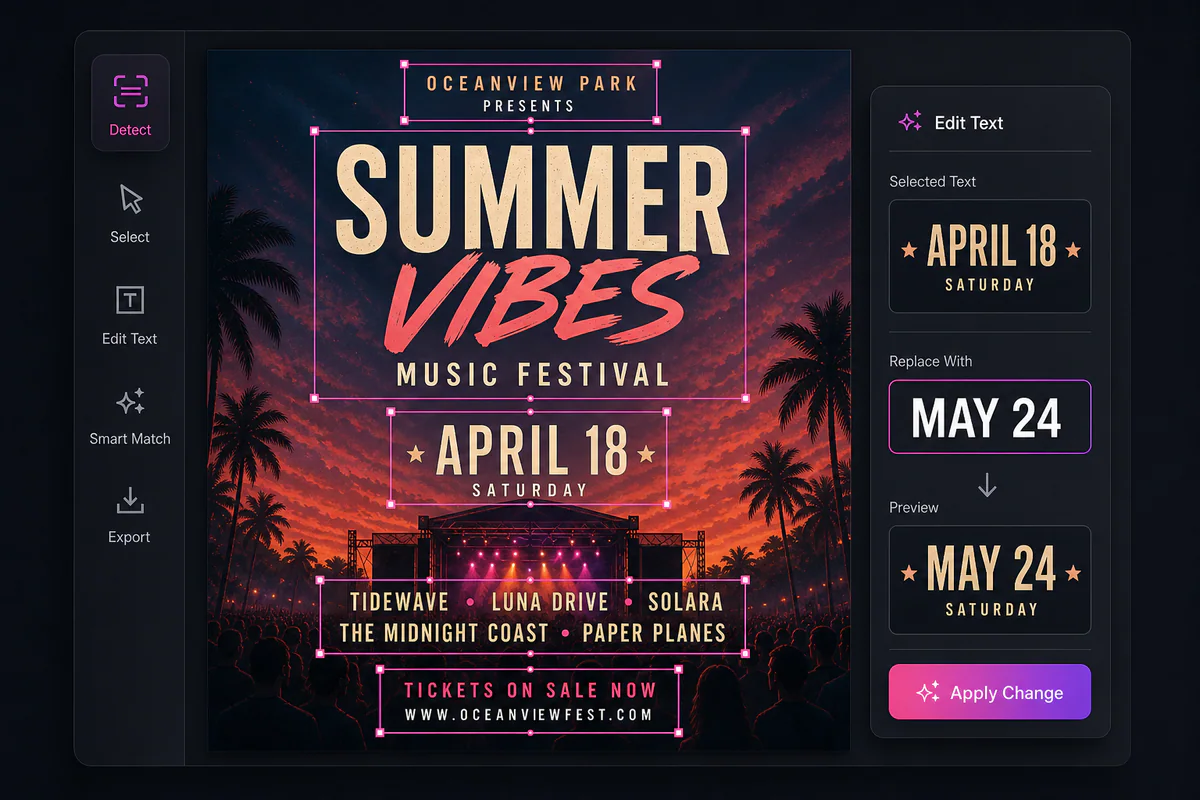
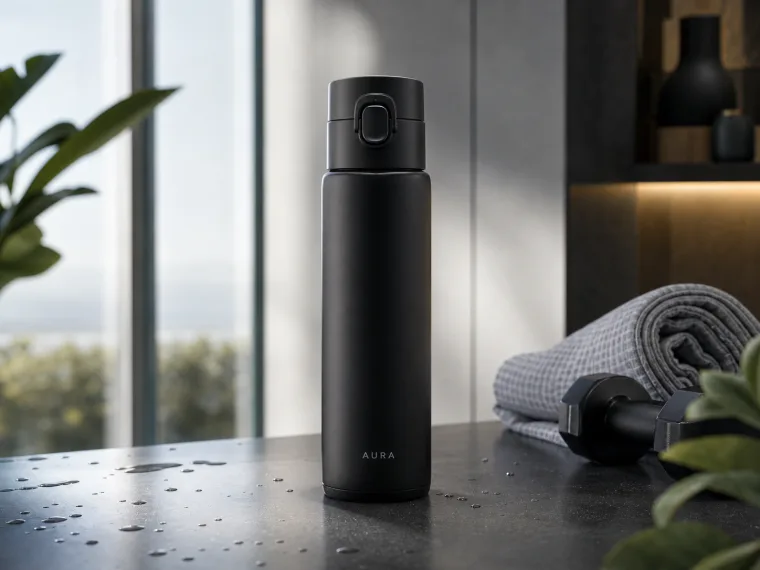
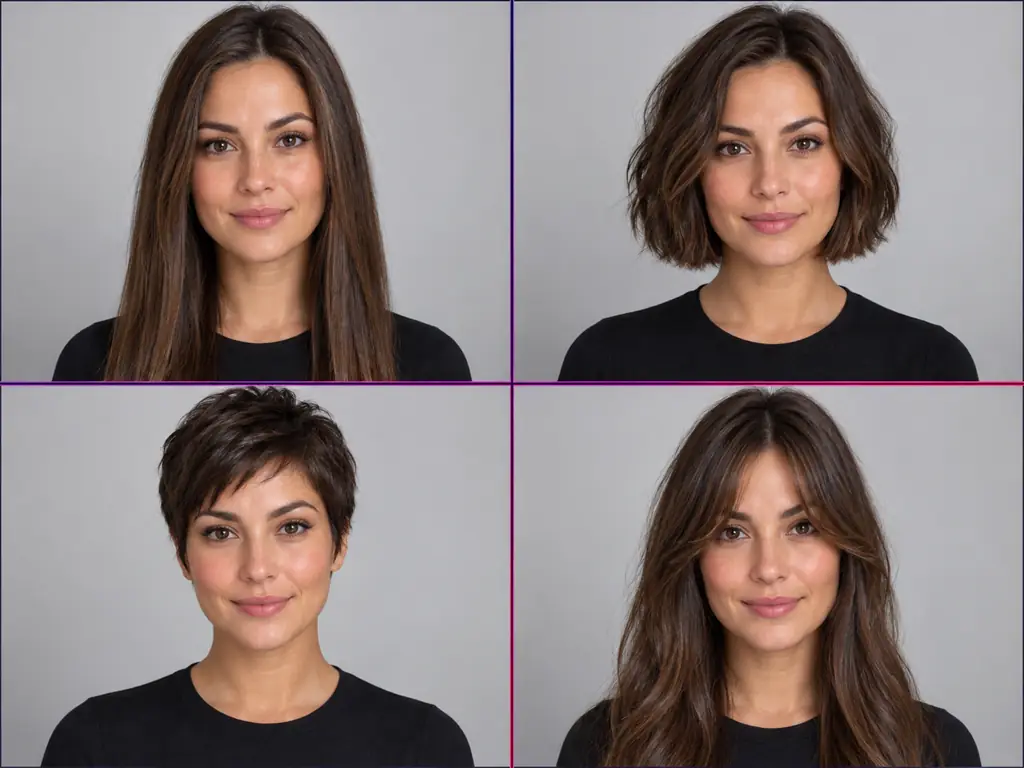
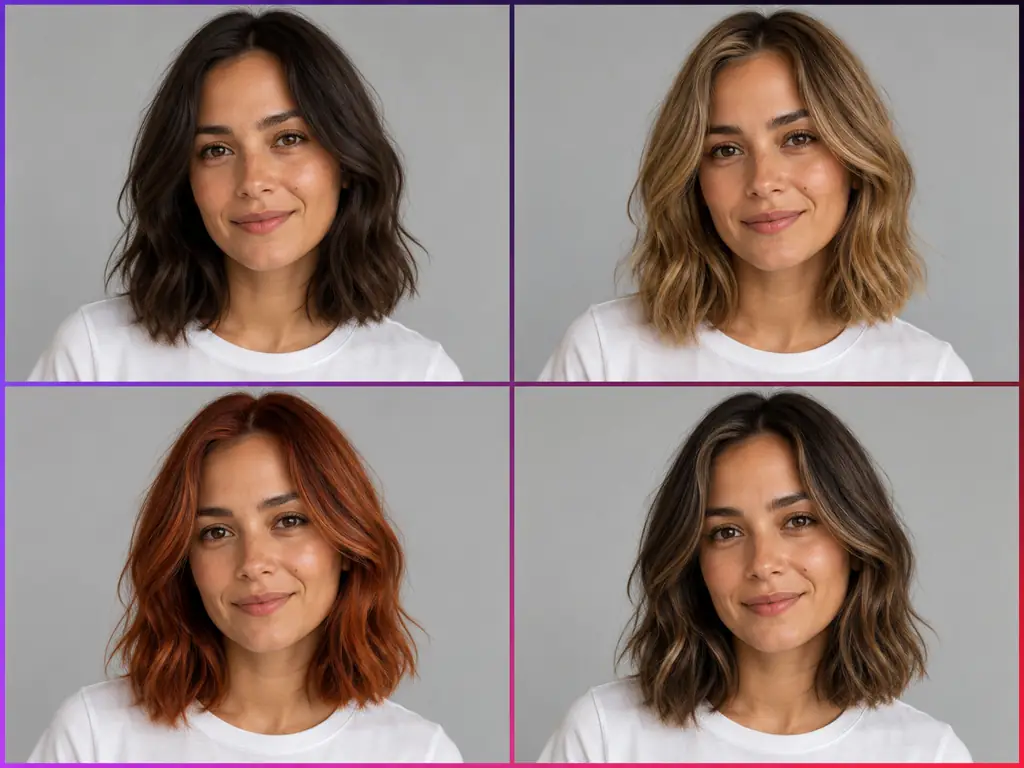
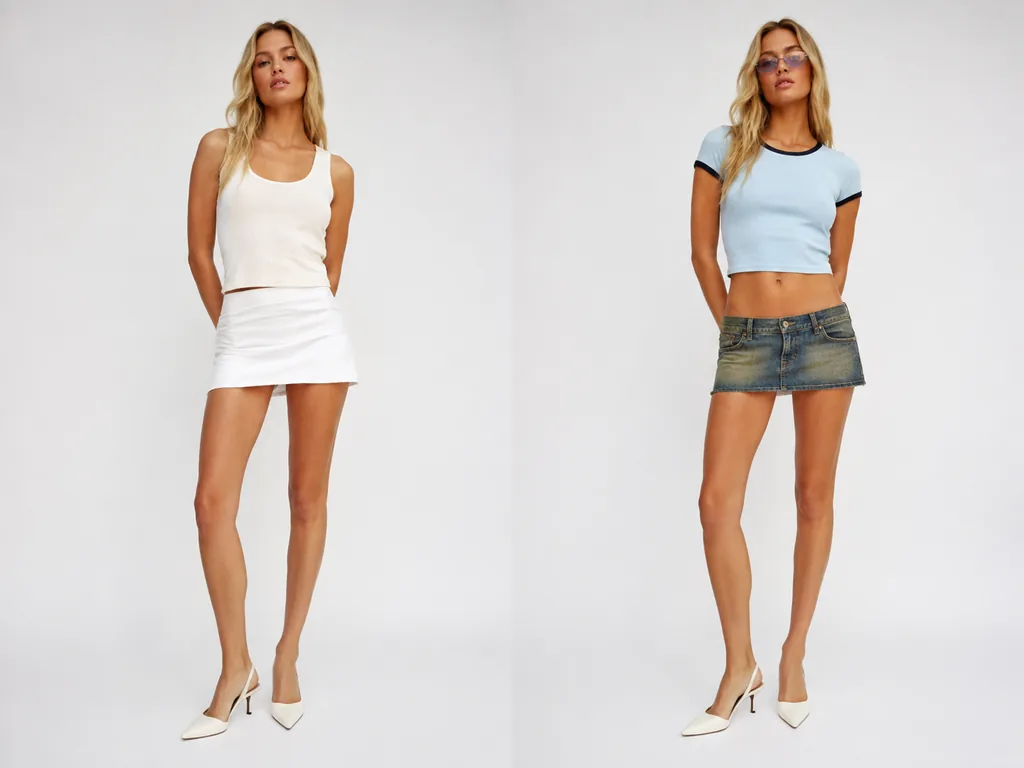
Edit text in an image, change the camera angle, combine photos, create product shots and try new hairstyles or outfits.
Free Credits You Can Save for Video
Sign up free and claim credits every day. They stay valid for 14 days and work on every model, so you can save them up for Nano Banana Pro or a short video.
EzCreate AI FAQ
Common questions about EzCreate AI and how it compares with Makify AI.
EzCreate AI is an online AI photo editor and image generator. You upload a photo, describe the edit and pick a model such as Nano Banana, GPT Image 2 or SeeDream, and it returns the edited image. It also offers text to image, an image upscaler, a photo enhancer, old photo restoration, unblur and an AI video generator, all running on one credit balance.
EzCreate AI is free to try: its FAQ says you get 8 free credits without an account and 15 free credits a day after you sign in. At 1K that is about 4 GPT Image 2 images without an account, but Nano Banana 2 and Nano Banana Pro need a VIP upgrade. On Makify AI you sign up free and claim daily check-in credits that stay valid for 14 days and work on every model, including Nano Banana 2, Nano Banana Pro and video.
EzCreate AI is a solid all-in-one editor: you can choose between several image models, make short videos and export without a watermark. It has few tools for specific jobs, and the credits each edit uses depend on the model. If you want the newest models such as FLUX 3 Klein and Kling 4.0, plus tools for text, angles, products and outfits, Makify AI is the stronger fit.
EzCreate AI says uploads are sent over encrypted connections and permanently deleted from its servers after 24 hours. Its privacy policy also lists device data, cookies and advertising measurement among the information it may collect, and its terms reserve the right to filter and restrict content generation.
No. You can try EzCreate AI without logging in, and signing in unlocks free daily credits. On Makify AI you create a free account first, get free credits to start, and can claim more every day with the daily check-in.
EzCreate AI does not offer an official app or APK download on its website. It is a web tool built to work in mobile browsers on iPhone and Android. Makify AI also runs in any mobile browser with nothing to install.
For images, EzCreate AI offers Nano Banana, Nano Banana 2, Nano Banana 2 Lite, Nano Banana Pro, GPT Image 2, SeeDream 4.0, 4.5 and 5.0, and its own EzCreate 3.0 and 4.0. For video, it lists Seedance 2.5, 2.0 and 2.0 Mini, Kling 2.6 and V3 Omni, Grok Imagine Video and MiniMax H3.
Yes. EzCreate AI has an AI video generator that turns text or images into short clips with models such as Seedance and Kling. Makify AI offers the latest video models, including Kling 4.0, Seedance 2.5, Wan 3.0 and MiniMax H3.
EzCreate AI's homepage FAQ says you can use the images commercially, while its terms and conditions grant a license for personal and non-commercial use. Read the terms before using images in ads, products or client work.
A generation can fail when the service is busy, when a model is temporarily unavailable or when your free credits have run out. Wait a little and try again, switch models, or check your credit balance. If you need to finish an edit now, you can do the same job on Makify AI.
Pick EzCreate AI if you want model choice and video on one credit balance. Pick Makify AI when you want to use Nano Banana 2 and Nano Banana Pro with free credits, save credits up for a video, try the newest models such as FLUX 3 Klein, Seedream 5.5 and Kling 4.0, and use dedicated tools to edit text in images, change angles and create product shots.
Makify AI is a strong free EzCreate AI alternative. Sign up free, claim daily check-in credits, then upload a photo or write a prompt and pick a model such as Nano Banana 2.1 or GPT Image 2.5. Every image downloads without a watermark, and you get 50+ photo and video tools in the same place.
Create Your AI Image with Makify AI
Upload a photo or type a prompt, pick a model and get a clean, watermark-free image in seconds. Free to start.