










Raphael AI Image Generator: Free Online Text to Image
Raphael AI is a free-to-start, browser-based image generator that turns a text prompt into pictures in seconds. Makify AI is the ideal alternative. Try Makify AI for free now!
⚡ Free to start · 🖥️ Nothing to install · 🖼️ Up to 4K export
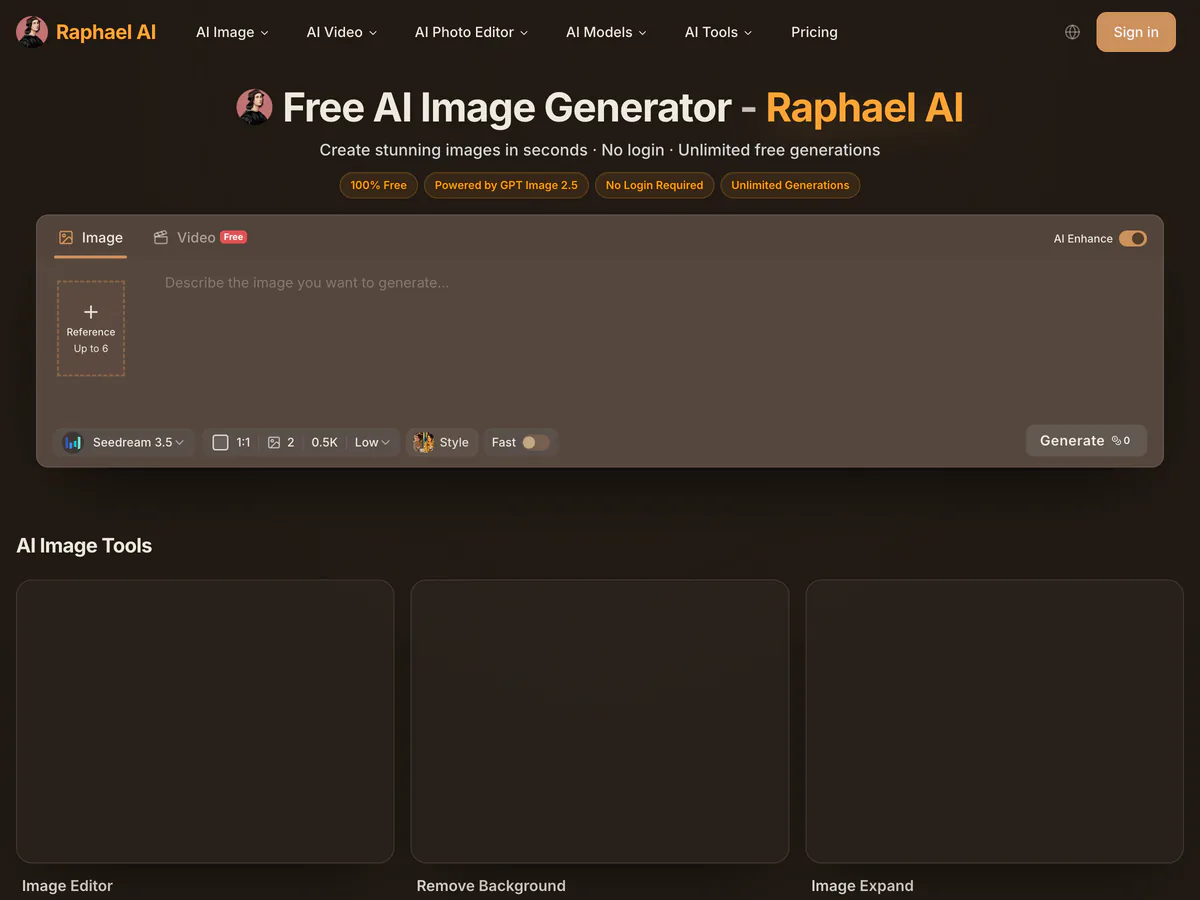
What Is Raphael AI?
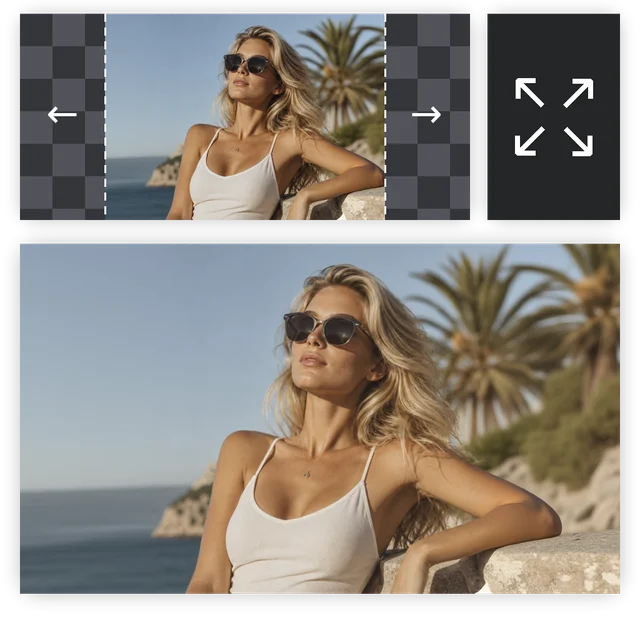
Raphael AI is a free AI image generator that runs in the browser. You type a prompt, choose a style and an aspect ratio, and its free Basic model returns up to four images in about eight seconds, with no account needed to start. Paid plans add premium models such as Nano Banana 2.1, GPT Image 2 and Seedream 5.0, remove the watermark from free images, and unlock AI video. Besides text to image, Raphael AI also lets you edit photos with text, remove backgrounds, upscale images and extend a picture beyond its edges.
What You Can Create with the Raphael AI Image Generator
From a single prompt to edited, upscaled and animated images, here is what people make with a Raphael AI style image generator, and where to do each job on Makify AI.
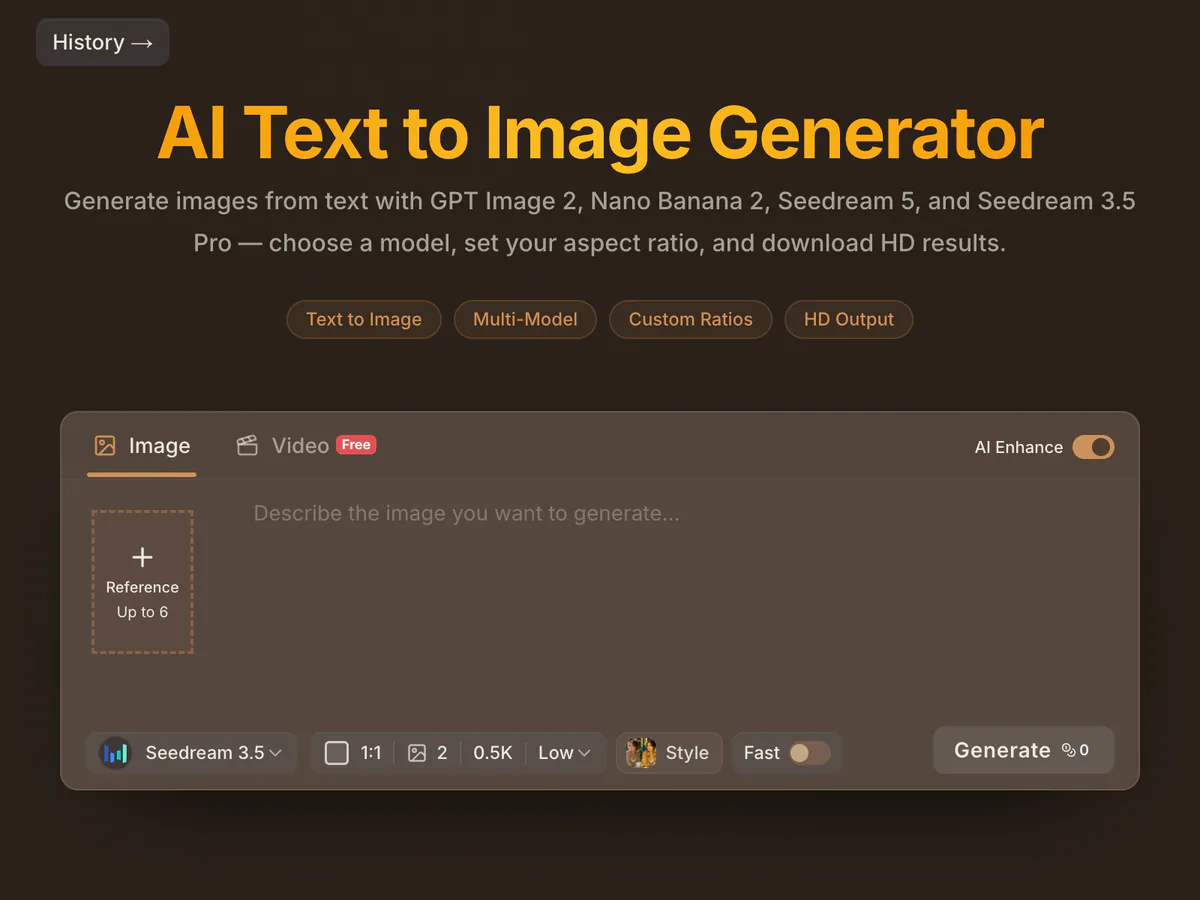
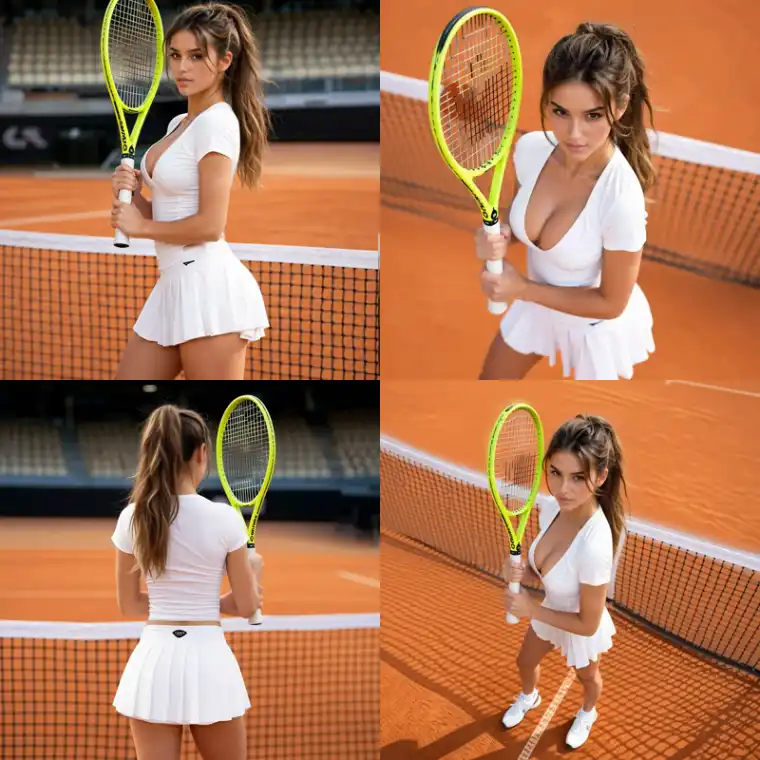
Text to Image from Any Prompt
Describe a scene in plain words and get a finished picture, from photoreal portraits to posters and concept art.
- Write prompts in everyday language, no special syntax needed
- Generate several variations and keep the best one
- Works for portraits, products, scenes, logos and illustrations
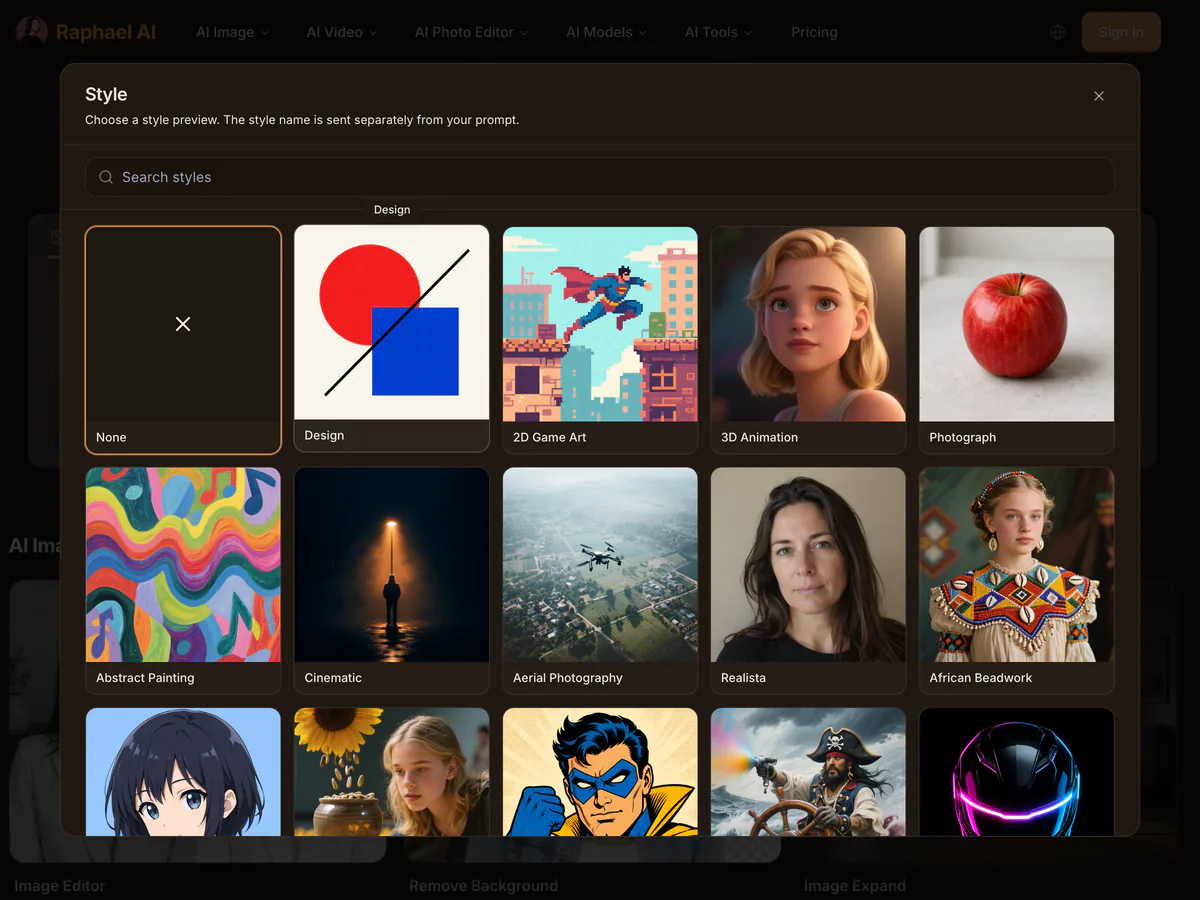
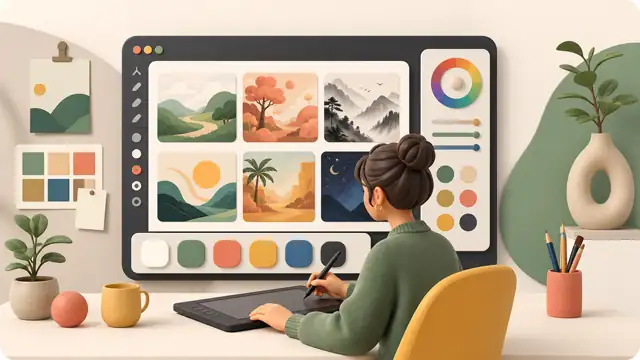
Pick a Style and Aspect Ratio
Switch the look of the same idea and frame it for the place you will post it.
- Move between photo, anime, 3D, watercolor and cinematic looks
- Choose square, portrait or widescreen for posts, stories and banners
- Keep the same subject while you try different styles
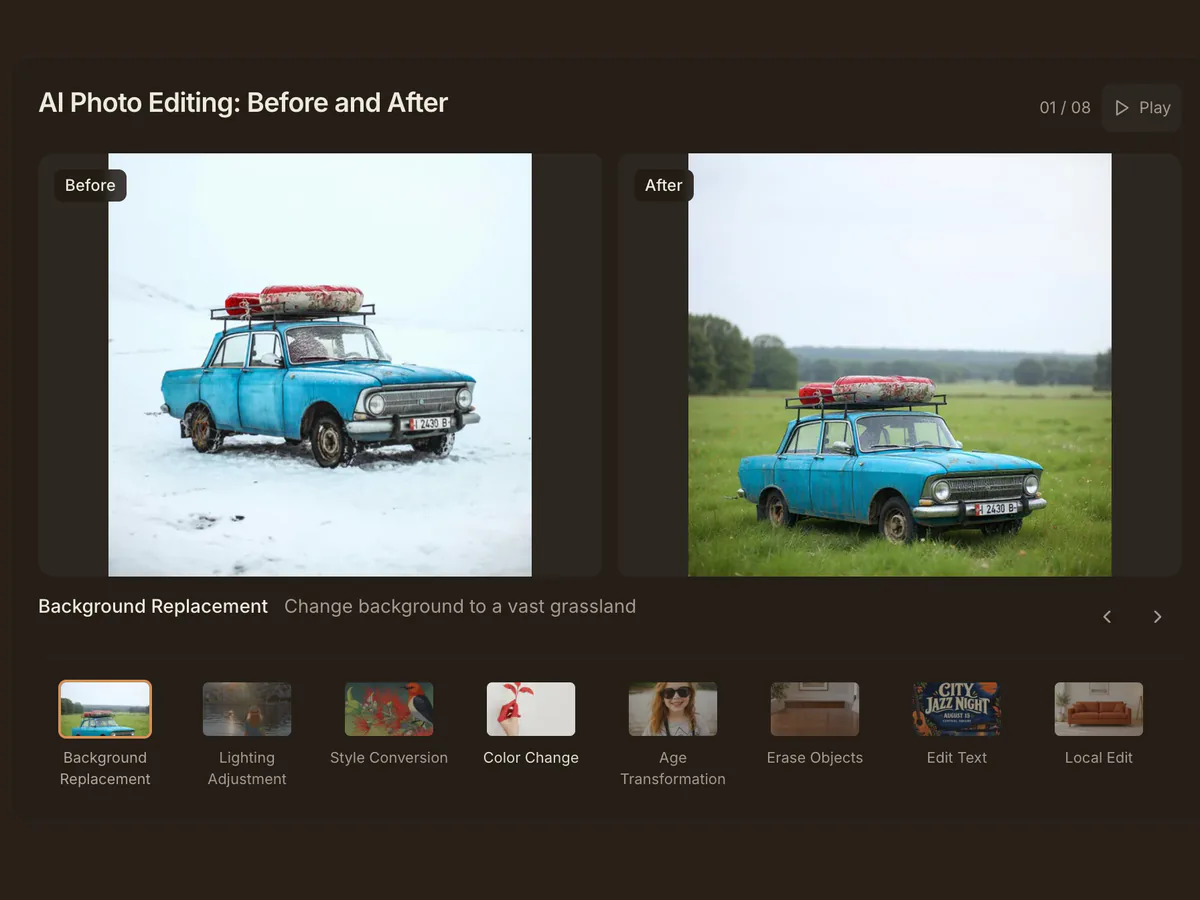
Edit Images with Text
Upload a picture and describe the change instead of masking it by hand.
- Change the background or the lighting
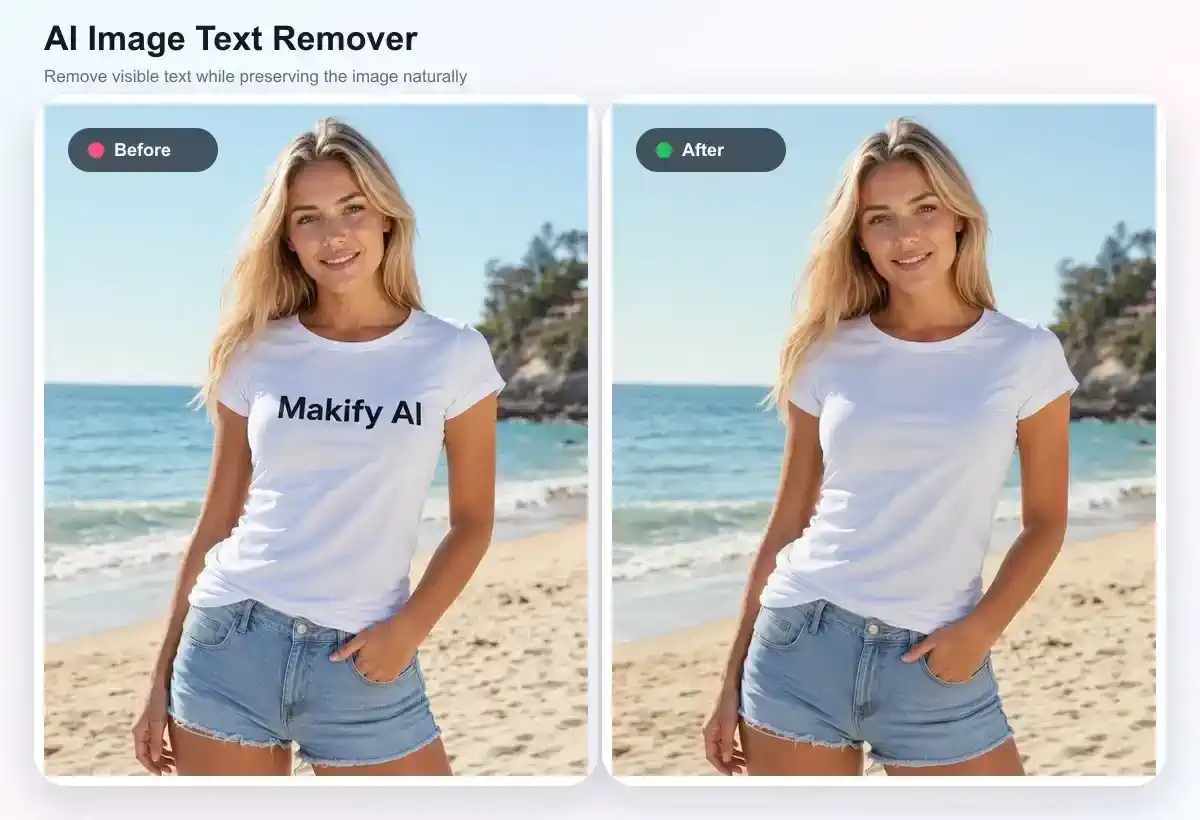
- Remove objects or people you do not want
- Swap outfits, colors and small details
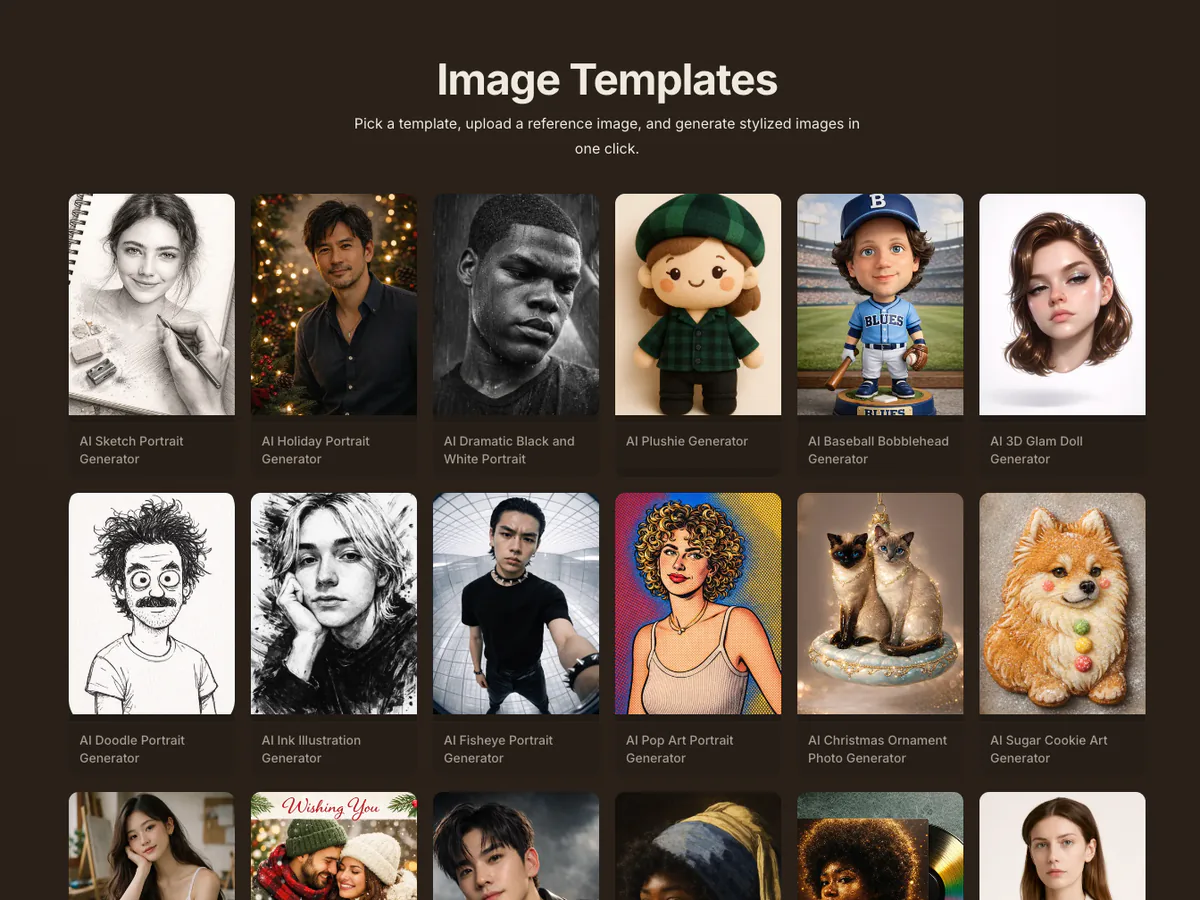
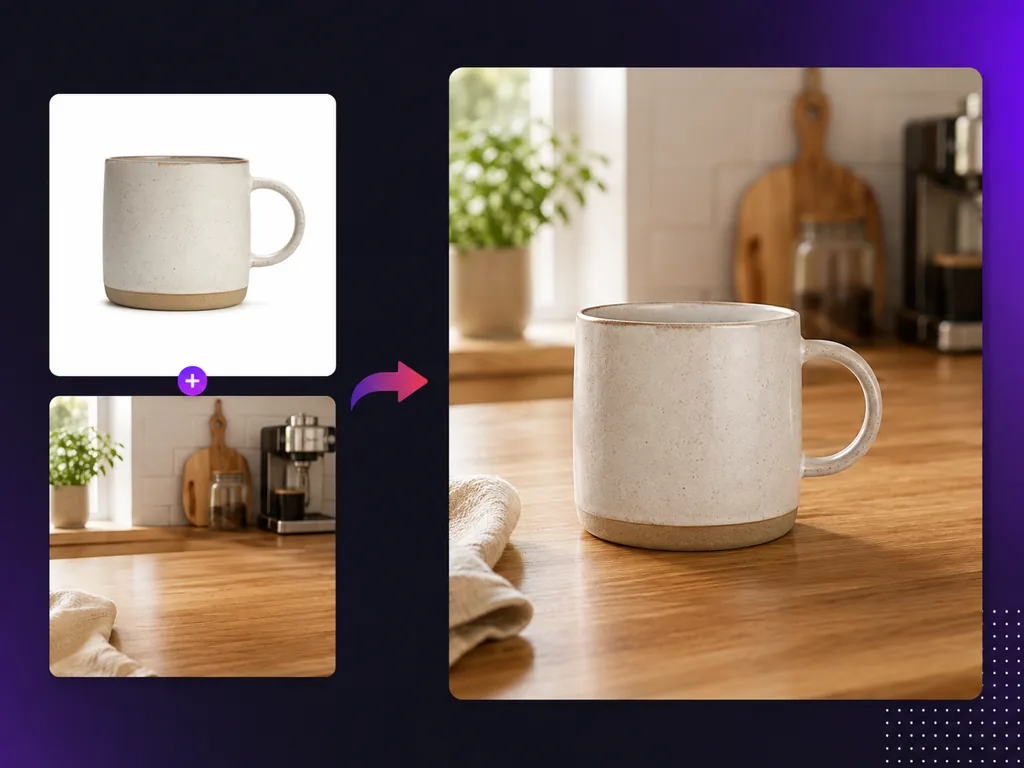
Generate from a Reference Image
Start from a photo to keep the same face, product or style across a whole set of images.
- Keep a character consistent across scenes
- Place the same product in new settings
- Match the style of an image you already like
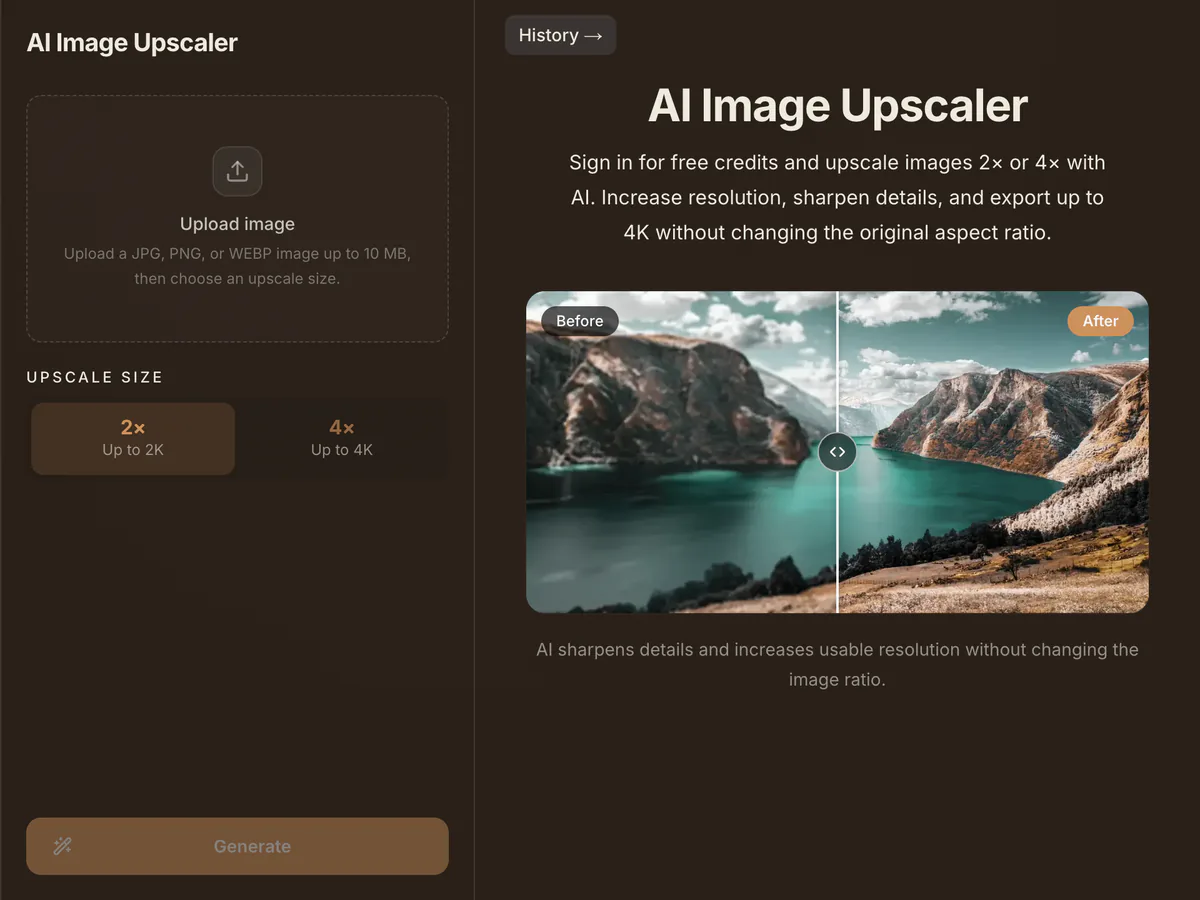
Upscale and Remove Backgrounds
Finish an image for print or a store listing in the same place you made it.
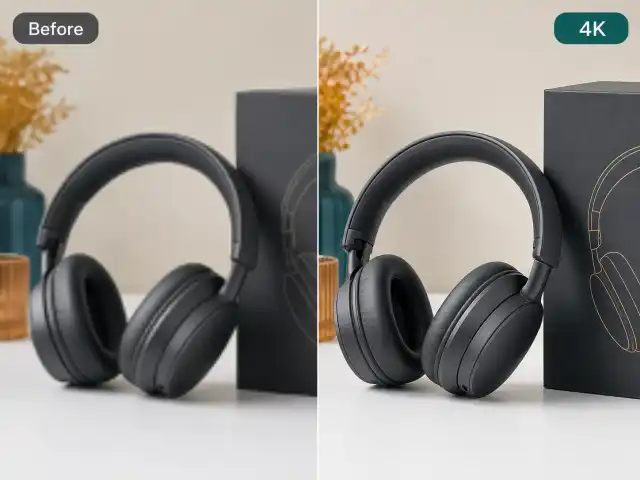
- Upscale small or blurry images for print and ads
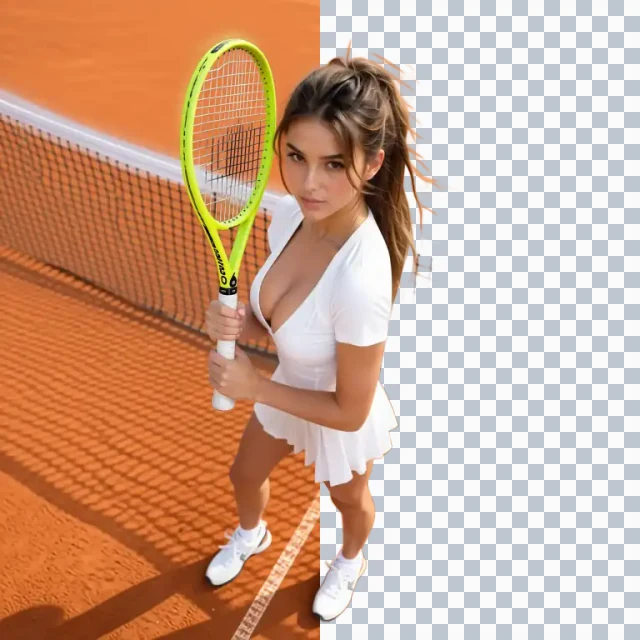
- Cut out the subject for a clean white or transparent background
- Prepare product photos for marketplaces
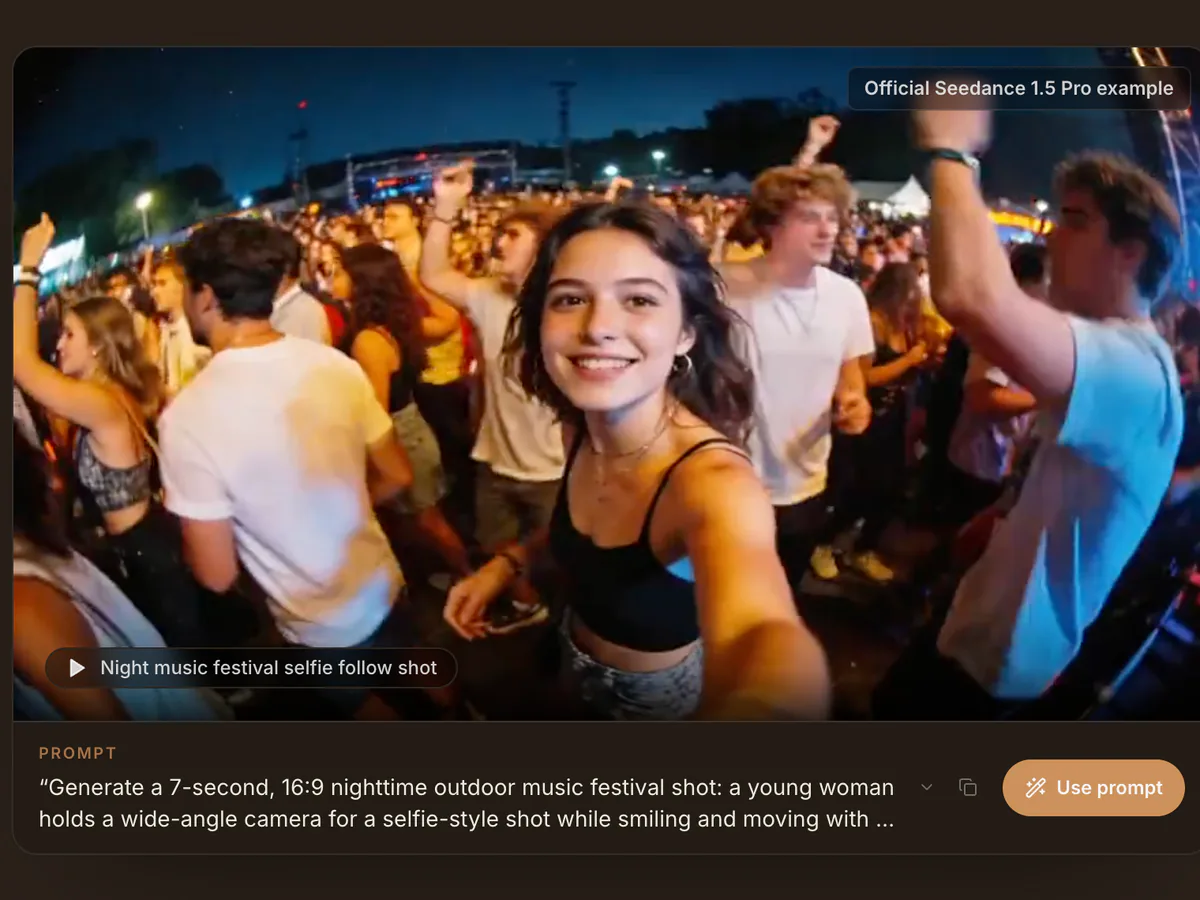
Turn Images into Video
Bring a still image to life with camera moves and motion for short social clips.
- Animate a portrait, product or landscape
- Add camera pans, zooms and subject motion
- Make vertical clips for Reels, Shorts and TikTok
How to Use the Raphael AI Image Generator
Three steps from a prompt to a finished image. The same flow works with the free tool at the top of this page.
Describe Your Image
Type what you want to see in plain English: the subject, setting, style and mood. A short prompt works, and extra detail gives you more control.
Choose a Model, Style and Aspect Ratio
Pick a model such as Nano Banana 2 or GPT Image 2, then set the aspect ratio for a post, story, banner or print.
Generate, Refine and Download
Generate, compare the results, describe any change you want, and download the final image at up to 4K.
Raphael AI vs VisualGPT vs Makify AI: Side-by-Side Comparison
All three turn a prompt into an image. Here is how they differ once you need a finished, ready-to-use result.
Raphael AI | VisualGPT | RecommendedMakify AI | |
|---|---|---|---|
| How you start | Free Basic model, no account needed | 10 free credits a day after logging in | Free account with 3 credits plus 7-day check-in credits |
| Watermark on free images | Yes | No | No |
| Max export | Up to 4K on premium models | Standard on free, up to 4K on paid plans | Up to 4K on any account |
| Image models | Nano Banana 2.1 / 2 / Pro, GPT Image 2, Seedream 5.0, Qwen-Image | Nano Banana 2 / Pro, GPT Image 2 / 2.5, Seedream 5 Pro, Flux 2 Pro, Qwen Image | Nano Banana 2.1 / 2 / Pro, GPT Image 3 / 2.5 / 2, Seedream 5.0, Qwen Image 3, Ideogram 4.0, Flux 3, Grok Imagine 2 |
| Video models | MiniMax H3 and others | Seedance 2.5, Kling 3.0, Veo 3.1, Wan 3.0, MiniMax H3 | Seedance 2.5, Kling 4, Wan 3, MiniMax H3 |
| Photo tools | Editor, background remover, upscaler, image extender | 60+ one-click tools incl. try-on, headshots, room design | 50+ tools incl. product photos, outfit and hairstyle changer, edit text in image, old photo restoration |
| Paying | Plans from $10/month billed yearly, plus credit packs | Plans from $6/month billed yearly, credit packs from $20 | One-time packs from $4.99, or plans from $9.9/month billed yearly |
| Best for | Quick free drafts | One-click e-commerce and room visuals | Clean 4K images with the newest models |
Raphael AI is enough for a quick free draft, and VisualGPT suits one-click e-commerce edits. If you want clean images with the newest models and 4K export on any account, Makify AI is the better fit.
Why Use MakifyAI.com as a Raphael AI Image Generator Alternative
Makify AI keeps the same prompt-to-image workflow and adds what you need to finish the job: clean exports, newer models, task tools and video.
Clean Images Without a Watermark
Every image you make downloads clean, even with free credits, so it is ready to post.
Newer Image Models in One Place
Use GPT Image 3, Ideogram 4.0, Flux 3, Nano Banana 2.1 and Seedream 5.0 from one prompt box and pick the best model for each job.
50+ Photo Tools for Real Tasks
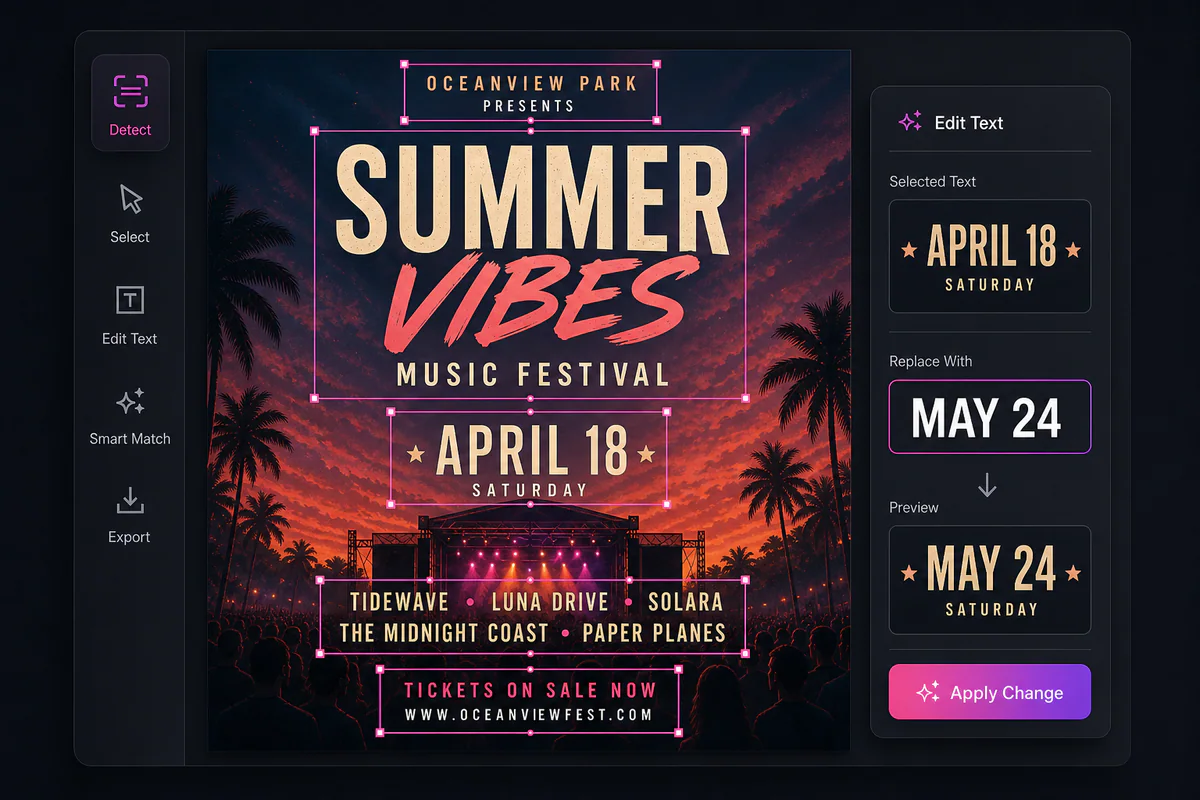
Go beyond text to image with product photography, outfit and hairstyle changers, edit text in image and old photo restoration.
The Latest AI Video Models
Turn your images into video with Seedance 2.5, Kling 4 and Wan 3 without switching sites.
Raphael AI FAQ
Common questions about Raphael AI and how it compares with Makify AI.
Create Your AI Image with Makify AI
Type a prompt, pick a model and get a clean, watermark-free image in seconds. Free to start.