AI Video Generator
Text to video in 3 to 30 seconds, up to 1080p, with sound on models that support it. Pick 16:9, 9:16, 1:1 and more.
Add the Makify AI MCP server to your AI assistant once, then ask for videos and images in any chat. Text to video, image to video, product ads and photo edits with Seedance, Kling and Nano Banana.
https://makifyai.com/api/mcpClick Add AI Video Creator to ChatGPT. It opens AI Video Creator, made by Makify AI, in ChatGPT's plugin directory.
Click Add, then sign in to your Makify AI account (or create one) and allow access.
Type in any chat and describe the video or image you want.
Plugins not available in your workspace? Add Makify AI yourself: in ChatGPT open Plugins, click + → Add custom MCP server, name it , paste and choose OAuth.
Make a 5-second video: close-up of cowboy boots dancing in the sand at a desert music festival, dust kicking up, a crowd in the background, warm afternoon light. With sound, 16:9. Tell me the credit cost before you start.
Each feature is a ready-made prompt. Open it in your assistant, or copy it and paste it into any chat where Makify AI is connected.
Text to video in 3 to 30 seconds, up to 1080p, with sound on models that support it. Pick 16:9, 9:16, 1:1 and more.
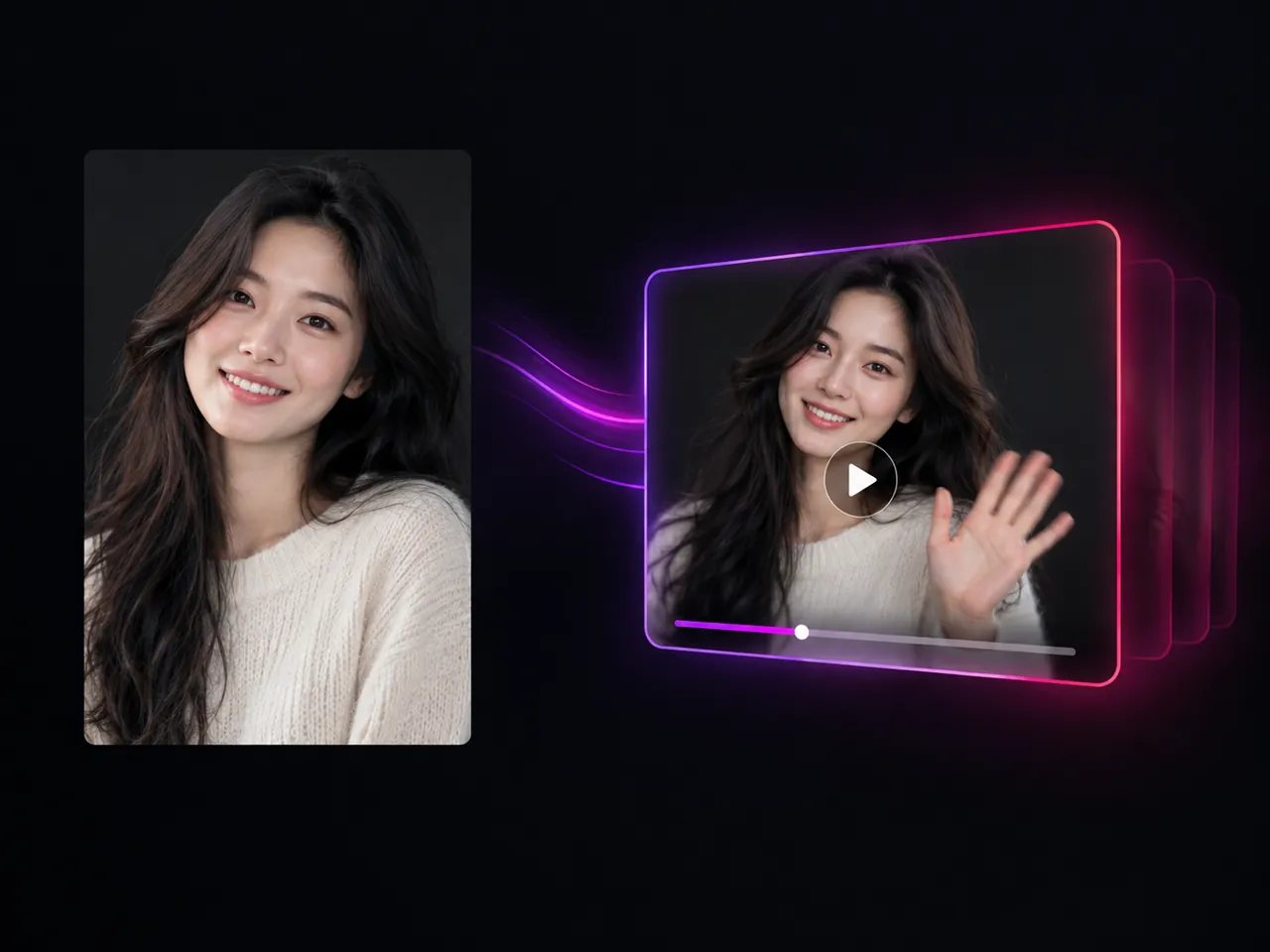
Animate a photo, drawing or product shot. You describe the motion and camera; the picture itself stays as it is.
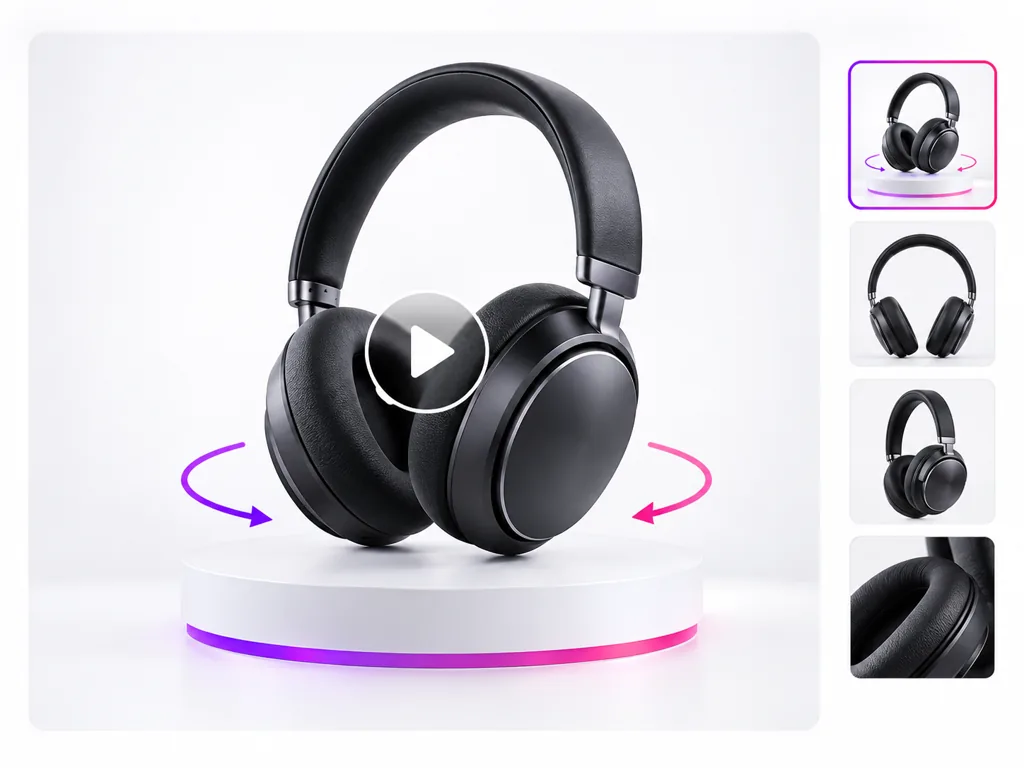
Orbit and push-in showcase shots and lifestyle scenes from a product photo, vertical for TikTok and Reels or wide for your store.
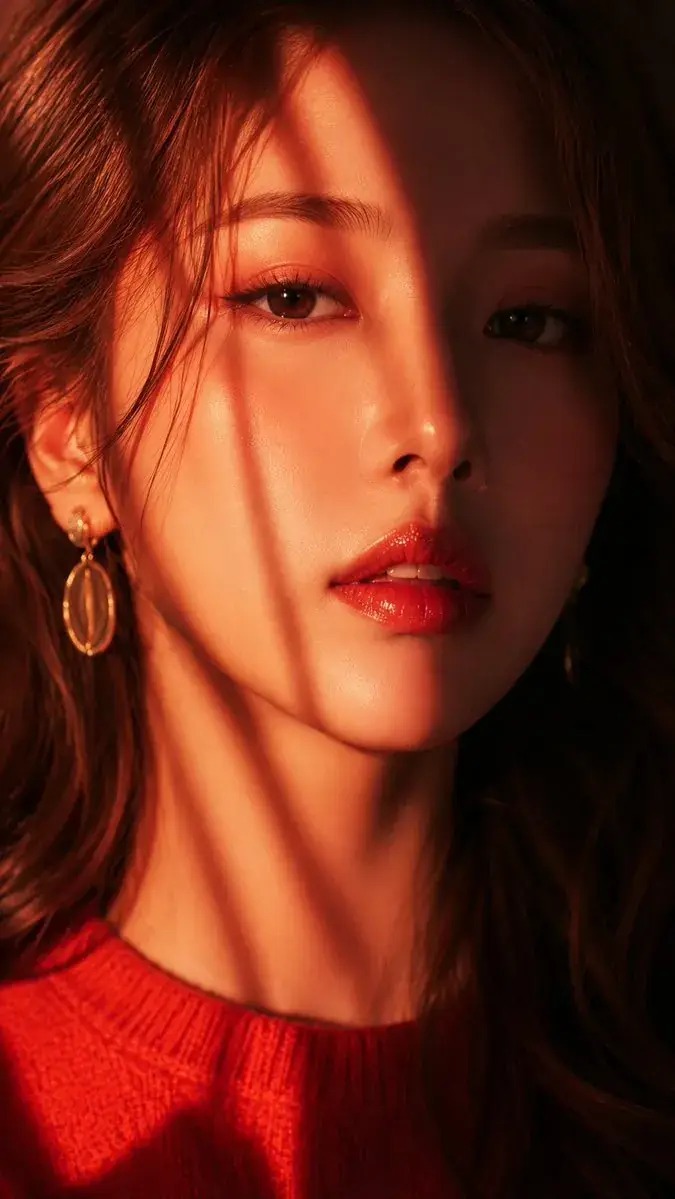
Text to image up to 4K for photos, illustrations, wallpapers and social graphics.
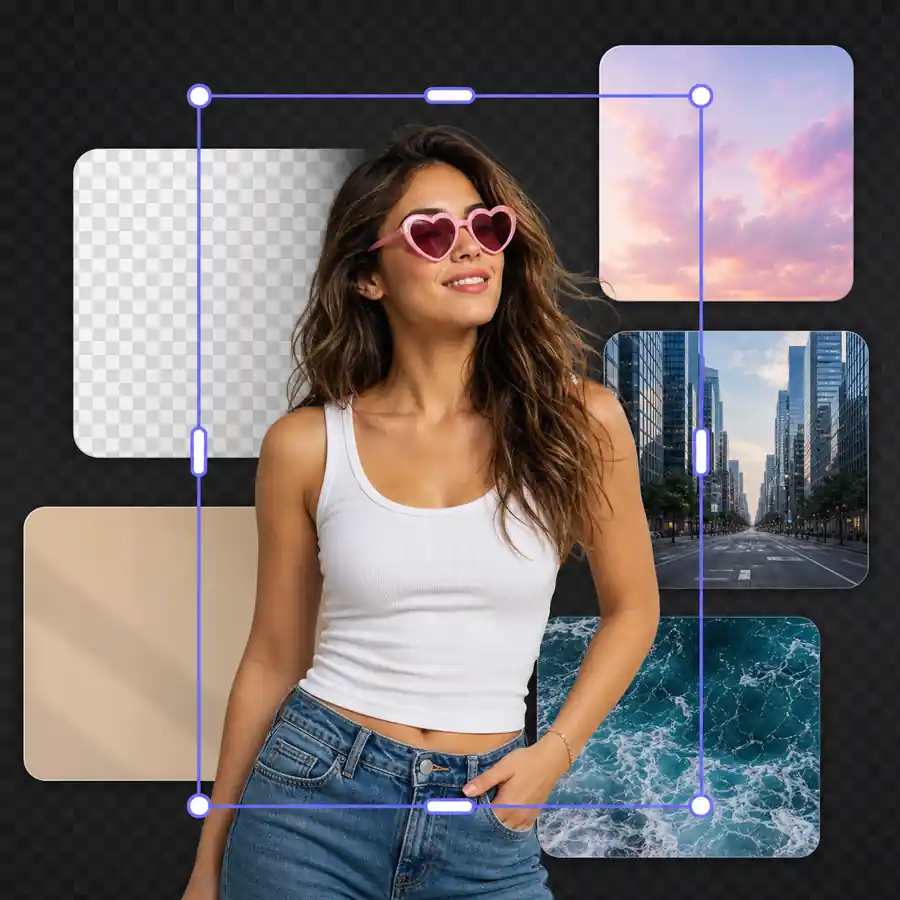
Change backgrounds, remove or add objects, relight and retouch by describing the change.

White background packshots and lifestyle images for Amazon and Shopify, with the product and label kept unchanged.
Text to video in 3 to 30 seconds, up to 1080p, with sound on models that support it. Pick 16:9, 9:16, 1:1 and more.
Animate a photo, drawing or product shot. You describe the motion and camera; the picture itself stays as it is.
Orbit and push-in showcase shots and lifestyle scenes from a product photo, vertical for TikTok and Reels or wide for your store.
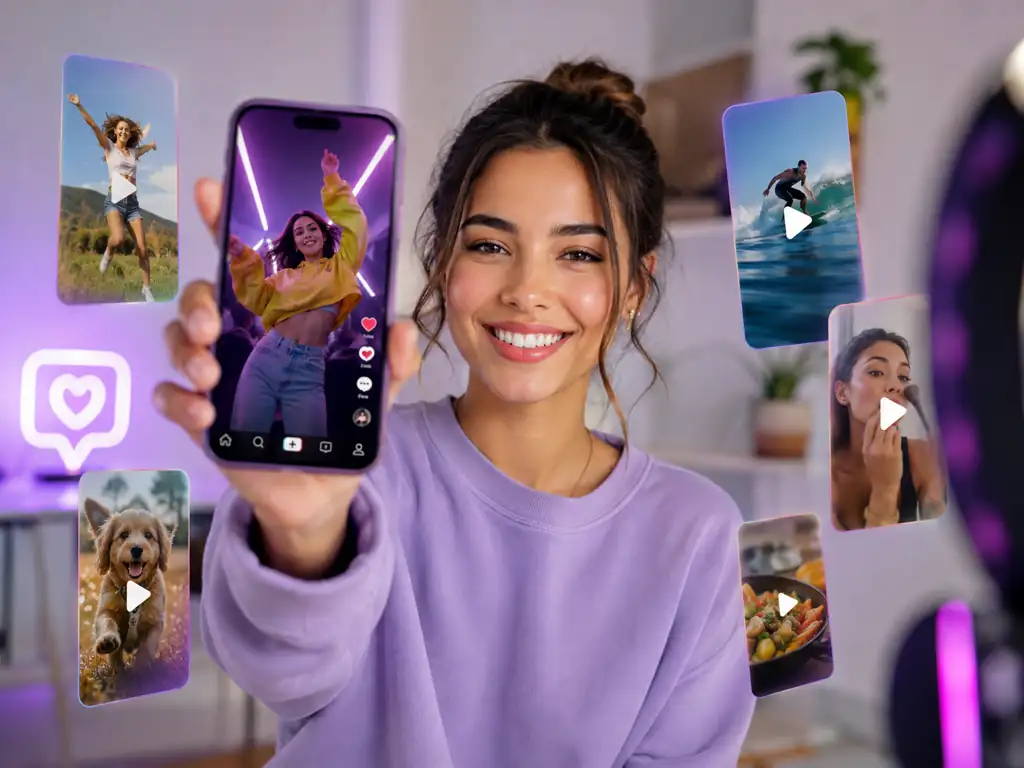
Vertical clips for TikTok, Instagram Reels and YouTube Shorts that move from the first second, with sound by default.
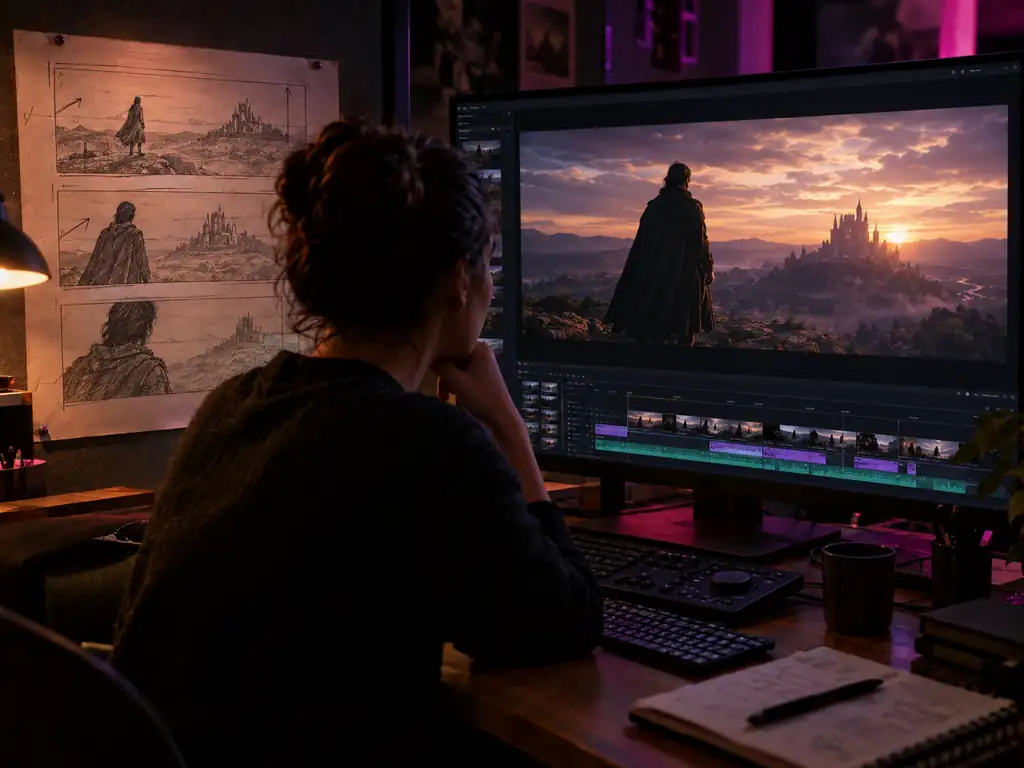
Drone, dolly and tracking shots, trailer moments and widescreen b-roll, one shot per generation.
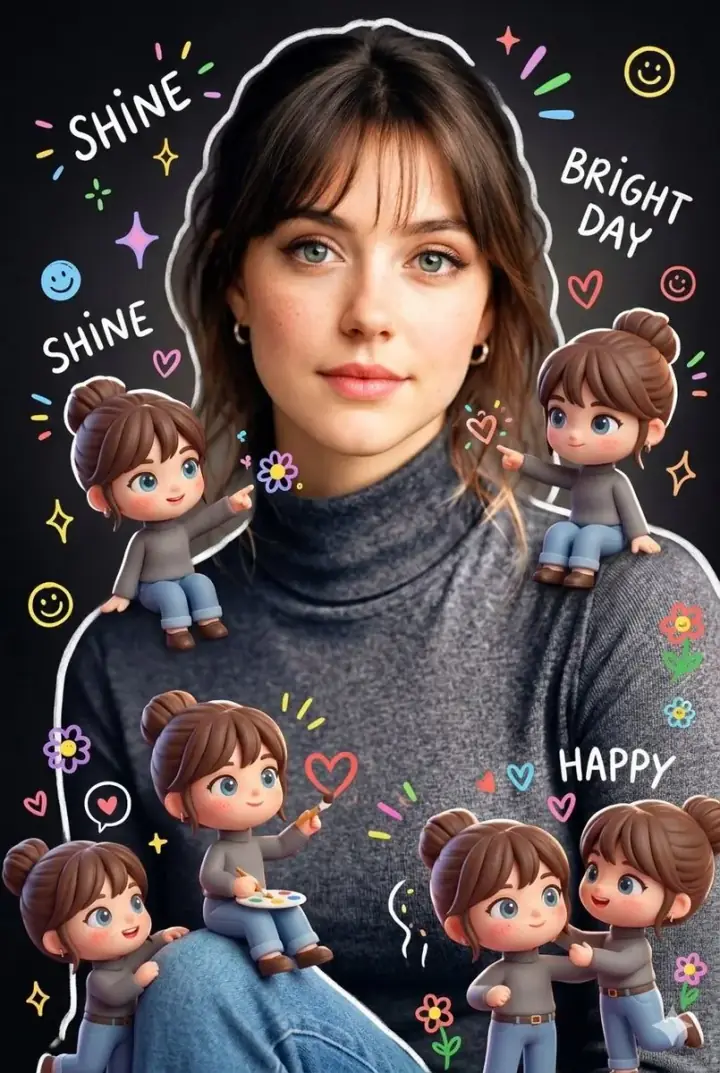
Anime, 3D cartoon, claymation and watercolor animation from a description or your own drawing.
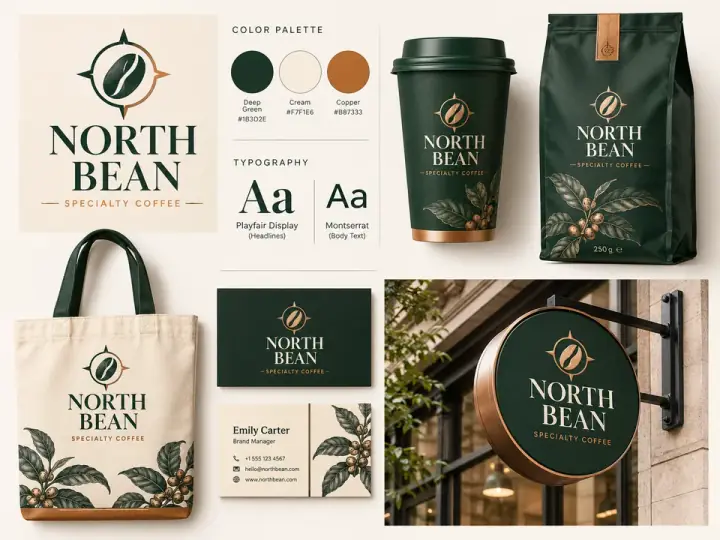
Animated intros and outros from your logo: light sweeps, particles and camera pull-backs.
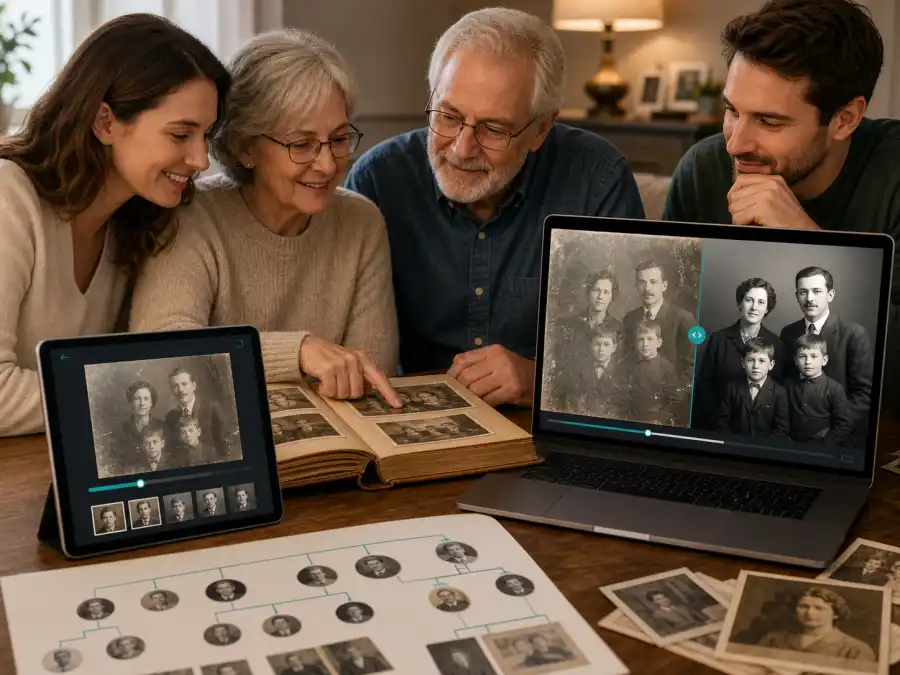
Restore an old photo first, then bring it to life as a short, gentle video.
Text to image up to 4K for photos, illustrations, wallpapers and social graphics.
Change backgrounds, remove or add objects, relight and retouch by describing the change.
White background packshots and lifestyle images for Amazon and Shopify, with the product and label kept unchanged.
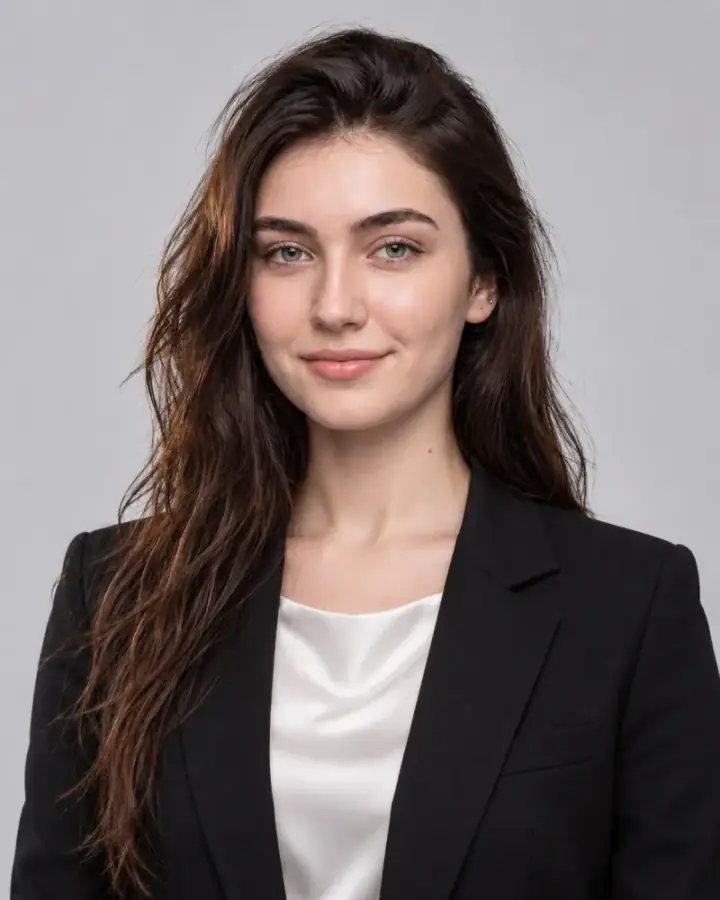
Professional LinkedIn and profile photos from your own selfie.
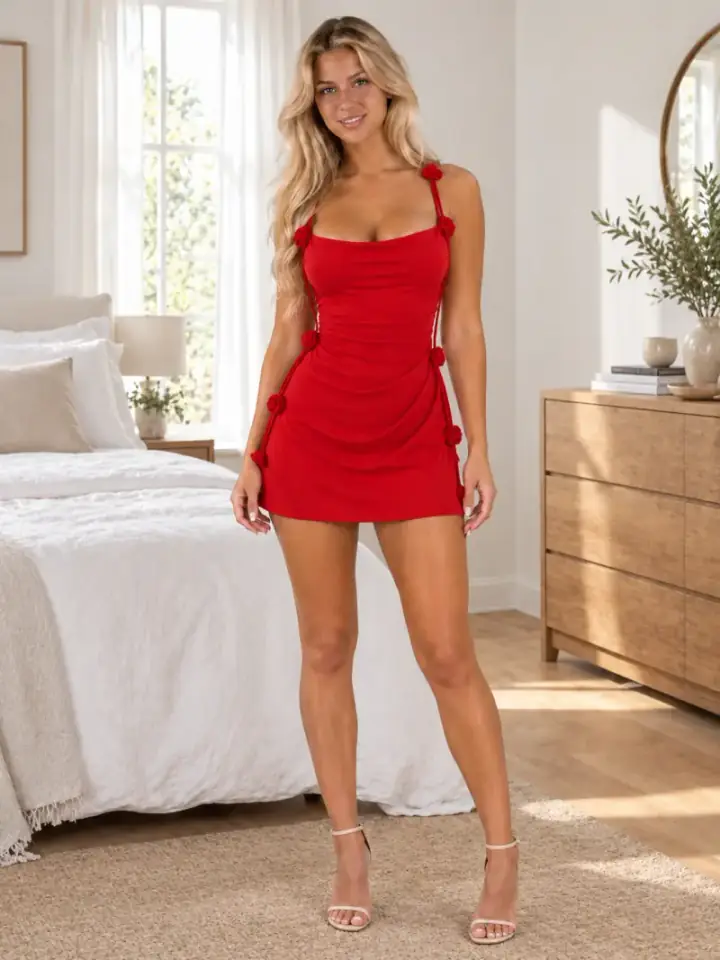
Try new clothes, a virtual try-on, a new haircut or a new hair color on your own photo.
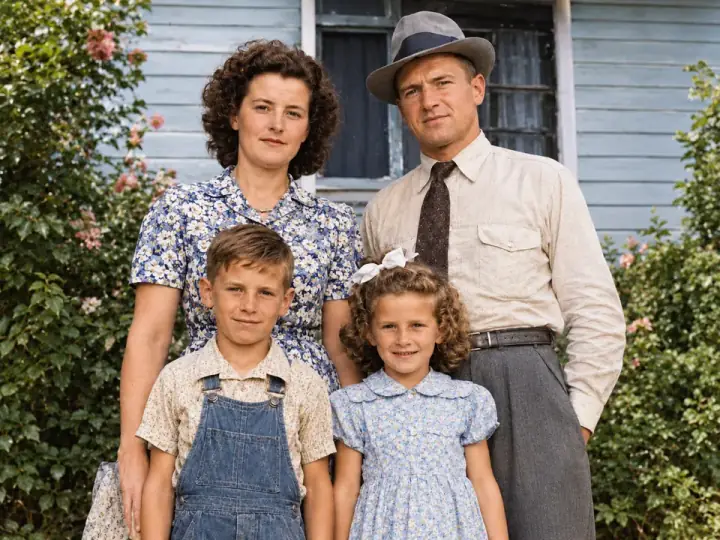
Repair scratches and fading and colorize black and white photos, keeping every face as it was.

Designs with accurate, readable text: posters, YouTube thumbnails, flyers and logos.
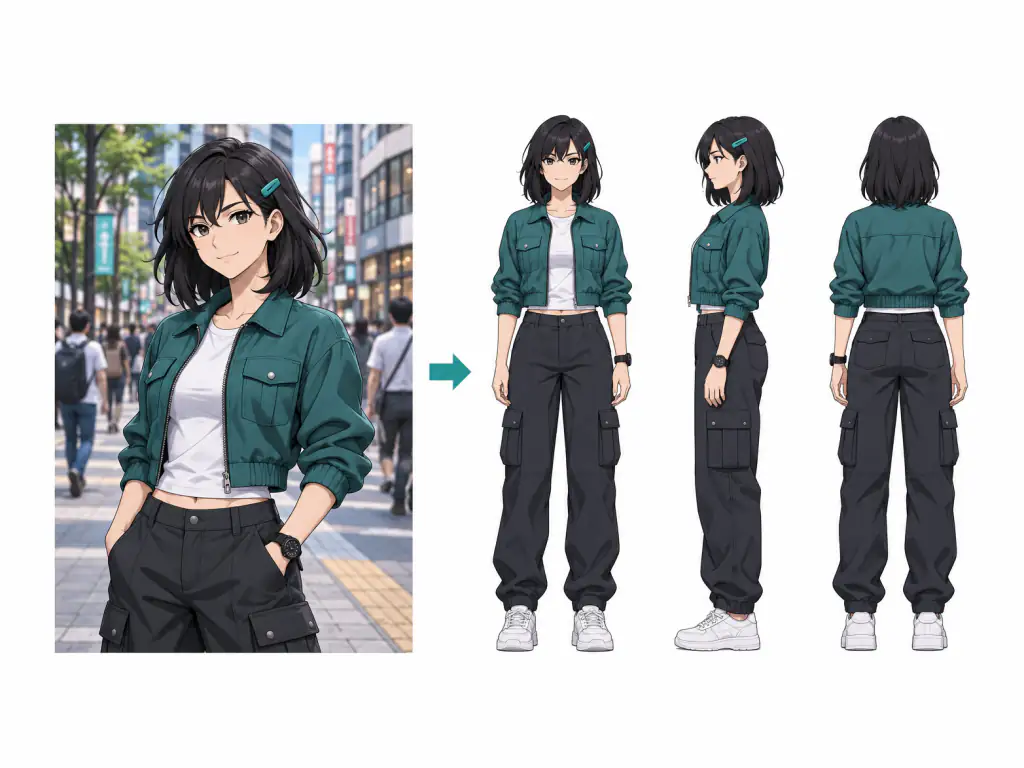
Character sheets and the same character across many images for stories, comics and brands.
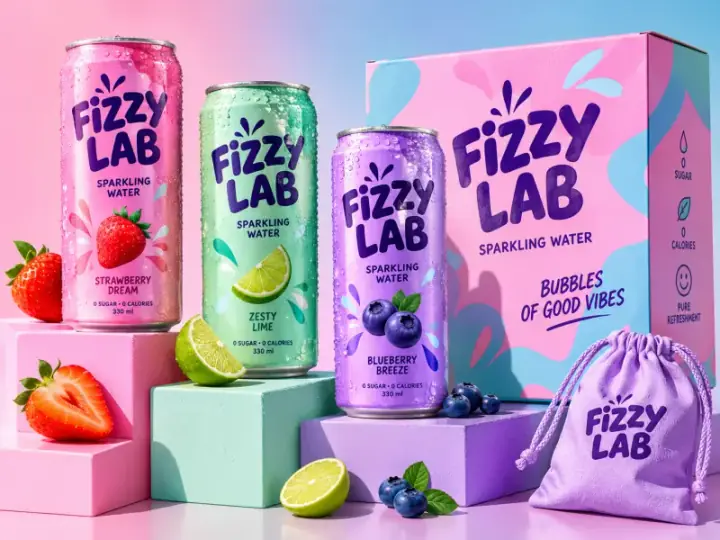
Your design or logo on T-shirts, mugs, packaging, phones and more.

Check your credit balance, compare models and their cost, and find videos and images you made before.
Connecting, credits, and what the Makify AI MCP server can do.
It is a remote Model Context Protocol (MCP) server at https://makifyai.com/api/mcp. Once you add it to an AI assistant such as Claude, ChatGPT or Cursor, the assistant can create AI videos and images for you with Makify AI right inside the chat.
Any MCP client that supports remote servers with OAuth sign-in: ChatGPT on the web, Claude (web and desktop), Claude Code, Cursor, Hermes Agent, Gemini CLI, Codex and others such as VS Code and Windsurf. Pick your assistant at the top of this page to see its steps.
No. The server uses OAuth: the first time you connect, a browser window opens where you sign in to your Makify AI account and allow access. There is nothing to copy or paste besides the server URL.
Click Add Makify AI to Claude on this page, or open Customize → Connectors → Add custom connector in Claude. Name it MakifyAI, paste https://makifyai.com/api/mcp as the URL, click Add, then Connect and sign in.
Click Add AI Video Creator to ChatGPT on this page to open AI Video Creator, made by Makify AI, in ChatGPT's plugin directory. Click Add, sign in to your Makify AI account, then type @AI Video Creator in any chat. If your workspace doesn't allow plugins, you can still add Makify AI as a custom MCP server: Plugins → + → Add custom MCP server, with the URL https://makifyai.com/api/mcp and OAuth.
Connecting is free. Each video or image uses credits from your Makify AI account, the same balance you use on makifyai.com. If a generation fails, its credits are returned automatically. You can ask your assistant to tell you the cost before it starts.
For video: Seedance 2.5, Seedance 2.0, Kling 4 and MiniMax H3 Max. For images: Nano Banana Pro, Nano Banana 2.1, Nano Banana 2, GPT Image 2 and Seedream 5.5. Name a model in your request, or let the assistant pick one.
Images usually take under a minute and videos a few minutes. The result appears in the chat when it is ready, and up to 5 generations can run at the same time on one account.
Everything you create through the MCP server is also saved in your history on makifyai.com, so you can download it or keep editing it on the website later.
Yes. Attach a photo in the chat and ask the assistant to animate it, edit it, turn it into a product ad or use it as a reference. Only use photos of people who have agreed to it.
Connect Makify AI once. It uses the same account and credits as makifyai.com, and everything you make is saved to your history.