





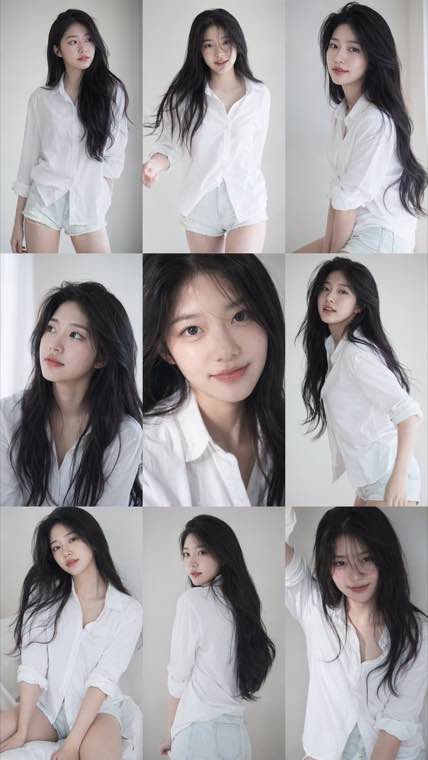
3x3 Idol Portrait Collage
3x3 Idol Portrait Collage
Soft Black Mist Portrait
Editorial Indoor Portrait
360 Concert Panorama
Journey to the West Spider Spirit Poster
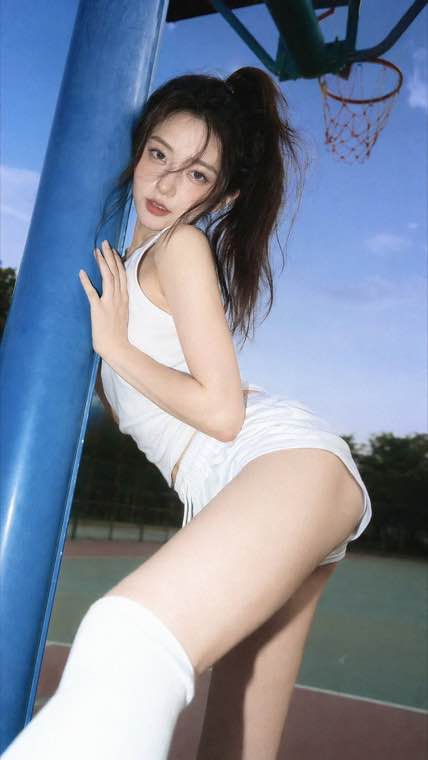
35mm Flash Basketball Editorial
Subway Phone Candid
Douyin Livestream Screenshot
18-Panel Brand Identity Sheet
RPG Inventory Icon Grid
Create images with pixel-perfect text in 12 languages using Qwen-Image-3.0 by Alibaba. 4,500-token prompt support, structured layout generation, unified image creation and editing — free credits to start.
4.5K token prompts • 12-language text • Structured layouts • Generation + editing • Free credits •
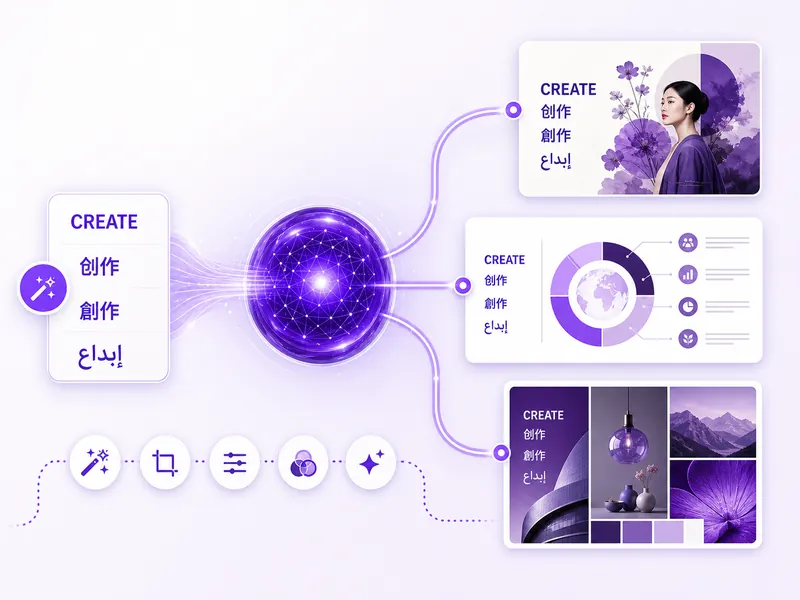
Qwen Image 3 (Qwen-Image-3.0) is Alibaba's third-generation text-to-image and image-editing foundation model, part of the Qwen (Tongyi Qianwen) multimodal ecosystem. It builds on Qwen-Image-2.0 — the top-ranked model on AI Arena for both generation and editing — with a 4,500-token prompt window, native multilingual text rendering across 12 languages, and single-pass generation of structured layouts. Unlike most image models that require separate tools for editing, QwenImage3 handles both generation and semantic editing in one unified architecture.
Production-grade capabilities for multilingual text, structured layouts, and technical visuals
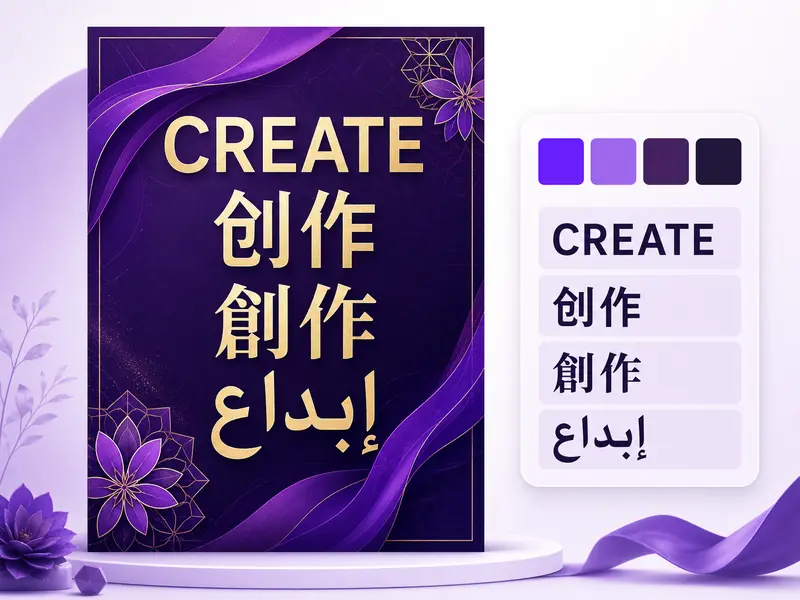
Built for professionals who need text accuracy, structured layouts, and technical visuals
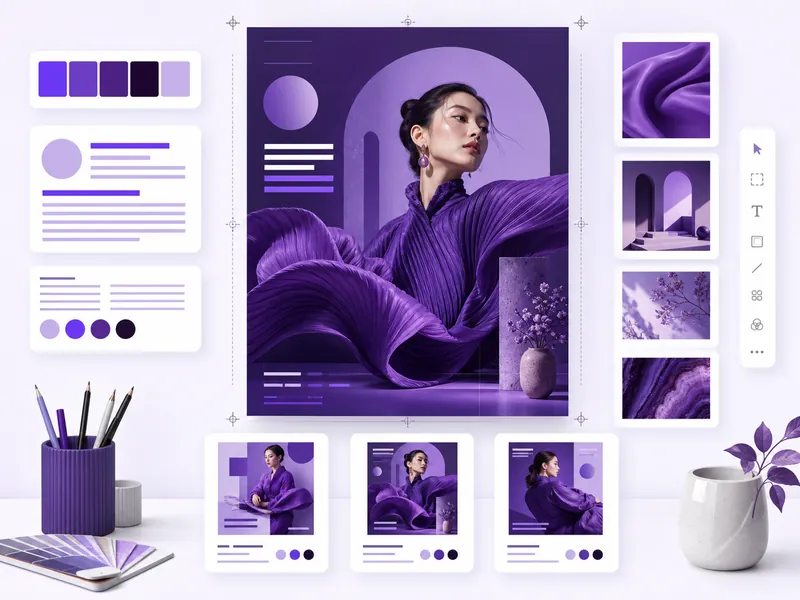
Create posters, social graphics, and infographics with flawless multilingual text. Qwen Image 3 renders headlines, body copy, and labels accurately in 12 languages — eliminating the manual text-overlay step that other AI generators require.
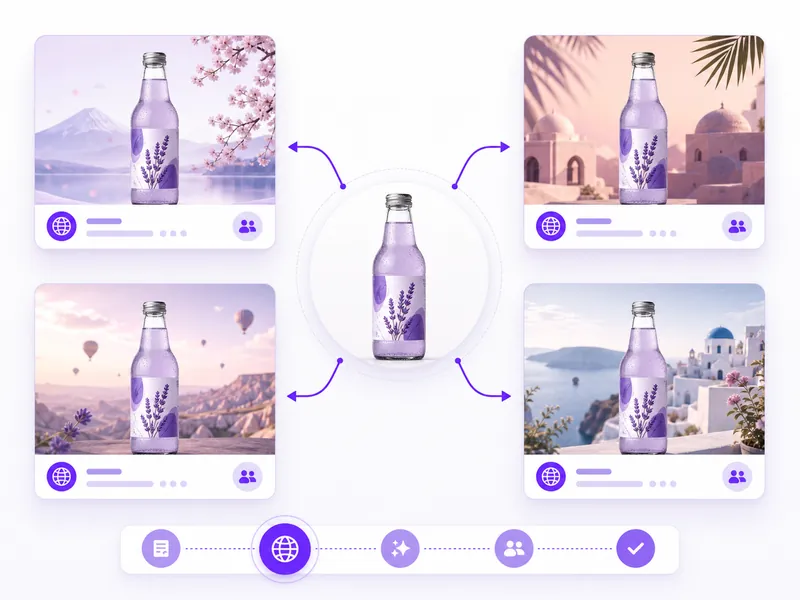
Generate campaign assets, A/B testing visuals, and localized ad creatives at scale. The 4,500-token prompt window lets you specify exact copy, layout, and brand elements in a single generation — no manual assembly of text layers afterward.
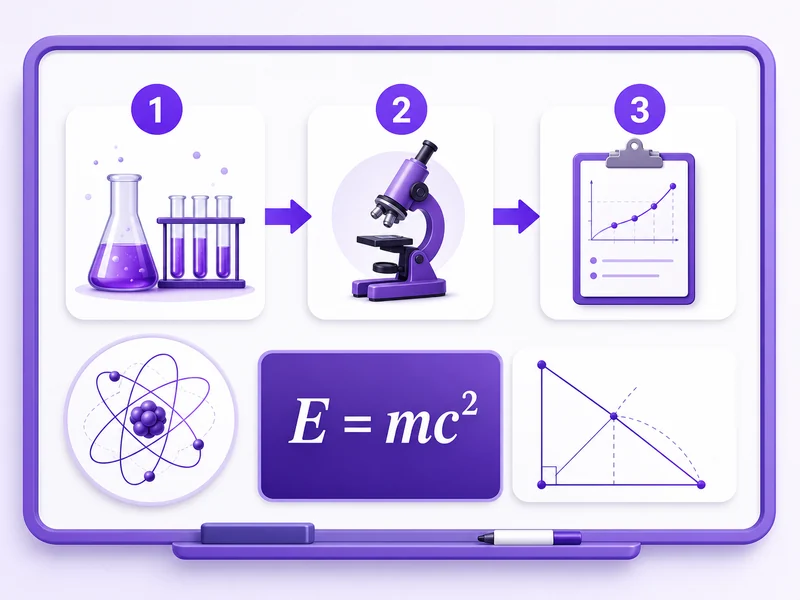
Produce diagrams, flowcharts, mathematical illustrations, and annotated schematics from natural language descriptions. Qwen-Image-3.0 handles LaTeX notation, Greek letters, and dense formula layouts that other models cannot render.
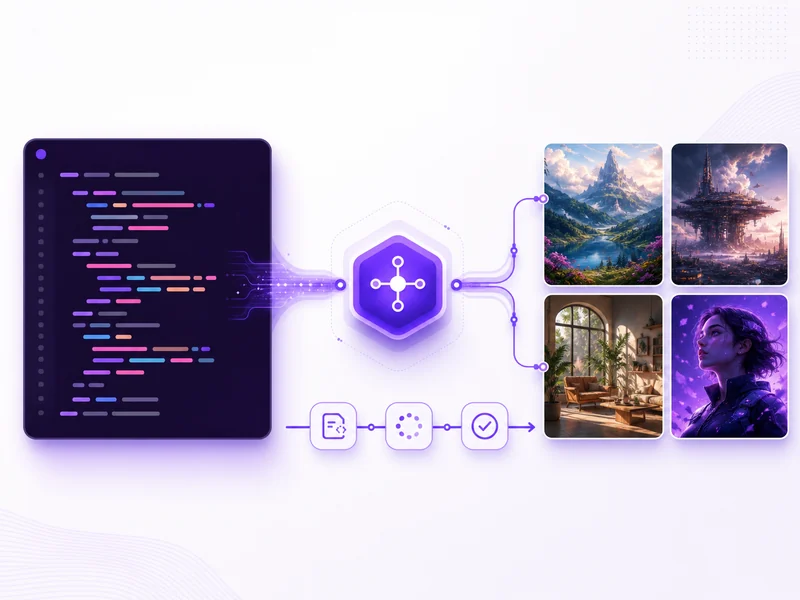
Integrate the Qwen Image 3 API into SaaS products, content platforms, and creative tools. The API supports the full 4,500-token prompt window, image editing inputs, and batch processing for production-scale automated visual generation.
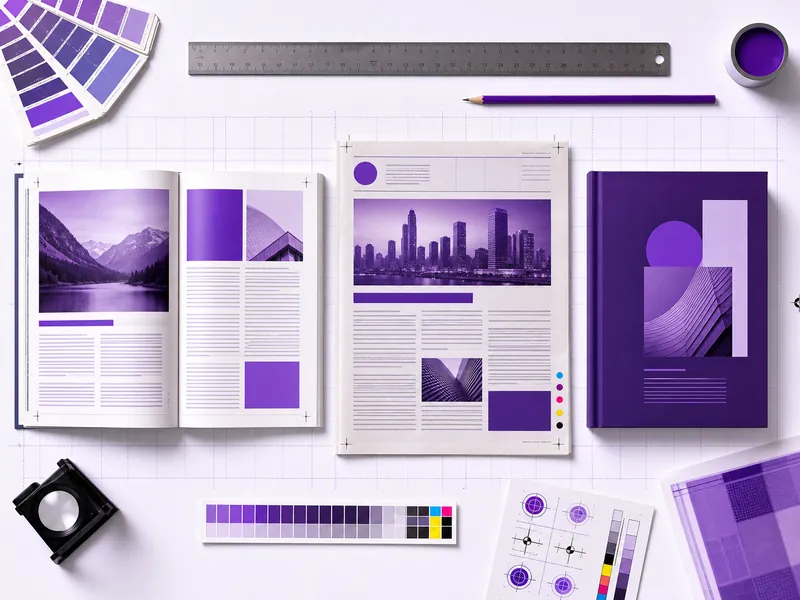
Generate newspaper front pages, editorial layouts, magazine spreads, and storyboard grids in a single pass. Qwen Image 3 understands column structures, section headers, and image-text flow for production-quality print composition.
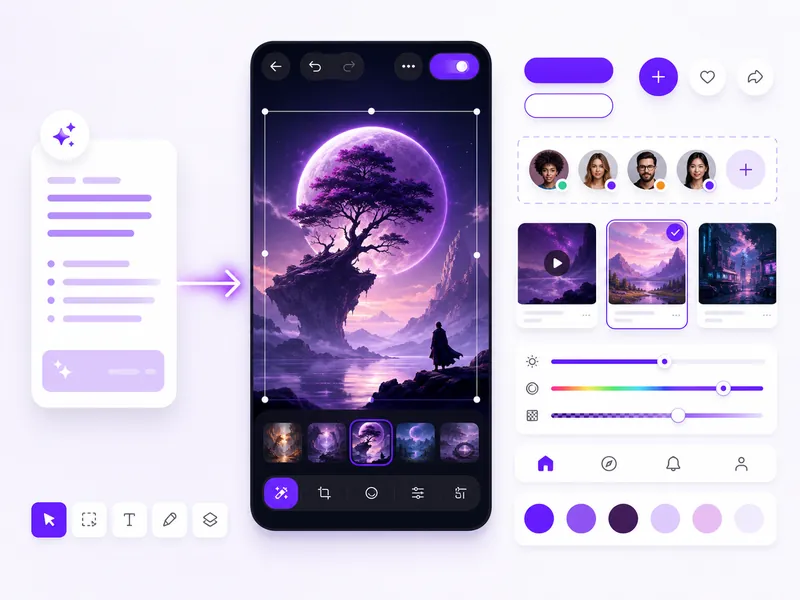
Rapidly prototype interface layouts, app screens, and wireframes from natural language descriptions. QwenImage3 generates multi-element UI compositions with accurate text labels, button copy, and navigation structures for early-stage design exploration.
The AI image generator built for text-heavy, layout-rich, and multilingual visual work
Render text accurately in 12 languages with 20+ font families — down to 10px height. No garbled letters, no misspellings. The leading model for any visual that requires readable, correctly spelled text.
Describe scenes in 4,500 tokens of detail — four times the context of Qwen Image 2.0. Specify exact text content, spatial relationships, color palettes, and composition details in a single prompt.
Generate newspapers, infographics, multi-panel grids, and research posters in one pass. The model understands column layouts, heading hierarchy, and image-text flow without manual assembly.
Generate new images and edit existing ones in the same model. Apply semantic changes, manipulate objects, rewrite text, and transfer styles — no separate editing tool required.
Latin, CJK, Arabic, Hindi, and more rendered natively within a single image. Create multilingual posters, localized marketing materials, and international signage without post-production text overlays.
Evaluate Qwen Image 3 free before committing. The free tier includes daily generation credits so you can test text rendering, structured layouts, and prompt capabilities on your own projects at no cost.
Create text-rich AI images with structured layouts in 4 easy steps
Create a free account or sign in to access the Qwen Image 3 generator. No software installation needed — the tool runs directly in your browser with free credits.
Describe the image you want in detail. With 4,500 tokens of prompt space, include text content, layout structure, style, colors, and composition. Qwen-Image-3.0 excels with detailed, multi-layered descriptions.
Click generate to create your image. Review the output for text accuracy, layout structure, and visual quality. Refine your prompt or switch to image-to-image editing to explore variations.
Use the built-in editor to crop, adjust, or apply semantic edits. Rewrite text, add or remove objects, or change styles — all within the same tool. Download the final result for your projects.
Everything you need to know about Qwen Image 3 and how it compares to other AI image models
Using Qwen Image 3 is straightforward: sign in to access the generator on this page, write a detailed text prompt describing the image you want, click generate, and download the result. The tool supports both text-to-image and image-to-image editing. For best results with Qwen-Image-3.0, take advantage of the 4,500-token prompt window by including detailed descriptions of subject, layout, text content, style, and composition. You can iterate on outputs and use the built-in editor for further adjustments.
Qwen Image 3 (Qwen-Image-3.0) is Alibaba's third-generation text-to-image and image-editing foundation model, part of the Qwen (Tongyi Qianwen) multimodal ecosystem. It succeeds Qwen-Image-2.0, which ranked number one on AI Arena for both generation and editing. QwenImage3 introduces a 4,500-token prompt window, best-in-class multilingual text rendering across 12 languages and 20+ fonts, and single-pass generation of structured layouts like newspapers, infographics, and multi-panel grids. Its unified architecture handles both generation and editing without separate models.
Yes, Qwen Image 3 offers a free tier. You can generate images daily without payment to experience the model's multilingual text rendering, structured layout capabilities, and 4.5K-token prompt support. The free plan includes a daily generation allowance. No credit card is required to start. Premium plans unlock higher daily limits, priority processing, and watermark-free exports for professional use.
Qwen Image 3 pricing starts with a free tier for basic use. Paid plans scale based on generation volume and feature needs, offering higher daily limits, watermark-free downloads, and priority processing. Visit our pricing page for current Qwen Image 3 cost details and plan comparisons to find the right fit for your workflow.
Sign up for a free account on our platform to start using Qwen Image 3 at no cost. The free tier provides a daily generation allowance so you can create AI images and experience the model's text rendering and structured layout capabilities firsthand. No credit card is required — simply sign in, write your prompt, and generate. Free access includes the full feature set, making it easy to evaluate Qwen-Image-3.0 before upgrading.
Access Qwen Image 3 directly through the generator on this page. Sign in with your account and the tool is ready to use in your browser — no software installation required. You can also access the model through the Alibaba Cloud Qwen API for programmatic integration in your applications and automated workflows.
Qwen Image 3 renders text with native support for 12 languages and over 20 font families, producing legible characters down to 10 pixels in height. The model was specifically trained to handle dense text scenarios — multilingual signs, infographic labels, newspaper columns, and mathematical notation — where most image generators produce garbled or illegible output. This makes Qwen-Image-3.0 the leading choice for any visual that requires readable, correctly spelled text.
Yes. Qwen Image 3 uses a unified architecture that handles both generation and editing. You can upload an existing image and apply semantic edits — change the style, add or remove objects, transfer artistic treatments, or rewrite text within the image while preserving the original font, style, and layout. No separate editing model is needed. This generation-plus-editing capability in one model is a significant advantage over workflows that require switching between tools.
Qwen Image 3 natively renders text in 12 languages with over 20 font families. It handles Latin scripts (English, French, German, Spanish, Portuguese), CJK characters (Chinese, Japanese, Korean), Arabic, Hindi, and more — all within a single generated image if needed. The multilingual rendering is accurate at both headline and body-copy sizes, making it suitable for international marketing materials, multilingual posters, and localized product visuals.
Both are top-tier AI image models with different strengths. Qwen Image 3 leads in multilingual text rendering (12 languages natively), ultra-long prompts (4,500 tokens vs shorter limits), and structured layout generation (newspapers, infographics, multi-panel grids in one pass). GPT Image 2 by OpenAI excels at creative compositions, visual storytelling, and broad artistic flexibility. For work involving text-heavy visuals, technical diagrams, or multilingual content, Qwen-Image-3.0 has a clear advantage. For conceptual art and open-ended creative work, GPT Image 2 offers strong range. Try both free in the generator above.
Midjourney is known for its distinctive aesthetic style and artistic output quality. Qwen Image 3 differentiates with functional capabilities that Midjourney lacks: native multilingual text rendering in 12 languages, 4,500-token prompts for detailed scene descriptions, single-pass structured layouts (newspapers, grids, infographics), technical diagram generation (flowcharts, LaTeX formulas), and built-in image editing. For text-heavy visuals, structured content, or technical illustrations, Qwen-Image-3.0 handles tasks that Midjourney cannot. For pure artistic generation, Midjourney remains competitive.
Yes. The Qwen Image 3 API is accessible through Alibaba Cloud or through our platform's API. RESTful endpoints accept text prompts with configurable parameters — style, aspect ratio, text content — and return generated image URLs. The API supports the full 4,500-token prompt window, image editing inputs, and batch processing. It is designed for production workflows: automated content pipelines, localized marketing asset generation, technical documentation visuals, and SaaS product features.
Generate images with pixel-perfect multilingual text, structured layouts, and technical diagrams using Qwen-Image-3.0. Free credits, no setup required.