










시간이 멈춘 칵테일 구조 작전
MiniMax H3 Max Video Generator for Long 21:9 Takes
Turn a prompt, a single still, or a first and last frame pair into a finished clip with MiniMax H3 Max, the long take tier of the MiniMax video line. Pick any length from 5 to 15 seconds, compose in any of six aspect ratios including 21:9, and pin a seed so every rerun stays worth comparing.
Takes long enough to tell something • True anamorphic framing • Nothing to install or configure
What is MiniMax H3 Max?
MiniMax H3 Max is a text to video and image to video model from MiniMax, the studio behind the Hailuo video line, built for longer takes and wider framing rather than for the biggest possible frame. It renders at 480p or 768p, runs any duration from 5 to 15 seconds, and generates natively in six aspect ratios: 21:9, 16:9, 4:3, 1:1, 3:4 and 9:16. Three modes sit in the generator above as tabs: text to video, image to video, and frames to video, which takes an opening frame and a closing frame and builds the motion in between. The model also accepts a seed, so a rerun with one edited clause tells you what that clause actually did. Being clear about the ceiling matters here. 768p is the top resolution on this tier, and that is a deliberate trade rather than a headline. What you get in exchange is length and shape: a full 15 seconds in one continuous take, and six ratios to compose in. Draft at 480p, deliver at 768p, and when a shot genuinely needs a larger frame, switch the model in the dropdown and keep the prompt you already tuned.
What MiniMax H3 Max Is Worth Opening For
Three things people make with it, and three things that stop being your problem when it runs here.
Trailer Beats and Title Cards Framed at 21:9
- 21:9 generated natively, not cropped from 16:9
- Room under the frame for titles and lower thirds
- 16:9, 4:3, 1:1, 3:4 and 9:16 also native
- Compose for the crop instead of after it
Who Uses MiniMax H3 Max?
Teams that care more about shot length and framing than about the largest possible frame
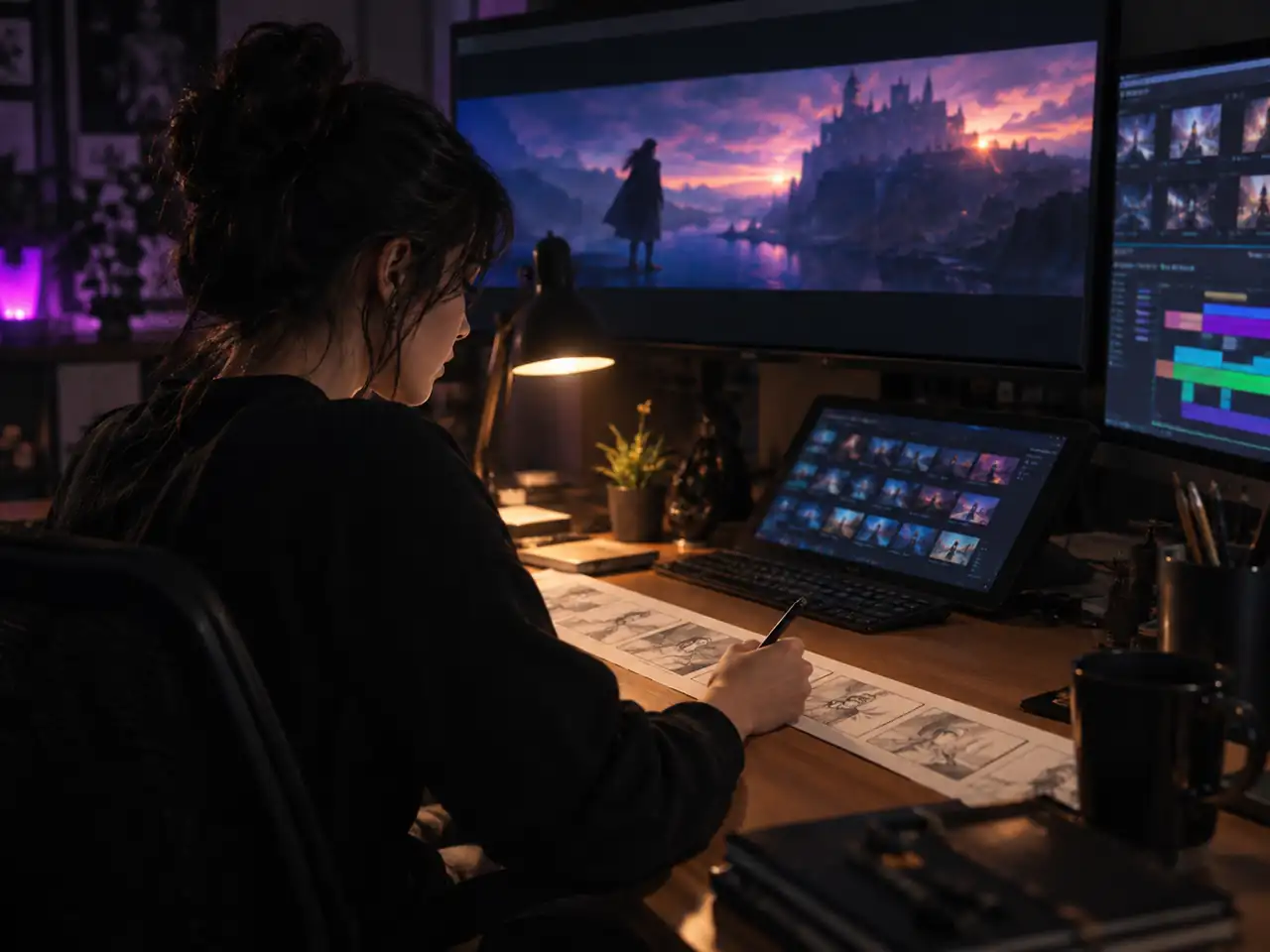
Storyboard and Previs Artists
Shot length matters more than pixel count when you are proving a sequence works. MiniMax H3 Max gives you 15 second takes and 21:9 framing, so a previs board reads like the film it stands in for, and a first and last frame keeps each beat on the pose you drew.
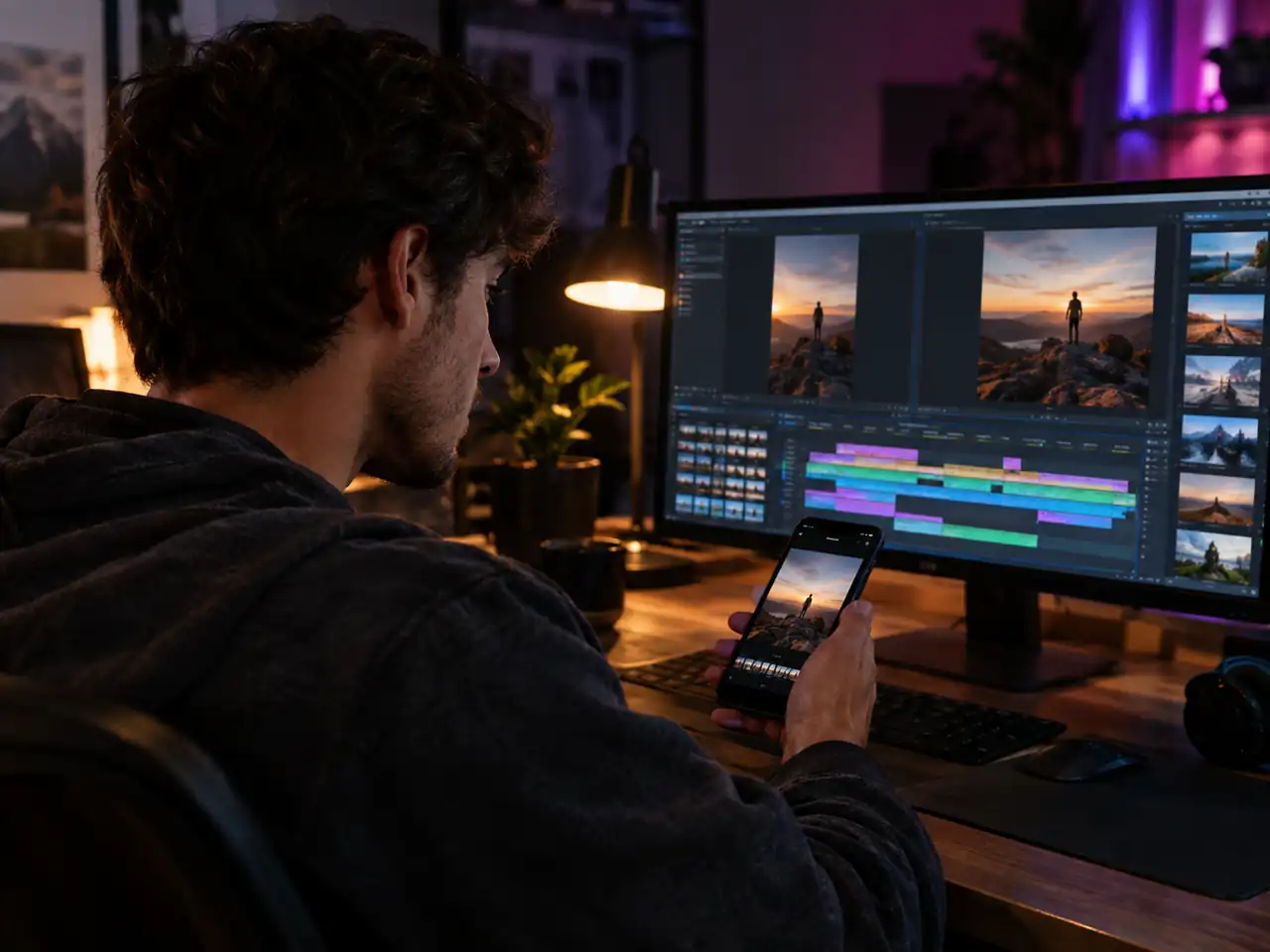
Short Form Social Creators
9:16 and 1:1 come out of the generator already framed, so nothing gets cropped on the way to a feed. A 768p vertical clip is sized for how these posts are genuinely watched, and 15 seconds fits a hook, a turn and a payoff in one upload.
Prompt Writers and AI Artists
Seed support is the reason this tier suits people who iterate. Hold the seed, rewrite one clause, compare the two takes. Drafting at 480p keeps the loop quick while you learn what MiniMax H3 Max responds to.
Marketing and Ad Teams
Concept tests do not need a finished master. They need enough shots to choose between. MiniMax H3 Max turns one brief into several 15 second treatments in the ratios the media plan calls for, so approvals happen on real motion.

Indie Film and Game Teams
Use it for mood pieces, transition plates, in game cinematic tests and title card backgrounds. Frames to video helps when an asset has to start and finish on a known pose, and 21:9 gives cinematic tests the shape they will ship in.

Educators and Explainer Makers
Turn a diagram or a slide still into 15 seconds of motion that holds attention through an explanation. 4:3 and 16:9 both fit lecture decks and course players, and short runs make it easy to rebuild one segment.
Why H3 Max Is a Different Proposition Once Someone Else Runs It
Two specs and two costs that disappear, and what each changes about the work.
Fifteen Seconds Is the Reason to Choose This Tier
Resolution is not what recommends H3 Max, length is. Five to fifteen seconds in one generation is room for a setup and a payoff, which is the shape a product spot or a demo actually takes. Plenty of models that beat it on pixels stop at five seconds and leave you stitching.
Native 21:9 Is a Composition Choice, Not a Crop
Cropping a 16:9 render into 21:9 discards vertical pixels you never composed with, and it shows the moment type goes over the frame. Generating into the anamorphic shape directly means the model balanced the shot for that shape, which is a different picture from a slice of another one.
The Install Cost Is the Real Cost of This Model
Most published difficulty with H3 is about ComfyUI nodes, Pinokio scripts, LoRA wiring and contradictory VRAM tables, none of which produces a frame. Removing that is not a convenience, it changes what the model costs you, and it keeps costing nothing the next time the model updates.
Predictable Speed Makes Iteration Possible
Local H3 speed swings with quantization, attention kernels, caching and whatever else holds memory, which is why online advice about it contradicts itself. When every run takes the same route, a slow render means the shot is heavy rather than the setup is wrong, and you can actually plan a session around it.
Simple Process
How to Use MiniMax H3 Max
Generate your first clip in 4 steps
1
Sign In and Select MiniMax H3 Max
Open the generator at the top of this page and sign in. MiniMax H3 Max is already selected as the model, and the dropdown lets you switch to another video model later without losing what you have typed.
2
Pick a Mode and Add Your Inputs
Choose text to video for a prompt only run, image to video to animate a single still, or frames to video to upload a first frame and a last frame. Each tab keeps its own uploads.
3
Set Length, Ratio, Resolution and Seed
Choose any duration from 5 to 15 seconds, one of the six aspect ratios, and either 480p or 768p. Pin a seed if you plan to rerun the same prompt with one small edit.
4
Generate and Download Your Clip
Start the generation, review the take, then download the file. If something is off, keep the seed, rewrite one clause of the prompt and run it again to see exactly what that clause changed.
MiniMax H3 Max FAQ
Straight answers on resolution, duration, aspect ratios, modes and prompt writing
Ready to Run MiniMax H3 Max?
Write a prompt, upload a still, or set two keyframes, then generate a take of up to 15 seconds in the ratio your edit needs.