










시간이 멈춘 칵테일 구조 작전
Kling Motion Control: Transfer Motion from a Reference Video to Your Character
Upload one image of your character and one reference video of the motion you want, and Kling motion control AI renders your character performing that take. Runs on Kling 3.0 motion control, with Kling 2.6 motion control one click away in the model list.
Motion transfer from any clip • Your character, their choreography • Broadcast-ready 1080p
What Is Kling Motion Control?
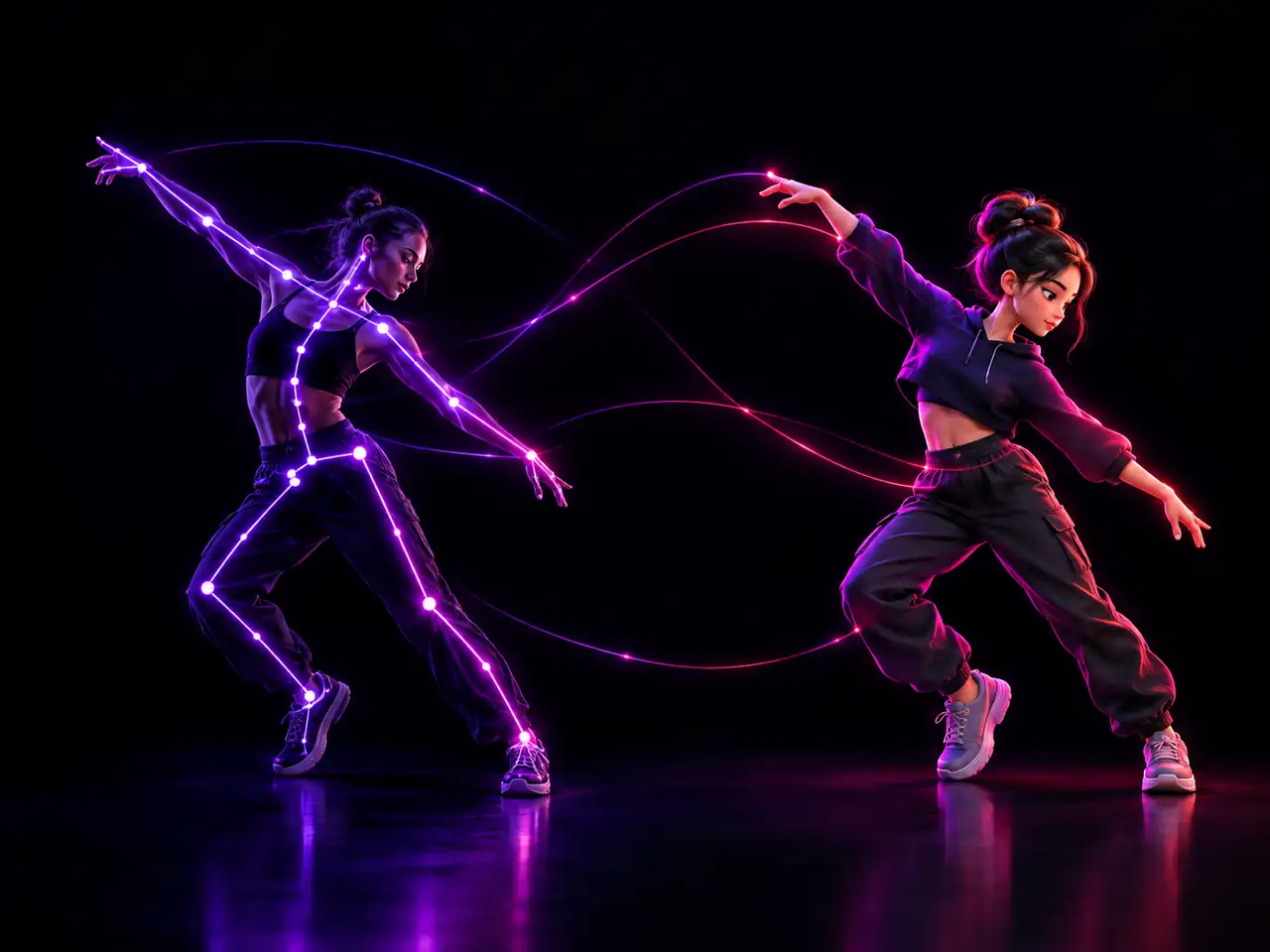
Kling motion control is an AI video feature that takes the movement out of a reference video and applies it to the character in a still image. In AI video generation the phrase means motion transfer between a performance and a character, not the camera rigs or servo hardware that share the name in film production and factory automation. You give the tool two things. One reference image decides who appears on screen. One reference video decides what that character does. The model reads the body motion, the gestures, and the timing inside the video, then re-renders that performance with your character face, outfit, and proportions in place of the original performer. Because both uploads are required, the output is never a generic template animation pulled off a shelf. It is your character running a take you chose. Motion control AI here runs on Kling 3.0 motion control by default, with Kling 2.6 motion control in the same model list, at 720p or 1080p.
What People Make with Kling Motion Control
Three things this mode is genuinely built for, and three things that decide whether a run works.
Your Character Performs a Routine You Never Had to Choreograph
- A reference clip supplies the routine, your image supplies the performer
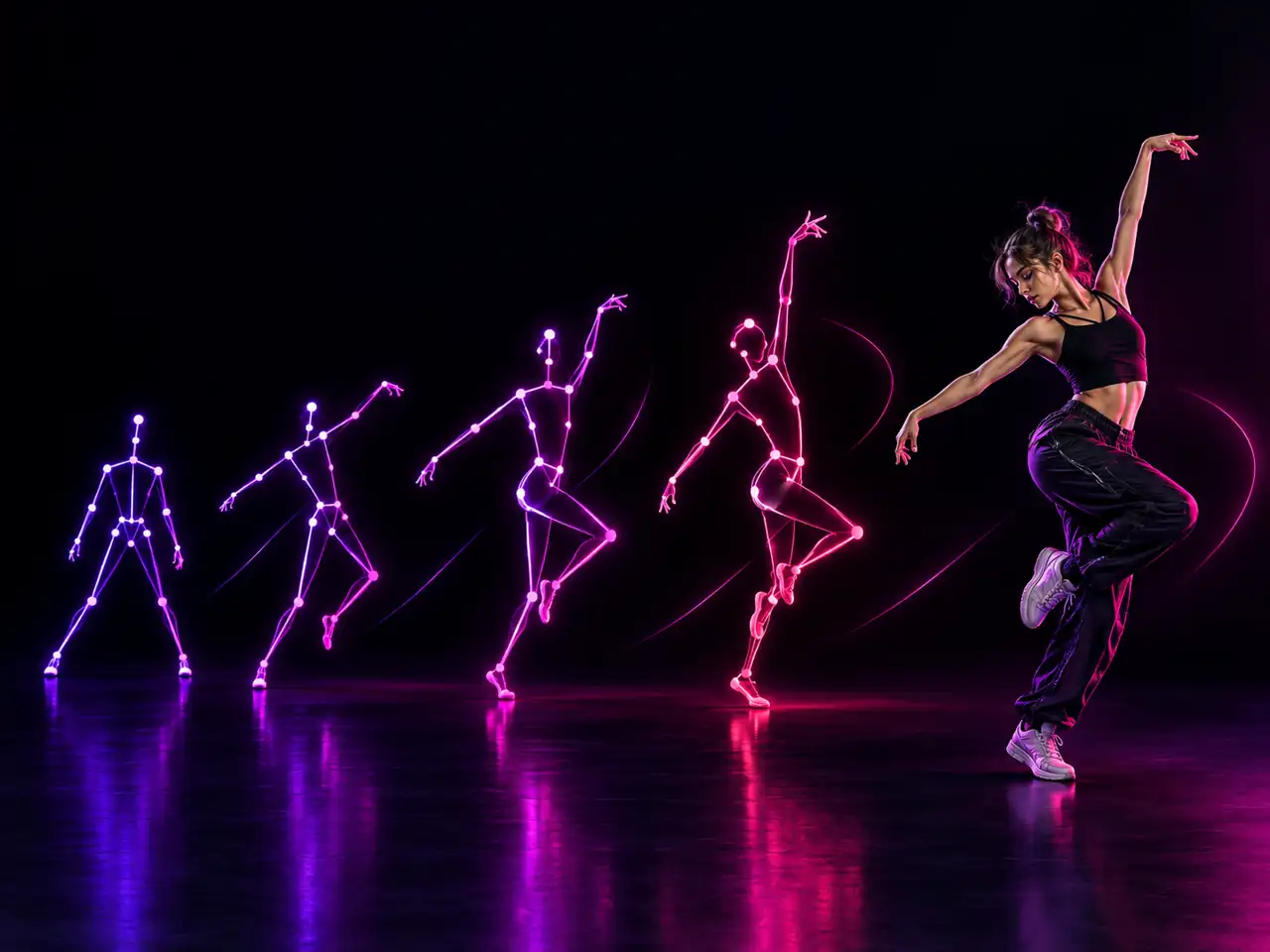
- Timing and weight carry over, not just poses
- Works for full routines and for short loops
- One routine can be reused across different characters
Who Uses Kling Motion Control?
Anyone holding a character in an image and a performance in a video, who needs the two in the same shot
Dancers and Choreographers
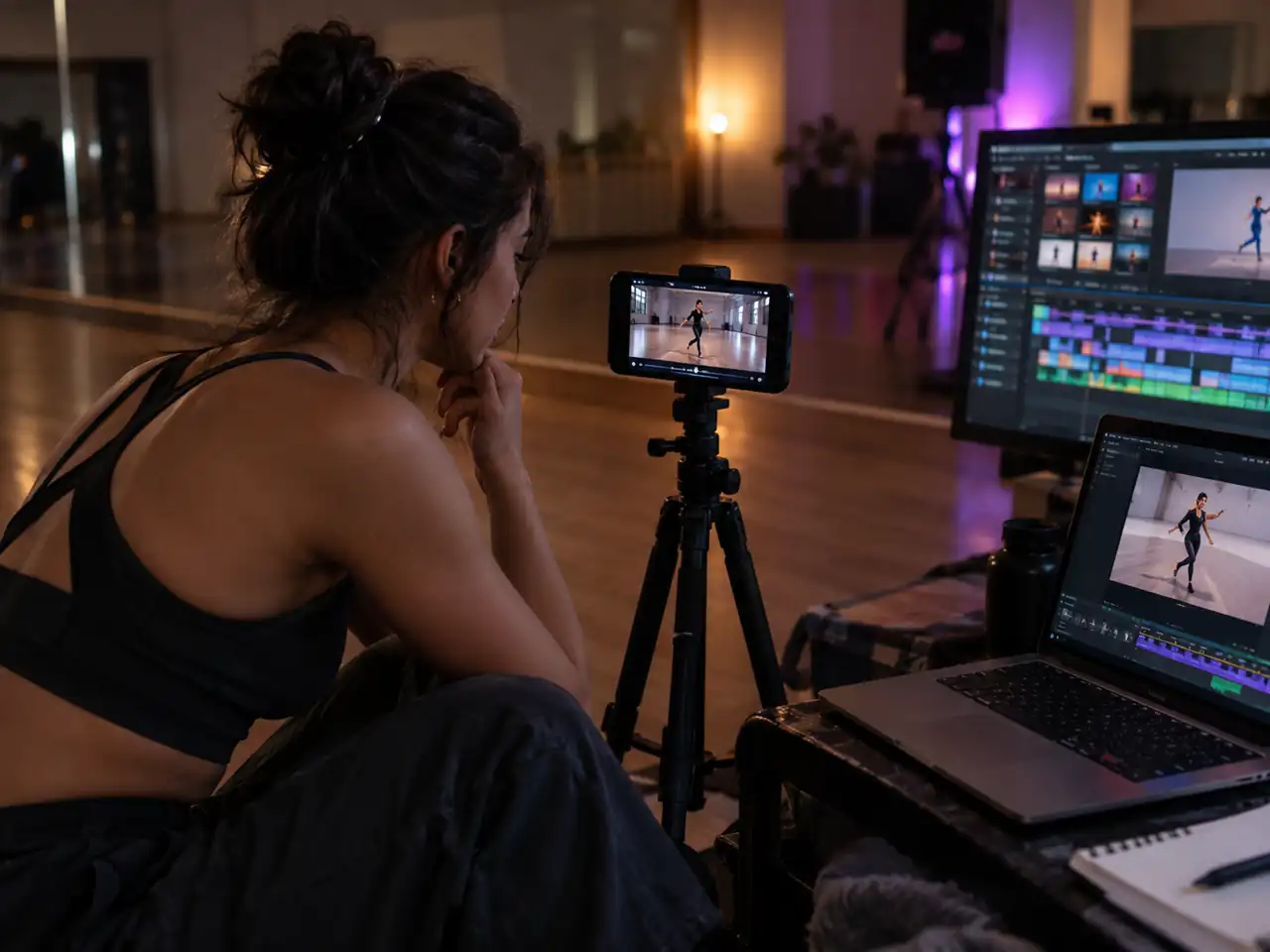
Film a routine once, then watch different characters perform it. One rehearsal clip becomes a whole set of videos without booking a studio or another dancer per version.
Short Form Creators
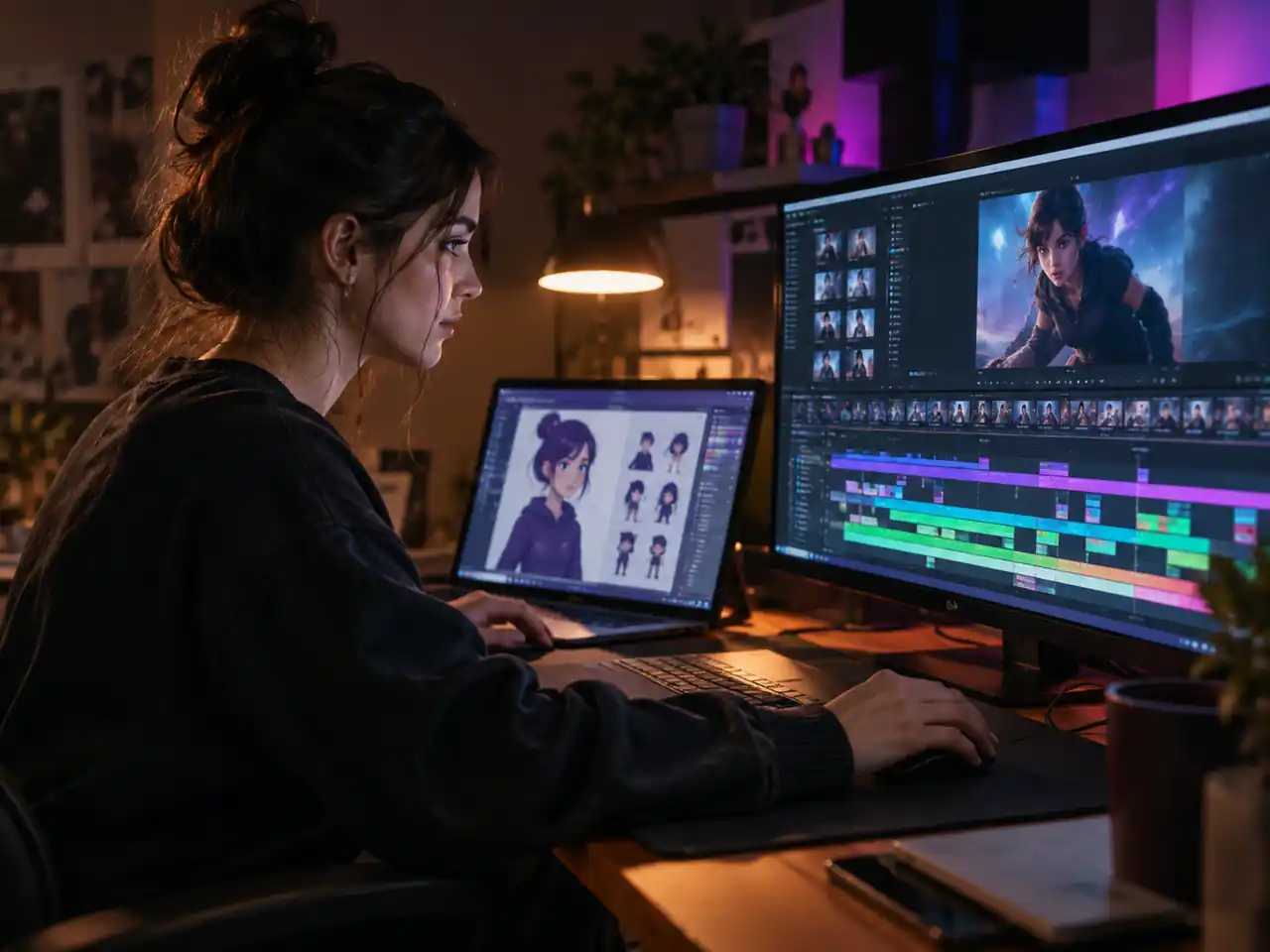
Trends move faster than shoots do. Grab a reference performance, drop in your character image, and have a clip ready for TikTok, Reels, or Shorts while the format is still climbing.
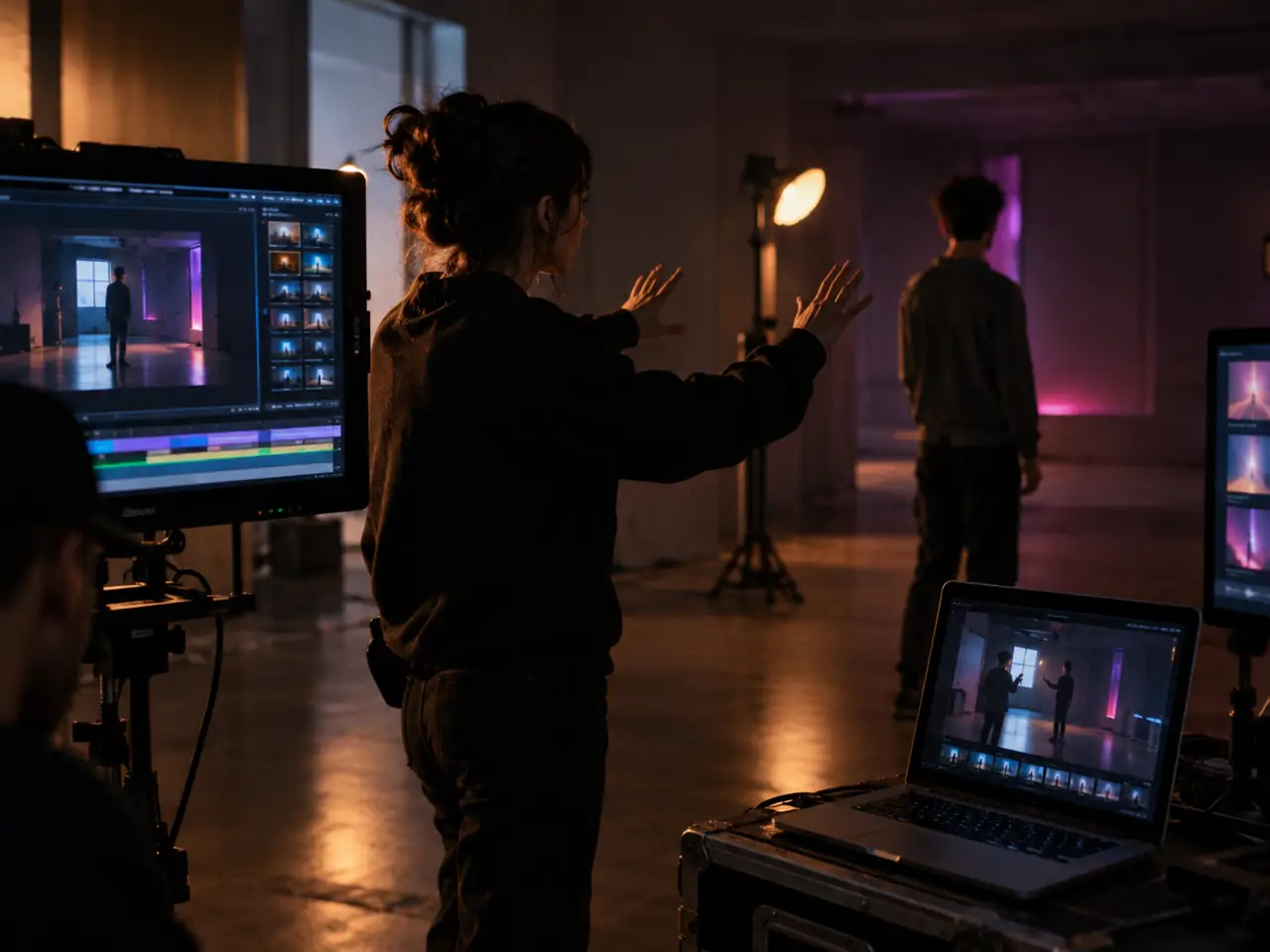
Indie and AI Filmmakers
Block a scene with whoever is in the room, then let motion control put your cast into those movements, long before a budget exists for actors or animators.
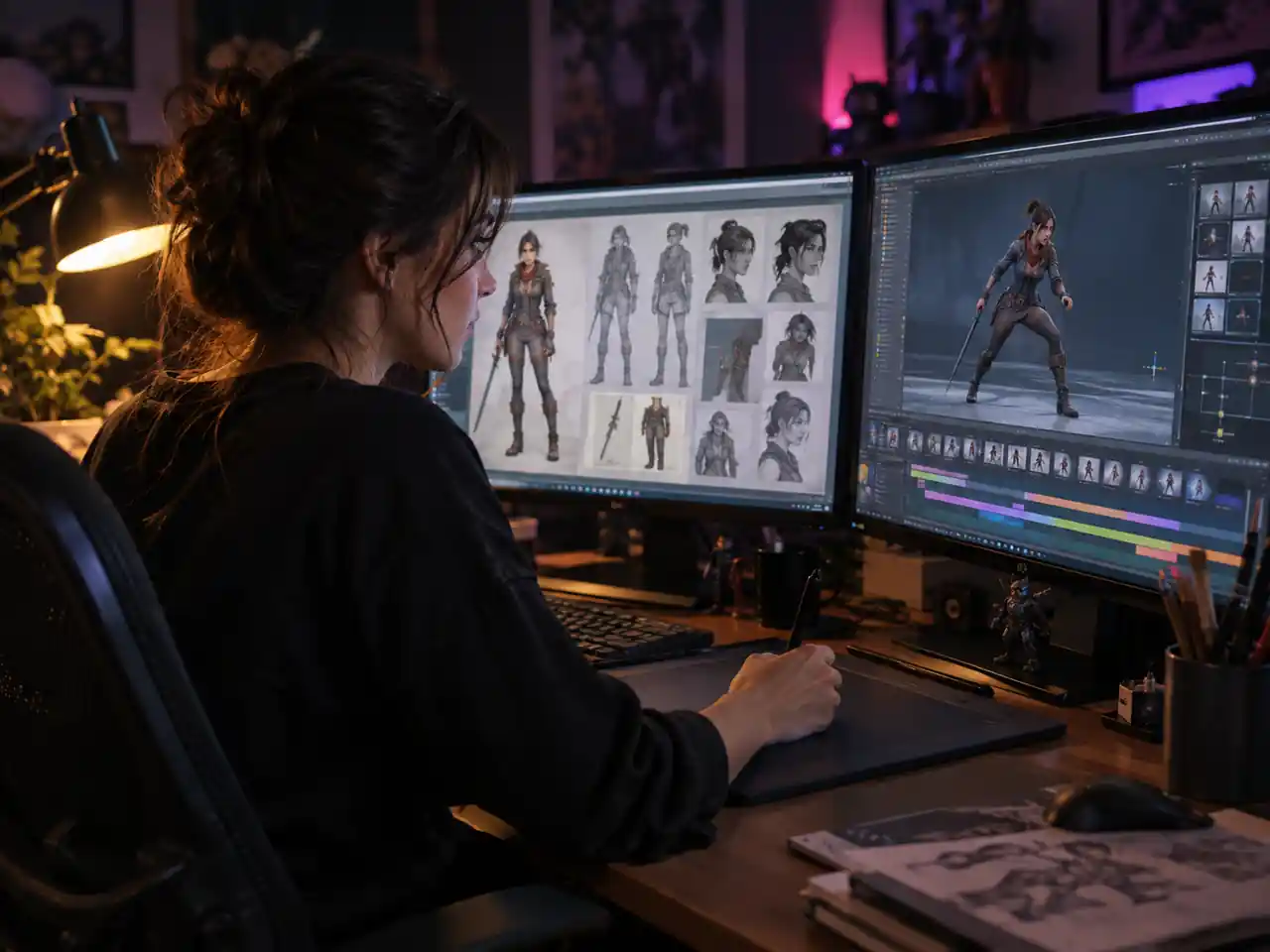
Game and Character Designers
See a concept sheet move before committing to a rig. Character art goes in as the reference image, a movement clip as the performance, and the silhouette either works or does not.
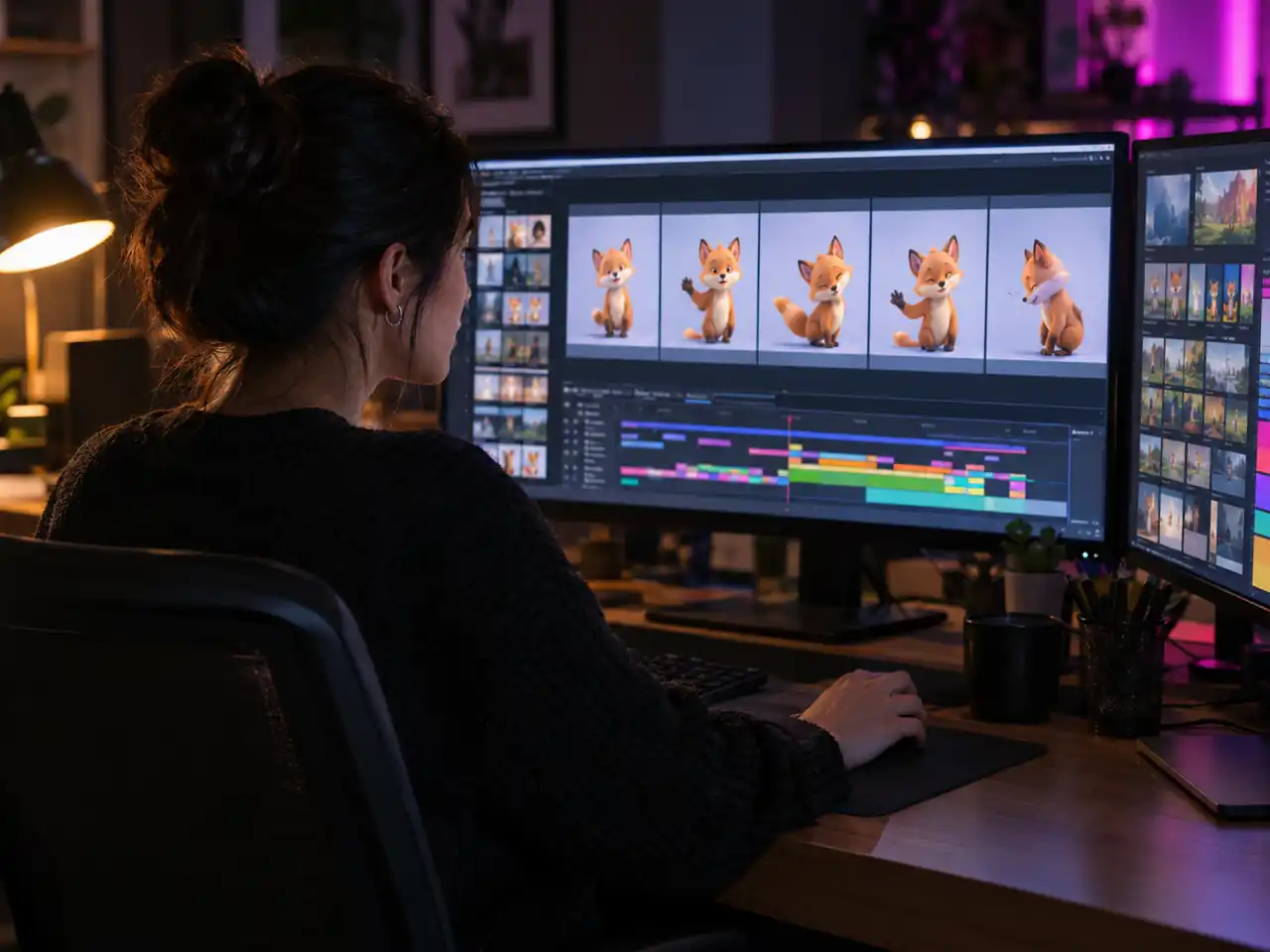
Marketing and Brand Teams
Keep one brand character moving consistently across campaigns. The same mascot image with different reference performances builds a library of on brand clips without a shoot per channel.
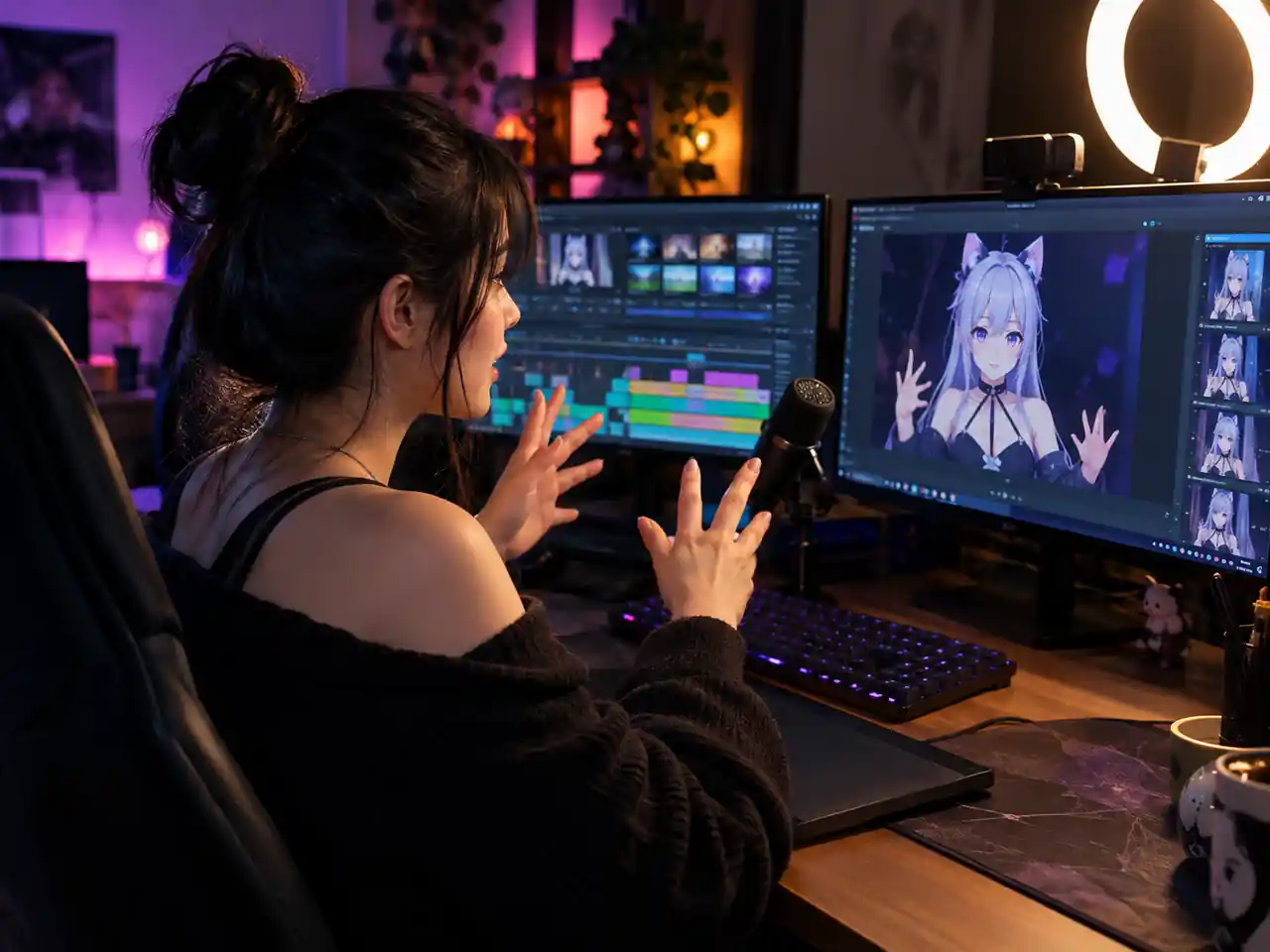
VTubers and Virtual Influencers
Give a virtual persona real body language. Record the gestures yourself, transfer them onto your avatar image, and post movement that looks performed rather than assembled.
Why Motion Control Solves a Problem Prompts Cannot
Three things about how this mode works, and one constraint that follows from them.
A Reference Video Carries What Language Cannot
Describing a dance in words gets you an approximation of a dance. Handing over a clip transfers the actual timing, weight and the way a body settles between beats, because the model is reading a performance rather than interpreting an adjective. This is the only mode here where the movement is copied rather than invented.
One Performance Becomes an Entire Cast
Because the movement and the character arrive as separate uploads, a single recorded take can be applied to every character you own. That turns one shoot into a library, and it is why mascots, avatars and illustrated presenters end up using this mode rather than animation.
Framing Is the Variable That Decides Success
A full body image paired with a full body clip works. A portrait paired with a full body clip forces the model to invent a body it never saw, and that is where most failed runs come from. Matching the two framings matters more here than resolution, prompt length or which Kling engine you pick.
No Length Setting Because the Clip Already Decides It
Every other video mode asks you to choose a duration. This one takes it from the reference, which means trimming the source is how you control the result. It moves a decision out of the settings panel and into your preparation, and it is the main thing to adjust to when coming from the other modes.
Simple Process
How to Use Kling Motion Control
From two uploads to a finished motion transfer
1
Sign In and Choose a Motion Control Model
Sign in and open the generator. Kling 3.0 motion control is selected by default, and Kling 2.6 motion control sits beside it in the model list when you want to compare engines.
2
Upload the Character Image and the Reference Clip
Both slots are required before a run will start. Put a still of your character in the image slot, JPG or PNG up to 10MB, and the clip holding the movement in the video slot, MP4 or MOV up to 100MB. Match the framing between them: a full body image needs a full body reference, a portrait framed image needs a portrait framed clip. Trim the clip to the beat you want first, because the output length follows it.
3
Set Orientation, Resolution, and an Optional Prompt
Set Character Orientation to Image or Video depending on which upload should decide the facing, choose 720p or 1080p, and add a prompt of up to 2,500 characters to steer setting, lighting, or mood.
4
Generate and Download
Run the generation and review the result. Your character performs the reference take, and the clip runs as long as the video you uploaded. Download it, or flip a setting and run again.
Frequently Asked Questions about Kling Motion Control
Common questions about motion control AI, the two required uploads, Kling 3.0 and Kling 2.6, resolution, orientation, and commercial use
Ready to Move Your Character?
Bring one character image and one reference video. Kling motion control AI handles the transfer, at 720p or 1080p, free to try in your browser.