





시간이 멈춘 칵테일 구조 작전
Seedance 2.0 Fast Turns a Prompt into a 720p Clip in One Pass
The speed tier of ByteDance's Seedance 2.0 family, set up for volume rather than for one hero shot. Write a line, drop in a still, feed references, or pin a first and last frame, then pull back 4 to 10 seconds of 720p video with sound if you want it.
Built for volume • Opens sharp at 720p • Sound in the same pass • Nothing stamped on
What is Seedance 2.0 Fast?
Seedance 2.0 Fast is the quick rung of ByteDance's Seedance 2.0 video line, the same family behind Dreamina and CapCut and served on the BytePlus and Volcengine stack. People type it as seedance 2 fast, seedance-2 fast, seedance 2.0fast, or plain seedance fast, and the misspellings run deep too, from seadance 2.0 fast and seeddance fast to sedance fast, seedence fast, and seednace. They all point at the same thing: a 720p engine that takes jobs of 4 to 10 seconds and is tuned to hand them back quickly. The shorter clip limit is the trade, because the rest of the family runs to 15 seconds. In exchange, Fast opens on 720p instead of 480p. The generator above runs the real engine, which makes this a working tool page and not a summary of one.
What Seedance 2.0 Fast Is Good At
Where the speed tier pays off, and the one place it runs out of room.
Six Versions of the Hook, Not One Perfect Cut
- Opens at 720p, so a test already looks postable
- Four to ten seconds, the length most hooks run
- Change one clause, rerun, see what moved
- 9:16, 1:1 and 16:9 for the placements you buy
Who Picks Seedance 2.0 Fast Over the Standard Tier
Teams whose output is measured in clips per week rather than in pixels per frame
Short Form Creators
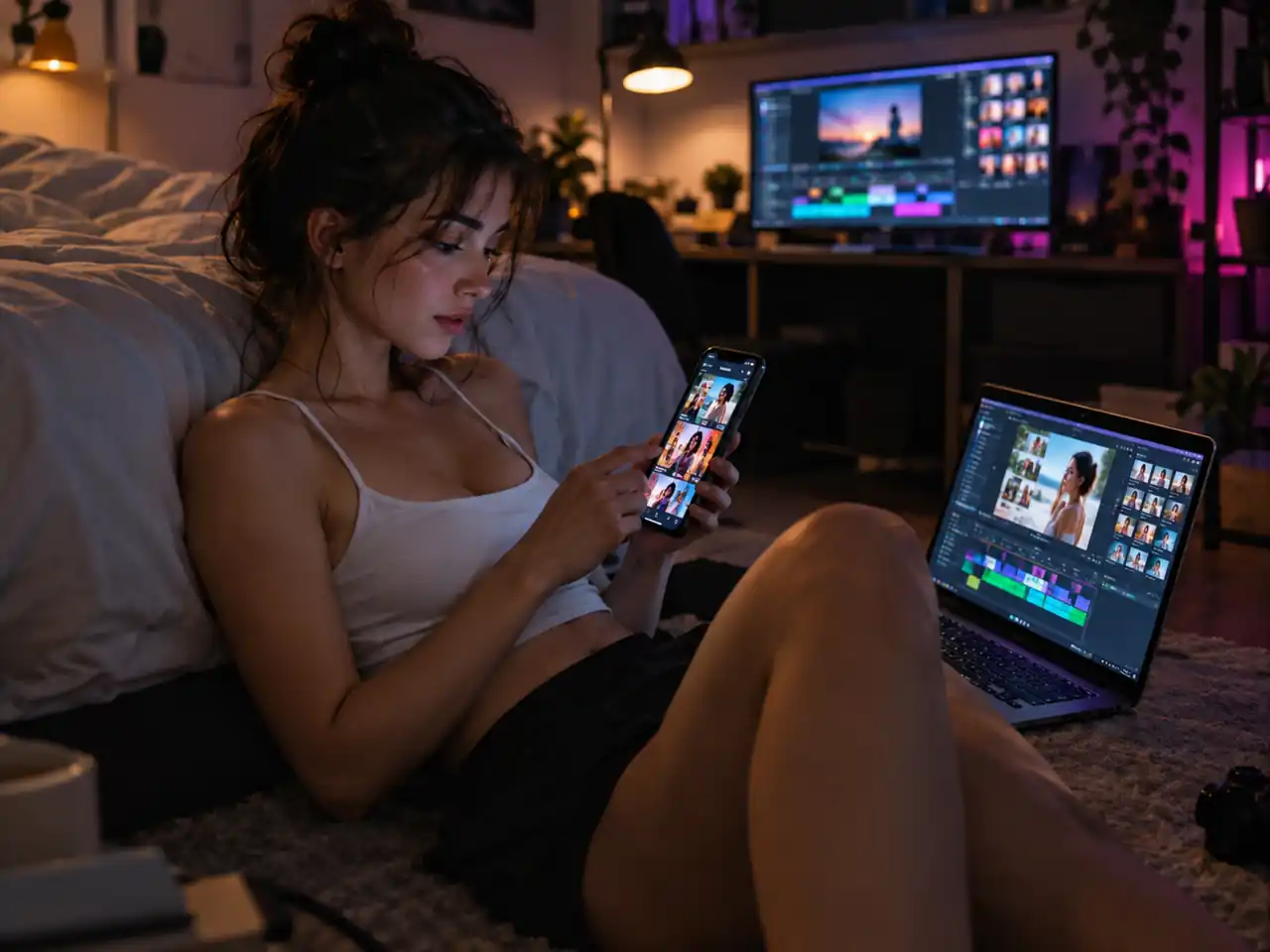
TikTok, Reels, and Shorts get watched on a phone, where 720p and a 9:16 frame are already the right answer. Most hooks land well inside 10 seconds, so the Fast limit costs a creator nothing in practice.

Previs and Storyboard Artists
Block a sequence shot by shot before anyone commits a budget. Short beats are what a board needs, and the frame pair mode fixes where each shot begins and ends before review.

Performance Marketers
Ad testing needs variants, not one perfect film. Render a dozen hooks from the same reference images, push them live, and let the click through decide which deserves a full resolution version.
Ecommerce Teams
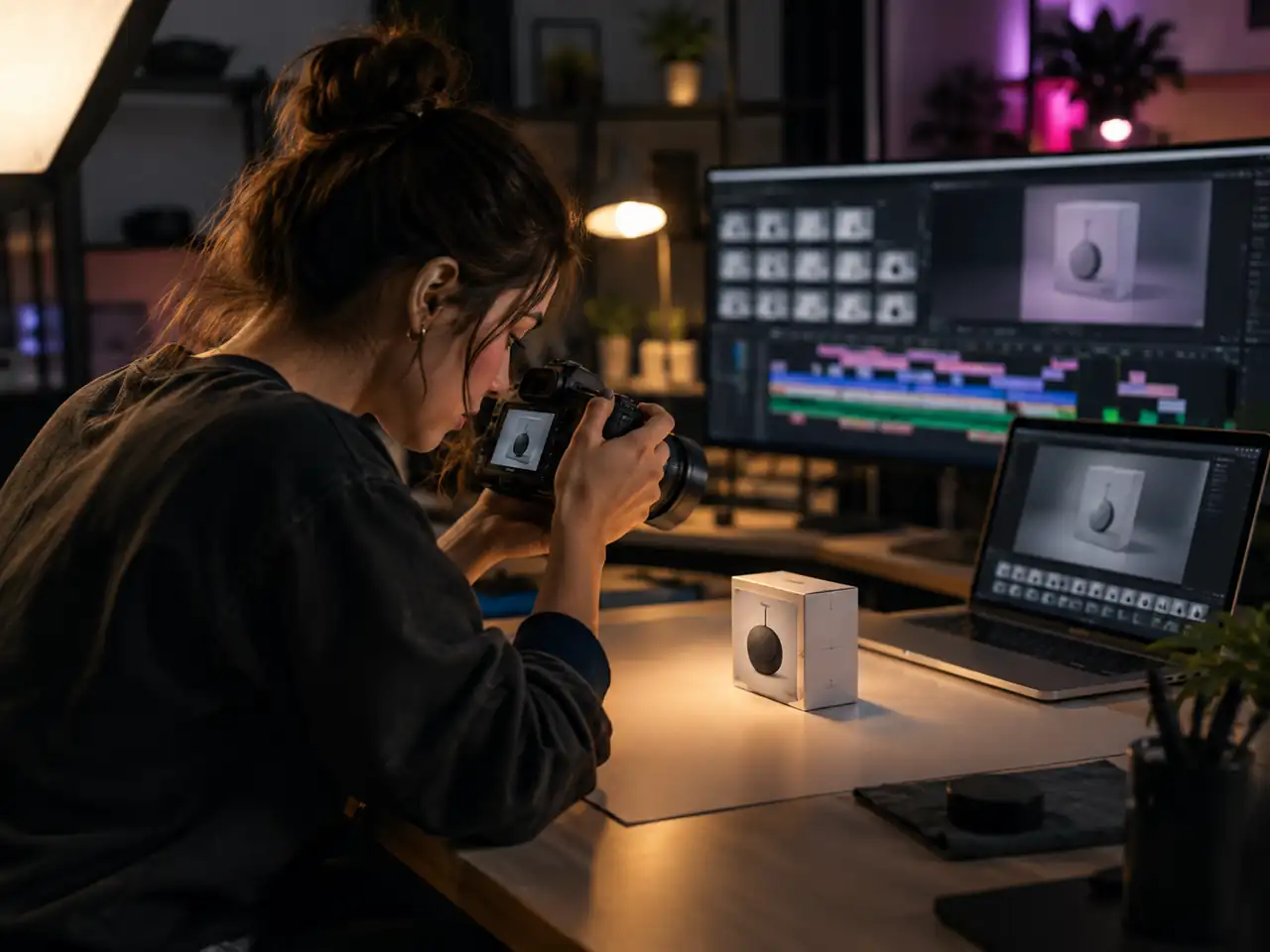
Turn a product photo into a short rotating or unboxing clip for a listing or a story. Image to Video keeps the item honest, which matters more on a catalogue page than resolution does.
Prompt Testers and AI Artists
Anyone learning how a model reads language wants cheap iterations, not masterpieces. A 480p draft at four seconds costs almost nothing, which makes it practical to change one clause and look again.
Agencies and In House Studios
Draft on Fast, review internally, then re-render the approved cut on the full Seedance 2.0 tier at 1080p or 4K. One dropdown covers that hand off, so a team never has to rebuild a prompt somewhere else.
Why Seedance 2.0 Fast Suits Volume Better Than It Suits Polish
Three specs and one trade, and what each one does to the way you work.
Opening on 720p Changes What a Test Is Worth
Mini opens at 480p, which is fine for proving motion and awkward for judging a hook. Fast opens at 720p, close enough to what ships that a variant can be shown to someone who is not in the room. When the point of the render is a decision by somebody else, that difference is the whole point of the tier.
Ten Seconds Is the Constraint That Defines This Tier
Fast caps at ten seconds while Mini and the full 2.0 both reach fifteen. Read that as a shape rather than a shortfall: ten seconds is a hook, a product beat or a transition, and those are exactly the things you make many versions of. It stops being the right tier the moment a cut needs a resolve.
Audio in the Same Pass Removes a Whole Round Trip
A silent variant is hard to judge, because half of what makes a hook land is sound. Generating the track in the same pass means the version you review is the version you would post, rather than a picture you have to imagine a soundtrack over.
The Tier Is a Setting, Not a Destination
Fast sits in the same dropdown as Mini, the full 2.0 and 2.5, all reading the same prompt. That turns tier choice into a per shot decision instead of a commitment, which is how the draft cheap and finish large workflow actually gets used rather than just described.
Simple Process
How to Use Seedance 2.0 Fast Online
From an empty prompt box to a downloaded clip in four steps
1
Open the Generator and Select Seedance 2.0 Fast
Sign in and pick Seedance 2.0 Fast from the model dropdown. The same menu holds Seedance 2.0 Mini and the full Seedance 2.0 tier, so you can move up or down later without leaving the page.
2
Choose One of the Four Modes
Switch to Text to Video, Image to Video, Reference to Video, or Frames to Video. Upload your stills or clips if the mode calls for them, then set the aspect ratio that matches where the video will be posted.
3
Write the Prompt and Set Duration
Describe the subject, the action, the camera move, and the light, then pick a length between 4 and 10 seconds. Leave resolution on 720p, drop to 480p for quick tests, and turn on audio if the shot needs sound.
4
Render, Refine One Clause, and Download
Start the render and review the result. Edit a single clause of the prompt to move the shot closer to what you pictured, then download the finished clip when a take earns it.
Seedance 2.0 vs Seedance 2.0 Fast and Other Common Questions
Straight answers on resolution, clip length, audio, the enhanced label, and content rules
Seedance 2.0 Fast is the speed tier of ByteDance's Seedance 2.0 video family. It renders 720p or 480p clips of 4 to 10 seconds from a written prompt, a single still, reference material, or a pair of frames, and it can lay generated sound over the result when you flip the audio switch on. The generator at the top of this page runs that engine directly, so you can test what seedance 2 fast does instead of reading a spec sheet about it.
Two things, and both are easy to check. The full Seedance 2.0 tier offers 720p, 480p, 1080p, and 4K and runs to 15 seconds, while Seedance 2.0 Fast stops at 720p and caps a clip at 10 seconds. That shorter ceiling is exactly what the speed rung trades away. So the difference between Seedance 2.0 and Seedance 2.0 Fast is resolution and runtime, not a different engine or a different prompt language.
Choose Fast when the shot is under 10 seconds and headed for a feed, a storyboard, or a round of prompt testing, because 720p is already enough there. Choose the normal Seedance 2.0 tier when you need a longer take of up to 15 seconds, or a master that holds up at 1080p or 4K on a large screen. Plenty of people treat seedance fast vs normal as one workflow rather than a choice: draft short on Fast, then re-render the keeper on the full model.
They share a 720p ceiling but give up different things. Fast opens on 720p and caps a clip at 10 seconds. Mini runs the full 4 to 15 seconds but opens on 480p and adds an adaptive aspect ratio that Fast does not carry. So seedance 2.0 mini vs fast really asks whether you would rather have length or a sharper starting point.
Neither one wins outright, because they trade reach for turnaround. Seedance Fast is better for volume: rough cuts, vertical social clips, prompt experiments, and any short shot that will be viewed on a phone. Full Seedance 2.0 is better for the finished piece, since 1080p, 4K, and clips past 10 seconds only exist there. Both sit in the same model dropdown, so switching takes one click rather than a new tab.
Enhanced Seedance 2.0 Fast is a product label used by the third party platform Higgsfield for its own wrapper around the model. It is a packaging name, not a separate engine from ByteDance. This page runs the plain Seedance 2.0 Fast engine with its controls left visible, so resolution, duration, aspect ratio, and audio are all yours to set rather than chosen for you.
No. Seedance 2.0 Fast writes 720p or 480p only, with 720p selected by default. For 1080p or 4K you switch the model dropdown in the generator to the full Seedance 2.0 tier, which adds those two rungs and lifts the clip limit from 10 seconds to 15. Nothing else about your setup has to change, since the prompt and aspect ratio carry across.
From 4 to 10 seconds, picked one second at a time on a slider. That is shorter than the rest of the family, since Seedance 2.0 Mini and the full Seedance 2.0 tier both run to 15 seconds. For a longer sequence on Fast, render several clips with a consistent prompt and matching framing, then cut them together in your editor.
Yes, through a switch that ships off, so a plain render comes back silent unless you turn it on. You can also hand the model audio of your own as reference: up to three clips, 15 seconds in total, in MP3 or WAV, with each file under 15MB. That is useful when a beat, a room tone, or a line of dialogue should steer how the shot moves.
A short seedance 2.0 fast prompting guide: name the subject, the single action, the camera move, the lighting, and the mood, in that order, and leave out anything you do not actually care about. The prompt box accepts up to 20,000 characters, so there is room to be specific. Then change one clause at a time and keep the rest of the settings fixed, which turns guesswork into a readable before and after.
Yes. The generator above runs Seedance 2.0 Fast in the browser with a free start, so there is nothing to install, no GPU to rent, and no local setup to maintain. Sign in, pick your mode, write a prompt, and the finished clip downloads straight from the result panel. A seedance 2.0 fast api route exists for teams wiring this into their own pipeline, but the page itself needs no code.
Renders run under a standard content policy, the same way other hosted video models work. Prompts that call for explicit material, graphic harm, or the likeness of a real person in a misleading situation will be declined. If a prompt comes back refused, rewriting the specific clause that triggered it usually clears things up faster than resubmitting the same text.
Ready to Run Seedance 2.0 Fast?
Pick a mode, set a length between 4 and 10 seconds, and pull back a 720p clip with sound if you want it.