










Seedance 2.0 Turns a Prompt or a Photo into 4K Video with Sound
Run the full Seedance 2.0 tier in your browser: the only build in the family that renders 1080p and 4K, with clips of 4 to 15 seconds, six aspect ratios, and generated audio on a switch. All four generation modes sit in the workspace above, free to start and with no watermark.
Delivery-grade 4K • Scenes that run a full 15 seconds • Sound in the same pass • Nothing stamped on
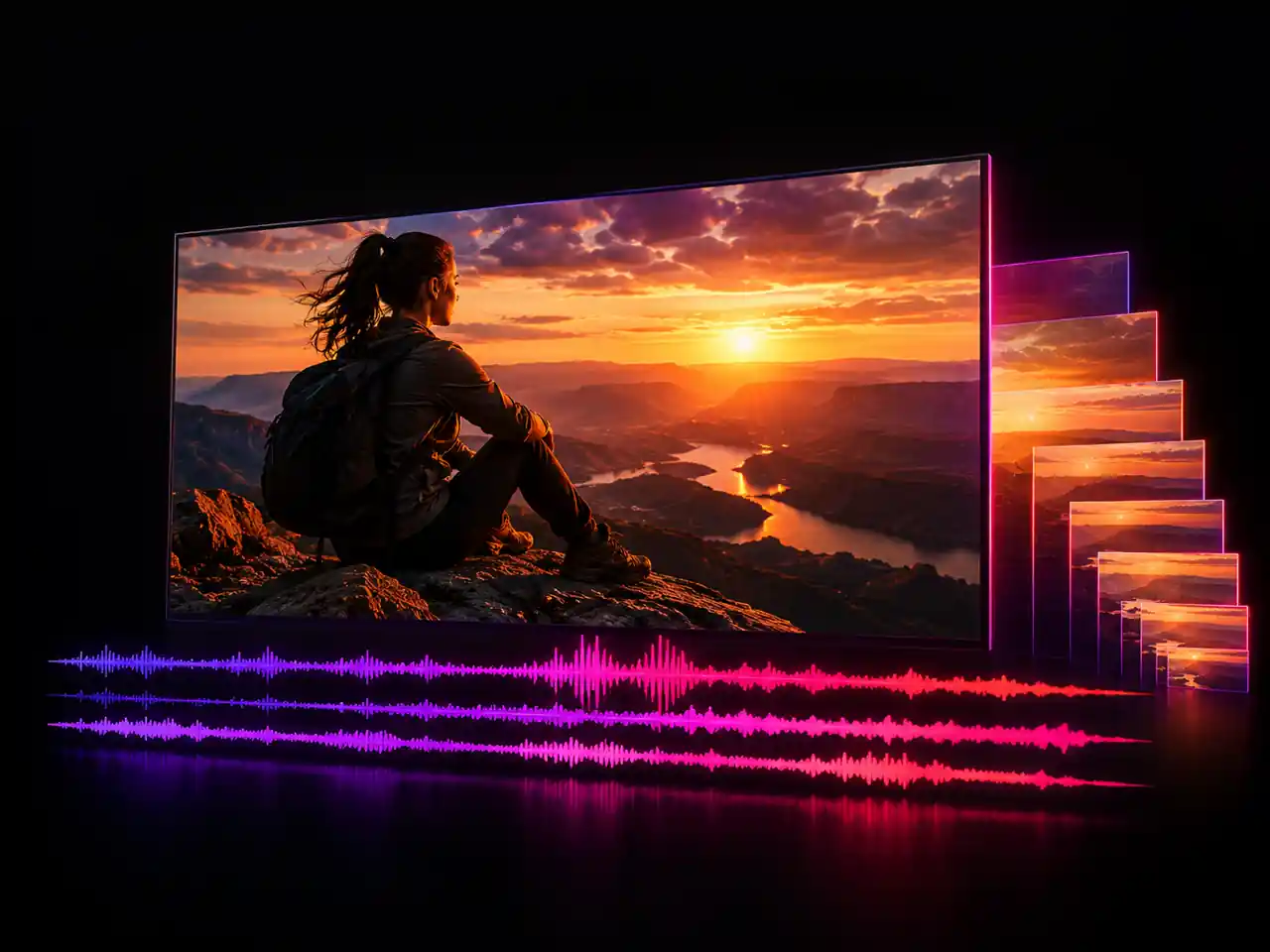
What is Seedance 2.0?
Seedance 2.0 is ByteDance's video generation model, and this page runs its full tier: the build that reaches 1080p and 4K rather than stopping at 720p. Give it a text prompt, a still image, a set of reference images and clips, or a first and last frame, and it returns one continuous shot of 4 to 15 seconds in any of six aspect ratios, with sound generated in the same job when you want it. Everything happens in the workspace above, with nothing to install, no list to join, and no watermark burned into the result.
What the Full Seedance 2.0 Is For
Three things worth spending the flagship tier on, and three answers to what people ask about it most.
- 720p, 480p, 1080p and 4K in one tier
- Mini and Fast both cap at 720p
- Rerun an approved draft at delivery resolution
- Same prompt and references carry over from the draft
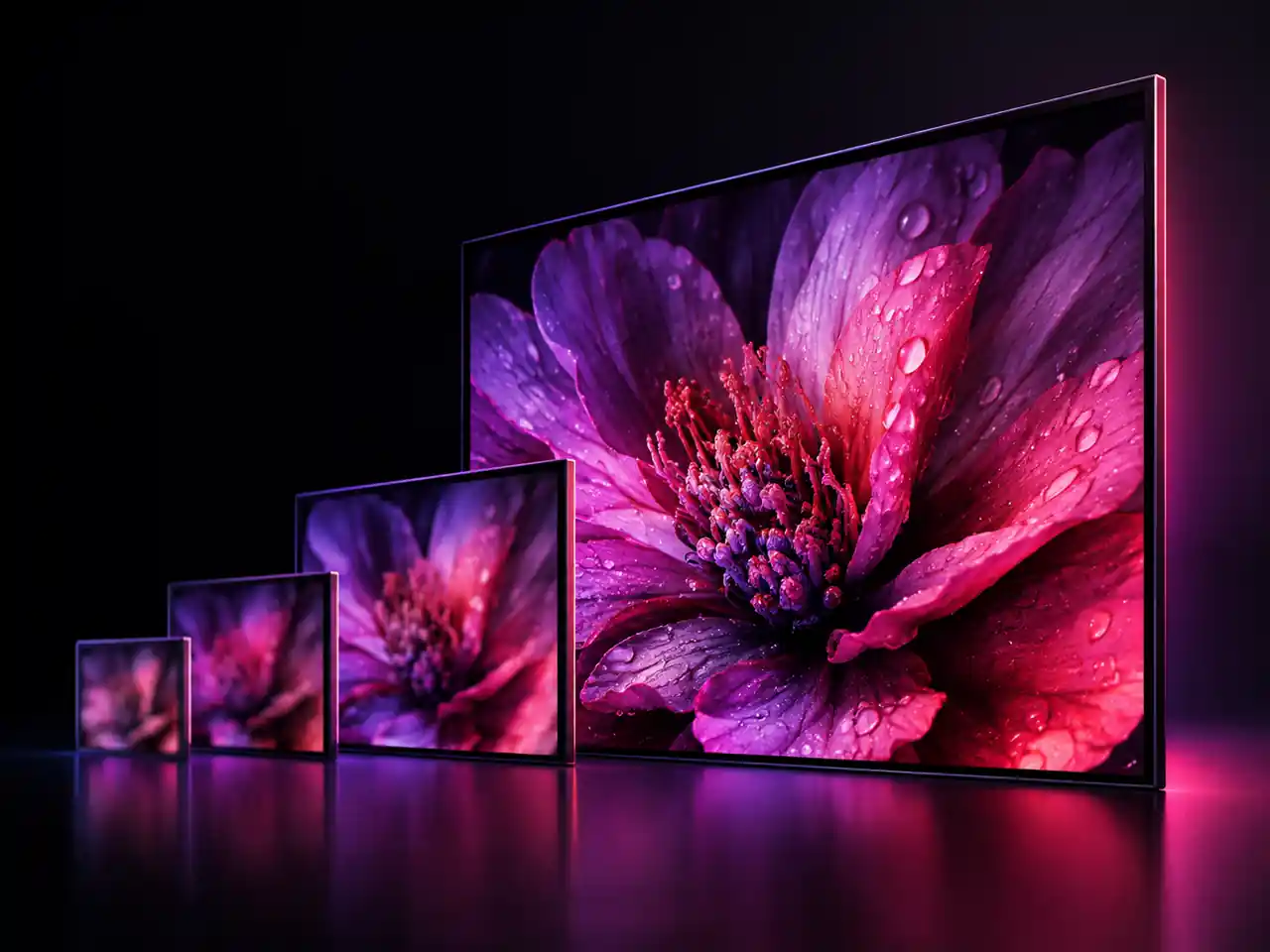
Who Uses Seedance 2.0
Filmmakers, short video creators, marketers, sellers, artists, and teaching teams
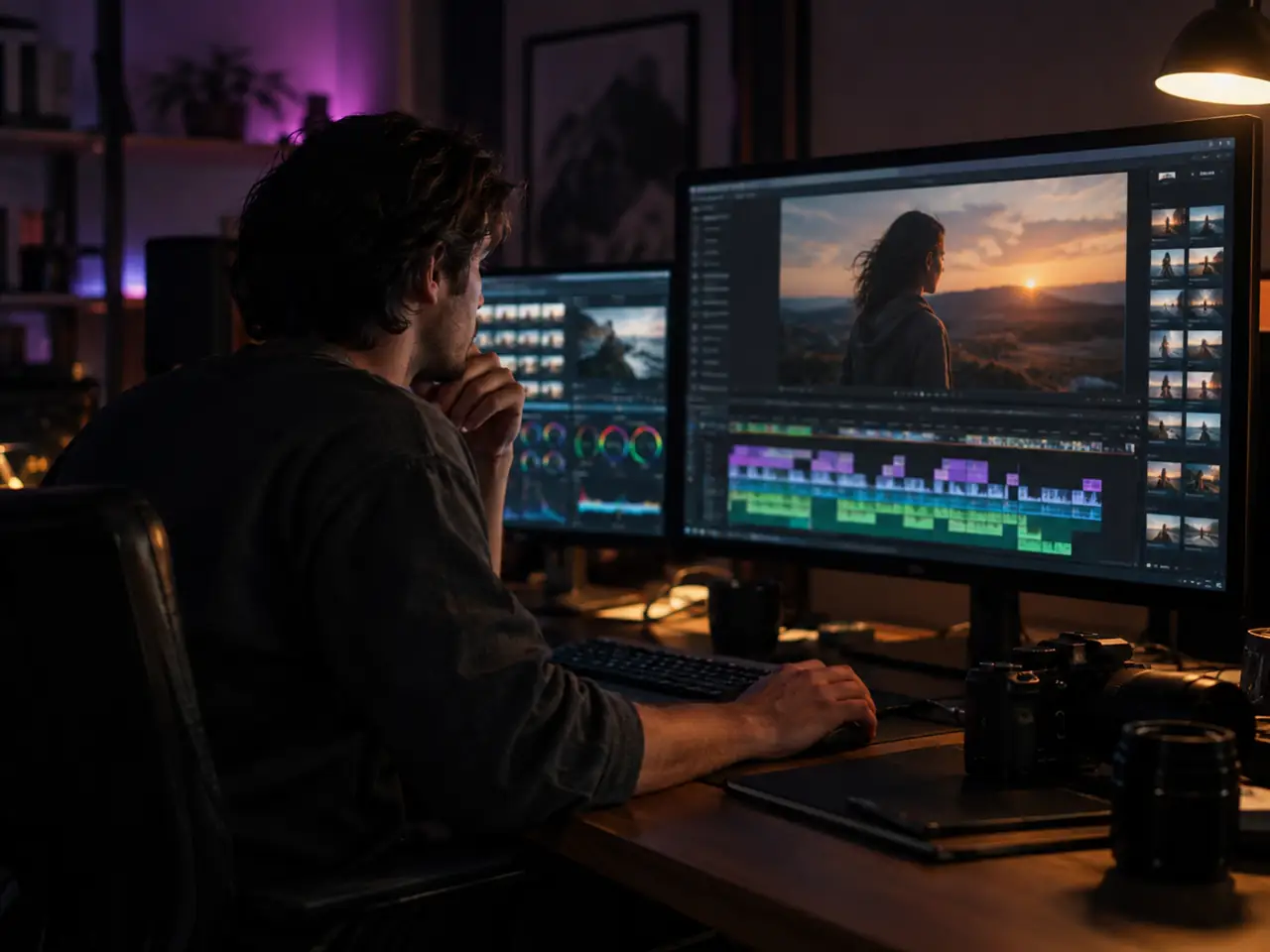
Independent and AI Filmmakers
Block out a scene, shoot coverage you never filmed, and cut a teaser without a crew or a location. Fifteen second takes at 1080p or 4K are long enough to carry a real beat, and Reference to Video keeps your lead looking like the same person in every shot.
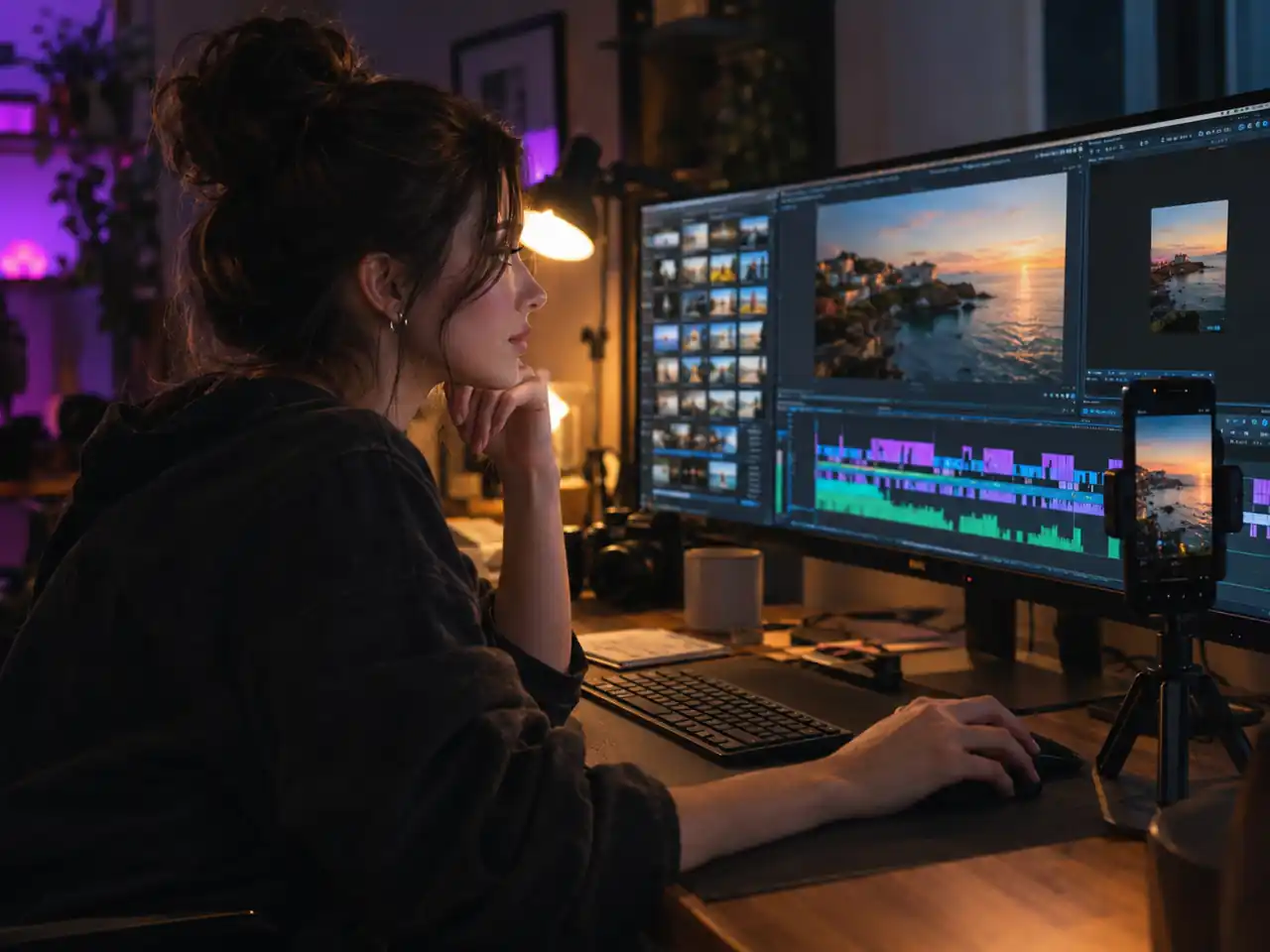
Short Video Creators
Vertical 9:16 for Reels, TikTok, and Shorts, square 1:1 for feeds, and 21:9 when a post should read like a film still. Turn one prompt into a hook, render it with sound, and publish the same afternoon.
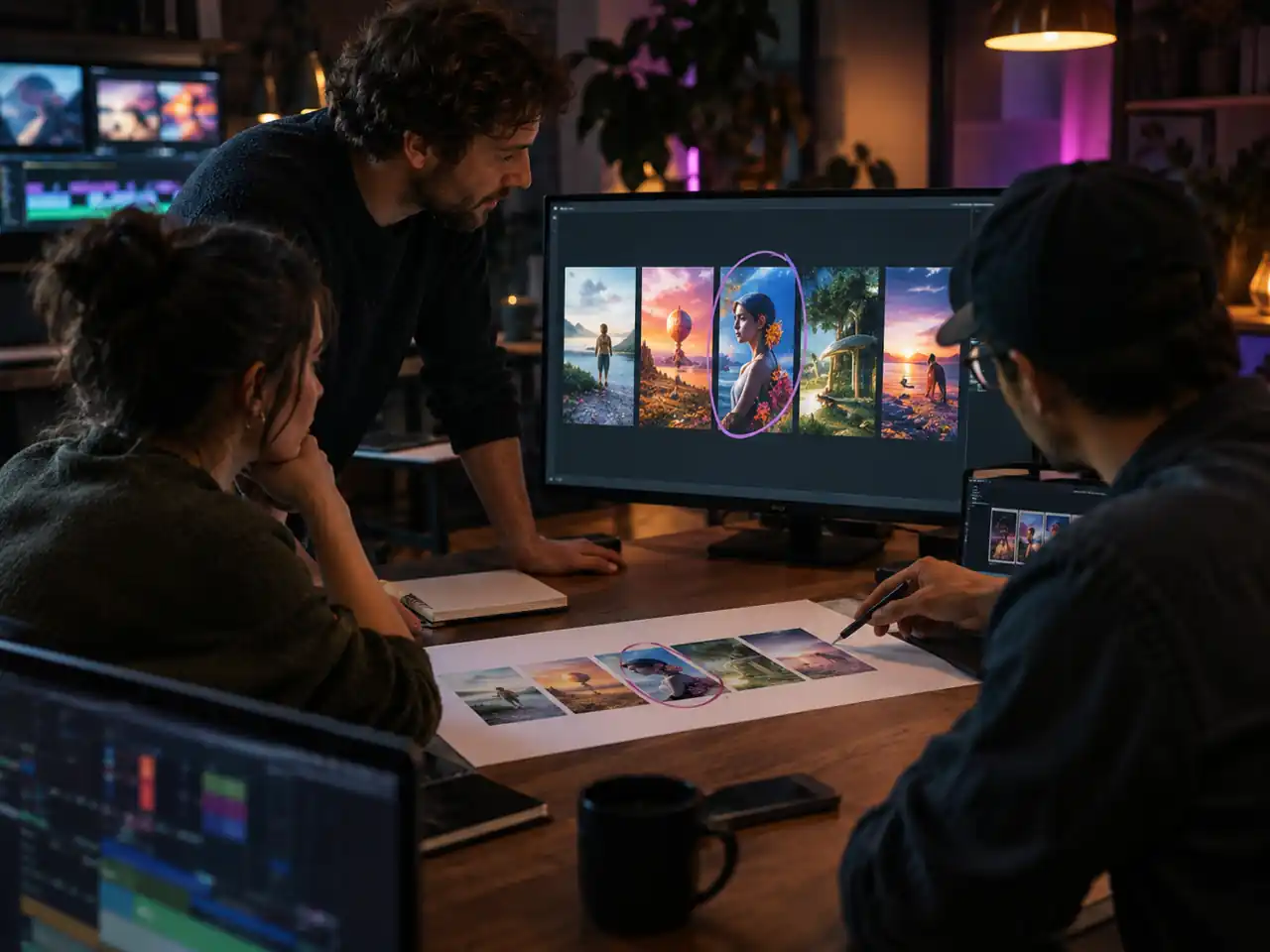
Marketers and Ad Teams
Test five versions of a concept before anyone books a studio. Write the script as a prompt, render variants at different lengths and ratios, and take only the winner up to 4K for the paid placement.
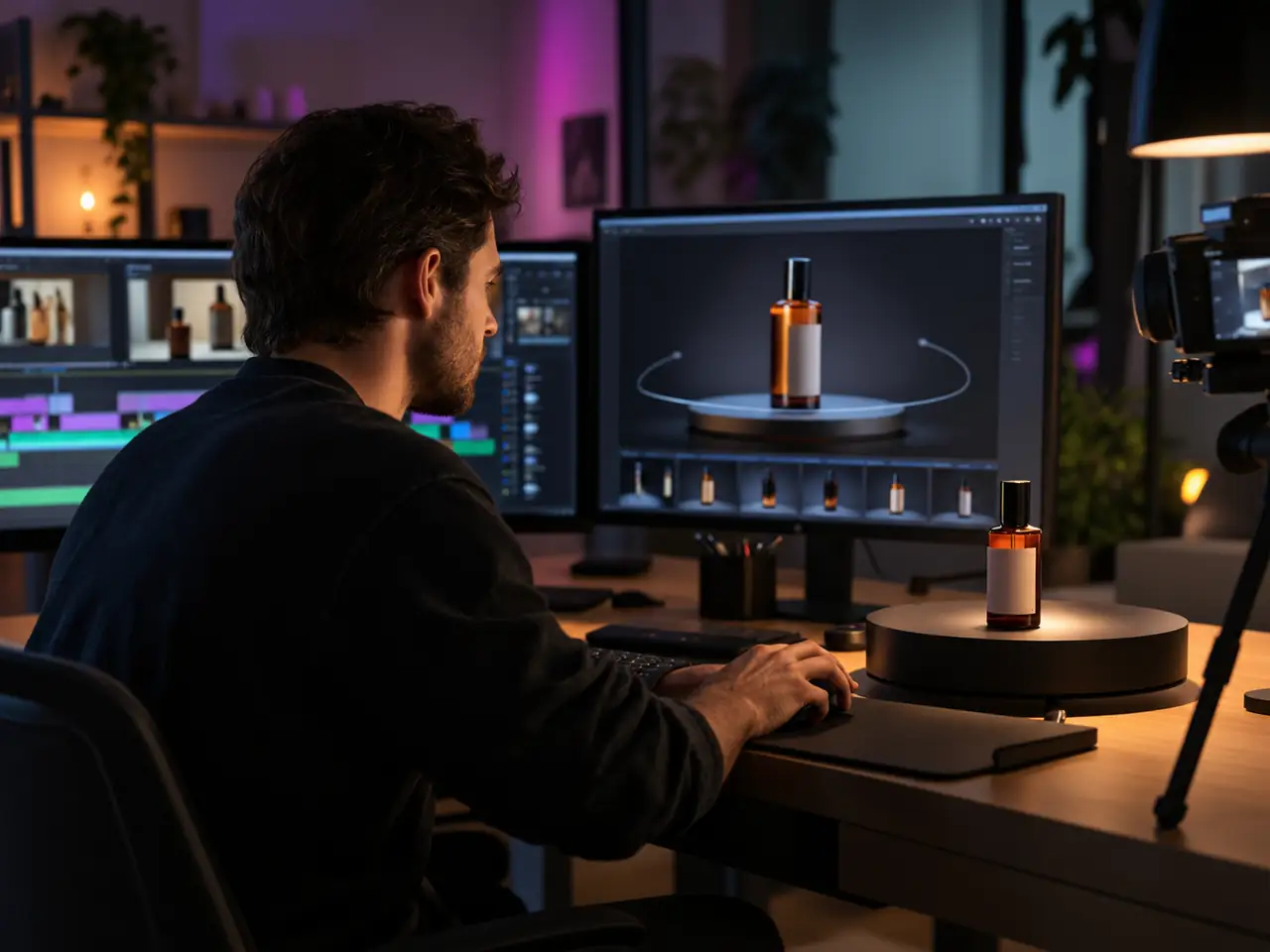
Ecommerce and Product Sellers
Start from one product photo in Image to Video and let the camera move around it. Frames to Video handles turntables and before and after shots that have to land on an exact final frame.
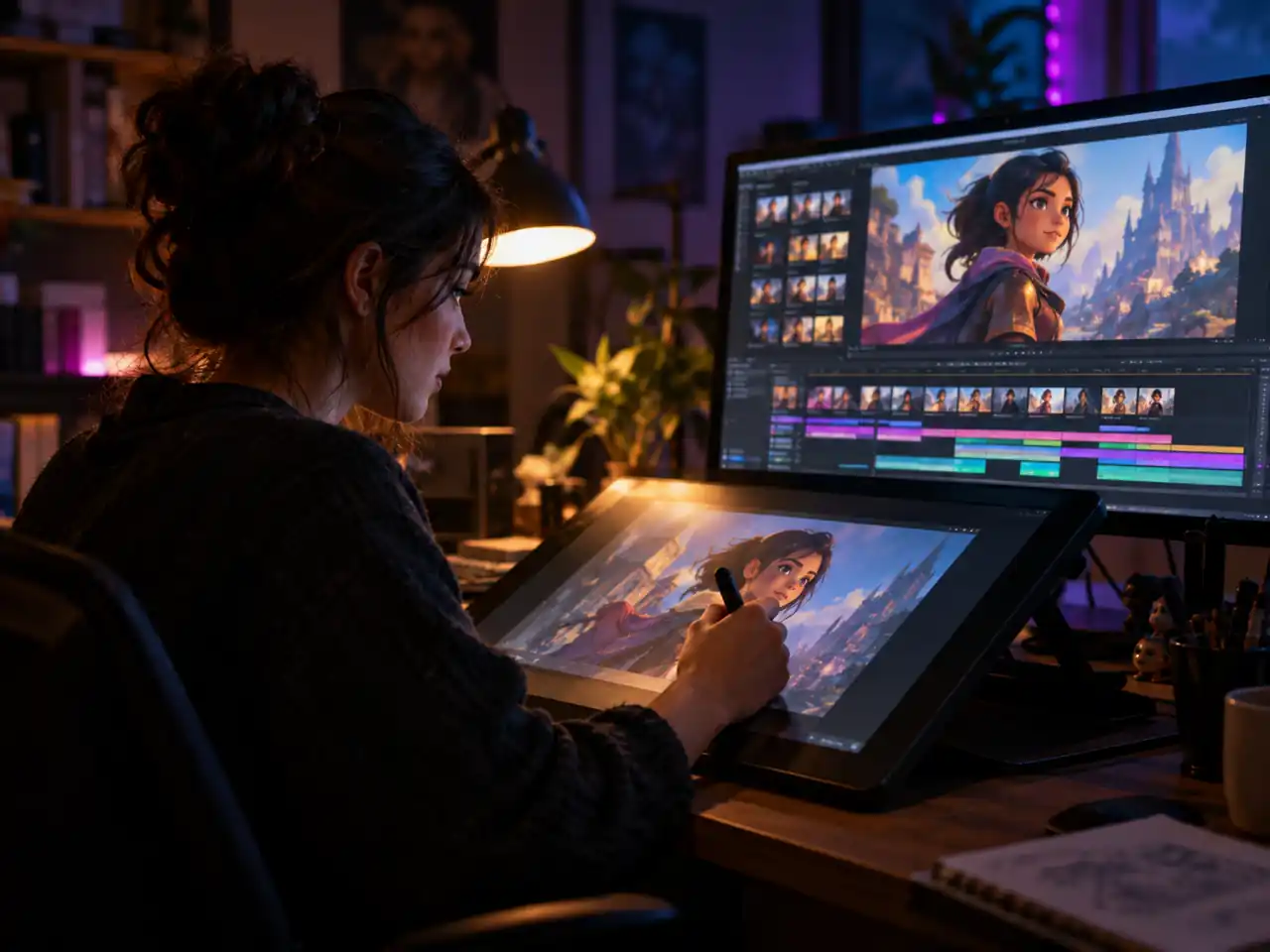
AI Artists and Illustrators
Bring finished artwork into motion without redrawing it. Image to Video animates a single piece, and Reference to Video carries your palette, linework, and character design across a whole sequence.
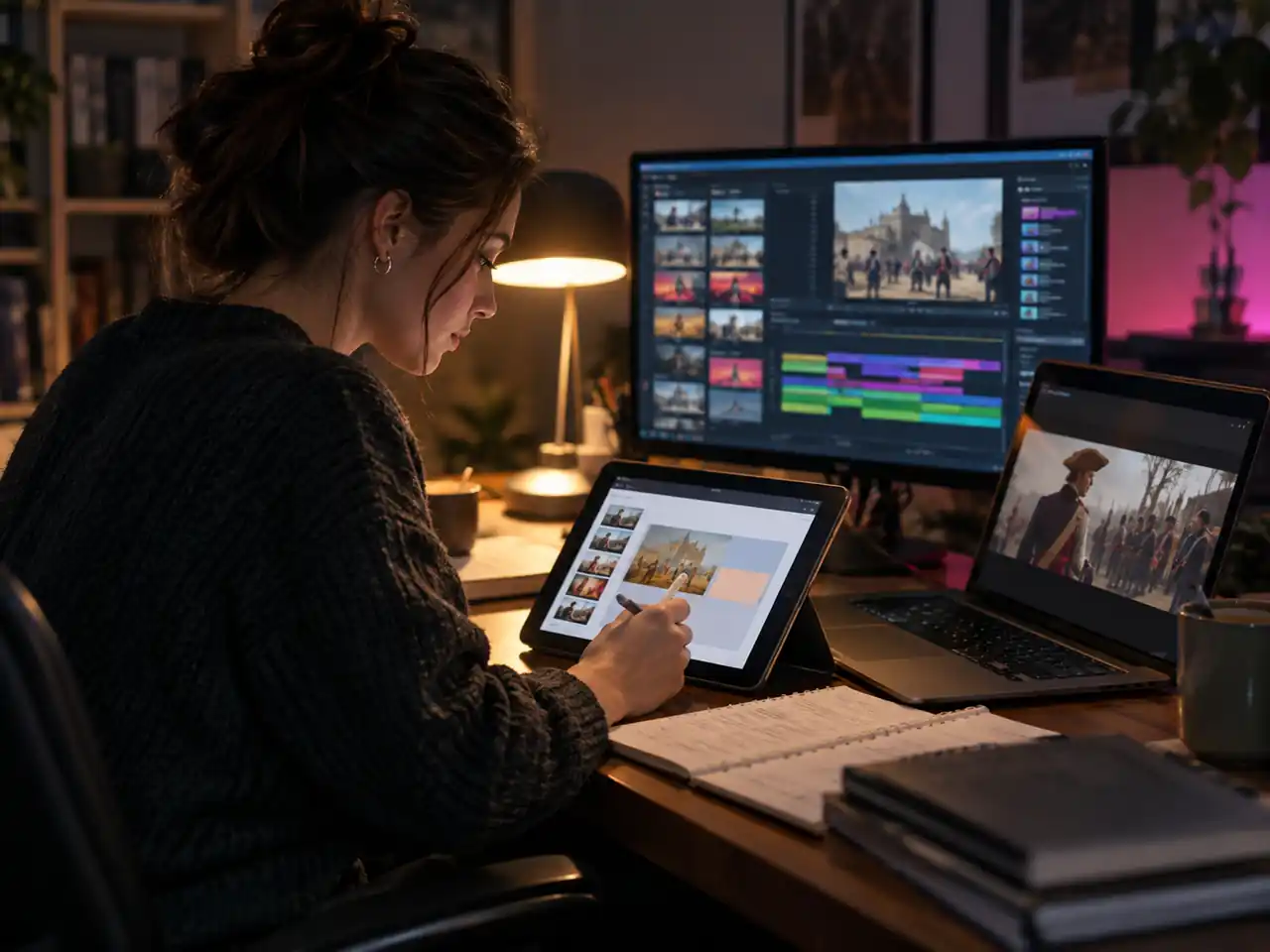
Educators and Explainer Teams
Illustrate a process, a historical scene, or a lab step that nobody can film. Clips of 4 to 15 seconds drop straight into a slide deck or a course module without extra editing.
Why the Full Seedance 2.0 Is Worth the Step Up
Three specs and one honest limitation, and what each means for the work.
4K Is the Difference Between a Test and a Deliverable
Mini and Fast both stop at 720p, which is enough to decide something and not enough to ship it. The full tier reaches 1080p and 4K, so the shot you approved as a draft can be rerun at delivery quality from the same prompt and the same references. Nothing about the idea gets renegotiated in the process.
Fifteen Seconds Is Long Enough to Mean Something
A scene needs an establishing beat, a turn and a resolve. Under ten seconds you get a gesture; at fifteen you get a moment that can carry a story. Combined with the frames mode for chaining, this is the shortest version of the tier that supports narrative work rather than clips.
Nine References Are How a Campaign Stays Coherent
Commercial work is a set of shots that have to agree with each other, not one lucky render. Nine images plus reference clips and audio pin the face, the garment, the packaging and the room at once, which is the mechanism that turns separate generations into something recognisably the same campaign.
No Seed Means References Carry the Consistency
Seedance does not expose a seed, so reruns are fresh takes rather than controlled variations. Identity has to come from the reference set and from a prompt block you reuse verbatim. Once you build that habit the absence stops mattering, but it is worth knowing before you plan a sequence around reproducibility.
How to Use Seedance 2.0 in Four Steps
From an empty prompt box to a finished clip you can download
Open the Seedance 2.0 Generator
Scroll to the generator at the top of this page and sign in. Seedance 2.0 is already selected as the model, so there is nothing to configure before your first render.
Pick One of the Four Modes
Choose Text to Video, Image to Video, Reference to Video, or Frames to Video. Image to Video takes a single picture, Frames to Video takes an opening frame and a closing frame, and Reference to Video accepts up to 9 images alongside short video and audio references.
Write the Prompt and Set the Output
Describe subject, action, camera movement, and lighting in your own words. Then choose 480p, 720p, 1080p, or 4K, set a length between 4 and 15 seconds, pick one of the six aspect ratios, and decide whether the audio switch is on.
Render, Review, and Download
Start the job and watch the result appear in the workspace. Keep the take you like, or change one line of the prompt and run it again if you do not, then download the finished clip with no watermark on it.
Frequently Asked Questions About Seedance 2.0
Free access, 4K output, clip length, audio, references, the API question, and the rest of the lineup
Ready to Render with Seedance 2.0?
Open the generator, pick a mode, and take your first clip all the way to 1080p or 4K.