





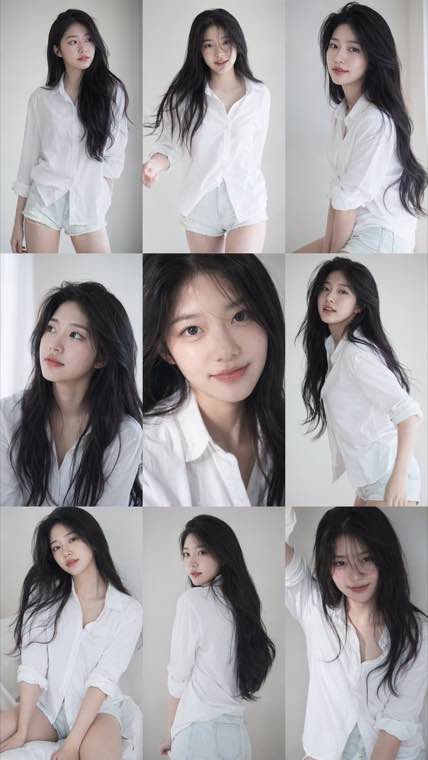
3x3 Idol Portrait Collage
3x3 Idol Portrait Collage
Soft Black Mist Portrait
Editorial Indoor Portrait
360 Concert Panorama
Journey to the West Spider Spirit Poster
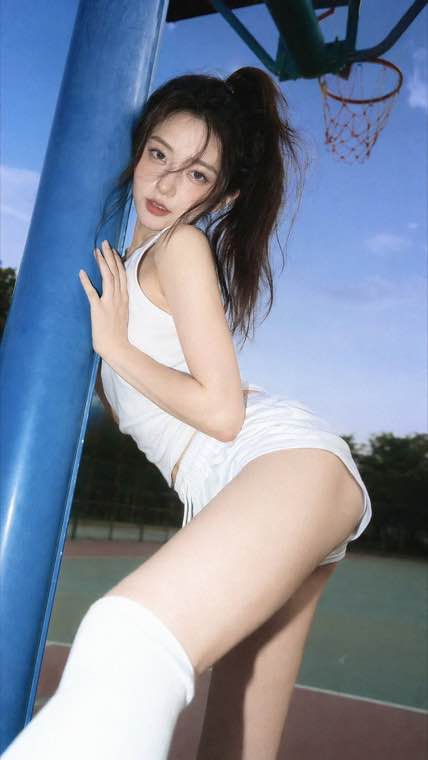
35mm Flash Basketball Editorial
Subway Phone Candid
Douyin Livestream Screenshot
18-Panel Brand Identity Sheet
RPG Inventory Icon Grid
Generate high-quality images with GPT Image 1.5 . Create stunning visuals from text prompts with improved fidelity and detail. Compare with GPT Image 2 and start creating for free.
Free to start • Professional quality output • Fast generation • Commercial license available
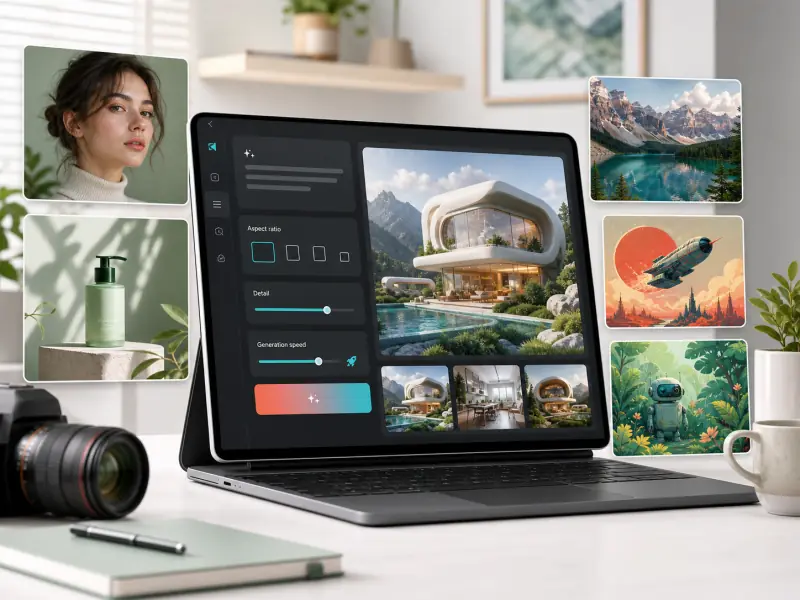
GPT Image 1.5 (also known as gpt-image-1.5) is Advanced AI image generation model that transforms text descriptions into high-fidelity visual content. As part of the GPT Image series, version 1.5 delivers improved detail rendering, better prompt understanding, and faster generation compared to earlier versions. Whether you're creating marketing materials, concept art, social media content, or product visualizations, gpt-image-1.5 provides a powerful balance of quality and speed for professional creative workflows.
Everything you need to create professional AI-generated images with high fidelity and precision
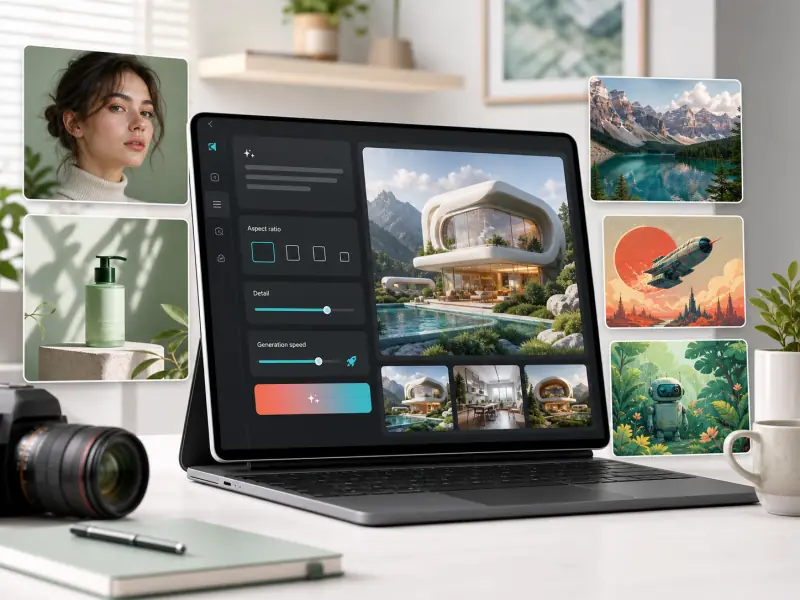
Trusted by creators, marketers, and businesses for professional AI image generation
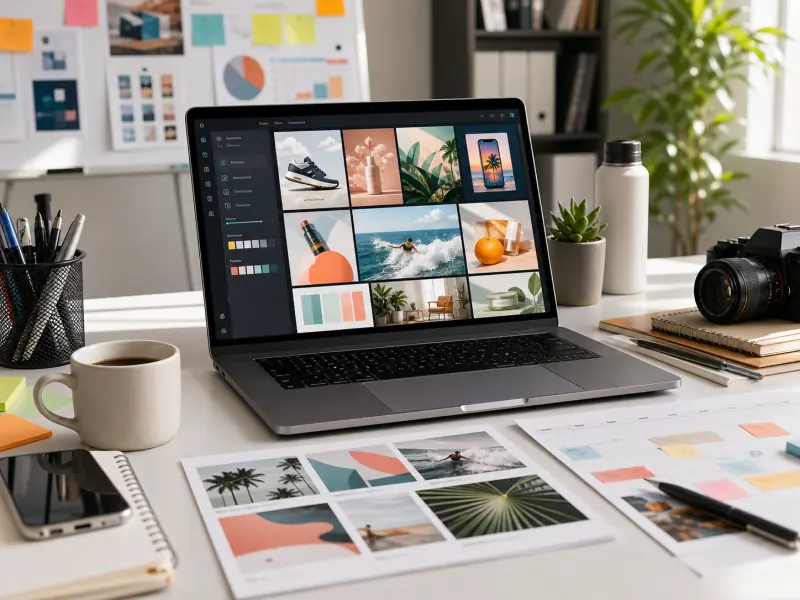
Create social media graphics, ad creatives, blog illustrations, and campaign visuals quickly. GPT Image 1.5 helps marketing teams produce high-volume visual content without expensive photoshoots or designer bottlenecks.
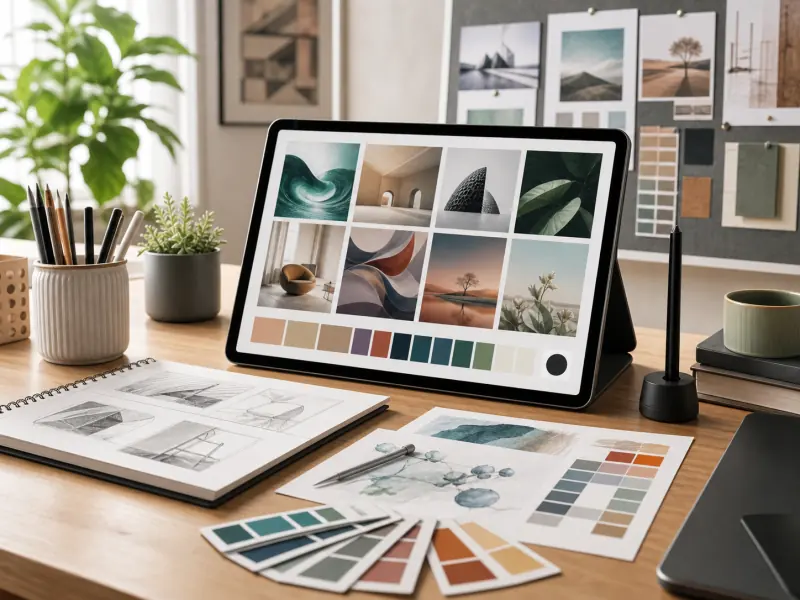
Speed up concept exploration, generate mood boards, create design variations, and produce client presentation materials. Use GPT Image 1.5 for rapid ideation before moving to final production tools.
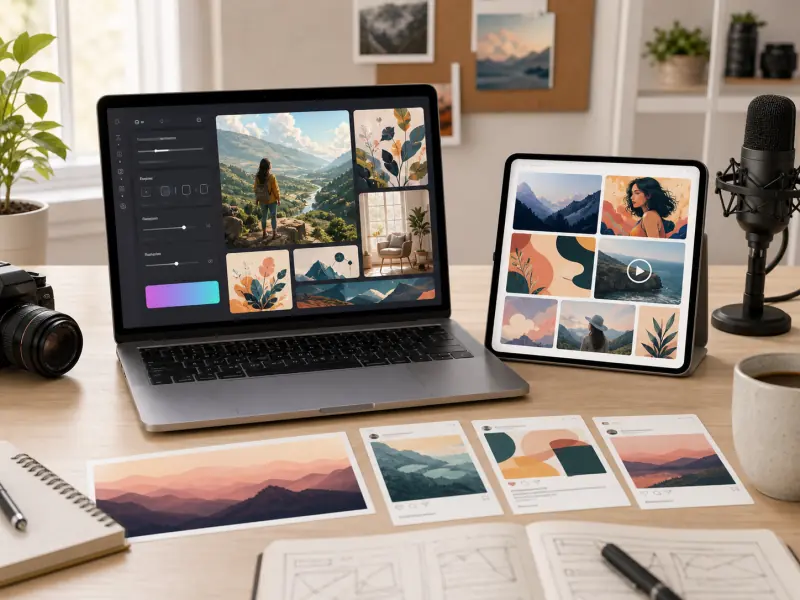
Generate custom images for blog posts, YouTube thumbnails, social media content, newsletters, and digital publications. GPT Image 1.5 provides unique visuals without stock photo licensing concerns.
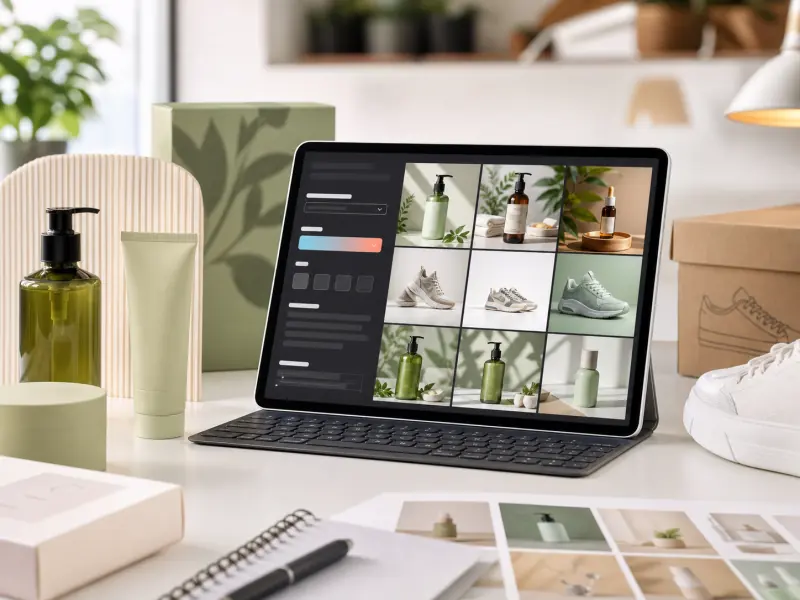
Create product lifestyle images, generate background variations, design packaging concepts, and produce catalog visuals. GPT Image 1.5 helps online sellers create professional product photography without expensive studio setups.
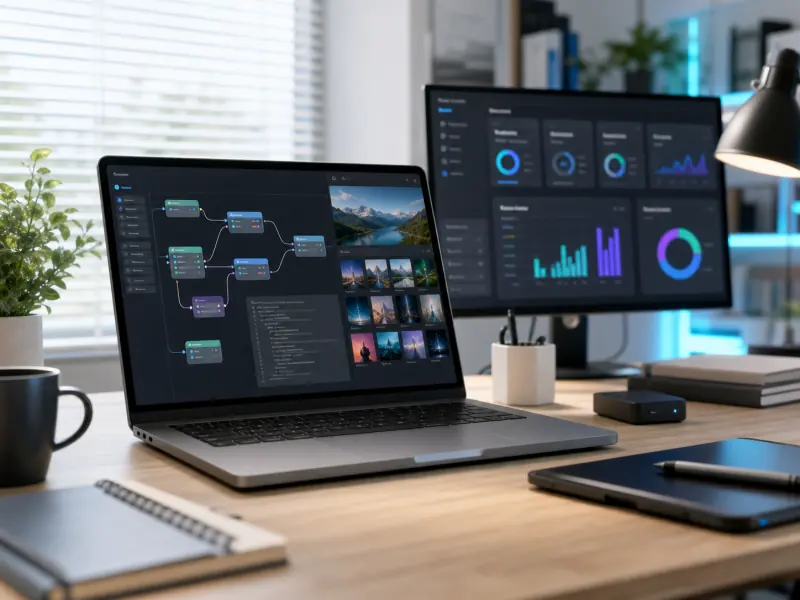
Integrate AI image generation into applications, automate visual content creation, build creative tools, and enhance user experiences. Use GPT Image 1.5 for professional image generation at scale.
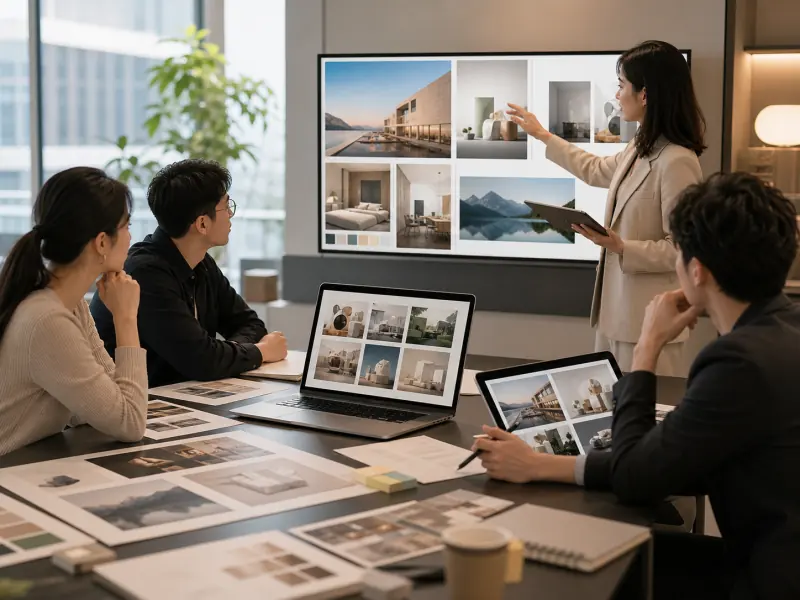
Deliver client concepts faster, create presentation materials, generate campaign mockups, and produce pitch deck visuals. GPT Image 1.5 accelerates agency workflows and improves client communication.
The advantages that make GPT Image 1.5 a powerful choice for AI image generation
GPT Image 1.5 delivers high-fidelity output with fast generation times, providing an optimal balance for creative workflows that need both quality results and quick iteration.
Experience enhanced detail preservation in textures, lighting, and fine visual elements. GPT Image 1.5 captures subtle nuances that bring professional quality to your generated images.
GPT Image 1.5 provides consistent results across multiple generations, making it reliable for production workflows where visual consistency matters across campaign assets and content series.
Generate images with commercial usage rights included. Use GPT Image 1.5 creations in client work, advertising, products, and business applications without licensing concerns.
Access through our web platform for intuitive image generation with full control over model settings, parameters, and output options. GPT Image 1.5 fits seamlessly into creative and production workflows.
Create photorealistic images, artistic illustrations, concept art, and everything in between. One model handles diverse visual styles by adjusting your text prompts.
Create stunning AI images in 4 easy steps—no technical skills required
Describe the image you want to create using natural language. Include details about subject, style, composition, lighting, colors, and mood for best results.
Choose GPT Image 1.5 as your generation model and select your preferred aspect ratio and resolution based on where you'll use the final image.
Set additional parameters such as style preferences, quality settings, or number of variations. Review your prompt before generating.
Click generate and wait for GPT Image 1.5 to create your image. Review the result, create variations if needed, and download for use in your projects.
Everything you need to know about GPT Image 1.5 and creating high-fidelity AI images
You can access GPT Image 1.5 through our platform's image generator. Simply enter your text prompt, select GPT Image 1.5 as your model, and generate high-quality images instantly. The interface is designed for both quick creative exploration and professional production workflows.
On our platform, you can select GPT Image 1.5 from the model dropdown menu in the generator interface. Simply choose GPT Image 1.5 instead of GPT Image 2 before generating your image. This gives you direct control over which model version to use for each generation.
GPT Image 2.0 is the newer version with significant improvements over GPT Image 1.5. Key differences include: GPT Image 2 offers better prompt understanding and can interpret more complex instructions, higher natural image quality with improved realism and detail, superior text rendering within images, faster generation speed for quicker workflows, and better adherence to style and composition requests. GPT Image 1.5 remains a solid choice for users who need consistency with existing workflows, prefer its specific visual characteristics, or want a balance between quality and speed. When to choose GPT Image 1.5: faster iteration cycles, good enough quality for social media and web content, projects requiring consistent visual style. When to choose GPT Image 2: final deliverables needing maximum quality, complex multi-element compositions, projects where text-in-image accuracy matters, or when photorealistic results are critical.
You can start using GPT Image 1.5 for free on our platform. Create an account to receive welcome credits and begin generating images. Additional credits are available through flexible plans based on your usage needs.
Yes. Images generated with GPT Image 1.5 through the platform come with usage rights that allow commercial use. You own the images you create and can use them in client work, products, marketing materials, and business applications. Review the platform's terms of service for specific licensing details and any usage restrictions.
GPT Image 1.5 and DALL-E 3 are both AI image generation models, but DALL-E 3 is generally more advanced with better prompt understanding, superior image composition, and more photorealistic results. GPT Image 1.5 offers a good balance of quality and speed. The choice depends on your specific needs: use GPT Image 1.5 for faster iteration and standard quality, or DALL-E 3 when maximum image quality and prompt adherence are priorities.
GPT Image 1.5 supports multiple resolution options depending on the aspect ratio you choose. Standard resolutions include 1024x1024 for square images, 1024x1792 or 1792x1024 for portrait and landscape orientations. Select your preferred resolution options directly in the generator interface.
GPT Image 1.5 was released in late 2025 as part of their continuous improvement of AI image generation capabilities. It represented a significant quality upgrade from earlier versions while maintaining fast generation speeds. The successor version GPT Image 2.0 with further enhancements.
You can access GPT Image 1.5 directly through our platform's image generator. Simply describe what you want to create, select GPT Image 1.5 as your model, and adjust generation settings. The interface allows you to control model selection, aspect ratio, quality settings, and other parameters for your specific needs.
GPT Image 1.5 excels at creating concept art, marketing visuals, social media graphics, blog illustrations, product mockups, and creative exploration. It's particularly useful for rapid prototyping, generating multiple variations quickly, and projects where good quality at fast speed matters more than absolute maximum fidelity. Many users choose GPT Image 1.5 for iterative creative workflows and content production at scale.
Join creators, marketers, and designers using GPT Image 1.5 to generate high-fidelity AI images in seconds.