










시간이 멈춘 칵테일 구조 작전
Gemini Omni Flash 1.1: Five Video Modes in One Workspace
Gemini Omni Flash is Google's video model, and the generator on this page runs version 1.1. Write a prompt, animate a still, pin a first and last frame, add reference material, or edit a clip you already have, then render 5 to 10 seconds at up to 4K.
Google's video model • The widest way in of anything here • Rework clips you already have
What is Gemini Omni Flash?
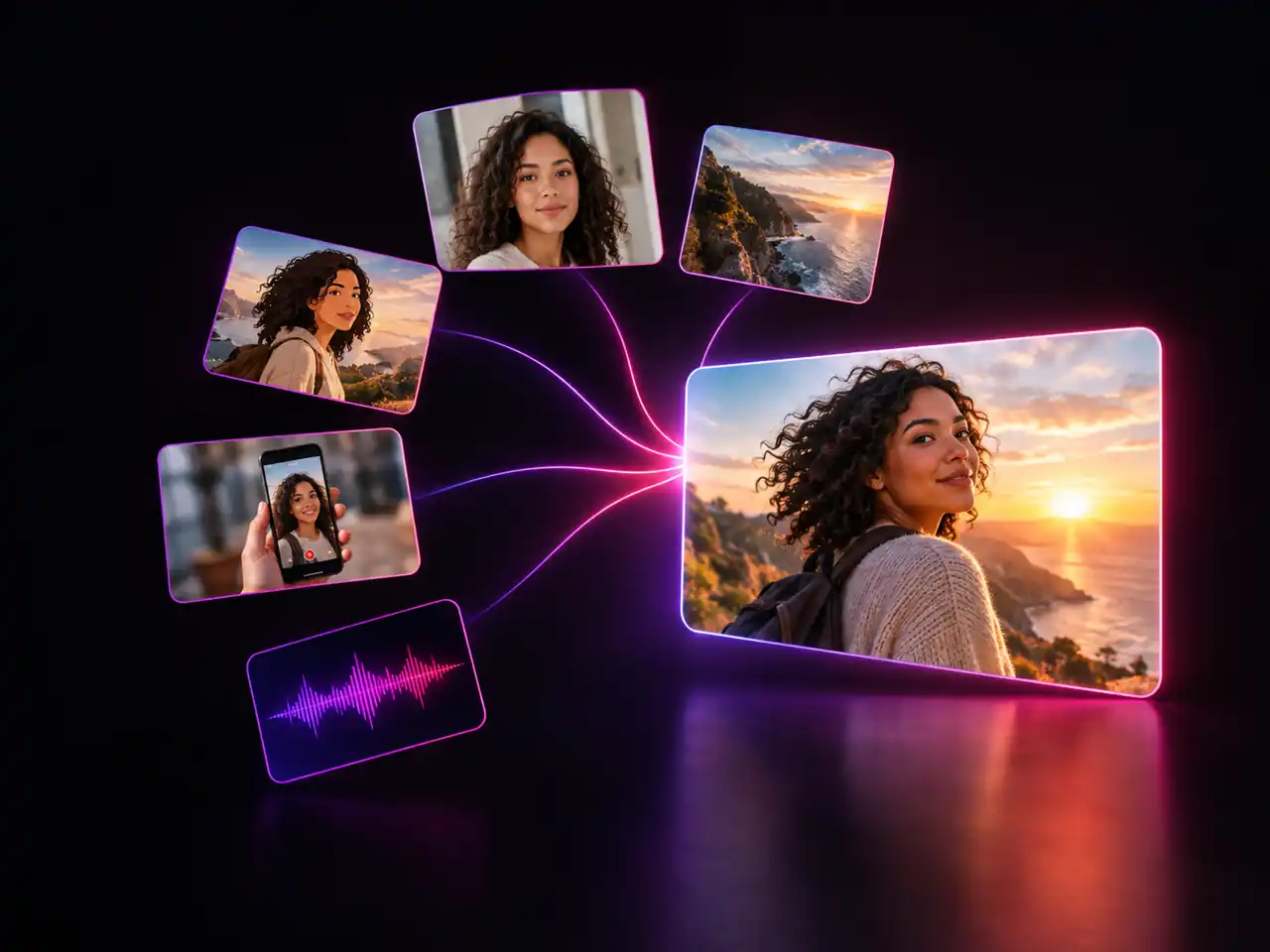
Gemini Omni Flash is Google's video generation model, and the generator above runs the 1.1 build of it. Hand it a text prompt, a single still, a pair of keyframes, reference material, or a clip you want changed, and it returns a finished video of 5 to 10 seconds in one second steps, with 8 preselected. Output steps through 360p for drafts, 720p as the default, then 1080p and 4K for delivery. One thing is worth knowing first: Gemini Omni Flash 1.1 renders in 16:9 or 9:16 only, so it suits widescreen and vertical feeds rather than square or 4:3 layouts. It also does not generate audio, so plan to add music and voice in your editor. Written as omniflash, as google omni flash, or shortened to gemini omni, it is the same model, and all of it runs in a browser tab.
Five Modes, One Model
Text, image, frames, reference, and edit all run behind a single model selection, which is the widest mode set on this site.
360p Through 4K
Four resolution steps with 720p preselected, so drafting and final delivery both happen on the same model.
5 to 10 Second Clips
Short takes render fast, which keeps prompt iteration cheap. Omni 1.1 defaults to 8 seconds, roughly one clean beat.
What Gemini Omni Flash 1.1 Covers That Other Models Do Not
Three jobs it handles end to end, and three limits worth knowing before you plan around it.
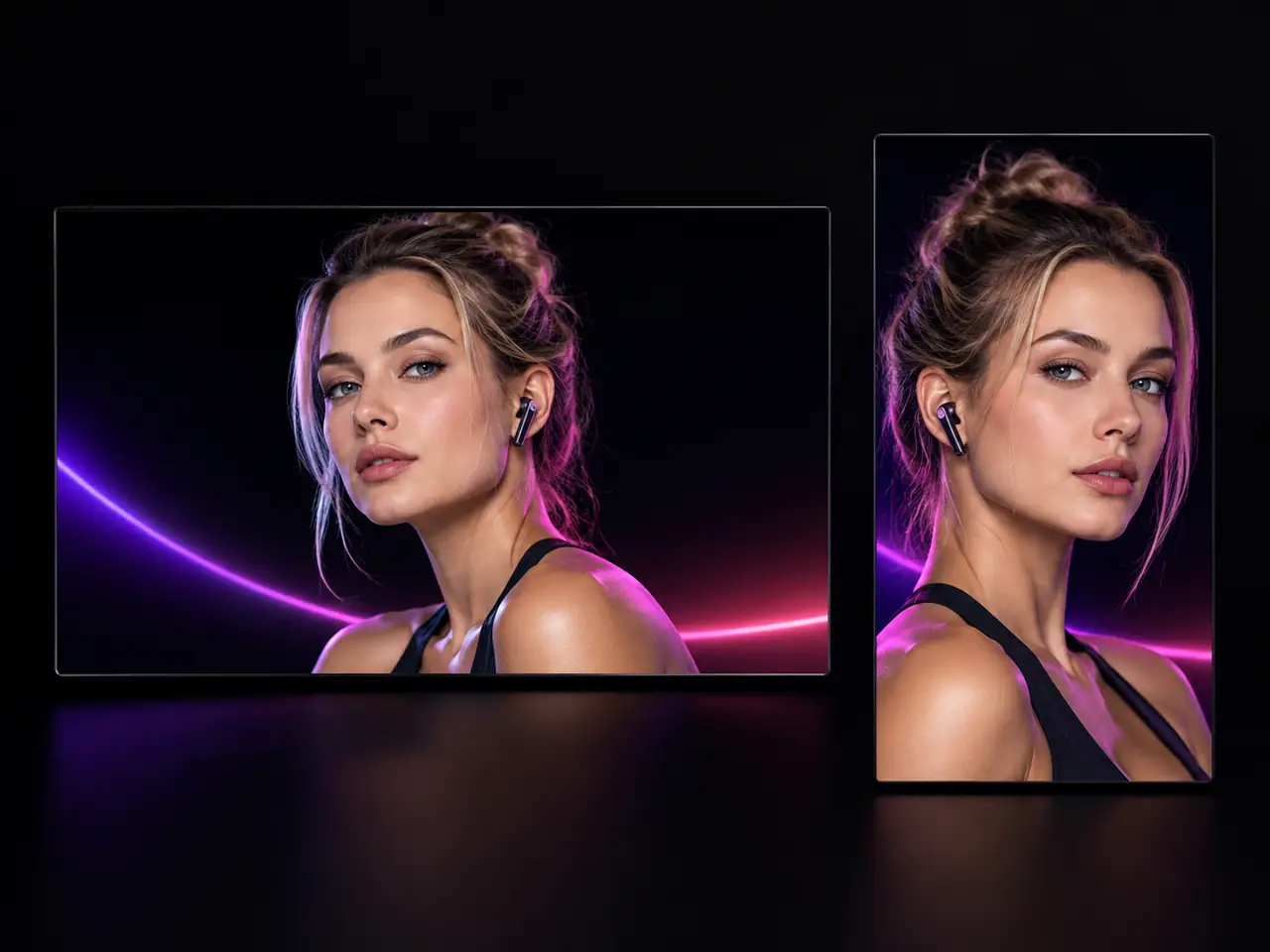
Two Framings, Both Native, Nothing Cropped
- 16:9 and 9:16 composed natively
- No cropping a wide render down to vertical
- 360p through 4K, opening on 720p
- Five to ten seconds, one second at a time
Who Uses Gemini Omni 1.1 for Video?
Creators, marketers, product teams, designers, educators, and social managers who need a short clip today
Short Form Video Creators
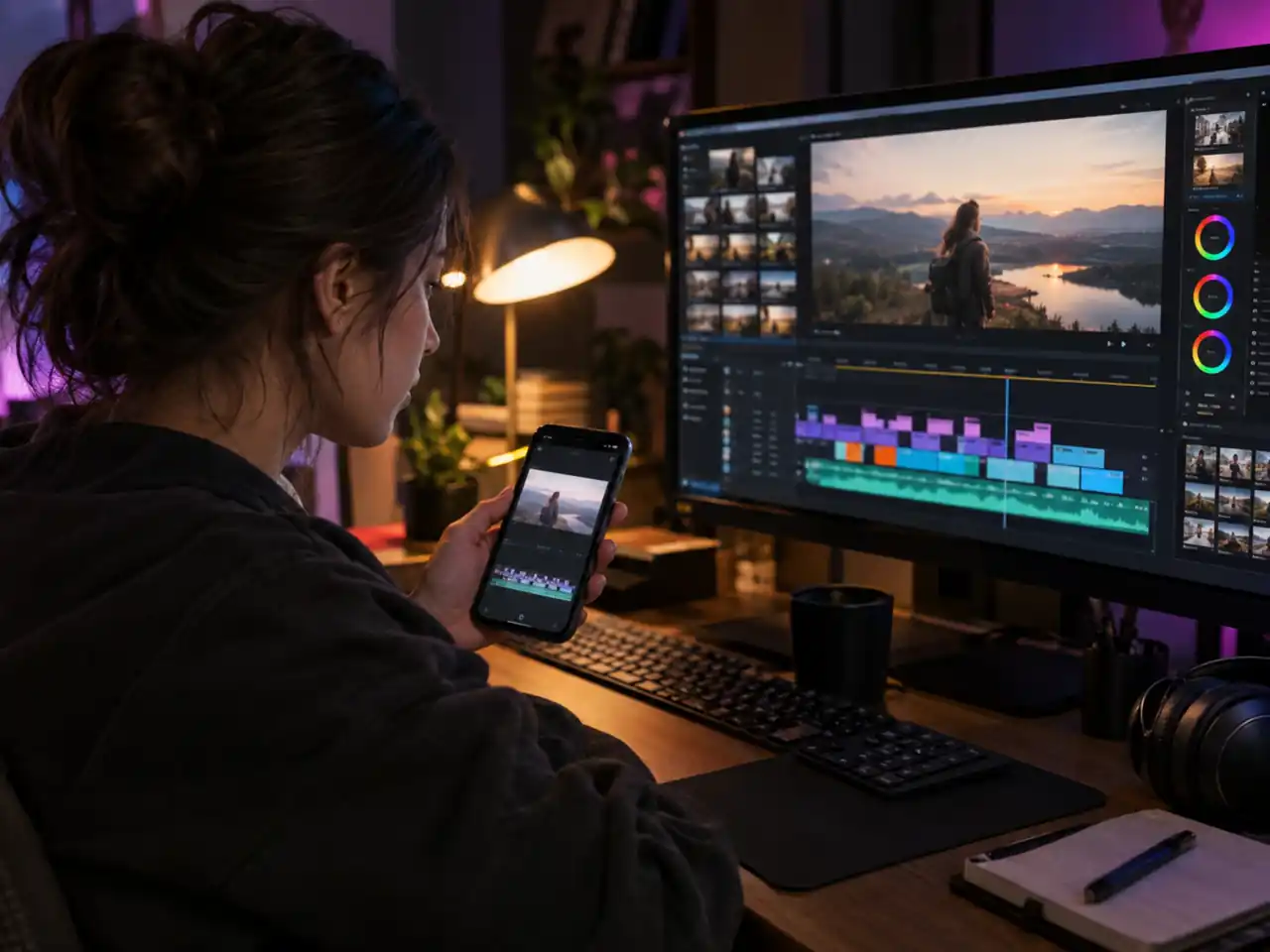
9:16 is a first class option here, not an afterthought, and a 5 to 10 second clip is exactly the length a hook needs. Draft openings at 360p, keep the one that lands, rerender at 1080p.
Performance Marketers
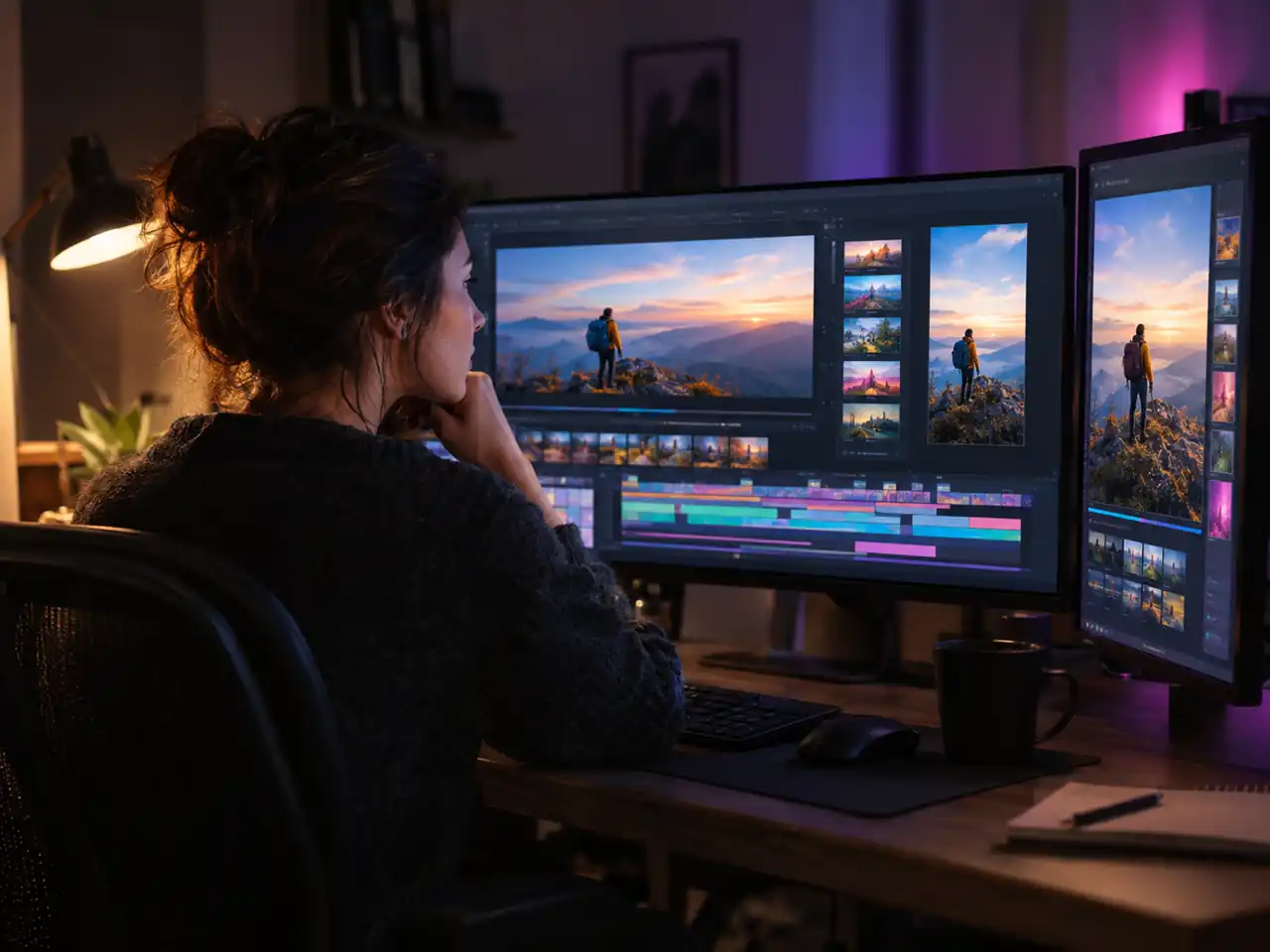
Run one concept through Text to Video in widescreen and vertical, then test both placements in the same week. Reference to Video keeps the product identical across a batch of variants.
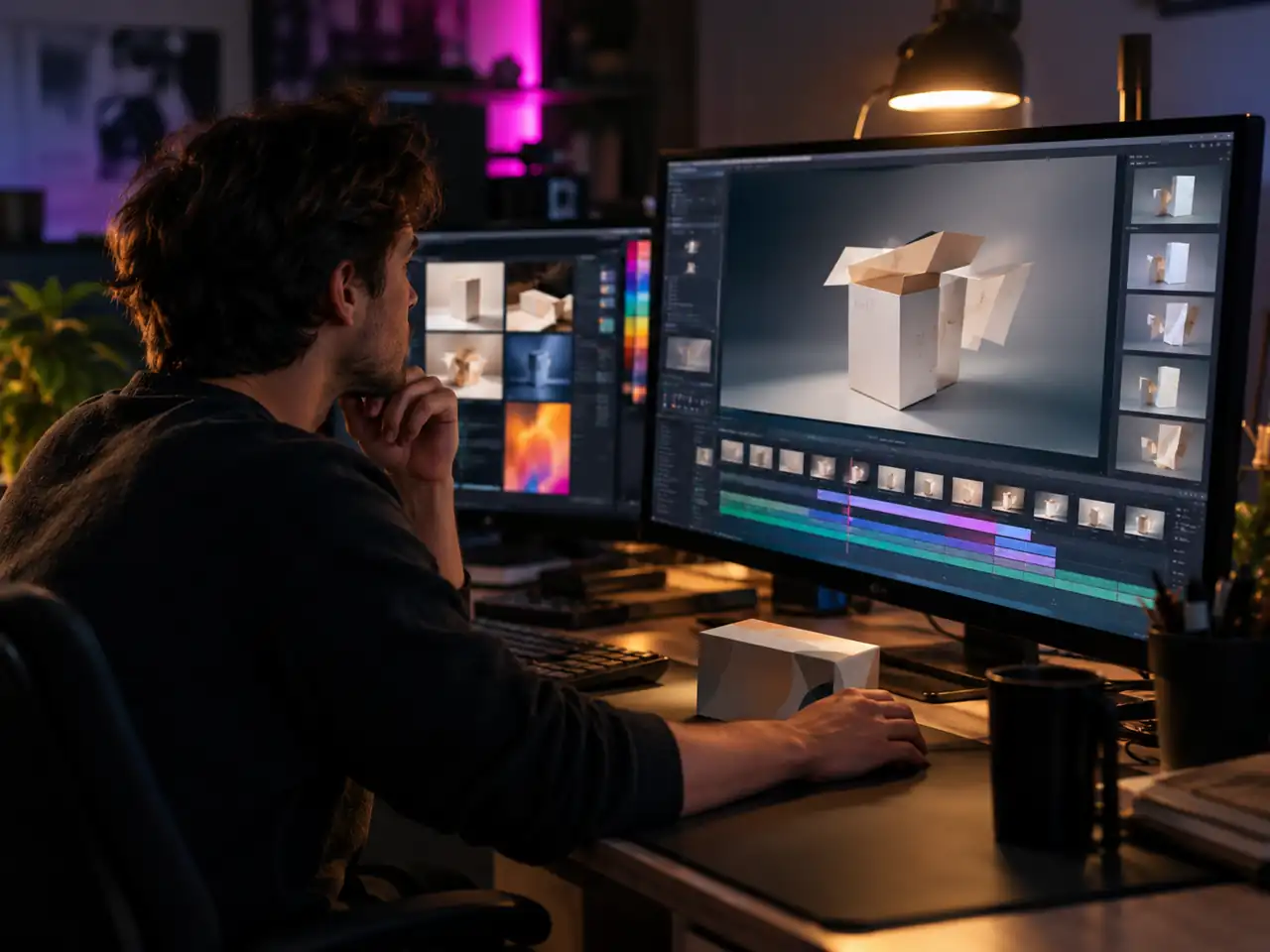
Ecommerce and Product Teams
Turn a single packshot into a moving hero with Image to Video, or pin a start and end frame to show a product opening, unfolding, or being used. 4K output holds up on a product page.

Motion Designers and AI Artists
Sketch with a prompt, lock a look with references, control the arc with keyframes, then revise in Video Edit without leaving the page or rebuilding your setup.
Educators and Explainer Producers
Build short visual beats for a lesson or an explainer, one idea per clip, then assemble them in your editor. You add narration there anyway, which suits a silent video model.
Social Media Managers
One prompt, two framings, a whole week of posts. Render the widescreen cut for YouTube and the 9:16 cut for Stories, and use Video Edit to freshen a clip instead of commissioning a new one.
Why Omni Flash 1.1 Is Worth Picking, and When It Is Not
Two things it does better than anything else here, and two limits to plan around.
Five Modes on One Engine Keeps a Project From Fragmenting
Text, image, frames, reference and edit all run on this model, which is wider coverage than anything else in this workspace. Projects change shape halfway through: the still you were animating becomes a clip that needs a fix. Here that is a mode change rather than a hunt for a second tool.
An Edit Mode Means the First Render Is Not the Last Word
Very few video engines here take an existing clip and rework it from an instruction. That turns a nearly right result into something you can correct, instead of a result you regenerate and hope improves. Most of the value in AI video work sits in the second pass, and this is the model that has one.
Ten Seconds Is a Hard Ceiling, So Plan the Cut Around It
Five to ten seconds covers a hook, a product beat or a transition and does not cover a scene. Chaining with frames to video extends it, but if the shot genuinely needs fifteen seconds this is the wrong engine and switching costs one selection.
Silent Output Changes Where Sound Gets Decided
This engine returns picture only, so audio becomes an edit decision rather than a generation decision. That is fine when you are scoring in a timeline anyway and awkward when you wanted ambience to arrive with the shot. The Seedance family generates sound in the same pass if that is what the cut needs.
Simple Process
How to Use the Gemini Omni Flash Video Generator
Render your first clip in 4 steps
1
Sign In and Open Gemini Omni Flash 1.1
Sign in, then open the generator at the top of this page. Gemini Omni Flash 1.1 is already selected as the default model, and the dropdown is there if you want to compare it against another video model later.
2
Pick One of the Five Modes
Choose Text to Video, Image to Video, Frames to Video, Reference to Video, or Video Edit. The upload slots change with the mode: one image for Image to Video, a first and last frame for Frames to Video, your source clip for Video Edit.
3
Write the Prompt and Set the Output
Describe the subject, the action, the camera move, the lighting, and the mood in plain sentences, with up to 5,000 characters available. Then set length between 5 and 10 seconds in one second steps, pick 360p, 720p, 1080p, or 4K, and choose 16:9 or 9:16 framing.
4
Generate and Download
Render the clip, review the motion, and adjust one variable if it missed. When the shot is right, download it and add music or voice in your editor, since this model outputs silent video.
Frequently Asked Questions about Gemini Omni Flash 1.1
Video length, resolutions, aspect ratios, audio, modes, prompts, and how it compares to Seedance
Ready to Render with Gemini Omni Flash 1.1?
Pick one of five modes and render a 5 to 10 second clip at up to 4K in 16:9 or 9:16.