









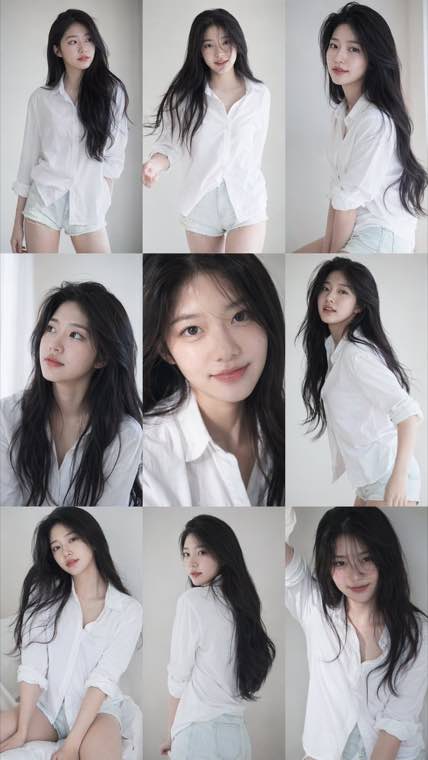
3x3 Idol Portrait Collage

3x3 Idol Portrait Collage
Soft Black Mist Portrait
Editorial Indoor Portrait
360 Concert Panorama
Journey to the West Spider Spirit Poster
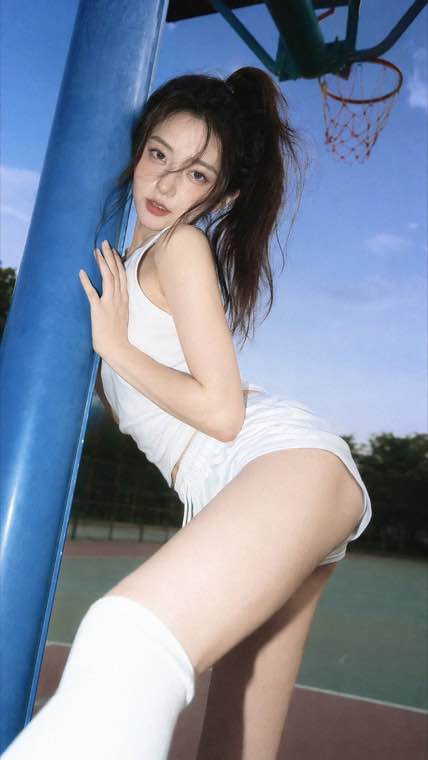
35mm Flash Basketball Editorial
Subway Phone Candid
Douyin Livestream Screenshot
18-Panel Brand Identity Sheet
RPG Inventory Icon Grid
GPT Image 2 runs right here in your browser. Write a prompt for text to image, or upload as many as sixteen reference photos for image to image editing, then export at 1K, 2K or 4K with a transparent or solid background.
Type that reads properly • Backgrounds that come out clean • Reference-driven edits • Delivery-grade 4K
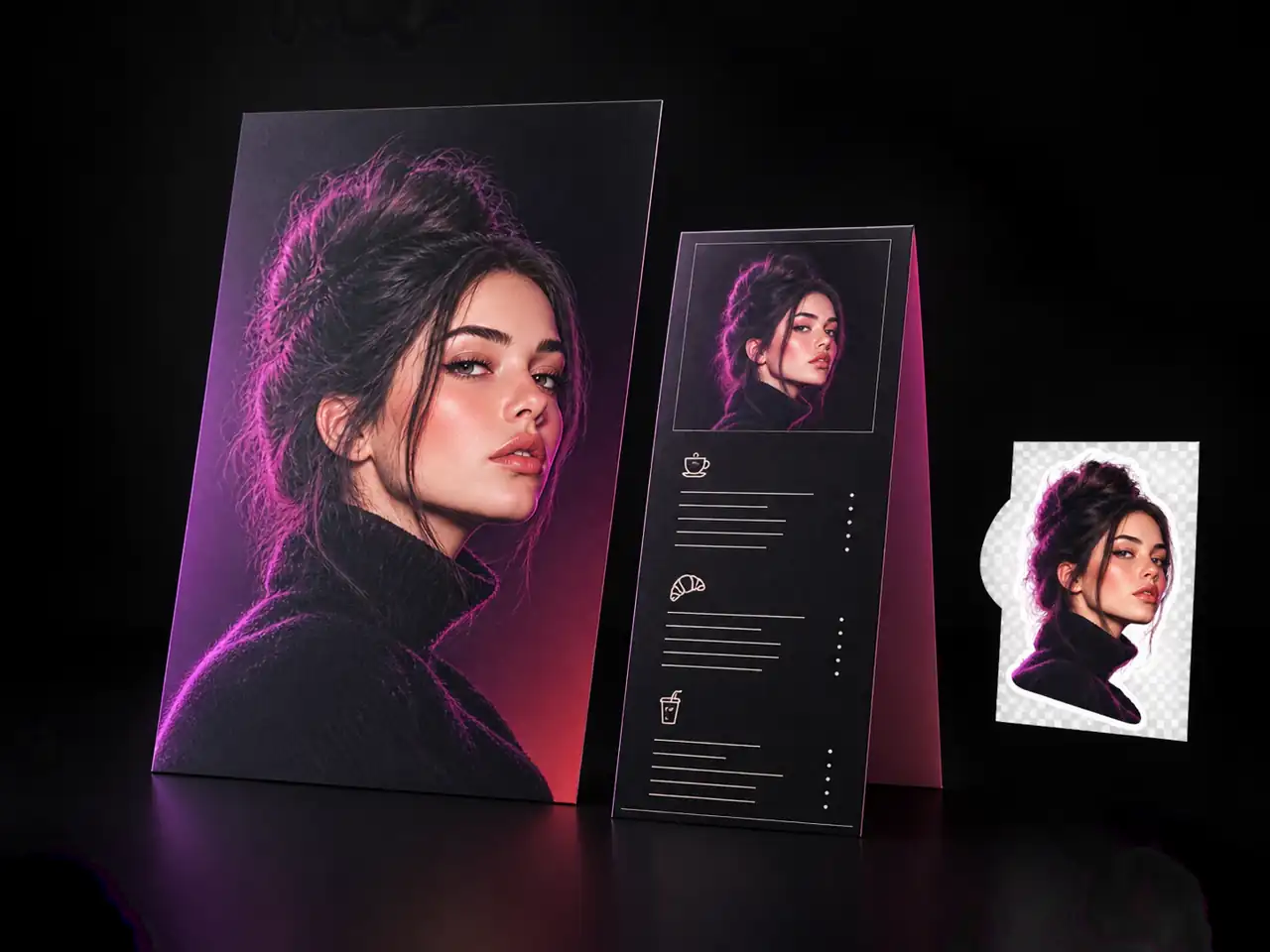
GPT Image 2 is the image model behind the current wave of ChatGPT style picture generation, and this page hands you a direct workspace for it. Instead of typing into a chat window and hoping for the right shape, the controls sit in front of you: a mode switch for text to image and image to image, a resolution picker covering 1K, 2K and 4K, sixteen aspect ratios, and a background setting that can render straight to transparent. People search for it under a pile of spellings, gpt-image-2, gpt image2, gpt image 2.0, gptimage2 and chatgpt image 2 among them, and all of them land on the engine you are using here. It all runs in the browser, so there is nothing to install and no local hardware to worry about.
Three jobs it beats other models at, and three things worth setting before you generate.
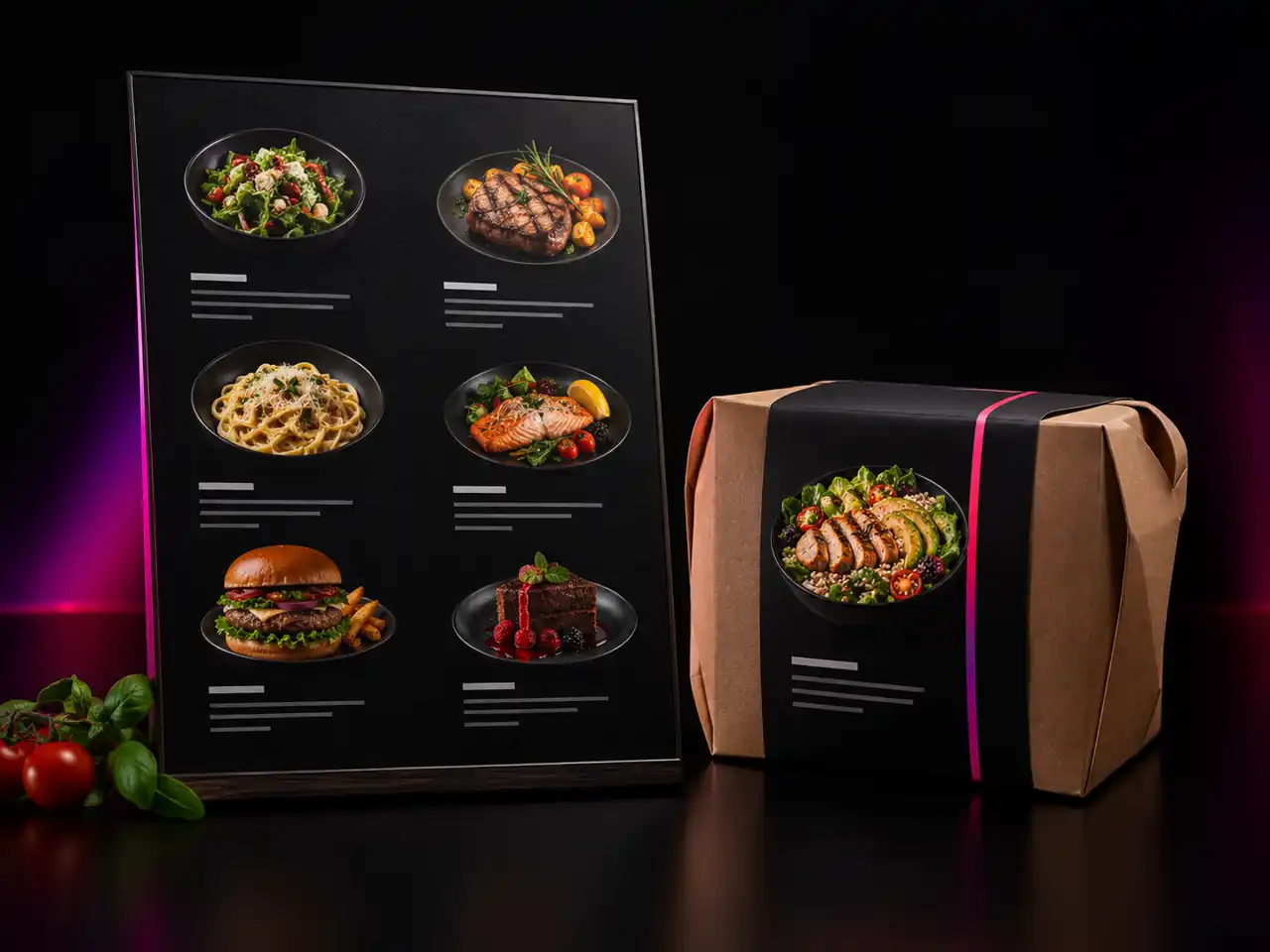
The people who get the most from it need a specific frame, background and size, not just a pretty square.
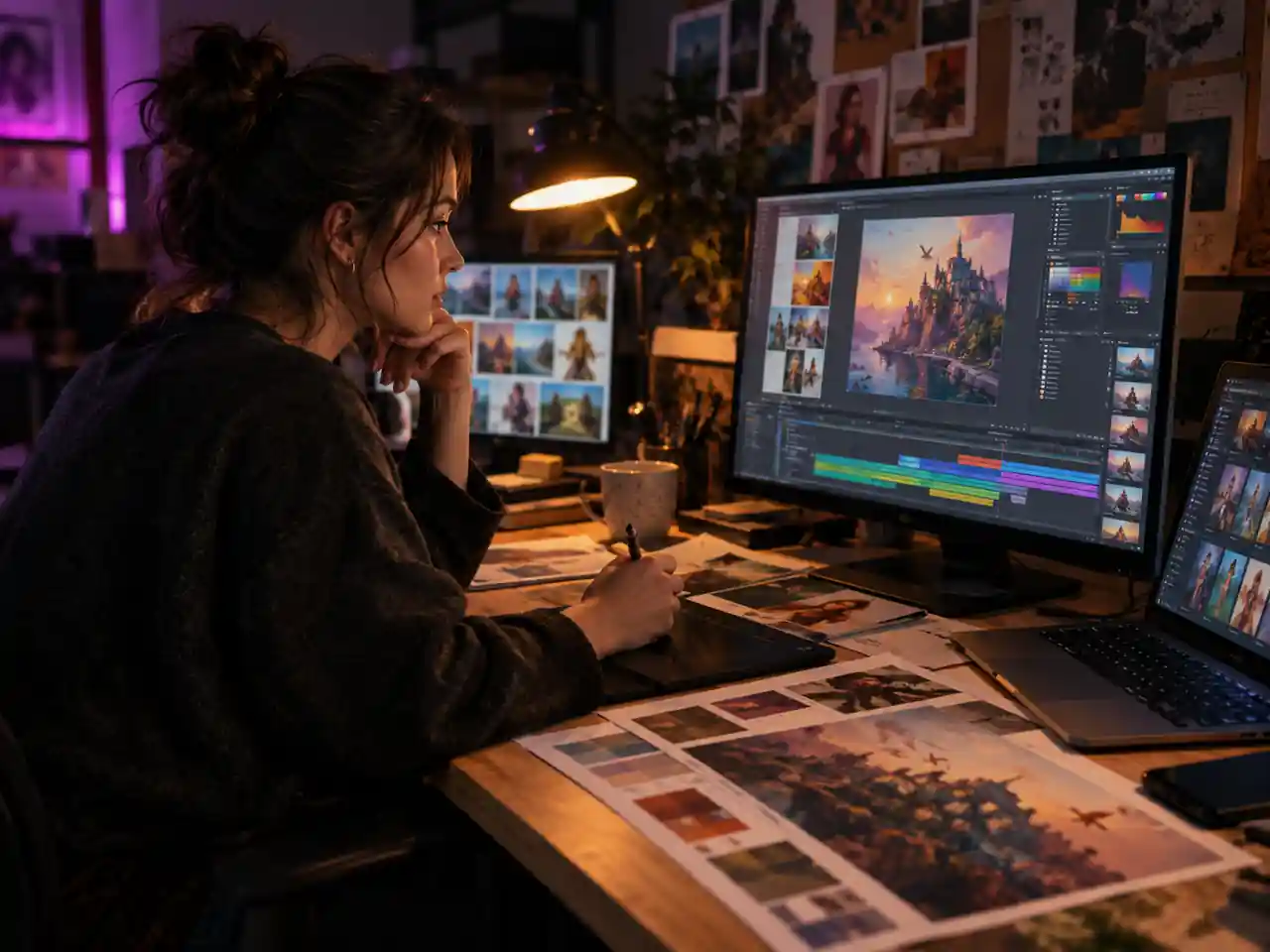
Concept boards, key visuals and pitch decks come together faster when frame and resolution are decided before the render. Transparent output drops finished artwork straight into a layout file with no cutout pass.
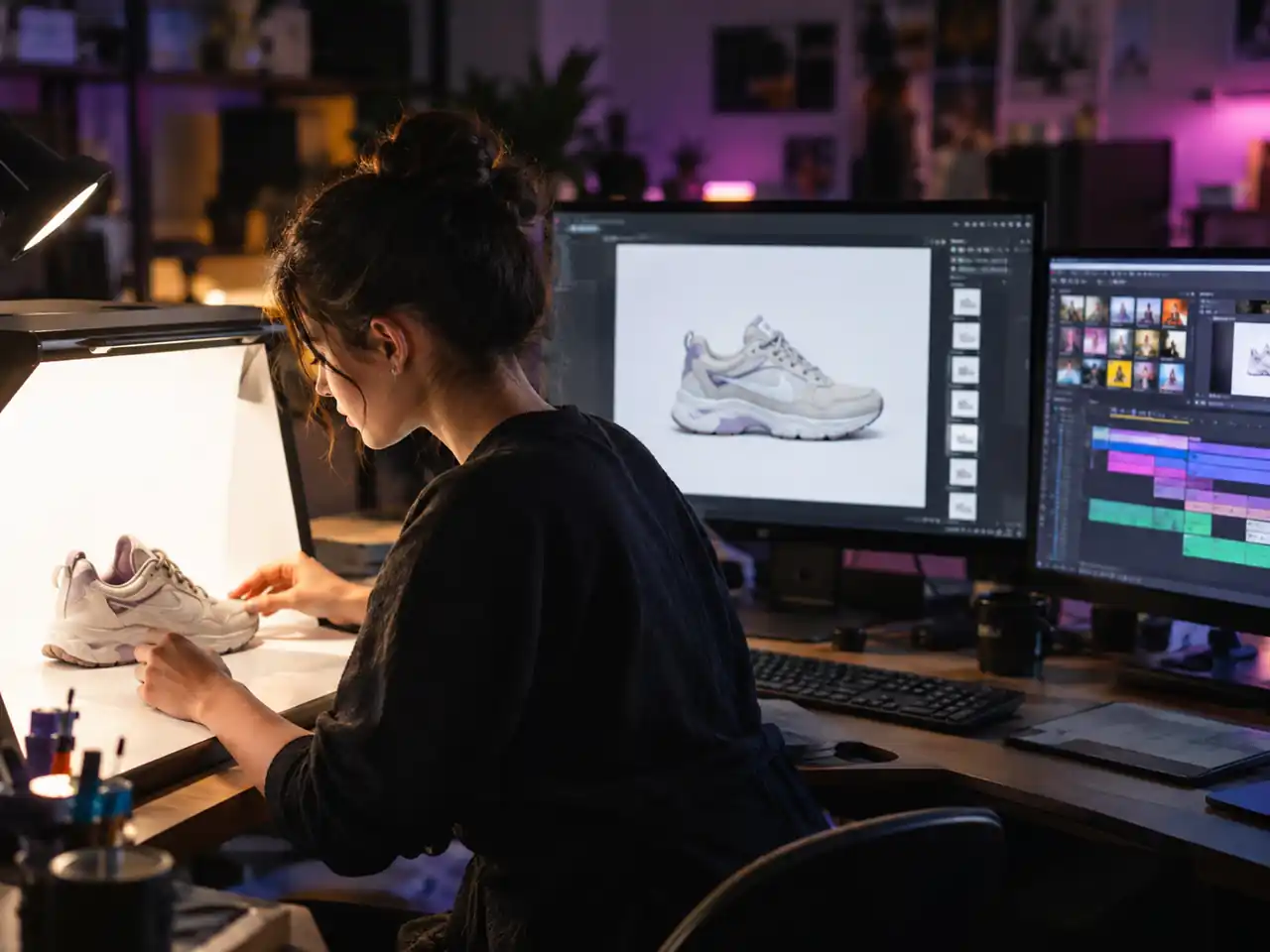
Listing images need a clean subject on a clean field. Upload a product photo, describe the scene around it, and export a transparent cutout that sits correctly on any marketplace background.
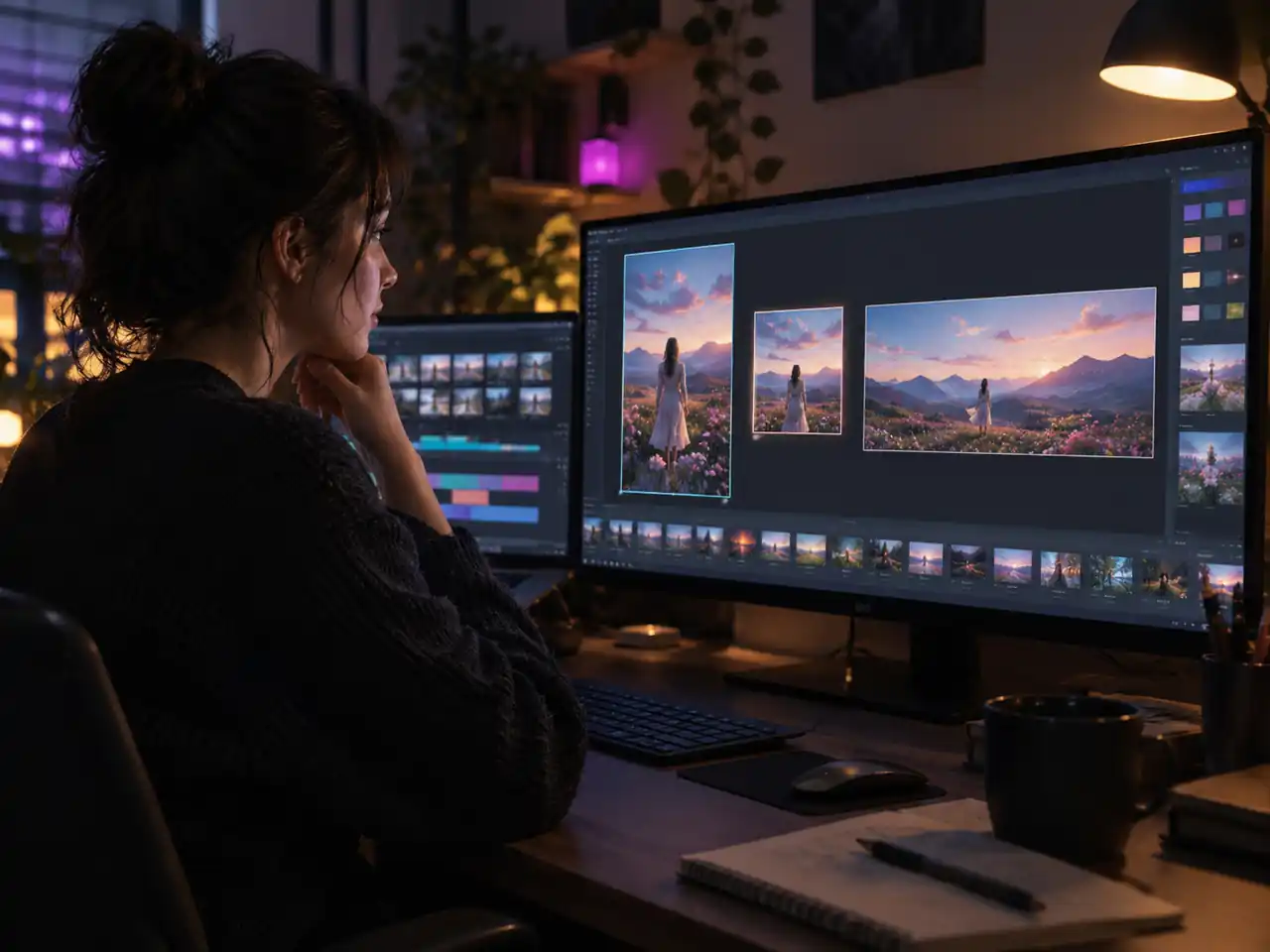
One idea rarely ships in one size. Render the same prompt at 9:16 for stories, 4:5 for the feed and 16:9 for a header, letting the model recompose each frame instead of cropping one master three ways.
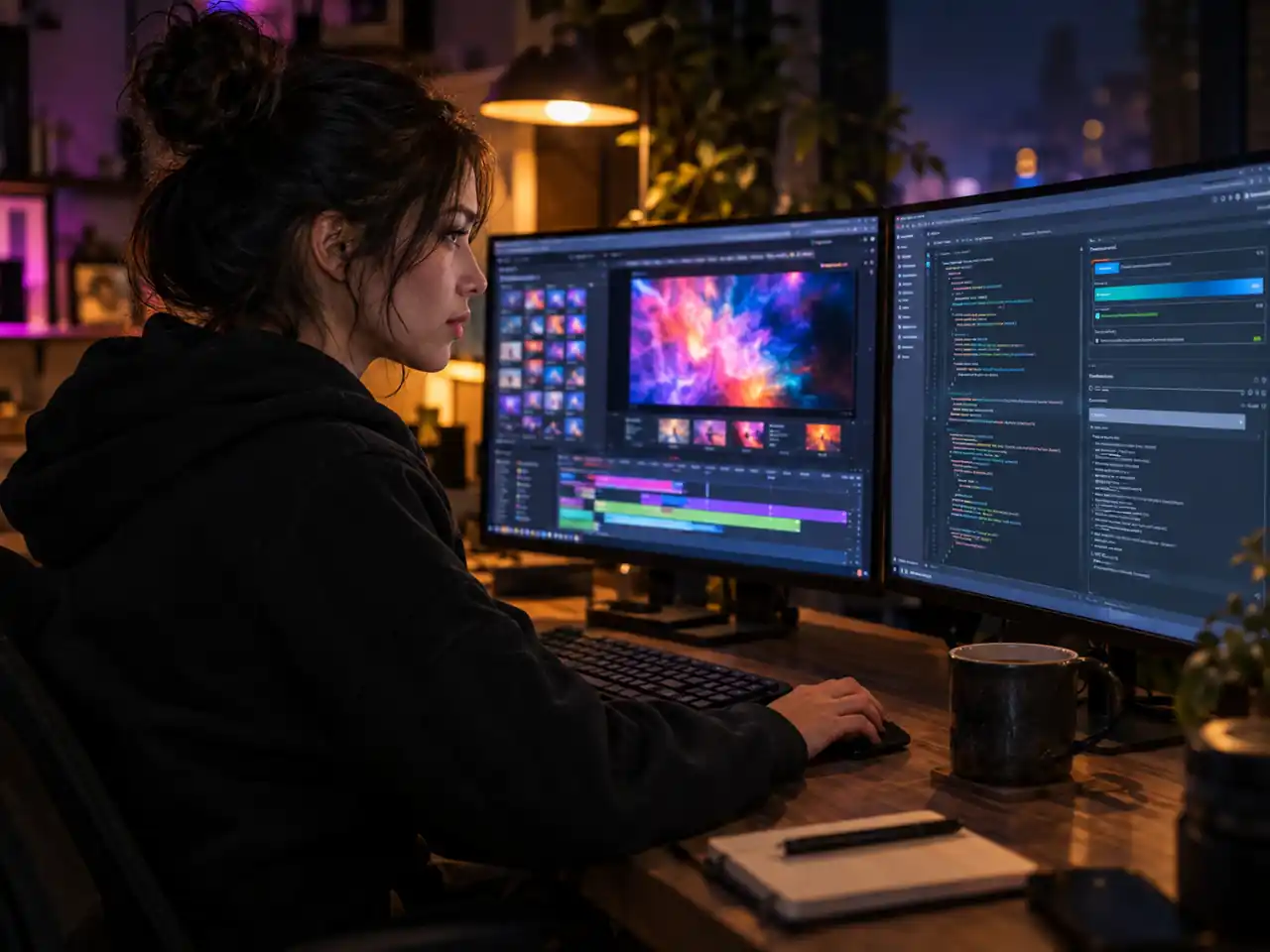
Before wiring the gpt image 2 api into a product, most teams want to see how the model answers real prompts. This page is the fastest way to probe its limits by hand first.
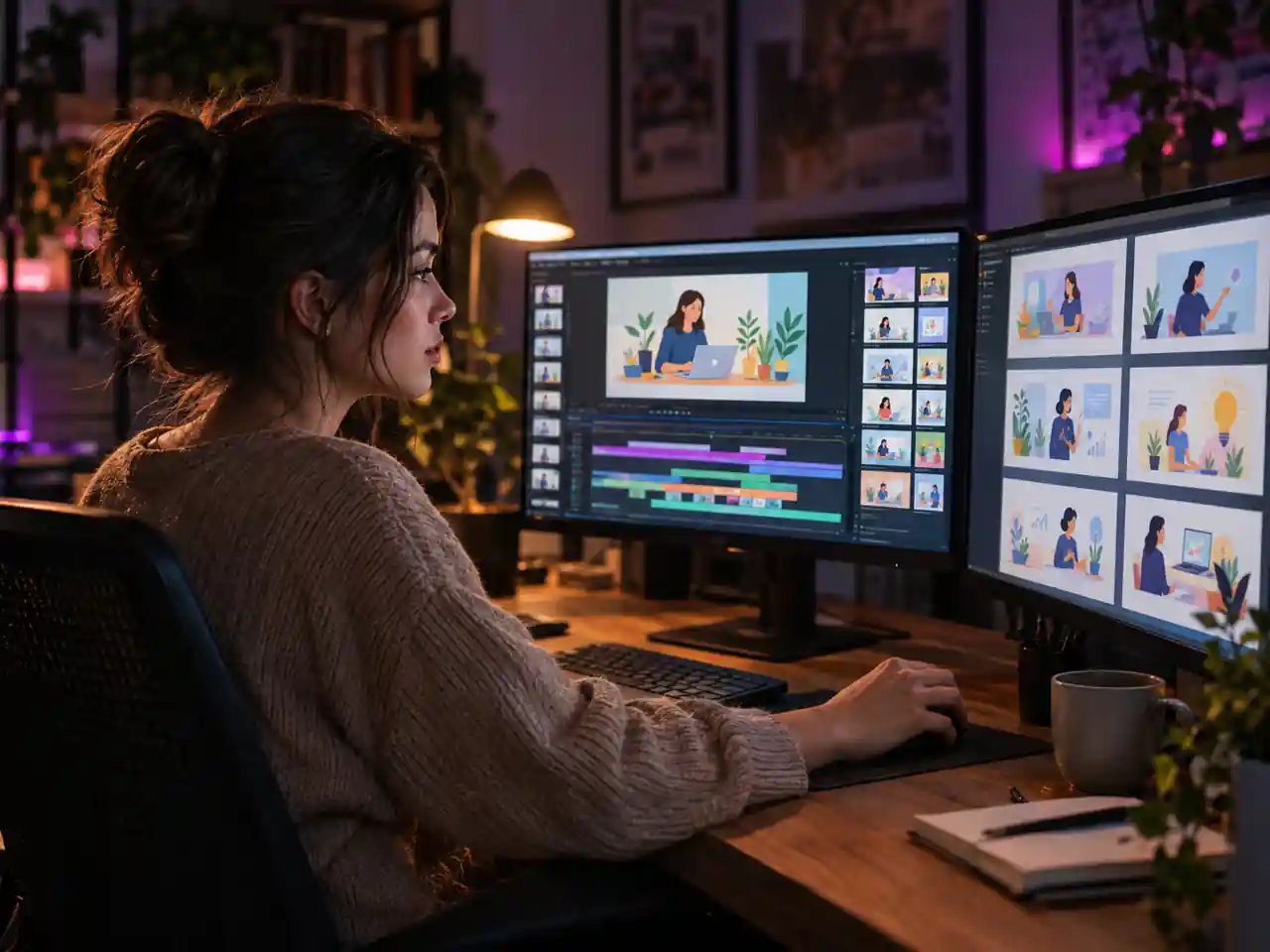
Diagrams, cover slides and illustrated examples in one steady visual language. Reference uploads keep the style identical across a module, so lesson eight still belongs with lesson one.
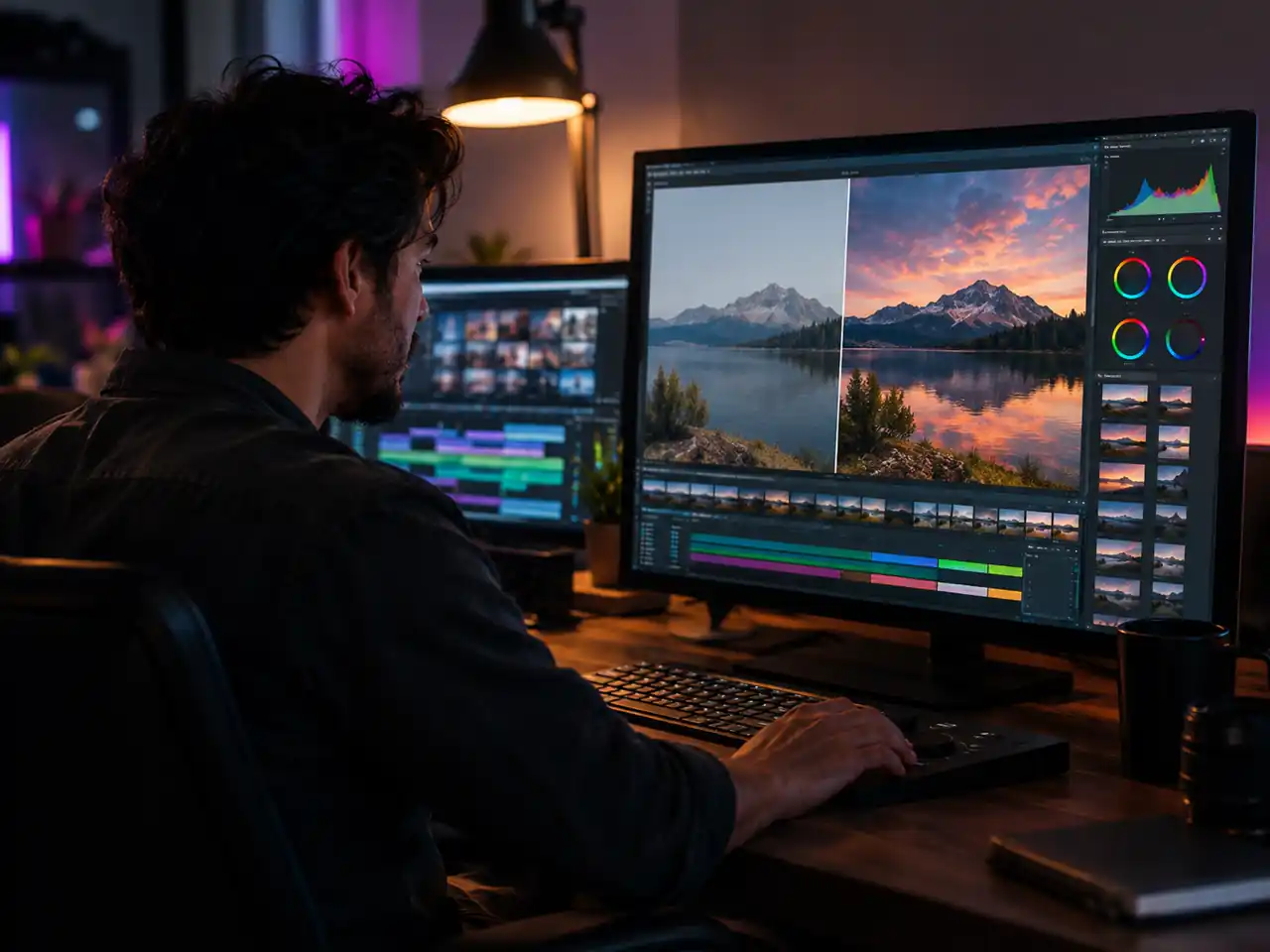
Image to image mode takes the tedious half of retouching: replacing a flat sky, clearing a background, or previewing a colour grade before you commit to it in the real edit.
Three capabilities and one setting, and what each one changes about the output.
Signage, packaging copy, app mockups and infographic labels all fail the same way in most image models: the letters look like letters and spell nothing. GPT Image 2 renders type that survives a close look, including mixed script layouts, which is why briefs involving words inside the picture tend to end up here rather than anywhere else.
Stickers, icons, cutouts and deck graphics all need the background gone, and the normal route is generate, export, run a removal pass, re-import. A background control with a transparent option collapses that into one generation, and the alpha edges hold up when the asset lands on a coloured surface.
One reference gets a resemblance. Sixteen pins the packaging, the label, the finish, the colour and the angle simultaneously, which is the difference between your product and a convincing imitation of it. For catalogue and listing work that distinction is the entire job.
Sixteen aspect ratios is more shapes than most models expose, and the narrow and wide extremes stay at the smaller size while the rest scale up. Deciding the placement shape first and the resolution second avoids the common sequence of liking an image and then discovering it will not go bigger.
From an empty prompt box to a finished download, usually inside a couple of minutes.
Sign in and the GPT Image 2 generator at the top of this page becomes active. Nothing installs, and the default model is already selected, so you can go straight to the prompt box.
Pick text to image for a fresh render, or image to image and upload the photo you want changed. Describe subject, style, lighting and framing in as much detail as you like.
Choose 1K, 2K or 4K, pick one of the sixteen aspect ratios, set the background to transparent, opaque or auto, then run the render.
Check the result, adjust a line of the prompt and rerun if something is off, then download the image. Keep the prompt text if you want a matching series later.
The questions people ask most about gpt-image-2, answered against what the tool on this page actually does.
Write a prompt or upload a photo, set the size and background, and render it in your browser. The generator is at the top of this page.