










Reference to Video AI That Keeps Your Character Consistent
Upload the material your video has to match, up to 9 reference images, 3 reference clips and 3 audio takes, then let the generator build the shot around it. Reference to video is the one mode here that reads all three kinds of reference at once, so the same face, outfit and product carry from one clip to the next.
Your character survives the cut • Images, footage and audio as reference • Delivery-grade 4K
What is Reference to Video AI?
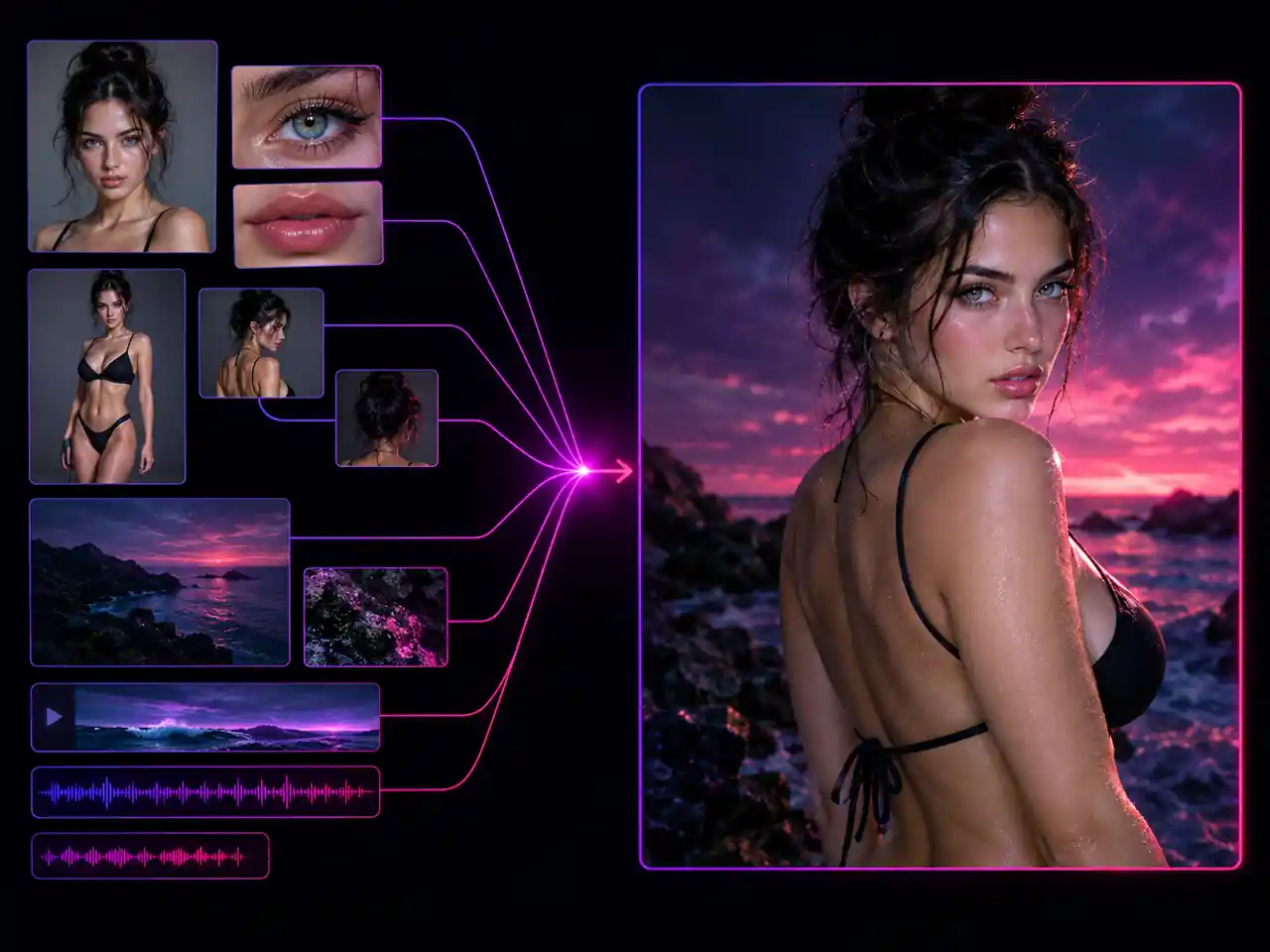
Reference to video, also written reference-to-video or reference video generation, is an AI video mode that builds a clip from material you upload instead of inventing everything from a sentence. You supply reference images of a character, a product or a location, optional reference video that carries the motion and camera work you want, and optional reference audio that sets the voice or the mood. The generator treats all of it as the brief, so your prompt only has to say what happens, not who everybody is. That is the practical split between this mode and plain text to video: text to video reinvents the cast on every run, while reference to video pins down the parts that must not change and improvises only around them. It is also the one mode here that reads images, video and audio as reference in the same generation, which is why it is the right place to go when a character, an outfit, a prop or a product has to survive from shot to shot. The generator on this page opens on Seedance 2.0.
What Reference to Video AI Can Do
How reference video generation holds a character, a product and a style together, from 9 reference images to reference clips and audio.
- Up to 9 reference images in one generation
- Each image can be as large as 30MB
- Mix face, outfit, product and location shots
- Every image feeds one brief, not separate runs
Who Uses Reference to Video?
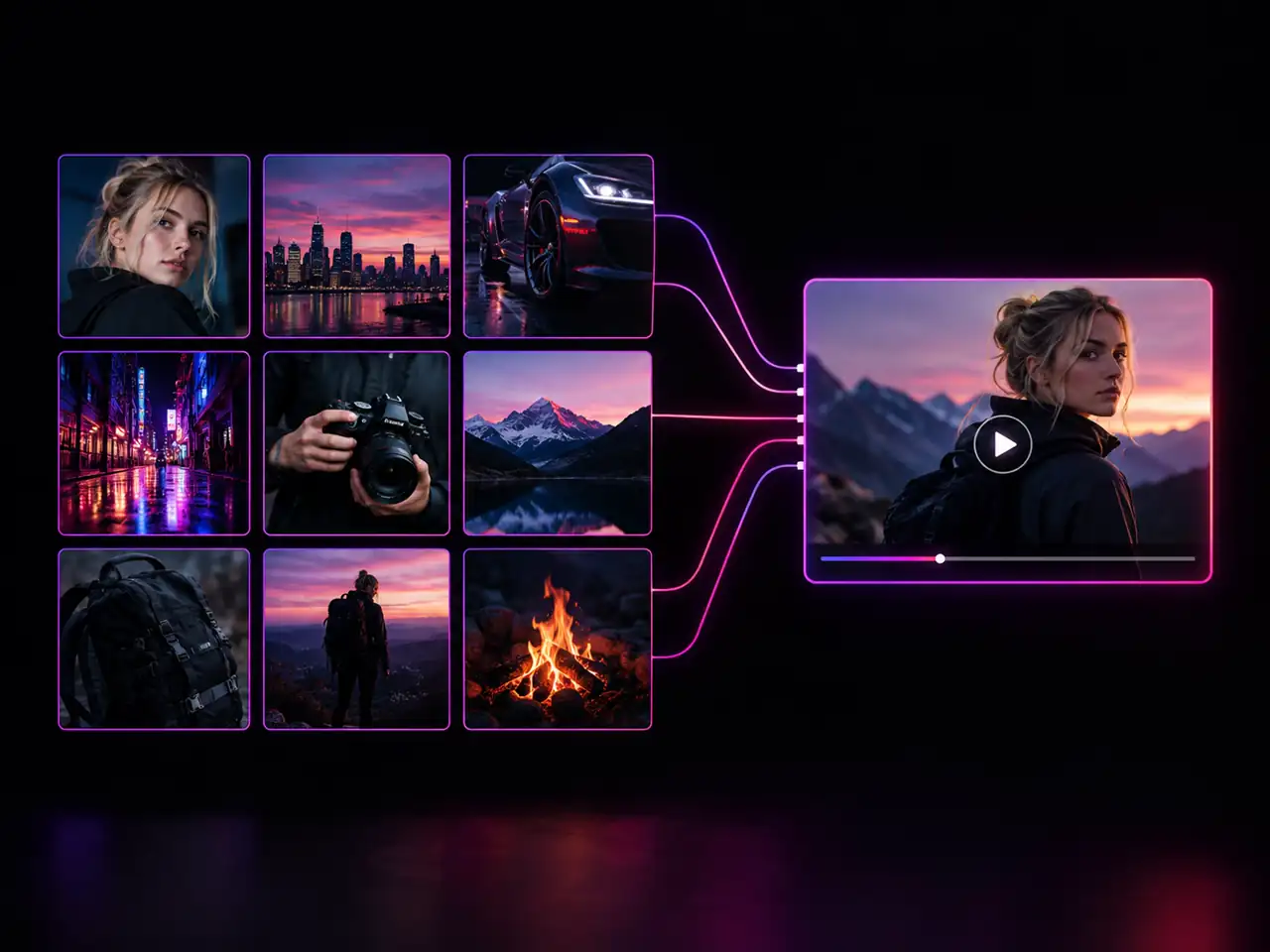
Teams that need the same character, the same product or the same look to hold across more than one shot
Short Film and Previz Teams
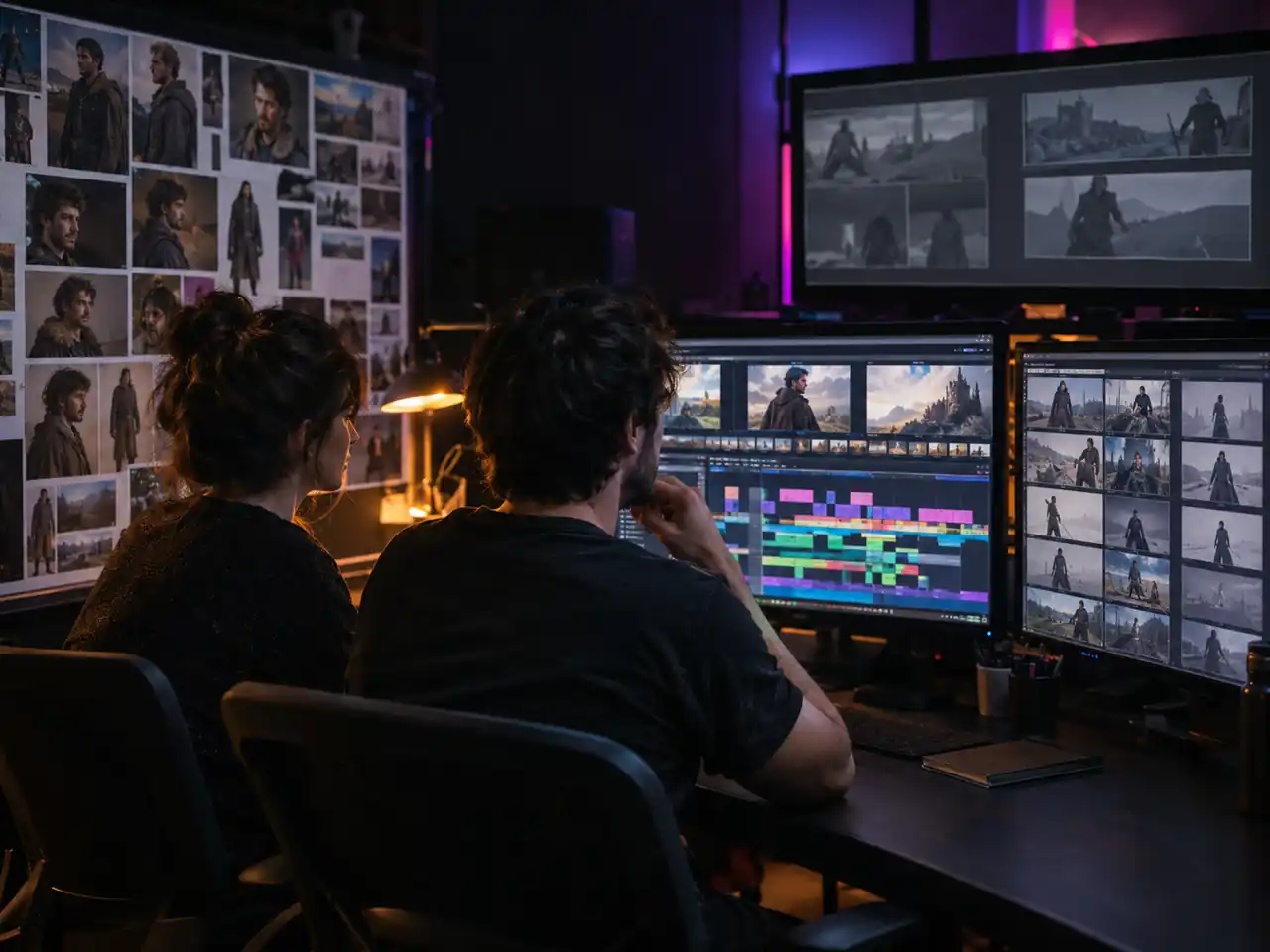
Block out a sequence where the same actor wears the same costume on the same set in every shot, then cut the results into a previz reel. Reference material turns unrelated takes into something a director can read as a scene.
Series Creators on Social
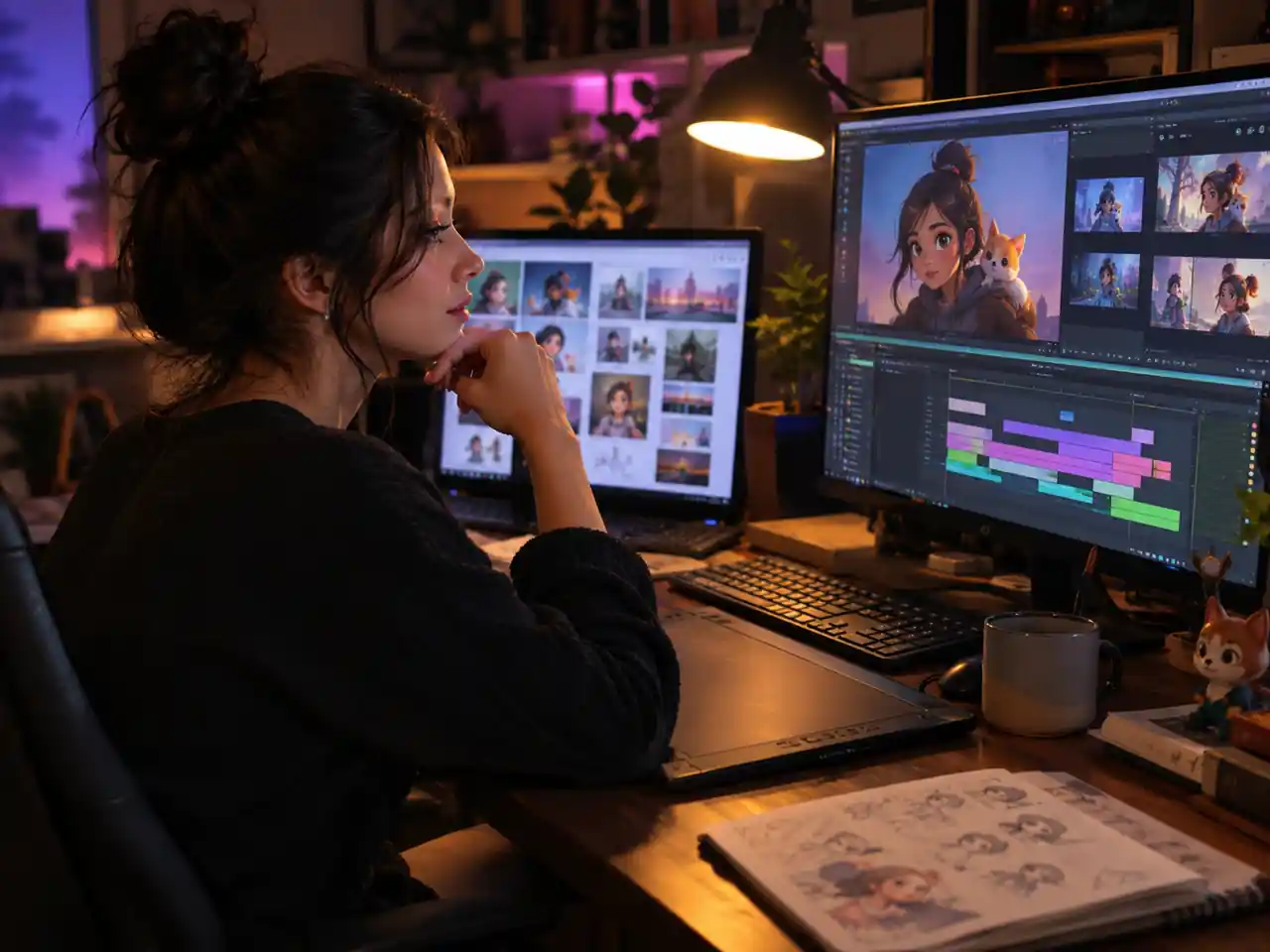
Recurring characters and mascots only work if they survive episode two. Build the reference set once, reuse it weekly, and viewers see the same face rather than a new one with a similar haircut.
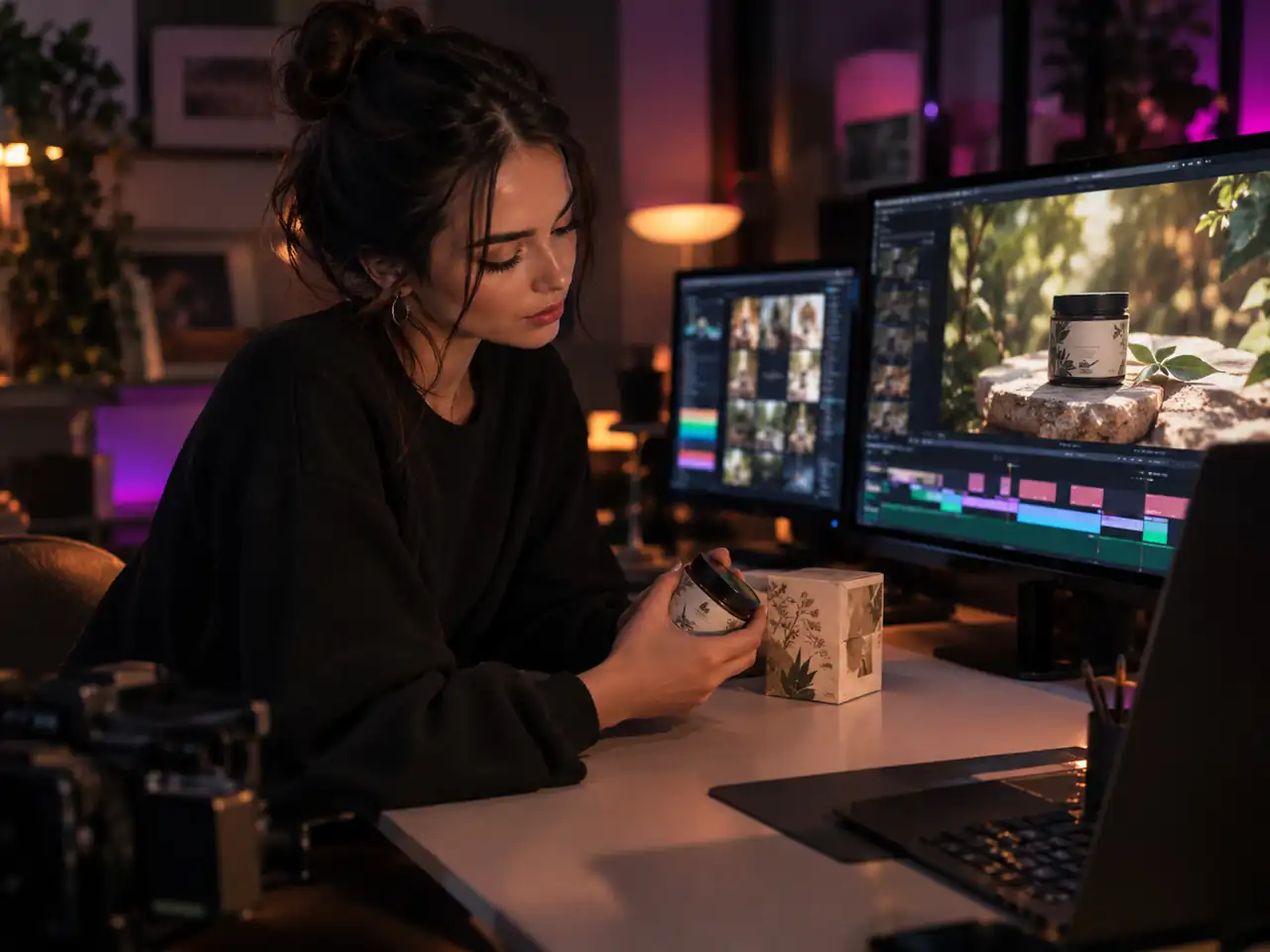
Ecommerce Sellers
Show the item you actually ship. Upload clean product photography as reference, then generate the lifestyle shot or the vertical cut with label, colourway and silhouette still belonging to your product.
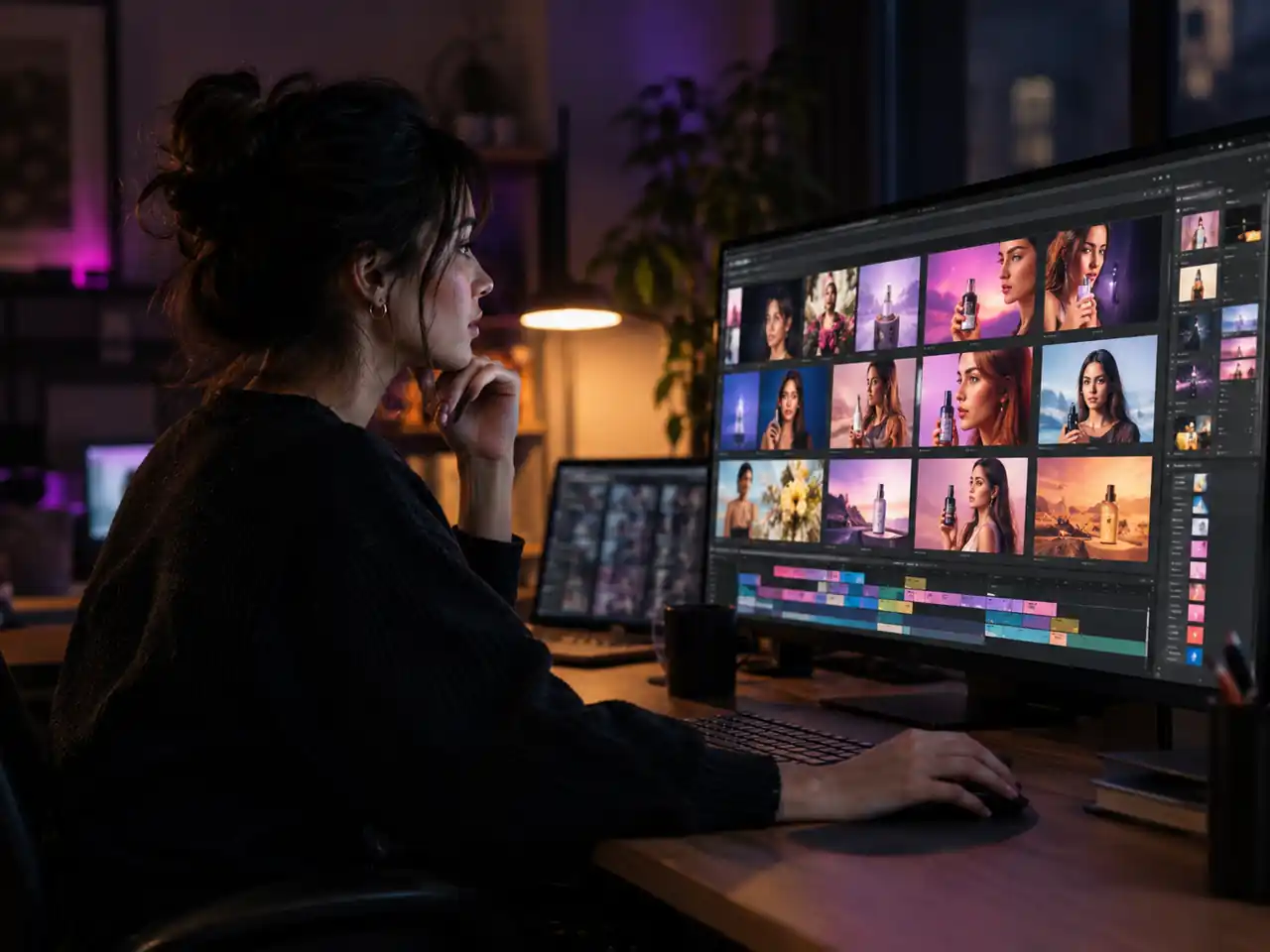
Brand and Performance Marketers
Ship a dozen ad variants that share a spokesperson and a pack shot. Keep the reference set fixed, change the prompt and the aspect ratio, and creative stays consistent across 16:9, 1:1 and 9:16 placements.
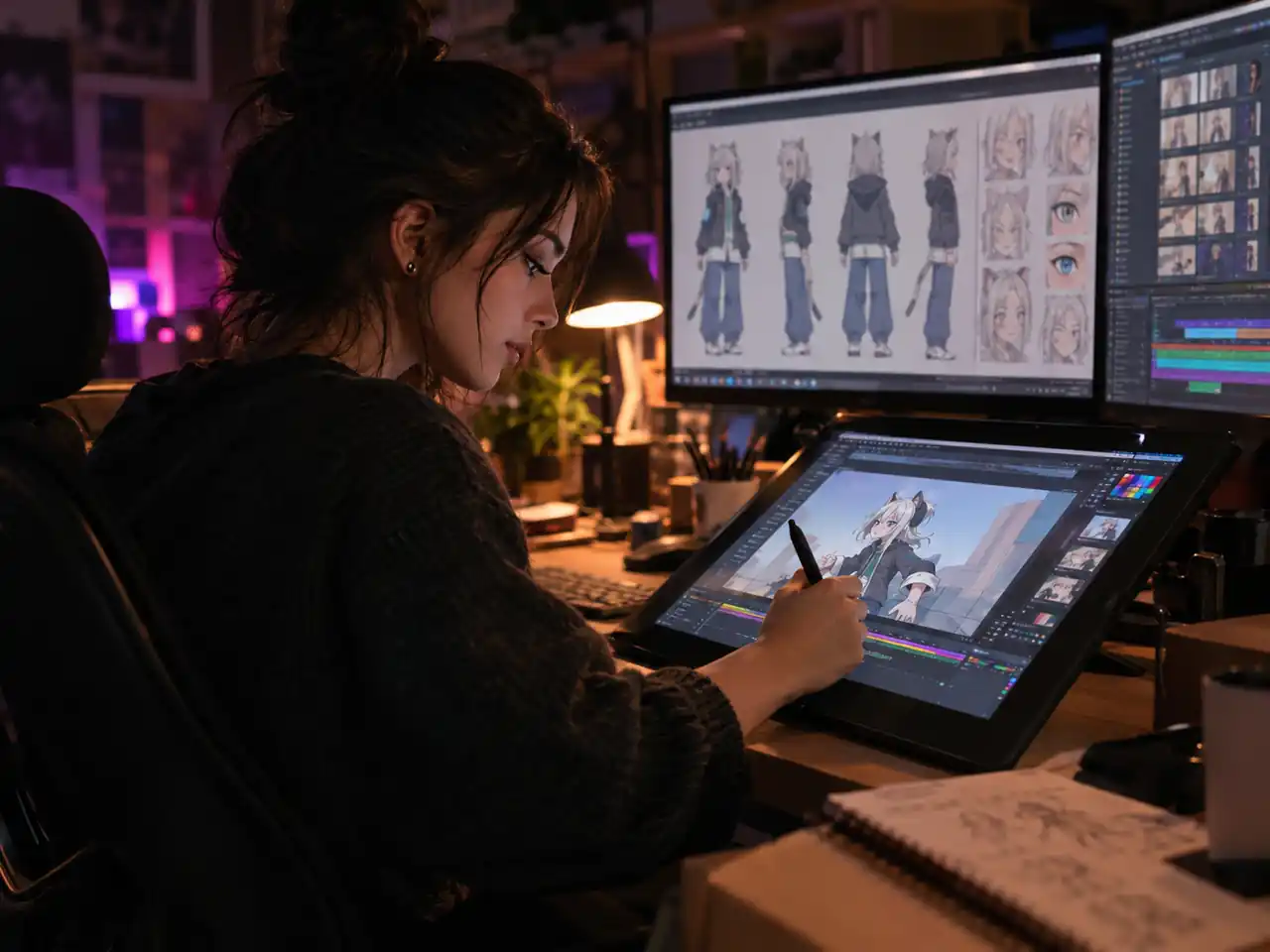
Character Artists and Animators
Original designs have rules: a silhouette, a palette, the details that make the character that character. Feed those drawings in as reference images and the shot respects the design instead of reinventing it.
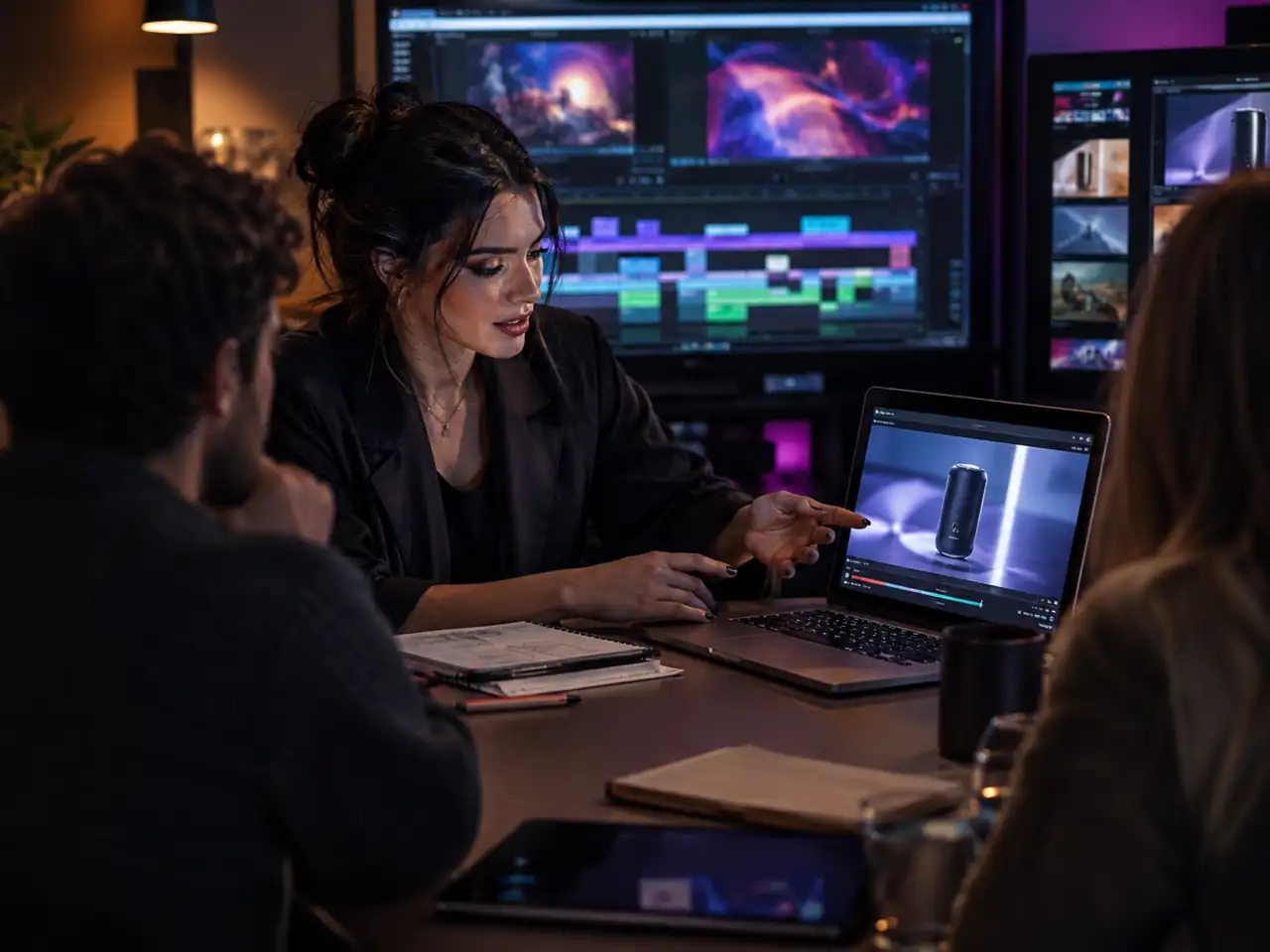
Agencies Pitching Concepts
Walk into a pitch with the client's real product and real talent moving on screen rather than a generic stand in. Reference clips also match a house camera style the client already uses.
Why Use Reference to Video AI?
What this mode does that a text prompt or a single still image cannot
The Only Mode Here That Reads All Three Kinds of Reference
Other modes here take a single image or a pair of frames. Reference to video is the one that accepts images, video and audio together, up to 9 pictures, 3 clips and 3 audio takes in one generation.
Consistency You Can Repeat on Purpose
A good clip you cannot reproduce is a dead end. Keeping one reference set and varying only the prompt turns a lucky result into a repeatable process, which is what a series or a campaign needs.
Room for a Real Brief
Prompts run to 20,000 characters on the default engine, so you can describe blocking, camera, lighting and mood properly while the references handle identity.
Output Sized for Where It Ships
Pick 480p, 720p, 1080p or 4K, a length between 4 and 15 seconds, and one of six aspect ratios, so the clip already fits the feed or product page it is headed for.
Swap Engines Without Leaving the Page
The model dropdown is filtered to engines that accept reference input and opens on Seedance 2.0. Run the same reference set through another model for a second opinion without leaving the workspace.
Sound Stays Under Your Control
Reference audio brings a voice, a music bed or room tone into the brief, and generated audio is a switch that is off until you ask for it, so the soundtrack is decided rather than inherited.
How to Make a Video from Reference Images and Clips
From reference upload to a finished clip that stays on model
Sign In and Open Reference Mode
Sign in, scroll to the generator on this page and stay on the reference to video mode. It opens on Seedance 2.0, and the dropdown lists the other engines that accept reference material.
Upload Your Reference Images, Clips and Audio
Up to nine reference images at 30MB each carry the character, the outfit, the product and the setting. Add up to three reference clips and three audio tracks, fifteen seconds in total each, when you want the motion or the sound to follow something specific. The more of the look you pin here, the less the prompt has to carry.
Write the Prompt and Set the Output
Describe the action, the camera and the lighting, since the references already cover identity. Then set resolution, a length between 4 and 15 seconds, and one of six aspect ratios.
Generate and Download
Run the generation, check that the face, the wardrobe and the product held, change one variable at a time if they did not, then download the clip.
Frequently Asked Questions about Reference to Video
Common questions about reference images, reference clips, reference audio, consistency, formats and output
Ready to Build a Video Around Your Own References?
Upload your images, clips and audio, write one prompt, and keep the same character and the same product in every shot.