









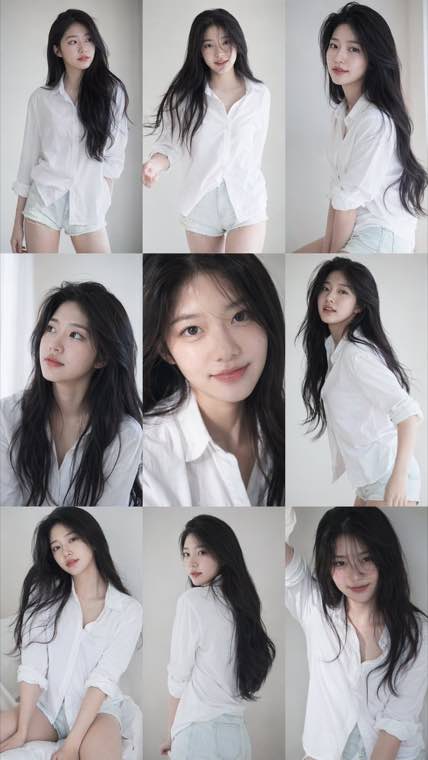
3x3 Idol Portrait Collage

3x3 Idol Portrait Collage
Soft Black Mist Portrait
Editorial Indoor Portrait
360 Concert Panorama
Journey to the West Spider Spirit Poster

35mm Flash Basketball Editorial
Subway Phone Candid
Douyin Livestream Screenshot
18-Panel Brand Identity Sheet
RPG Inventory Icon Grid
Upload a selfie and see yourself with ash blonde, copper, chocolate brown or a soft balayage before you book the salon. This hair color change AI is designed to change only your hair and keep your face, skin tone and eyebrows the same.
Start free in your browser. Pick a shade or describe the color you want.
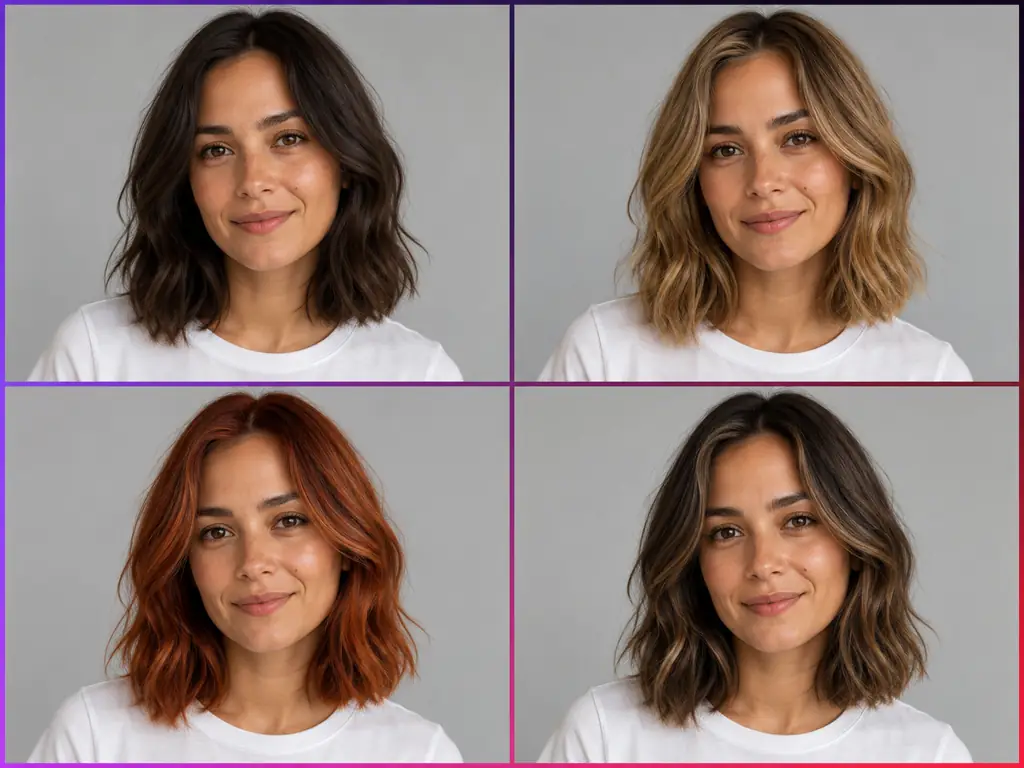
Hair color change AI is a photo editing tool that recolors the hair in your own picture and leaves the rest of the image alone. You upload a portrait, pick a shade or describe the color you want, and the AI hair color changer follows your hairline, parting and lengths so the new color sits on your real hair shape. It is designed to change only your hair and keep your face, skin tone, eyebrows, clothes and background the same. Letting AI change hair color on your own face works like a virtual hair color try on: you can change hair color in photo after photo, test full color, highlights, balayage or ombre, and answer the question behind most searches, which hair color suits me? It runs in the browser, it is free to try, and the result gives you something concrete to show your hairdresser.
Three steps take you from a plain selfie to a set of hair color options you can compare and save.
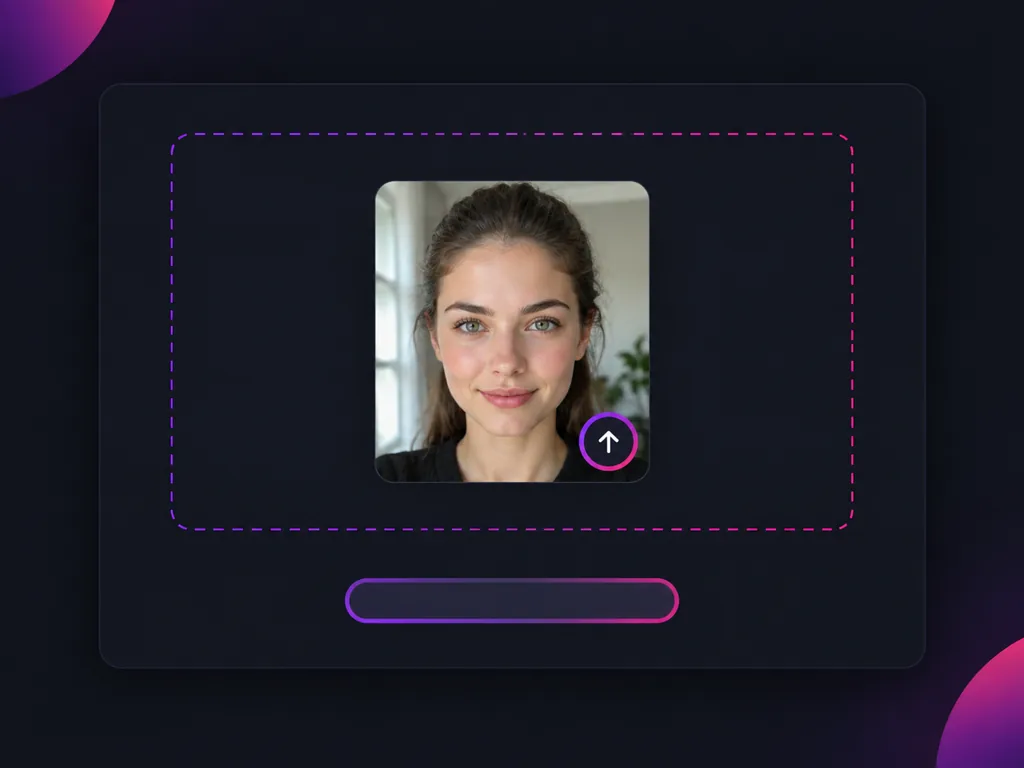
Choose a clear, front facing photo in natural light with your hair pushed back so the hairline shows, and keep long hair in the frame. The hair color change AI supports long, curly and dark hair; if the edges look patchy, retake the photo in even light and try again.
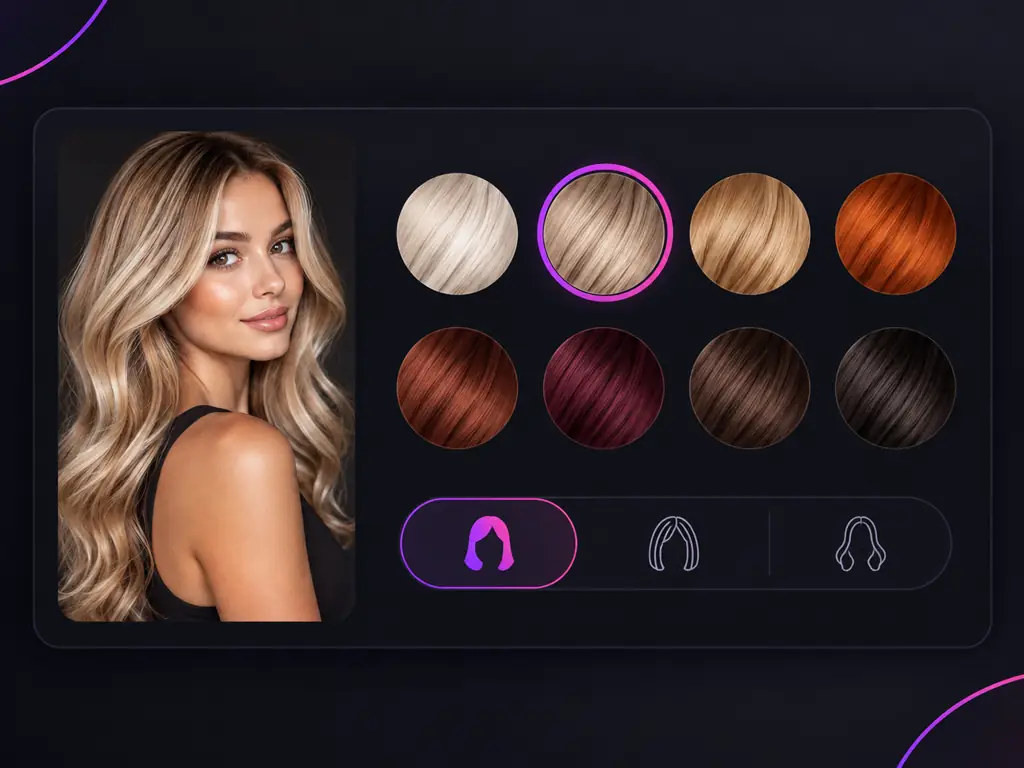
Pick a shade or describe the color you want, for example honey blonde, copper, mushroom brown or a soft cool red. You can also ask for highlights, balayage or ombre instead of a full color.
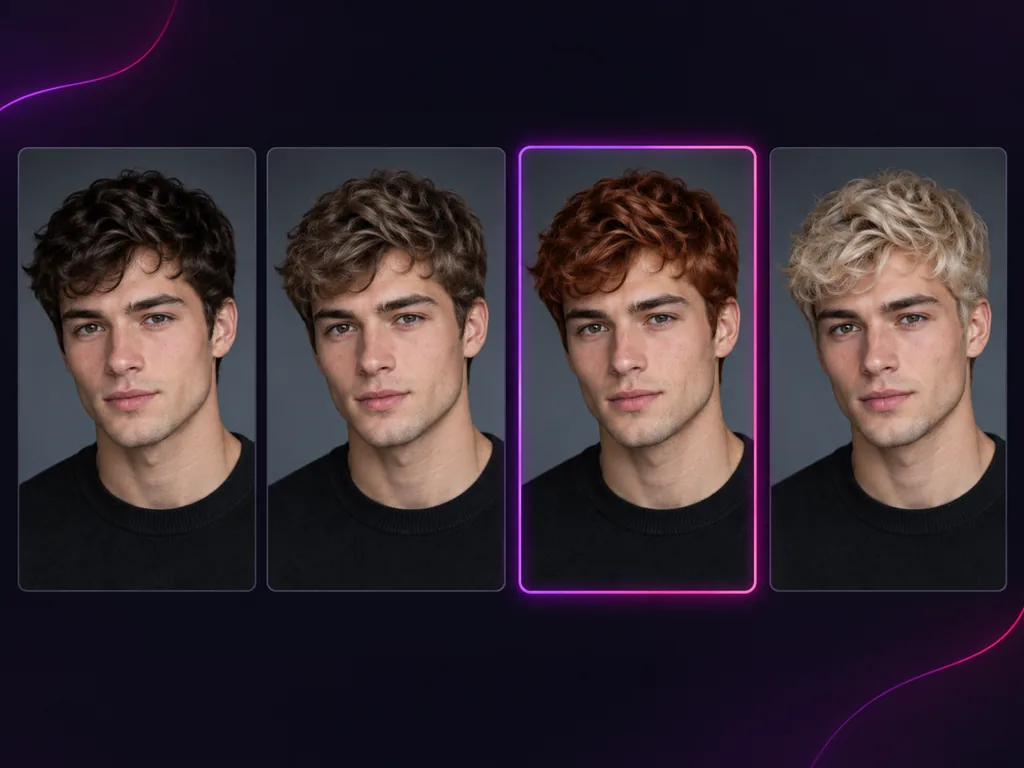
Try a few shades on the same photo, then line them up side by side next to your original. Seeing each AI hair color change on one face shows which color lifts your features and which one washes you out. Save the result you like.
Hair dye is hard to undo, so test the shade on your own photo first.
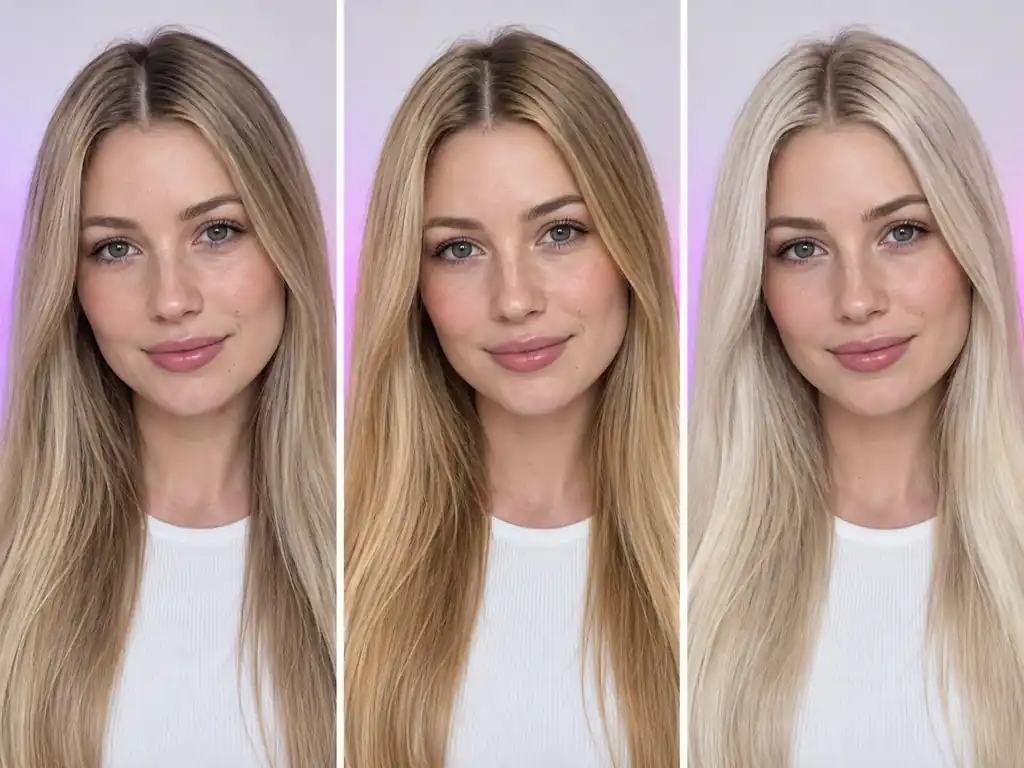
Common situations where trying a hair color on a photo first made the decision easier.
I had been blonde for years and kept saying I wanted copper. Seeing it on my own face, next to a strawberry blonde version, helped me pick the softer one.

Hannah W.
Natural blonde considering copper
I had never dyed my hair, so I tried chocolate brown, caramel balayage and auburn on one selfie. The caramel balayage looked like me, just brighter.

Priya S.
Coloring her hair for the first time
My hair is very dark and I was nervous about bleach. Previewing honey blonde first showed me I liked it, and also that I wanted it as highlights rather than all over.
Nia W.
Dark hair, thinking about going lighter
I could never tell if I was cool or warm. Ash blonde made my face look brighter and golden blonde made me look tired. That settled it.

Claire D.
Unsure between cool and warm tones
I showed my stylist the result and said I wanted dark blonde, not dark brown.

Sofia R.
Bringing a reference to her hairdresser
I wanted to try highlights instead of committing to a full color. I compared face framing highlights and a soft balayage on the same photo and finally knew which one I liked.

Ji-eun L.
Trying highlights before a full change
Answers about trying hair colors on your photo, skin tone, partial color and what to expect at the salon.
Open the hair color changer online, upload a selfie and try a few shades before you book. This hair color change AI is free to try and designed to change only your hair.