Makify AI - AI 圖片生成與編輯器
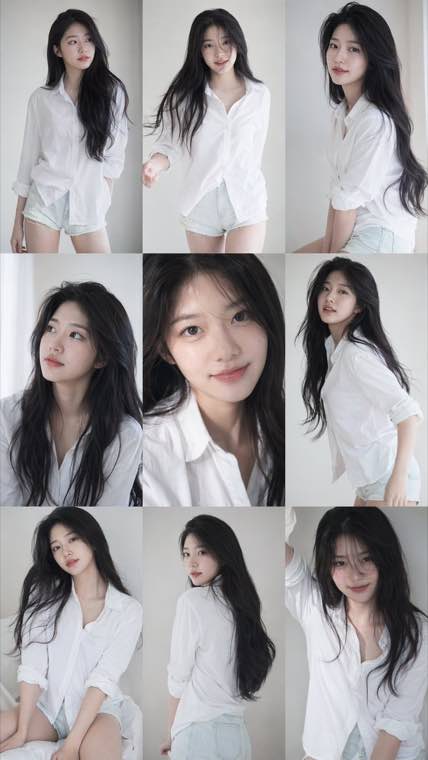
3x3 Idol Portrait Collage result

A consistent nine-frame portrait series with soft photobook lighting and natural texture.

Generate and Edit Images Online with FLUX 3 Image

Create images from text and edit existing images with FLUX 3 Image, the image engine of Black Forest Labs' multimodal FLUX 3 model. Enjoy strong prompt adherence, multilingual in-image text, and a broad style range.

Text-to-image and editing • Multilingual text rendering • Free to try with welcome credits

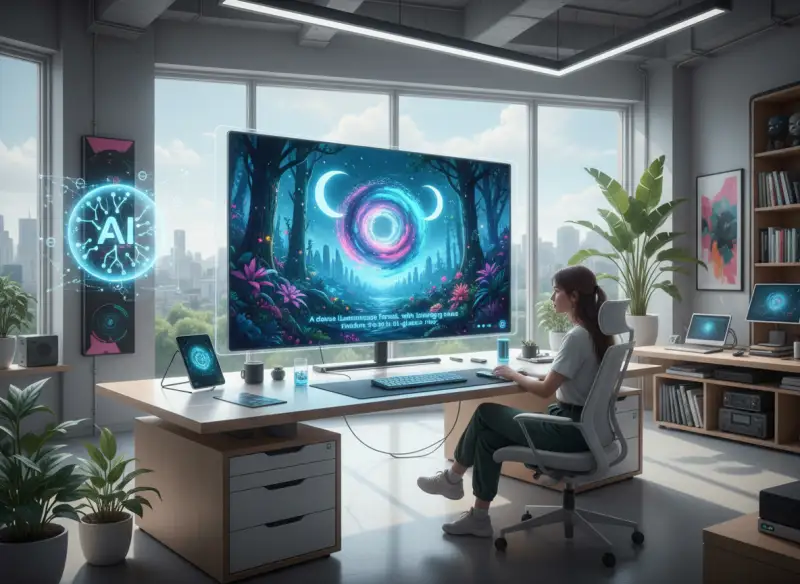
FLUX 3 Image generator creating an image from a text prompt

What is FLUX 3 Image?

FLUX 3 Image is the image synthesis and editing component of FLUX 3, Black Forest Labs' multimodal foundation model. Unlike the image-only FLUX.1 (2024) and FLUX.2 (2025), FLUX 3 was trained jointly on images, video, and audio using BFL's Self-Flow architecture, giving it a shared world model for stronger realism, composition, and prompt understanding. As a flux 3 image generator online, it handles both text-to-image generation and reference-guided image editing, follows complex multi-element prompts closely, renders accurate multilingual text inside images, and supports a broad range of styles at flexible aspect ratios and resolutions.

What FLUX 3 Image Can Do

From text-to-image and multilingual text rendering to reference-guided editing — explore the model's core strengths

FLUX 3 Text to Image
  • Strong adherence to long, multi-element prompts
  • Natural composition, lighting, and depth
  • Flexible aspect ratios and output resolutions
  • Photoreal or stylized results from one prompt
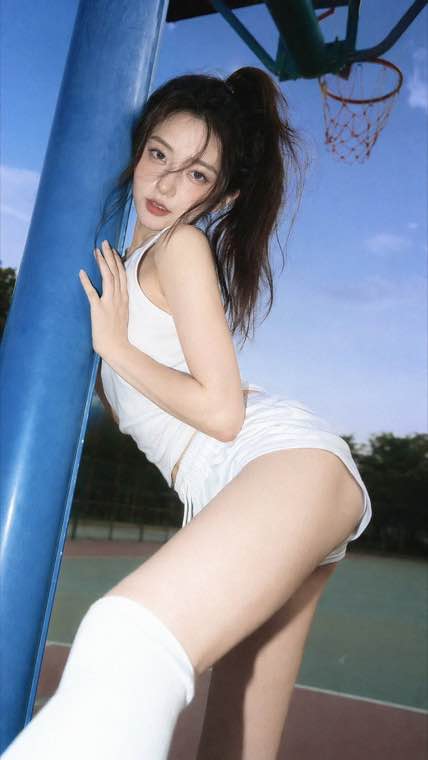
FLUX 3 text to image result generated from a written prompt

Who Uses FLUX 3 Image?

From marketing teams and designers to developers building with bfl flux 3

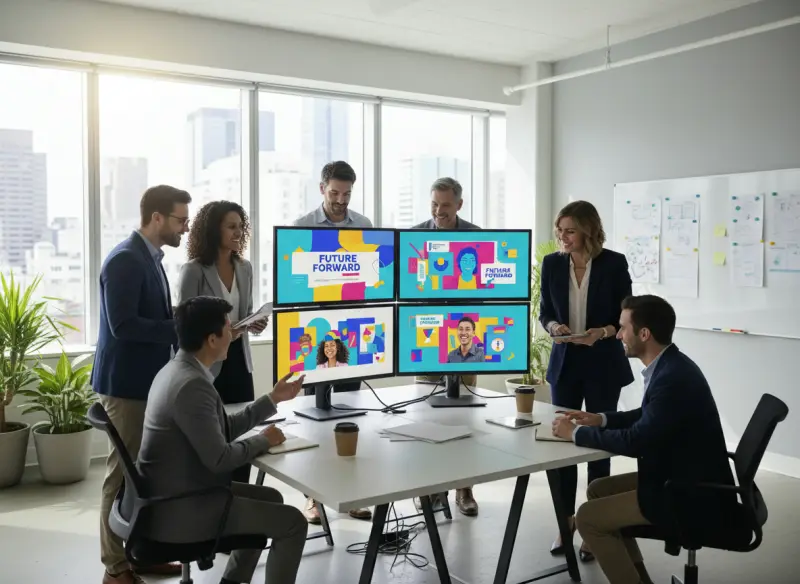
Marketing team creating campaign visuals with FLUX 3 Image

Marketing and Content Teams

Produce campaign imagery, ad creatives, blog headers, and social visuals quickly. FLUX 3's in-image text rendering makes it practical to place readable copy directly inside branded assets.

Designer exploring visual directions with FLUX 3 Image

Designers and Illustrators

Generate concept art, mood boards, and production-ready visuals. Strong prompt following makes it easy to steer FLUX 3 toward a specific aesthetic without endless manual revisions.

E-commerce team generating product images with FLUX 3 Image

E-commerce and Brand Teams

Replace costly product shoots with AI-generated product photography. Create consistent, high-resolution product visuals for listings, ads, and social media at scale.

Concept artist creating game key art with FLUX 3 Image

Game and Concept Artists

Build characters, environments, and key art with cinematic detail. FLUX 3's coherent composition and broad style range suit rapid concepting and world-building.

Developer integrating the FLUX 3 Image API into a workflow

Developers and AI Engineers

Integrate flux 3 ai image generation and editing via API into apps, content platforms, and automated pipelines. Add text-to-image and reference-guided editing to your own products.

Social media creator making post graphics with FLUX 3 Image

Social Media Creators

Create scroll-stopping posts, thumbnails, and story graphics with legible on-image text. Iterate fast on visual ideas and keep a consistent look across every channel.

Why Use FLUX 3 Image?

What sets the flux 3 image generator apart from earlier and rival models

Multimodal World Model

FLUX 3 was trained jointly on images, video, and audio with Black Forest Labs' Self-Flow architecture. That shared world model brings stronger realism and composition than the image-only FLUX.1 and FLUX.2.

Complex Prompt Adherence

FLUX 3 reads long, multi-element prompts and places every subject, background, and detail where you asked. Less time correcting outputs, more time creating exactly what you described.

Multilingual In-Image Text

High-accuracy text rendering keeps words readable and correctly spelled across languages, making FLUX 3 practical for posters, packaging, ads, and any visual where the copy has to be legible.

Reference-Guided Editing

Beyond text-to-image, FLUX 3 Image edits from a reference and an instruction prompt. Restyle, adjust, or extend an existing picture while preserving the elements you want to keep.

Broad Style Range

Photorealism, product renders, illustration, fine art, graphic design, and animation all come from one model, so you can cover an entire project without switching between specialized tools.

Built on the FLUX 3 Family

FLUX 3 Image is part of the broader FLUX 3 family alongside FLUX 3 Video, FLUX 3 Action, and FLUX 3 Dev, sharing the same foundation for consistent, high-quality results.

Simple Process

How to Use FLUX 3 Image

Generate or edit your first image in 4 steps

1

Sign In and Open FLUX 3 Image

Sign in to open the FLUX 3 Image generator. New accounts receive welcome credits so you can start creating right away.

2

Choose Your Output Settings

Pick your image size and aspect ratio, the number of images, and the output format before you generate.

3

Write a Prompt or Upload an Image

For text-to-image, describe your scene in detail. To edit, upload an image and add an instruction prompt telling FLUX 3 what to change.

4

Generate and Download

Generate your result, refine the prompt if needed, and download the finished image for your project.

Frequently Asked Questions about FLUX 3 Image

Common questions about FLUX 3 Image, its editing and text rendering, pricing, and how it compares


Ready to Create with FLUX 3 Image?

Generate from text or edit an image online in seconds.

AI GPT Image 現已升級為 Makify AI。您的帳戶、點數與創作記錄均已保留。
查看詳情