






Makify AI - AI 圖片生成與編輯器
first image
second image

修改產品標籤文字

Edit Text in Image Online: Replace, Remove, or Fix Image Text with AI

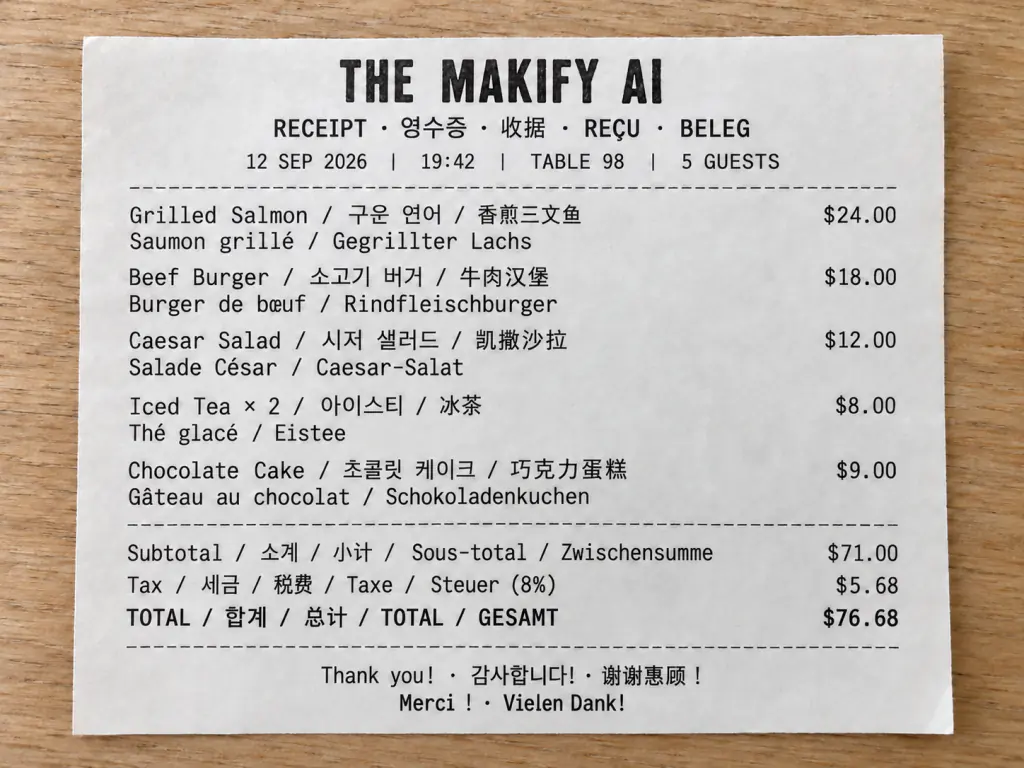
Use Edit Text in Image to upload a JPG, JPEG, PNG, or WebP file and let AI find its text. Click the region you want to change, type a replacement or leave it blank to remove the original, and update your image online. Fix typos, dates, prices, names, contact details, labels, and more without a design file.

Click a word, type the new text, and let the AI image text editor handle the rest.

AI image text editor showing a selected text region with a replacement preview

Edit Existing Text in Your Images

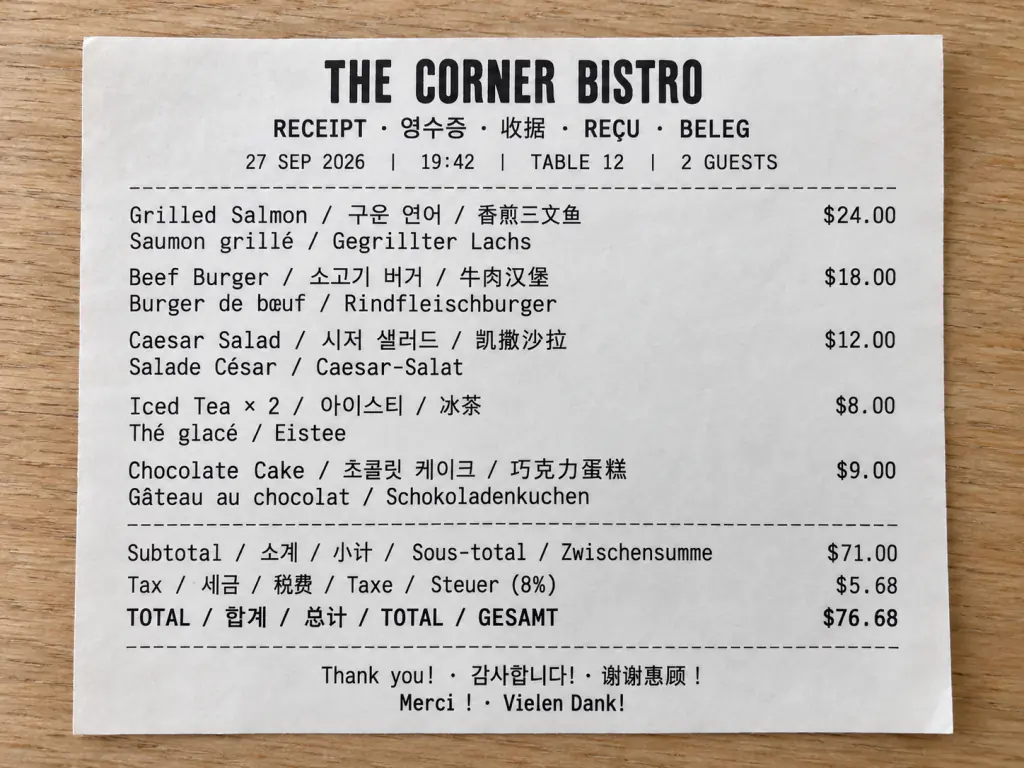
The Edit Text in Image editor is built for finished files. Upload a flattened JPG, JPEG, PNG, or WebP file, and OCR detects the text areas so you can change, replace, or remove existing words without a source file. Click a detected region, enter new text or leave the field blank, and the editor redraws it with the surrounding background, layout, and style in mind. Use it to edit photo text, fix typos, update dates, change prices, or correct names and contact details on screenshots, posters, and marketing graphics.

How to Edit Text in an Image Online

Follow the Edit Text in Image workflow in three steps: upload your image, select the text, then replace or remove it.

Step 11
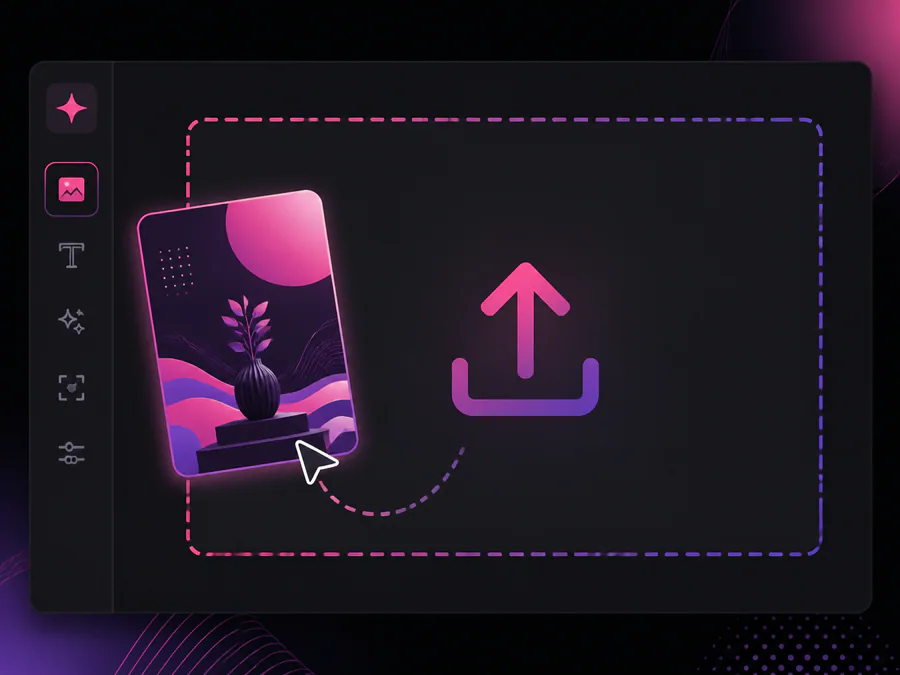
User uploading a JPG image to the edit text in image tool

Upload Your Image

Upload a JPG, JPEG, PNG, or WebP image. Three sample images appear before the upload so you can see how the editor behaves. The tool uses vision OCR to detect horizontal, rotated, and vertical text and draws boxes around the text it finds.

Step 22
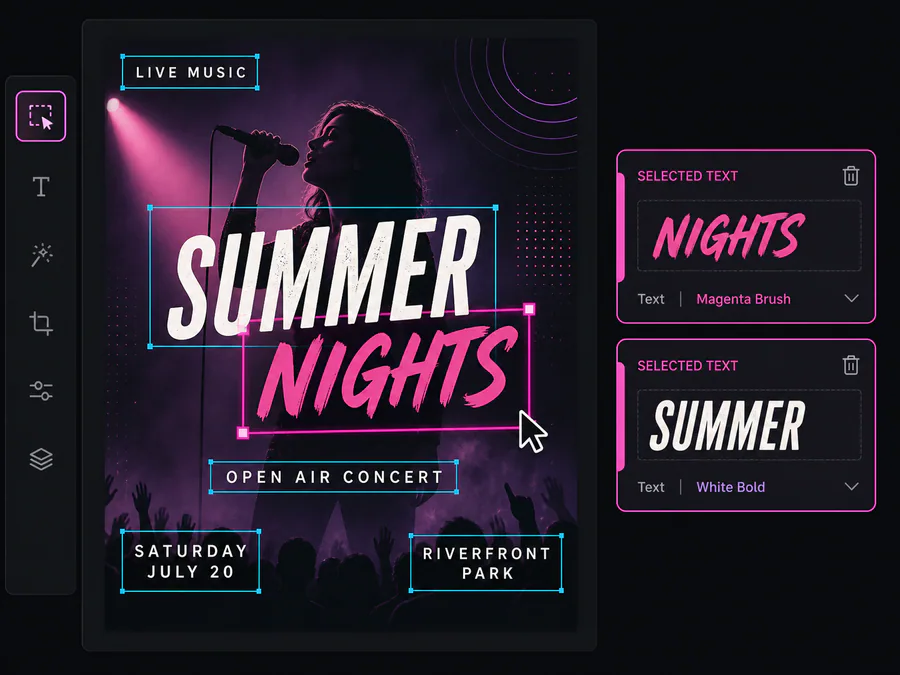
Clicking a detected text region in the AI image text editor

Select the Text to Change

Click each detected text region you want to edit. Every selection adds its own Detected text and Replace with fields to the Selected text panel, so you can change or remove multiple areas in one image. When OCR misses tiny, decorative, curved, handwritten, low-contrast, perspective-distorted, or busy-background text, draw the area manually and write a clear instruction instead.

Step 33
Replacement text generated on the image with a download button

Replace the Text and Preview

Type the new text, add optional instructions, and choose an image model. Keep the ratio on Auto or reuse your existing output settings, then press Create. Review the result in Preview, compare it in Sample, and download your updated image.

AI Image Text Editor for Replacing Existing Text

Edit Text in Image covers the tasks people do most with finished images, from removing unwanted words and fixing small copy errors to updating marketing graphics.

Replace Text in an Image
  • Fix a misspelled word in a product label or sign
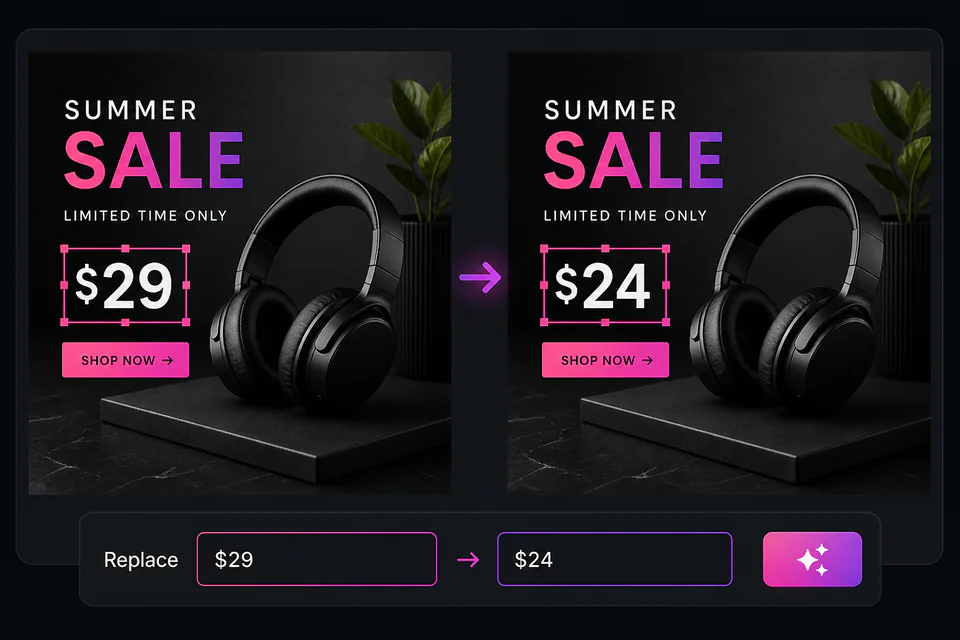
  • Update a price, date, or count in a marketing graphic
  • Change a name or email in a shared announcement
  • Edit text on image files without a source design
Replacing a selected word with new text while the rest of the image stays the same

Why People Use an AI Image Text Editor

Designers, marketers, and small teams use it to fix text on finished images without rebuilding the file.

I changed a price on a product photo in a couple of clicks. The new number blends with the label and the rest of the image looks the same.

Emily Carter

Emily Carter, E-commerce Manager

Emily Carter

E-commerce Manager

We update event announcements each month. Instead of asking for a redesign, I click the old date, type the new one, and preview before sharing.

Priya Sharma

Priya Sharma, Marketing Coordinator

Priya Sharma

Marketing Coordinator

I correct typos in UI screenshots before sharing them with the team. It keeps me from rebuilding a screen for one word.

Daniel Kim

Daniel Kim, Product Designer

Daniel Kim

Product Designer

Clients send finished posters and flyers with small text errors. I fix the word on the image and the layout holds up, so I deliver in minutes.

Sofia Martinez

Sofia Martinez, Freelance Designer

Sofia Martinez

Freelance Designer

I update contact details on my printed flyers without touching design software. The phone number and address look natural in the existing layout.

Michael Anderson

Michael Anderson, Small Business Owner

Michael Anderson

Small Business Owner

When I reuse a quote graphic, I change the words right on the image. The result keeps the style of the original post, so it still looks clean when I share it.

Mei Chen

Mei Chen, Content Creator

Mei Chen

Content Creator

Image Text Editor FAQs

Answers about editing text in images, fonts, backgrounds, formats, and mobile use.


Change Text in Image Online

Use Edit Text in Image to upload a file, select the text you want to change, and replace or remove it online in a few steps.

升級品牌升級
AI GPT Image 現已升級為 Makify AI · 帳戶與點數原樣保留
領取