




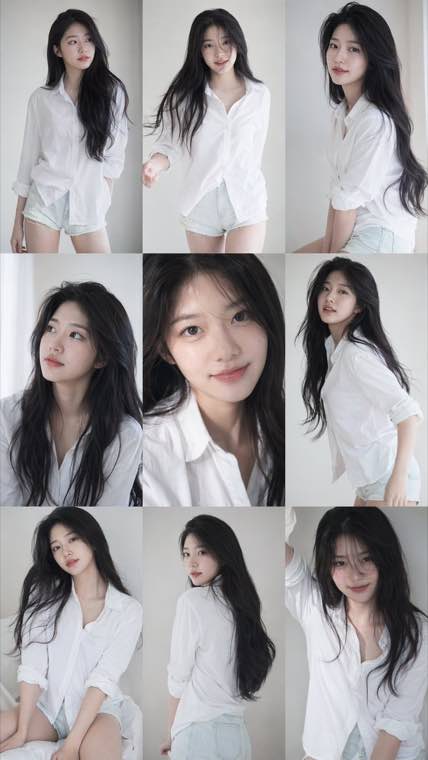
3x3 Idol Portrait Collage
3x3 Idol Portrait Collage
Soft Black Mist Portrait
Editorial Indoor Portrait
360 Concert Panorama
Journey to the West Spider Spirit Poster
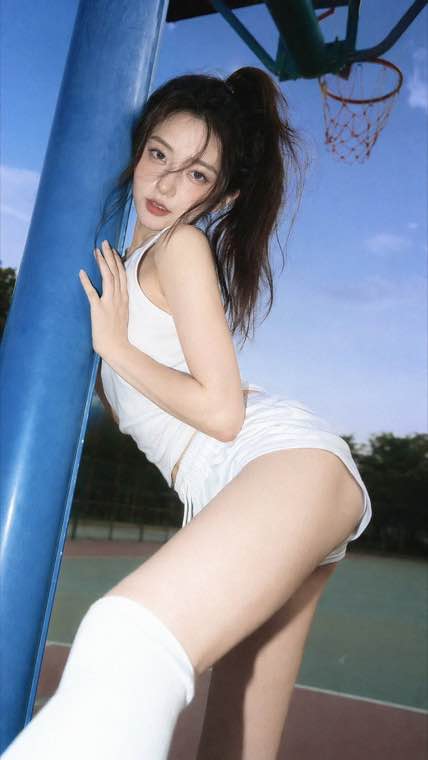
35mm Flash Basketball Editorial
Subway Phone Candid
Douyin Livestream Screenshot
18-Panel Brand Identity Sheet
RPG Inventory Icon Grid
Run Google Gemini's Nano Banana model right here. Write a prompt to create a picture, or upload up to 10 reference photos and describe the edit you want. Square, portrait and landscape output, downloaded as PNG.
Google's Gemini image model • Reference-driven editing • Downloads arrive unmarked • Free to start
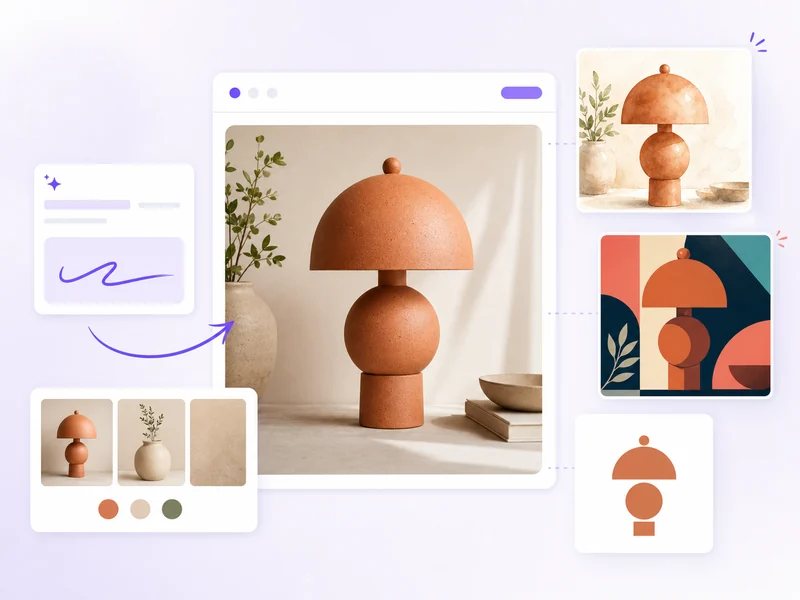
Nano Banana is Google's Gemini image model, and this page is the tool that runs it. People write it as nanobanana, nano-banana or banana nano, and call it Google Nano Banana, Gemini Nano Banana or just Banana AI, but it is one engine doing two jobs. Text to Image turns a description into a finished picture. Image to Image takes up to 10 uploaded photos and applies the change you describe in plain language. Output is PNG in a 1:1 square, 2:3 portrait or 3:2 landscape frame, with nothing to install and no API key.
Three jobs people bring to it, and the things worth knowing before you start.
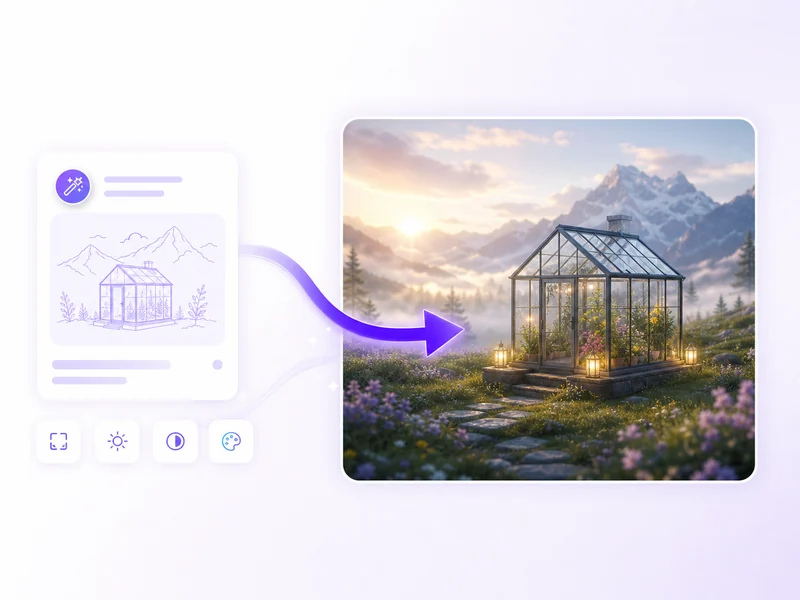
The people who reach for a Gemini image generator most often
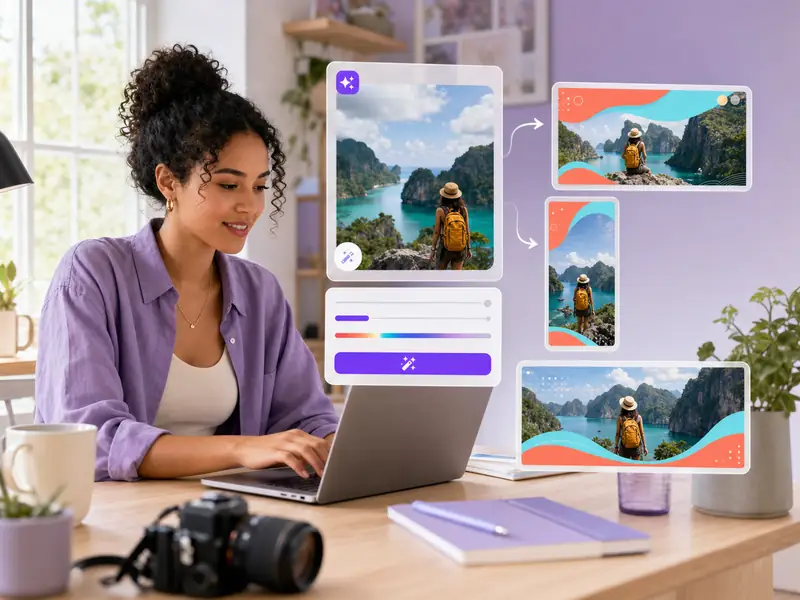
Thumbnails in 3:2, vertical art in 2:3, square posts in 1:1, from one prompt box. Generate the frame, then edit it in the second tab.
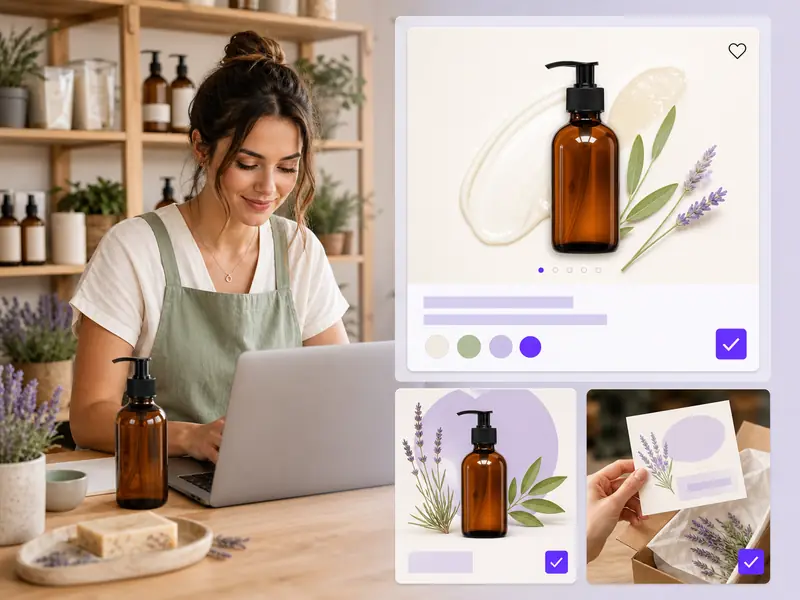
Brand graphics, promo images and simple logos without hiring a designer. Nano Banana drafts the concept, Image to Image refines it.
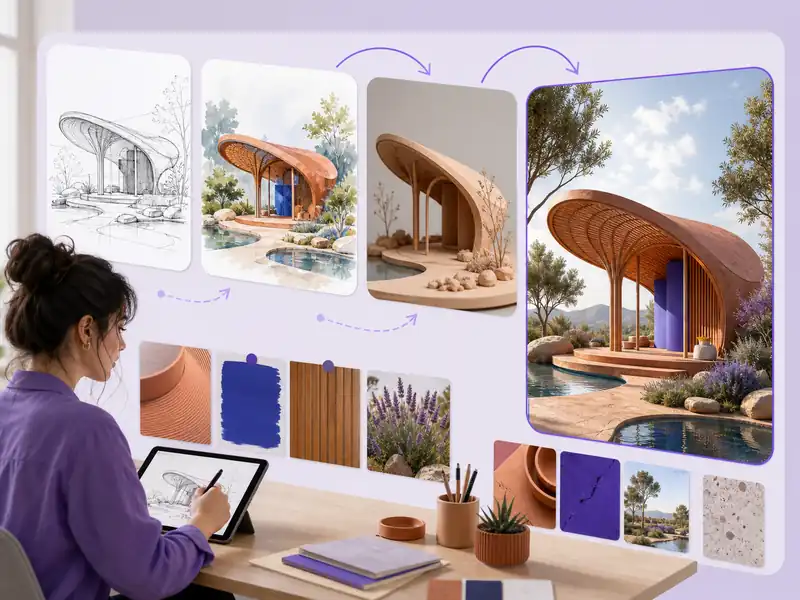
Mood boards, concept passes and style tests at speed. Upload existing artwork so variations stay inside the visual language you chose.
Put a product shot into a new scene, clean a background, or build listing images that share one look. Ten uploads keep it recognisable.
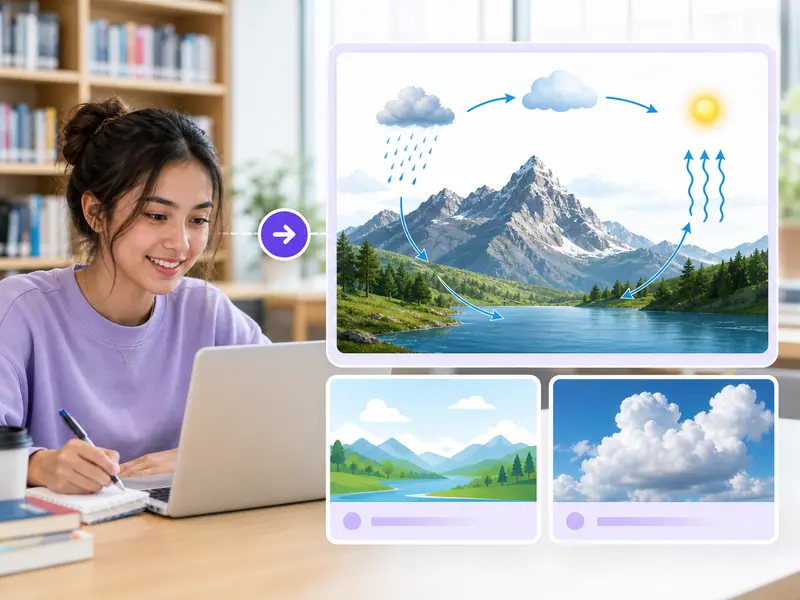
Illustrations for slides, posters and assignments, made in a browser on a school laptop. No install, no hardware requirement.

If you already know what Nano Banana is and just want to use it, skip the plan checks. This generator is the shortest route to the model.
Two model strengths and two well known friction points, and what each one means in practice.
A single upload steers the look. Ten let you assign a job to each one: this face, that garment, this packaging, that room. The result stops resembling your brief and starts matching it, which is the threshold at which generated images become usable in commercial work rather than mood boards.
Most failed image prompts contain every element and arrange them wrong. Nano Banana follows positional language closely, so writing what sits upper left and what goes behind the subject does more than adding adjectives. Describing a layout the way you would to a designer is the single highest leverage habit with this model.
Asking for landscape in the prompt and getting a square back is common enough that the community workaround is uploading a blank image to force the shape. Setting the frame as a control instead of a sentence removes the negotiation, and removes the guessing about whether the instruction registered.
Getting rid of the Gemini stamp was one of the most requested changes when Google asked what people wanted fixed, because a badge rules an image out of client work regardless of how good it is. An unmarked file is not a feature so much as the difference between usable and not.
From a blank prompt box to a downloaded PNG in about two minutes
Scroll to the Nano Banana generator and choose a tab. Text to Image builds a picture from a description. Image to Image edits photos you supply.
In Text to Image, describe the subject, then style, lighting and composition. In Image to Image, upload up to 10 photos in JPG, PNG or WebP, 30MB each, and say what changes.
Pick 1:1 for square posts and avatars, 2:3 for posters and wallpapers, or 3:2 for headers and slides. Press generate, then refine and run it again.
Download the finished image as a PNG. To compare engines, keep the prompt and switch the selector to Nano Banana Pro, Nano Banana 2, Seedream or GPT Image.
The questions people type before they open a Gemini image generator
Write a prompt or upload a photo. Free in your browser, no install and no API key.