









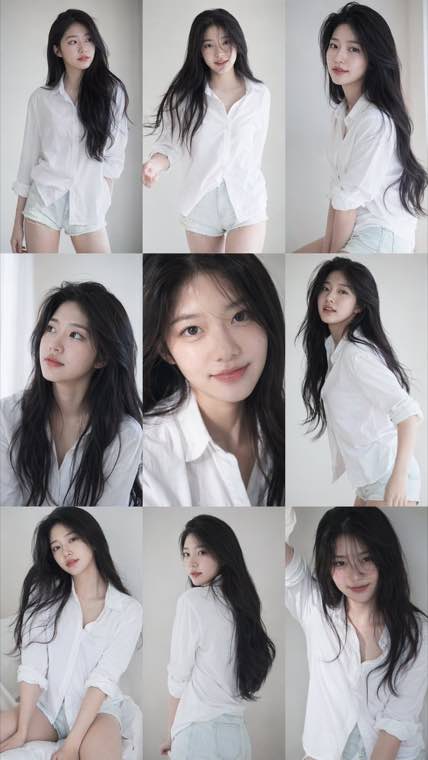
3x3 Idol Portrait Collage

3x3 Idol Portrait Collage
Soft Black Mist Portrait
Editorial Indoor Portrait
360 Concert Panorama
Journey to the West Spider Spirit Poster
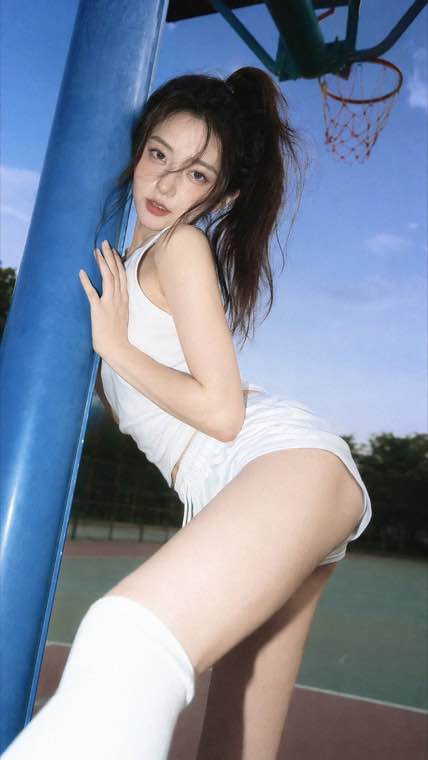
35mm Flash Basketball Editorial
Subway Phone Candid
Douyin Livestream Screenshot
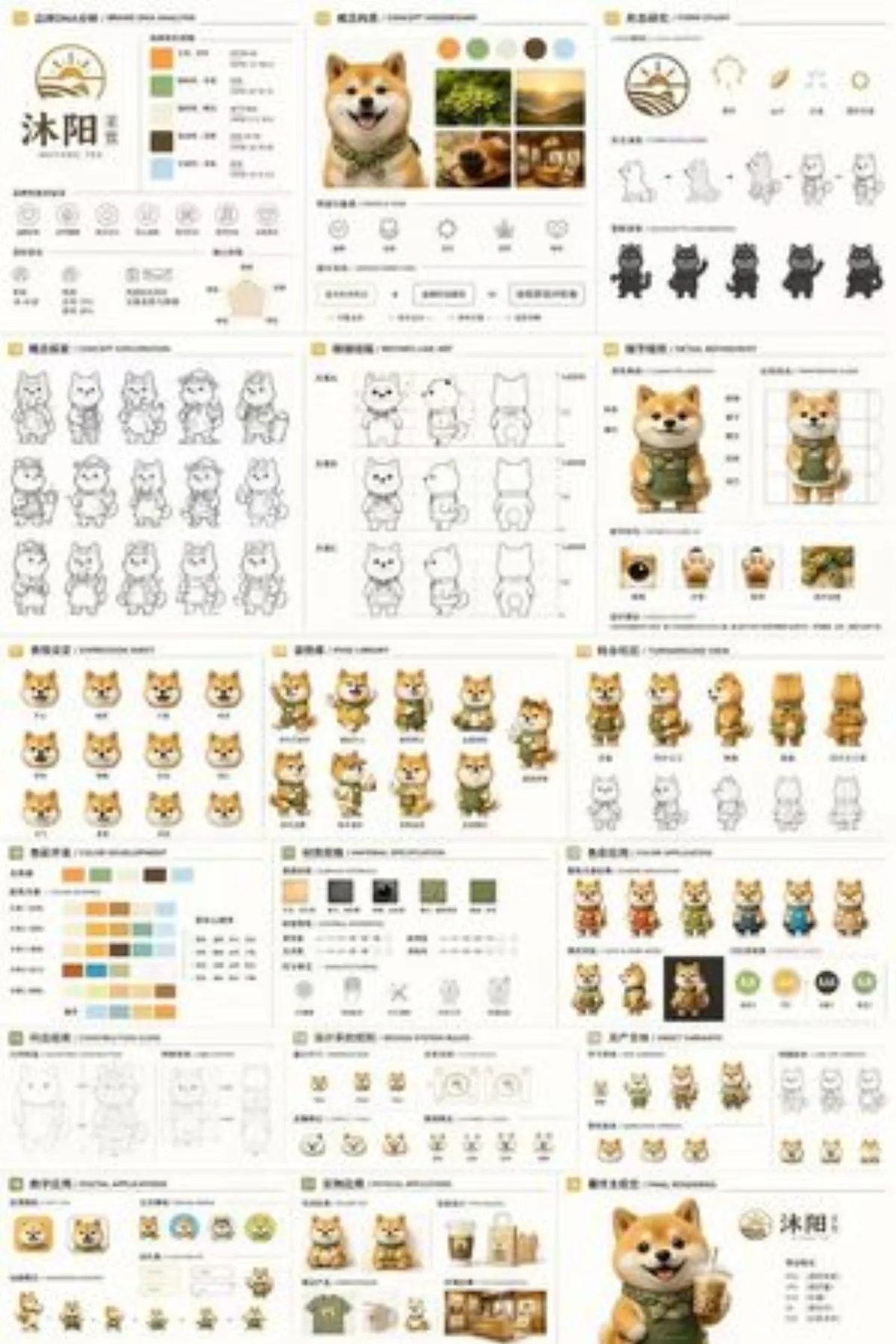
18-Panel Brand Identity Sheet
RPG Inventory Icon Grid
Run GPT Image 3 work straight in the browser. Write a prompt for a new picture, or upload one you already have and describe the change, then export at the shape and size the job actually needs.
Free to start, prompt to picture, image to image editing, readable poster text, export up to 4K
GPT Image 3 is the next model in the GPT Image line from OpenAI, the family that runs through GPT Image 1.5 and GPT Image 2. People write it as gpt-image-3, gptimage3 or ChatGPT Image 3, and search for it whenever the next OpenAI image release comes up. What the line is known for is following a written brief closely and keeping typography readable inside the frame, which is why it gets reached for on posters, packaging and interface mockups as much as on illustration.
GPT Image 3 continues the OpenAI series behind GPT Image 1.5 and GPT Image 2, so the prompting habits you already have carry over.
Headlines, small captions and interface labels stay legible, which is what separates this line from purely painterly models.
Run the same prompt on other engines from the list above the composer without leaving the page or re-typing anything.
Generation, editing, typography and export handled in one composer
Teams who need a finished frame today rather than a rough draft to redraw
Turn a campaign brief into ad creative, social cards and blog headers in an afternoon, then re-render the concept that won review at full size.
Take one clean product photo and place it in as many scenes as the catalogue needs, without booking a studio for every seasonal refresh.
Explore twenty directions before committing to one, with type that stays readable so a layout can go straight into a comp.
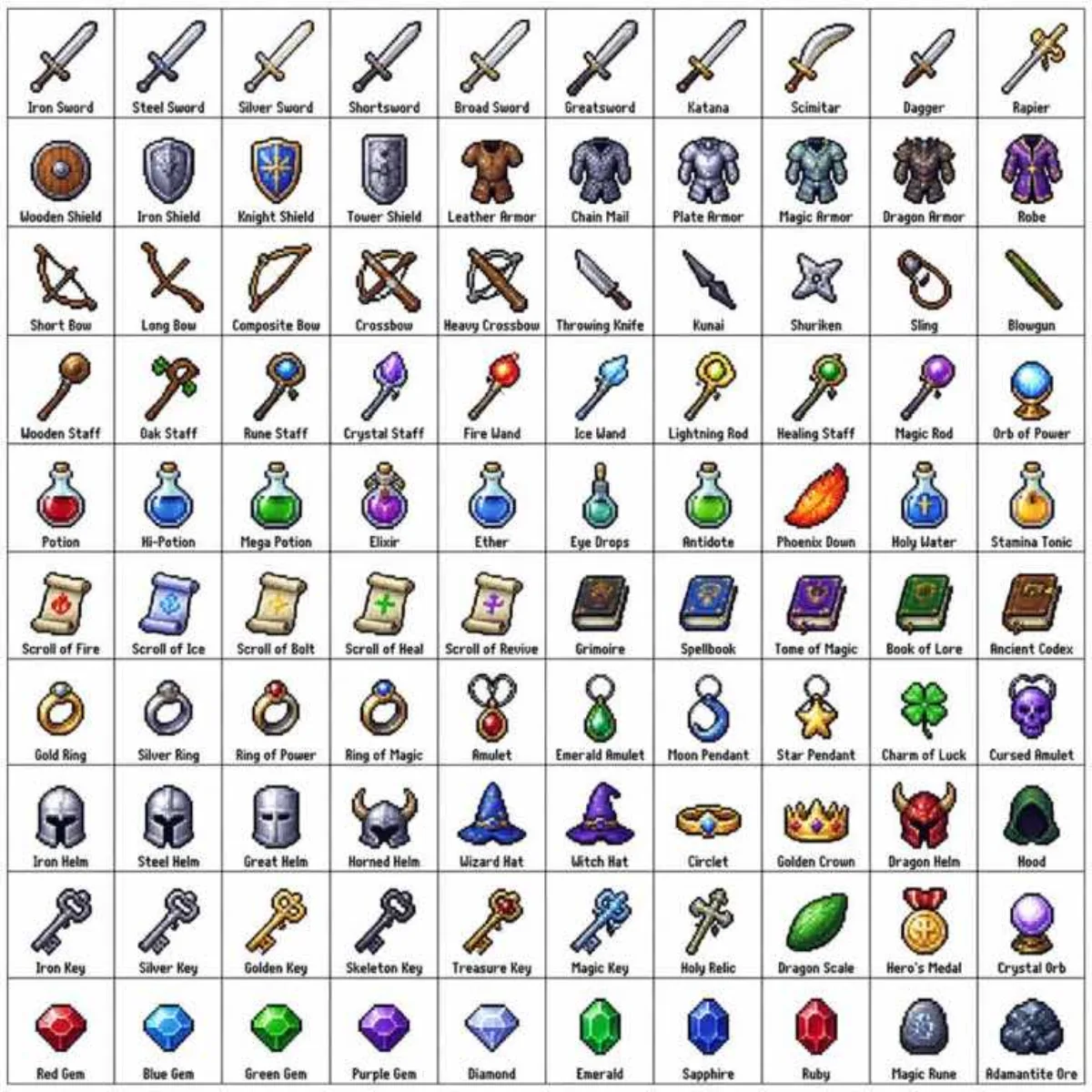
Build character sheets, prop studies and environment keys that hold one art direction, then iterate on the frames that survive review.
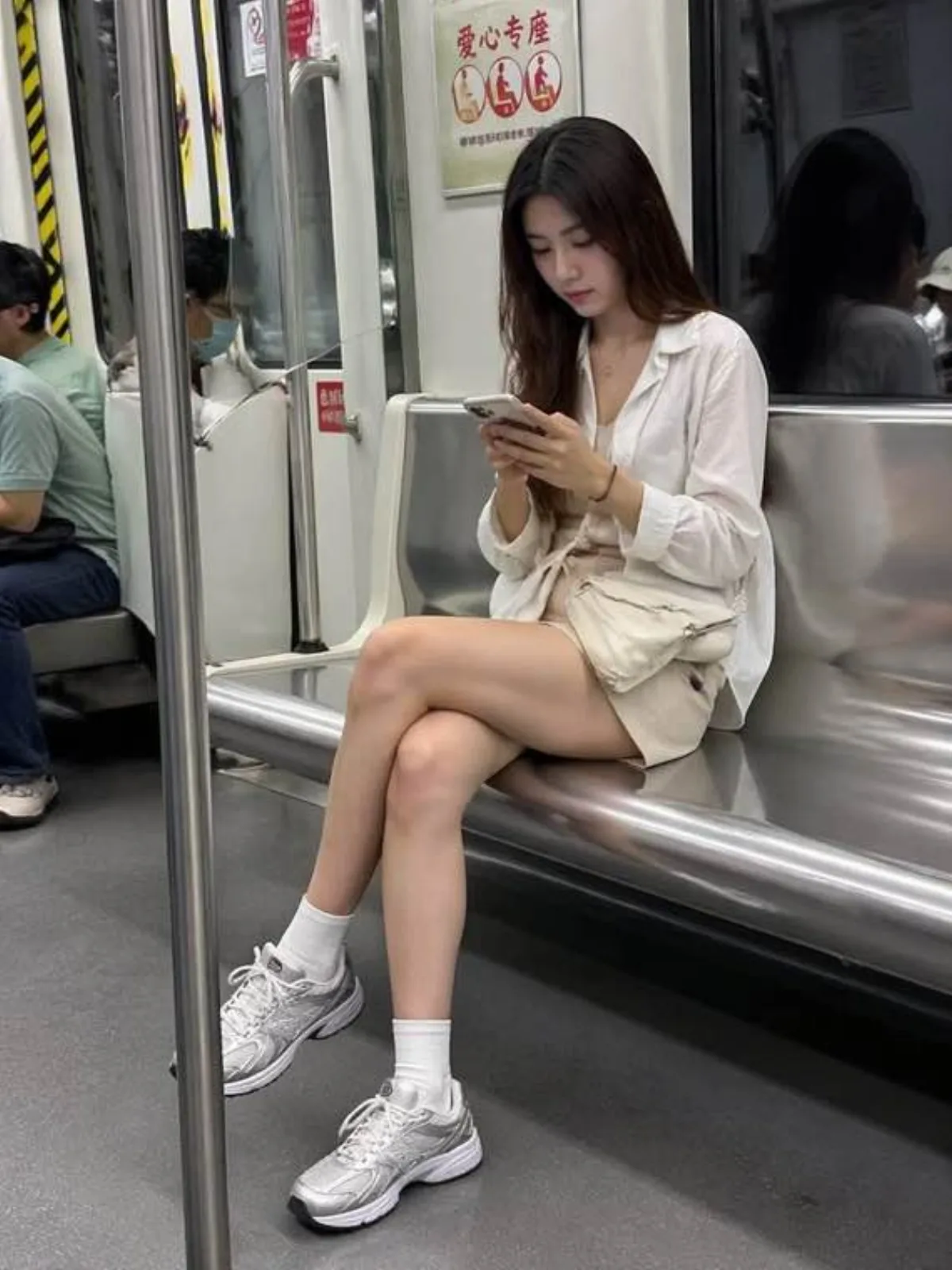
Produce thumbnails, covers and channel art in the exact shape each platform expects, so nothing important gets cropped away later.
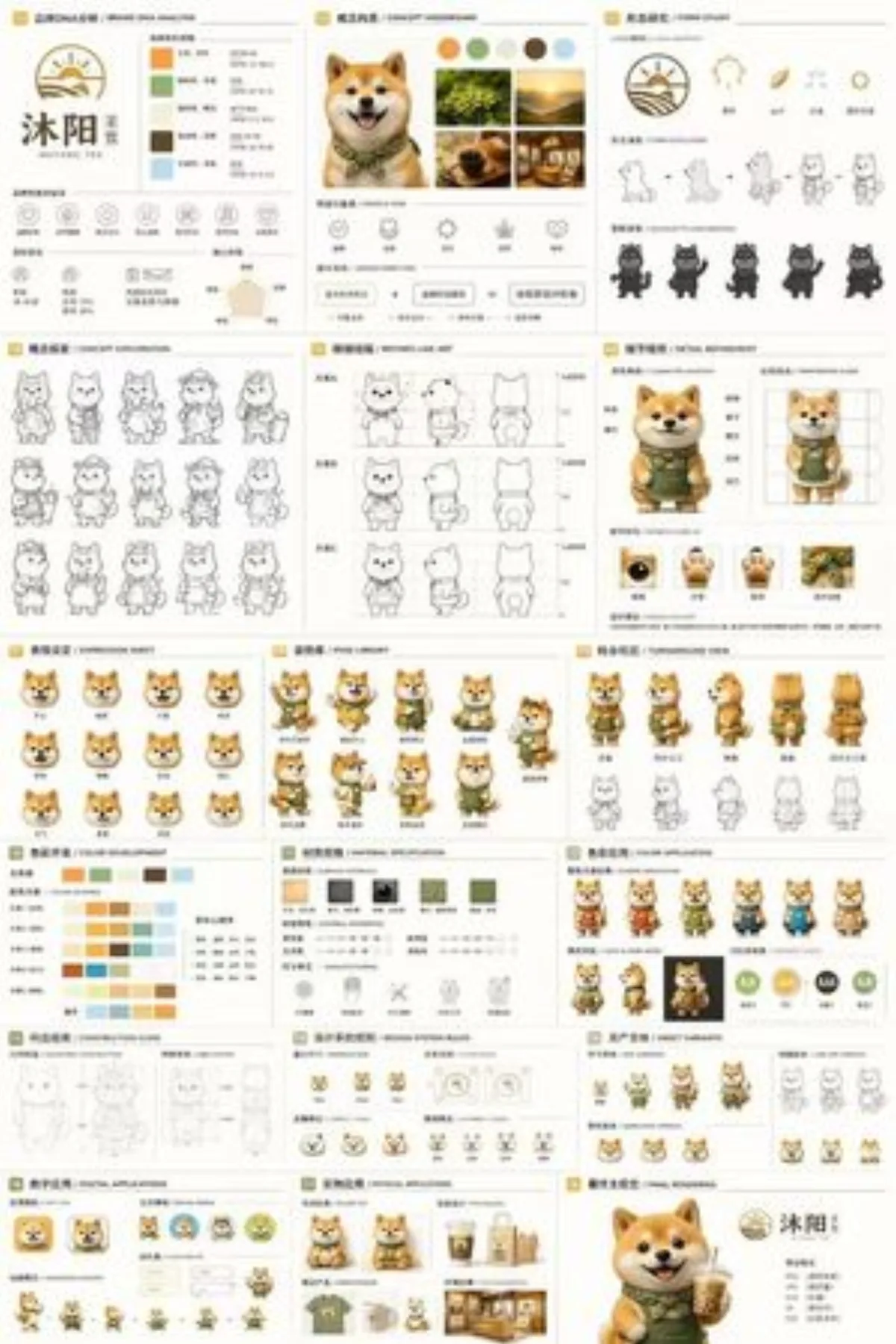
Turn a written spec into interface mockups, empty state art and landing page visuals with labels that hold up in a full size screenshot.
A browser workspace built around the way the GPT Image line actually gets used at work
Headlines, small captions and interface labels stay readable inside the frame, so a poster leaves the generator ready for a client instead of a retype.
Name six things in a brief and expect six things back. Plain language beats prompt syntax here, which is what makes the GPT Image line usable at work.
Text to image and image to image share a composer, so a draft becomes a finished asset without exporting to another tool halfway through.
The GPT Image family sits beside Nano Banana, Seedream, Ideogram, Qwen, Z-Image, Grok and FLUX, sharing one history and one balance.
Export up to 4K with transparent backgrounds when you need them, so the same frame works on a story, a hero banner and a printed sheet.
It runs in the browser with no GPU and no API key. Sign in, write a prompt and download a clean file with no watermark stamped across it.
From an empty prompt box to a downloadable file in four steps
Sign in and use the composer at the top of this page. Nothing to install, no API key to paste, and the model list is already open above the prompt box.
Describe the subject, setting, lighting and style in plain language, and put any wording you want rendered in quotes. For editing, upload a picture and say what should change.
Pick the aspect ratio the final placement needs, choose the output resolution up to 4K, and turn on a transparent background when you want a cutout.
Run the prompt, send a result back into the composer to fix one region instead of rerolling everything, then download a clean file at full resolution.
Access, pricing, editing, export and how it compares with the rest of the GPT Image line
Write a prompt or upload a picture, refine it in the same box, then download a clean file at full resolution.