





Makify AI - AI视频与图片生成器
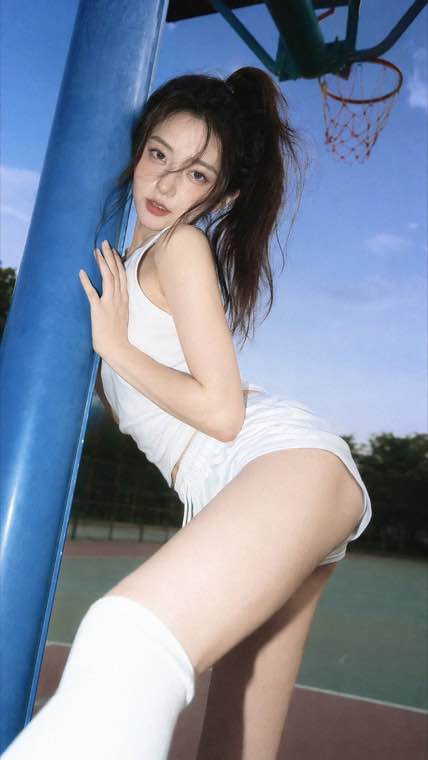
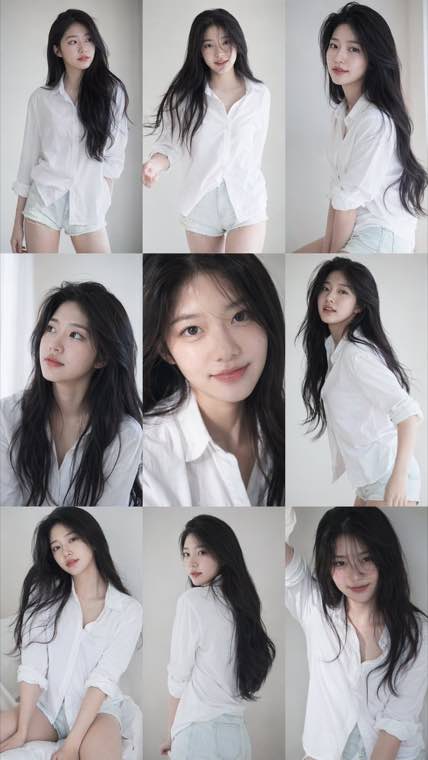
3x3 Idol Portrait Collage result

A consistent nine-frame portrait series with soft photobook lighting and natural texture.

GPT Image 2.5 AI Image Generator and Editor, Free Online

Run GPT Image 2.5 work in the browser. Turn a written brief into a finished picture, or upload a photo you already have and describe the one thing that should change, then export it at the size the placement needs.

Free to start, prompt to picture, image to image editing, legible layout text, export up to 4K

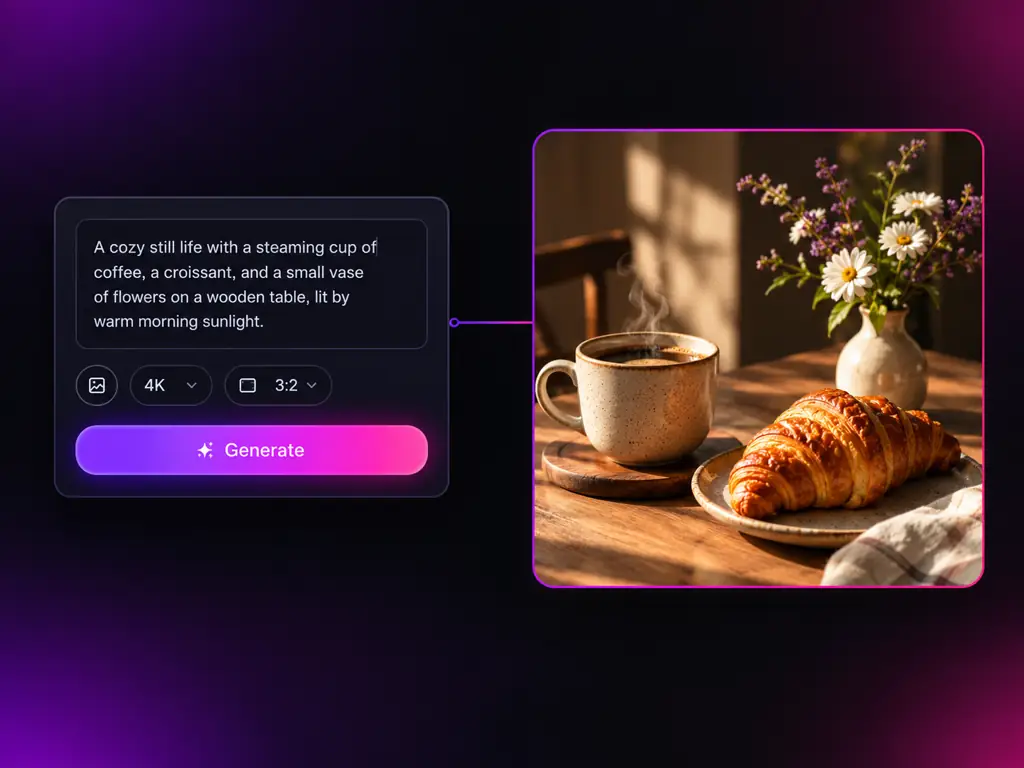
GPT Image 2.5 image generator turning a written prompt into a finished picture

What is GPT Image 2.5?

GPT Image 2.5 is a point release in the GPT Image line from OpenAI, the family that runs through GPT Image 1.5 and GPT Image 2. People write it as gpt-image-2.5, gptimage25 or ChatGPT Image 2.5, and search for it when they want to know which version of the line to put their work through. What the family is known for is reading a written brief clause by clause and keeping typography legible inside the frame, which is why it ends up in poster, packaging and interface work rather than only in illustration.

From the OpenAI Image Line

GPT Image 2.5 sits in the OpenAI series behind GPT Image 1.5 and GPT Image 2, so the prompts you already write carry straight over.

Made for Layouts With Copy

Headlines, captions and interface labels come back readable, which is what makes this line useful for design and not only for art.

Test Versions on Your Own Prompt

The whole family sits in one dropdown, so choosing between releases is an experiment you run rather than a claim you accept.

What You Can Do With GPT Image 2.5 Here

Generation, editing, typography, version comparison and export in a single workspace

Prompt to Picture in One Box
  • Plain language briefs, no special prompt syntax required
  • Long detailed instructions respected clause by clause
  • Photographic, editorial, flat vector and 3D looks from one box
  • Re-run a prompt for a second reading and keep the better frame
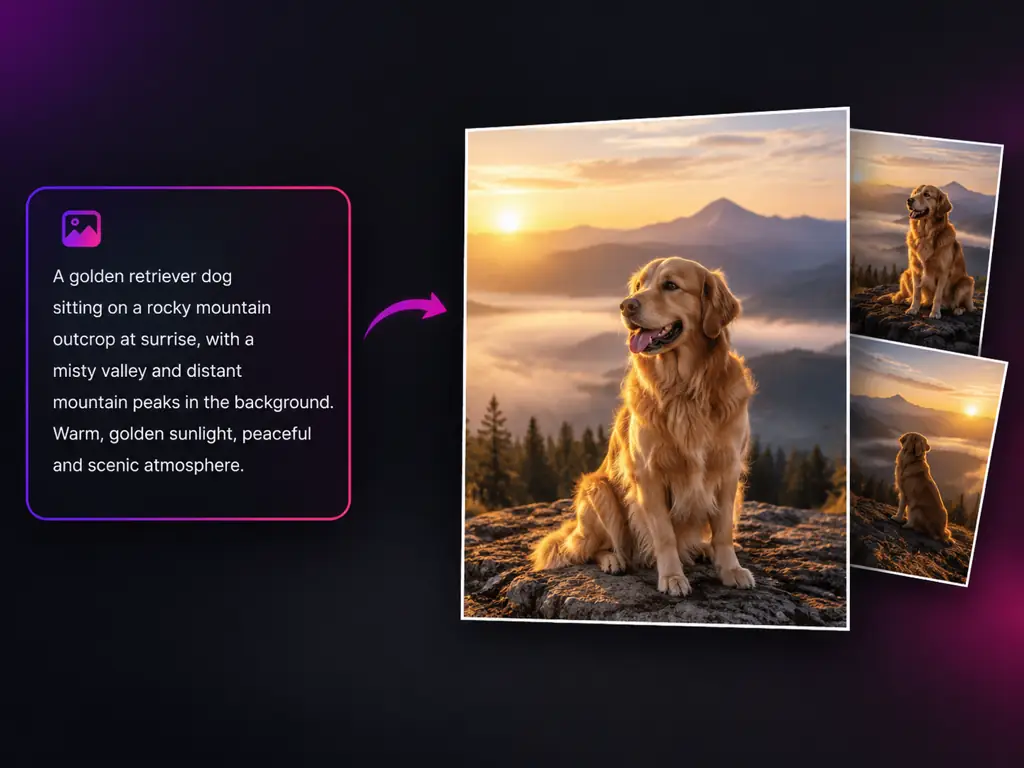
GPT Image 2.5 generating a finished picture from a written prompt

Who Uses the GPT Image 2.5 Generator

People who ship images on a deadline and want the version that reads their brief correctly

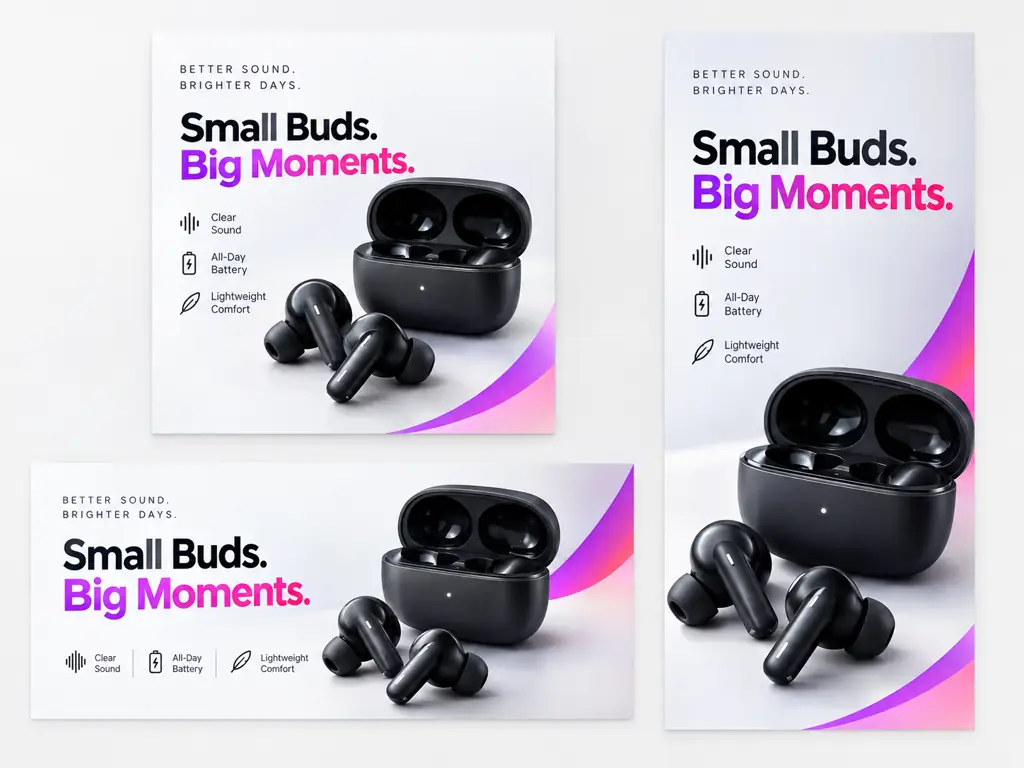
Campaign visual created with GPT Image 2.5

Marketing Teams

Draft a campaign in one sitting: social cards, ad creative and blog headers from the same brief, re-rendered at full size once a direction is signed off.

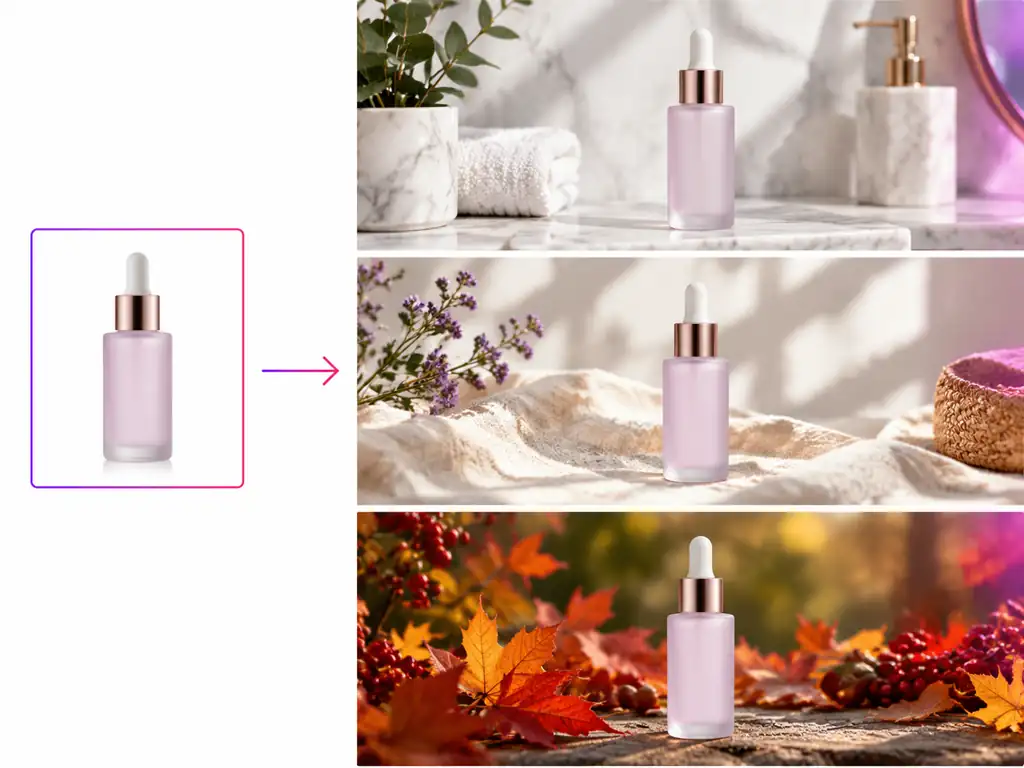
Product photo placed into a new scene with GPT Image 2.5

Ecommerce Sellers

Shoot a product once and put it in every scene the catalogue asks for, from a clean studio sweep to a seasonal lifestyle set.

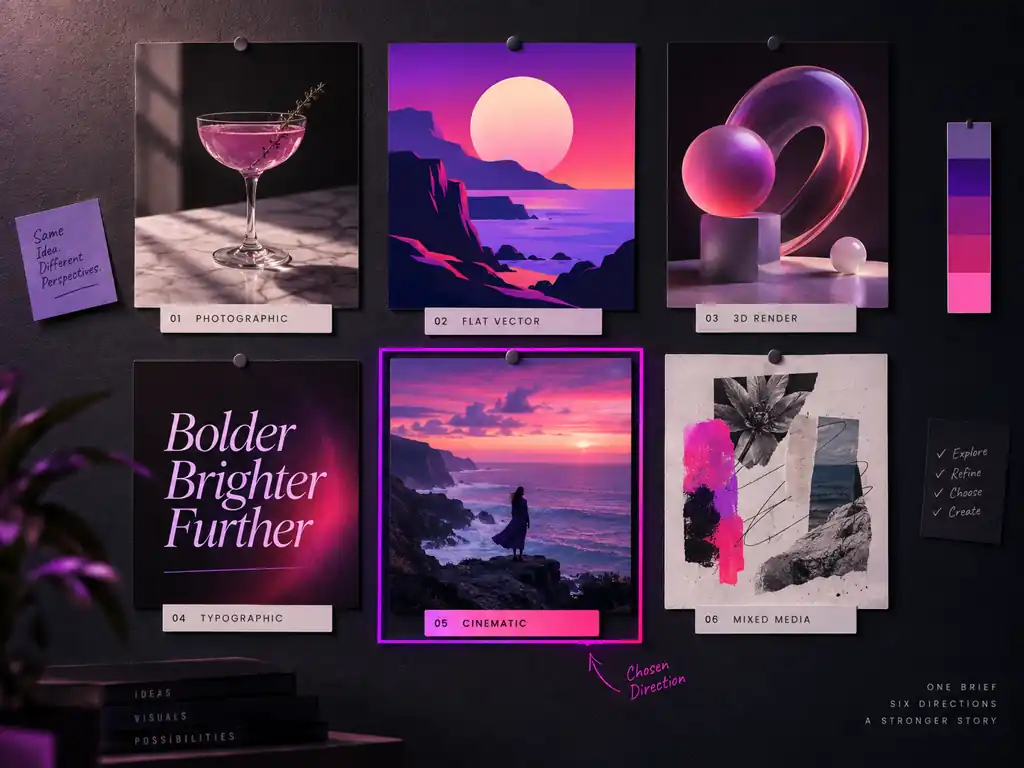
Board of design directions explored with GPT Image 2.5

Designers

Run a board of directions before committing, with type that stays readable so a promising frame can go straight into a comp.

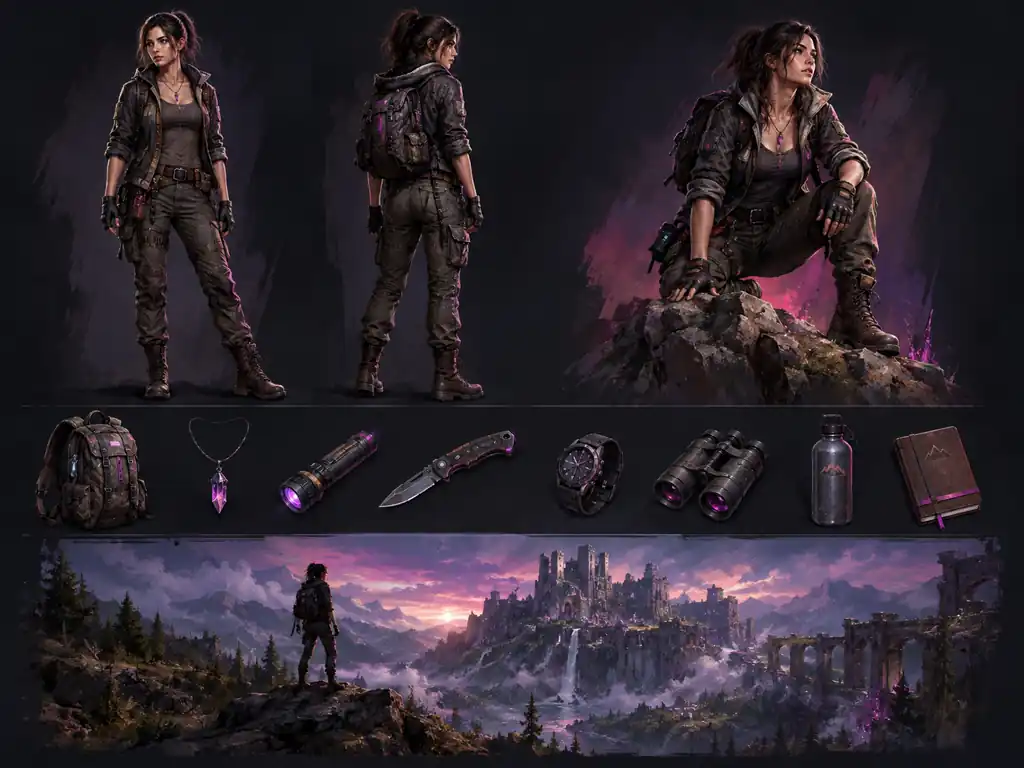
Concept art sheet generated with GPT Image 2.5

Game and Concept Artists

Produce character sheets, props and environment keys that share one art direction, then push only the frames that survive review.

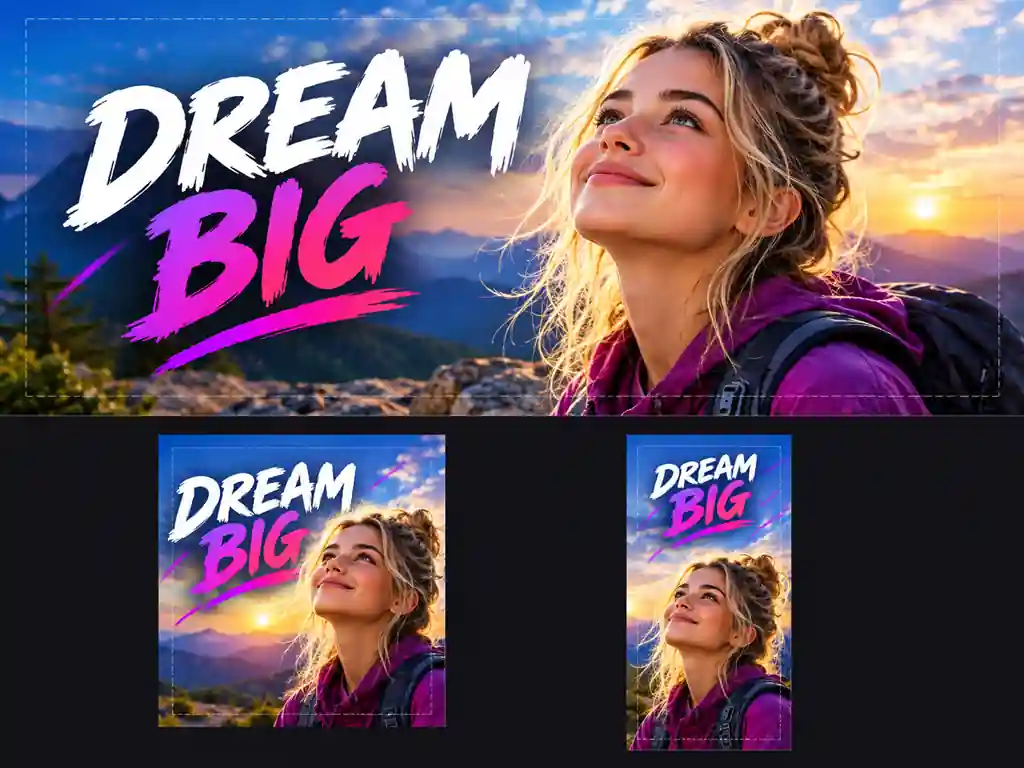
Thumbnail style frame generated with GPT Image 2.5

Creators and Publishers

Make thumbnails, covers and channel art in the ratio each platform expects, so the important part never lands outside the crop.

App interface mockup generated with GPT Image 2.5

Product and Web Teams

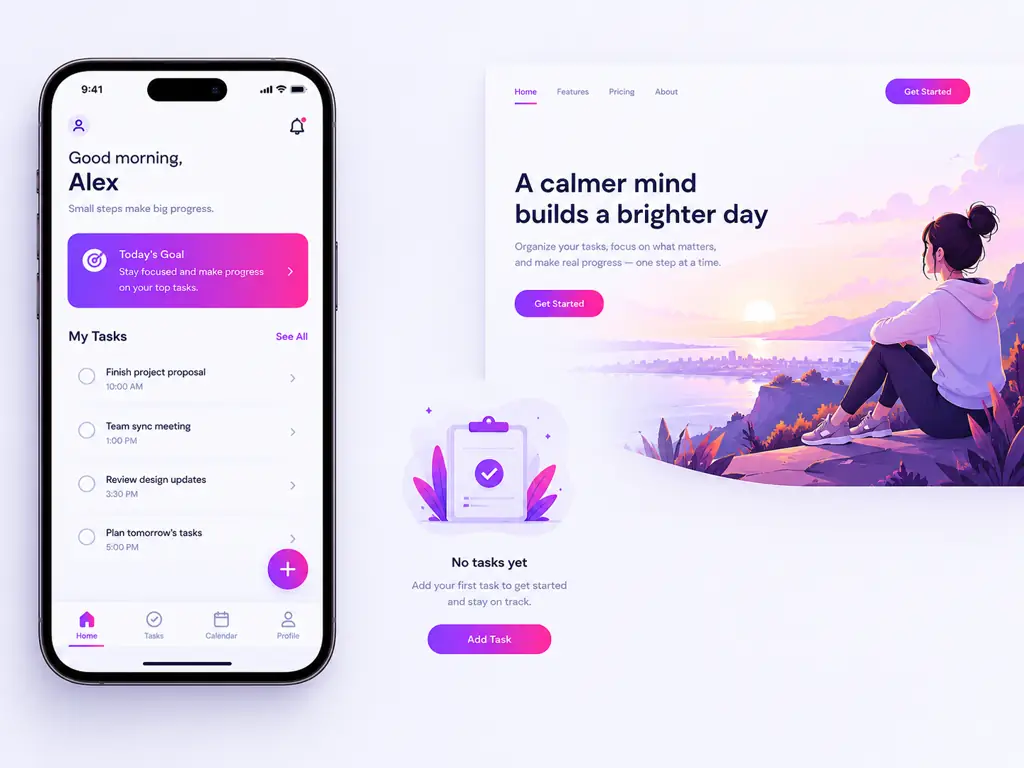
Turn a written spec into app mockups, empty state art and landing visuals with labels that hold up in a full size screenshot.

Why Use GPT Image 2.5 on This Page

A browser workspace shaped around how the GPT Image line gets used in real production

Copy You Do Not Have to Retype

Headlines, captions and interface labels come back legible, so a layout leaves the generator ready for review instead of ready for a redraw.

Briefs Followed Clause by Clause

Ask for six things and get six things. Plain language works better here than prompt syntax, which is what makes this line usable under deadline.

Generate and Edit Without Switching Tools

Text to image and image to image share one generator and one history, so a draft becomes a finished asset in the same tab.

Versions You Can Test Yourself

The GPT Image family sits in one dropdown, so choosing between versions is a one click experiment on your own prompt rather than a guess.

Output That Holds Up Large

Export up to 4K with transparent backgrounds when you need them, so one frame serves a story, a hero banner and a printed sheet.

Runs Anywhere With a Browser

No install, no GPU, no API key. Sign in, write a prompt and download a clean file with no watermark across it.

Simple Process

How to Use GPT Image 2.5

From an empty prompt box to a downloadable file in four steps

1

Open the GPT Image 2.5 Generator

Sign in and open the generator at the top of this page. Nothing to install and no API key to paste, with the model list sitting right above the prompt box.

2

Write a Brief or Upload a Photo

Describe subject, setting, lighting and style in plain language, and quote any wording you want rendered in the picture. For editing, upload an image and name the change.

3

Set the Ratio, Size and Background

Choose the aspect ratio the placement needs, pick an output resolution up to 4K, and switch on a transparent background when you are making a cutout.

4

Generate, Refine and Download

Run it, send the result back into the generator to fix one area rather than starting over, then download the finished file at full resolution.

GPT Image 2.5 Questions

Access, pricing, editing, export and how the versions of the GPT Image line differ


Ready to Try GPT Image 2.5 Free?

Write a brief or upload a picture, fix what needs fixing in the same box, then download a clean file at full resolution.

升级品牌升级
AI GPT Image 现已升级为 Makify AI · 账户与积分原样保留
领取