





Basic
17% Off
A lower-cost annual plan for consistent use.
1,800credits
All credited upfront
$11.9$9.9/ month
Billed $118.80 yearly
Save $24 compared to monthly
~ 600 GPT Image 2 images
~ 36 Seedance 2 Fast videos
Upload a photo and describe the change. Remove backgrounds, fix text and lighting, or make product photos, listing images, ads and infographics. Powered by GPT Image 2.5.
⚡ No design skills needed · 🎨 Photorealistic quality · 📝 Perfect text rendering
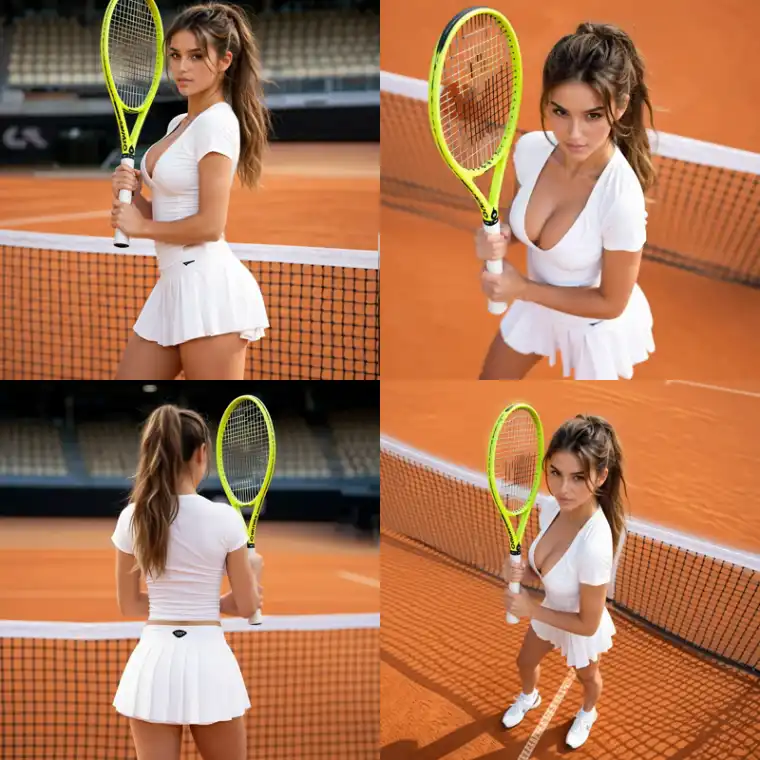
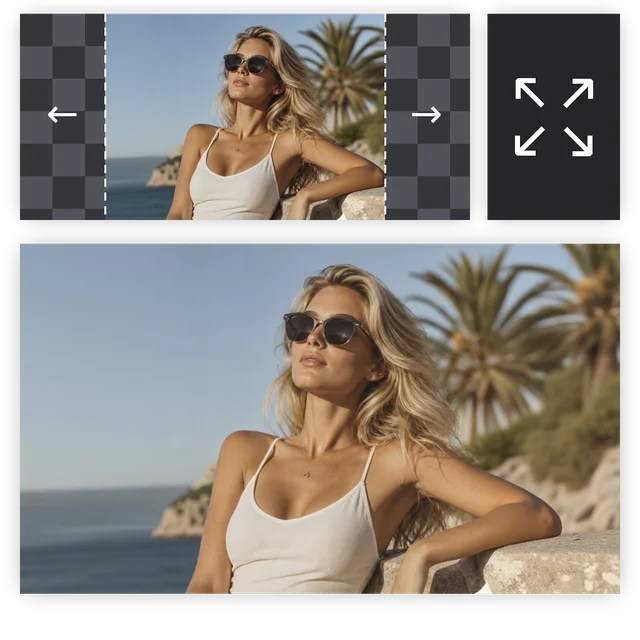
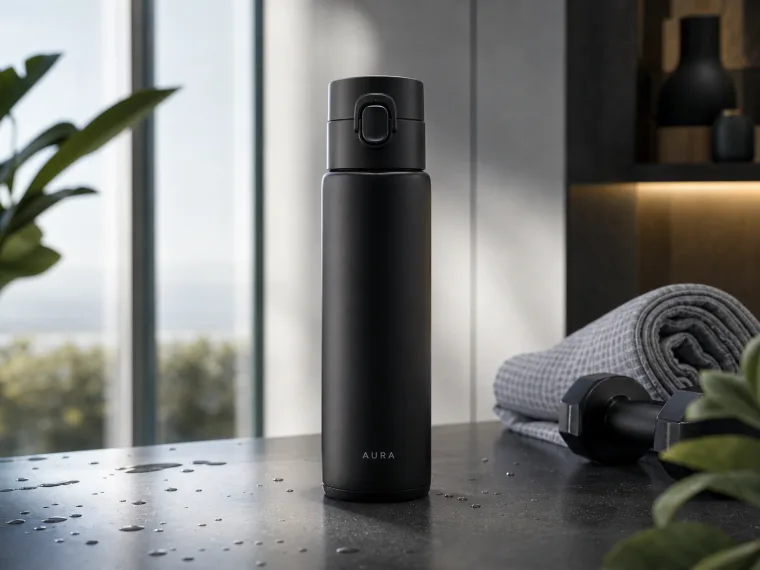
Click any image to use its prompt or make a similar one. Product photos, background removal, ads, headshots, mockups and more made with Makify AI.
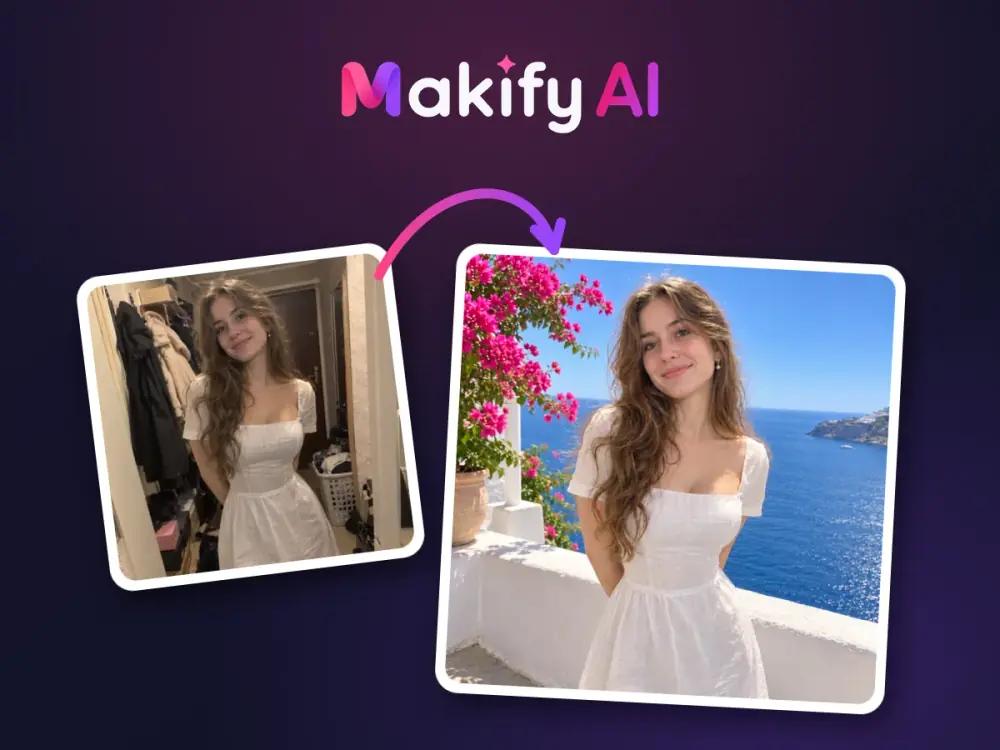
An AI image editor is an online tool that changes a photo based on what you type. Instead of layers, masks and brushes, you describe the edit and the AI updates that part of the image. Makify AI works as an AI photo editor for everyday AI image editing: clean up a product shot, replace a background, fix text or lighting, or build a new graphic from a prompt.
Type a plain-English instruction such as “put this bottle on a white background” and the editor applies it. No selection tools or design skills needed.
Switch between top image models in the same editor, so text-heavy designs, product edits and quick fixes each get the model that handles them best.
Say exactly what to change and what to leave alone. The AI focuses on the part you describe and keeps products, logos and layouts as close to the original as it can.
One AI image editor for quick fixes and new visuals, built for people who need usable images without design software.
Upload a JPG, PNG or WebP up to 30 MB and let the AI edit image details you describe: remove an object, change a background or correct the text on a label in one step.
Choose from leading image models for each job without switching tools, tabs or accounts.
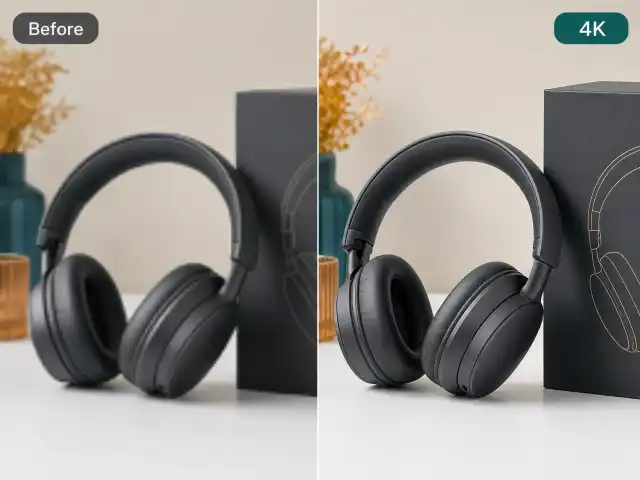
Export at 1K or 2K, and up to 4K on models that support it, ready for listings, ads and print.
Use the AI picture editor on desktop or phone in any modern browser. There is nothing to install.
Eligible new accounts get free credits to try the AI image editor before choosing a plan.
Paid plans export images without a watermark and include a commercial license for your store, ads and client work.
Use the photo editor AI in three simple steps, no design skills required.
Drag in a JPG, PNG or WebP image up to 30 MB, or start from a blank prompt if you want a new graphic.
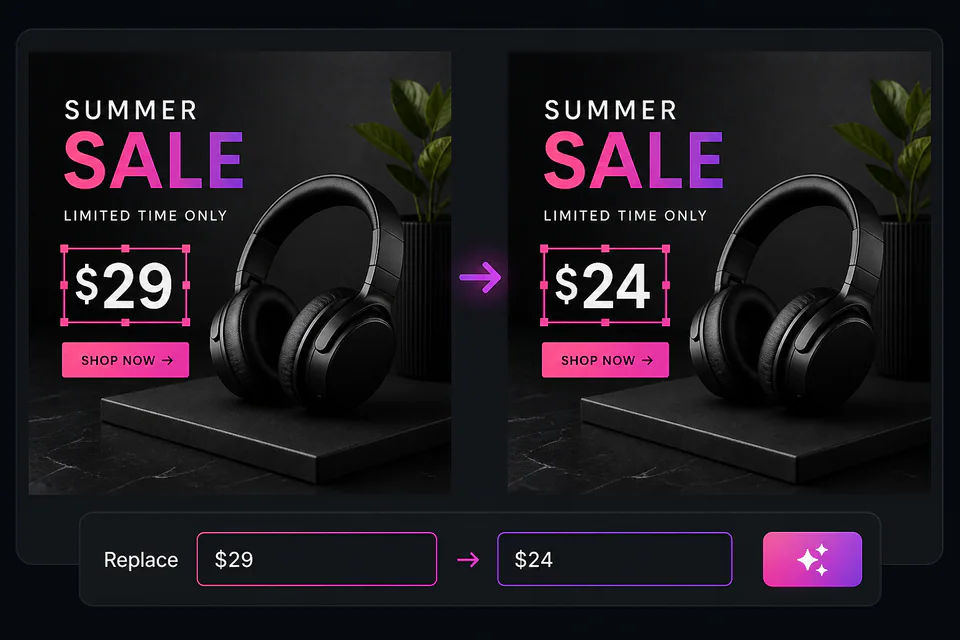
Write what to change, for example “replace the background with a clean white studio” or “change the price text to $19.99”.
Review the result, refine the prompt if needed, and download the edited image.
From online stores to content teams, here is what people make with Makify AI.
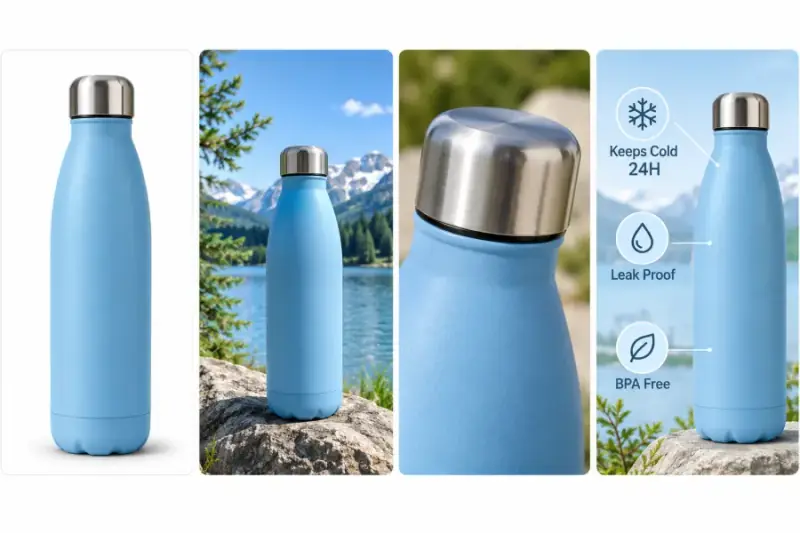
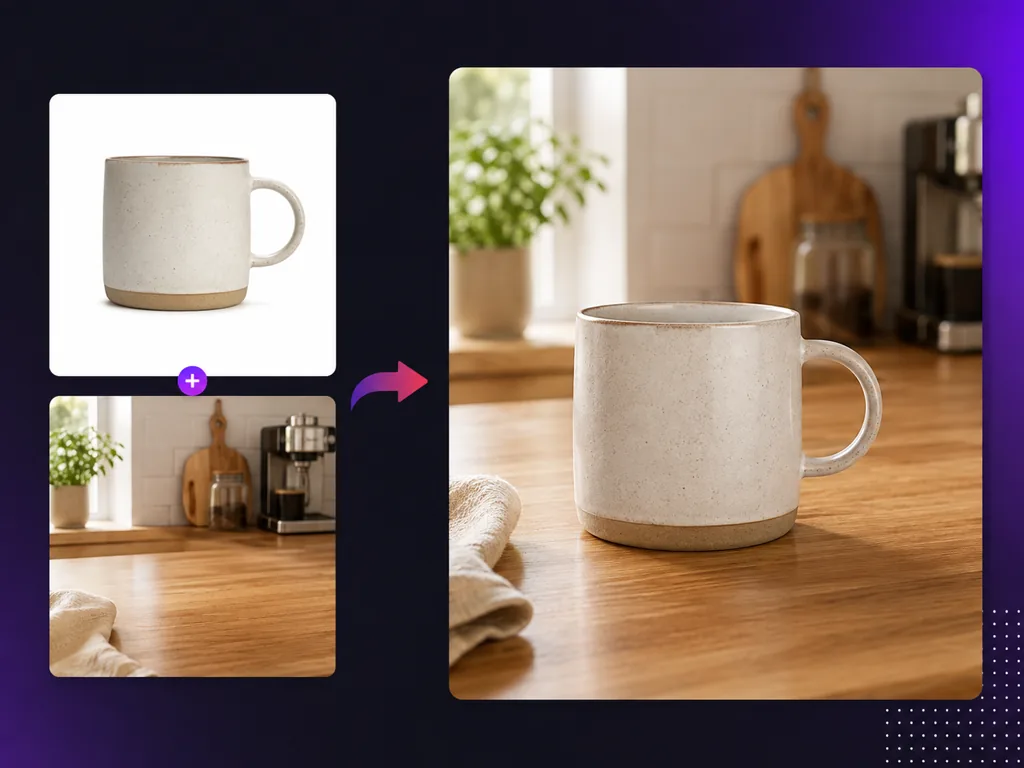
Clean up product shots, place items on brand backgrounds and build listing images with callouts for marketplaces and your own store.
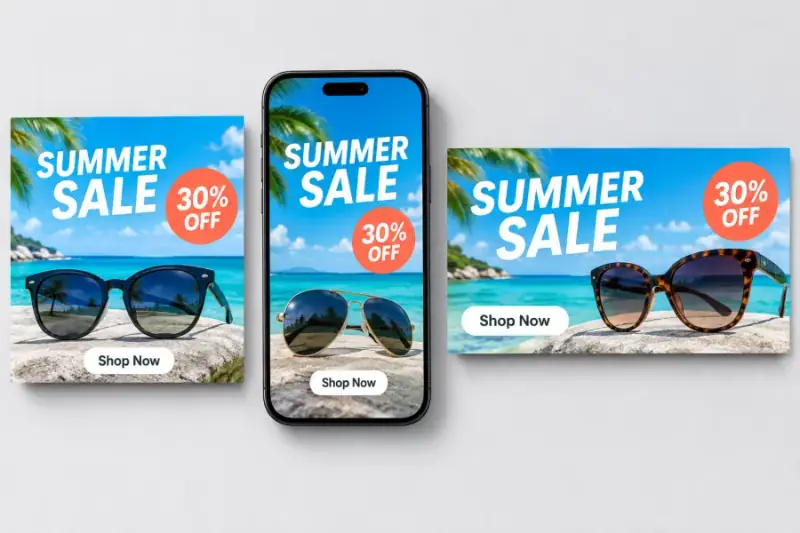
Make ad images in the sizes your campaigns need, add headlines and offers, and produce several variants to test.

Turn an article or report into a clear infographic with headings, icons and readable text for blogs, newsletters and social posts.
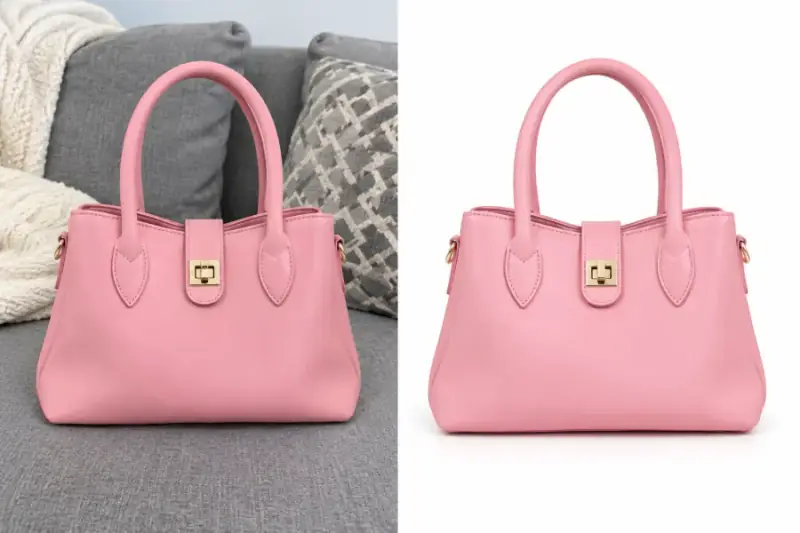
Remove a messy background and put the product on pure white or a simple studio backdrop.
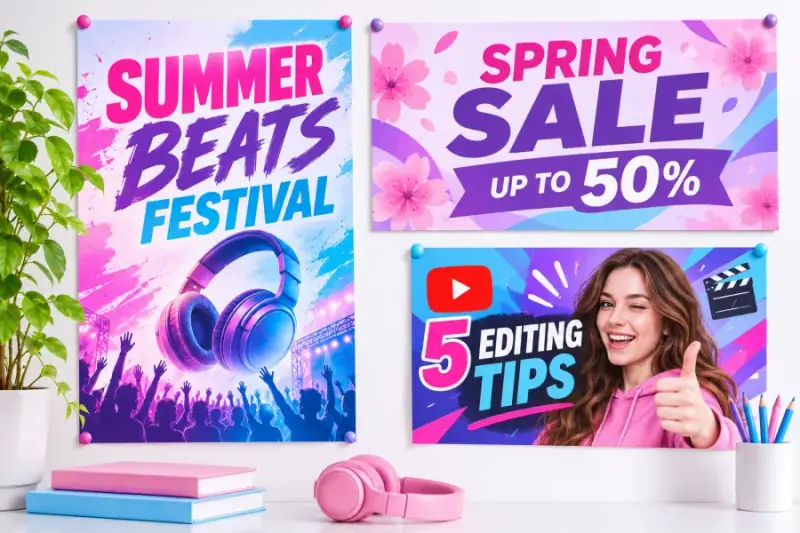
Design event posters, store banners and video thumbnails with bold, readable text.
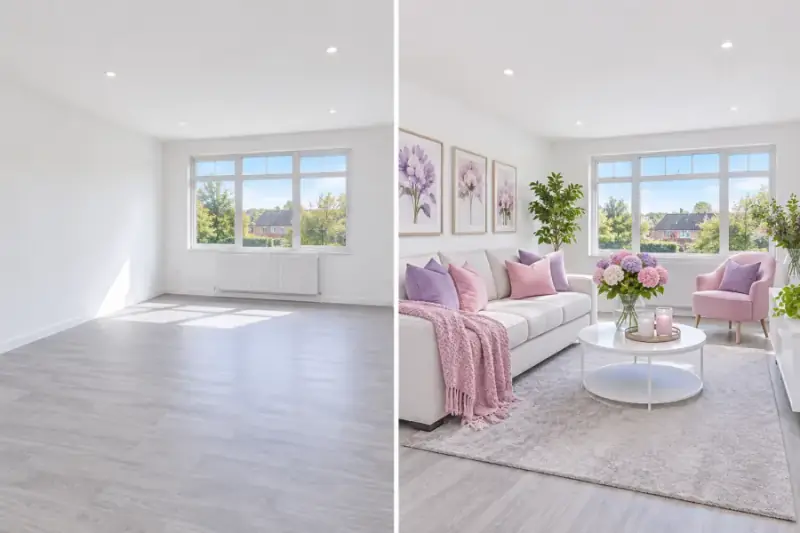
Brighten dark listing photos, fix lighting and color, and stage empty rooms with furniture so buyers can picture the space.
Switch models inside the same editor to match each task.
Detailed edits, readable text and up to 4K output.

4K output with up to 10 references for consistent products.
Multilingual text rendering and quick stylized visuals.
Readable poster text and precise one-region edits.
Clean text, 16 aspect ratios and transparent backgrounds.
Fast, high quality generation and natural photo edits.
Premium 4K photorealism with accurate text.
Precise local edits and photorealistic detail.
Sharp text rendering and strong style control.

Flawless multilingual text and structured layouts.

Posters, logos and marketing designs with precise type.
The fastest Nano Banana for quick drafts and edits.
All of these models work inside the same AI image editor. Pick one from the model menu before you start, and switch any time for the next edit.
17% Off
A lower-cost annual plan for consistent use.
Billed $118.80 yearly
Save $24 compared to monthly
~ 600 GPT Image 2 images
~ 36 Seedance 2 Fast videos
33% Off
A better long-term value plan for ongoing creation.
Billed $238.80 yearly
Save $120 compared to monthly
~ 1,600 GPT Image 2 images
~ 96 Seedance 2 Fast videos
50% Off
Lock in the lowest credit cost for high-volume workflows.
Billed $478.80 yearly
Save $480 compared to monthly
~ 4,800 GPT Image 2 images
~ 288 Seedance 2 Fast videos
17% Off
/ month
Billed $118.80 yearly
Save $24 compared to monthly
1,800 credits/yr
~ 600 GPT Image 2 images
~ 36 Seedance 2 Fast videos
Includes
33% Off
/ month
Billed $238.80 yearly
Save $120 compared to monthly
4,800 credits/yr
~ 1,600 GPT Image 2 images
~ 96 Seedance 2 Fast videos
Includes
50% Off
/ month
Billed $478.80 yearly
Save $480 compared to monthly
14,400 credits/yr
~ 4,800 GPT Image 2 images
~ 288 Seedance 2 Fast videos
Includes
We support the following secure payment methods:


Answers about free credits, editing, plans and commercial use.
Yes, you can start for free. Eligible new accounts get free credits to try the AI image editor, and each edit uses credits based on the model and resolution you choose. When you need more, buy a credit pack or pick a monthly or yearly plan.
Yes. Makify AI is an AI edit image tool: upload a JPG, PNG or WebP image up to 30 MB, type what you want changed, and the AI applies the edit. You can remove objects, replace the background or fix text and lighting, then download the result or refine it with another prompt.
It can remove unwanted objects, replace or clean up backgrounds, fix or add text, correct lighting and colors, and change the color of a product. Describe the change in plain English and say what should stay the same, such as the product or the layout.
Yes. Ask the editor to remove the background, put the product on pure white, or place it in a simple studio or lifestyle scene. For a quick one-click cutout, you can also use the Makify AI background remover tool, then come back here to edit the rest.
Yes. Describe the content, layout and text you need, for example a five-step infographic or a sale ad with a headline and price, and the model lays it out. Models with strong text rendering keep headings and labels readable, and you can adjust details with another prompt.
You can create product photos, white background shots, marketplace listing images, ad creatives, infographics, article summary graphics, posters, banners and video thumbnails. Start from your own photo and edit it, or describe a new image from scratch with a prompt. Every result can be edited again with another prompt.
You can choose from leading image models, including GPT Image 2.5, GPT Image 2, Nano Banana 2.1, Seedream 5.0 Pro, Qwen Image 3 and FLUX 3 Klein. Each model has different strengths, so you can switch models in the same editor to get the result you want.
An AI image editor changes an image you upload, such as removing an object or replacing a background. An AI image generator creates a new image from a text prompt. Makify AI does both: edit your photos here, or open the AI Image Generator page to start from text.
Say what to change, what it should become, and what must stay the same. For example: “Replace the background with a white studio and keep the bottle and label unchanged.” Short, specific prompts work best; add size, color or text details when they matter.
Yes, on paid plans. Images made on a paid plan come without a watermark and include a commercial license, so you can use them on product pages, in ads and in client work. See the pricing section for what each plan includes.
Choose by monthly volume. Basic includes 100 credits a month, about 33 GPT Image 2 images; Standard gives 300 credits, about 100 images; Pro lets you pick 750 to 2,300 credits a month and adds private visibility and copy protection. Credit packs suit occasional work, and yearly billing lowers the monthly cost.
Yes, you need a free account to generate and download images. Signing up only takes a moment with Google or email, and eligible new accounts receive free credits to try the editor before choosing a credit pack or plan.
Have more questions? Contact our support team
Upload a photo, describe the change and download the result, or create a new image from a text prompt.